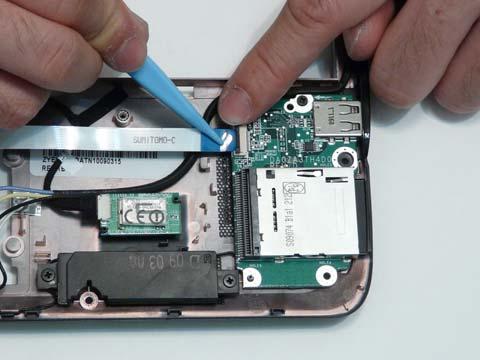
Removing the TouchPad Bracket and Button Board IMPORTANT: The TouchPad Board cannot be removed individually. To replace the TouchPad Board, replace the entire Upper Cover. 1. See “Removing the Upper Cover” on page 58. 2. Open the locking latches and disconnect the two FFCs from the Button Board as shown.
3. Remove the three screws securing the TouchPad Bracket to the Upper Cover.
Step TouchPad Bracket
Chapter 3
Size M2*3
Quantity
Screw Type
3
61