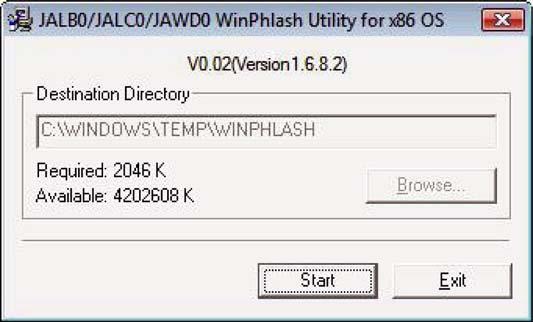
DOS Flash Utility Perform the following steps to use the DOS Flash Utility: 1.
Press F2 during boot to enter the Setup Menu.
2.
Select Boot Menu to modify the boot priority order, for example, if using USB HDD to Update BIOS, move USB HDD to position 1.
Information
Main
PhoenixBIOS Setup Utility Advanced Security Power Boot
Boot priority order: 1. IDE0 : Hitachi HTS542525K9SA00- (S 2. IDE1 : Slimtype DVD A DS8A2S- (S2 3. PCI LAN: MBA v11.0.3 Slot 0600 4. USB HDD : 5. USB FDD : 6. USB KEY : 7. USB CD/DVD ROM :
F1 Help ESC Exit 3.
↑↓ Select Item ←→ Select Menu
F5/F6 Change Item Enter Select XSubmenu
AMD Exit Item Specific Help Use < ↑ > or < ↓ > to select a device, then press <F6> to move it up the List, or <F5> to move it down the list. Press <Esc> to escape the menu.
F9 Setup Default F10 Save and Exit
Execute the IFLASH.BAT batch file to update BIOS.
The flash process begins as shown.
38
Chapter 2