1 minute read
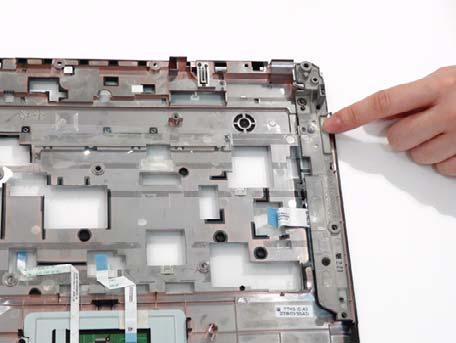
Replacing the Upper Right Saddle


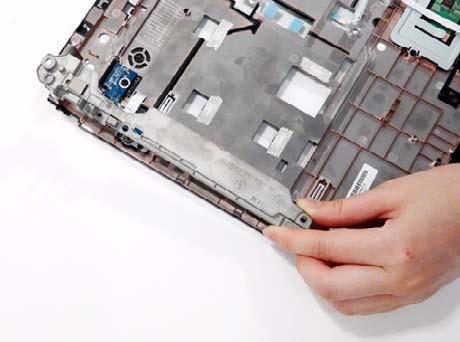
1. Insert the left edge into position and pivot the upper saddle in place.
2. Replace the two securing screws on the upper saddle.
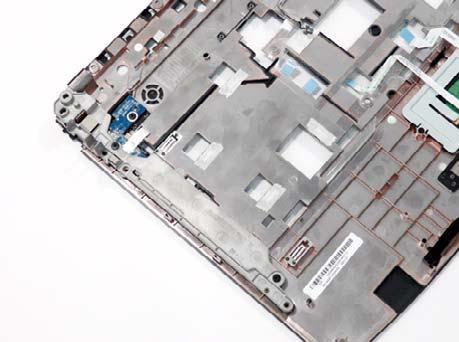
Replacing the Finger Print Reader
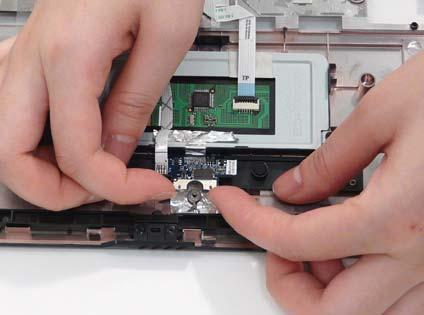
1. Insert the left edge of the Launch Board into place and pivot the board down in place. 2. Insert the saddle in place, taking care to locate it over the alignment pins.
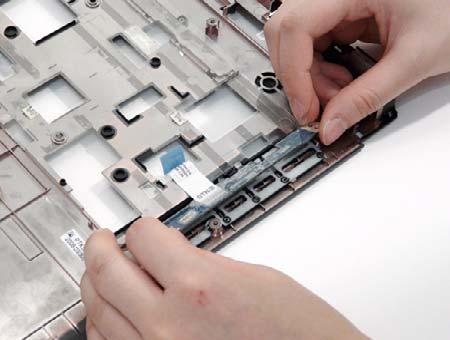
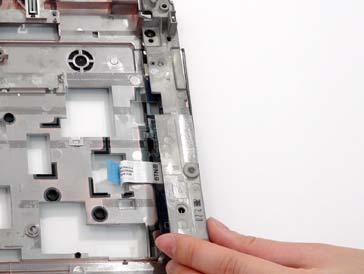
3. Replace the two securing screws. 4. Replace the mylar cover to secure the saddle.
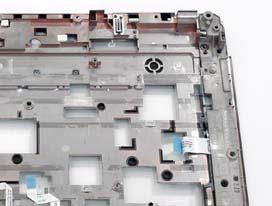
1. Replace the Finger Print Reader board in the upper cover.