1 minute read
Replacing the Express and SD Card Trays


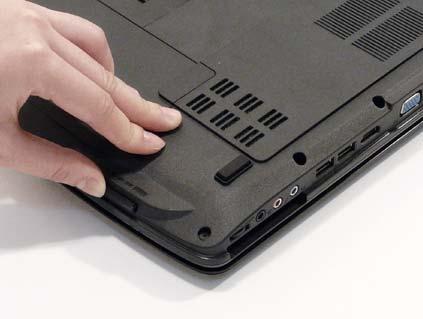
1. Insert the Express Card and push into the slot until flush with the chassis cover. 2.Insert the SD Card and push into the slot until flush with the chassis cover.
1 minute read
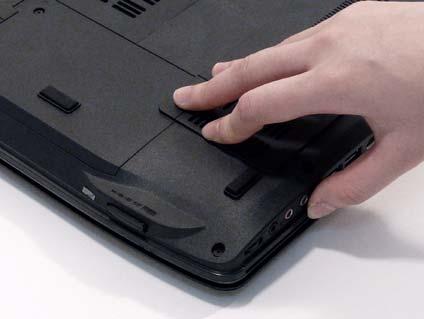
1. Insert the Express Card and push into the slot until flush with the chassis cover. 2.Insert the SD Card and push into the slot until flush with the chassis cover.