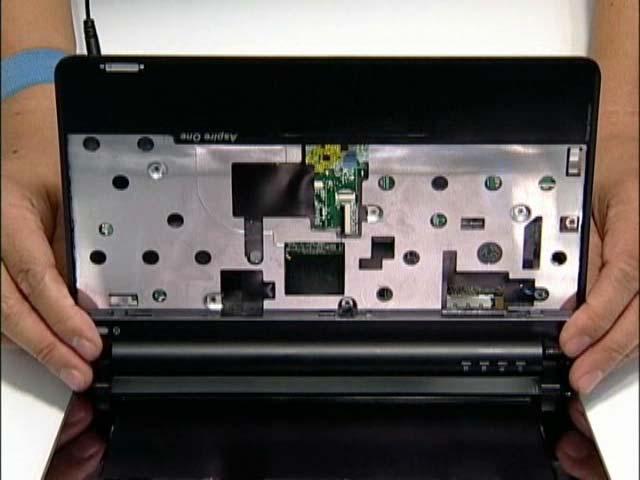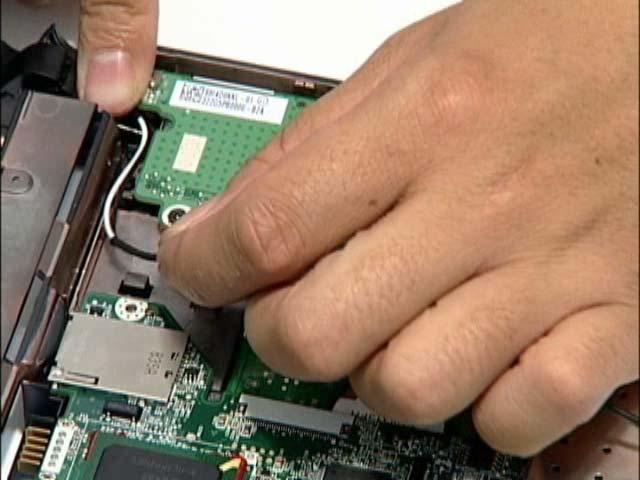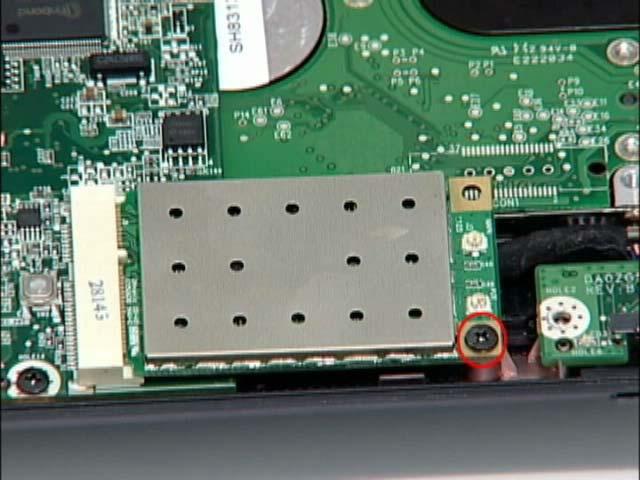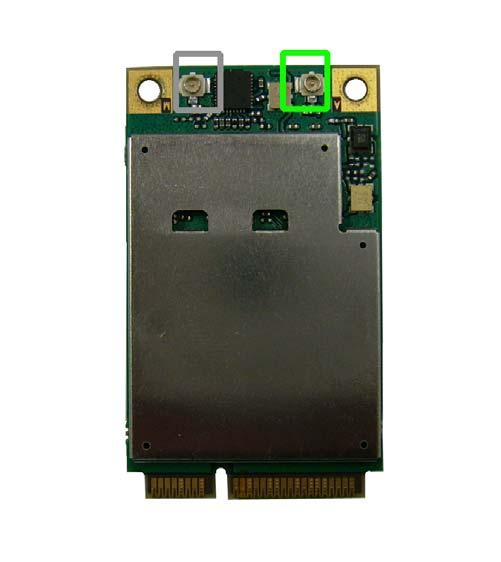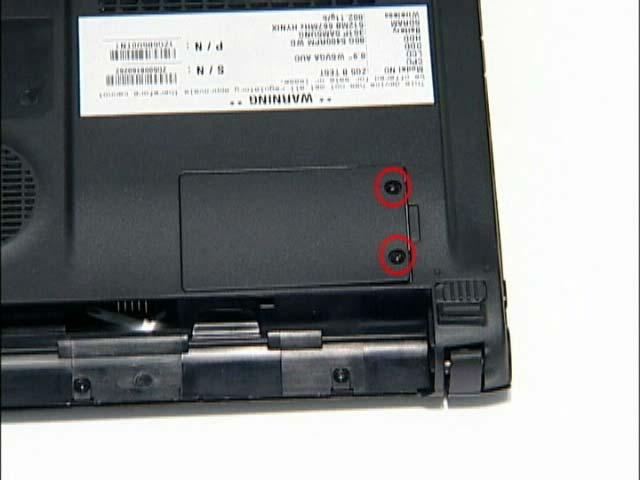
Removing the WLAN Module 1. See “Removing the Battery Pack” on page 34. 2. Remove the securing screw as shown.
Step WLAN Module
Size M2*3 (NL)
Quantity
Screw Type
1
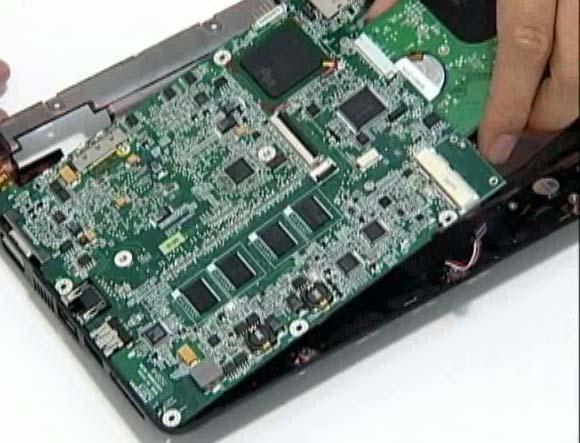
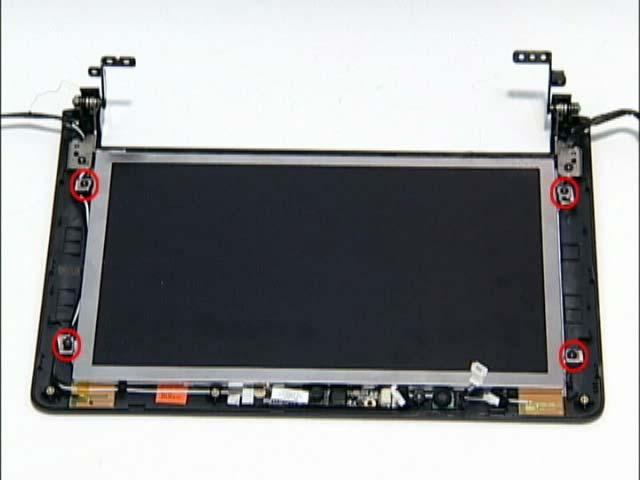
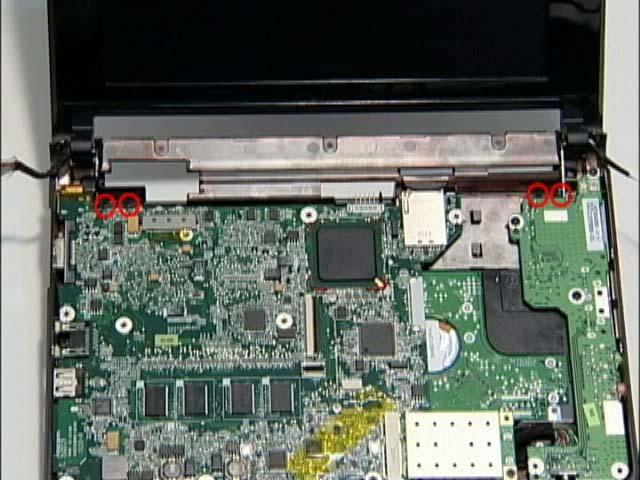
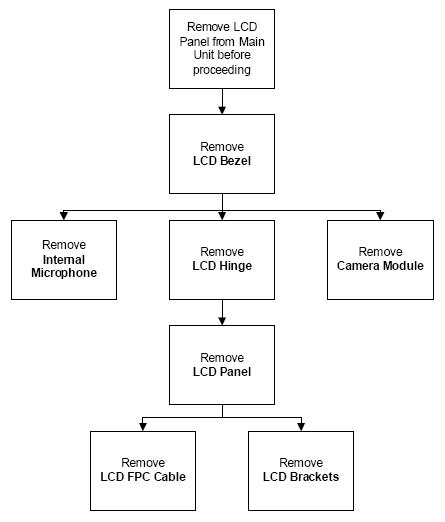
NOTE: The antenna cables were removed during the LCD module disassembly. See “Removing the LCD Module” on page 41. 3. The module pops up. Remove it from the mainboard as shown.
50
Chapter 3