1 minute read
Removing the SSD Module


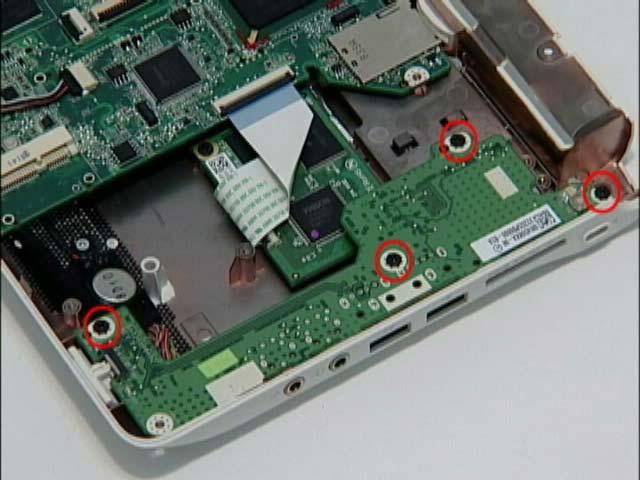
1. Remove the upper cover. See “Removing the Upper and Lower Covers” on page 38. 2. Remove the three (3) securing screws as shown.
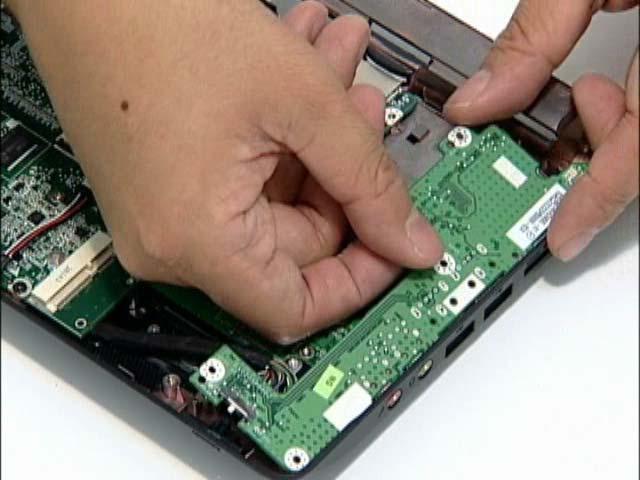
3. Lift the board to expose the USB/LED/Power board to mainboard cable.
HDD SKU SSD SKU
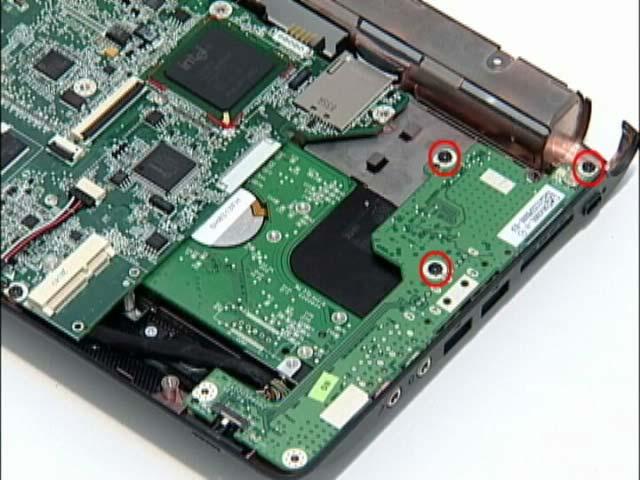
Step HDD SKU: USB/LED/Power board SDD SKU: USB/LED/Power board Size M2*3 (NL) 3
M2*3 (NL) 4 Quantity Screw Type
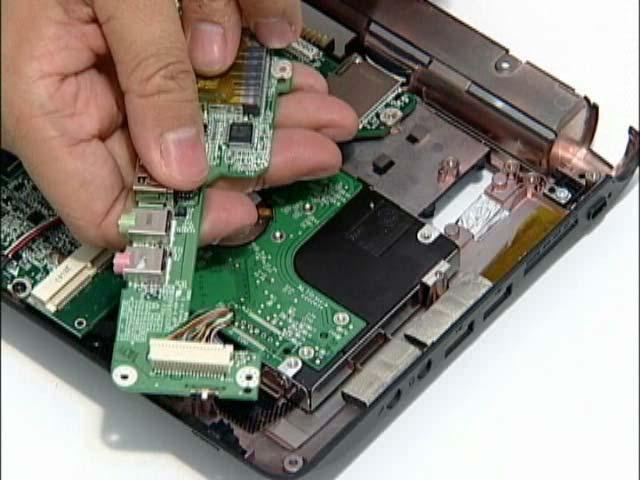
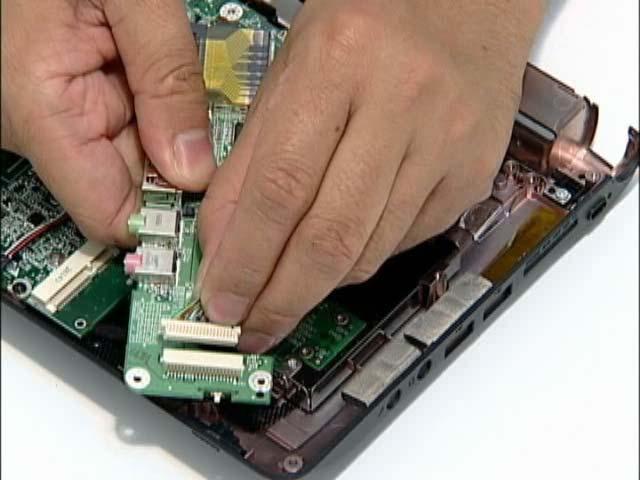
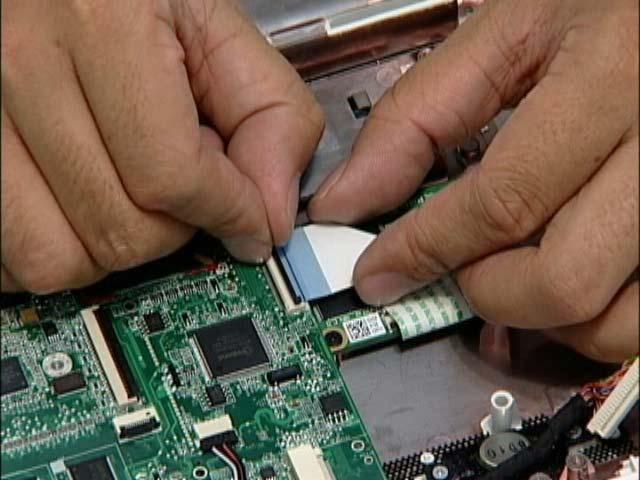
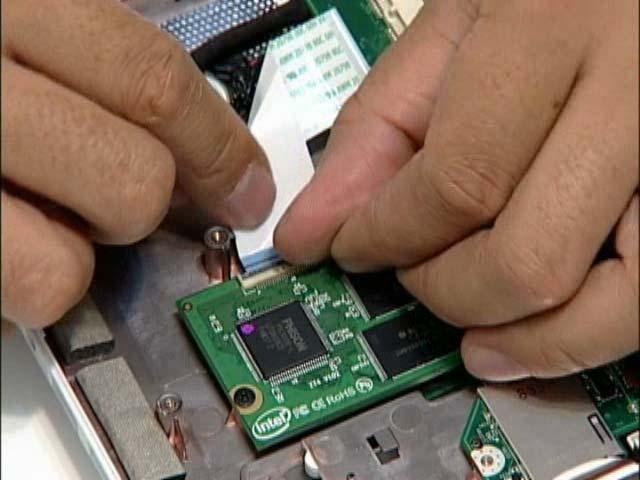
IMPORTANT:The SSD module is only available on the Aspire one SSD SKU. 1. Remove the mainboard. See “Removing the Mainboard” on page 54. 2. Disconnect the FFC from its connector.
3. Disconnect the FFC cable from the module.
NOTE: To prevent damage to device, avoid pressing down on it or placing heavy objects on top of it.