1 minute read
Replacing the USB/LED/Power/Card Reader Board


IMPORTANT:The SSD module is only available on the Aspire one SSD computer SKU.
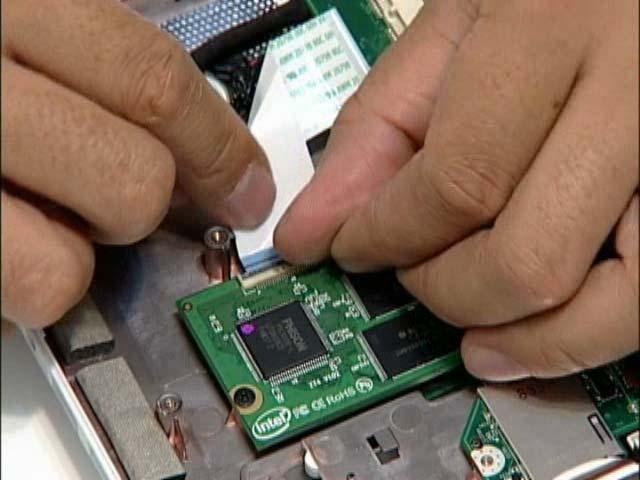
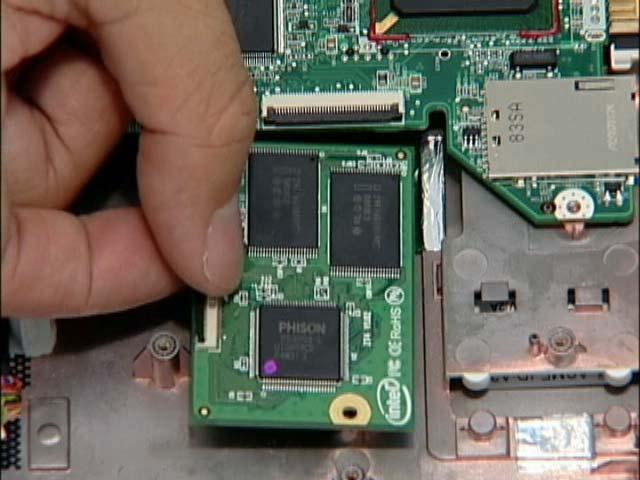
1. Place the SDD in the lower case. 2. Replace the two screws to secure the module.
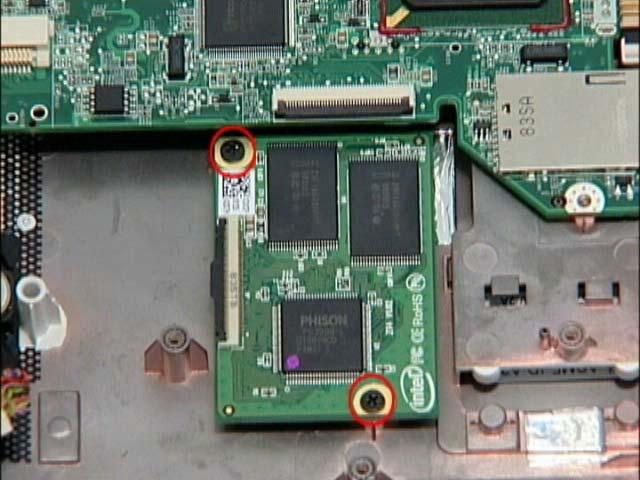
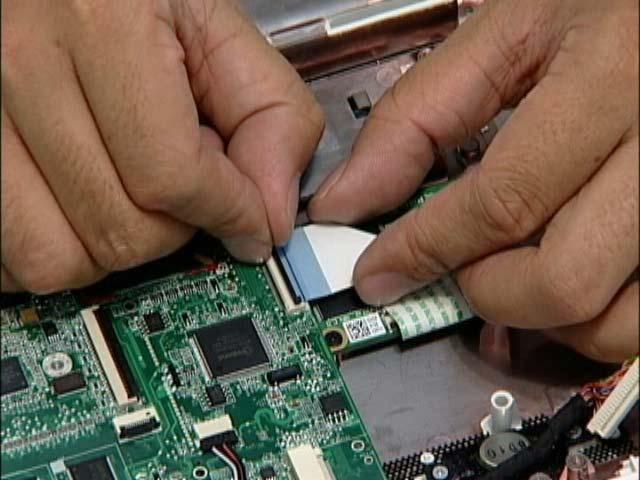
3. Connect the FFC cable to the module and close the cable latch. 4. Connect the FFC cable to the mainboard and close the cable latch.