1 minute read
Removing the LCD Panel


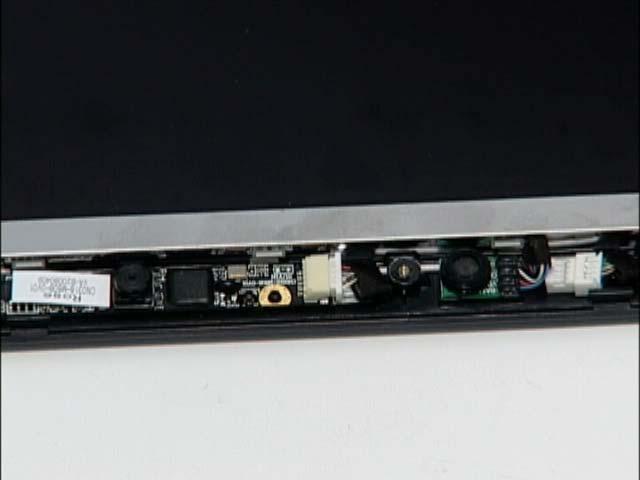
1. Remove the LCD Bezel. See “Removing the LCD Bezel” on page 43. 2. Disconnect the MIC cable from its connector as shown.
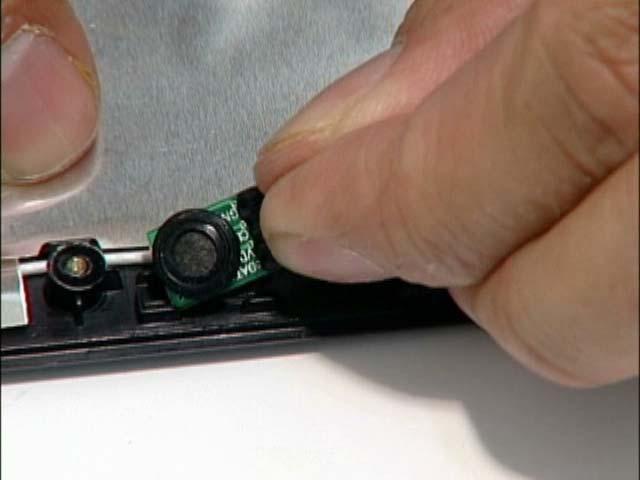
3. Remove the MIC board from the LCD cover.
1 minute read
1. Remove the LCD Bezel. See “Removing the LCD Bezel” on page 43. 2. Disconnect the MIC cable from its connector as shown.
3. Remove the MIC board from the LCD cover.