Removing the Wireless LAN Card
50
1.
See “Removing the SD Dummy Card” on page 44.
2.
See “Removing the Battery Pack” on page 45.
3.
See “Removing the Back Cover” on page 46.
4.
See “Removing the Hard Disk Drive Module” on page 48.
5.
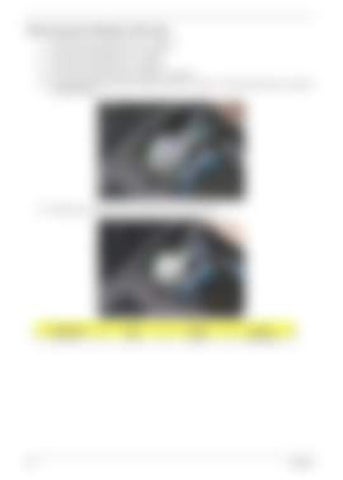
For 2-antenna WLAN card, detach the black cable from connector 1 and the white cable from connector 2 on the WLAN card.
6.
Remove the one screw (B) on the WLAN card and detach the card.
Size (Quantity)
Color
Torque
Part No.
M2 x L4 (1)
Silver
1.6 kgf-cm
86.9A552.4R0
Chapter 3


