Removing the Hard Disk Drive Module 1.
See “Removing the SD Dummy Card” on page 44.
2.
See “Removing the Battery Pack” on page 45.
3.
See “Removing the Back Cover” on page 46.
4.
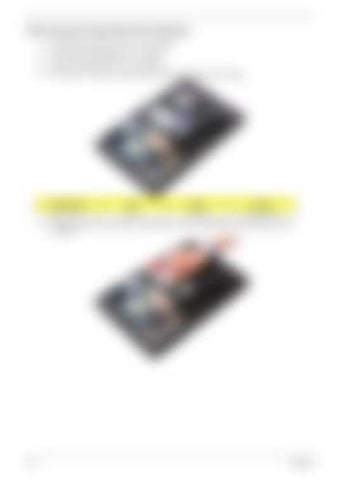
Remove the one screw (A) securing the hard disk drive module to the system.
5.
48
Size (Quantity)
Color
Torque
Part No.
M2.5 x L4 (1)
Black
3.0 kgf-cm
86.00H59.734
Pull the plastic tab in the direction indicated by the arrow to disengage the HDD module from the connector.
Chapter 3


