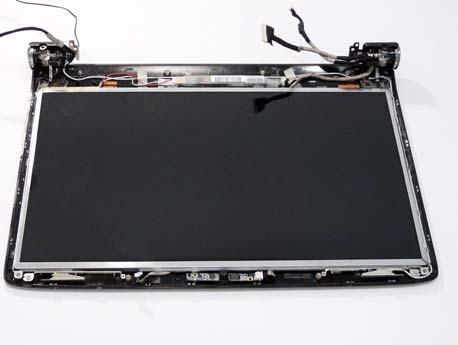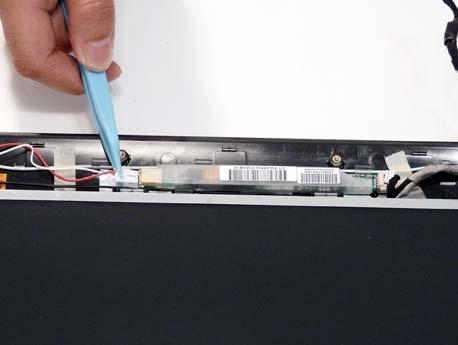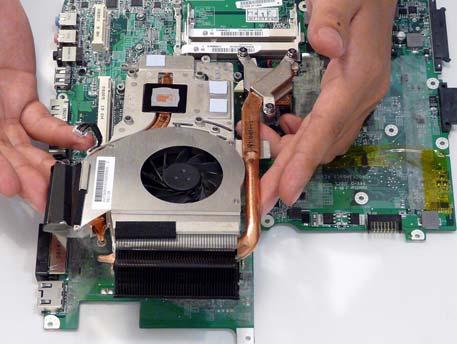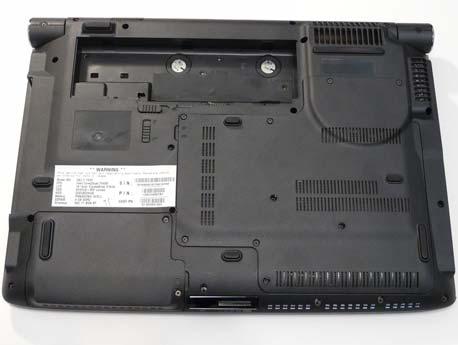
Aspire 6530 Series Laptop Service Guide Manual- PDF DOWNLOAD

Page 39

Main The Main screen allows the user to set the system time and date as well as enable and disable boot option and recovery.

Information

Main

Security

PhoenixBIOS Setup Utility Boot Exit Item Specific Help

System Time System Date

[13:04:04] [06/07/2008]

Total Memory: Video Memory:

2048 MB [Auto]

Quiet Boot: Network Boot: F12 Boot Menu: D2D Recovery:

[Enabled] [Enabled] [Disabled] [Enabled]

SATA Mode:

[AHCI Mode]

F1 Help ESC Exit

↑↓ Select Item ←→ Select Menu

<Tab>, <Shift-Tab>, or <Enter> selects field.

F5/F6 Change Values Enter Select XSub-Menu

F9 Setup Defaults F10 Save and Exit

NOTE: The screen above is for your reference only. Actual values may differ. Settings in boldface are the default and suggested parameter settings. Parameter

Description

Format/Option

System Time

Sets the system time. The hours are displayed with 24hour format.

Format: HH:MM:SS (hour:minute:second)

System Date

Sets the system date.

Format MM/DD/YYYY (month/day/year)

Total Memory

This field reports the memory size of the system. Memory size is fixed to 2048 MB.

N/A

Video Memory

Shows the Video memory size.

Option: Auto, 32MB, 64MB, 128MB, 256MB, 512MB, or 1024MB

Quiet Boot

Select whether to display the logo screen during boot.

Option: Enabled or Disabled

Network Boot

Enables, disables the system boot from LAN (remote server).

Option: Enabled or Disabled

F12 Boot Menu

Enables, disables Boot Menu during POST.

Option: Disabled or Enabled

D2D Recovery

Enables, disables the Acer D2D Recovery function during POST by pressing Alt-F10.

Option: Enabled or Disabled

SATA Mode

Control the mode in which the SATA controller should operate.

Option: AHCI or IDE Mode

Chapter 2

29


Turn static files into dynamic content formats.

Create a flipbook

Articles inside

Microsoft® Windows® Vista Environment Test

5min
pages 212-215

BIOS Recovery by Crisis Disk

2min
pages 158-159

Core POST Code Table

13min
pages 147-154

Screw List

1min
pages 171-173

Chipset POST Codes

3min
pages 145-146

POST Codes Tables

5min
pages 141-144

HDD Not Operating Correctly

6min
pages 135-137

Internal Microphone Failure

1min
page 134

Random Loss of BIOS Settings

2min
page 130

Power On Issue

1min
page 128

Common Problems

1min
page 127

No Display Issue

1min
page 129

Replacing the ExpressCard and SD Card Dummy Trays

1min
page 126

Replacing the WLAN Module

1min
page 123

Replacing the Main Hard Disk Drive Module

1min
page 122

Replacing the LCD Module

1min
pages 114-116

Replacing the Switch Cover

1min
pages 119-120

Removing the LCD Panel

1min
page 96

Replacing the Mainboard

1min
pages 107-108

Removing the LCD Brackets and FPC Cable

1min
pages 97-98

Removing the Camera Module

1min
page 95

Removing the Inverter Board

1min
page 94

Removing the Mainboard

1min
pages 86-87

Removing the CPU

1min
page 89

Removing the Switch Cover

1min
page 70

Removing the LCD Bezel

1min
pages 91-93

Removing the Antenna Cables

1min
pages 75-76

Removing the LCD Module

1min
page 77

Removing the Optical Disk Drive Module

1min
pages 65-66

Removing the Main Hard Disk Drive Module

1min
pages 63-64

Removing the Battery Pack

1min
page 54

Remove HDD/BIOS Utility

1min
pages 47-50

Disassembly Requirements

1min
page 51

BIOS Flash Utility

1min
pages 45-46

Boot

1min
page 43

Exit

1min
page 44

Main

1min
page 39

Security

3min
pages 40-42

Information

1min
page 38

Touchpad Basics (with fingerprint reader

1min
page 21

Closed Front View

1min
page 16

Hardware Specifications and Configurations

9min
pages 28-36

Special Key

1min
page 25

Windows Keys

1min
page 23

Hot Keys

1min
page 24

Features

2min
pages 11-13

Bottom View

1min
page 19
Issuu converts static files into: digital portfolios, online yearbooks, online catalogs, digital photo albums and more. Sign up and create your flipbook.
Aspire 6530 Series Laptop Service Guide Manual- PDF DOWNLOAD by www.heydownloads.com - Issuu