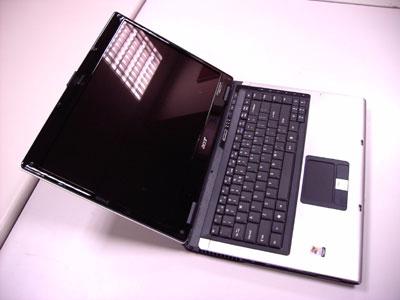
Removing the LCD Module from the Main Unit If you just want to replace or check the LCD module, you can skip all the main unit disassembly procedures. After removing the battery pack, please follow the steps below. 1.
Open the notebook as shown.
2.
Remove the middle cover from the edge of the middle cover.
3.
Carefully detach the middle cover.
4.
Carefully disconnect the LCD cable.
5.
Slightly pull out the wireless antenna cables.
Chapter 3
61