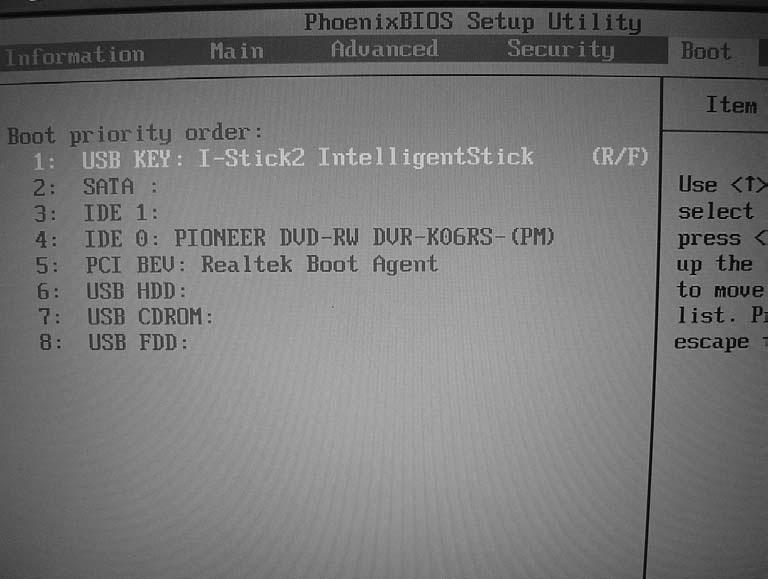
Advanced PhoenixBIOS Setup Utility Info.
Main
Advanced
Security
Enable ACPI (debug only):
[Yes] [Enabled]
Infrared Port (FIR) Advanced Chipset Control
Boot
Exit
Item Specific Help
En/Disable ACPI BIOS (Advanced Configuration and Power Interface) Debug only, remove this option for production.
F1
Help
↑ ↓ ← →
Esc Exit
Select Item
F5/F6 Change Values
F9 Setup Defaults
Select Menu
Enter Select 4 Sub - Menu
F10 Save and Exit
• Enable ACPI (debug only): Enable/Disable ACPI (Advanced Configuration and Power Interface) debug only, remove this option for production. • Infrared Port: • Disabled: No configuration • Enabled: User configuration • BIOS or OS chooses configuration
Chapter 2
45