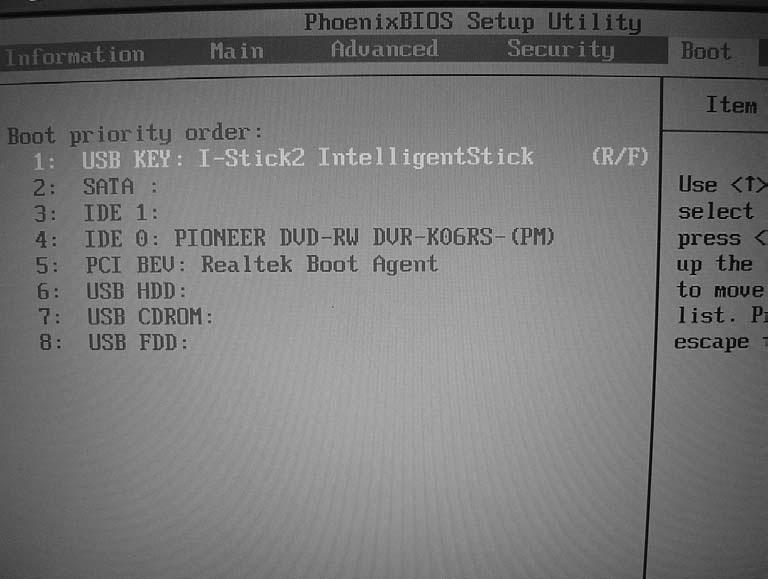
Main PhoenixBIOS Setup Utility Info.
Main
Advanced
Security
Boot
Exit
Item Specific Help System Time:
[14:13:43]
System Date:
[05/12/2006]
System Memory:
633 KB
Extended Memory:
1046528 KB
Video Memory
128 MB
Quiet Boot:
[Enabled]
Power on Display:
[Auto]
Network Boot
[Enabled]
F12 Boot Menu:
[Disabled]
D2D Recovery:
[Enabled]
F1 Help
↑↓
Esc Exit
←→
<Tab>, <Shift-Tab>, or <Enter> selects field.
Select Item
F5/F6 Change Values
F9 Setup Defaults
Select Menu
Enter Select 4 Sub-Menu
F10 Save and Exit
• System Time and System Date: The hours are displayed with 24-hour format. The changes in these two items take effect immediately. • System Memory: This item reports the memory size of system base memory. The size is fixed to 640KB. • Extended Memory: It reports the memory size of the extended memory in the system. The extended memory size is equal to total memory size (one MB). • Video Memory: It indicates the video memory size. • Quiet Boot: • Enabled: Customer Logo is displayed, and Summary Screen is disabled. • Disabled: Customer Logo is displayed, and Summary Screen is enabled. • Power on Display: • Auto: During power on process, the system will detect if any display device is connected on external video port. If any external display device is connected, the power on display will be only in CRT (or projector) mode. Otherwise, it will be in LCD mode. • Both: Both the integrated LCD and the external video port (for an external CRT or projector) will be enabled simultaneously. • Network Boot: It permits the users to boot from network.
Chapter 2
43