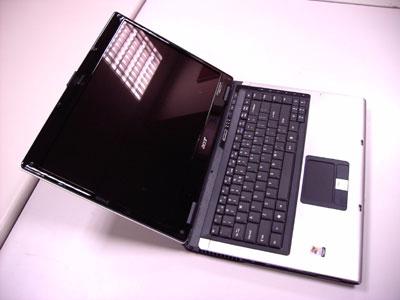
Acer ePresentation Management Acer ePresentation Management lets you project your computer’s display to an external device or projector using the hotkey: <Fn> + <F5>. If auto-detection hardware is implemented in the system and the external display supports it, your system display will be automatically switched out when an external display is connected to the system. For projectors and external devices that are not autodetected, launch Acer ePresentation Management to choose an appropriate display setting.
NOTE: If the restored resolution is not correct after disconnecting a projector, or you need to use an external resolution that is not supported by Acer ePresentation Management, adjust your display settings using Note: or the utility provided by the graphics vendor. Display Properties
26
Chapter 1