Since September 2024, I have been studying the Building Information Modeling (BIM) Management program at George Brown College, which will conclude in August 2025.
In the BIM-Revit Structures and MEP course, I created structural and MEP models using Revit, including foundations, beams, HVAC, plumbing, and electrical systems, while refining annotation and energy analysis skills.
In the BIM-Civil 3D course, I focused on site modeling, grading, corridor design, alignments, profiles, and utility networks to ensure precise project planning.
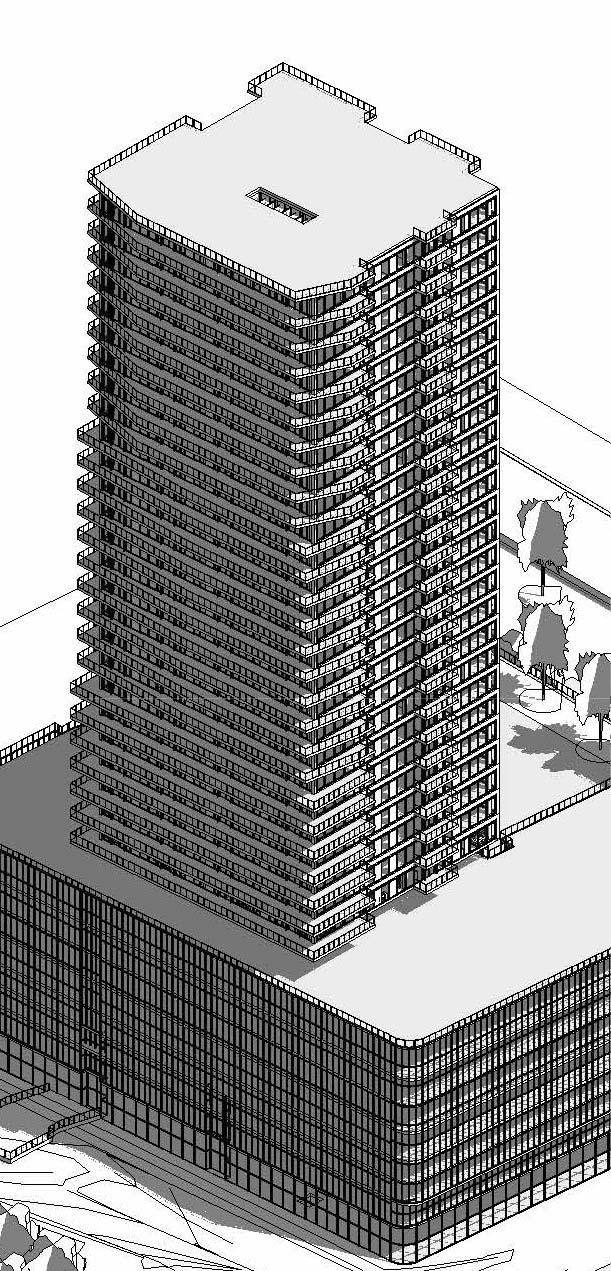
In the BIM Revit-Architecture course, I built detailed architectural models, working on belowgrade structures, building envelopes, interior spaces, and site models, including property lines and landscapes.
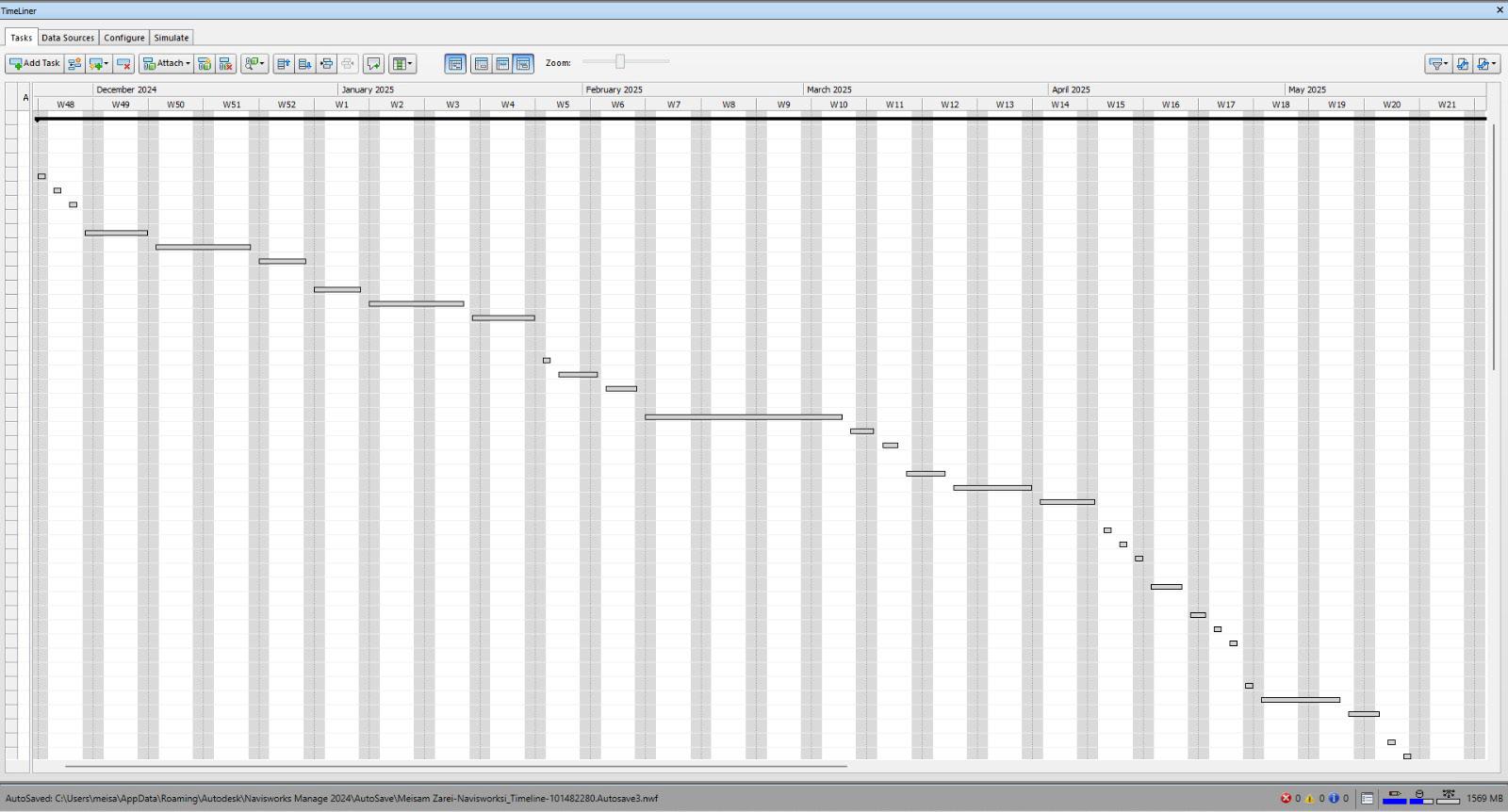
In the BIM Pre-Construction Visualization course, I developed skills in cost estimation, scheduling, and clash detection using MasterFormat, UniFormat, and Navisworks for coordination and simulations.
In the BIM Execution Planning course, I prepared BIM Execution Plans, managed stakeholders, and used data exchange platforms, enhancing my collaboration and leadership skills.
This semester has provided me with advanced BIM knowledge and practical skills, ready to apply in construction and design projects.

MEISAM ZAREI
PERSONAL INFORMATION

http://linkedin.com/in/meisam-zarei

6475754652

Toronto, Ontario,Canada

Meisam.Zarei@georgebrown.ca
EDUCATION
George Brown College, Toronto, Canada
Building Information Modeling, Post-Graduate Sep 2024-Aug 2025
Islamic Azad University, Isfahan, Iran
Architectural Technology Engineering
SOFTWARES SKILLS



EXPLANATION:
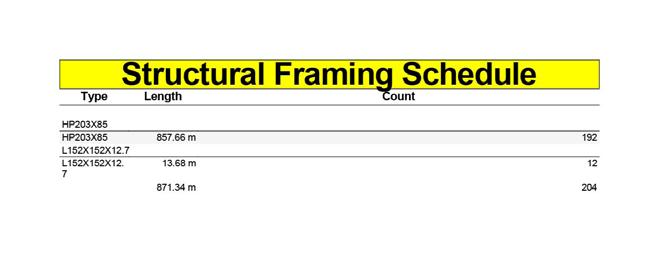
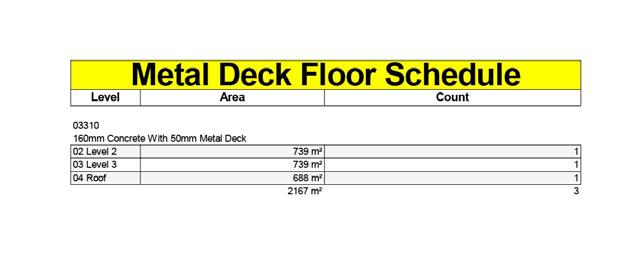
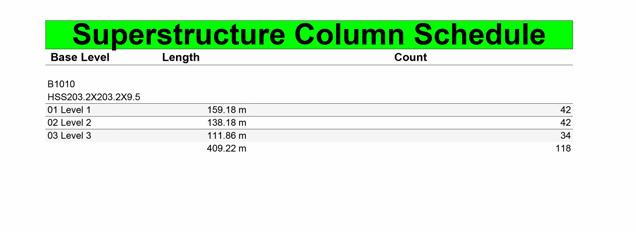
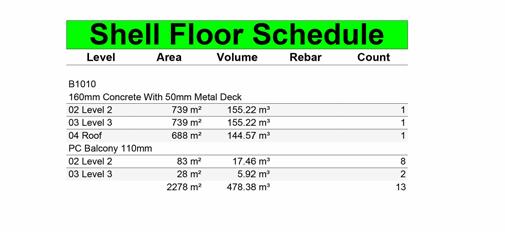
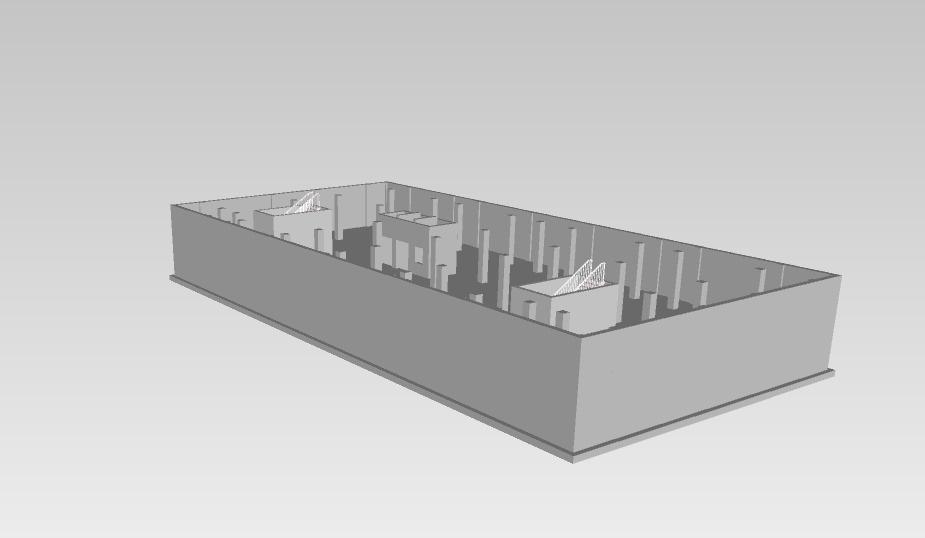
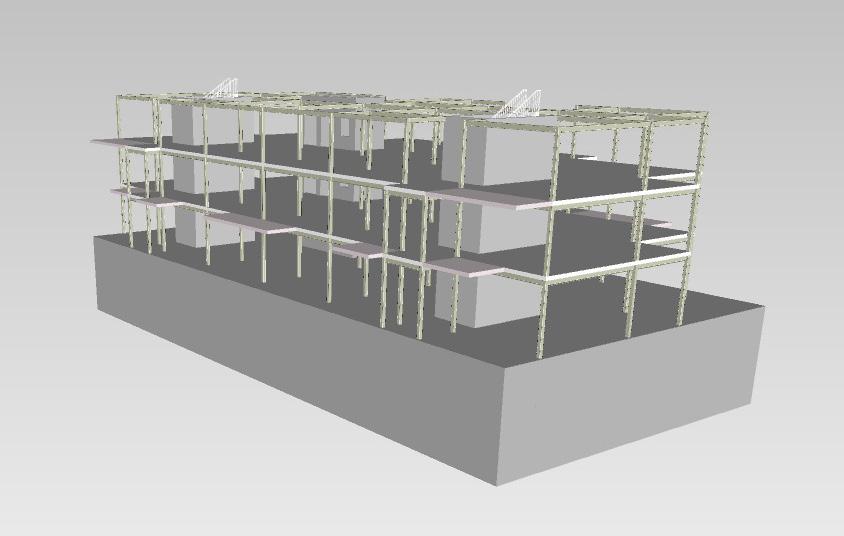
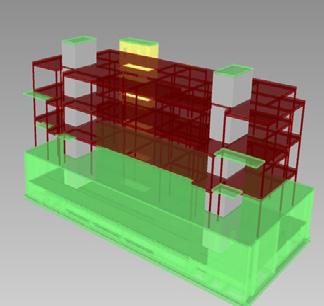
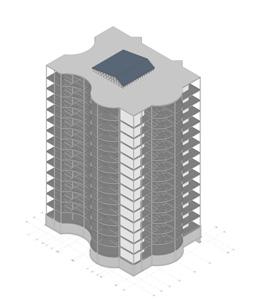
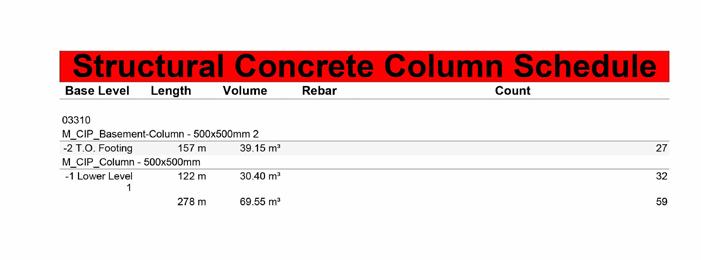
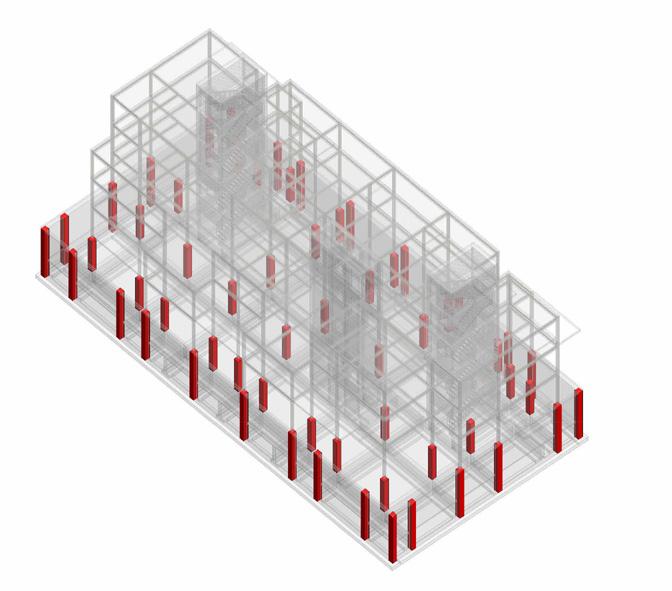
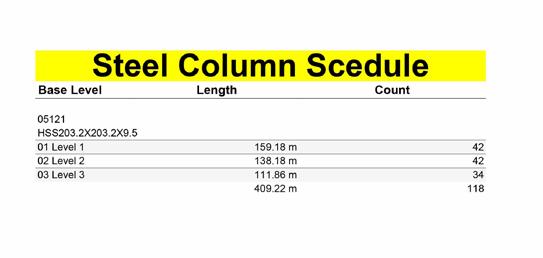
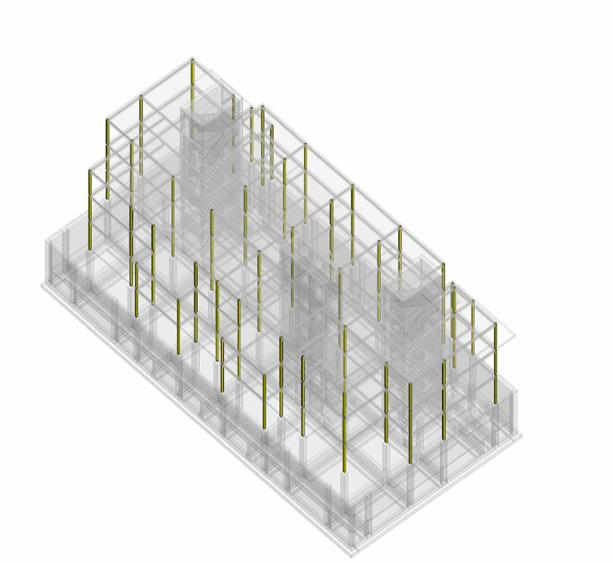
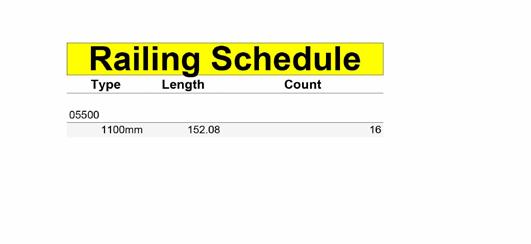
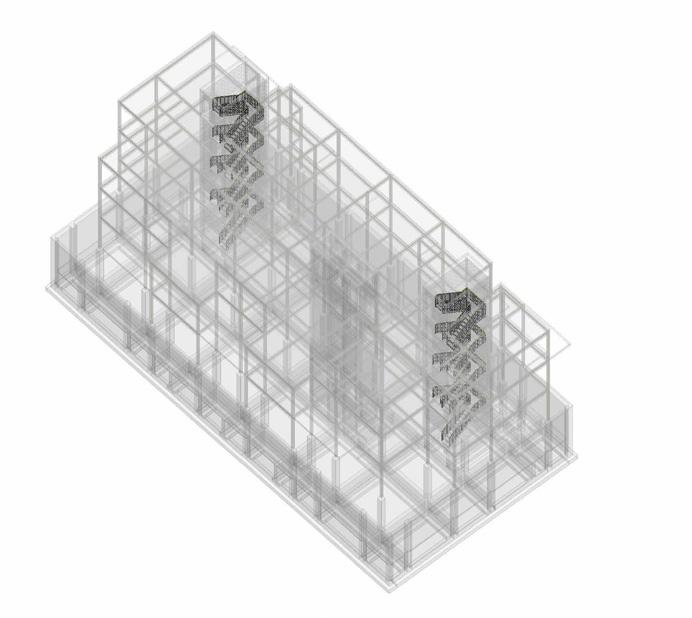
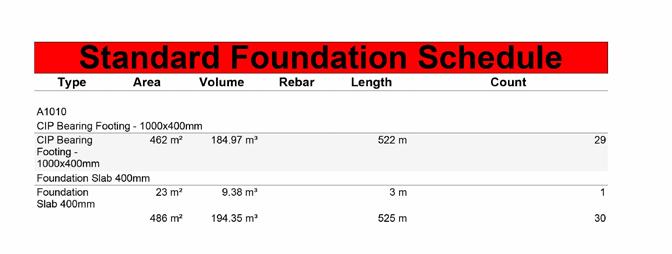
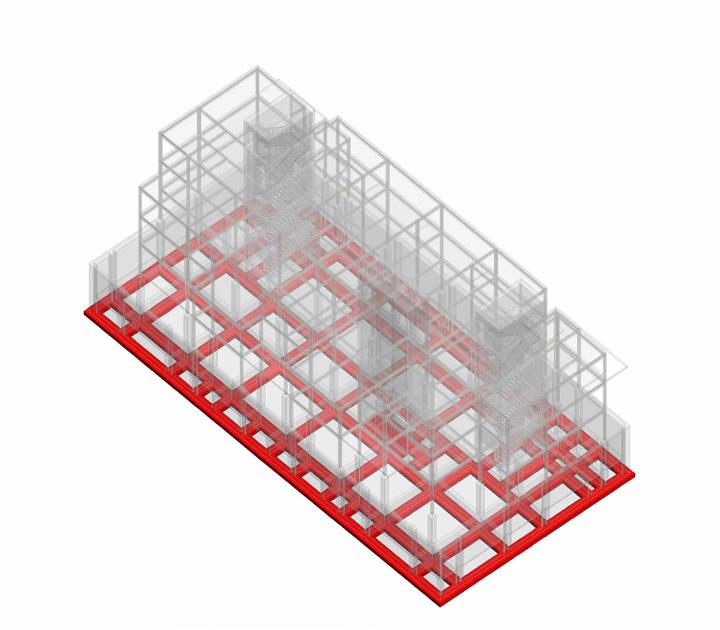
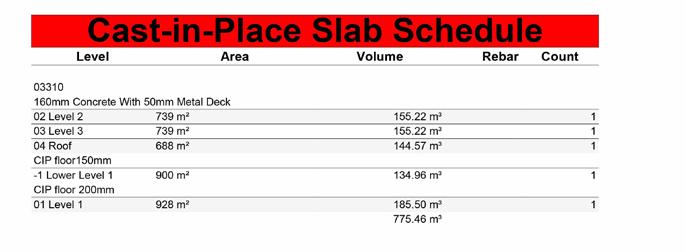
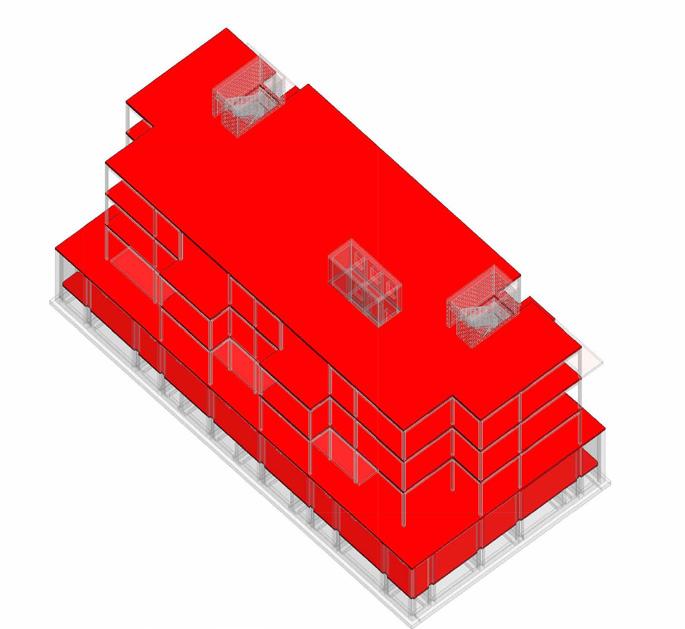
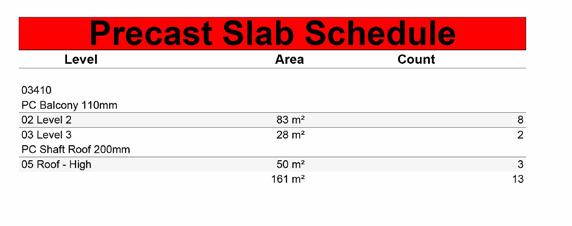
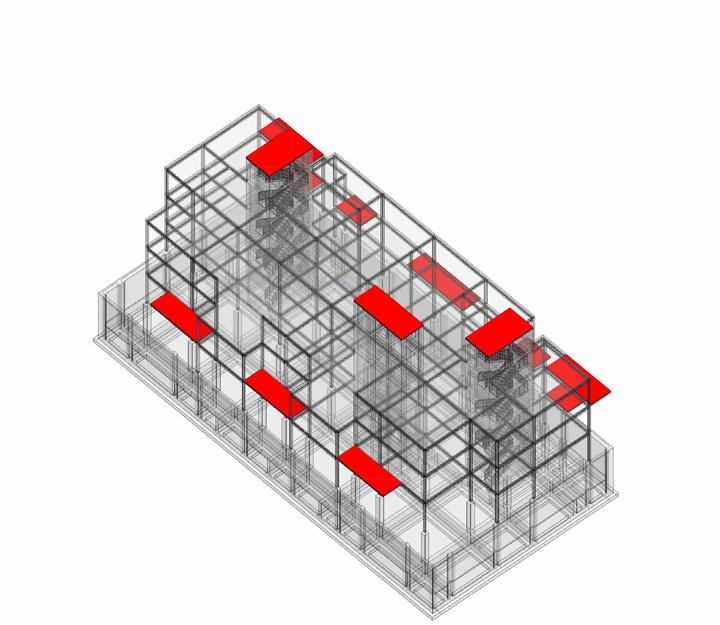
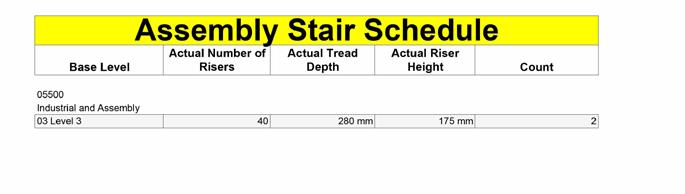
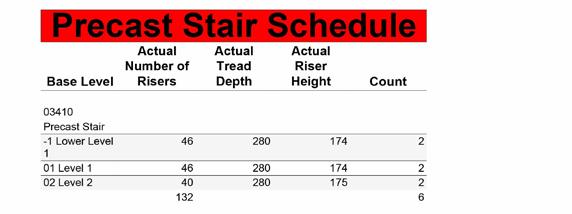
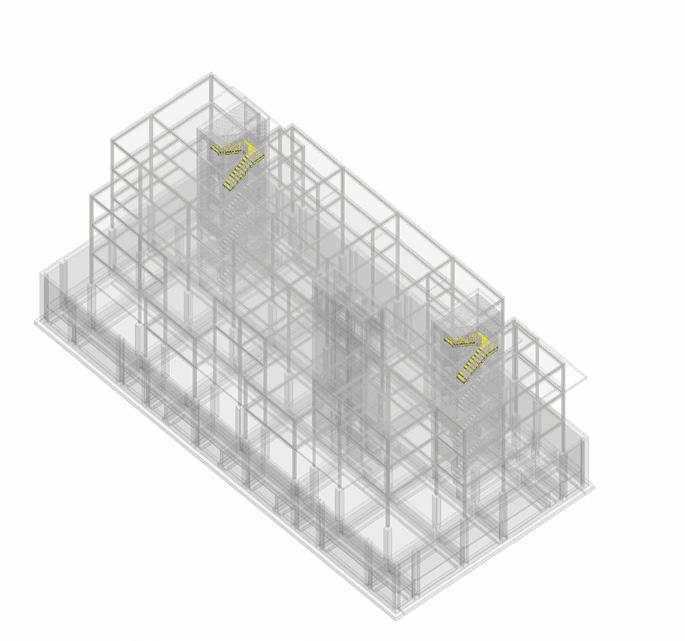
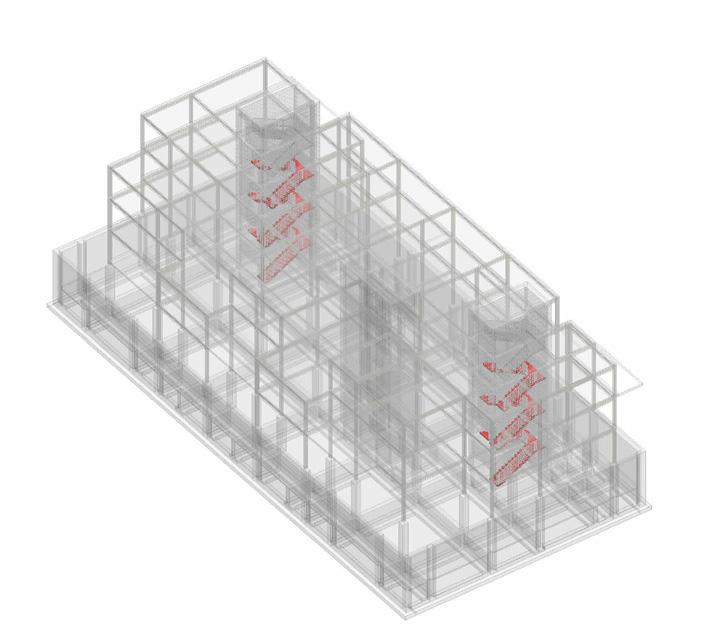
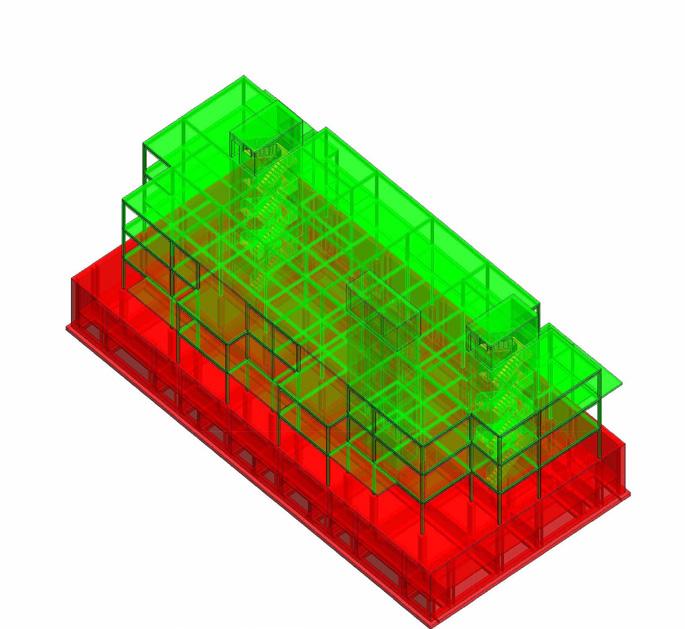
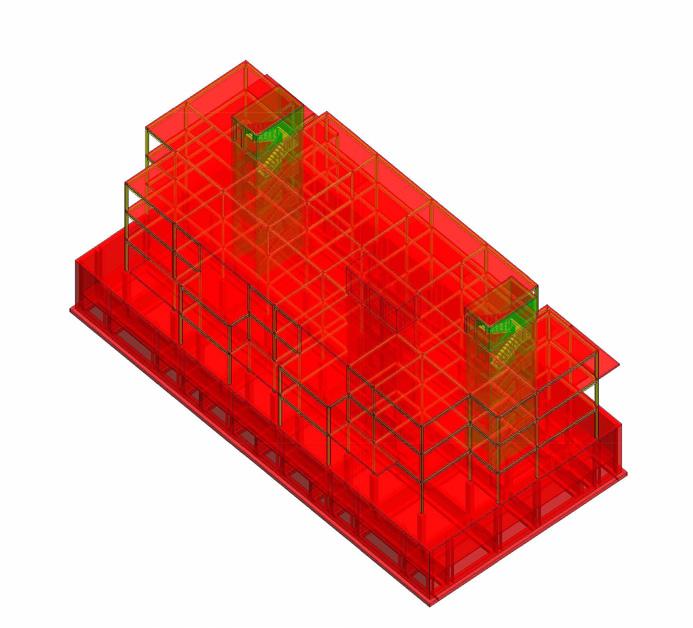
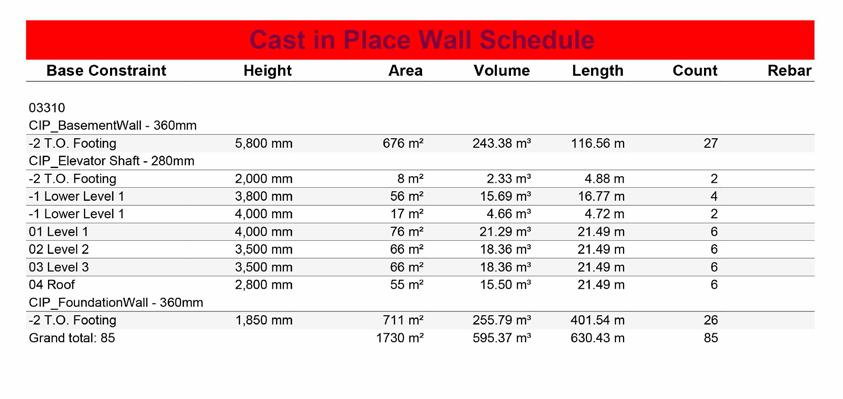
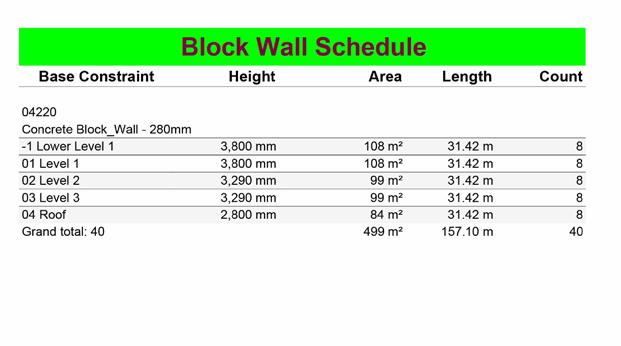
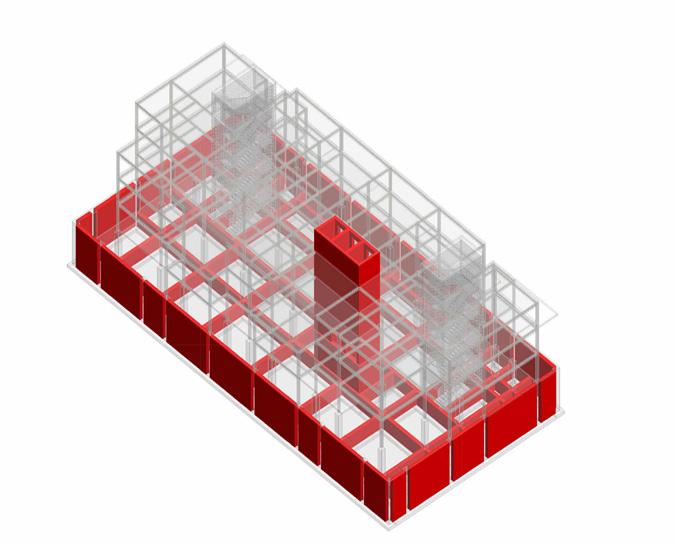
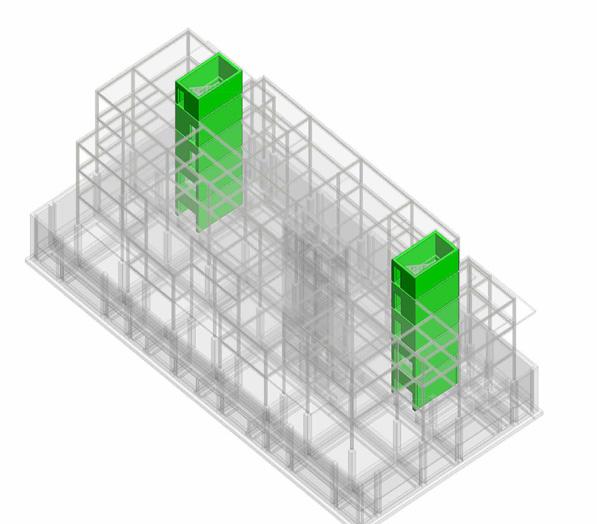
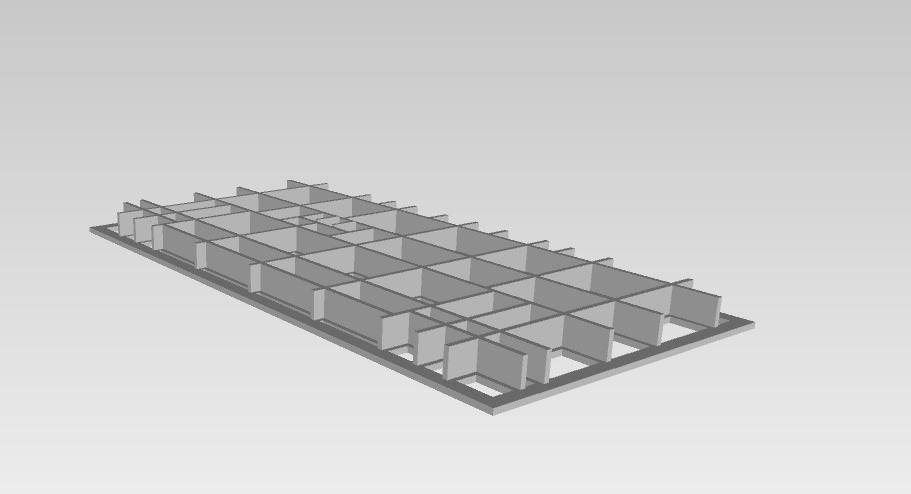
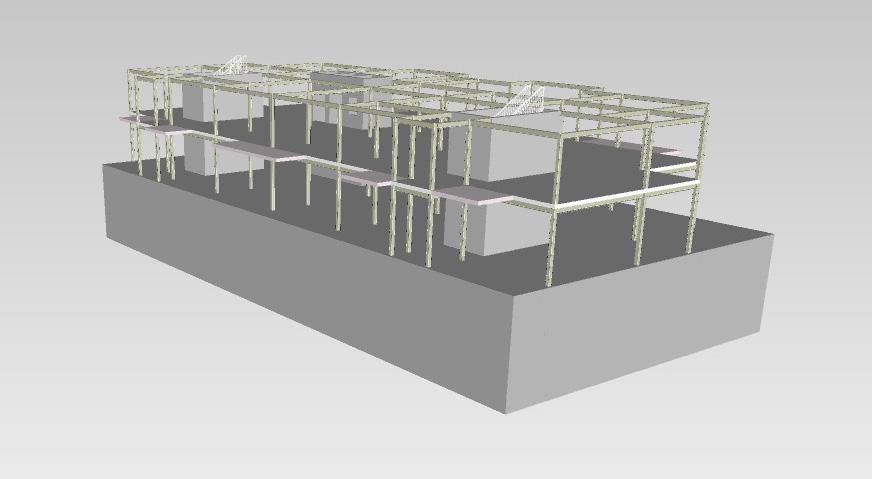
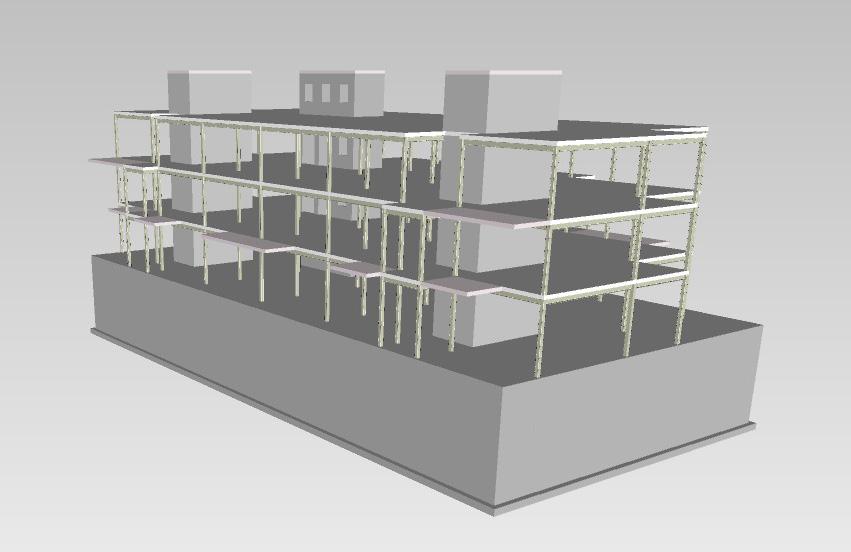
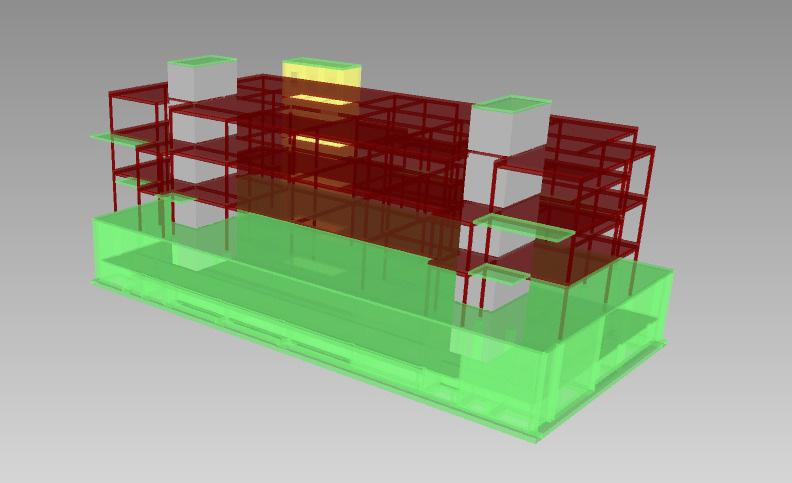
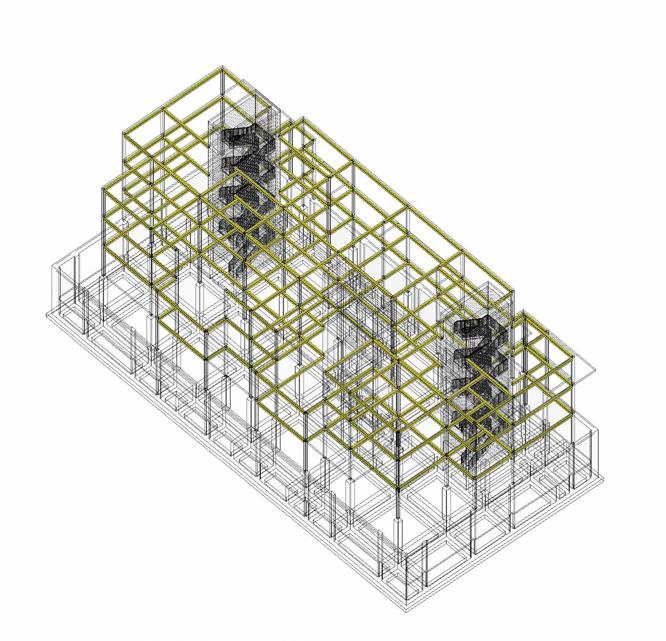
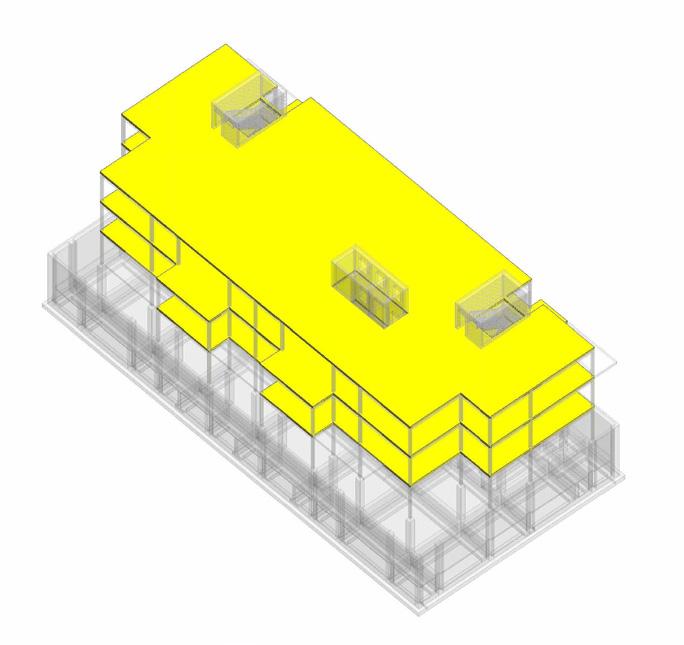
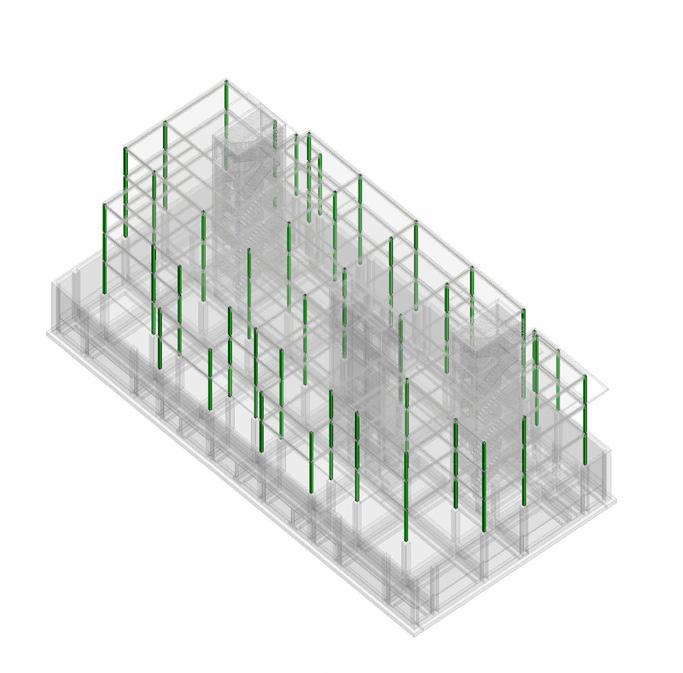
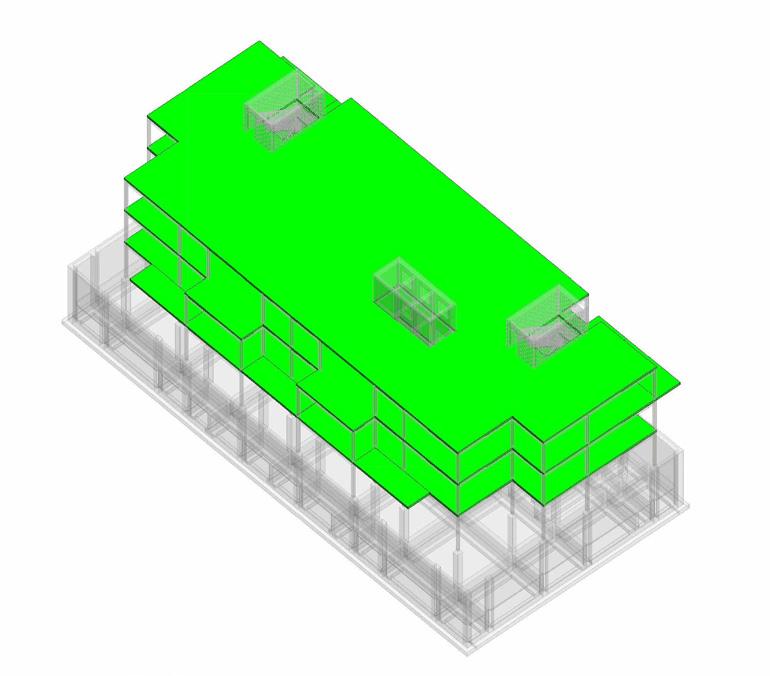
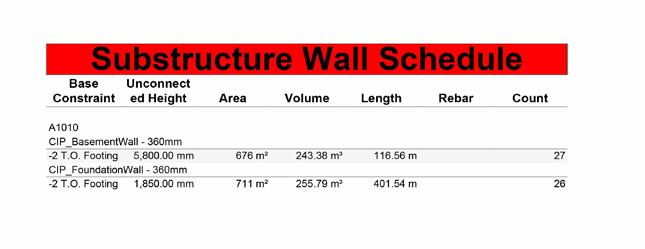
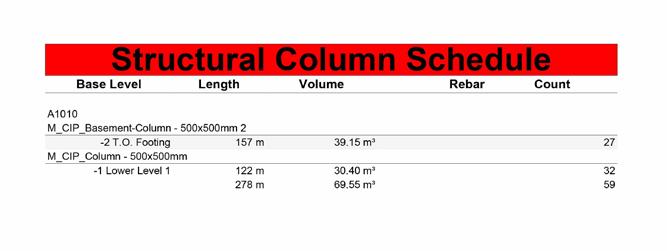
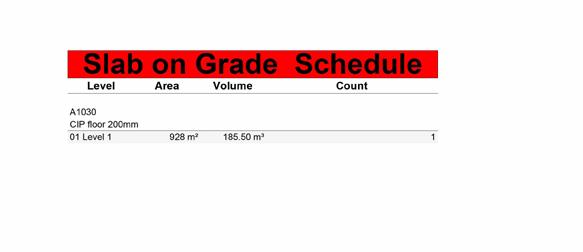
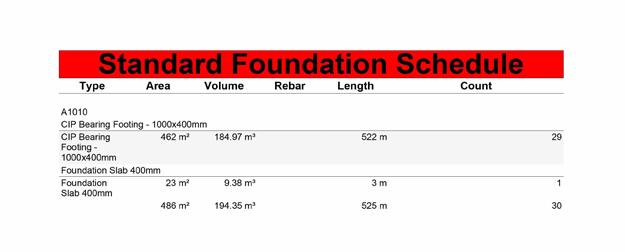
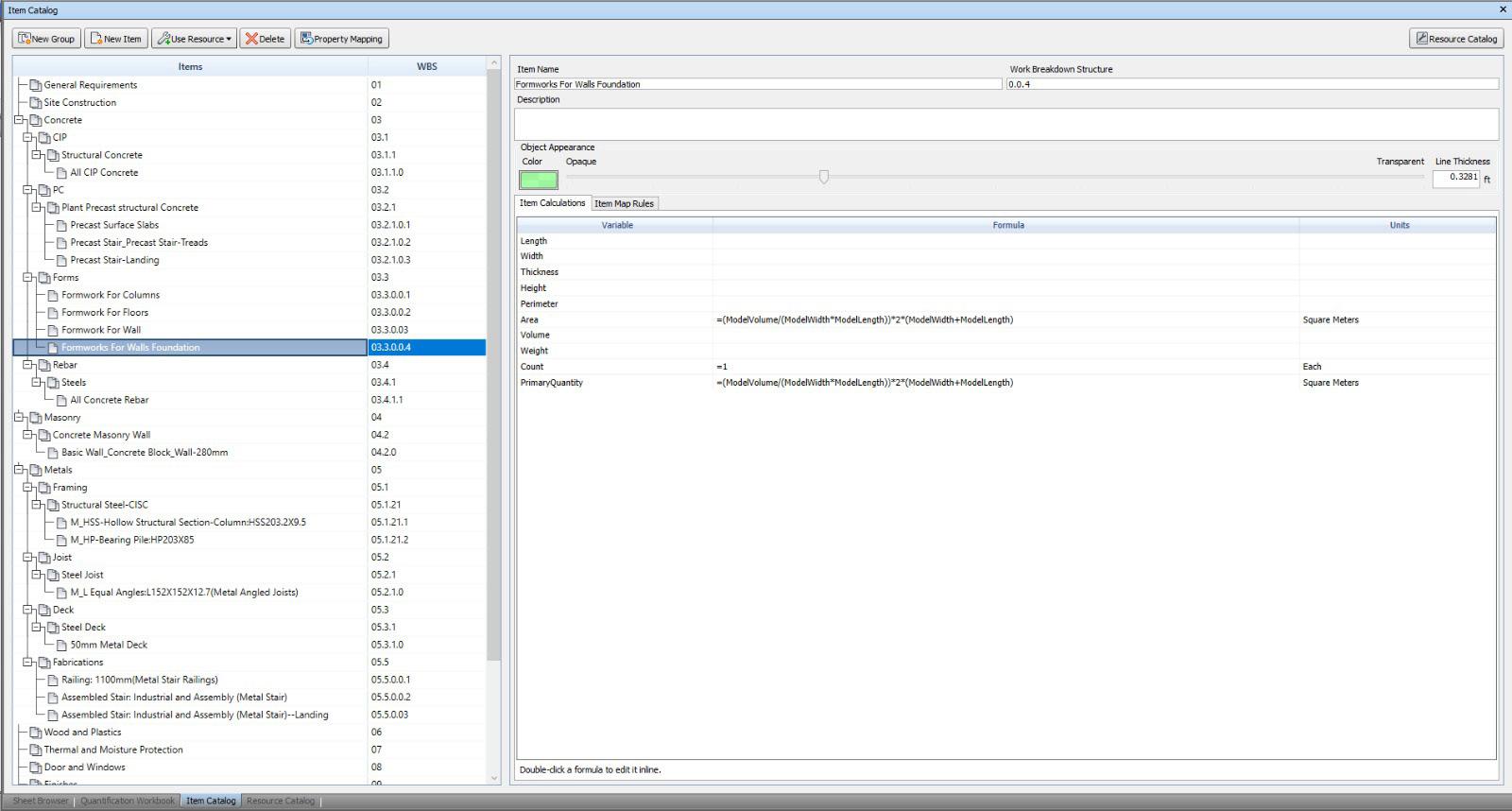
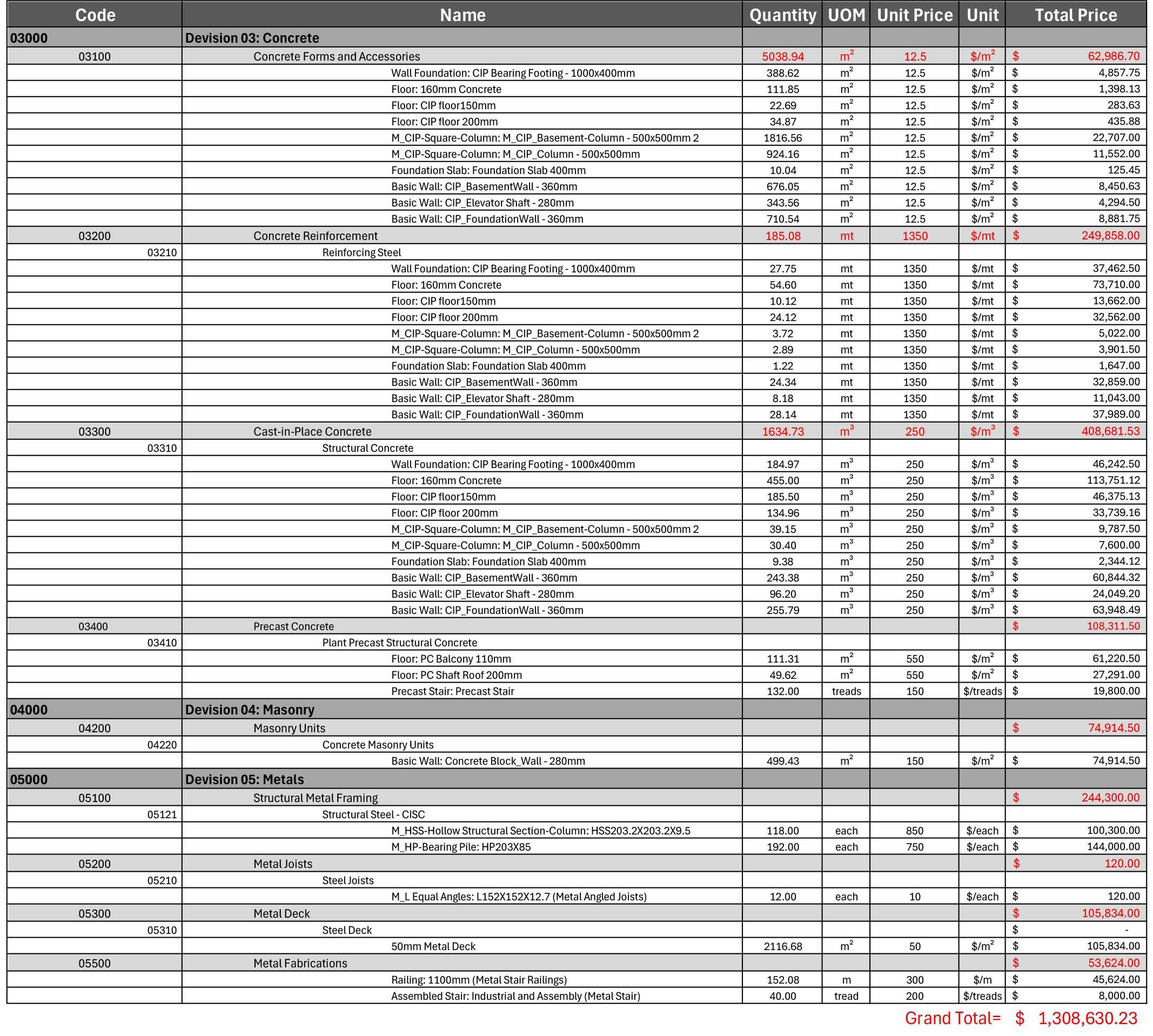
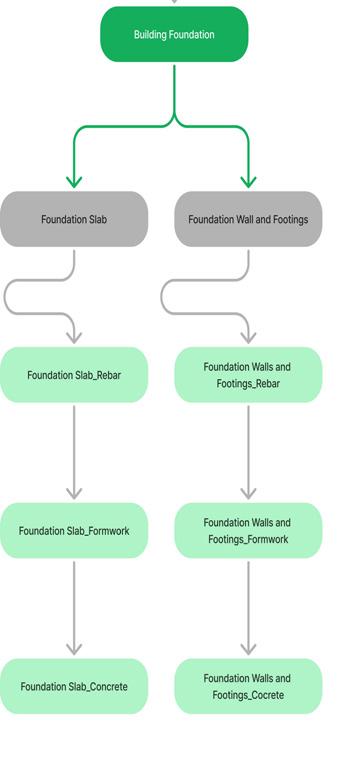
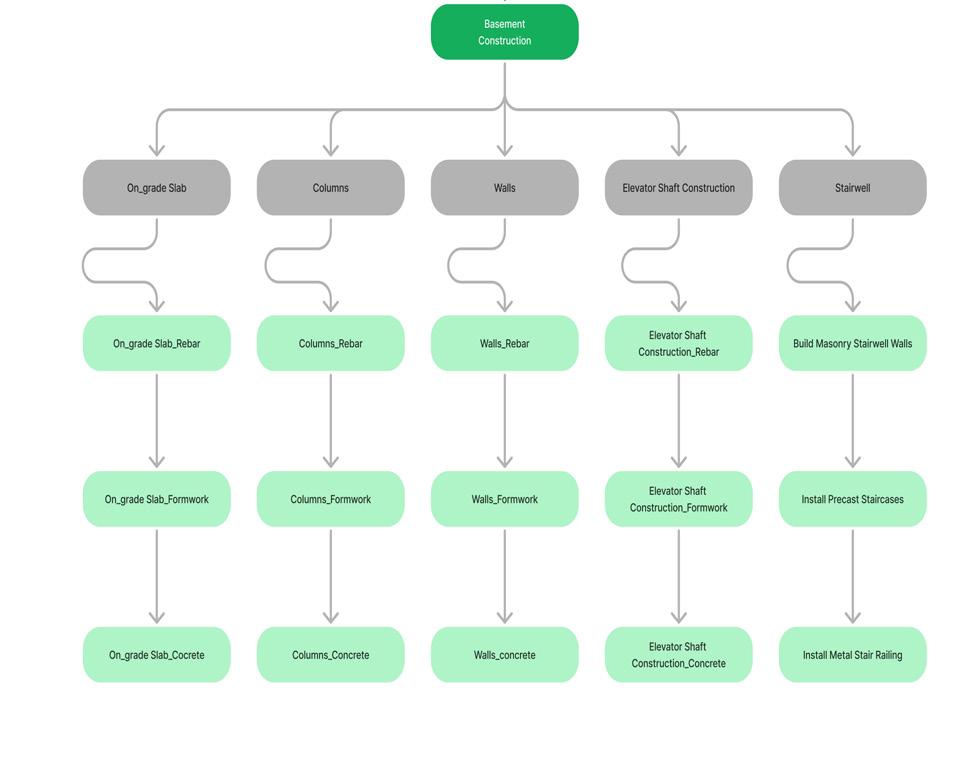
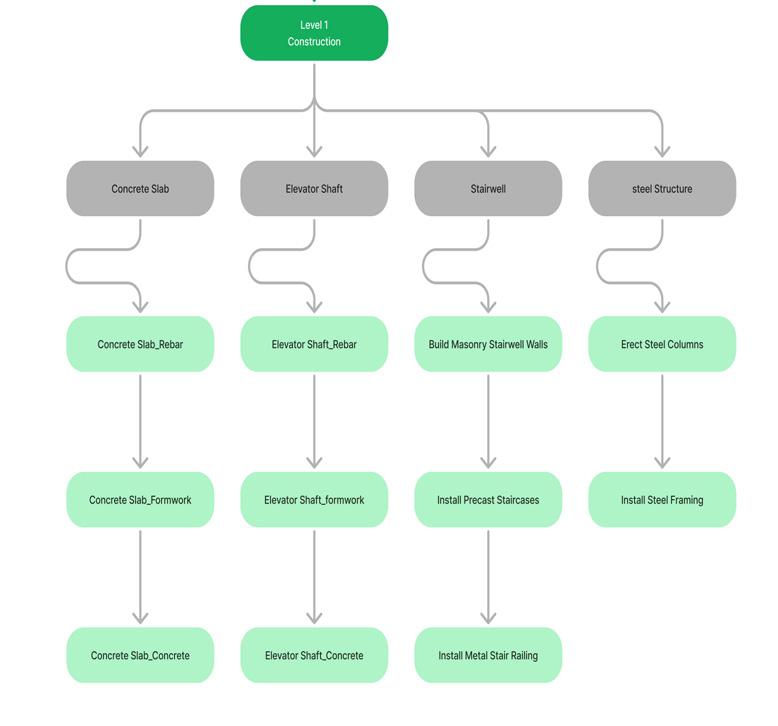
In this project, the challenge of performing accurate cost estimation and quantity takeoff for a structural model was addressed using Navisworks and Revit. A Quantification Workbook was set up in Navisworks based on Masterformat, and quantities for items such as rebar and formwork were calculated and exported to create a custom Excel-based estimate.
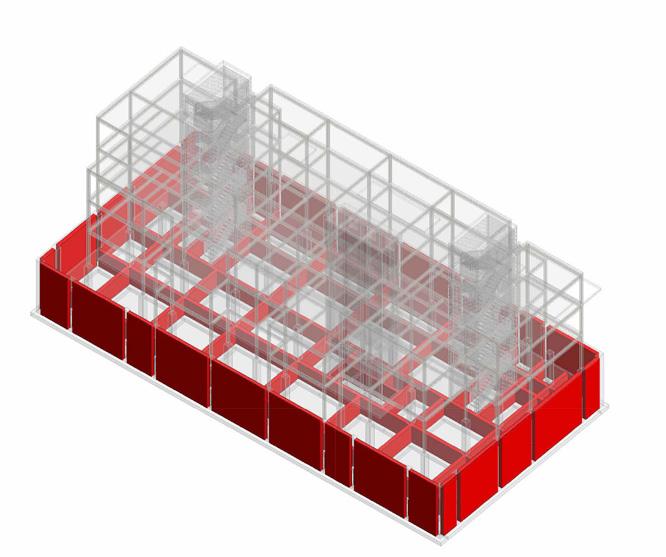
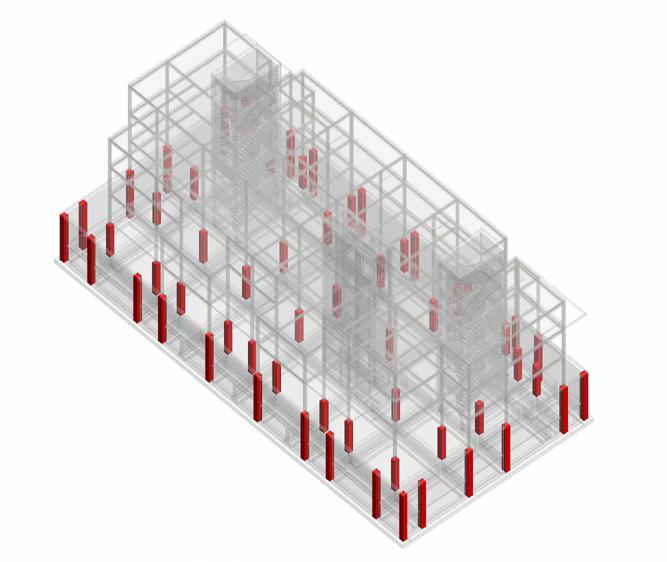
Color-coded 3D views and schedules were created in Revit to validate coding, and totals were calculated using Masterformat and Uniformat classifications. Ensuring that all elements were accurately quantified and professionally presented required meticulous attention to detail and effective problem-solving.
NAVISWORK QUANTIFICATION MODEL
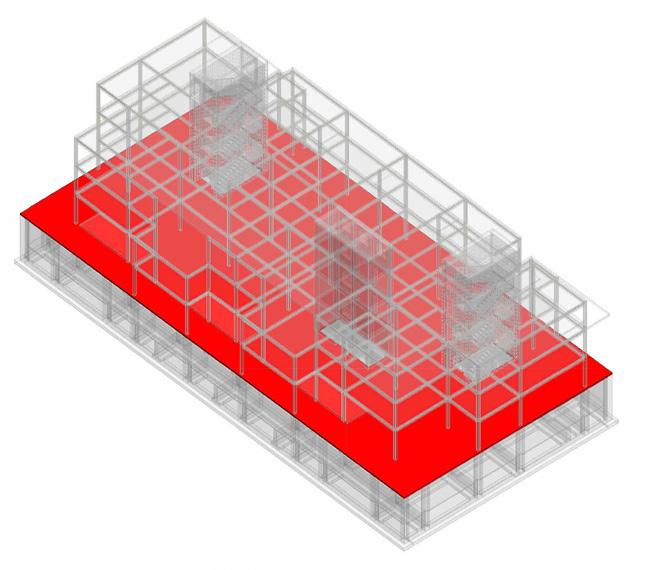
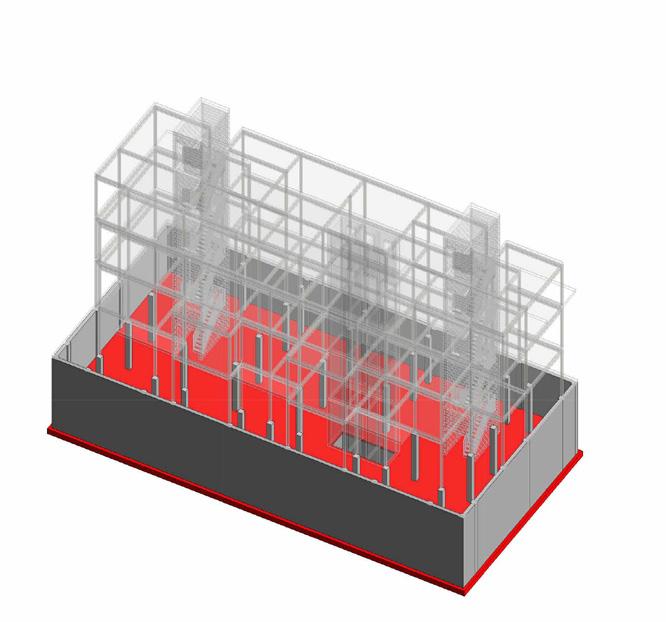
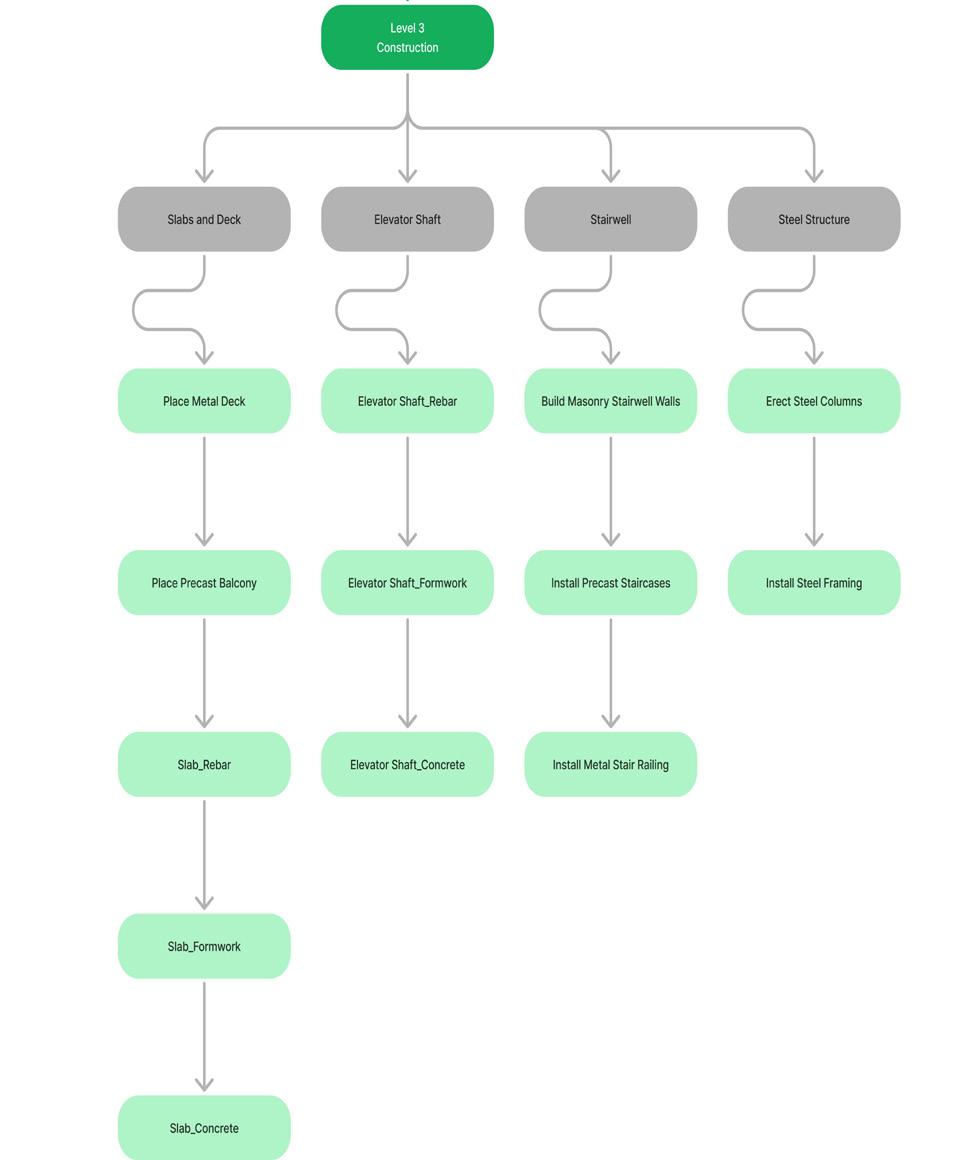
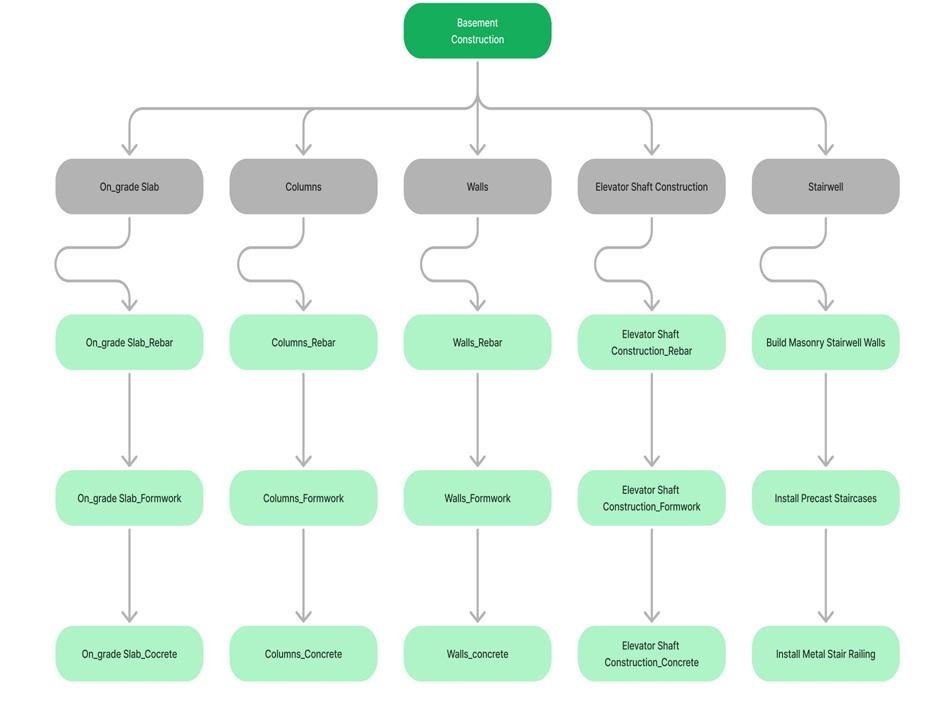
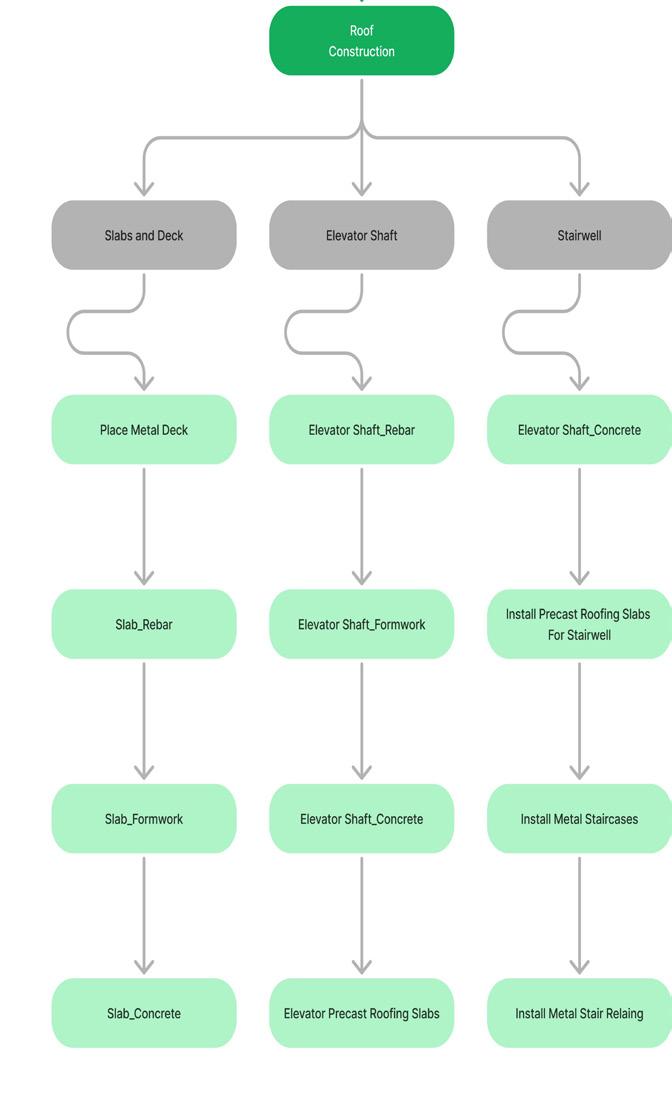
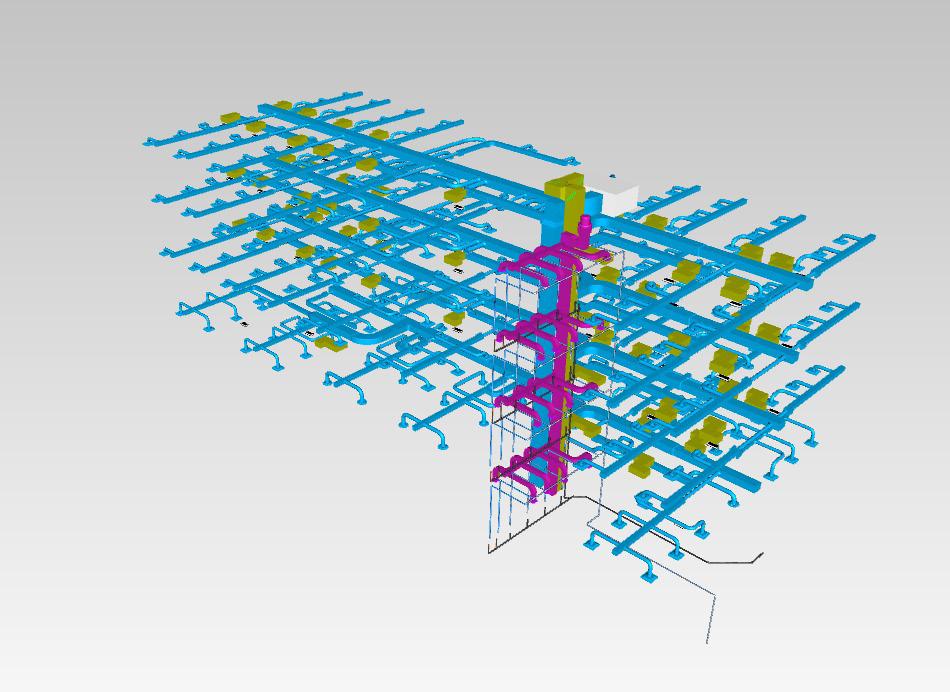
COORDINATION MODEL
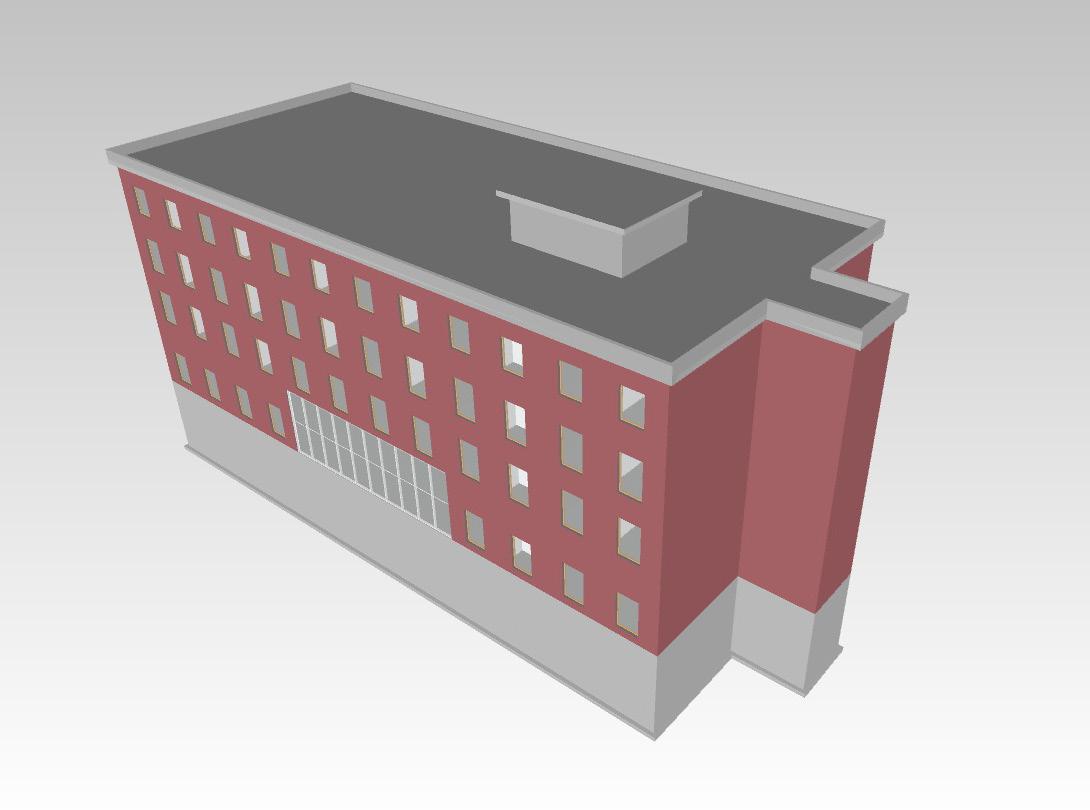
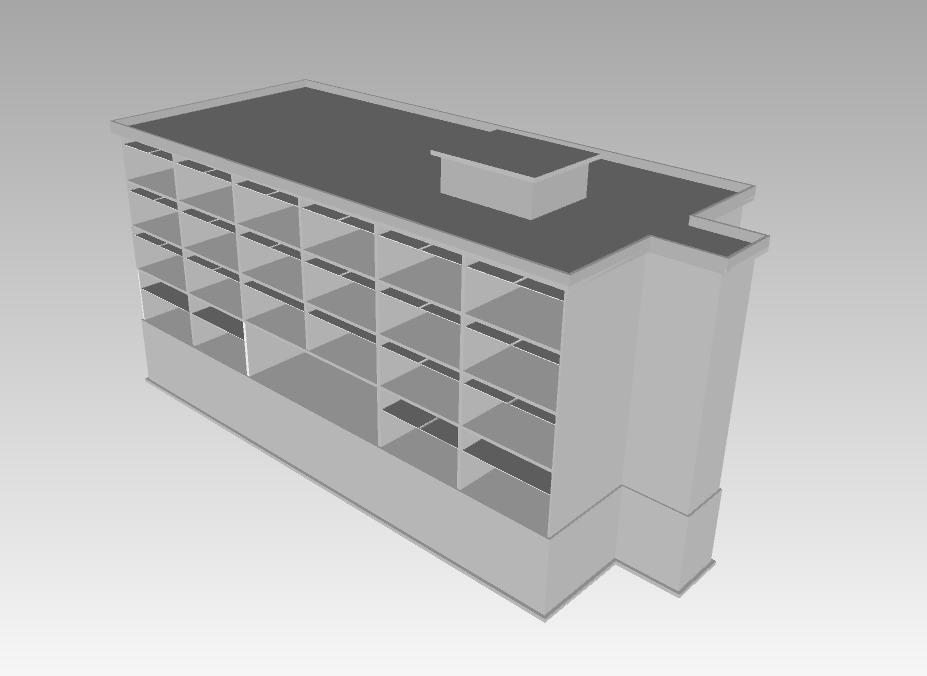
ARCHITECTURAL MODEL STRUCTURAL MODEL
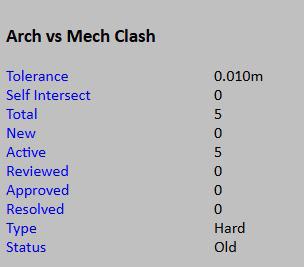
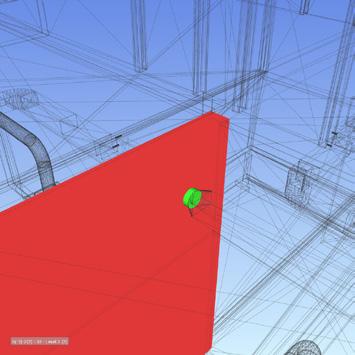
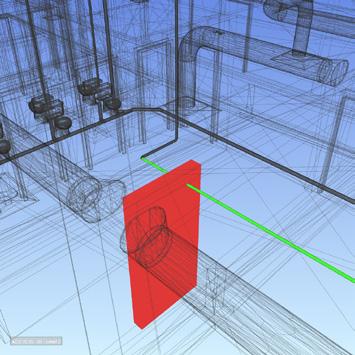
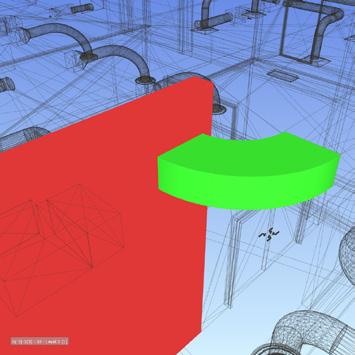
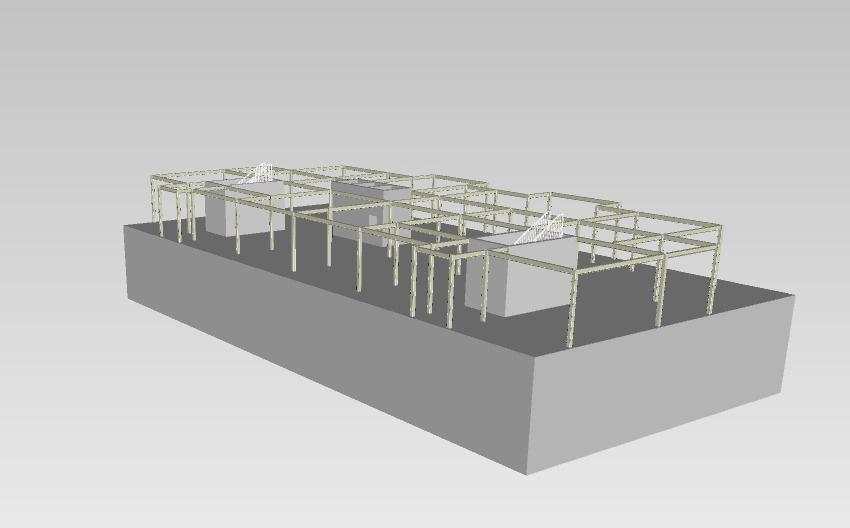
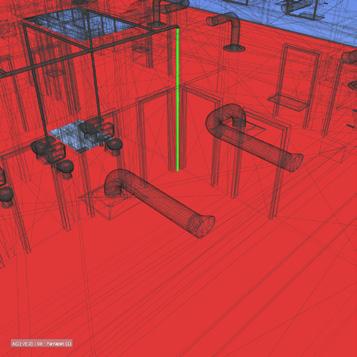
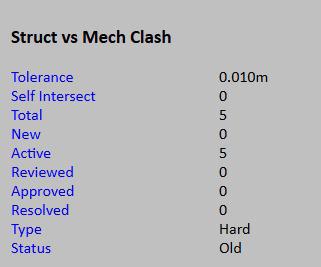
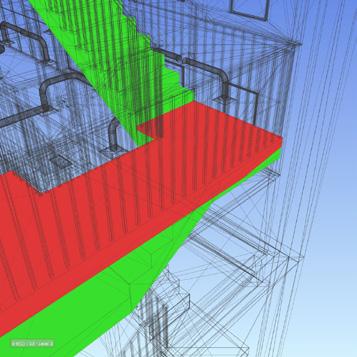
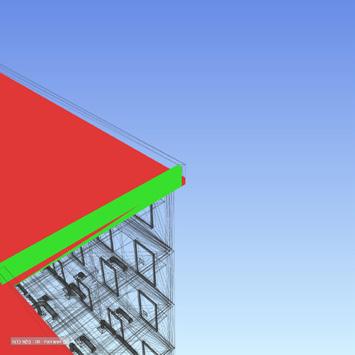
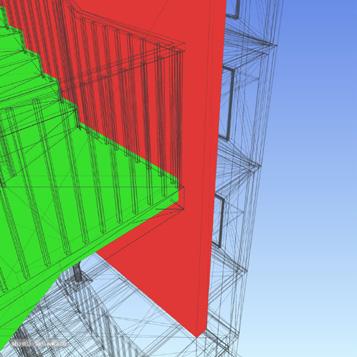
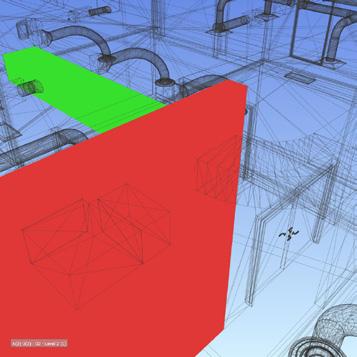
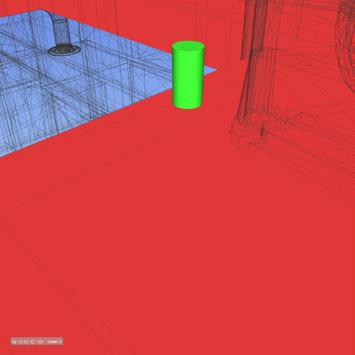
Performed visual clash checks
Created redlines, tags, and dimensions in Navisworks
Conducted structured clash tests by floor
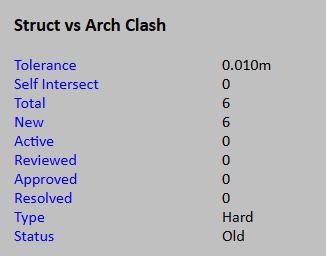
Grouped, named, and assigned clashes by discipline
Generated organized Clash Reports and viewpoint
EXPLANATION:
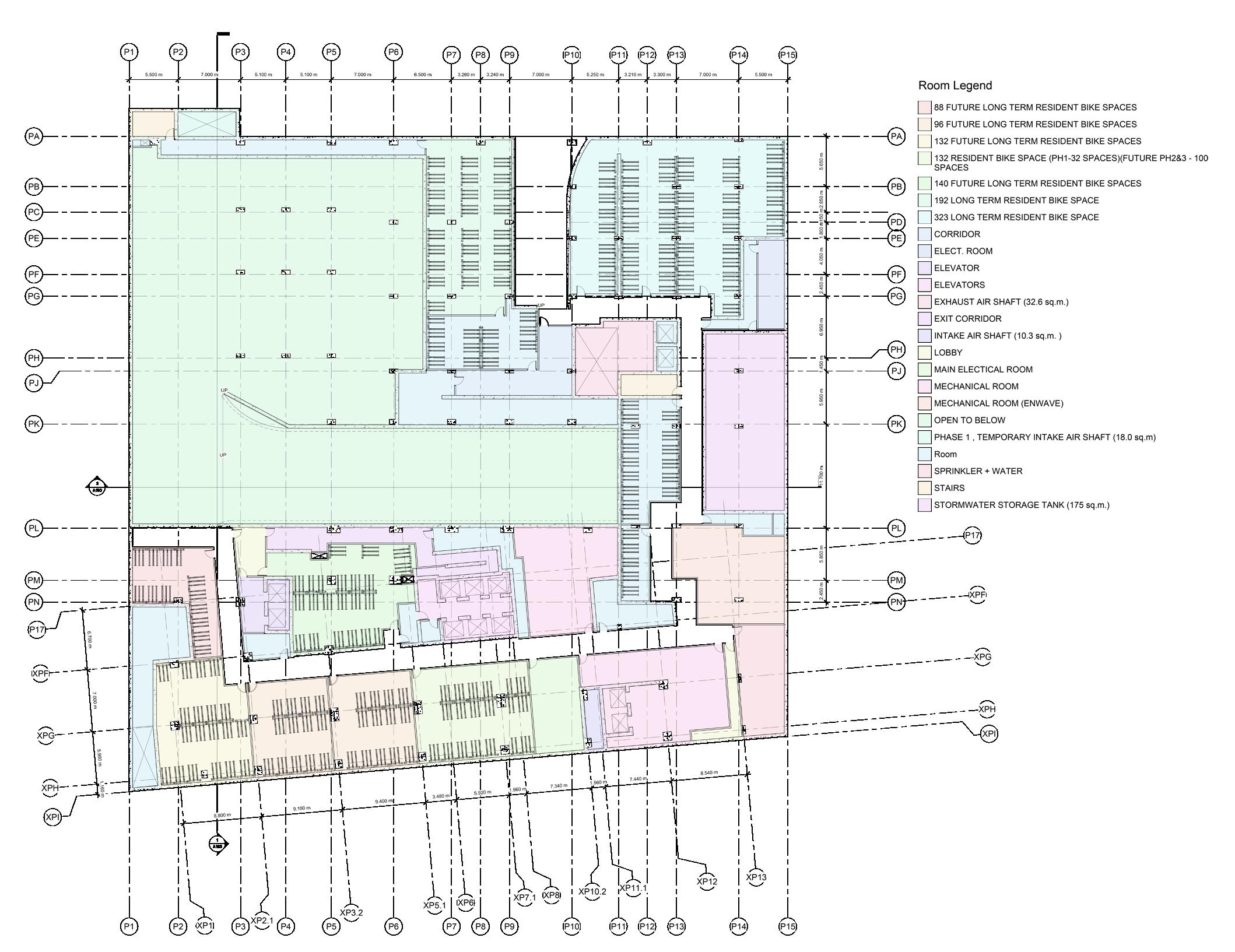
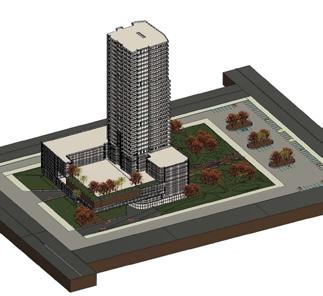
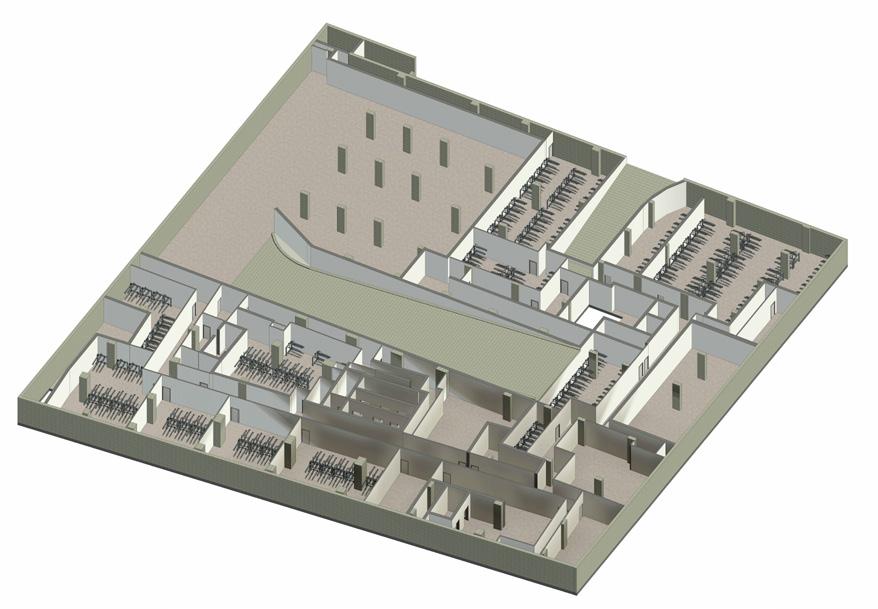
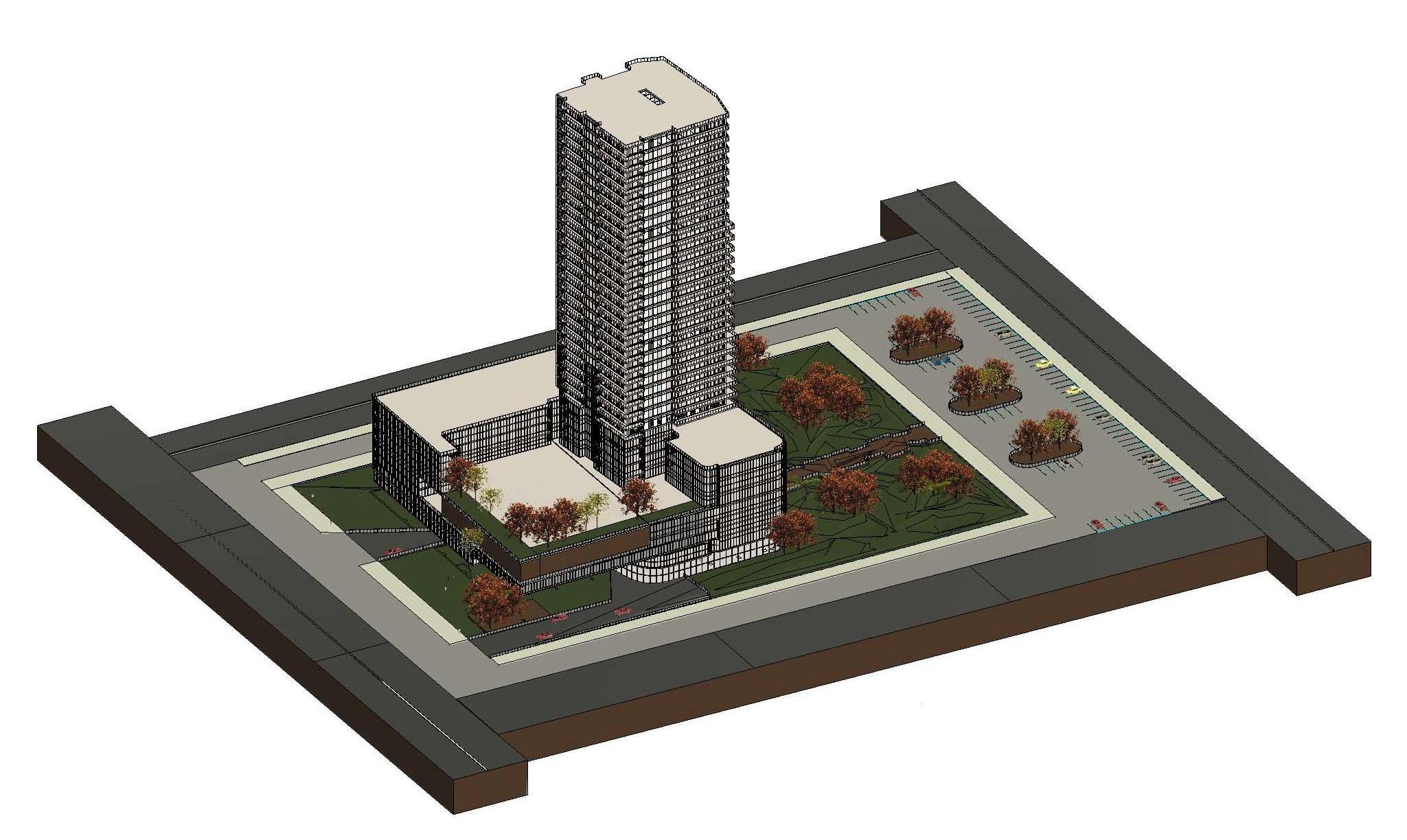
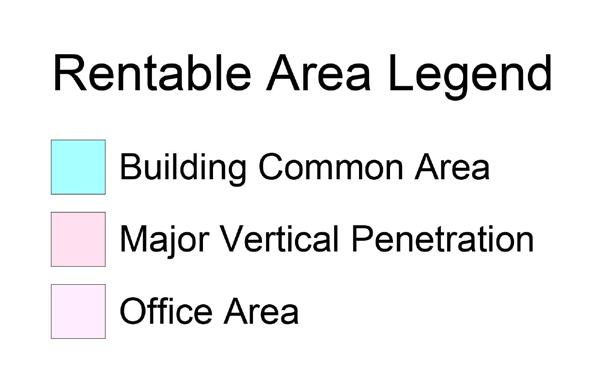
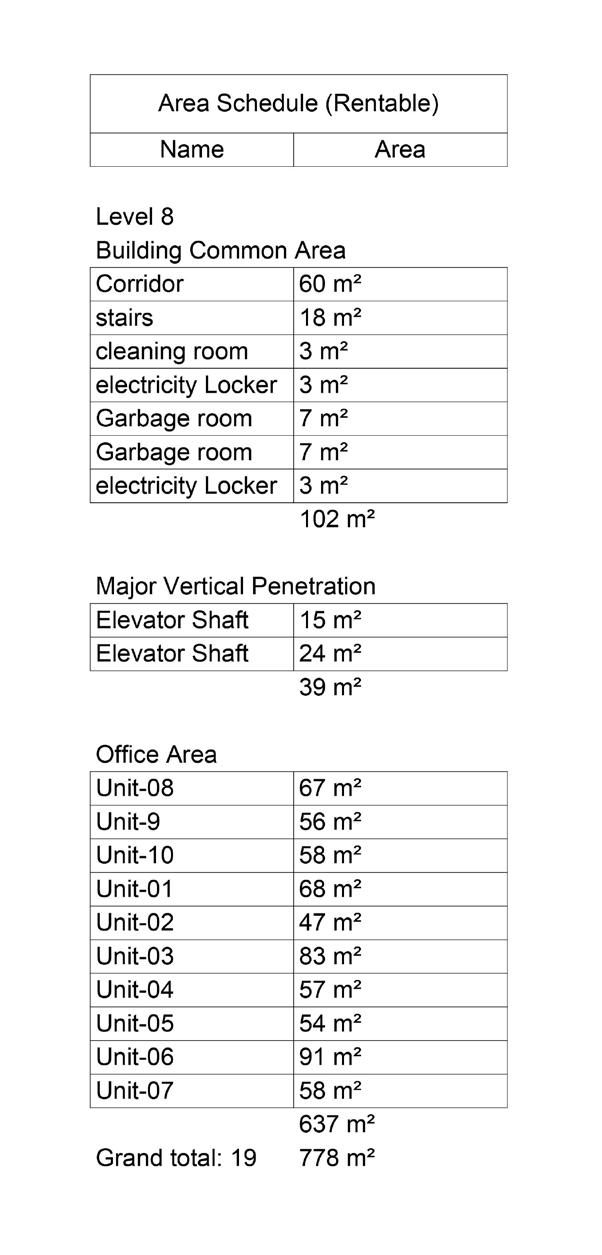
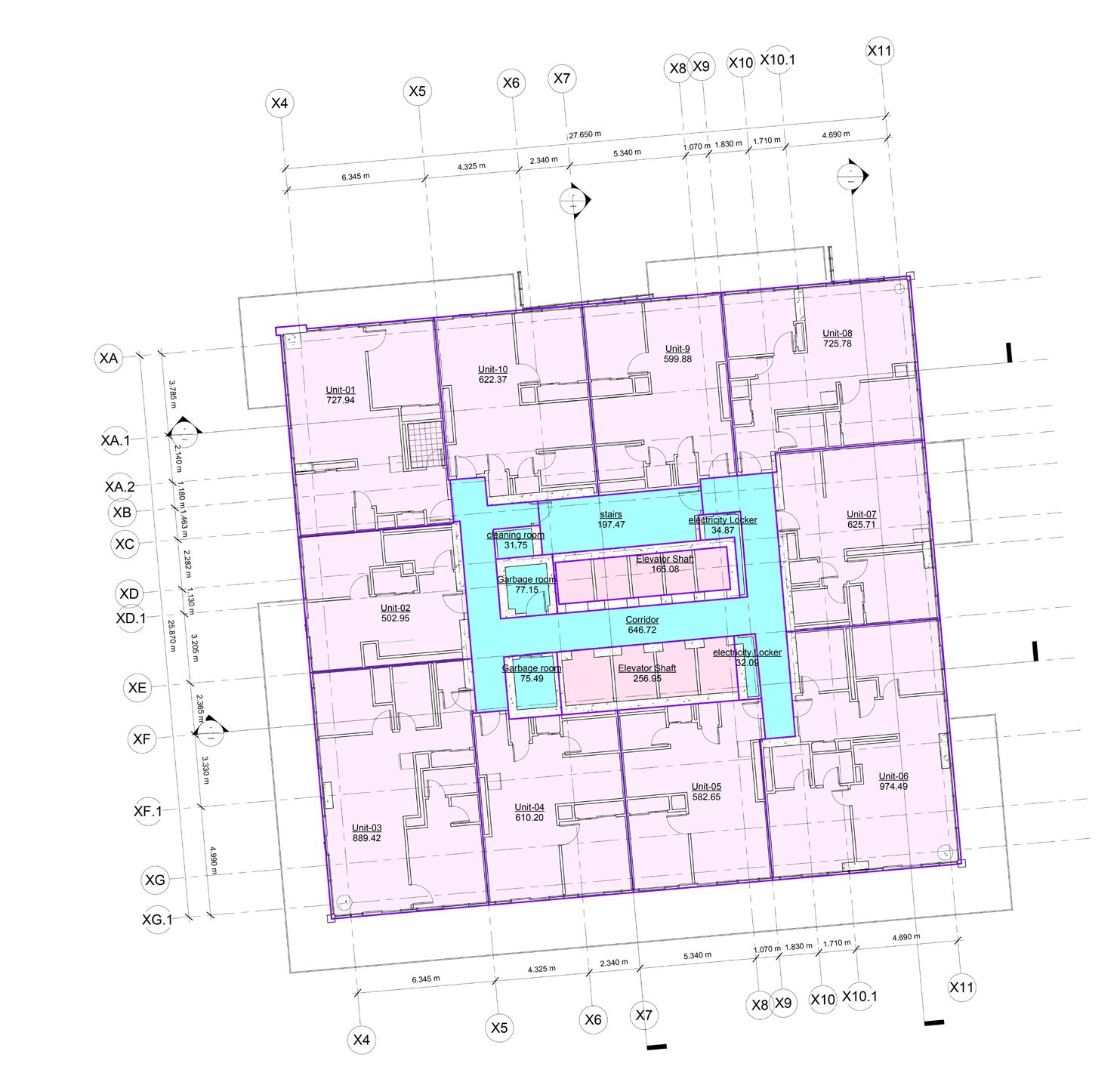
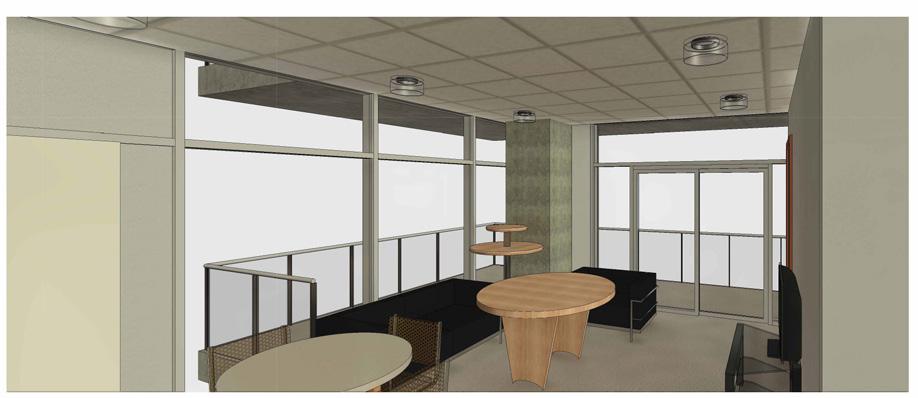
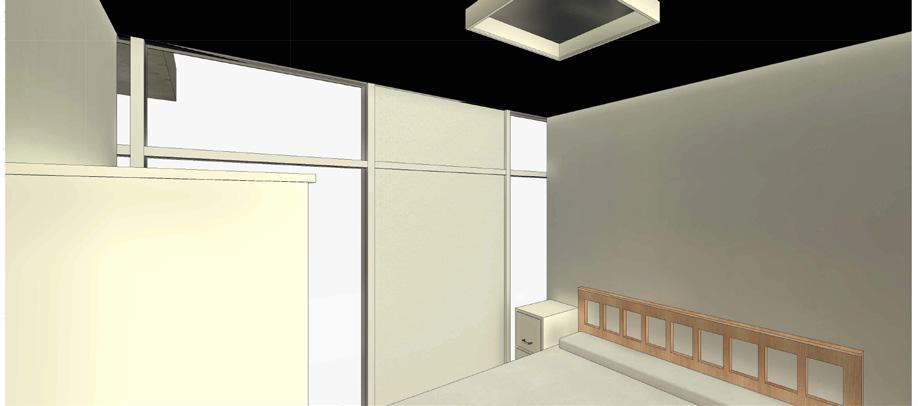
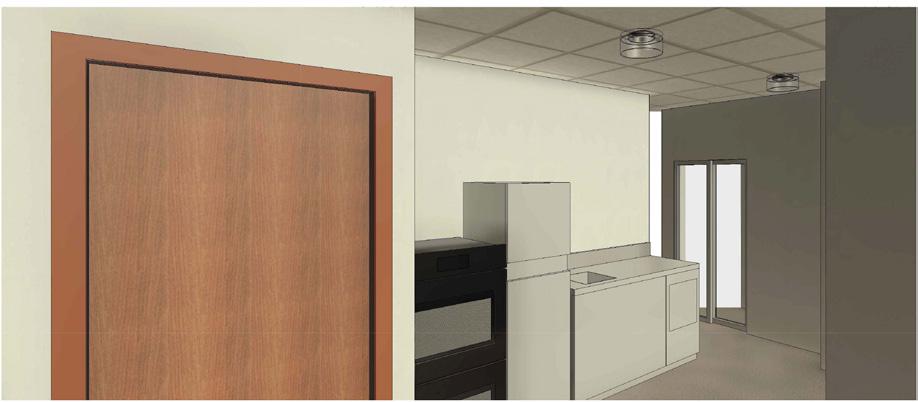
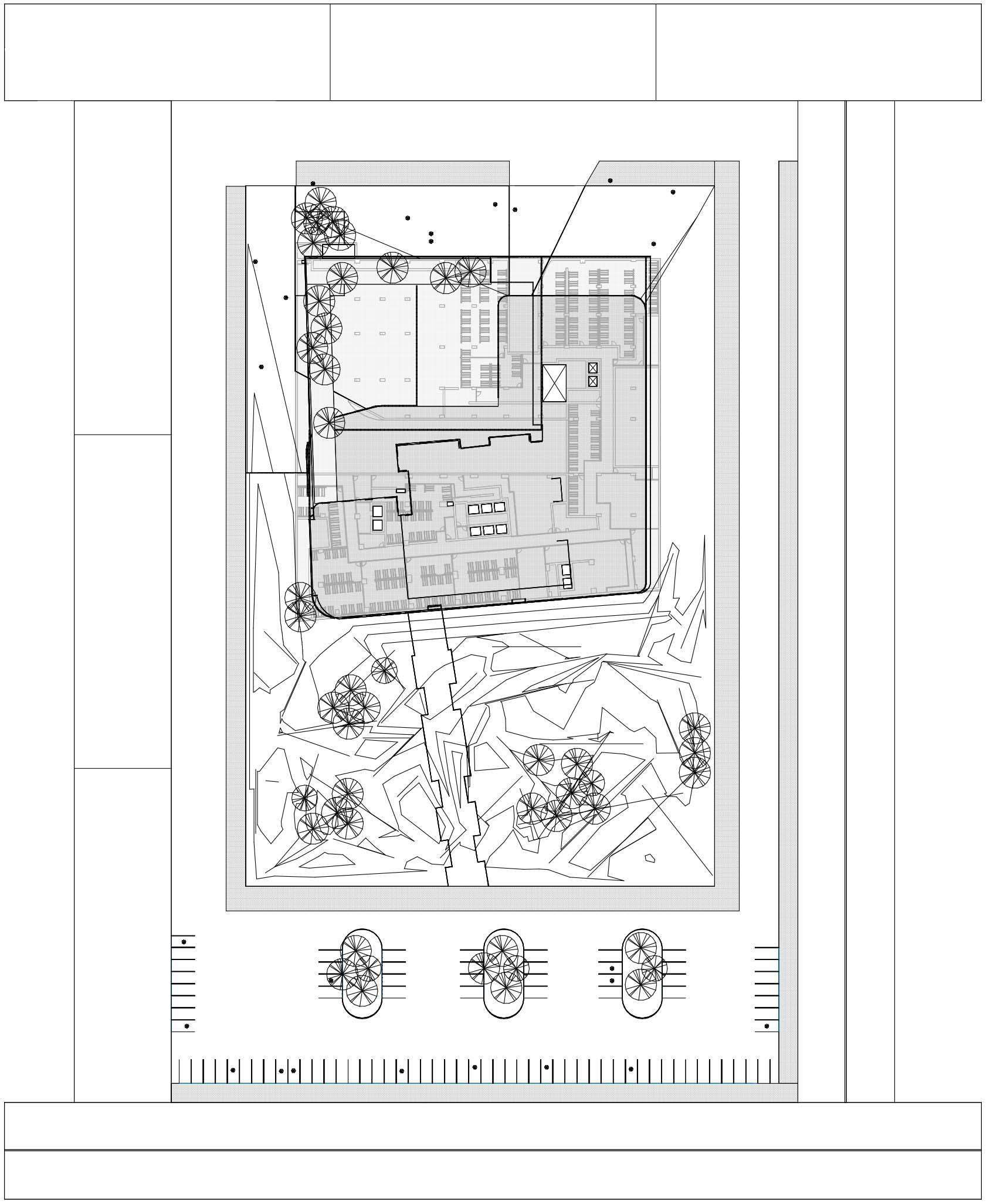
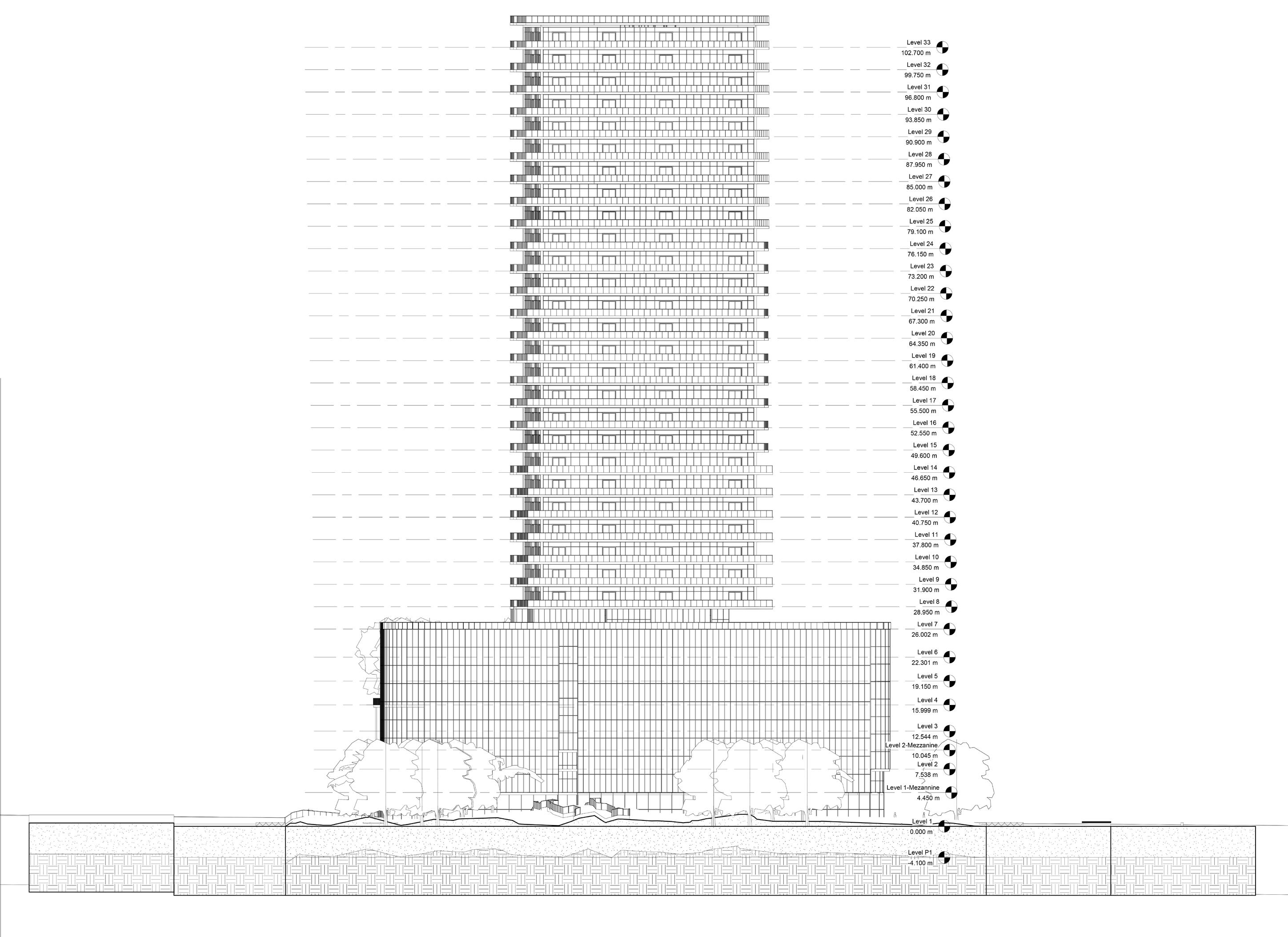
Detailed 3D models were created in Revit 2024 for various project aspects as part of a team effort. For the below-grade structure, foundation walls, partitions, parking, ramps, and mechanical shafts were modeled, along with room layouts and color schemes.
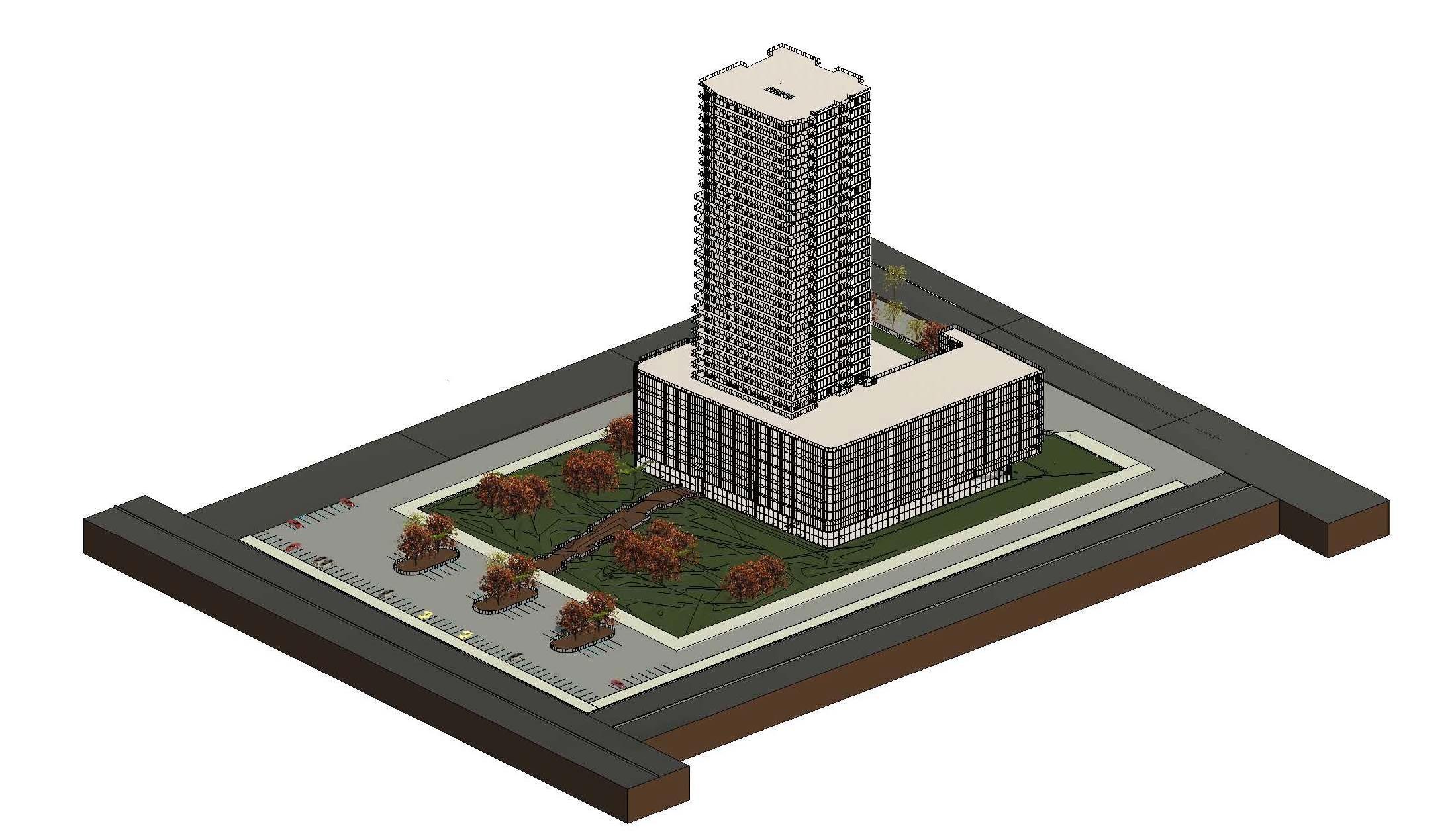
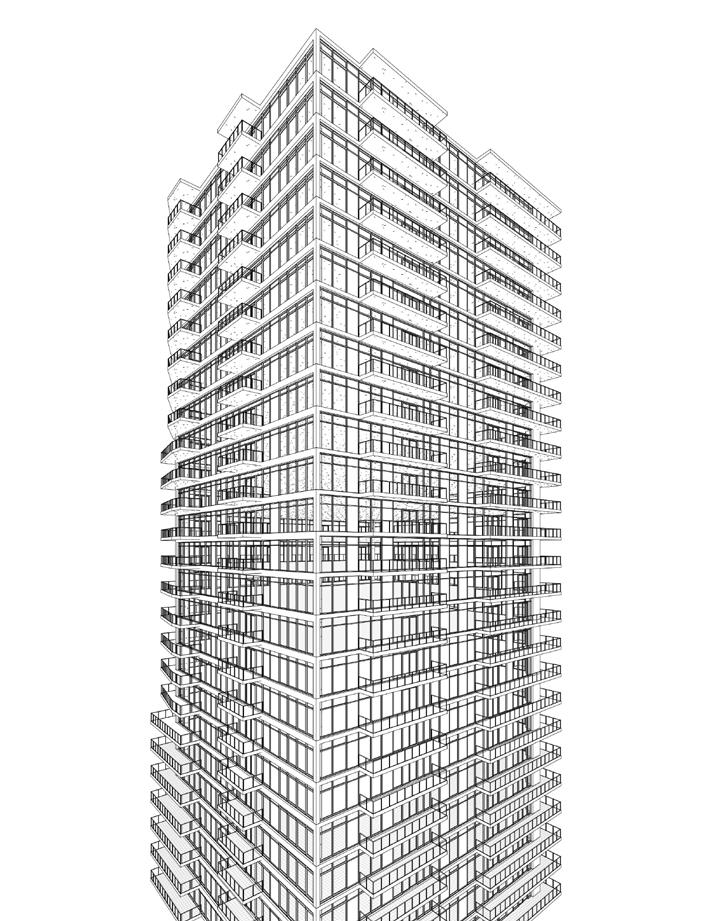
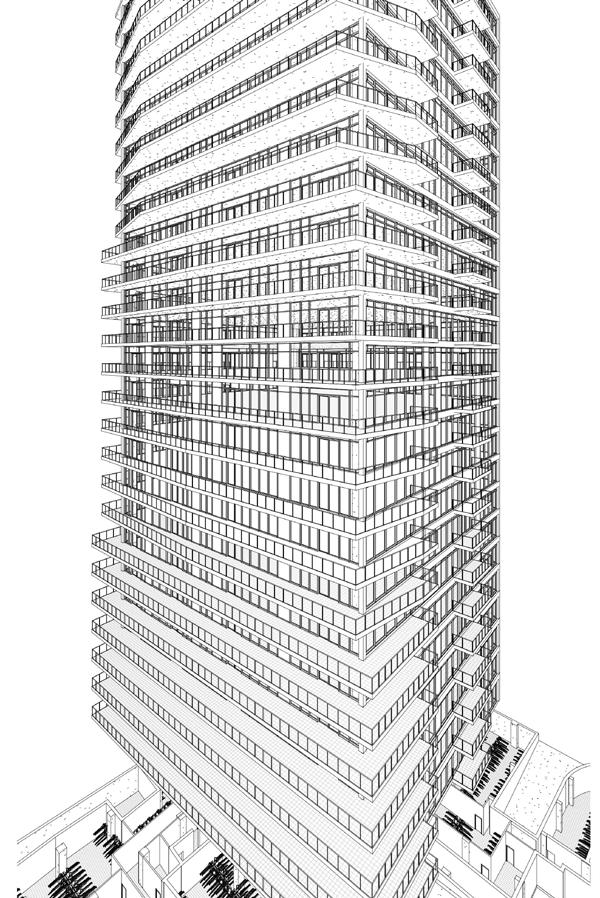
The building envelope was modeled with 3D exterior views and wall sections, ensuring accuracy and presentation quality. For the interior, partitions, area plans, furniture layouts, and schedules for doors, finishes, and furniture were completed. Finally, the site was modeled, including topography, landscapes, and site sections. Each project was delivered with polished Revit sheets, demonstrating teamwork and technical expertise.
INSTRUCTOR Amal Madanat
WALL SECTIONS-CALLOUT
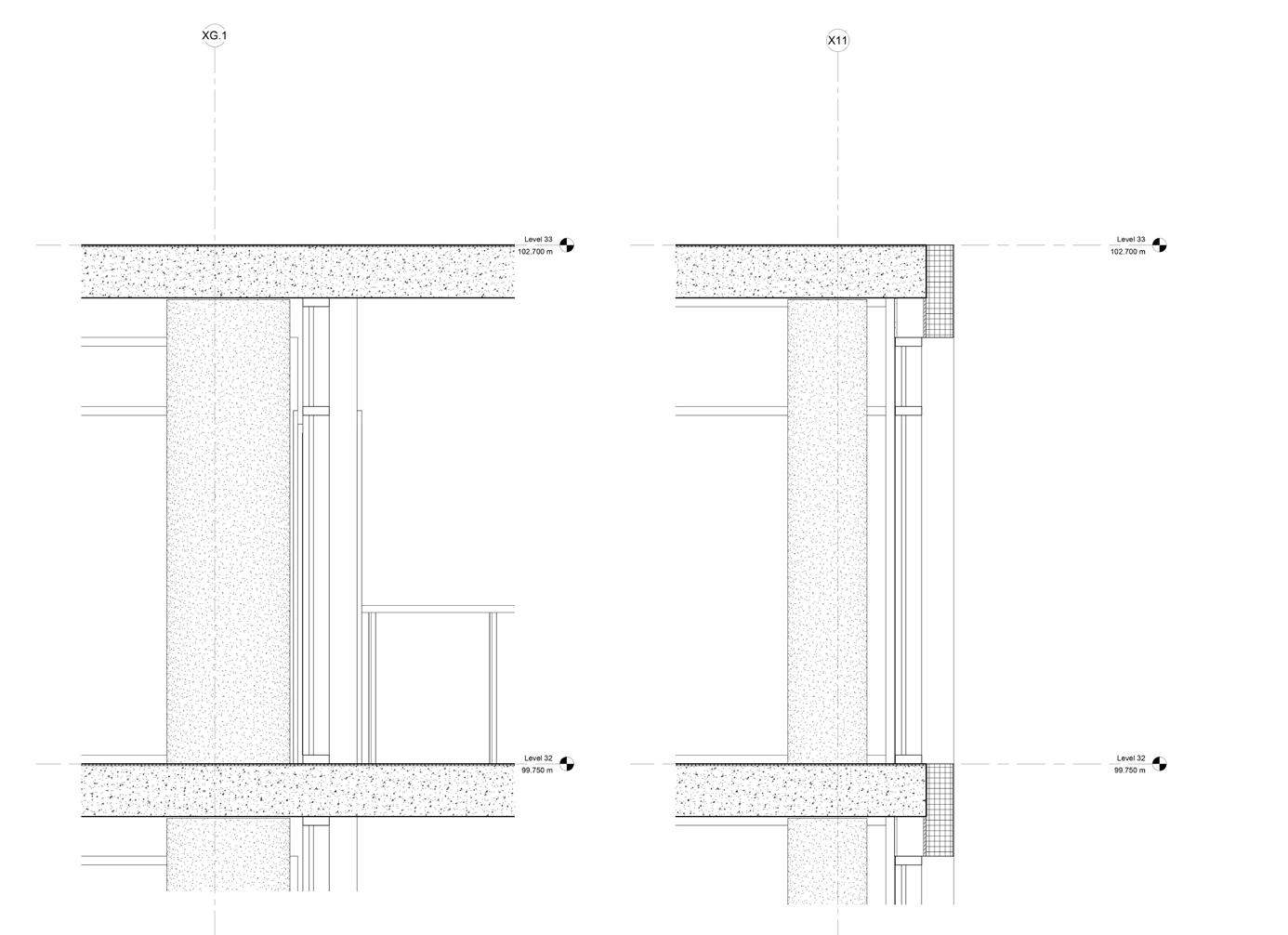
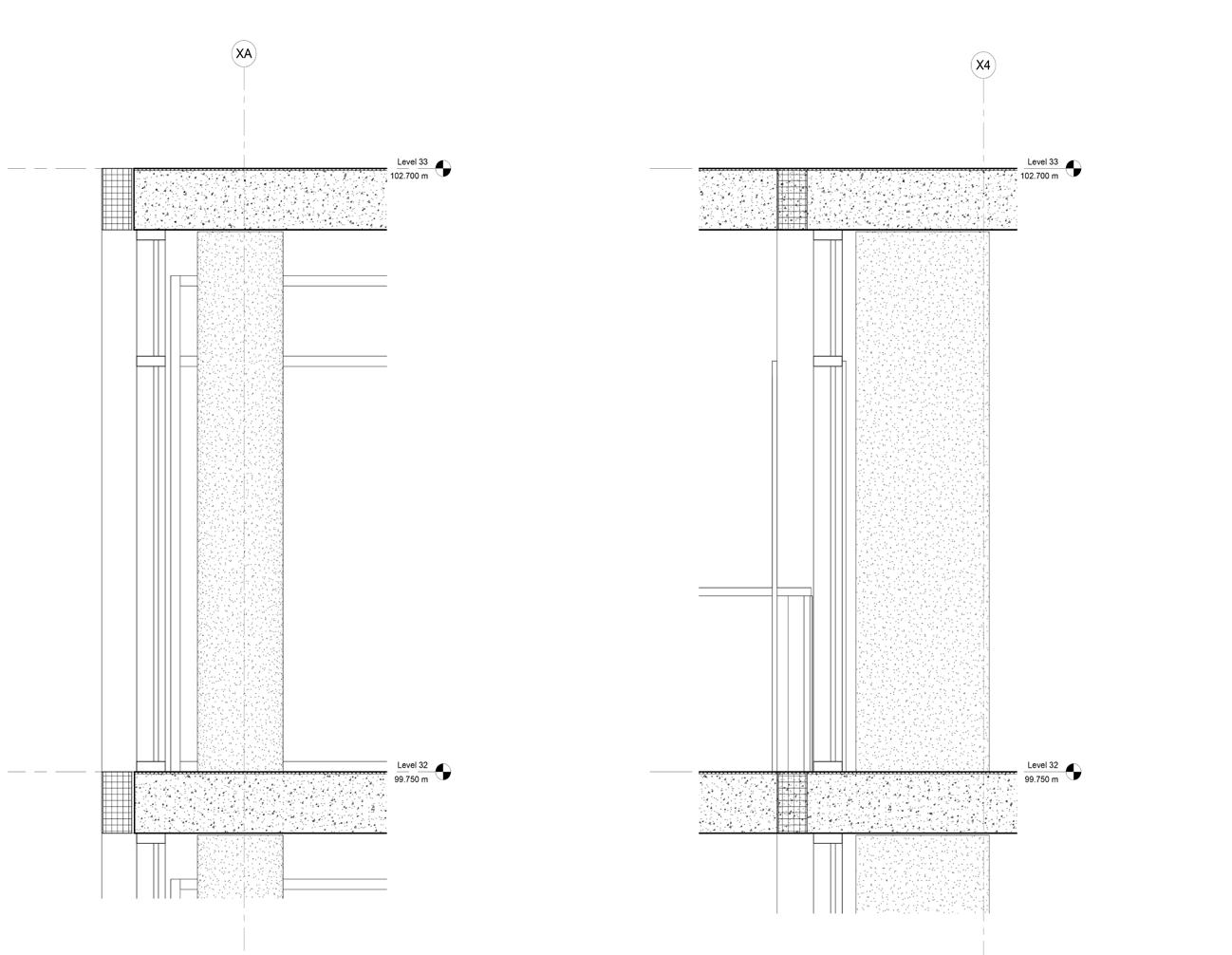
SCL: 1/10 SCL: 1/10 SCL: 1/10 SCL: 1/10
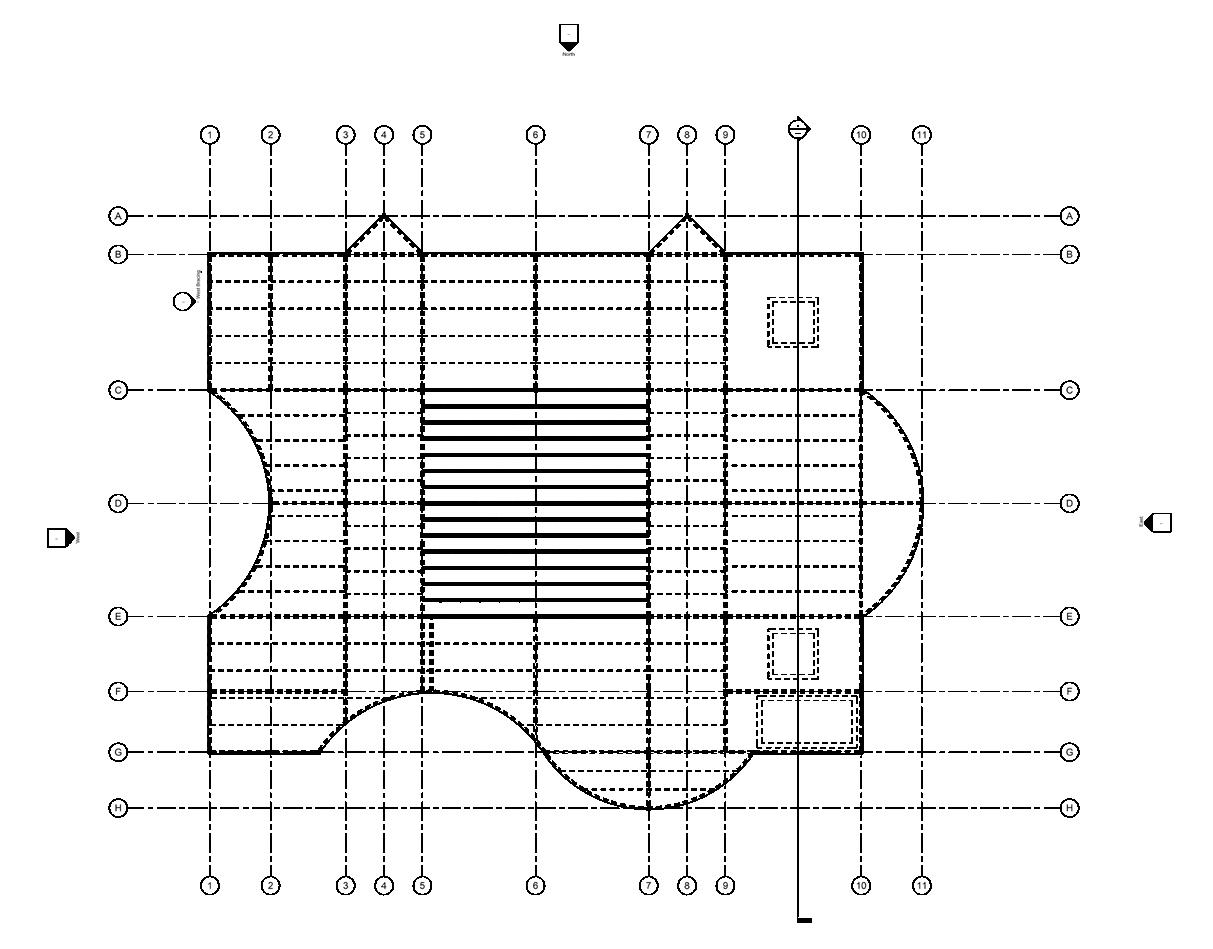
TOS-14 ROOF 1/8’’=1’-0’’
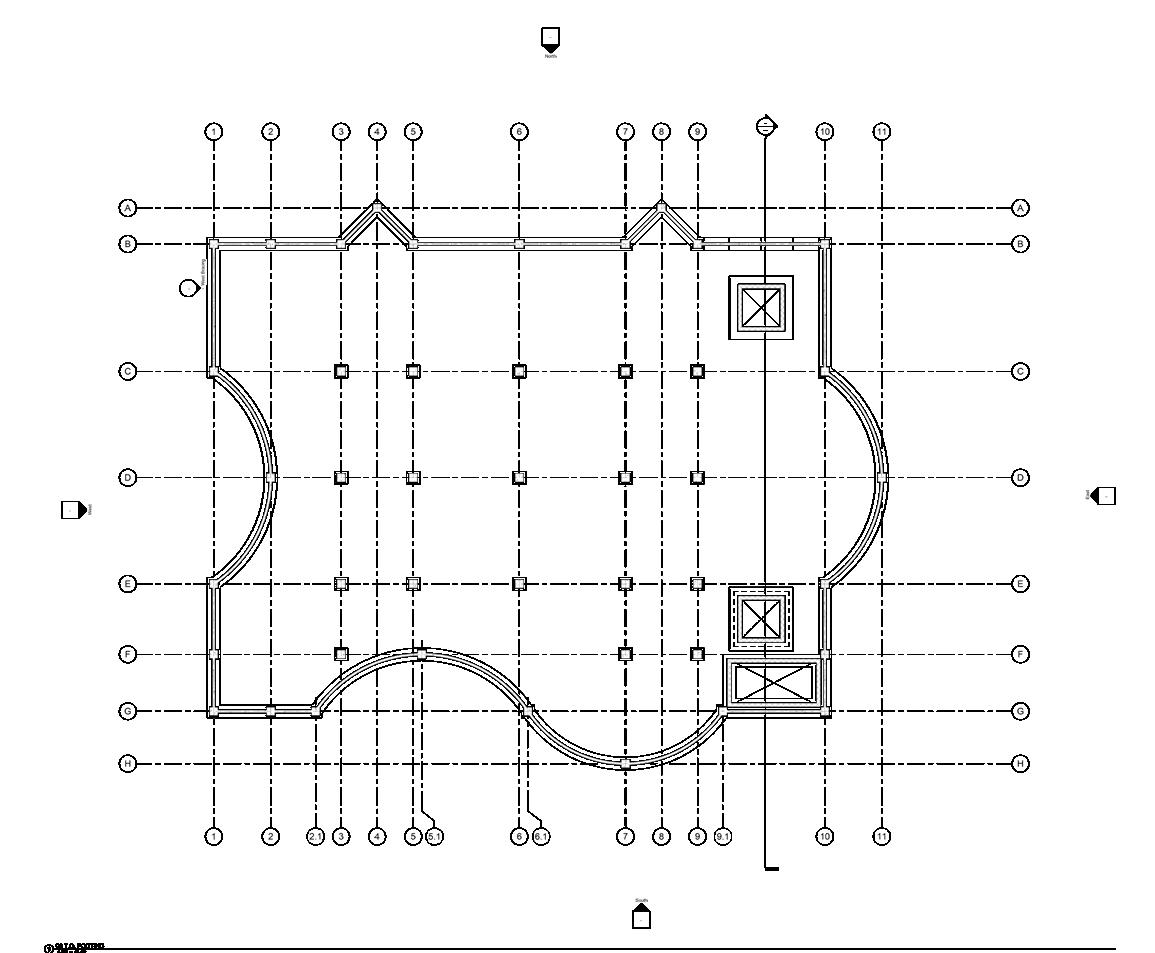
T.O. FOOTING 1/8’’=1’-0’’
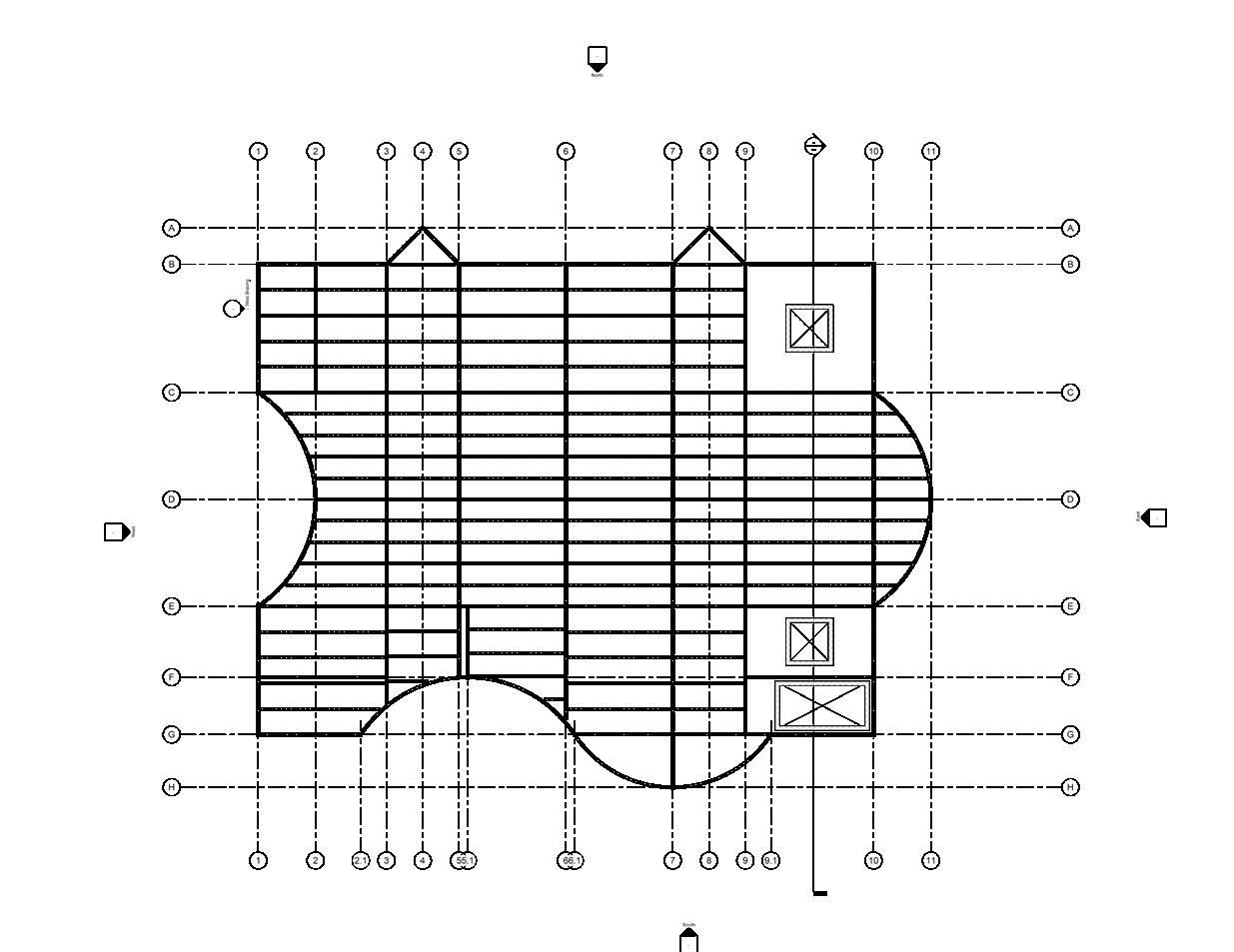
TOS-13 FLOOR 1/8’’=1’-0’’
EXPLANATION:
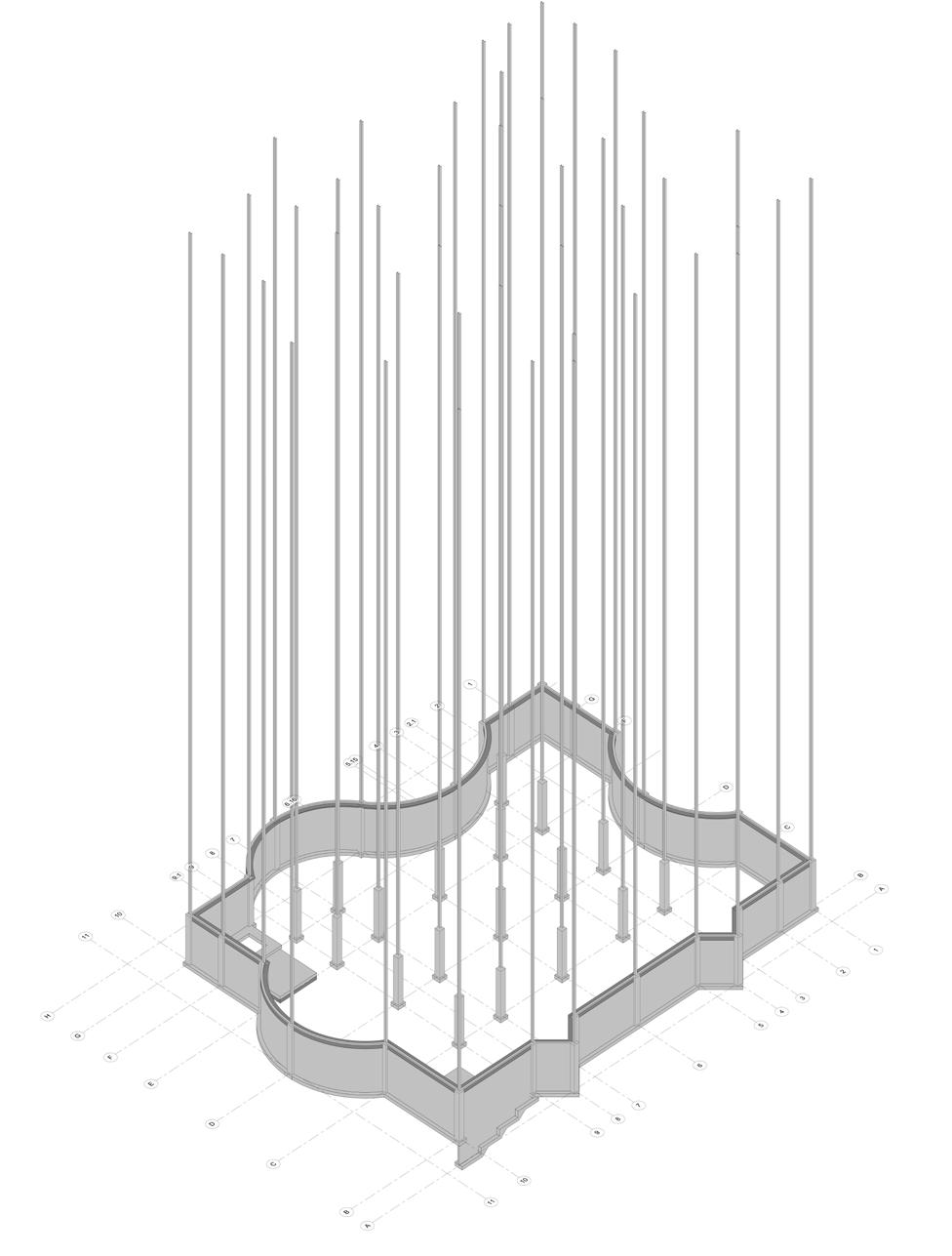
During the Revit Structure Assignment, challenges were encountered with aligning isolated footings to linked CAD files due to inconsistent dimensions. The issue was resolved by cross-checking project drawings and adjusting levels and grids, improving model accuracy.
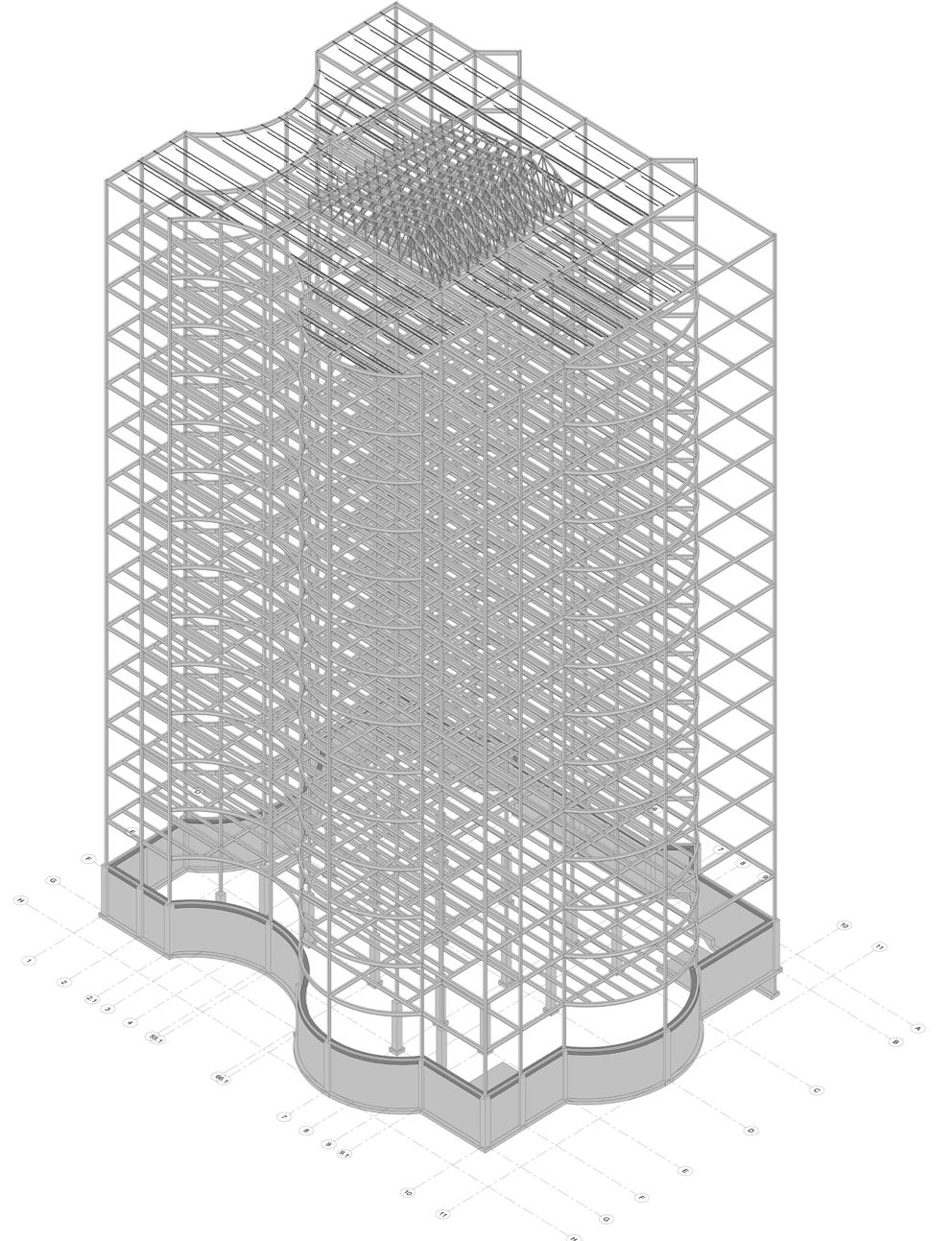
Beam systems and bracing for open spaces were designed with adjustments required to meet project requirements. Experimentation with Revit tools allowed an efficient and structurally sound system to be implemented.
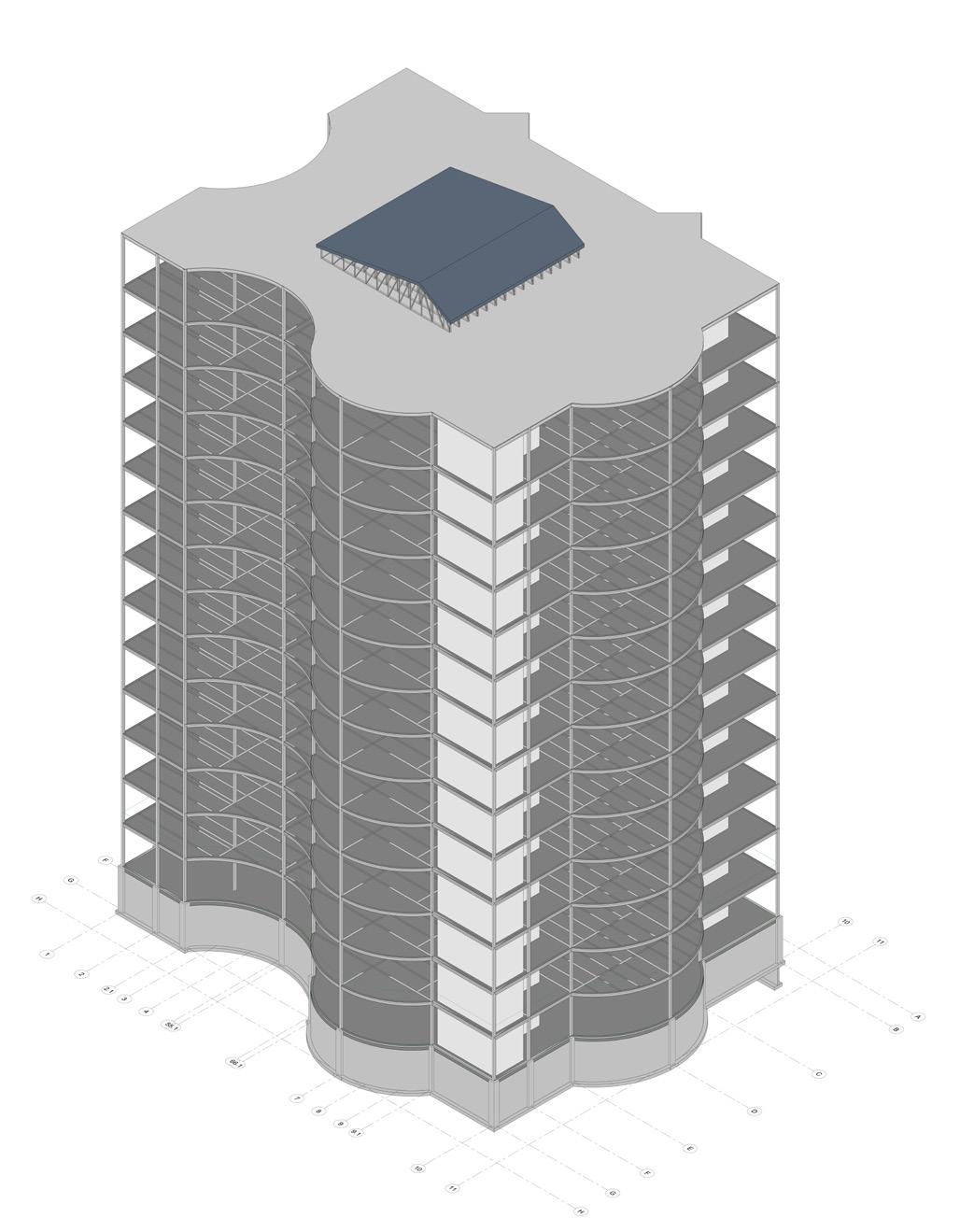
Despite these challenges, the 3D model was completed, detailed views were generated, and construction documents were prepared, showcasing strengthened problem-solving and modeling skills.
SUBJECT Revit Structure
INSTRUCTOR Magdalena Ordyniec
COURSE NAME: Revit – Structures and MEP-BIM1008
TIME: Fall 2024
SOFTWARE USED :
LEARNING OUTCOME:
Added structural columns and monitored linked models
Modeled foundation walls and footings
Designed beams, bracing, and trusses
Implemented beam systems for efficient framing
Prepared construction documents with plans and sections
Placed isolated footings under columns


USED :
Mastered pipe systems in Revit Designed plumbing and hydronic systems Connected fixtures to mechanical equipModified pipe layouts and fittings Integrated fire protection sprinkler systems Completed HVAC-related Revit exercises
SUBJECT Civil 3D
INSTRUCTOR : Shahram Sattar
COURSE NAME BIM-Civil 3D
TIME: Fall 2024
SOFTWARE USED

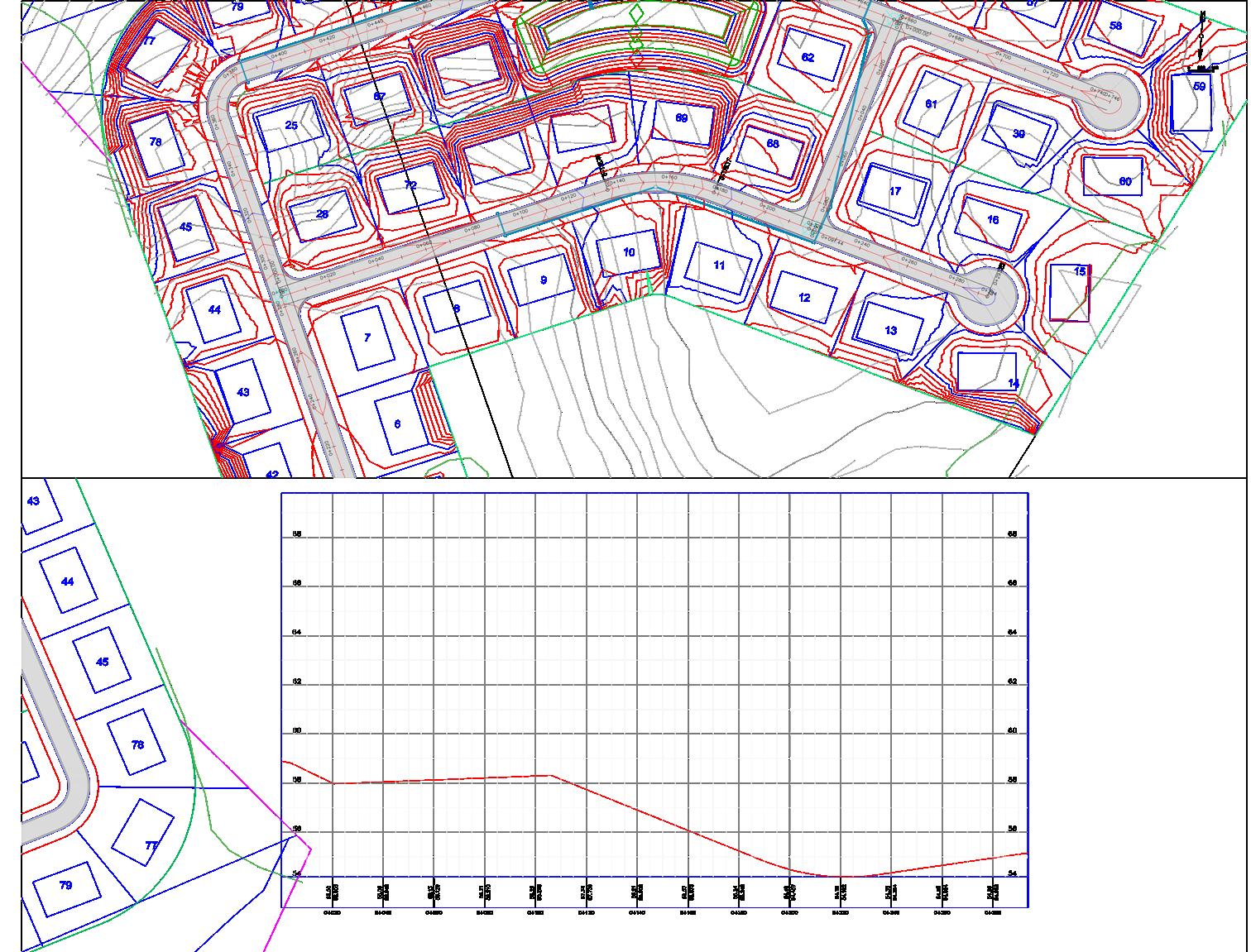
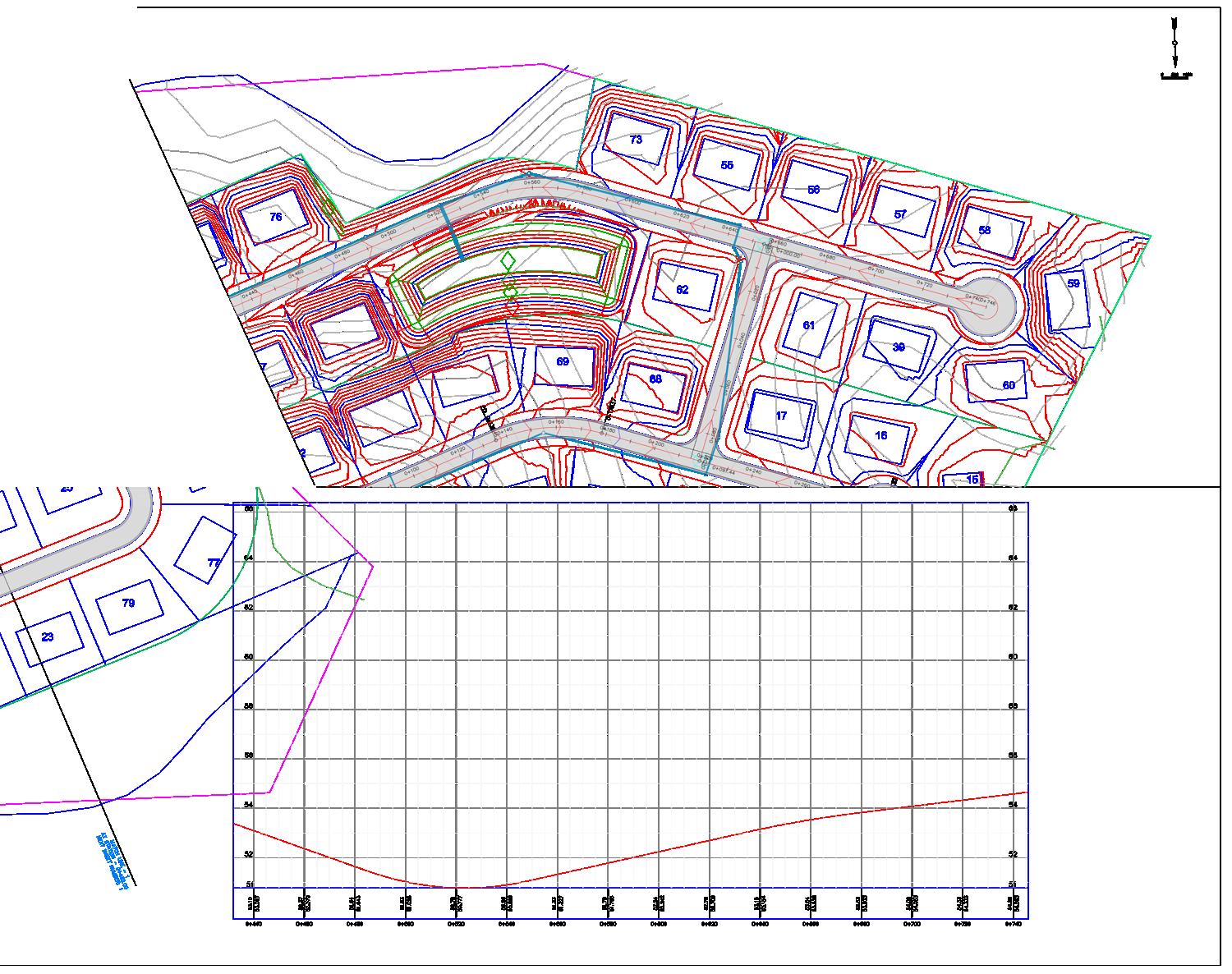
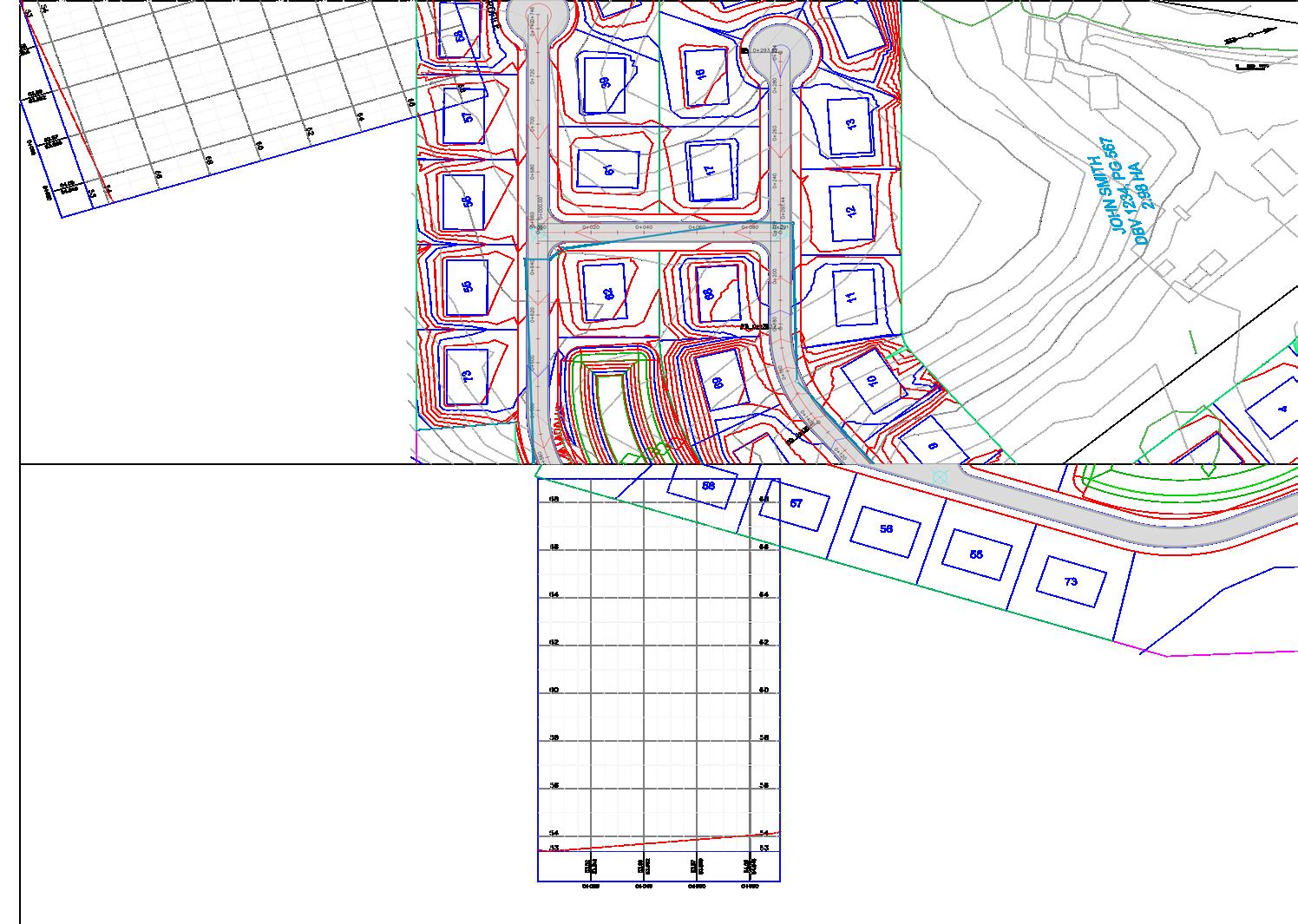
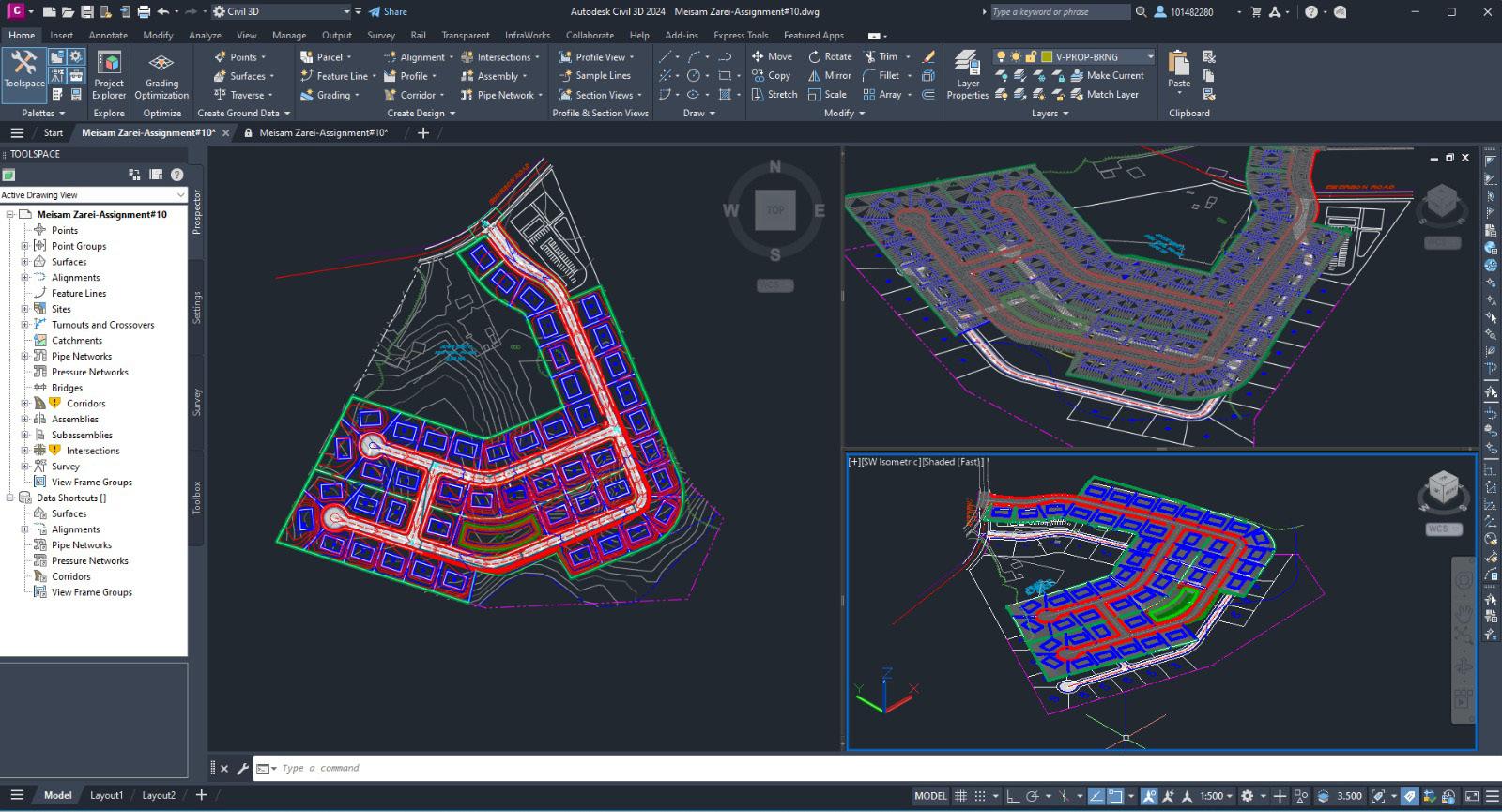
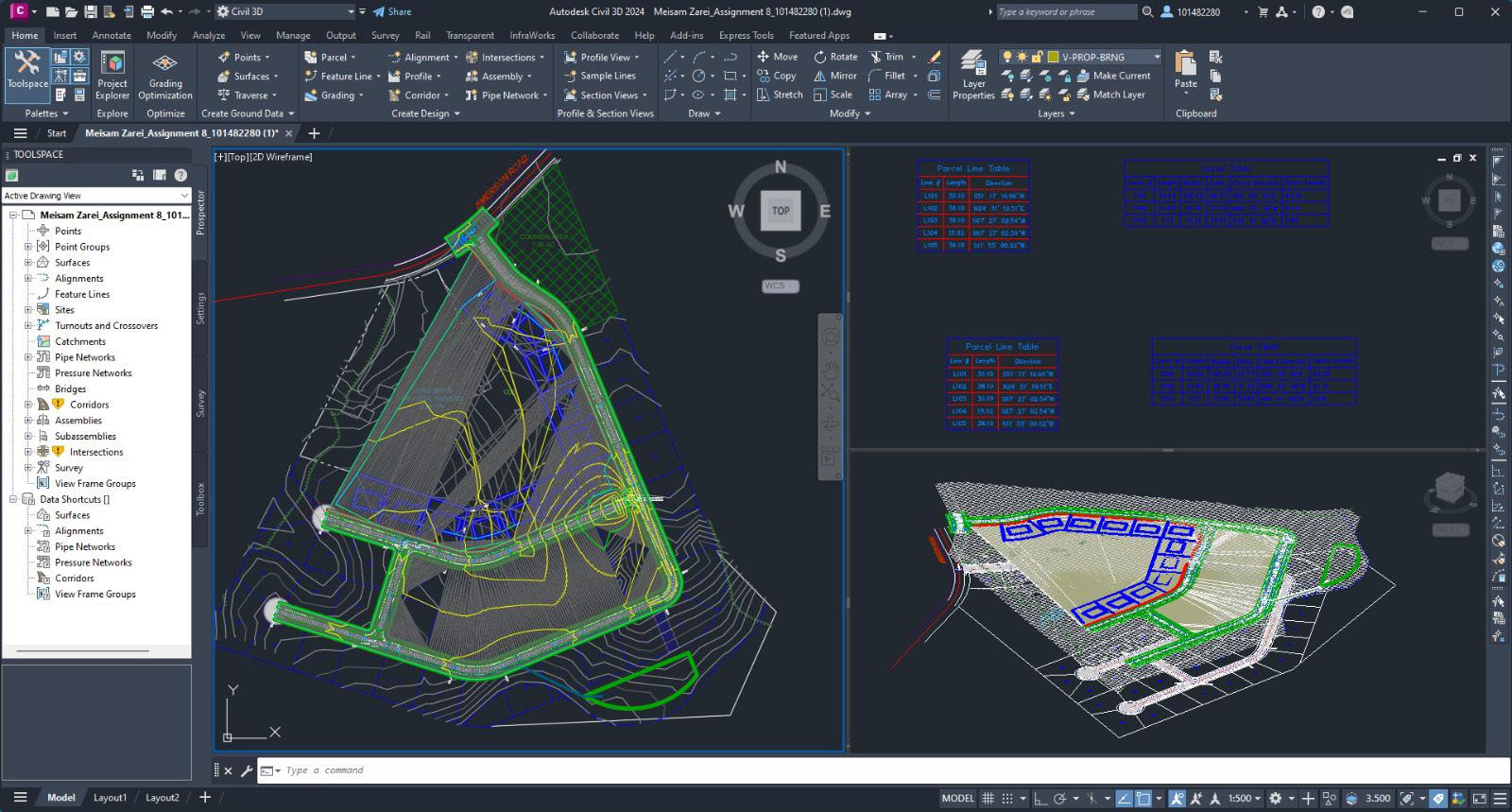
A full Civil 3D project was successfully completed, showcasing skills in corridor design, grading analysis, and utility network modeling. Alignment inconsistencies were resolved through precise adjustments and collaborative problem-solving. Conflicts in utility networks were addressed using advanced Civil 3D tools, ensuring a seamless design process. Material quantities and construction documentation were generated accurately, highlighting proficiency in Civil 3D workflows.
LEARNING OUTCOME:
Road corridors were designed and refined
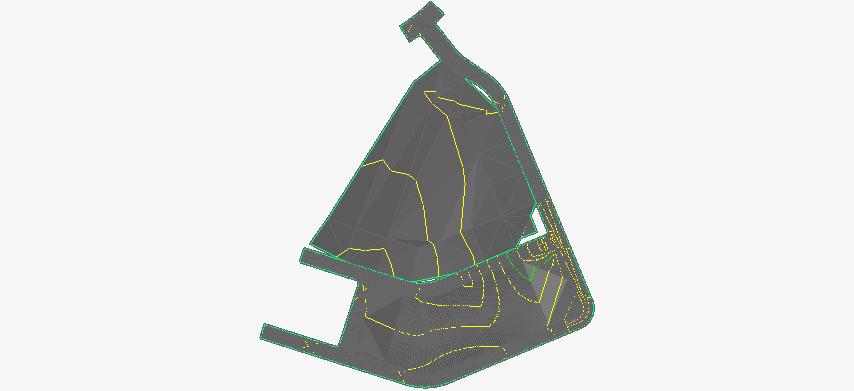
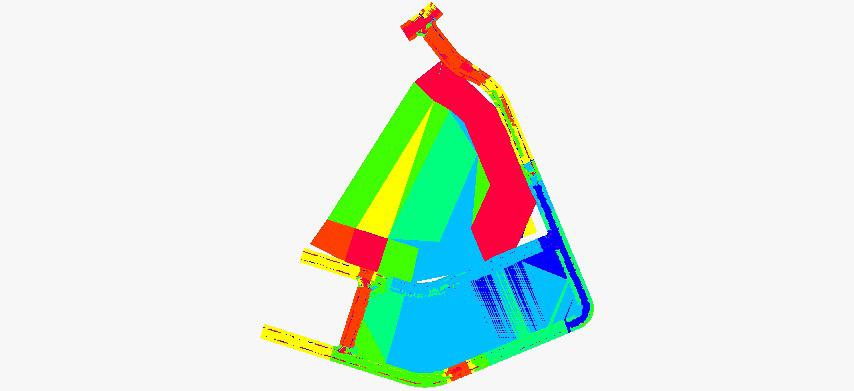
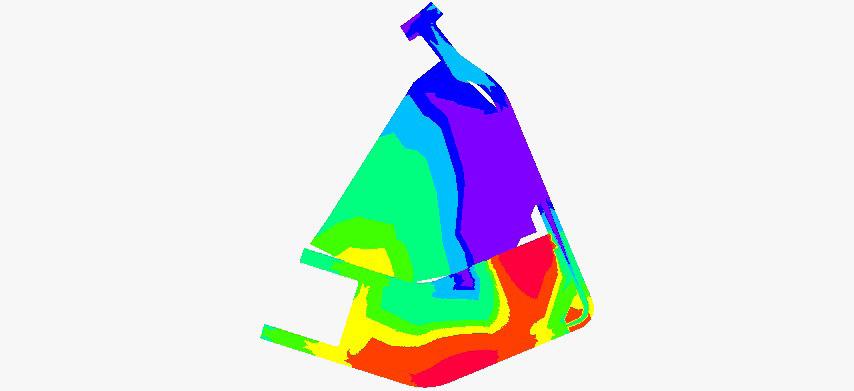
Surfaces and grading plans were analyzed
Alignments and profiles were developed
Utility networks were precisely modeled
Material quantities were accurately generated
CONTOURS & TRIANGLES
SLOPE BANDING
ELEVATION AT KEY POINT
MEISAM ZAREI
2024-2025