



Prepared at multilateral seminal of : eTwinning Bulgaria



12. 20 24
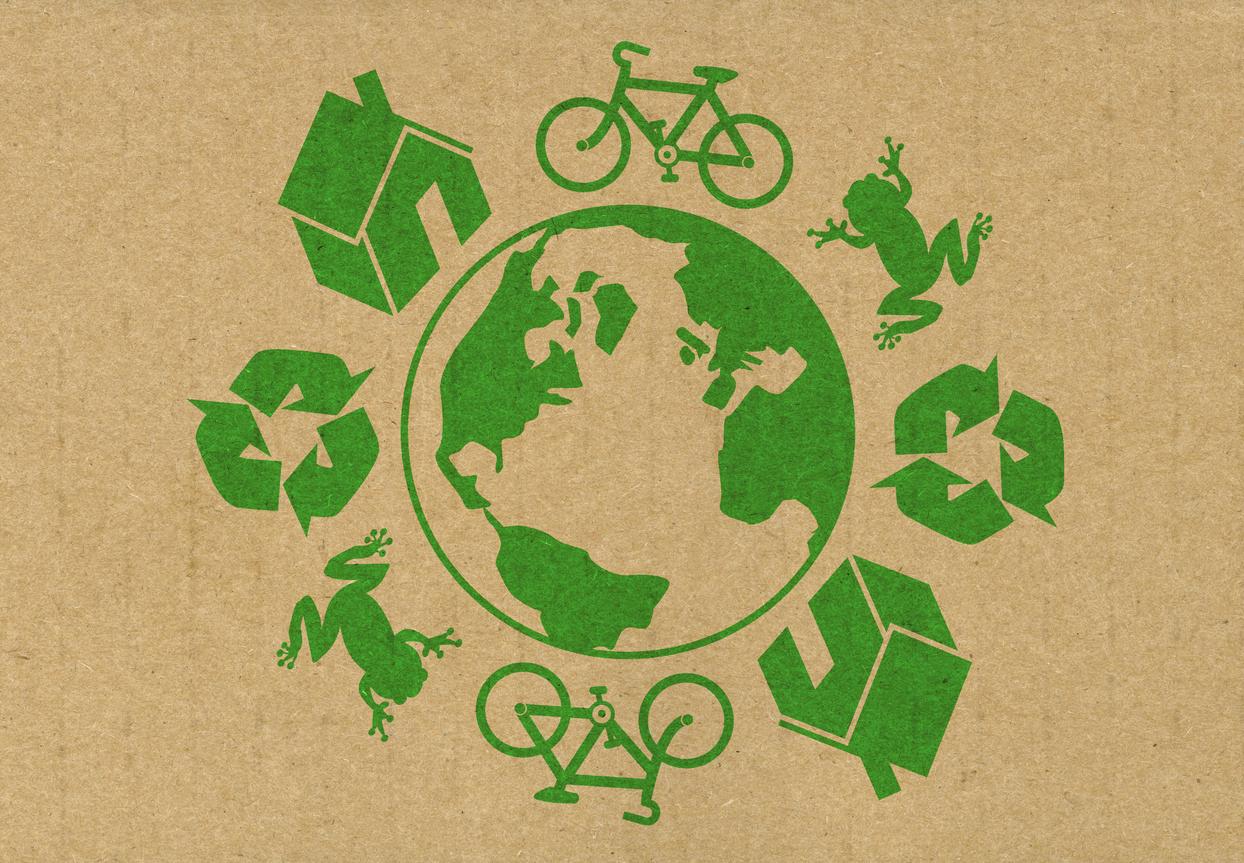
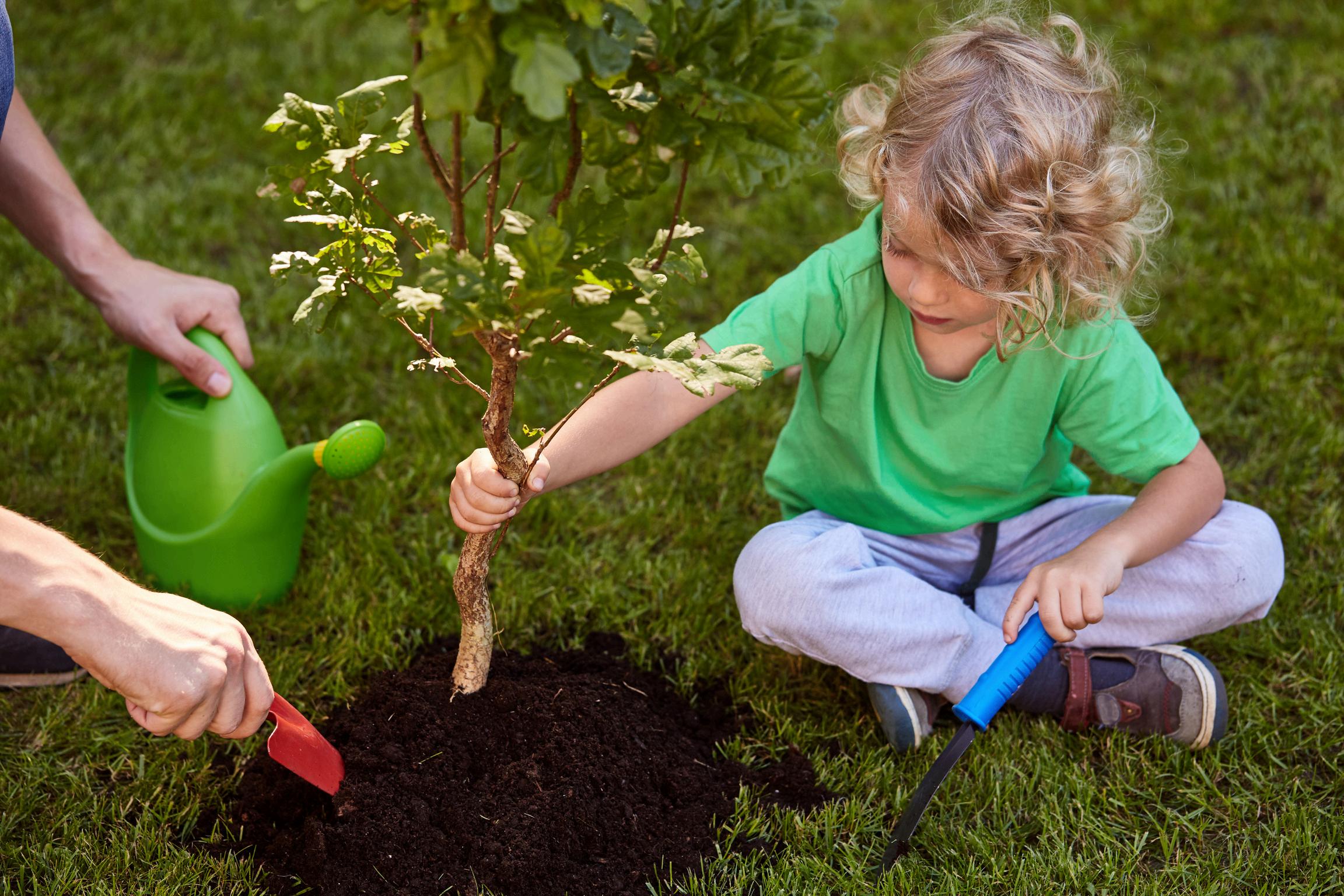
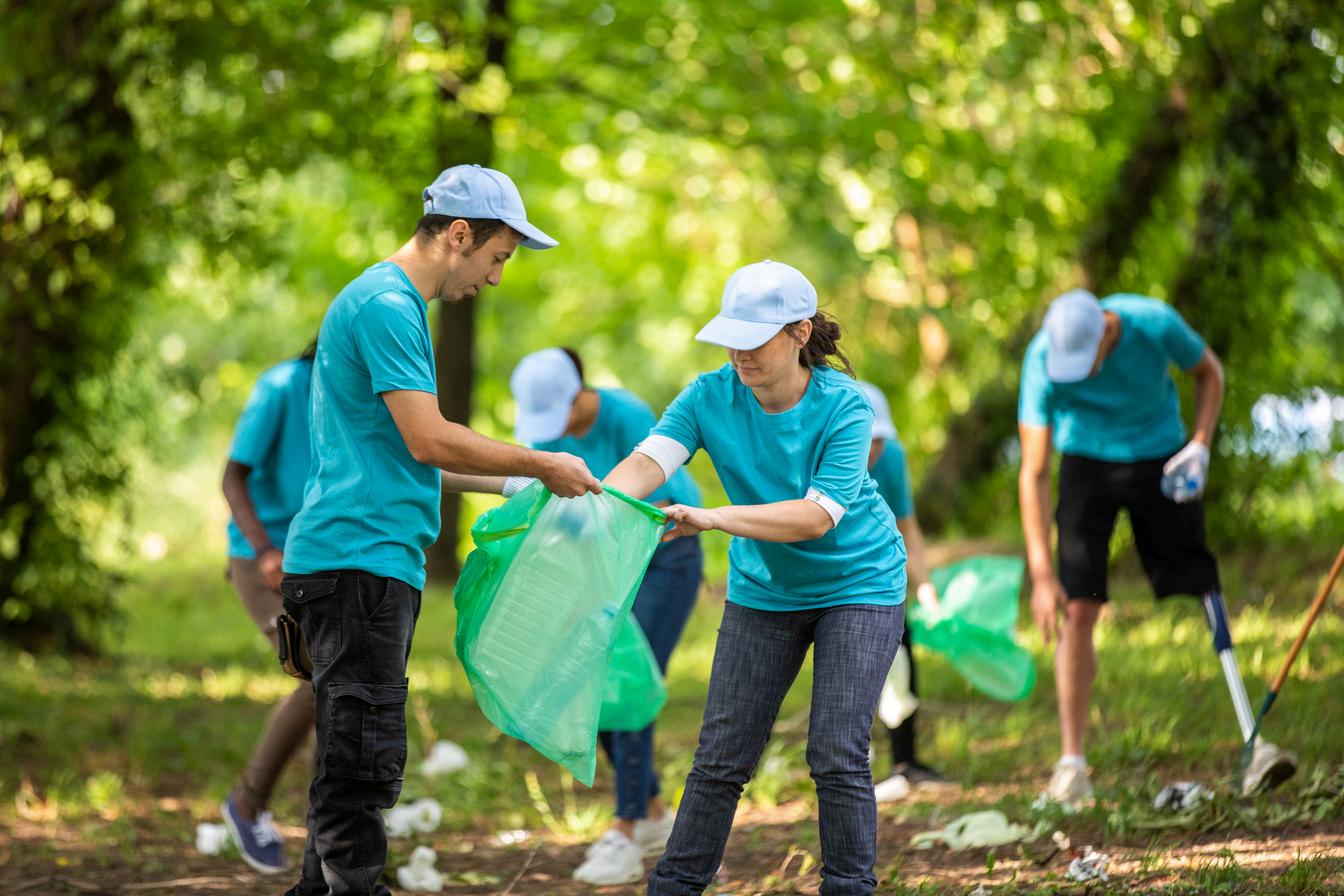
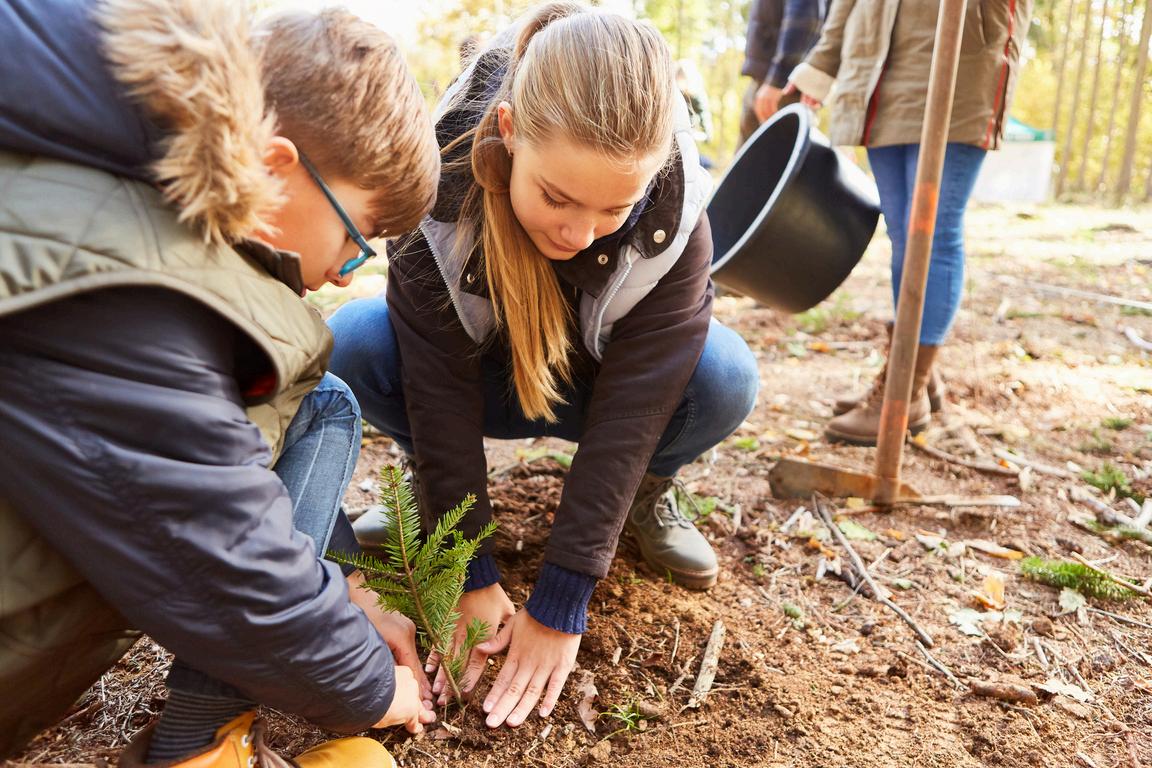
The Multilateral online seminar “Green Balkans A” aims to encourage those working in educational institutions in the field of school education to implement projects aimed at protecting the environment, at educating students as responsible consumers who care about the future of the planet, at changing attitudes and developing ecological competencies In addition, the event provides opportunities for creating partnerships for new projects and sharing experience with teachers who have already implemented environmentally oriented activities with their students.





Facilitators:
TSVETANKATODOROVA
ELENALAZAROVA
KALINALYUBENOVA
eTwinning Team Bulgaria


Add short description about yourself
short description about yourself
Job Title
short description about yourself Add short description about yourself Add short description about yourself Name 6
b Title Add short description about yourself
For titles, use letters or numbers, not symbols such as ") < >" . As for the project’s description, be clear and use keywords to help people find you.
Click and type the title here
Click here and type the description of your eTwinning project
Click here and type the languages that will be used in this project.
Select how many pupils altogether are going to participate in the project and the age range of pupils.
Number of pupils: number Ages taught from age 1 Ages taught to age 2
Click and type the subjects here
Click here and type the Key competences that define this project.
Click here and type the aims. Try to be specific, particularly in terms of competences and skills you hope your pupils will gain through this project. Refrain from stating too abstract concepts such as "European dimension of education" or "Intercultural communcation".
State how you intend to work with your partner schools and how responsibilities are shared. Give an approximate calendar of activities, state how frequently you will work with your partner; indicate how you intend to involve your pupils; if you intend to create teams of pupils of different schools, and other relevant information.
Click here and indicate if you are planning a final product such as a public TwinSpace or other resources. You might envisage instead the improvement of a school practice, or new knowledge
9. Project thumbnail
b Title
Add short description about yourself
Job Title
short description about yourself Add short description about yourself Add short description about yourself Add short description about yourself Name 6
Add short description about yourself
For titles, use letters or numbers, not symbols such as ") < >" . As for the project’s description, be clear and use keywords to help people find you.
Click and type the title here
Click here and type the description of your eTwinning project
Click here and type the languages that will be used in this project.
Select how many pupils altogether are going to participate in the project and the age range of pupils.
Number of pupils: number Ages taught from age 1 Ages taught to age 2
Click and type the subjects here
Click here and type the Key competences that define this project.
Click here and type the aims. Try to be specific, particularly in terms of competences and skills you hope your pupils will gain through this project. Refrain from stating too abstract concepts such as "European dimension of education" or "Intercultural communcation".
State how you intend to work with your partner schools and how responsibilities are shared. Give an approximate calendar of activities, state how frequently you will work with your partner; indicate how you intend to involve your pupils; if you intend to create teams of pupils of different schools, and other relevant information.
Click here and indicate if you are planning a final product such as a public TwinSpace or other resources. You might envisage instead the improvement of a school practice, or new knowledge
9. Project thumbnail
Add short description about yourself
short description about yourself
Job Title
short description about yourself Add short description about yourself Add short description about yourself Name 6
b Title Add short description about yourself
For titles, use letters or numbers, not symbols such as ") < >" . As for the project’s description, be clear and use keywords to help people find you.
Click and type the title here
Click here and type the description of your eTwinning project
Click here and type the languages that will be used in this project.
Select how many pupils altogether are going to participate in the project and the age range of pupils.
Number of pupils: number Ages taught from age 1 Ages taught to age 2
Click and type the subjects here
Click here and type the Key competences that define this project.
Click here and type the aims. Try to be specific, particularly in terms of competences and skills you hope your pupils will gain through this project. Refrain from stating too abstract concepts such as "European dimension of education" or "Intercultural communcation".
State how you intend to work with your partner schools and how responsibilities are shared. Give an approximate calendar of activities, state how frequently you will work with your partner; indicate how you intend to involve your pupils; if you intend to create teams of pupils of different schools, and other relevant information.
Click here and indicate if you are planning a final product such as a public TwinSpace or other resources. You might envisage instead the improvement of a school practice, or new knowledge
9. Project thumbnail
Add short description about yourself
yourself
short description about yourself Add short description about yourself Add short description about yourself Name 6
b Title Add short description about yourself
For titles, use letters or numbers, not symbols such as ") < >" . As for the project’s description, be clear and use keywords to help people find you.
Click and type the title here
Click here and type the description of your eTwinning project
Click here and type the languages that will be used in this project.
Select how many pupils altogether are going to participate in the project and the age range of pupils.
Number of pupils: number Ages taught from age 1 Ages taught to age 2
Click and type the subjects here
Click here and type the Key competences that define this project.
Click here and type the aims. Try to be specific, particularly in terms of competences and skills you hope your pupils will gain through this project. Refrain from stating too abstract concepts such as "European dimension of education" or "Intercultural communcation".
State how you intend to work with your partner schools and how responsibilities are shared. Give an approximate calendar of activities, state how frequently you will work with your partner; indicate how you intend to involve your pupils; if you intend to create teams of pupils of different schools, and other relevant information.
Click here and indicate if you are planning a final product such as a public TwinSpace or other resources. You might envisage instead the improvement of a school practice, or new knowledge
9. Project thumbnail
b Title
Add short description about yourself
Job Title
short description about yourself Add short description about yourself Add short description about yourself Add short description about yourself Name 6
Add short description about yourself
For titles, use letters or numbers, not symbols such as ") < >" . As for the project’s description, be clear and use keywords to help people find you.
Click and type the title here
Click here and type the description of your eTwinning project
Click here and type the languages that will be used in this project.
Select how many pupils altogether are going to participate in the project and the age range of pupils.
Number of pupils: number Ages taught from age 1 Ages taught to age 2
Click and type the subjects here
Click here and type the Key competences that define this project.
Click here and type the aims. Try to be specific, particularly in terms of competences and skills you hope your pupils will gain through this project. Refrain from stating too abstract concepts such as "European dimension of education" or "Intercultural communcation".
State how you intend to work with your partner schools and how responsibilities are shared. Give an approximate calendar of activities, state how frequently you will work with your partner; indicate how you intend to involve your pupils; if you intend to create teams of pupils of different schools, and other relevant information.
Click here and indicate if you are planning a final product such as a public TwinSpace or other resources. You might envisage instead the improvement of a school practice, or new knowledge
9. Project thumbnail
Add short description about yourself
yourself
short description about yourself Add short description about yourself Add short description about yourself Name 6 b Title Add short description about yourself
For titles, use letters or numbers, not symbols such as ") < >" . As for the project’s description, be clear and use keywords to help people find you.
Click and type the title here
Click here and type the description of your eTwinning project
Click here and type the languages that will be used in this project.
Select how many pupils altogether are going to participate in the project and the age range of pupils.
Number of pupils: number Ages taught from age 1 Ages taught to age 2
Click and type the subjects here
Click here and type the Key competences that define this project.
Click here and type the aims. Try to be specific, particularly in terms of competences and skills you hope your pupils will gain through this project. Refrain from stating too abstract concepts such as "European dimension of education" or "Intercultural communcation".
State how you intend to work with your partner schools and how responsibilities are shared. Give an approximate calendar of activities, state how frequently you will work with your partner; indicate how you intend to involve your pupils; if you intend to create teams of pupils of different schools, and other relevant information.
Click here and indicate if you are planning a final product such as a public TwinSpace or other resources. You might envisage instead the improvement of a school practice, or new knowledge
9. Project thumbnail
Add short description about yourself
yourself
short description about yourself Add short description about yourself Add short description about yourself Name 6
b Title Add short description about yourself
For titles, use letters or numbers, not symbols such as ") < >" . As for the project’s description, be clear and use keywords to help people find you.
Click and type the title here
Click here and type the description of your eTwinning project
Click here and type the languages that will be used in this project.
Select how many pupils altogether are going to participate in the project and the age range of pupils.
Number of pupils: number Ages taught from age 1 Ages taught to age 2
Click and type the subjects here
Click here and type the Key competences that define this project.
Click here and type the aims. Try to be specific, particularly in terms of competences and skills you hope your pupils will gain through this project. Refrain from stating too abstract concepts such as "European dimension of education" or "Intercultural communcation".
State how you intend to work with your partner schools and how responsibilities are shared. Give an approximate calendar of activities, state how frequently you will work with your partner; indicate how you intend to involve your pupils; if you intend to create teams of pupils of different schools, and other relevant information.
Click here and indicate if you are planning a final product such as a public TwinSpace or other resources. You might envisage instead the improvement of a school practice, or new knowledge
9. Project thumbnail
Add short description about yourself
yourself Add short description about yourself Add short description about yourself Name 6 b Title Add short description about yourself
For titles, use letters or numbers, not symbols such as ") < >" . As for the project’s description, be clear and use keywords to help people find you.
Click and type the title here
Click here and type the description of your eTwinning project
Click here and type the languages that will be used in this project.
Select how many pupils altogether are going to participate in the project and the age range of pupils.
Number of pupils: number Ages taught from age 1 Ages taught to age 2
Click and type the subjects here
Click here and type the Key competences that define this project.
Click here and type the aims. Try to be specific, particularly in terms of competences and skills you hope your pupils will gain through this project. Refrain from stating too abstract concepts such as "European dimension of education" or "Intercultural communcation".
State how you intend to work with your partner schools and how responsibilities are shared. Give an approximate calendar of activities, state how frequently you will work with your partner; indicate how you intend to involve your pupils; if you intend to create teams of pupils of different schools, and other relevant information.
Click here and indicate if you are planning a final product such as a public TwinSpace or other resources. You might envisage instead the improvement of a school practice, or new knowledge
9. Project thumbnail