LEADING WITH CULTURE
By Cindy Davis and Macy O’Hearn
The ability to collaborate efficiently and productively relies on more than just hardware and software; it starts with a company culture that fosters flexible workplace models.
We reached out to 45 AV/ IT industry thought leaders and asked them to share insight into the elements and culture of creating productive collaboration environments near and far.
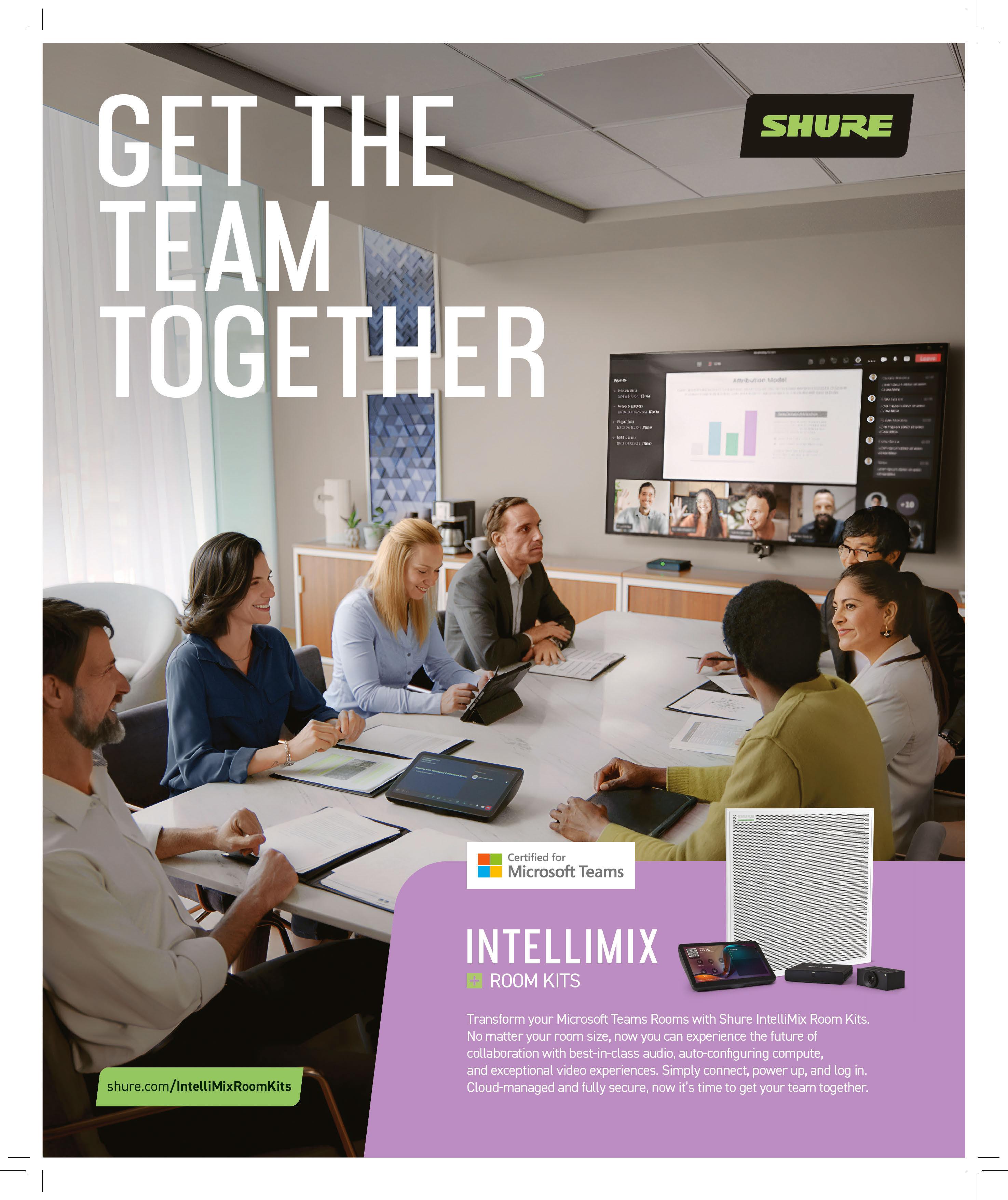
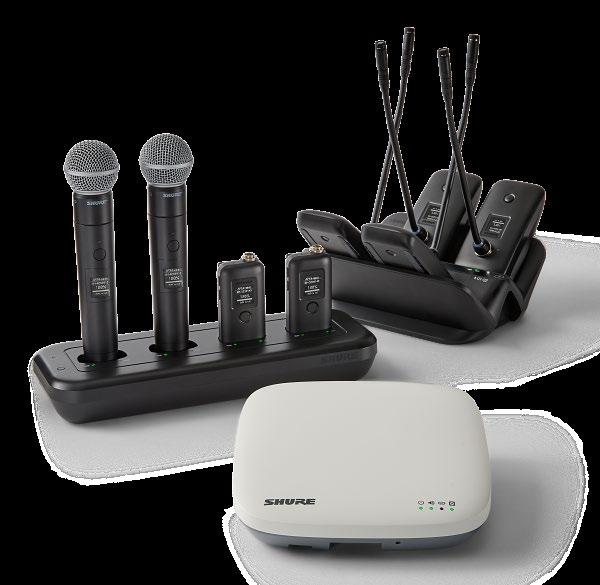
TYLER TROUTMAN Strategic Market Development Shure
In modern workplace and education environments, collaboration extends beyond physical boundaries. Teams are not defined by a single office, campus, or time zone. Instead, we are experiencing hybrid, global collaboration daily. To keep people connected and engaged, organizations and educational institutions must prioritize spaces that foster meeting equity, ensuring every participant can contribute whether they are in person or remote.
Meeting equity begins with clarity. This includes clear communication, clear visibility, and clear participation. Too often, poor audio leaves remote participants struggling to keep up, which directly impacts engagement and productivity. High-quality audio and intuitive conferencing tools are essential so that everyone in the room can hear and be heard without distraction.
Creating productive collaboration environments also means designing spaces that adapt to evolving working styles. Some teams thrive in open huddle areas, while others need structured, presentation-style rooms. The most effective collaboration culture acknowledges that no two meetings are alike, and provides reliable, scalable technology that works across spaces.
Ease of use is also critical, especially when it comes to those responsible for set up. Technology should empower people to focus on the conversation at hand. For IT leaders, this means access to solutions that are simple to deploy and manage, while delivering a consistent experience for those in the meeting. For end users, it means technology that fades into the background, so communication feels effortless.
When every voice in a room is heard, everyone in the room feels connected, and teams unlock stronger engagement and decision-making abilities. By integrating intuitive, high-quality audio solutions into adaptable spaces, organizations and higher education institutions can cultivate cultures of collaboration that thrive regardless of where people are joining a meeting from.
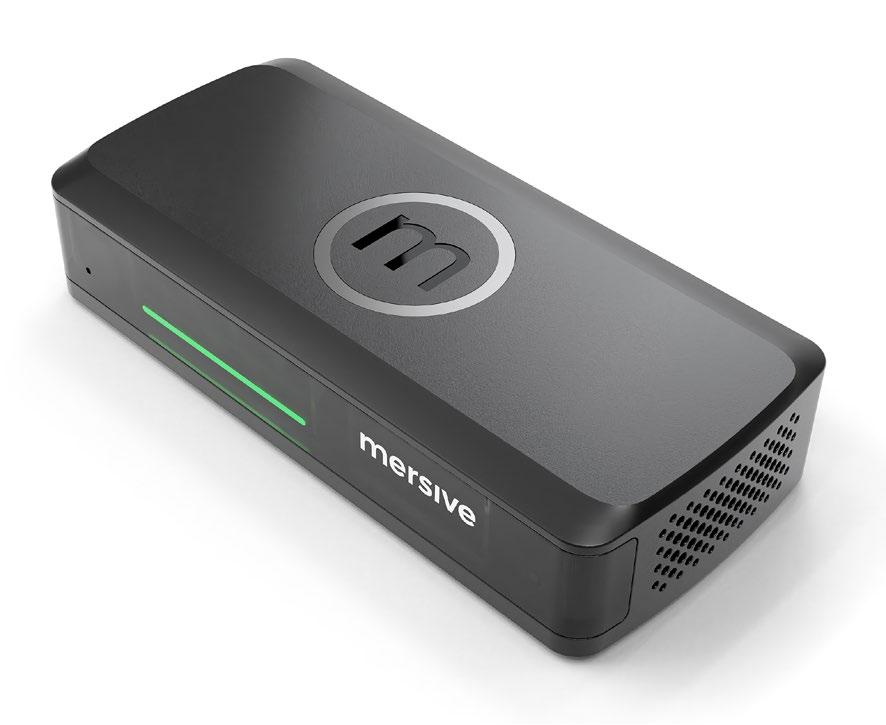
SKYLER BOWDEN Senior Marketing Manager Mersive
The traditional meeting setup feels outdated. The default one-presenterat-the-front approach, where someone clicks through slides while the room half-listens, is familiar, but doesn’t invite participation. And let’s be honest—meetings often start with a scramble to get the AV working before anything productive happens.
This structure is familiar because it reflects how many of us were taught: lecture-style, passive, and linear. But effective collaboration demands more than just taking turns at the front of the room; it asks for space, both physical and psychological, for contribution.
Room layout plays a bigger role than we give it credit for. Can content be shared from anywhere? Can everyone see the display—not just those at the head of the table? Do the tools invite participation, or require a technical specialist to operate?
Some organizations build rooms with fully equipped workstations with individual displays and audio setups for every contributor. In the right context, this is a powerful way to invite interaction. But for many IT and AV teams, that level of design and support isn’t realistic. Overengineered spaces become more burden than benefit when the goal is simply to work better together.
That’s why the best rooms often offer the simplest design—a blank creative slate. There is no dominant display, no obvious “front”— just intuitive, flexible tools that allow people to share content, brainstorm, and collaborate however they work best. These spaces don’t dictate how meetings should run; they invite people to create their own way of working.
That’s especially critical now. Asking employees to return to the office is no longer a default; it’s a request. If the workplace is going to compete with the flexibility of remote work, it has to offer more than just a desk and a whiteboard; it has to offer value.
F. JOSEPH POMPEI Founder and Chief Executive Officer Holosonics
Collaboration has become the defining skill of modern organizations. Whether people are huddled up in an open office, gathering in a conference room, or connecting virtually across time zones, success rests first with the participants—their insight, attentiveness, and capacity to work together. Optimizing this depends greatly on the environments and technologies that enable them, and building a culture that embraces real communication.
We often focus on access and connectivity, making sure everyone can log in, join, and participate. Yet, the quality of the environment itself—how it looks, feels, and, critically, how it sounds—determines whether collaboration truly works. Even with the best tools, it is difficult to share ideas when overlapping conversations compete for attention, voices blur, and important details are lost in background noise.
Productive collaboration requires clarity— of purpose, of communication of ideas, and of sound. The way we design for listening determines how well people understand one another and stay engaged. When sound is clear and distractions are minimized, attention improves, creativity rises, and every participant has a chance to contribute meaningfully.
This is not just a technical consideration, but a cultural one. When an organization invests in environments where every participant can hear and be heard, it sends a powerful signal: that every voice matters. It is saying that collaboration is not simply about proximity or platform, but about presence, equity, and shared understanding.
As workplaces continue to evolve, one principle remains constant: Productivity starts with connection, and connection starts with clarity. The future of collaboration will belong to environments designed not only for access, but for understanding. When people can truly hear one another, everything else falls into place.
EMMA EAGLE Manager of Marketing Atlona
I’ve learned that creating productive collaboration environments, whether in person or spread across distances, starts with a foundation of trust, clarity, and respect. Teams work best when they know their voices are valued and when everyone has a clear understanding of goals and expectations. That sense of alignment allows people to focus less on logistics and more on contributing their best ideas.
Another key element is intentional communication. In today’s hybrid and global environments, it’s not enough to rely on casual touchpoints; structure matters. Setting regular check-ins, using the right tools, and encouraging both formal updates and informal conversations helps keep connections strong. At the same time, flexibility is important; recognizing different work styles, time zones, and cultural perspectives makes collaboration more inclusive and resilient.
Finally, I believe the most successful collaboration comes from creating a culture of shared ownership. When individuals feel empowered to take initiative and understand how their work impacts the bigger picture, collaboration becomes less about assigning tasks and more about building something meaningful together. Near or far, it’s about creating an environment where people feel supported, accountable, and motivated to contribute—not just because it’s their role, but because they truly care about the outcome.
“I believe the most successful collaboration comes from creating a culture of shared ownership.”
— Emma Eagle Manager of Marketing Atlona
“A singlepane approach streamlines workflows and reduces wasted time toggling between apps.”
— George Borden Senior Reseller Account Manager, Central Region
Sharp Imaging and Information Company of America
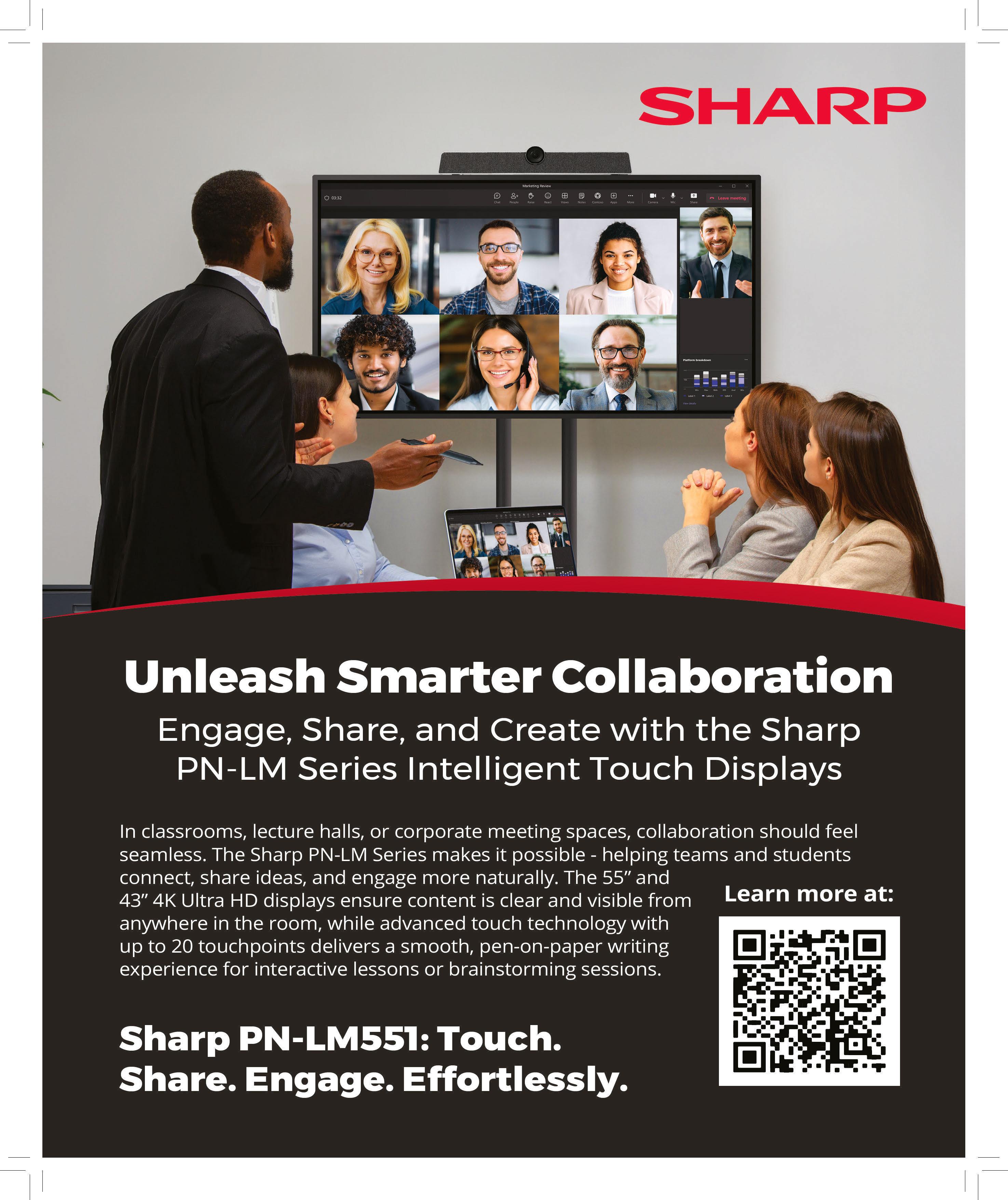
GEORGE BORDEN Senior Reseller Account Manager, Central Region
Sharp Imaging and Information Company of America
Creating a culture of effective collaboration means ensuring that every participant—whether seated in the office or joining remotely—has an equal voice, clear visibility, and seamless access to shared resources. The foundation of this culture begins with software. Unified chat platforms replace isolated email exchanges with searchable, topic-driven conversations, creating an archive of organizational knowledge. When integrated with video conferencing, teams can shift from chat to face-to-face discussions instantly with high-definition video, AI-generated transcriptions, and virtual breakout rooms supporting deeper engagement.
Beyond communication, centralized file management ensures that projects move forward without version confusion. Cloud-based solutions like OneDrive or Google Drive enable real-time co-authoring of documents, spreadsheets, and presentations, while app integration brings business tools such as Salesforce directly into the collaboration platform. This single-pane approach streamlines workflows and reduces wasted time toggling between apps.
The physical workplace also continues to evolve for successful hybrid collaboration. Modern meeting rooms are designed for inclusivity, with intelligent audio and video systems that employ speaker tracking, noise suppression, and group framing to give remote participants the same presence as those in the room. Layouts such as Microsoft Teams and Front Row further bridge the gap, placing remote attendees at eye level and integrating chat, reactions, and shared content in one cohesive view.
Finally, interactive digital canvases, such as Sharp’s AQUOS BOARD, extend collaboration into the creative realm. These large-format displays allow dispersed teams to brainstorm, annotate, and ideate together as though standing side by side. Pairing this with one-touch meeting join solutions like Sharp’s Synappx eliminates technical barriers and ensures meetings start smoothly.
These advances result in a collaborative ecosystem that is inclusive, frictionless, and designed for how teams truly work—near and far.
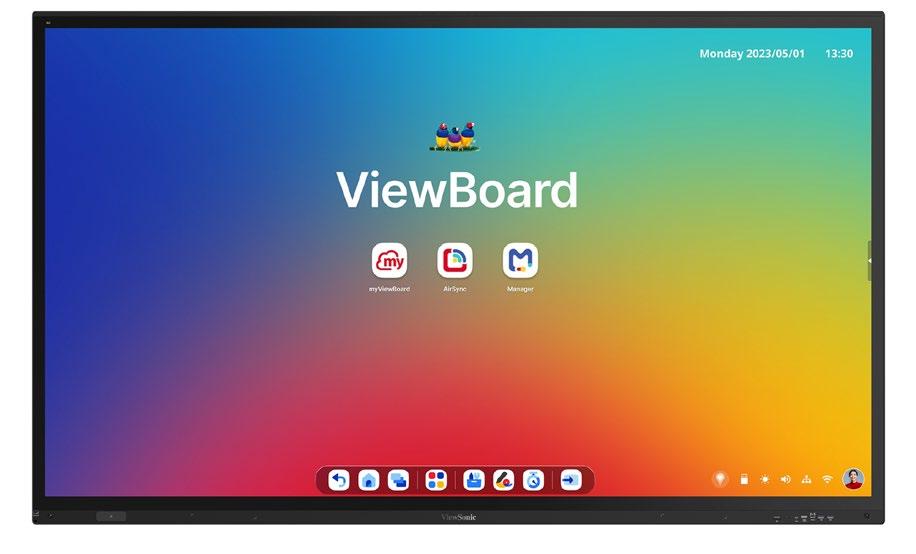
JOHN KRUSE Senior Field Solutions Architect ViewSonic
The most effective collaboration environments today are not defined by a single technology or meeting room; they are built at the intersection of space, tools, and culture. As organizations reimagine how people connect and create, successful collaboration strategies must focus on removing friction and enhancing human interaction, regardless of location.
Intentional design is the starting point. Physical environments should support a variety of work modes—from brainstorming sessions to hybrid meetings—and incorporate fundamentals like optimized acoustics, visibility, and comfort. Equally important is flexibility: Modular furniture, adaptable displays, and scalable AV systems allow spaces to evolve as teams, technologies, and workflows change.
Frictionless technology is another essential element. Solutions should integrate seamlessly across platforms, enabling intuitive, onetouch connectivity and interoperability with conferencing, control, and content systems. When technology disappears into the background, creativity and collaboration come to the forefront.
Beyond hardware, culture is the true driver of productive collaboration. Spaces and systems must support meeting equity, making remote participants feel as present and valued as those in the room. Features like AIpowered framing, spatial audio, transcription, and translation can level the playing field and ensure every voice is heard.
Looking ahead, collaboration environments will become increasingly intelligent and persistent. Cloud platforms, data analytics, and AI will not only support meetings but actively shape them—anticipating needs, connecting content, and extending collaboration beyond physical boundaries.
Ultimately, the future of collaboration isn’t about creating rooms; it’s about designing ecosystems that inspire creativity, foster connection, and empower teams to work together—anytime, anywhere.
OLIVER VAN CAMP
Product Director
Meeting Experience Barco
In the rush to adopt the latest collaboration technologies, organizations often chase flashy features while overlooking the fundamentals that ensure long-term success. The most effective meeting room solutions prioritize three core elements: ease of use, trust, and smart technology.
Even the most advanced technology fails if employees struggle to use it. Collaboration tools must be intuitive, flexible, and consistent across meeting rooms and devices. When participants can connect, share content, and engage seamlessly, meetings start faster, adoption increases, and teams focus on collaboration—not on troubleshooting technology.
Collaboration technology frequently handles sensitive content, making trust a critical factor. Robust security, configurable access levels, and regular updates protect data and ensure compliance. In hybrid workplaces, teams depend on consistent performance across rooms and devices. Systems that fail or require troubleshooting disrupt meetings, erode confidence, and reduce productivity. Investing in reliable technology ensures meetings run smoothly, builds trust among users, and supports higher adoption rates.
And last, but not least, the role of intelligence in the meeting room cannot be denied. AI can enhance collaboration when applied thoughtfully. Features like automated transcription, intelligent facilitation, and real-time insights can add value when they complement existing workflows rather than creating complexity.
Technology should empower teams to work smarter, freeing them to focus on discussion, creativity, and decision-making rather than constantly adapting to new systems.
Successful technology adoption requires a clear strategy. Evaluate solutions based on usability, security, reliability, and scalability first—then consider advanced features. By focusing on the fundamentals, organizations can ensure that collaboration tools truly enhance productivity and engagement, both now and in the future.
TERRENCE BOYD
Senior
Strategy and Business Development Manager, Alliance and Technology Partnerships
Sony Electronics
In today’s dynamic environments, collaboration is no longer confined to meeting rooms; it happens across campuses, hospitals, production floors, and retail spaces. The most productive environments connect people, content, and ideas with ease, no matter where they are.
At Sony, we believe collaboration thrives when technology works together—not in isolation. And we’re not alone; our customers and partners maintain that same philosophy. Sony’s Alliance and Technology Partner ecosystem plays a vital role in shaping environments where people create, communicate, and collaborate. Through alignment with leading partners across digital signage, AV control, unified communications and collaboration (UCC), remote management systems (RMS), and hardware and mounting solutions, we deliver seamless, end-to-end experiences that make teamwork effortless and inclusive, and remove barriers and guesswork for our customers.
Having an open ecosystem, like Sony does, gives customers the freedom to choose the technologies that best fit their needs, whether the goal is a hybrid meeting space, a digital signage network that informs and inspires, or a control system that simplifies complex workflows. Together with our partners, we integrate these solutions that enhance Sony’s core offerings and bring added value to every project because customers expect robust, turnkey options.
This collaborative approach ensures that every solution meets current requirements while remaining ready for the innovations ahead. By combining Sony’s strengths with the expertise of our partners, we create spaces that adapt to people rather than asking people to adapt to technology.
In a world that continues to change rapidly, success depends on partnership. Through collective innovation, Sony and its partners are delivering human-driven collaboration experiences that help people work smarter, connect more deeply, and achieve more together.
TODD KELLISON Director of Sales and Marketing AV Extenders
Building productive connections that last isn’t just about connecting devices; it’s about connecting people seamlessly, without friction or delay. Creating environments where ideas flow freely requires more than powerful tools; it requires thoughtful infrastructure designed to carry those ideas securely and clearly across any distance.
At AV Extenders, we believe every productive conversation depends on signal integrity and low latency. Fiber, IP, and AVoIP technologies make it possible to extend human presence—ensuring that a voice in one room can be heard clearly in another, or that a shared presentation can inspire action from across the world.
But technology is only one part of the equation. Collaboration thrives in cultures that value inclusion, clarity, and consistency. The best systems don’t just move data; they remove barriers. They give every participant—near or far—an equal seat at the table.
From boardrooms to classrooms, the future of collaboration will depend on seamless, scalable AV infrastructure that supports connection without complexity.
JOHN HENKEL Product Marketing Director
NETGEAR Enterprise
The convergence of broadcast, unified communications, and AV infrastructure is accelerating rapidly. Creating productive collaboration environments starts with building unified IP ecosystems that don’t distinguish between near and far work; instead, they treat all collaboration as equal, regardless of location. This requires moving beyond traditional box shifting to solution-led consultancy that embeds AV into broader digital transformation strategies.
The most effective collaboration cultures prioritize user experience over technology showcasing. Organizations succeeding in hybrid environments focus on broadcastquality experiences as the new standard for enterprise communications—not just for special occasions. This means investing in scalable solutions that make remote participants feel as present as in-room colleagues, eliminating the second-class-citizen experience that plagues many hybrid setups.
From huddle spaces to large conference rooms, consistent, reliable technology across all collaboration points builds confidence and adoption. When teams trust that their tools will work seamlessly, whether they’re together or distributed, cultural resistance to hybrid work diminishes. This consistency requires robust networked solutions with centralized management, ensuring every space delivers professional-grade experiences.
The shift toward AI-driven AV, advanced lighting and sound, and immersive experiences is fundamentally about creating systems smart enough to adapt to how people naturally collaborate—not about adding layers of complexity. Organizations embracing this approach create environments where technology becomes invisible, allowing teams to focus on ideas rather than troubleshooting connectivity.
The bottom line: Productive collaboration cultures emerge when infrastructure supports authentic interaction regardless of physical location, when user experience trumps technical specifications, and when organizations commit to unified ecosystems rather than patchwork solutions.
CHARLIE JONES
Global Partner Relations Manager
Sennheiser
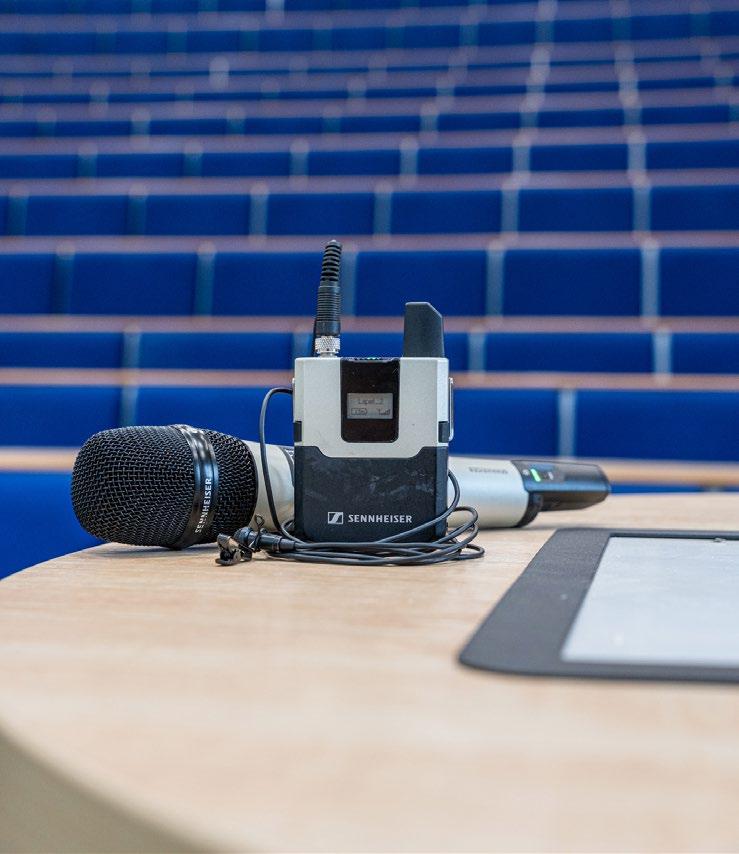
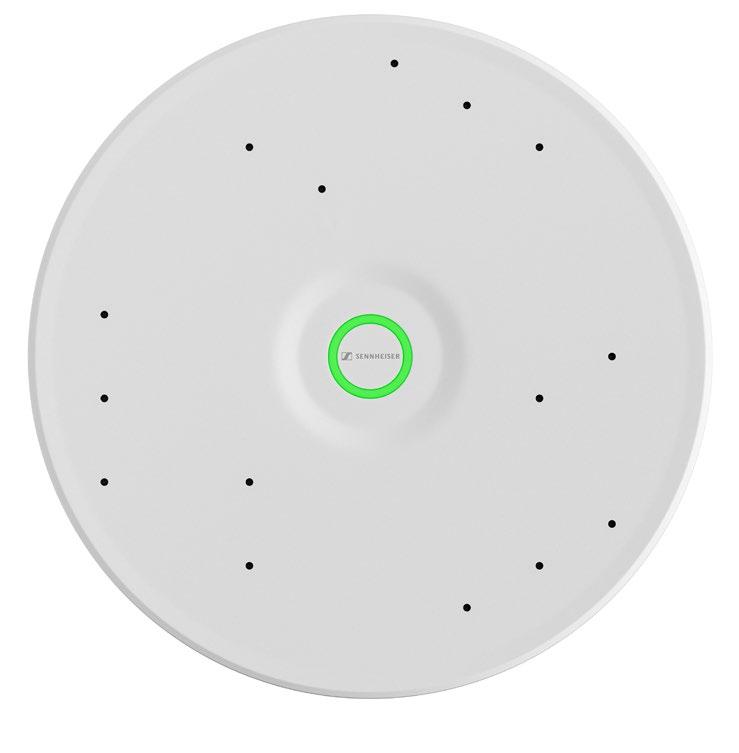
Building effective collaboration spaces relies on conferencing technology that reduces complexity to deliver a seamless user experience. Intelligent automation is driving this evolution, transforming meeting rooms into intuitive environments that enhance communication without distracting participants. The goal is a smart conference space where microphones, cameras, and control systems work together automatically to keep the focus on productivity.
To reduce complexity, IT and AV professionals can take advantage of the advancements in interoperability of audio, video, and conferencing platforms, as well as insights drawn from years of audio expertise and knowledge of meeting dynamics. For example, beamforming microphones have redefined sound quality by isolating voices from background noise, which is coupled with robust networks delivering low latency. The result makes it easier for both in-room and remote participants to follow conversations without disruption.
Building these rooms goes beyond simply deploying technology, and relies on robust central management. Software and cloud platforms that tackle room planning and device management can allow for faster, more scalable deployments to meet today’s substantial workplace demands. These virtual room design tools that also monitor and manage the interoperability between AV protocols ensure consistent, high-quality user experiences across entire organizations with effective planning and reduced manual setup.
As AI and automation continue to advance, meeting environments will only become more intuitive and adaptive. While fully autonomous conference rooms are beyond the horizon for the moment, the innovations available today are already paving the way toward a future where technology supports collaboration seamlessly, freeing teams to concentrate fully on their work.
TRENT SLYTER
National Sales Director Absen
At Absen, we see productive collaboration as a very personal practice that should be amplified by technology, not replaced by it. The most successful environments, whether everyone is in the same room or spread across time zones, are intentionally designed to prioritize conversation, trust, and participation, with AV/ IT solutions providing the backbone that makes this possible.
Collaboration begins with space and accessibility. Proper AV/IT design ensures these factors translate into equal participation. Ultra-wide or dual displays prevent remote participants from being reduced to thumbnails, giving them the same presence as those in the room. Properly deployed overhead microphones capture every voice clearly. Intelligent cameras highlight speakers to preserve natural eye contact and body language. Even small details, like placing
“When technology is configured to provide a personal connection, it results in meetings that are more inclusive and more engaging”
— Trent Slyter, National Sales Director Absen
displays at eye level, signal that all attendees share equal footing. Pairing these technologies with intentional practices such as rotating facilitators or assigning chat monitors ensures that no one is overlooked. In this way, AV/ IT systems act as translators of presence, helping every participant be seen, heard, and understood.
Culture must also be made tangible. Rather than broad calls to encourage feedback,
organizations should adopt concrete processes. Short end-of-meeting surveys, recordings for review, and adjusted practices make feedback real and actionable. When technology is configured to provide a personal connection, it results in meetings that are more inclusive and more engaging. Collaboration becomes not only more productive, but also more resilient and dependable across distances.
HAL TRUAX Vice President PCD
We’re seeing a trend in collaboration where it’s no longer confined to a single room; it extends across campuses, cities, and time zones. We’ve taken the approach that true collaboration begins not with technology, but with people. The right tools simply remove the barriers that separate them.
Designing a productive collaboration environment starts with understanding how teams communicate, whether they’re gathered around a conference table or joining from across the globe. Smart meeting spaces today blend crystal-clear audio, dynamic video content, and control systems to make every participant feel equally present. It’s about creating environments that foster inclusivity, clarity, and confidence—no matter where “here” happens to be.
At the heart of these environments is thoughtful design. Each space must be purpose-built: lighting that enhances visibility, acoustics that support speech clarity, and seamless integration of devices that just work. Technology should empower communication— not complicate it.
But collaboration doesn’t end at installation. Ongoing support and training ensure that every user—new or experienced—can make the most of their technology. Having a Continuing Support Program, like ours, keeps systems tuned for performance and adapted to evolving teams and tools.
Bottom line: When collaboration works, distance disappears.
DANA COREY Senior Vice President and Global General Manager Avocor
In today’s hybrid world, collaboration isn’t confined by geography; it’s defined by experience, and everyone’s experience is highly individual now. The most productive environments, whether teams are together in the same room or connecting globally, are those that remove friction between people, technology, and purpose.
At Avocor, we see that true collaboration starts with equity: Every participant, whether in the room or across the globe, must have an equal voice. That means delivering consistent, intuitive experiences so that technology disappears and the focus stays on conversation. Interactive displays and seamless integration with platforms like Microsoft Teams, Zoom, and Google Meet are no longer luxuries; they’re the drivers that keep teams engaged and aligned and allow people to work in the way that they want to.
Culture is the second essential part. Technology can only empower collaboration when it reflects how people actually work. Flexible meeting spaces that support impromptu brainstorming, cross-functional workshops, or remote participation help teams adapt dynamically. The best organizations pair powerful tools with a culture that values openness, inclusivity, and shared ownership of ideas.
Finally, data-driven insights are shaping the next generation of collaboration. By understanding how spaces and tools are used, organizations can refine experiences, optimize investments, and design environments that truly support productivity and well-being.
At Avocor, we believe the future of collaboration isn’t about hardware alone; it’s about creating ecosystems that foster human connection and creativity. Whether near or far—when people feel seen, heard, and included, great work flows naturally.
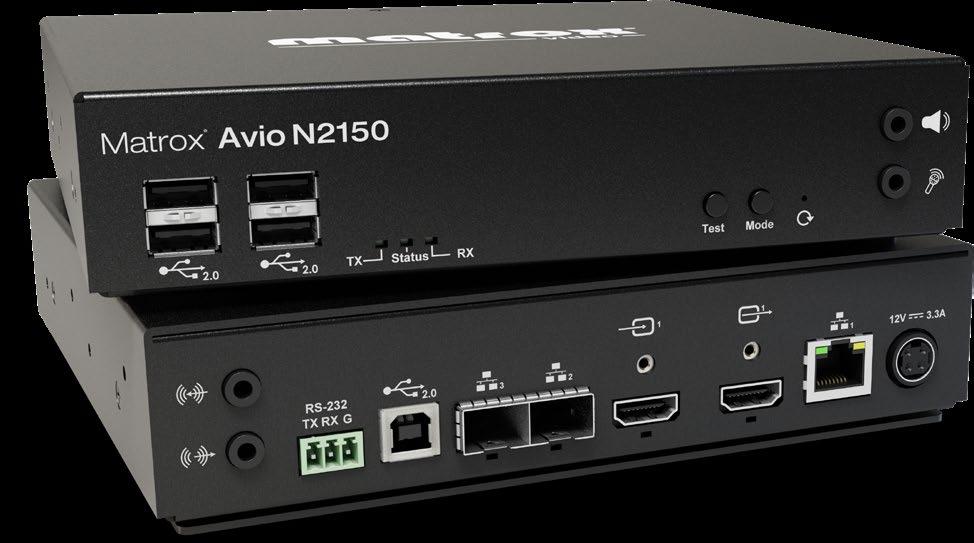
CATHERINE KOUTSARIS Product Marketing Manager Matrox Video
At the heart of productive collaboration, whether across the hall or across the globe, is access. Teams work best when they can securely and seamlessly access the systems, content, and workflows they need without barriers. This is where IP KVM technology plays a central role.
In the same office, IP KVM extenders allow multiple users to share critical resources, from high-performance workstations to specialized applications, without being tied to a single desk or device. Teams can collaborate more fluidly, moving between spaces while still working on the same tools, with minimal latency and uncompromised image fidelity. This flexibility fosters an environment where people can contribute wherever they are most effective.
Across remote sites, the same IP KVM infrastructure extends those capabilities over standard IP networks, ensuring colleagues in different locations can work on the same systems in real time. By eliminating geographic constraints, IP KVMs make collaboration equitable. Every participant, whether near or far, has the same responsive, high-quality access.
When paired with emerging standards like IPMX, IP KVM solutions further enhance interoperability, allowing AV and IT systems to converge seamlessly. This positions organizations to build collaboration environments that are not only productive, but also scalable, secure, and future ready.
Ultimately, IP KVMs remove distance, both physical and organizational, enabling teams in different locations to collaborate as if they are side by side—wherever they are.
MELISSA ADAMSON Senior Director of Global Marketing Jupiter Systems
Hybrid work is no longer a temporary fix; it is the foundation of the modern workplace. As teams balance time between home and office, the real challenge has shifted from where people work to how they work together. Productive collaboration today requires more than tools; it requires a culture that values simplicity, inclusivity, and connection.
Friction is the enemy of collaboration. When employees spend valuable time navigating complex setups, incompatible devices, or unreliable technology, engagement drops and creativity stalls. The most successful organizations are those that design frictionless experiences where joining a meeting, sharing content, or brainstorming with colleagues feels natural and effortless. Standardization and intuitive design are essential for ensuring that every employee, regardless of location, has the same high-quality collaborative experience.
“To make coming into the office meaningful, the environment must elevate what employees can accomplish remotely. ”
— Melissa Adamson Senior Director of Global Marketing Jupiter Systems
Equally important is reimagining the inoffice experience. To make coming into the office meaningful, the environment must elevate what employees can accomplish remotely. Intuitive spaces equipped for effortless teamwork transform offices from static workplaces into energizing destinations where connection, innovation, and creativity thrive.
Finally, sustaining this environment takes
more than technology; it takes intent. Investing in solutions that simplify deployment, reduce maintenance, and ensure compatibility sends a clear message that the organization values its people’s time, focus, and well-being. When collaboration becomes seamless, culture follows. The organizations that thrive in the hybrid era will be those that remove barriers, encourage connection, and empower people to do their best work anywhere.
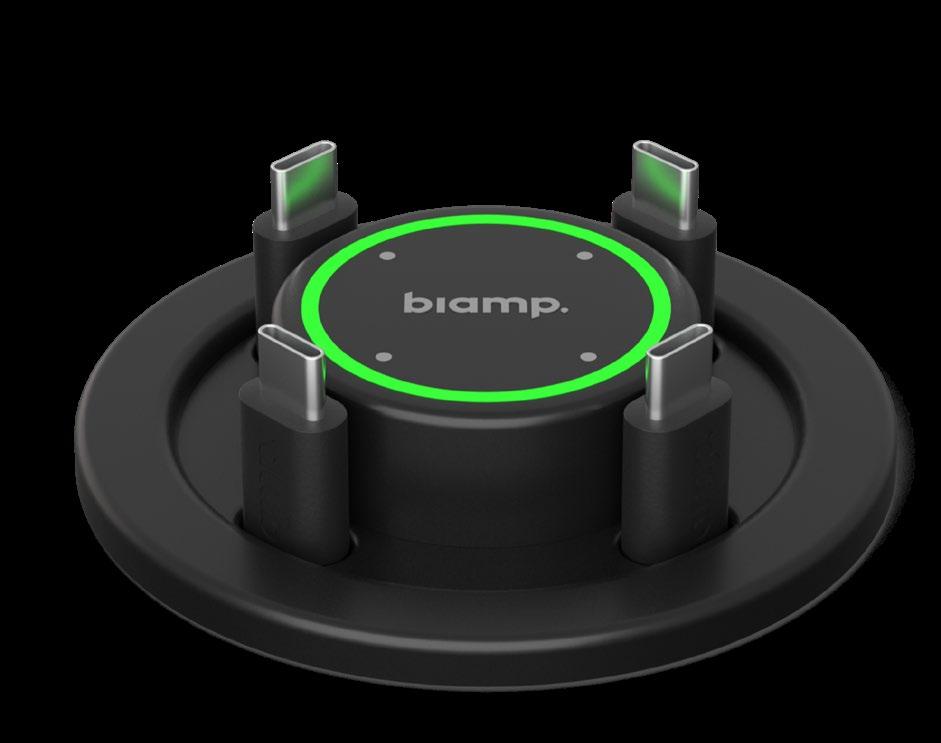
DANIEL REED Senior Product Manager Biamp
For aggregating behavioral information such as room usage, telemetry from AV devices, and even performance information, AI is proving excellent at enabling AV integrators and their IT staff customers to quickly recognize and extract patterns that will lead to conclusions about where and how the organization is deploying AV assets. Further, leveraging AI-driven insights can improve meeting spaces so hybrid teams can benefit from seamless collaboration.
For example, those AI-enabled activities may include determining what equipment works best for a given type of room and emulating that elsewhere. This way, an organization does not have to custom program a room every time; rather, they can reuse the same room design, equipment, and settings from anywhere, regardless of their location, thus creating a quality collaboration experience that is faster to program, configure, and deploy.
This is an attractive scenario, particularly for large multinational organizations that want a consistent audiovisual performance no matter where in the world the system is deployed. AI can help document, and even implement, incredibly detailed performance data for each integrator across regions, ensuring the high-quality, reliable communication essential to collaboration.
Further down the value chain, for tech support, AI can also provide greater insights into the operational environment once installed. This includes the ability to quickly identify and address problems, as well as potentially predict issues before they arise. This enables either in-house or contracted AV tech support professionals to provide better, faster service. And for more mundane, day-to-day issues, AI can handle them automatically or, at the very least, predict an issue for tech support to proactively address before the end user even becomes aware of it, ensuring uptime in the meeting space.
Ultimately, the more that integrators and technology managers can leverage AI to streamline implementation through operations, the more end users will benefit from high-performance meeting spaces and the collaboration that occurs there.
JOEL MULPETER Senior Director, Product Marketing Crestron
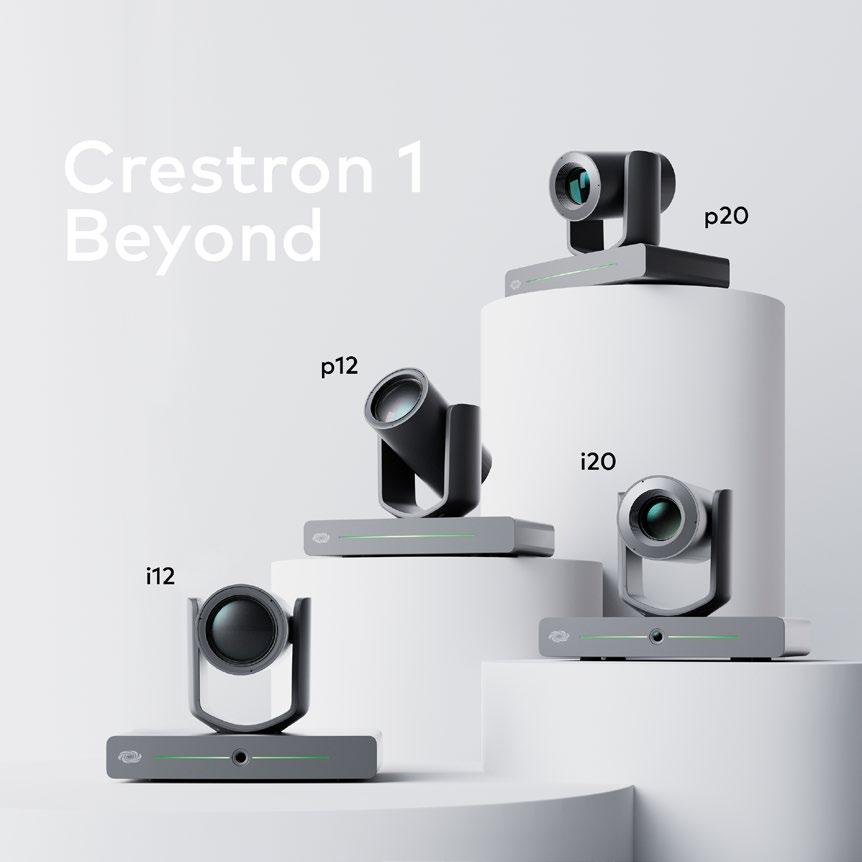
We often talk about building a culture of collaboration. As people have returned to the office as part of their hybrid schedules, it’s critical that we serve the needs of those who come into that space. Technology needs to be seamless—disappearing into the background but delivering the rich experiences they expect.
Take, for example, the rich experiences you have in Microsoft Teams at your desk—can you take that experience into a conference room? You don’t want to have a different platform when you walk into the meeting room; you want to use the familiar one you’ve used at your desk.
You also want things like the “eyes and ears” in that room to be intelligent and smart. You want cameras that react to workflows in the room, and not cameras that must constantly be told what to do. You want audio that hears what you have to say and can then feed that into remote connections and the accompanying AI tool. You need to be getting tangible benefits out of that tool: translation, transcription, actionable insights, and so on. And then, you want to leverage that platform— Teams, Zoom, or whatever you prefer.
Beyond those tools, it’s also important to find the right balance of other AI features. Edge AI is especially useful and efficient in presenter tracking, for example. You don’t need to send that processing to the cloud and bring it back again—just do it in the camera. Cloud AI is better for things such as translation and transcription, identifying people, and so on. Ultimately, the goal is to create spaces that truly drive the culture of collaboration.
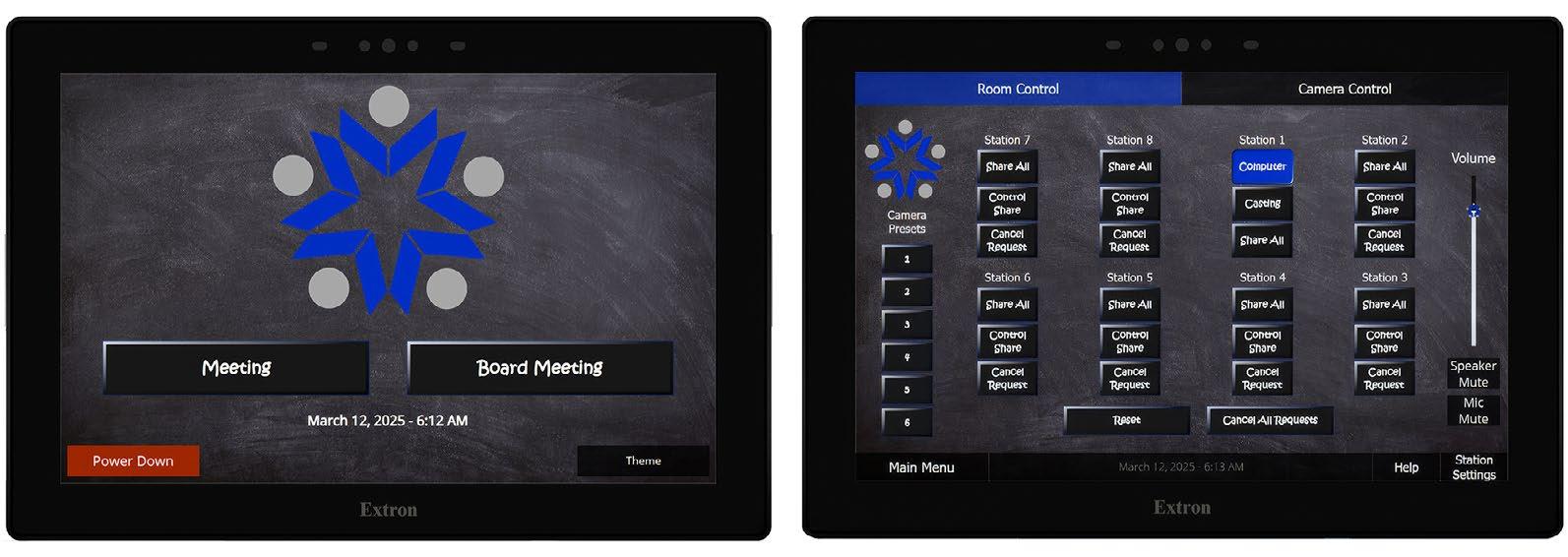
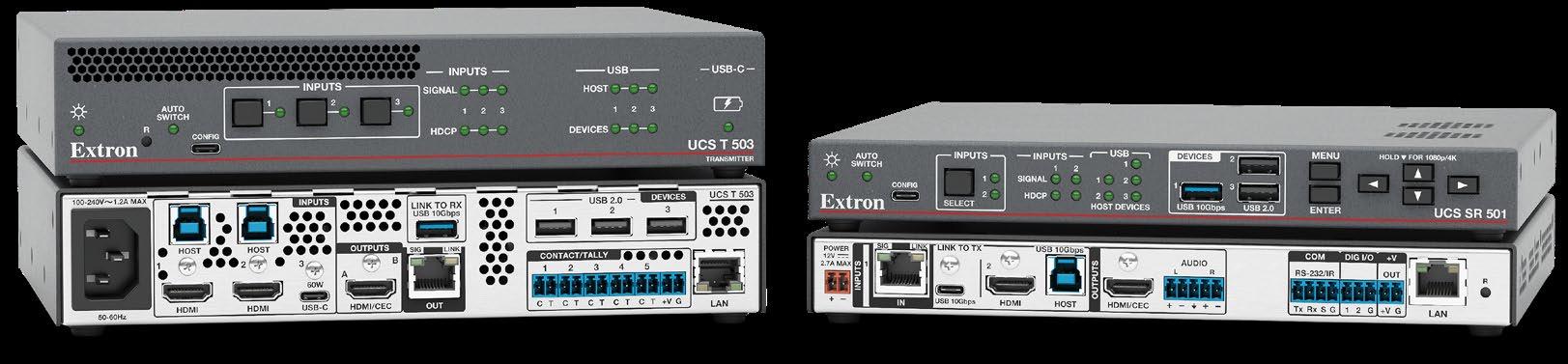
JOE DA SILVA Vice President of Marketing Extron
Today’s modern collaboration environments should ideally not only support fully interactive and collaborative environments for local participants, but also create seamless hybrid environments that include remote participants as effectively as possible. The experience of local room acoustics, sound reinforcement, video, and even room controls can be extended to remote participants, whether they’re in a distant meeting room or working from home. Audio and video content must also be extended to the remote participants via a dedicated UC service such as Teams or Zoom.
Participants should leverage current technologies to present, comment, and collaborate using intuitive tools for source selection, audio control, presentation capture, and even incorporate annotation or other collaborative tools. It is critical to gather end user input early in the design process to ensure all requirements are met. Input from AV and IT support teams is essential to ensuring the successful implementation, operation, and long-term maintenance of collaborative spaces. Review meetings that pull together end users and staff to gather input during the design phase will help maintain open communication and resolve potentially conflicting requirements for issues like ease of use, adequate training, and proper security. By thoughtfully integrating technology and user input, organizations can create collaboration spaces that are intuitive, inclusive, and built for long-term success.
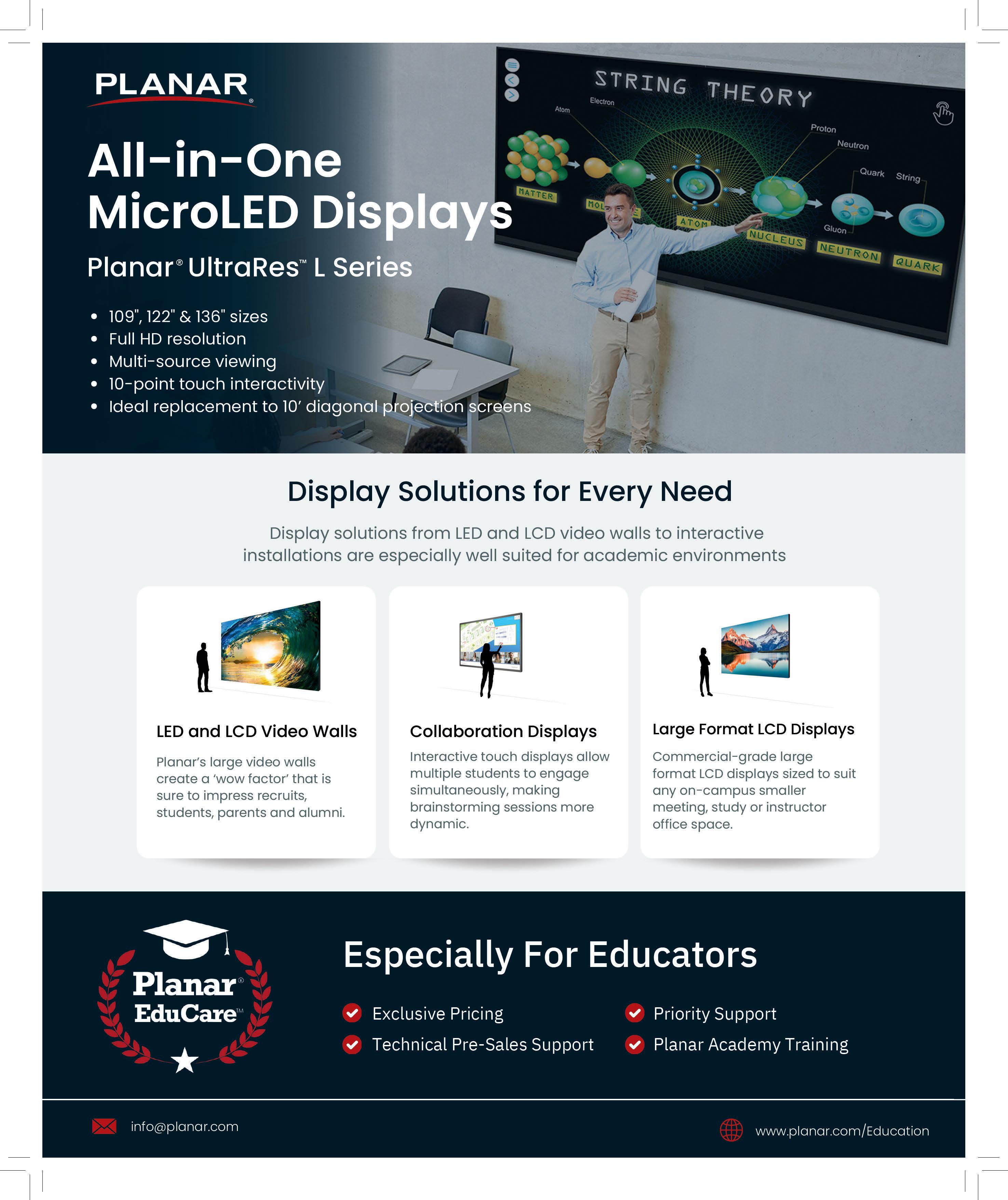
PETRO SHIMONISHI Director of New Business Development Panasonic Projector and Display Americas
Today’s workplaces and classrooms are no longer defined by four walls. Collaboration must be seamless, whether participants are across campus or across the globe. To meet this demand, organizations need technologies that are both robust and flexible to empower instructors, students, and employees to connect in ways that are simple, reliable, and interactive.
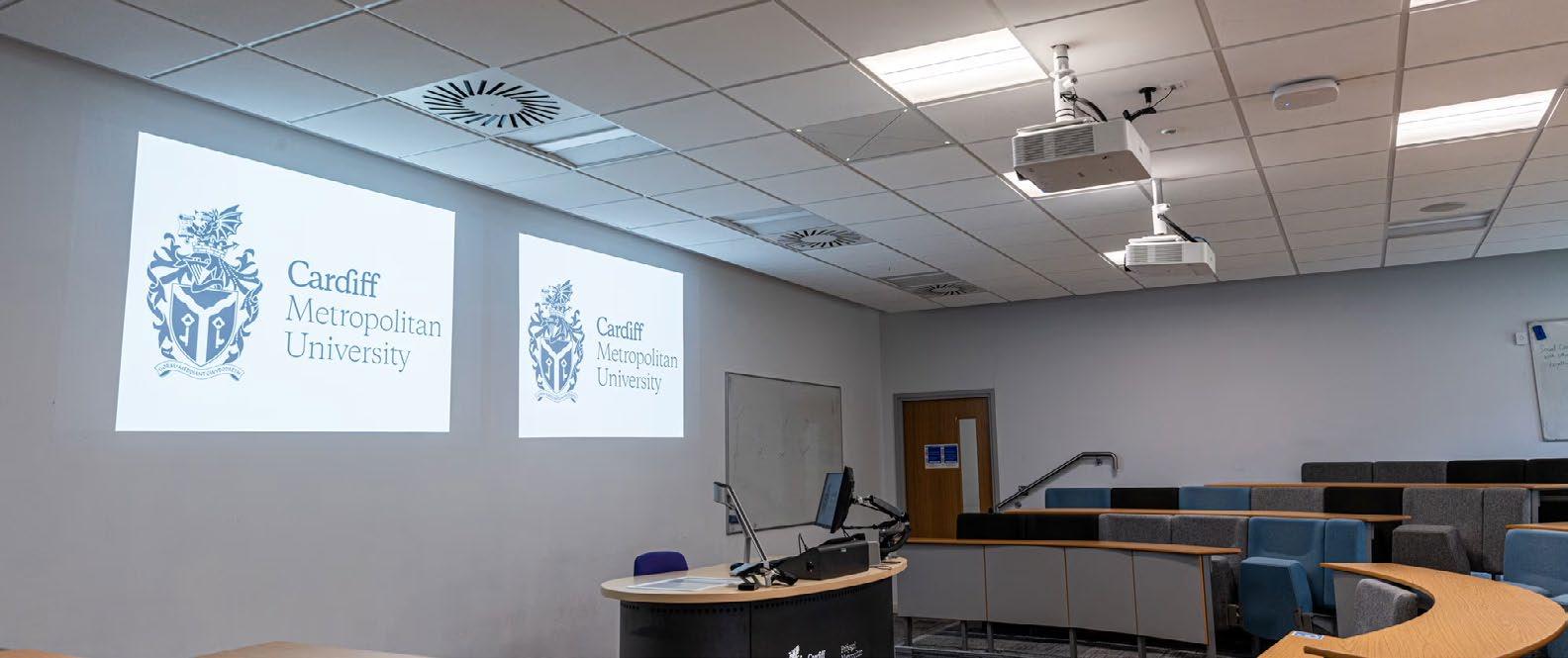
Panasonic recently conducted a survey of higher education IT leaders, which revealed that 83 percent of students regularly interact with projectors and 81 percent say these technologies positively impact learning. These findings highlight that when collaboration technologies are intuitive and dependable, they become essential to how people learn and work.
However, decision-makers also flagged a growing concern: As devices become more feature rich, they risk becoming harder
“Solutions must be designed for plugand-play simplicity, while delivering professional-grade performance.”
— Petro Shimonishi, Director of New Business Development
Panasonic Projector and
Display Americas
for faculty and employees to manage. This underscores the importance of technology that reduces complexity rather than adding to it. Solutions must be designed for plug-and-play simplicity, while delivering professional-grade performance.
That’s why Panasonic and Artome partnered to create the PT-VMZ-AVCART, an innovative, mobile AV solution that combines Artome’s flexible design with Panasonic’s advanced projection to transform any space into a collaboration hub. These solutions eliminate the need for permanent installations, instantly transforming any classroom, huddle space,
or boardroom into a connected, collaborative environment. By combining Panasonic’s advanced projection with Artome’s flexible design, organizations gain scalable tools that adapt to their unique spaces and needs.
The culture of collaboration today depends on access, flexibility, and ease of use. Whether enabling a professor to engage hundreds of students or allowing hybrid teams to brainstorm across time zones, the goal is the same: Technologies should inspire interaction, not inhibit it. At Panasonic, we believe the most productive environments are built on tools that make connection effortless anywhere, anytime.
JONATHAN MANGNALL Managing Director of EMEA Utelogy Corporation
At Utelogy, we spend a lot of time thinking about how collaboration environments succeed or fail, and one thing is clear: The culture around collaboration has changed. Not long ago, it was something people scheduled and prepared for. Today, it’s woven into almost everything we do—from meetings to brainstorming sessions, remote learning, and creative projects. We expect to connect instantly, whether that’s with a colleague down the hall or a partner halfway around the world.
That expectation creates both opportunity and pressure for organizations. The culture of collaboration today isn’t about having the flashiest technology; it’s about creating environments where the tools feel natural, dependable, and invisible to the people using them. If technology becomes the focus, productivity suffers.
One critical element is flexibility. From our experience here at Utelogy, no organization lives in a one-vendor world. The most effective environments must work across different platforms and devices, and they can adapt without requiring a complete overhaul every few years.
The second element is reliability. The assumption for a well-oiled collaboration machine is that it should just work, therefore even a small failure becomes a big distraction. Systems that can self-correct, send real-time alerts, or be proactively managed behind the scenes build confidence for end users and reduce downtime for these inevitable failures.
And finally, at Utelogy, we’ve seen how valuable it is when organizations collect and analyze realtime data about how spaces and systems are used. It allows IT and AV teams to fine-tune the environment to how people actually collaborate. That feedback loop also enables smarter decisions regarding reallocating resources, updating workflows, and fine-tuning support.
The culture of collaboration today is about meeting high expectations with as little friction as possible. If you can provide flexibility, reliability, and insights, you’ll create spaces where people focus on ideas and connections—not on whether the technology will work.
NANCY KNOWLTON Chief Executive Officer Nureva
There really are no secrets to productive collaboration; it all comes down to people, process and technology.
Productive collaboration—whether across the hall or across continents—starts with people. Valuing individuals and their experiences is foundational to any successful collaborative environment. When people feel respected and empowered, they bring their best selves to the table. That’s why the first step is to give them the tools and environments they need to create and collaborate. Comfortable spaces, intuitive platforms, and access to the right resources signal that their contributions matter.
Next comes the process. Collaboration doesn’t just happen; most often it needs to be taught, then nurtured and refined. Teams must learn how to work together effectively, understanding when group work accelerates outcomes and when individual effort sharpens focus. A well-designed process for collaboration clarifies direction, roles, and expectations, and it enables teams to work faster and better. Nobody is born knowing how to collaborate, so setting out some guidelines can be enabling, not restrictive. It helps people see how their work fits into the bigger picture and how they can contribute meaningfully to shared goals.
Technology is the final layer—the enabler that makes collaboration seamless and scalable. From cloud-based applications and unified communications platforms to high-quality audio systems and smart cameras, technology removes barriers and connects people in real time. But it’s not enough to simply deploy tools. Organizations must relentlessly research and observe: Is the combination of people, process, and technology delivering the results the business needs? Is it making teams more productive, more creative, and more aligned?
Ask. Observe. Refine. The most productive collaboration environments are those that evolve—driven by the needs of the people within them and the outcomes they’re working to achieve.
ANDERS KARLSSON Chief Executive Officer Humly
While hybrid work arrangements will continue in variations, there is a global backto-office movement that increasingly mandates three or four days in the office. Businesses that once established these as temporary arrangements have shifted them to permanent schedules. This signals the end of an unintended experimental phase, and has morphed into a strategic decision for business operations.
Synonymous with this decision comes the need to implement long-term operational strategies inside the workplace. Those businesses that have meeting signs and booking solutions in place have already considered how staff and management will navigate shared workspaces, including desks and meeting rooms. The next step is to prepare facilities for potential changes, including new offices, as well as downsizing and/or remodeling of existing spaces. There may be a need to add more gathering spaces versus desks to establish a nextgeneration social and experiential culture—not to mention improve collaboration across teams. With the above initiatives comes the need to understand how these spaces are utilized once live, and how facility managers can improve environments to drive better utilization. The integration of sensors into meeting signs and local hardware booking devices is proving an effective way to gather data and metrics, and generate insights gained through general activity and consistent patterns. That intelligence will pay dividends for optimizing new and existing spaces, and measuring their effectiveness to work culture and business operations.
That includes tailoring planned spaces based on how similarly designed and equipped spaces have been utilized to date. Options include confirming how many people use the room at once, comfortable capacities, motion detection for new entrants, and the ideal environmental conditions across room temperature and more. With a robust and open IT network and ecosystem with connected devices, those sensors can reliably feed data into a cloud- or server-based system where users can centrally gather, access, and generate actionable insights.
KYLE ROSENBLOOM National Sales Director Aurora Multimedia
Effective collaboration is dependent on a culture that embraces both technical and human connections. A productive communication/collaboration environment requires three core elements: seamless accessibility, intuitive control, and shared purpose.
For the technical foundation, the modern infrastructure of high-speed, distributed audio/ video and control solutions—like advanced control and AVoIP systems—must be designed for near-instantaneous, platform-agnostic content sharing. This means ensuring that everyone, whether in the room or joining remotely, experiences zero latency and effortless display control. Technology must become invisible, allowing participants to focus solely on the discussion.
Culturally, leaders must foster a sense of inclusion. This encourages all voices to contribute without fear of judgment—crucial for effective brainstorming and problem solving. Remote participants should feel equally valued and visually present. This is achieved by standardizing simple, universal interfaces for meeting control and focusing attention on the content and the contributor, rather than on the complexity of the setup.
Productivity flourishes when robust, decentralized control systems underpin a culture of inclusion, simplicity, and active contribution. The goal is to eliminate friction— technological and social—to achieve a truly collective communication environment.
“The goal is to eliminate friction— technological and social—to achieve a truly collective communication environment.”
— Kyle
Rosenbloom National Sales Director Aurora Multimedia
“Fostering effective collaboration in today’s workplace culture requires the right technology and strategies to support it.”
— Tom Piche Senior Product Manager Epson America
TOM PICHE Senior Product Manager
Epson America
Today’s workplaces offer greater flexibility and effective communication remains essential, no matter where employees are located. Team members need intuitive and accessible tools that support collaboration and communication across global teams and clients. From inclusive meetings where all participants must be equally seen and heard, to interfaces that encourage engagement, the right technology ensures consistent, effective experiences for all. Ease of use is imperative in successful work culture today.
Interoperability is also non-negotiable. Teams expect to use their preferred platforms—Zoom, Teams, or Google Meet—without sacrificing connectivity or performance. Collaborative workplace solutions that integrate seamlessly across the corporate technology ecosystem give businesses the flexibility to scale and adapt, enhancing both in-office and remote experiences.
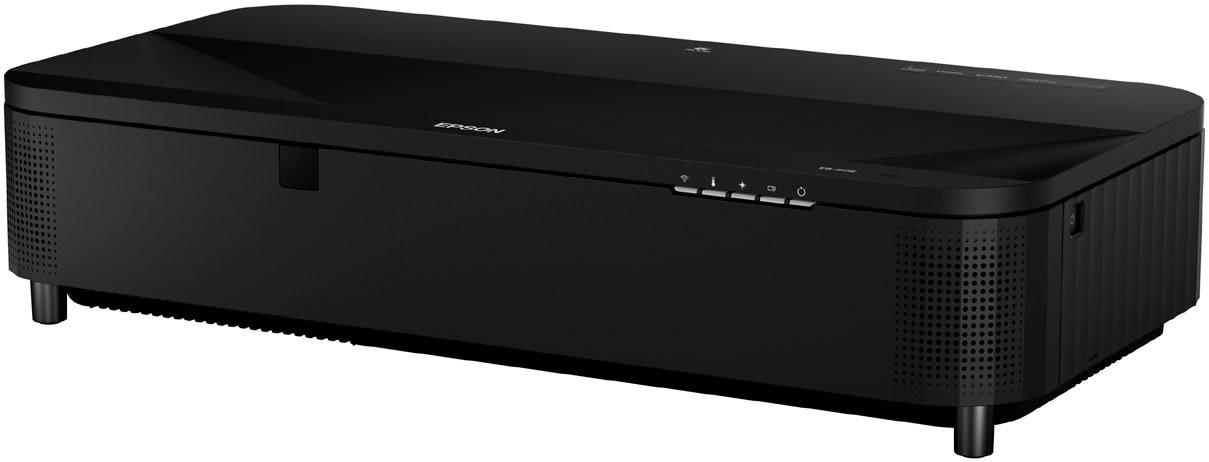
The physical workspace has also evolved— from smaller huddle rooms to open collaboration zones and large conference spaces—and display technology must scale accordingly while delivering consistent performance. With ultra-wide, immersive images, projection is the only display solution that adapts to any room size, meeting diverse visual needs and ensuring inclusion for all participants, near and far.
Today’s projectors are more compact and versatile, and are equipped with advanced features and improved display technology. These innovations deliver vibrant visuals that enhance collaboration across workplace environments and ensure optimal viewing for both presentations and virtual meetings. Solutions such as the Mobi mobile projector cart can enable large images virtually anywhere, moving easily from room to room, while built-in Miracast technology makes wireless display simple without any additional software needed. Additionally, behind-the-scenes tools like Epson Projector Management Software make it easier than ever to manage multi-projector setups.
Fostering effective collaboration in today’s workplace culture requires the right technology and strategies to support it. Success comes from ecosystems that seamlessly connect people and tools—promoting engagement, streamlining teamwork, and enabling growth in a hybrid world.
JOSH ARNOLD Director, Collaboration Product Strategy
Q-SYS
In today’s workplace, collaboration is not confined to AV systems; it’s about crafting holistic experiences that empower people and culture. The rise of the high-performance workplace reflects a shift from static office environments to dynamic destinations that foster connection and creativity. Forward-thinking organizations are reimagining their spaces to build culture, expand mentorship, and enhance well-being across both high-impact rooms and the spaces in between. This reflects a deeper understanding: Technology should not just connect people, but also inspire and bring them together.
This transformation is already happening at scale. According to a recent whitepaper developed by Frost and Sullivan in partnership with Q-SYS, 46 percent of IT and telecom leaders are modernizing office technology, while 50 percent are investing in new perks and experiences. With over 5.6 billion square feet of Class A space positioned for high-performance transformation and 9.1 billion square feet of U.S. office space ripe for reinvention, the workplace has become a critical lever for organizational productivity.
Second, simplicity in technology is paramount. The most powerful collaboration tools are those that disappear into the background, enabling fluid interaction without friction. When technology is standardized, intuitive, and accessible, hybrid equity thrives—enabling every participant, near or far, to contribute equally. When users don’t have to think about how to connect, they can focus on what matters most: sharing ideas, solving problems, and building relationships.
Finally, smart collaboration environments should enable a feedback loop for continuous improvement. Rich spatial and usage data helps organizations optimize layouts, refine workflows, and adapt to evolving needs—turning workplaces from static assets into dynamic engines for growth.
In essence, high-performance workplaces center on people and experience. They eliminate friction, create hybrid equity, and drive measurable outcomes. By embracing intentional design, user-centric simplicity, and data-driven evolution, organizations can create environments where creativity and productivity thrive.
“High-performance workplaces center on people and experience. They eliminate friction, create hybrid equity, and drive measurable outcomes.”
— Josh Arnold Director, Collaboration Product Strategy Q-SYS
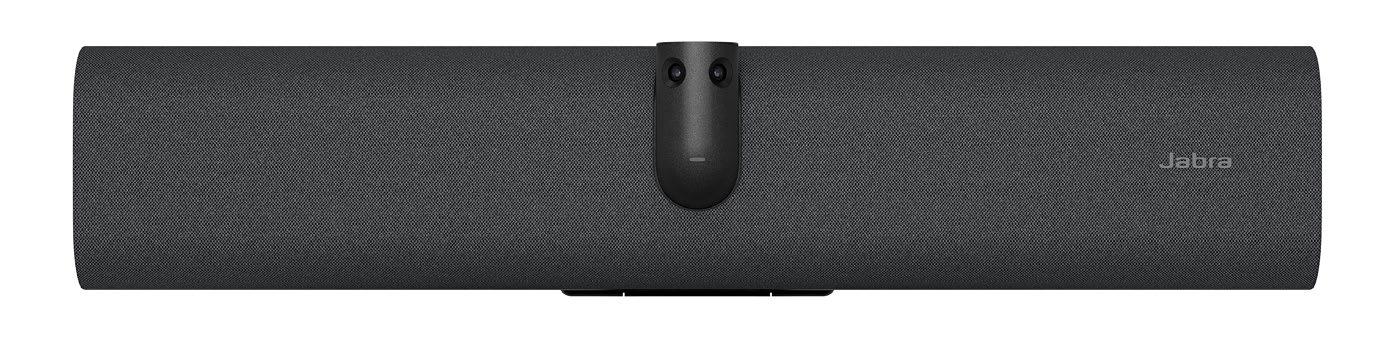
HOLGER REISINGER Senior Vice President of Video Solutions Jabra
Collaboration today is no longer defined by location; it’s defined by experience. In a hybrid world, the challenge isn’t just keeping people connected; it’s ensuring that connection feels meaningful, equitable, and productive. At Jabra, we believe the future of collaboration lies in the intelligent interplay of environment, technology, and culture.
Effective collaboration environments— whether a boardroom, home office, or café— minimize friction and foster presence. Our research with the London School of Economics found that being seen in meetings doubles engagement, doubles expressiveness, and triggers a 20 percent cognitive shift. Yet, when participants appear as a blurry thumbnail or not at all, they fade into the digital background. In fact, 98 percent of unseen participants remain neutral, signaling no energy, emotion, or engagement.
“When immersive technology, AI-driven insights, and inclusive workplace culture align, organizations create not just collaboration, but competitive advantage. ”
— Holger Reisinger Senior Vice President of Video Solutions Jabra
This underscores a critical insight: Visibility drives participation. Technologies like AIpowered intelligent framing, dynamic lighting correction, and voice isolation are essential not only to reduce fatigue, but also to ensure every voice and facial cue is captured with clarity and confidence.
But technology alone isn’t enough. The most productive collaboration environments pair advanced tools with a culture of inclusion, establishing shared norms such as video-on expectations, active facilitation, and respect for diverse work styles.
That’s why we at Jabra design solutions that go beyond hardware. Our goal is to make hybrid work not just seamless, but human, by bridging physical and digital spaces with intelligent systems that adapt to the individual and not just the room.
Ultimately, when immersive technology, AI-driven insights, and inclusive workplace culture align, organizations create not just collaboration, but competitive advantage. That’s where true innovation thrives.
BRANDON WHITE Director of Product Development
Vanco International
Rumors of the death of remote work have been greatly exaggerated. Despite highly publicized return-to-work mandates, actual office occupancy has hovered, unchanged, around 50 percent for the past two years.
There are a couple of ways to look at this: One is, “What are we doing wrong?” Employees hate being in the office so much that despite management threats, they “coffee badge”— swipe in, grab a latte, and go work somewhere else. Working in the office has enough negative value that people are willing to relocate midday to avoid it.
It’s also worth asking what we’re doing right, though. During the past two years, how have we so improved remote work that people are able to thrive and grow wherever they work— at home, in the office, and beyond?
We made it easier to remain connected and maintain communications across a host of workstyles. Technologies like smart cameras and microphones let meeting participants at a conference table make eye contact with a remote worker across the country. Software-based collaboration platforms facilitate idea sharing from home as well as the office. Shifts in culture and technology have made ad hoc video calls as easy and natural as office drop-bys.
I get why employers want people in the office: In-person collaboration drives innovation and employee engagement. But long-term growth and employee engagement means connecting with people wherever they are. Make it easy for people to share ideas using their preferred devices. Give folks in-person access to the accessibility tools— sound reinforcement, subtitling, AI-assisted transcripts, and notes—that they rely on during remote meetings. Flexibility gives you strength, so invest in remote and in-person tools that make collaboration as seamless as possible.
NINOSHKA LOPEZ Senior Network and AV Technician, Marketing Associate Just Add Power
Creating productive collaboration environments, whether across a single campus or multiple sites, requires a careful balance of technology, scalability, and principles. At the heart of successful collaboration is seamless connectivity. AV-over-IP systems allow audio, video, and data to move freely between locations, enabling teams to engage in real time as though they were in the same room. This infrastructure supports low-latency, highquality communication over category cable or fiber, ensuring every space, from classrooms to corporate offices, can share and receive content effortlessly.
Interoperability is equally vital. Collaborative environments often rely on a mix of hardware and platforms, so AV networks must integrate easily with diverse control systems and display technologies. This flexibility allows educators, teams, or administrators to connect without technical barriers. As organizations expand, scalability ensures that new spaces or campuses can join the network without extensive rebuilds, preserving performance while fostering long-term collaboration.
Security is also an important consideration, as reliable precautions further strengthen these systems. Encrypted AV-over-IP networks and redundant pathways maintain uptime and protect data from cyber threats, keeping collaboration consistent and trusted.
All that being said, technology alone doesn’t drive collaboration. The principles of an organization must foster an environment that allows for the free flow of information. True productivity comes from inclusivity and access, ensuring remote participants have the same opportunities to engage as those onsite. Shared AV systems promote equity by giving everyone clear visibility and input in discussions. On a connected campus, the same network used for education and communication can also support safety and community by distributing emergency alerts instantly or streaming live events to common spaces, uniting participants wherever they are.
In essence, building environments for collaboration either in person or remotely requires both advanced infrastructure and an ethos of connection. When openness, inclusivity, and innovation align with scalable, secure AV-over-IP systems, organizations can achieve environments where communication thrives without boundaries.
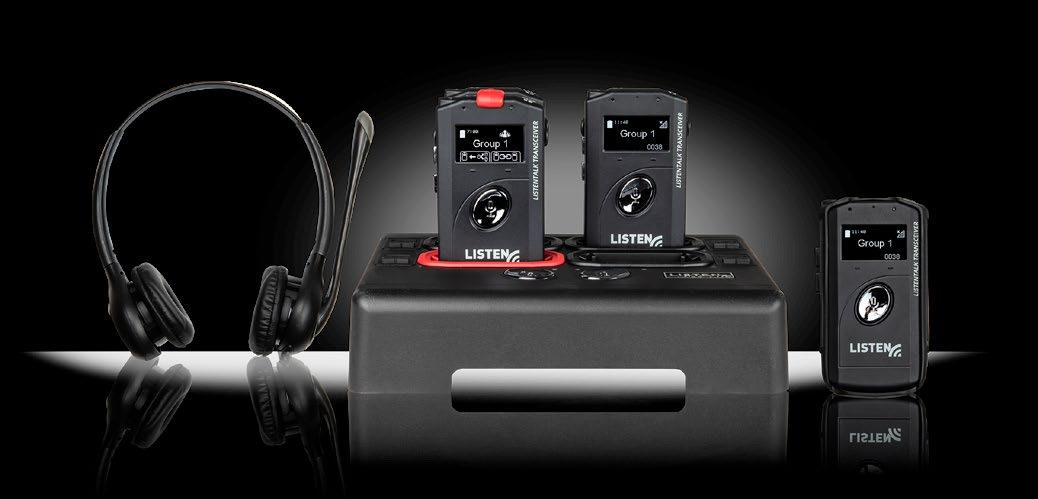
MIKEY SHAFFER Senior Director of Sales Listen Technologies
Creating truly productive in-person or virtual collaboration environments is all about designing for accessibility, belonging, and trust. This means ensuring every team member, regardless of location or ability, can fully engage, contribute, and be heard.
I prioritize access as a foundational element when building collaborative environments—not as an afterthought. Flexibility and accessibility should guide how we choose our tools, structure our meetings, and share information. This includes clear and readable content, captions and assistive listening, accessible digital platforms, and communication that accommodates diverse needs and time zones. This demonstrates openness to all ideas and ensures that every contributor has an equal voice.
When accessibility is embedded in our tools and our mindset, distance is not a limitation to collaboration. Teams become more empathetic, more creative, and ultimately more productive because everyone can contribute and succeed.
WILLIAM SMART Director, Vertical Account Sales, Higher Education Legrand | AV
Creating productive collaboration environments is vital to the modern university experience. Effective collaboration is about intentionally designing adaptable spaces that meet students where they are—physically and digitally.
True collaboration on campuses extends beyond the traditional classroom into open areas, student centers, and specialized breakout rooms. Key elements include movable furniture, whiteboards, and reliable connectivity. These comfortable, “loungy” areas encourage students to genuinely work together on projects, do remote calls, or simply hang out. This focus on student comfort is key to creating environments students want to use. Students on campus are now provided with spaces in which they feel comfortable, resulting in more focus and better results.
Modern AV and furniture technologies address both logistical and comfort challenges. Technology enables asynchronous and synchronous learning for remote participants, bridging the distance. On campus, the challenge is making spaces more usable. Products like acoustical treatments for noise reduction and furniture with integrated power connectivity make the environment more enjoyable, encouraging students to stay and collaborate.
Today’s collaboration environment is night and day compared to the past. Fifteen years ago, collaboration was rarely an intentional design priority; students had to be on campus for everything, and spaces lacked integration. Today, universities heavily invest in designing compelling collaborative environments to drive student retention. Schools now use consistent student surveys to gather feedback, resulting in thoughtful, unique designs that enhance the campus lifestyle. For educational integrators, staying ahead of the curve is less about predicting the next trend and more about listening carefully to their clients. Higher education technology professionals are well informed by student surveys and observation. Integrators must perform thoughtful site surveys and understand that collaboration spaces are now ubiquitous. By listening to client needs—informed by student feedback—integrators can provide solutions that meet the evolving demands of hybrid learning.
“Students on campus are now provided with spaces in which they feel comfortable, resulting in more focus and better results.”
— William Smart Director, Vertical Account Sales, Higher Education
KURT DEYOUNG Chief Revenue Officer Nanolumens
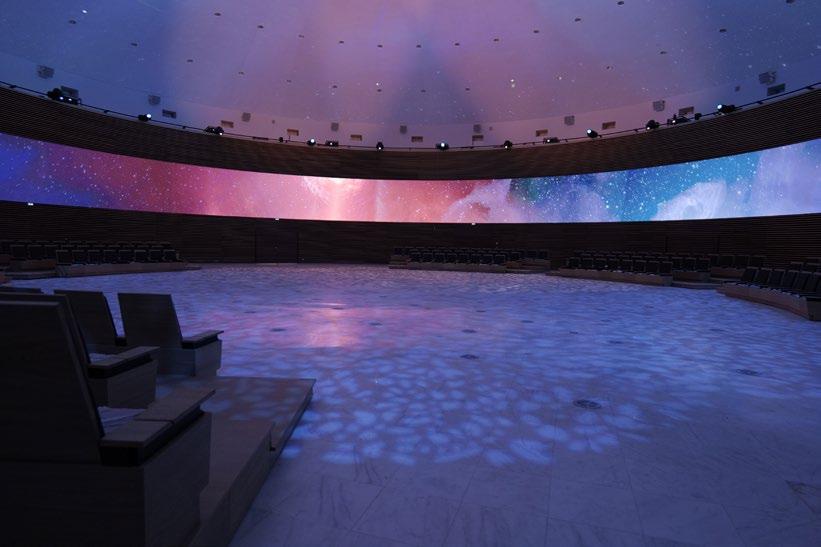
Creating productive collaboration environments today requires intelligent spaces that connect people seamlessly, whether they’re in the room or joining from miles away. As organizations adapt to hybrid work, they are prioritizing display solutions that simplify communication, remove barriers, and enhance engagement. The most effective collaboration tools are those that merge design and technology to foster connection, transforming everyday meetings into immersive shared experiences.
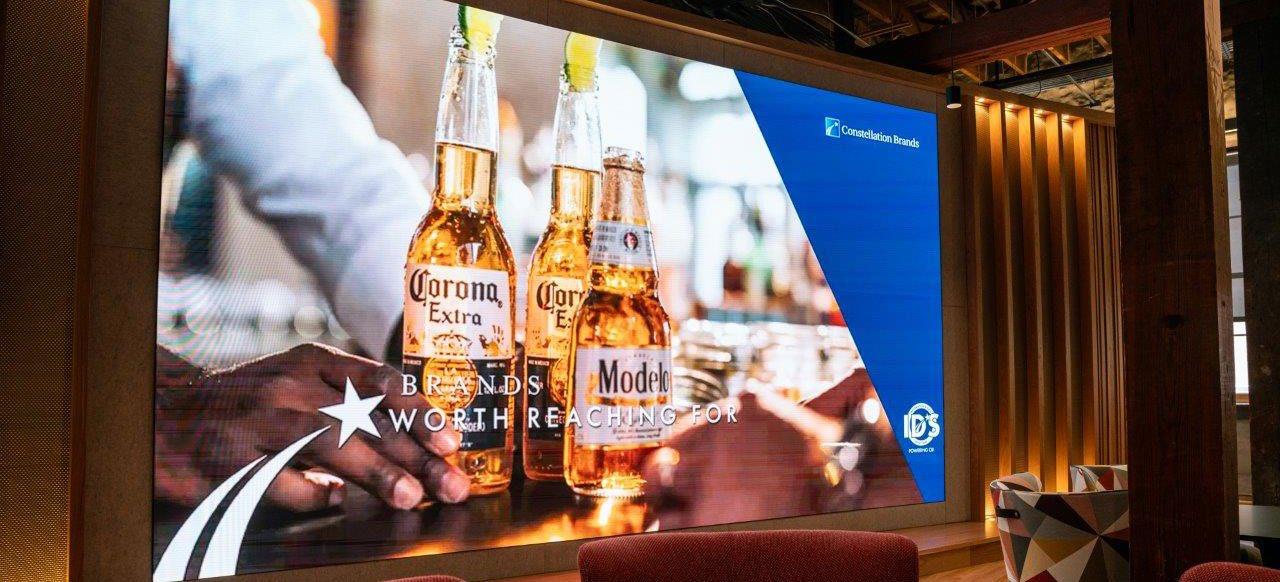
High-impact LED display technology plays a pivotal role in creating intelligent spaces. Today’s workplaces rely on visual solutions that are dynamic, adaptable, and intuitive, enabling teams to communicate clearly and collaborate effortlessly. Nanolumens continues to set the standard for creating intelligent environments that bring people and ideas together.
“Today’s workplaces rely on visual solutions that are dynamic, adaptable, and intuitive, enabling teams to communicate clearly and collaborate effortlessly. ”
— Kurt DeYoung Chief Revenue Officer Nanolumens
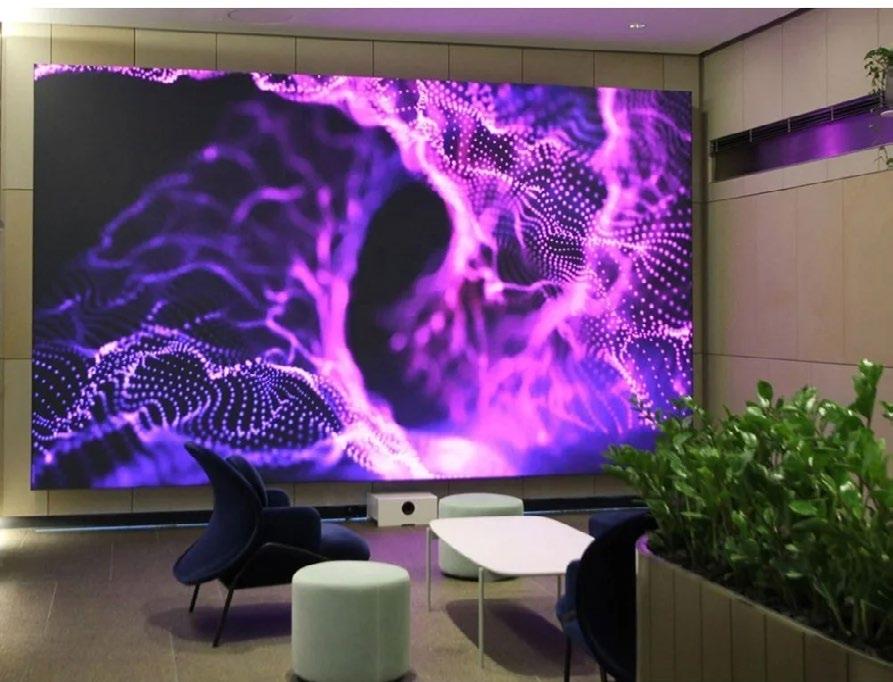
When Sunbelt Rentals, one of North America’s largest equipment rental companies, set out to modernize its South Carolina support office, the goal was to create a consistent and connected experience across 60 conference rooms and training spaces. At the center of this transformation are seven custom Nanolumens video walls, including a striking 135-inch display that enhances collaboration and communication across the organization. The Nanolumens Engage Series delivers exceptional brightness, clarity, and design flexibility, enabling employees to share information effortlessly and connect across locations with confidence.
Continuing its commitment to seamless collaboration, Nanolumens has integrated DisplayNote’s Montage wireless sharing software directly into its Captivate Series displays. The built-in capability allows participants to share content instantly from any device, eliminating the need for cables, dongles, or downloads. The integration enables multiple presenters, realtime collaboration, and secure performance in spaces of any size, creating an intuitive meeting experience that eliminates technical friction.
By combining visual performance with intelligent connectivity, Nanolumens transforms any environment into a hub for communication and creativity. Whether in a corporate headquarters or a global conference setting, Nanolumens displays empower organizations to collaborate more effectively and keep innovation always in view.
BOB TAMBURRI Product Manager, Pro Audio Panasonic Connect
As organizations reevaluate workplace strategies in a world of evolving return-to-office policies, the role of collaboration technology has never been more critical. Employees expect meeting experiences to be equitable, whether they are sitting in a conference room or joining remotely from across the world. To meet these demands, companies are increasingly adopting advanced AV solutions such as high-performance cameras, intelligent audio systems, and flexible collaboration platforms that ensure productivity is not tied to physical location.
In today’s hybrid landscape, the key lies in integration. When AV systems seamlessly connect cameras, microphones, and displays with collaboration software, they eliminate barriers to communication. This enables features like speaker tracking, dynamic framing, and crystal-clear audio pickup that keep participants engaged and ensure all voices are heard. For corporate enterprises, this translates into more efficient meetings and informed decision-making. For higher education institutions, it creates classrooms where learning extends beyond walls, empowering remote students to collaborate and engage as if they were physically present.
But technology alone is not enough; productive environments are built on a culture of inclusivity and adaptability. Leaders must invest not only in advanced systems but also in fostering collaboration habits that maximize their impact. This means rethinking room design, training teams on new tools, and prioritizing user-friendly solutions that require minimal technical expertise.
Ultimately, the convergence of culture and technology defines the future of collaboration. With solutions that integrate effortlessly and adapt to diverse needs, organizations can create spaces whether in the office, the classroom, or the home that inspire connection, creativity, and productivity.
“The convergence of culture and technology defines the future of collaboration.”
—
Bob Tamburri Product Manager, Pro Audio Panasonic Connect
“By combining advanced AV technology with thoughtful, humancentered design, organizations can boost collaboration and efficiency across hybrid work models.”
— Megan
Zeller
Senior Director of Business Development Peerless-AV
MEGAN ZELLER Senior Director of Business Development
Peerless-AV
Intuitive technology and interaction-focused innovation in the AV industry play a key role in creating effective collaborative environments. In both face-to-face and remote settings, AV technology is at the heart of creating a rich communication experience, necessary to fostering connections.
When designing and integrating these technologies, it’s crucial to consider the elements that make interactions feel meaningful, such as eye contact, real-time responses, interactive written contributions, and the opportunity for all to participate.
UHD displays, immersive dvLED video walls with precise audio, and flexible, user-friendly software all contribute to facilitating seamless interactions when near and far. Implementing other hands-on tools like virtual whiteboards, interactive quizzes and games, and other shared visual cues enables a more dynamic session to keep collaborators engaged and interacting with one another.
By combining advanced AV technology with thoughtful, human-centered design, organizations can boost collaboration and efficiency across hybrid work models. Prioritizing systems that are adaptable, easy to integrate, and built to evolve with future needs ensures bridging the divide between remote and on-site teams and fostering stronger, more connected workspaces is a long-term priority.
JEREMY COURTNEY Senior Director, CTO Office Lawo
A well-oiled team working towards a common goal is the most important ingredient of a productive environment. An inspiring workflow acts as a booster for their creativity, efficiency, and general well-being. Remote and distributed workflows save time and travel expenses, and allow teams to leverage the expertise of the same people almost back to back.
While cutting-edge technology obviously counts, what matters even more is what the technology can do for the team. Add to that a general squeeze on budgets—the need to achieve more with less in an uncertain landscape—and it is easy to see why an agile approach with a predictable licensing scheme is called for.
Content producers rightly expect vendors to solve their problems and provide sustainable answers before such questions are even asked. They increasingly need solutions that scale with their real-world needs while keeping the costs under control.
Collaborative environments hinge on a common backbone on the ground and/ or in the cloud that can be accessed from many locations. Intuitive hardware controllers and WebRTC-enabled HTML5 user interfaces running on any mobile device and laptop can be connected either directly or to a WAN. Mobile devices allow operators to contribute from their favorite location or from a hotel room.
Hiding complexity behind an intuitive user interface is key—as is providing softwarebased processing that no longer cares about the compute it runs on, or about other audio, video, and utility applications that are running there simultaneously. The next milestone will be to accommodate processing apps from different vendors on the same platform. This requires a common approach to how the apps interact with the server, announcing what compute resources they need to ensure the platform provides them. In addition, we need a common strategy for the discovery and routing of signals among apps on a shared-memory level.
“A well-oiled team working towards a common goal is the most important ingredient of a productive environment.”
— Jeremy Courtney Senior Director, CTO Office Lawo
“Meetings and live events are now moments to connect, rather than simply to present.”
— Jack Horry Product Manager Ross Video
JACK HORRY Product Manager Ross Video
It doesn’t have to be a three-ring circus to produce professionallooking video content from meetings and events; yet, for most organizations, it is. From balancing all the disparate systems in the air to contending with intricate AV setups and pushing limited resources to the limit to achieve decent-looking outcomes—the resulting meetings teach, but rarely inspire.
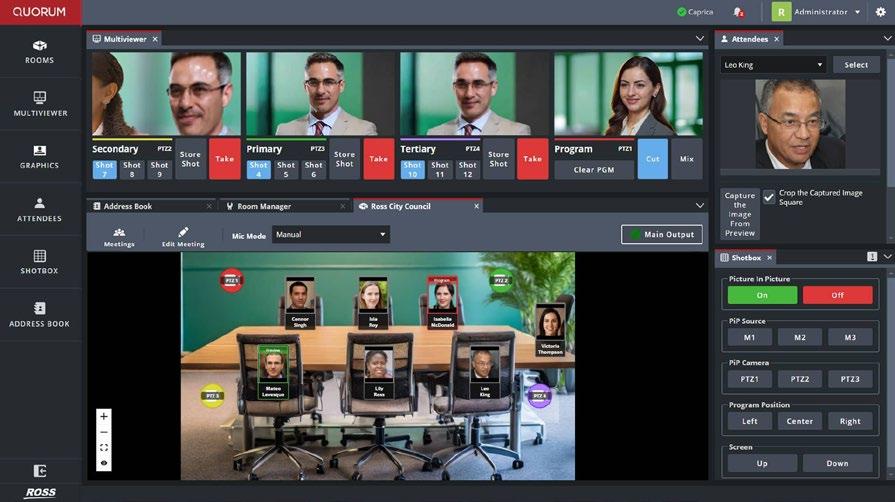
That’s why we developed Quorum One, a one-solution video production platform that simplifies professional meeting production. It allows teams to create broadcast-quality video with ease, consistency, and confidence.
As working hybrid becomes the new norm, how organizations communicate is changing. Meetings and live events are now moments to connect, rather than simply to present. Whether it’s a town hall, a leadership briefing, or a shareholder broadcast, good visuals and storytelling are key to creating connection and trust.
Quorum One integrates automation, switching, clip playout, and AI camera tracking in a single browser-based system. It’s designed from the ground up using an NDI-native platform, natively integrating into modern IT and AV infrastructures. Once installed, anyone can operate it—no production crew required. Cameras track presenters automatically, transitions are done for you, and going live is a single tap away.
For facilities and IT staff, Quorum One provides expert output without the typical complexity. It installs quickly, is easily scalable from room to room or between campuses, and takes less than a half hour to train. With native conferencing microphone support and realtime camera control, all meetings look crisp and operate seamlessly.
Ultimately, Quorum One transforms company video from a technical chore into a strategic advantage, helping organizations speak clearly, consistently, and credibly. Making high-quality content doesn’t have to be challenging; it simply must be smart.
MIKE GARCEN Senior Director of Product and Marketing
AVer Information USA
Creating productive collaboration environments today requires intelligent spaces that seamlessly connect people, regardless of their location. As hybrid work becomes the norm, organizations are prioritizing solutions that simplify control, remove barriers, and elevate the user experience. The most effective collaboration tools are those that connect individuals and anticipate their needs, adapting dynamically to shifting environments.
Artificial intelligence is playing a role in the shift. AI-powered features such as real-time translation help break down language barriers, enabling global teams to collaborate more naturally. Intelligent framing ensures that participants remain visible and engaged, while audio-based enhancements bring clarity and focus to every discussion. AI-powered features move the focus away from managing logistics and back to what matters most, which is collaboration, creativity, and problem-solving.
AVer has delivered a new level of intelligent collaboration. Its automatic framing tools, including Smart Composition and Smart Gallery, optimize video layouts so all participants are represented clearly, whether they are in the same room or joining remotely. For streaming and broadcasting, AVer’s Auto Tracking provides unmatched flexibility, with modes like Presenter, Zone, and Hybrid that follow individuals or focus on specific areas to capture every critical moment.
AVer has integrated audio intelligence, including voice detection and camera direction. By tracking active speakers and aligning visuals with sound, the experience feels more natural and engaging. AVer’s AI-powered features streamline technical demands and empower participants to interact freely and confidently. By transforming any meeting space into a connected, intelligent environment, AVer ensures that people can collaborate effectively and do their best work together, wherever they are.
KERRY LINDSAY Vice President of Human Resources VITEC
Fostering productive collaboration, no matter where we are in the world, is essential for organizational success in the workplace. A key factor is cultural latency, which refers to how quickly an organization’s culture adapts to internal and external changes. Reducing this latency is crucial for keeping up with market demands, shifting workplace expectations, and the adoption of disruptive technologies, allowing companies to create inclusive and cohesive teams.
Productive collaboration starts with a purposeful culture that aligns with employee values and experiences. This is particularly challenging for geographically dispersed teams, where organic connections are limited. Organizations must intentionally create opportunities for interactions and shared experiences to bridge these gaps.
Technology plays a pivotal role as a cultural bridge. Enterprise-wide video strategies, especially those based on IPTV, have become powerful tools for connecting teams across locations. Video is not limited to meetings; it supports recruitment, onboarding, training, and ongoing engagement throughout the employee lifecycle. Digital signage and video platforms help deliver consistent messaging, highlight achievements, and share news across multiple facilities and regions. This ensures that every employee is part of the same team, whether in the office or remote.
Video technology also enhances human connection by enabling authentic interactions, allowing leaders and teams to convey nonverbal cues, including body language, and real-time feedback. It facilitates virtual tours and employee testimonials, giving candidates and new hires a genuine sense of their company culture. Using a common infrastructure like IPTV ensures a consistent collaboration experience for all, enabling real-time brainstorming, problem-solving, and project sharing.
Ultimately, creating productive collaboration environments supports in nurturing a workplace culture that values connection and adaptability. By addressing cultural latency, organizations can build resilient, innovative teams that thrive both locally and globally.
RICHARD REES Chief Executive Officer QuickLink
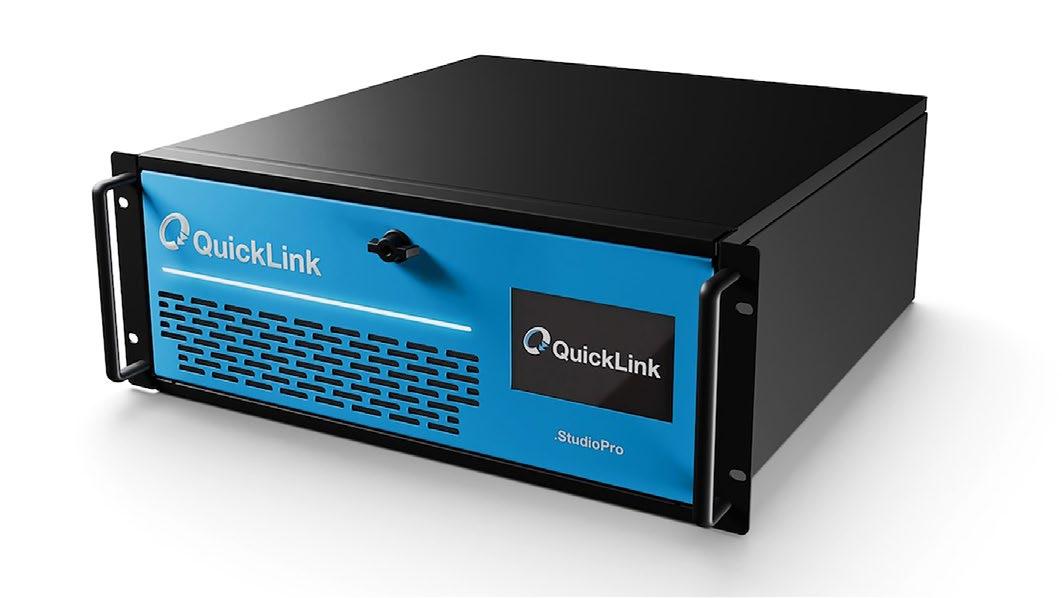
Hybrid collaboration is now the standard. The challenge isn’t just about connecting people; it’s making communication direct, natural, and reliable, regardless of location. Focusing on the foundations that make this possible is the critical next step, and this has been a major point of emphasis for us at QuickLink. Reliable infrastructure, low latency, and consistent quality, reinforced through self-imposed standards like QuickLink’s Rugged Reliable Chassis (RRC), are what separate basic connectivity from genuine, productive engagement.
An example of this approach is QuickLink StudioEdge, a guest contribution management solution that connects remote participants from QuickLink StudioCall, Zoom, and Microsoft Teams into professional workflows. It ensures consistent, high-quality audio and video from any location, while removing the technical complexity that often slows teams down. Our goal is straightforward: remove friction. Technology should simplify collaboration, not complicate it. Every QuickLink product is built for reliability and ease of use, so teams can focus on outcomes instead of workarounds.
KIRK MCPOYLE Chief Executive Officer LEDgend Distributors
Whether a team is gathered in a conference room or scattered across time zones, the goal remains the same: to create environments that support shared vision with clear communication and easy interactions.
The foundation of any productive collaboration space is intentional design with displays that make it easy to see, hear, and engage. From interactive displays that draw in participants to visualization walls that bring remote contributors into the same digital room, technology becomes the canvas for collaboration.
True collaboration thrives when people feel empowered to contribute equally—when the tools disappear, and the conversation takes center stage. That requires trust, inclusivity, and technologies designed with both local and remote experiences in mind. Connected experiences are key.
At LEDgend Distributors, we believe in creating technology ecosystems that make that connection effortless, whether teams are near or far. Shared experiences built on clear visuals that keep ideas moving forward help organizations to stay aligned, inspired, and working as one.
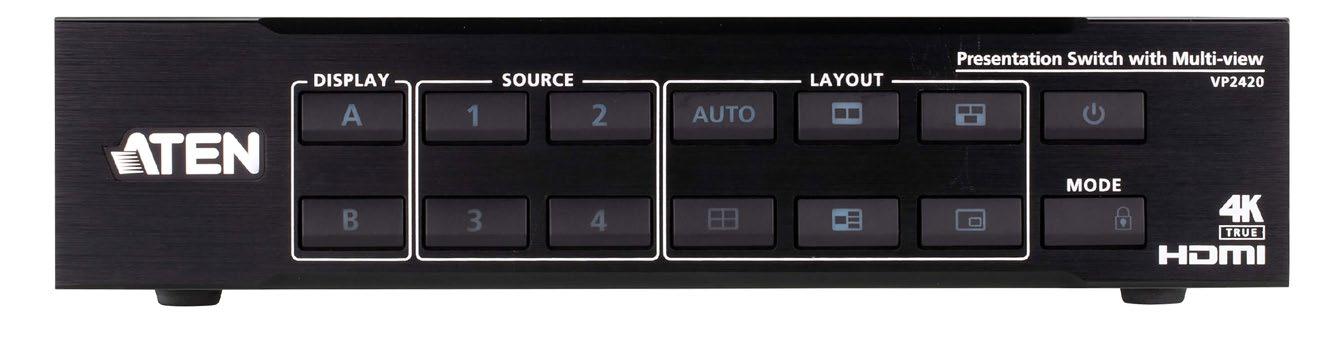
CHRISTIAN YOUNG Product Manager, ATEN Technology
For IT teams, collaboration technologies succeed or fail on performance. Signal integrity, bandwidth efficiency, and platform interoperability determine whether meetings drive progress or stall out. In a hybrid-first world, getting this right is critical.
IT pros know that frictionless technology isn’t optional; it’s the baseline. High-quality 4K video, echo-free audio, and sub-second latency ensure users don’t notice the infrastructure doing its job. Interoperability is just as important: Solutions must integrate with Microsoft Teams, Zoom, and Webex, while also tying into AV-over-IP systems and enterprise management platforms. Flexibility matters too. Cloud-enabled access, BYOD support, and Power over Ethernet (PoE) simplify deployment and scale without sacrificing reliability. And with enterprise-grade encryption and monitoring tools, security and uptime remain under IT’s control.
Even with robust infrastructure, culture dictates whether collaboration actually works. IT leaders play a key role in designing environments that ensure equity of experience. Remote participants need visibility equal to those in the room, supported by 360-degree cameras, ceiling microphones, and shared dashboards. Clear norms around asynchronous tools—shared docs, task boards, and recordings—reduce meeting overload and respect distributed teams.
IT-led collaboration environments should deliver consistency, manageability, and reliability, while enabling the culture to thrive. When technology is invisible and dependable, users stay focused on outcomes, not troubleshooting. That’s how distance becomes irrelevant, and collaboration becomes a true business driver.
JOHN HARMYK Director of Sales, Pro AV Mount-It! PRO
Productive teamwork depends on technology that dissolves distance and design that supports human connection— wherever people are. I believe great collaboration starts with great environments. Whether it’s a conference room, huddle space, or classroom, the way technology and furniture interact directly influences how ideas flow. Our commercial display mounts are engineered to simplify that connection—keeping screens securely positioned, visible, and accessible to every participant, both in person and remote.
When displays are mounted at the right height and angle, teams spend less time troubleshooting and more time problemsolving. Wall, mobile, and ceiling-mounted solutions not only free up floor space, but create flexible environments where creativity can move—literally.
But collaboration goes beyond hardware; it’s about culture. The smartest spaces empower people to engage naturally, see each other clearly, and feel equally included. When a video wall or shared display is mounted correctly, everyone—near and far—has a seat at the table.
From the start, the mission is simple: make it easy for people to work smarter and more comfortably. By blending intuitive design with practical engineering, Mount-It! Pro helps teams transform everyday spaces into collaboration hubs where technology supports human connection—not the other way around.
TOMER MANN Chief Revenue Officer 22Miles
Five years of widespread hybrid working have revealed clear collaboration preferences among knowledge workers: They want to do individual and administrative tasks at home and collaborate in the office. That split carries important implications for AV design.
First, you’re looking at a more complicated employee coms picture. Your organization’s strongest individual contributors probably prefer to spend the majority of their time working remotely, where it’s harder to keep them engaged in company mission and culture. That’s crucial, as engagement is one of the strongest predictors of retention. You need a unified employee communications approach that reaches these remote desktops as effectively as the signage across your physical facility.
More importantly, the messages that reach these remote employees need to be in real time and relevant—business insights that inform their work drawn from across the enterprise software stack. To serve a modern hybrid workforce, you need a content management system with a deep API library, as well as the flexibility to custom integrate new solutions.
The on-site experience is still critical, though. Since people spend less time in the office, assume they need more support. Give them the hot desk, directory, and wayfinding capabilities they need to find the people they are there to work with. Consider using your CMS to deliver help desk and training resources directly to collaboration devices. Leverage unified communications to not only keep remote employees engaged, but make every second in the office count.
TRAVIS KEMP Vice President of Product Management Korbyt
In today’s workplace, productive collaboration depends as much on culture as it does on technology. Teams are more distributed than ever, which means organizations must think about how to design both the physical and digital environments where work happens.
At the cultural level, collaboration thrives when organizations embrace transparency, inclusivity, and flexibility. Transparency ensures that employees, whether across the hall or across the globe, have equal access to the same information. Inclusivity broadens participation, ensuring every voice has space in the conversation. Flexibility acknowledges that people will collaborate from different time zones, devices, and work styles, and it empowers them to do so without friction.
On the environmental side, the shift from static to smart collaboration spaces is redefining how teams connect. Meeting rooms and shared work areas are evolving into dynamic hubs that automatically adapt to what teams need—before, during, and after meetings take place. Displays that share targeted updates when a room is idle, booking systems that sync in real time, and seamless integrations with conferencing platforms eliminate the small points of friction that often derail productivity.
Emerging technologies such as AI-driven space recommendations, verified occupancy data, and sensor-based analytics further refine these experiences. Instead of guessing which spaces are available or suitable, employees can trust that the right tools and rooms will be ready when they are. The result is a smoother flow between in-person and virtual collaboration.
Ultimately, the most productive collaboration environments are those that combine a supportive culture with intelligent systems. When employees feel included and empowered, and when spaces anticipate their needs rather than hinder them, teams can focus less on logistics and more on meaningful work, no matter where they sit.
JEREMY MEYER Co-Owner CableEZ
Collaboration happens everywhere— across tables, time zones, and technologies. But the most successful environments, whether a classroom or a corporate boardroom, share one thing in common: simplicity. When technology feels invisible, people feel empowered to connect.
Productive collaboration environments start with thoughtful design. That means eliminating barriers—both digital and physical—that disrupt the flow of ideas. A messy web of cables, for example, can turn a quick brainstorm into a technical headache. Clean, accessible connection points keep teams focused on each other, and not on finding the missing cable or fixing a loose HDMI cord.
We believe that collaboration begins with confidence. When every participant—near or far—can plug in, present, and participate without friction, communication flourishes. It’s not just about neat cable management; it’s about enabling human connection through seamless, secure, and intuitive design.
In environments where distance collaboration is the new norm, the spaces that thrive are the ones that prioritize clarity, organization, and inclusivity. Technology should never get in the way of teamwork; it should quietly power it, EZ-ly.
HELSINKI HOTEL GETS A CONFERENCING UPGRADE
PPDS was behind the installation of 800 hotel TVs, digital signage, and dvLED walls inside Finland’s advanced business hotel complex, the Clarion Hotel Helsinki Airport.
Located immediately outside Vantaa Airport’s main terminal, the 12-floor multi-purpose hotel has 505 luxury guest rooms; a scenic rooftop cocktail bar; an à la carte restaurant; a gym; a heated outdoor pool; a two-room conference center; and a plush, 1,050-capacity ballroom, making it ideal for local and international meetings, exhibitions, events, and more.
The hotel’s owners, Strawberry Hotels, worked together with solution specialists Speeron, Smart Media Solutions, and Audico Systems in completing the project on time and on budget, ahead of the hotel’s grand opening.
More than 770 Google Cast integrated Philips MediaSuite 6214 UHD TVs—including 50-, 65-, and 75-inch size variants—were installed inside all guest rooms and suites, with screen sizes and number of units selected and placed based on room sizes and layouts. The newly launched 135inch Philips Unite LED All-In-One display enhances
conferencing, while three Philips Public 7000 Series LED walls were custom installed inside the conference center. These were mounted using purpose-designed systems from Smart Media Solutions, with each set into a wooden slatted design, seamlessly blending them with the wall for a stylish, clean setup. Additionally, a range of digital signage was chosen for wayfinding and information, including 88- and 75-inch Philips Signage 3000 Series Q-Line displays and 98inch Philips Signage 4000 Series Modular D-Line displays.
Photography courtesy of PPDS
audio-technica.com 1
Audio-Technica’s 3000 Series Wireless InEar Monitor System (ATW-3255) delivers professional performance, reliability, and value for system integrators and livesound contractors. Designed for houses of worship, performance venues, and touring artists, it offers exceptional sound quality and dependable RF in an affordable, easyto-deploy package. Featuring wideband UHF coverage (138MHz), network monitoring, and control via Wireless Manager, and cue and 3000 Link modes, the system integrates seamlessly into modern installations. Its rugged transmitter, efficient body-pack receiver, and ATH-E40 dual-driver earphones ensure clear, natural audio and long-term durability, making it an ideal solution for scalable, professional wireless IEM deployments.
2 Audio Spotlight AS-24iX Speakers
Holosonics’ Audio Spotlight AS-24iX Speakers project sound in a precise, narrow beam—clear for the intended listeners while minimizing sound spill everywhere else. The flagship AS-24iX model delivers focused, private audio for conferencing and collaboration spaces without the noise or distraction of traditional speakers. Featuring a built-in amplifier/processor, flexible I/O, and daisy-chain output to expand the focused sound field for larger groups, the AS-24iX integrates easily with any line-level source. Its slim, 2-by-2-foot ceiling tile design installs flush in standard grids, providing a seamless, professional look ideal for modern meeting rooms and open offices.
holosonics.com
3
Planar UltraRes L Series
Planar’s UltraRes L SeriES Full-HD-resolution all-in-one MicroLED and LED displays combine Planar’s best-in-class LCD features with award-winning fine-pixel-pitch LED technology. The easy-to-use display features on-board processing, audio, 10-point IR touch technology for enhanced collaboration as well as multiple inputs to support simultaneous viewing of up to four content sources. Customers benefit from 109-, 122-, and 136-inch sizes and wall mount or rolling floor stand options for permanent or mobile installation needs. This flexibility is enhanced with height-adjustable kits by BalanceBox. The display can be quickly assembled with only two people and powered using a single 110V cable.
planar.com
Atlona’s OmniStream is an AV-over-IP platform built for performance and flexibility. Stream HDR 4K@60Hz 4:4:4 signals with ultra-low latency across standard IP networks and expand across buildings or entire campuses. With built-in signal switching, Multiview, and seamless scaling, it adapts to any environment—from classrooms and boardrooms to control centers with video walls. Backed by Atlona’s intuitive management tools in Velocity and enterprise-grade reliability, OmniStream is the smart choice for future-ready AV installations.
atlona.com
Shure’s MXW neXt 4/8 offers a reimagined wireless collaboration experience with contemporary industrial design, pristine audio quality, and groundbreaking speed of set up. A first-of-its-kind combined transceiver and onboard IntelliMix DSP connects right out of the box—with multiple available transmitter form factors—making it easy to deploy to a variety of room types, sizes, and applications. MXW neXt is certified by leading videoconferencing platforms, and AV and IT managers can enjoy seamless integration and remote management over an entire campus via ShureCloud. Scalable for a variety of corporate or classroom environments, MXW neXt 4/8 sets the standard for best-in-class wireless collaboration.
shure.com
mersive.com 6
Global AV Solutions Program
Mersive Essentials brings powerful collaboration to the spaces where ideas take shape: huddle rooms, classrooms, offices, and smaller meeting rooms. With the compact Gen4 Mini Pod and the sleek Mersive Collaboration Suite interface, it’s a reliable way to get users engaged. It’s more than just a way to present; Essentials helps people participate. With an unlimited number of shares, everyone can contribute at once, turning meetings into active, collaborative sessions. Backed by secure cloud management and an intuitive design, it supports the work without getting in the way. It’s simple, capable, and ready to connect your team wherever they meet.
Sony’s Global AV Solutions Program empowers integrators and global enterprise customers worldwide with coordinated product offering, pricing, service, and support to eliminate complexities and provide a unified solution. Sony strives to offer consistent pricing and product offerings across multiple countries by enabling centralized proposals through internal collaboration. Additionally, the company’s BRAVIA Professional Displays and remote cameras come with a 3-year warranty, highlighting Sony’s commitment to delivering reliable service worldwide. Sony works with leading technology companies to both enhance its product portfolio and help initiate, configure, and set up solutions to address industry needs and sustainability.
pro.sony
MXW neXt 4/8
Mersive Essentials
8 ViewBoard IFP8663 Display
ViewSonic’s ViewBoard IFP8663 Display is an 86-inch interactive flat panel designed to boost productivity in today’s boardrooms, conference spaces, and hybrid workflows. This native 4K display features ultra-responsive Projected Capacitive (PCAP) touch technology, ensuring smooth, precise interactions and crystal-clear visuals. Built on the latest Android EDLA platform, the IFP8663 offers enhanced security, seamless app integration, and future-proof performance. Combining enterprise-grade tools with an intuitive design, this display is a scalable solution for driving collaboration and streamlining operations.
viewsonic.com
9
10 TeamConnect Ceiling Medium Microphone
Sennheiser’s TeamConnect Ceiling Medium (TCC M) Microphone with a coverage range of up to 50 square meters, is the right choice for midsize lecture or collaboration spaces. The TCC M is a real problem-solver that allows cable-free tables and flexible furniture arrangement, while offering Sennheiser’s trusted audio quality, efficient setup, brand-agnostic integrations, simple management and control, a sleek design, and a sustainable impact. It is certified for Microsoft Teams, Zoom, Tencent, DingTalk, and more, and offers support for camera tracking capabilities with any PTZ camera on the market. The TCC M is also now available in a Ceiling Tile form factor for streamlined integration.
sennheiser.com
1 Beyond Cameras
Crestron’s 1 Beyond Cameras intelligently and clearly capture everyone in large spaces, increasing meeting equity and engagement for hybrid meetings. Crestron 1 Beyond cameras can be added to any space to level up your meeting experience with clear, crisp, intelligent video. The Crestron 1 Beyond camera line addresses a critical need for automated cameras suited to provide the premium experience required in larger meeting spaces. Crestron’s 1 Beyond cameras initially allowed users to deploy one primary device and one presenter-tracking companion; now, they support intelligent switching for more cameras than ever before. With the new 2.0 firmware, users can target medium-sized rooms and connect up to four i12 or i20 companion cameras to a primary i12 camera for a more dynamic and automated experience.
crestron.com
11 SW-640L-TX-W Kit with APO-DG2
WyreStorm’s SW-640L-TX-W Kit with APO-DG2, winner of the Pro AV Best in Market Awards 2025, redefines how classrooms and meeting spaces connect. Combining native wireless casting (AirPlay | Miracast), guest-ready BYOM, and MST over USB-C, it delivers effortless multi-display workflows. Dual HDMI outputs and builtin USB switching simplify collaboration, while SYGMA Cloud Device Management enables integrators to monitor and support systems remotely. Recognized for its performance and innovation, this kit turns every meeting into a seamless, high-impact experience, empowering smarter spaces where technology and people work in perfect sync.
wyrestorm.com
12 UCS 504
As USB cameras, microphones, and peripheral devices become common in small meeting spaces, connecting users’ laptops to these devices has become critical. Extron’s UCS 504 supports switching up to six USB room devices: one that supports rates up to USB 10Gbps while providing 5V, 900 mA power; and five that support rates up to high speed (USB 2) while providing 5V, 500 mA power per port. Integrating traditional AV display switching with USB peripheral device switching in one unit takes collaboration between local and remote users to a new level.
extron.com
13 Quorum One
Ross Video’s Quorum One is an all-in-one AV production platform purpose built for corporate meetings. Combining automation, switching, clip playout, and AI camera tracking in a single system, it delivers broadcast-quality video through intuitive, automated workflows. Once installed, cameras track and switch automatically, enabling anyone to go live with one touch. Optimized for IP workflows with an NDI-native architecture, Quorum One integrates seamlessly into existing networks and can be managed via any web browser. Easy to deploy and operate with under 30 minutes of training—it replaces racks of gear with one compact system, reducing costs while ensuring consistent, professional-quality production every time.
rossvideo.com
15
Humly Sense is a software-sensing gateway built into the Humly Control Panel that establishes an open API channel of communication between other open devices. Humly Sense can receive and process data from any open device upon triggering its API, empowering new automated features in Humly products that help organizations build smarter, healthier, and more efficient workspaces. For example, Humly Sense enables real-time presentations of occupancy tracking and environmental monitoring information. Those readings populate on the backlit LED displays of Humly Booking Device and Humly Room Display, the company’s two award-winning premium hardware products, and dynamically update as conditions change.
humly.com
16 MC-TX1-RACK MaxColor Rackmount Encoder
Just Add Power’s MC-TX1-RACK MaxColor Rackmount Encoder consolidates three of the company’s MC-TX1 encoders into a single chassis. The unit is designed to simplify video distribution installs—from more compact setups all the way to large-scale AV-over-IP installs—and supports the same feature set as the company’s standalone MC-TX1, including 4K60 4:4:4 video, all audio formats, endpoint control, and Audio Return Channel support.
justaddpower.com
5CAI Agent Suite
Korbyt’s 5CAI Agent Suite is the latest addition to Korbyt Anywhere, the company’s AI-powered content management system (CMS) for digital signage and workplace experience, which enables organizations to optimize spaces and deliver targeted, real-time communications to employees, students, guests and retail customers. Korbyt’s new suite of AI agents dramatically elevates digital signage and space reservation systems, boosting user experience, operational efficiency and data-driven decision-making through intelligent automation. Korbyt’s new 5CAI Suite consists of five task-specific AI functions: CreateAI for content creation, CurateAI for content tagging and optimization, ConciergeAI for space booking assistant, CommandAI for device management, and ClarityAI for smart analytics.
gokorbyt.com
16
TiLED Off-the-Wall dvLED Mounting Solutions
Chief’s TiLED Off-the-Wall dvLED Mounting Solutions are configured, modular mounting solutions for non-wall-mounted dvLED applications. Designed to address the growing demand for flexible and adaptable dvLED display installations beyond traditional wall-mounted configurations, the systems span a wide range of scenarios where dvLED video walls need to be mounted to a cart, integrated into a freestanding structure, bolted directly to the floor, or suspended from the ceiling. This versatility makes it ideal for diverse environments such as classrooms, corporate lobbies, retail spaces, live events, broadcast studios, and command centers, offering flexibility in design and deployment of dvLED displays.
legrandav.com
18 ListenTALK
Listen Technologies’ ListenTALK is a two-way communication system ideal for multiple applications and venues, including assistive listening, guided tours, training, group communication, language interpretation, and more. ListenTALK enhances audio in any setting and helps overcome the challenges that distance, noise, and hearing loss pose to clear communication in order to increase inclusion and provide more engaging experiences. The ListenTALK system features small transceivers (combination transmitters/receivers), accompanied by venue-provided or users’ own headphones or earbuds with built-in mics. Users press and hold a button on the transceiver to speak to the leader or the group. Neck loops are available for individuals with telecoil-equipped hearing aids and cochlear implants.
listentech.com
19
Avio 2 4K HDMI IP KVM Extender
Matrox Video’s Avio N2150 IP KVM Extender provides unparalleled image quality and performance with support for up to 4K resolution. Avio 2 ensures secure, real-time performance for mission-critical applications that need remote access to computing equipment. Leveraging open standards like IPMX, SMPTE ST 2110, and NMOS, Avio 2 offers scalable and flexible connectivity. Avio 2’s AES 128-bit encryption protects audio, video, and USB signals, with access managed via Microsoft Active Directory. Deployment options include fiber or copper cabling, while power redundancy ensures uninterrupted operation. Easy to install and fanless, Avio 2 delivers reliable, high-performance solutions for control rooms, medical facilities, broadcast studios, and live events.
video.matrox.com
20 USW-121P HighPower Subwoofer
Meyer Sound’s USW-121P High-Power Subwoofer is the first model in a new generation of USW subwoofers that expands the company’s heritage of low-frequency innovation into a broad range of applications. Drawing on the power and low-frequency precision of the 2100-LFC but optimized for installs and portable uses, it delivers that model’s signature performance in a streamlined form factor at a very attractive price point. The USW-121P is shipping now, giving designers and integrators immediate access to a versatile new solution for cinema, theaters, performing arts centers, houses of worship, spatial sound environments, and other non-arrayed deployments.
meyersound.com
21
22 HDX Series
Nureva’s HDX Series brings simple, scalable audio to large classrooms and meeting spaces up to 60 by 40 feet. HDX pairs wall-mounted audio bars, optional microphone pods, and a central hub with single-cable AV over IP for fast installations and IT-friendly management. Patented Microphone Mist technology delivers unified, whole-room pickup. Full-range distributed speakers provide even playback. Adaptive voice lift enhances in-room speech without dedicated mics. AI-based voice detection and noise suppression sharpen clarity. Built-in Auracast broadcast audio enables assistive listening. Scalable configurations and seamless UC&C/AI integrations (including Microsoft Copilot and Zoom’s AI Companion) make HDX a smart, future-ready choice. It will be available in February, 2026.
nureva.com
PowerLite 815E Extreme-Short-Throw Laser Projector
Epson’s PowerLite 815E Extreme-ShortThrow Laser Projector offers a modern display for collaborative workspaces. The lamp-free projector’s 3-chip, 3LCD technology and 4K Enhancement deliver sharp images up to 160 inches—4.5 times larger than a 75-inch flat panel—while sitting just inches from the wall. Five thousand lumens combat ambient light and various aspect ratios, including 16:9 and 21:9 super-wide, ensure equitable hybrid meeting experiences. Quality built-in sound, digital zoom, and the Epson Setting Assist app provide simple setup, fleet management, image alignment, and casting. Take collaboration anywhere with the versatile Mobi Mobile Projector Cart (ELPCS01), designed exclusively for use with PowerLite 810E/815E.
epson.com
23 WR-AV800 AV Processor
Panasonic’s WR-AV800 AV Processor is an AV bridge that seamlessly combines physical and virtual meeting spaces. It provides PnP support for up to 48 wireless microphones, four ceiling microphones, and eight PTZ cameras, enabling intelligent speaker tracking and beam-focus audio without manual mic zoning. Video and audio I/O can be handled over a single USB cable, simplifying room setups and making it ideal for enterprise and education environments. The processor also integrates with Panasonic’s Media Production Suite and MicCC Software, allowing for unified operation of all system components. The WR-AV800 delivers high-quality, intuitive hybrid communication with minimal system overhead.
connect.panasonic.com
24
Dual-Screen Video Conference Mount
Mount IT!-Pro’s Dual-Screen Video Conference Mount, designed to accommodate LED display sizes from 55 to 90 inches, will easily turn a plain meeting room into a professional-looking video conference facility. Combined with camera and soundbar or codec shelves, our product offers a complete mounting solution for nearly any video conference configuration. Adding conferencing products like the Crestron Flex System, Logitech Rally Bar, or Poly Studio Video Soundbar completes the video teleconference experience. Combine our hardware with software and hardware codecs from Cisco, Zoom, Microsoft Teams, and others to connect your office to the world!
mount-it.pro
25 Move 4K PTZ Camera
PTZOptics’ Move 4K PTZ Camera allows you to bring intelligence and flexibility to your productions. Featuring built-in auto-tracking, the Move 4K keeps presenters perfectly framed without needing a dedicated camera operator, saving time and effort for teams of any size. Its versatile outputs and smooth 4K video make it ideal for everything from live events and worship services to classrooms and corporate broadcasts. With intuitive control options, discreet mounting, and continuous free firmware updates, the Move 4K is built to grow with your workflow, delivering professional-quality video that’s easy to manage, wherever your story unfolds.
ptzoptics.com
QuickLink’s StudioPro is the world’s easiest 4K video production platform, built to deliver ultra-low-latency performance without the complexity of traditional systems. With just a single frame of delay, presenters stay perfectly in sync with large screens and video walls, making it ideal for live events and AV environments. You don’t need broadcast experience to create professional results; if you can build a PowerPoint, then you can build a show. Each scene works like a slide: Add speakers, media, and graphics, and then switch between scenes instantly through an intuitive interface that makes professional production effortless.
27
28 115-Inch 4K Smart Signage PanaCast
Samsung’s 115-Inch 4K Smart Signage (QHFX 115 inch) is the world’s largest LCD display, captivating audiences through eye-catching visuals. With 1,000 nits of maximum brightness, QLED 4K resolution, 10,000 local dimming zones, and DCI-P3 93 percent Color Gamut and anti-glare capabilities, the QHFX 115 inch enables users to view on-screen content in vivid detail in various lighting conditions. The display comes complete with a 16:9 aspect ratio, 60-watt speakers and support for up to four split windows of simultaneous content. Users can select between portrait or landscape orientation, making the QHFX 115 inch an ideal centerpiece for conference rooms.
samsung.com
Globally, less than 3 percent of huddle rooms are video enabled, leaving millions of meeting spaces underutilized. Jabra’s PanaCast 40 VBS addresses this challenge with its innovative dual-camera systems, delivering a seamless, 180-degree field of view through advanced stitching technology so every participant is visible—even those seated close to the screen. PanaCast 40 VBS is the only Android-powered video bar designed for small meeting rooms. With hybrid work now the norm, it bridges collaboration gaps with all-in-one functionality, combining exceptional audio, full-room visibility, and platform flexibility. It transforms overlooked small spaces into high-performing collaboration hubs, empowering teams to connect seamlessly.
jabra.com
29 Evolution Collaboration Switcher
Vanco’s Evolution Collaboration Switcher (EVSW4K41) enables seamless switching from multiple wired or wireless presenters. Miracast and Airplay allow wireless casting from BYOD devices. EVSW4K41 also has two HDMI inputs and a USB-C input with 60W of charging and USB 2.0/3.0 data support. The switch supports uncompressed HDMI 2.0b, 4K@60Hz video with full HDR and HDCP2.2 compliance. EVSW4K41 is also outfitted with two USB-B posts for host connections, two USB-A ports for peripherals, and front panel buttons for display control. EVSW4K41 also features audio de-embedding for breakout to an amp or audio distribution system.
vanco1.com
30 SEAMLESS Bespoke Series
The SEAMLESS Bespoke Series by Peerless-AV offers completely customized dvLED mounting systems for unique and complex applications. Peerless-AV specializes in a wide variety of applications, giving customers endless video wall design options, including columns, curves, corners, tickers, floor, floor-to-wall, and more. As part of the SEAMLESS program, customers will also receive start-to-finish project support from Peerless-AV, including expert engineering and design, custom project managers, and full installation services.
peerless-AV.com
As hybrid collaboration continues to redefine the modern workspace, Biamp’s EasyConnect MPX 250 offers AV and IT professionals a streamlined, scalable solution for connecting users to meeting room technology, without complexity or driver dependencies. The MPX 250 consolidates power, video, and data through a single USB-C connection to support BYOM conferencing, including dual displays of 4K@60Hz, along with 100W laptop charging. Its compact, industrial design features integrated cable management and a removable, Kevlar-reinforced cable head that simplifies installation through tight spaces or table conduits. Designed with flexibility in mind, the MPX 250 can be daisy-chained with up to four units to accommodate as many as 16 participants.
biamp.com
32 VP2420 4x2 True 4K HDMI Presentation Switch
Experience seamless collaboration and efficient decision-making with ATEN Technology’s VP2420 4x2 True 4K HDMI Presentation Switch. It delivers a stunning viewing experience across mixed-resolution displays and ensures smooth switching between two screens with multiple sources. With multi-view functionality, it enables comprehensive data presentation, allowing participants to workshop ideas and compare information on a single screen. Its smart layout adjustment maintains a seamless flow as sources connect or disconnect, for uninterrupted meetings. The VP2420 supports versatile audio setups with options for audio embedding or separate extraction.
aten.com
33
34 Mythic COB
Mythic COB by LEDgend Distributors delivers a perfectly flat, uniform LED surface with higher chip density and a wider color gamut for true-to-life imagery. Designed for up-close viewing comfort, Mythic COB combines 0.95mm, 1.25mm, and 1.5mm pixel pitches with superior durability—water proof, dust proof, and impact resistant. Its mechanical, modular design ensures simple installation and easy maintenance, making it the ideal choice for environments demanding ultra-HD clarity and long-lasting reliability.
ledgenddistributors.com
CableEZ Double Gang Cable Security System
The CableEZ Double Gang Cable Security System eliminates AV cabling frustrations in classrooms, conference/meeting rooms, huddle spaces, and anywhere else users need to interface with cabling. It provides clean, secure, dependable, and trouble-free connection points for end users. CableEZ eliminates access to the cable connection point, resulting in cable that is always connected and working; the user simply unwinds the cable and uses it. It also provides a dramatically cleaner cabling environment by providing integrated storage space for the cable, and has no visible connection points that protrude out and can get damaged. Use with any type of cable, from HDMI to USB, data, and even microphone cables.
cableez.com
avextenders.com 35 U-Present Pro 2000
AV Extenders’ U-Present Pro 2000 2000 2100 1R2T KIT is a 4K wireless presentation system that connects any device to any screen—no apps, software, or cables required. It supports up to 22 presenters and allows four users to share simultaneously via quad split screen. Compatible with Miracast and AirPlay, it can multicast to multiple receivers and includes whiteboard back control. Each set includes one receiver, two HDMI/USB-powered transmitters, and a carrying case. With one click, it’s your turn to present—simple, seamless, and cable free.
22Miles’ Microsoft Teams Rooms (MTR) Integration transforms idle screens into dynamic communication tools. With seamless CMS integration, organizations can push messages once in Teams and instantly display them across laptops, mobile devices, and digital signage. During downtime, MTR displays become valuable digital signage canvases for corporate messaging, event schedules, how-to guides, welcome notes, social feeds, or even industry news. The intuitive 22Miles backend ensures updates are quick and consistent without programming expertise, while built-in analytics empower data-driven content strategies. Together, 22Miles and MTR elevate hybrid meetings and maximize communication impact across the workplace. 22miles.com
BenQ’s InstaShow WDC15 redefines wireless presentations by delivering the simplest and most secure interactive presentation system for both classrooms and professional environments. With touchback support, presenters using an interactive display can control their laptops directly from the board up to 40 feet away. The WDC15 delivers uncompromising visual performance with full 4K UHD output at 60 fps and ultra-low latency, ideal for spreadsheets and smooth video playback. It’s also app- and driver-free and does not require network access, software installation, or IT network support; and works instantly with any device through a simple USB-C or HDMI connection.