






By TL Editors
ISTELive25 was another energetic and inspiring conference, held in San Antonio this year with hundreds of sessions and exhibitors enjoying the learning and networking.
The exhibit hall showcased hundreds of new products and services, and our Tech & Learning judges culled the show floor to review the many nominated products for this year’s Tech & Learning’s Best of Show awards at ISTELive 25 awards. The evaluation criteria included: ease of use, value, uniqueness in the market, and proof that the product helped make teachers’ lives easier and supported student achievement.
“While AI continued to dominate discussions at ISTE this year, we were truly impressed by the nominated products that bolster the core of teaching and learning while also thoughtfully integrating emerging technologies,” noted Christine Weiser, Content Director for Tech & Learning. “Our judges selected the innovative products they believe support classroom and district needs.
Congratulations to all our winners!”
The winners were formally announced during a fun-filled cocktail reception at Zinc Bistro & Bar in San Antonio. Winners were presented with the award, posed for photos, mingled with other winners, and celebrated the night away.
Primary Education
• Acer America, Acer Chromebook Plus Spin 714 (model CPE794-1N797A); Acer Chromebook Spin 512 (Model R857TN-P5QA)
• ActiveFloor, ActiveFloor
• Avantis Education, ClassVR from Avantis Education
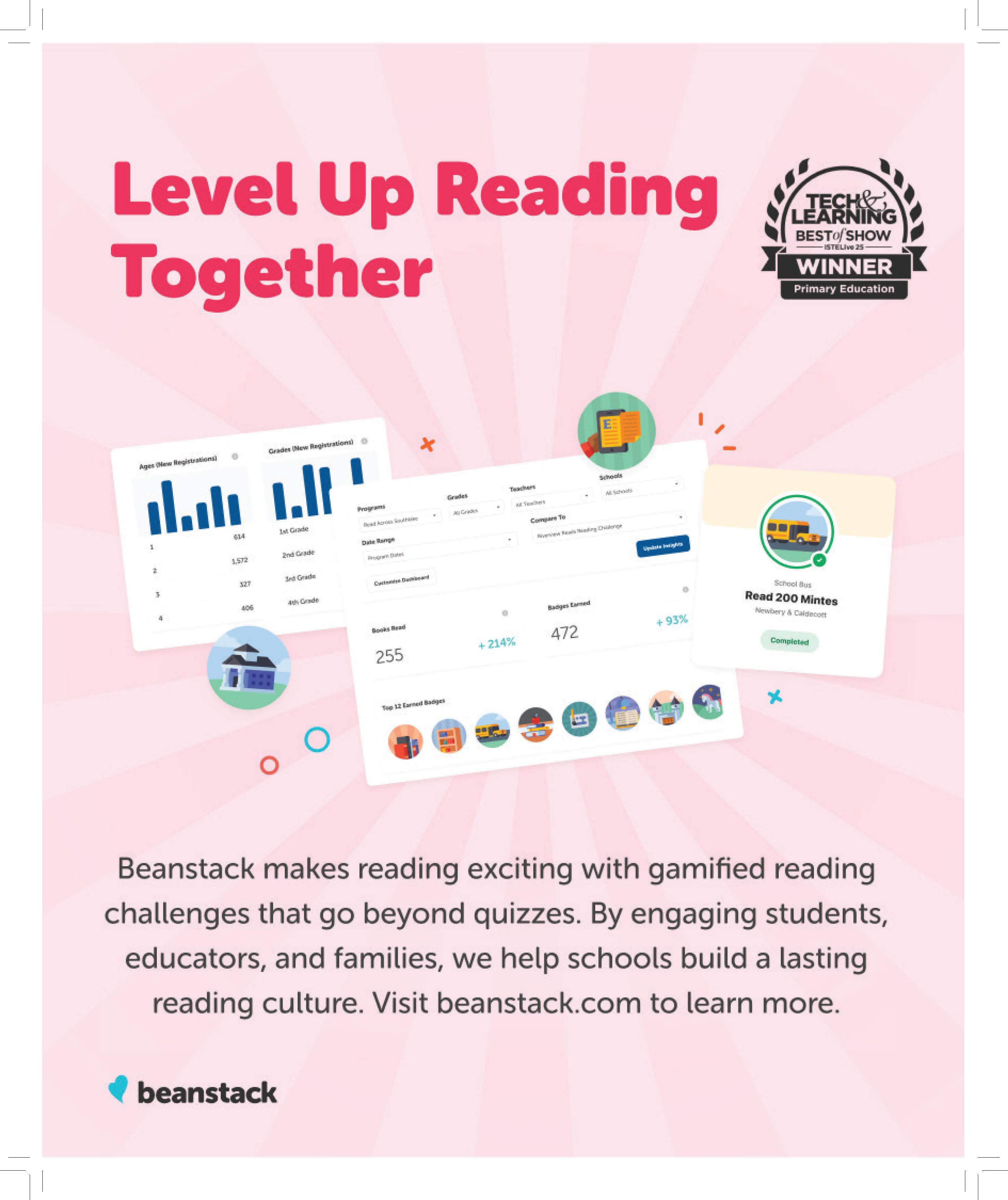
• Beanstack, Beanstack
• BenQ Education, RP04
• BirdBrain Technologies, Inc., Hummingbird Robotics Kit for Primary Ed
• BookBreak, BookBreak
• BrainFreeze, BrainFreeze by Airia
• ClassLink, ClassLink Suite
• Clear Touch, Sho Software, Connect Software, Next Hub
• Cricut, Cricut Explore 4
• CTL, CTL Chromebook PX121E
• Curriculum Associates, i-Ready: Clear data and connected instruction
• Edmentum, Exact Path for Primary Education, Edmentum Virtual Tutoring
• FACIL’iti MYdys, FACIL’iti MYdys
• Forward Edge, Edge•U Badges Primary Education
• HMH, HMH AI Tools
• HoverCam / Pathway Innovations, Inc., HoverCam Orbit Trio
• IXL Learning, IXL
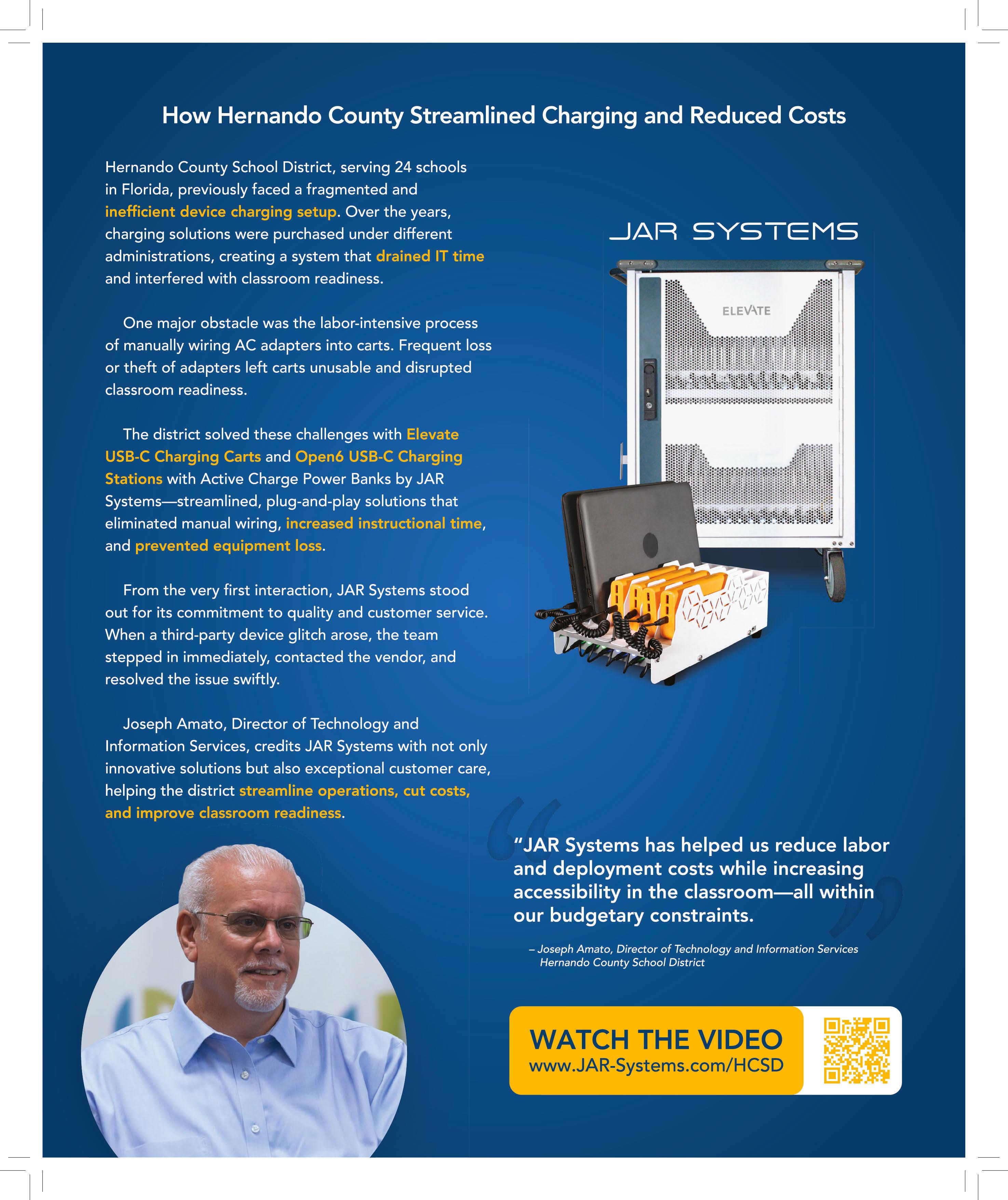
• JAR Systems, Open6 Charging Station Automated by Go-Box
• Kahoot!, Kahoot! AI Generator
• Kai’s Education, KaiBot and Market Math
• Kibeam Learning, Inc. Big Readers Start Small: The AI Wand That Transforms Paper Books Into Interactive Learning Adventures
• LG Electronics USA, LG CreateBoard Core; LG Electronics USA, LG CreateBoard Prep
• Mackin, MackinVIA
• Magic EdTech, MagicBox
• MagicSchool, MagicSchool AI
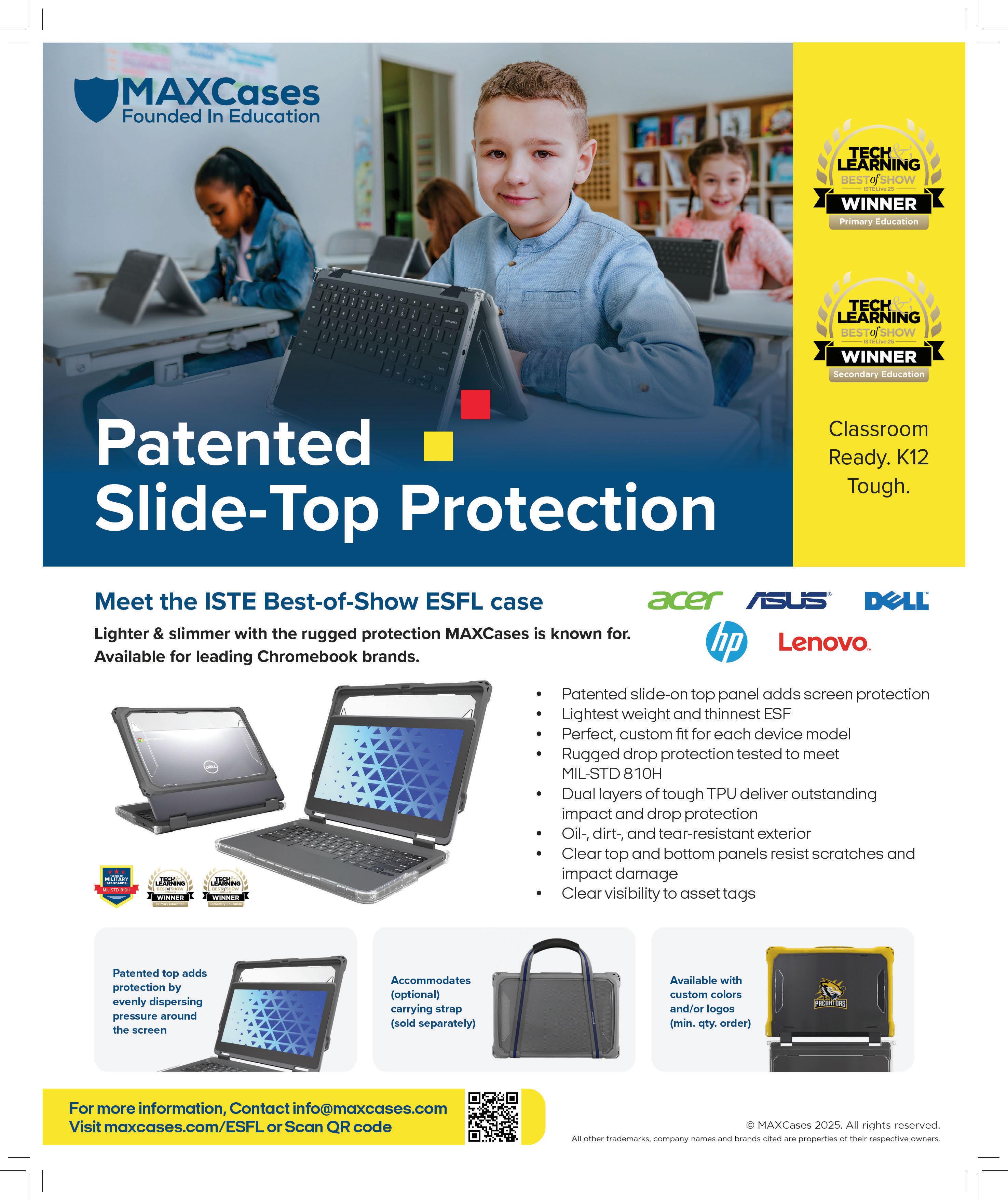
• MAXCases, MAXCases Extreme Shell-FL Case for Chromebooks & Laptops
• MIND Education, Seeing is
Believing: InsightMath Makes K-6 Math Click; ST Math: See Math. Learn Math. Know Math.
• Otus
• OverDrive, Sora
• Ozobot, Ozobot Ari
• Play Piper LLC, Piper Computer Kit; Play Piper’s Enhanced Base Station Curriculum
• Pocketalk
• Prodigy Education, Prodigy
• Robotical, Robotical Cog
• Samsung Electronics America, Samsung WAF Enhances Classroom Collaboration
• CyberNut, Security Awareness Training
• Seesaw Learning, Seesaw Learning
• Sergeant Laboratories, AristotleK12
• Smartbox Assistive Technology, Inc., Grid
• Teachers First LLC, Toddle
• ViewSonic Corp. ViewSonic ClassSwift Education Software
• World Book, Inc., ClassMate
• zSpace, Inc., zSpace Imagine - A Headset-free AR/VR Solution for Elementary Learners
• Acer America, Acer TravelMate B3 Spin 12 (Model: TMB312R31-C45D); Acer TravelMate B5 14 (Model: TMB514-31-G2)
• Ativion, StudentKeeper from Ativion
• BenQ Education, RP04; BenQ
SL04 PANTONE VALIDATED SIGNAGE
• BirdBrain Technologies, Inc., Finch Robot for Secondary Ed
• Brisk Labs Corp., Brisk Teaching: Helping Educators Focus on What Matters Most
• Cellairis, The Cyber Pouch
• ClassDojo, ClassDojo for Districts
• ClassLink, ClassLink Suite
• Cricut, Cricut Maker 4
• Edmentum Courseware; Exact Path for Secondary Education; Virtual Tutoring
• Forward Edge, Edge•U Badges Secondary education
• Gale, part of Cengage Group, Learning Differentiated with Gale In Context: For Educators
• HMH AI Tools
• Incident IQ, iiQ Resources; iiQ Ticketing and Assets
• IXL Learning, IXL
• Learning Genie
• Learning.com, Digital Literacy and Citizenship
• Lightspeed Systems, Lightspeed Signal
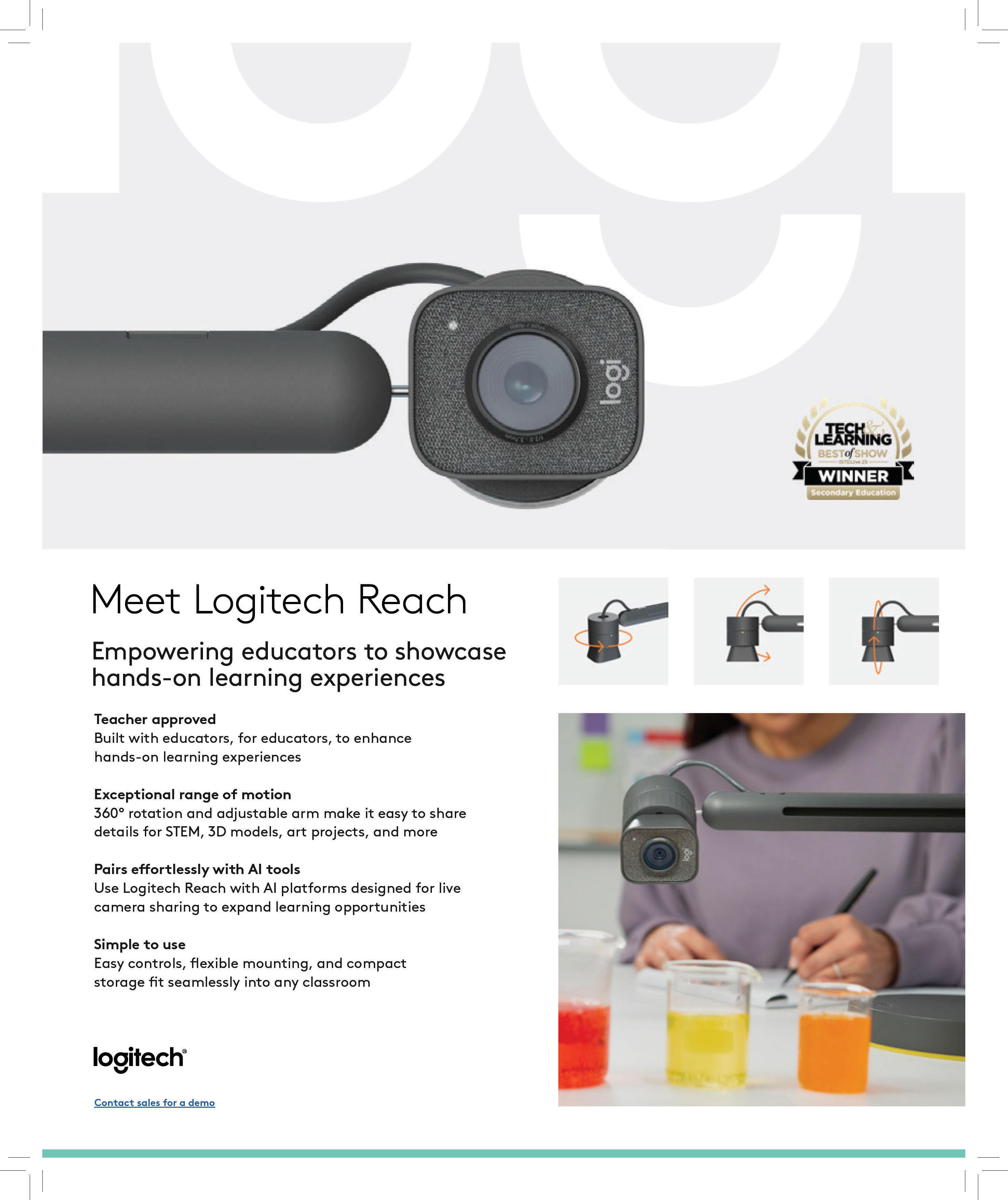
• Logitech, Logitech Reach
• MAXCases, MAXCases Extreme Shell-FL Case for Chromebooks & Laptops
• NetSupport, classroom.cloud
• Ori Learning
• Otus, Otus
• ParentSquare
• PBLWorks Teach
• Power Technologies, Power Technologies PT-Pro Series Locker
• PowerSchool, PowerSchool Attendance Intervention
• Samsung Electronics America, Samsung WAF Enhances Classroom Collaboration
• Teachers First LLC, Toddle
• ViewSonic Corp., ViewSonic ViewBoard IFP8651 EDLA Interactive Flat Panel Display
• Vivacity Tech PBC, Vivacity 36-Unit Smart Charging Cart; Vivacity B30U 30-Unit PreWired USB-C Charging Cart; Vivacity Guardian Backpack; Vivacity Guardian Work-in Case with Pouch; Vivacity Repair Academy; Vivacity V Suite Pro
HIGHER ED
• AVer Information Inc. USA, M11WB
• BenQ Education, InstaShow VS20 Wireless Presentation System; RP04; BenQ SL04 PANTONE VALIDATED SIGNAGE
• Epson America, Epson EB-PU2116W large venue laser projector
• Samsung Electronics America, Samsung WAF Enhances Classroom Collaboration
• ViewSonic Corp., ViewSonic LDS138-151 Mobile Direct View LED Display Solution
For the full article, plus comments from T&L’s judges, click here

By TL Editors
Tech & Learning has announced the winners of their 2025 “Best Tools for Back to School” to help educators discover the most effective products and solutions for any learning environment.
Tech & Learning judges evaluated nominated products based on their versatility, value, and ability to solve specific problems to support innovative, effective teaching and learning.
“In an era where AI and new technologies are reshaping the classroom, and districts are focusing on sustainable, long-term investments, our readers rely on Tech & Learning to highlight the best products to support an equitable and effective learning environment,” says Tech & Learning Content Director, Christine Weiser. “The winning products met our rigorous evaluation criteria to qualify for this prestigious list.”
Primary Education
• 3P Learning, Reading Eggs
• 3P Learning, Mathletics
• AB Studios, AB Studios: Shaping the Future of Enrichment with Dynamic, Story-Driven EdTech
• Acer Chromebook Plus Spin 714 (model CPE794-1N-797A)
• Acer Chromebook Spin 512 (Model R857TN-P5QA)
• Airia, BrainFreeze - The Complete AI Platform for K-12 Education
• Amira Learning, The Amira Reading Suite: Where Neuroscience Research and AI Meets Instructional Coherence
• Amplify Education, Amplify Desmos Math
• Apptegy, Apptegy School Communication Platform
• AVer Information Inc., M11WB
• AVID Products, WonderEars Early Learning Headset – Supporting Focus, Literacy, and Safer Listening
• BBC Studios, BBC Learning HUB
• Benchmark Education, StartUp BuildUp SpiralUp Phonics
• Benchmark Education, Benchmark Phonics Intervention
• Bookelicious-Bookmoji
• BrainPOP 3-8
• Brisk Teaching, Brisk Teaching
• Cignition, Inc., K-12 Math & ELA
High Dosage Virtual Tutoring
• ClassLink, ClassLink Suite
• Clear Touch, Connect + FOBio
• Committee for Children, Second Step
• Discovery Education, DreamBox Math by Discovery Education
• Discovery Education, DreamBox Reading by Discovery Education
• Edmentum, EdOptions Academy for Primary Education
• Edmentum, Exact Path for Primary Education
• Footsteps2Brilliance, Inc., Footsteps2Brilliance Financial Literacy
• GoNoodle
• HoverCam, HoverCam Orbit Trio
• Inquisitive, Inquisitive PreK-5 Science
• IXL Learning, IXL
• Kahoot!, Kahoot!+
• Kibeam Learning, Inc.
• Kiddom, Kiddom Suite
• Learnetic, EdTool
• Learning.com, EasyTech AI Lessons
• Lightspeed Systems, Lightspeed Insight
• MagicSchool AI, MagicSchool AI
• MIND Education, Seeing is Believing: InsightMath Makes K-6 Math Click
• MIND Education, ST Math
• MobyMax Education, LLC,
MobyMax
• Otus
• OxEd & Assessment, Tel Ted Program
• Presence, Kanga by Presence
• Prodigy Education, Prodigy
• Readable English, Readable English
• Renaissance, Nearpod - AI Create
• Renaissance, Star Assessments - Star Biliteracy Report
• Renaissance, Renaissance Next for Teachers
• Renaissance, Flocabulary Español
• Riverside Insights, Cognitive Abilities Test
• Sadlier Publishing, From Phonics to Reading
• Sadlier Publishing, Building Reading Success with Wiley Blevins
• Savvas Learning Company, Experience Science for Elementary
• SchoolStatus, SchoolStatus Attend | Primary
• Science Interactive, Starlab
• Seesaw Learning, Seesaw Learning
• Share-A-Cart, Share-A-Cart for Google Classroom
• SMART Technologies, The SMART Board® RX Interactive Display
• Stride, Inc., K12 Zone
• Teachers’ Curriculum Institute (TCI), TCI’s Bring Science Alive! K-5 Programs
• TEAMology, TEAMtalk by TEAMology
• Tech4Learning, Wixie
• Voyager Sopris Learning, REWARDS
• Acer, TravelMate B5 14 (Model: TMB514-31-G2-P97S)
• A mplify Education, Amplify ELA
• Apptegy, Apptegy School Communication Platform
• BenQ, BenQ SL04 PANTONE VALIDATED SIGNAGE
• BenQ, BenQ Board Essential RE04 Series
• Cellairis, Cellairis Cyber Pouch
• ClassLink, ClassLink Suite
• Coursemojo
• CTL Chromebook NL73 Gen 2 Series
• Curriculum Associates, i-Ready Pro: Honoring the unique needs of middle schoolers
• Discovery Education, Discovery Education Experience
• Edmentum, EdOptions Academy for Secondary Education
• Edmentum, Courseware for Secondary Education
• Edmentum, Exact Path for Secondary Education
• Everway, Unique Learning System (ULS)
• Everway, Read&Write
• Hometown, Schoolfundr –Transforming School Fundraising to Enrich Education
• iCEV, iCEV
• Incident IQ, iiQ Facilities
• Instructure, Mastery
• I XL Learning, Rosetta Stone for Schools
• Jebbee, Jebbee
• K ira’s AI Tutor
• Learning.com, EasyTech AI Lessons
• Level Data, Inc., Return On Instruction
• Level Data, Inc., Brolly by Level Data
• Level Data, Inc., Grow by Level Data
• Magic EdTech, MagicBox
• ManagedMethods Classroom Manager
• NetSupport, classroom.cloud by NetSupport
• Newsela, Formative
• Otus
• ParentSquare Attendance Plus
• PBLWorks TEACH
• PFU America, Inc., ScanSnap iX2500 Helps Educators Work Smarter and More Efficiently
• PFU America, Inc., RICOH UHL3660 UST Projector Improving Student Engagement and Learning
• PowerSchool, Attendance Intervention: Turning Data into Daily Success
• Presence, Kanga by Presence
• Proximity Learning Inc. Virtual Education
• Savvas Learning Company, Experience Science for Middle Grades
• SchoolAI, SchoolAI
• ScreenBeam 1000 EDU Gen 2, 1000 EDU G2
• Share-A-Cart, Share-A-Cart for Google Classroom
• Singleton Foundation, Venture Valley Business Tycoon
• Teachers’ Curriculum Institute (TCI), TCI’s Middle and High Social Studies Programs
• The Commons Inc., The Commons App
• Voyager Sopris Learning, TransMath
• Voyager Sopris Learning, LANGUAGE! Live
• YouScience, YouScience Brightpath
• FeedbackFruits, Feedback and Assessment
• Instructure, Canvas
• K aplan, All Access License by Kaplan
Higher Education
• Anthology, Blackboard AI Conversation
• AvePoint, MaivenPoint: Driving Stronger Educational Outcomes in the AI Era
• AVer Information Inc., TR315
• AVer Information Inc., PTZ211
• BenQ, BenQ Board Essential RE04 Series
• BenQ, BenQ SL04 PANTONE VALIDATED SIGNAGE
• ClassLink, ClassLink Suite
• Copyleaks, Copyleaks AI Logic
• D2L, D2L Accessibility+
• D2L, D2L Brightspace
• Epson America, Epson EB-PU2116W 16,000 Lumen 3LCD Laser Projector with 4K Enhancement
• FeedbackFruits, Learning Design Studio by FeedbackFruits
• FeedbackFruits, Learning Design System
• L ogitech, Logitech Rally Camera Streamline Kit
• Mars Challenge
• ScreenBeam, 1100P
• Shure, MXW neXt 2
• SMART Technologies, The SMART Board Mini
• Turnitin, Turnitin Clarity
• Vector Solutions, AlcoholEdu by Vector Solutions
• ViewSonic Corp., ViewSonic LDS138-151 All-in-One Mobile Direct View LED Display
• VitalSource, VitalSource’s Bookshelf CoachMe, The IndustryLeading AI Study Tool for Modern Learners
• Z oom Communications, Inc., Zoom Workplace for Education with AI Companion
Read the full article with judge’s comments here

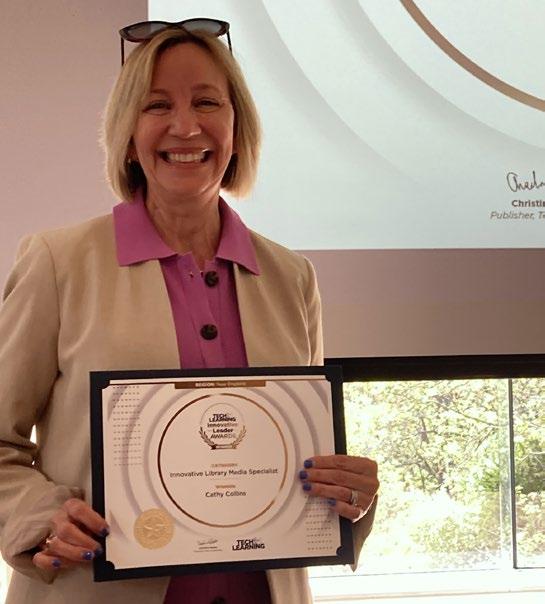
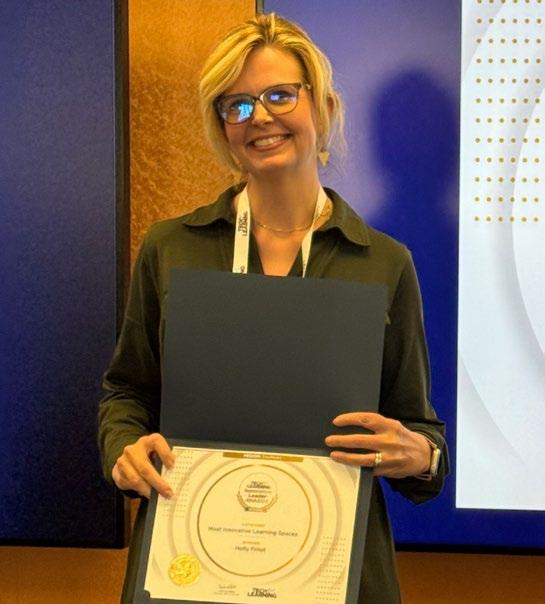
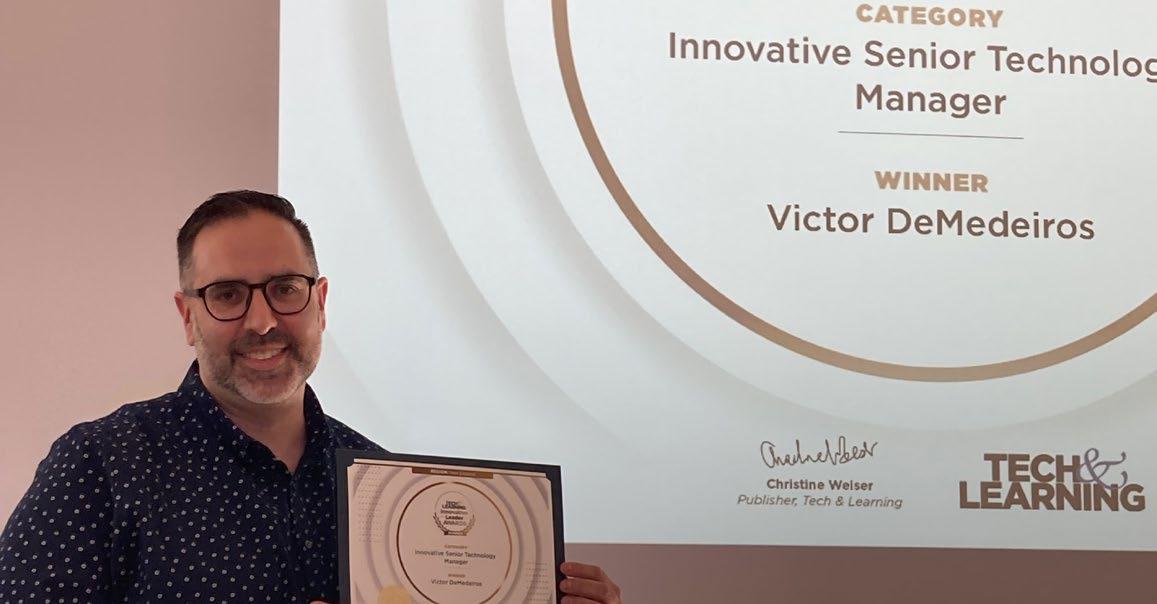
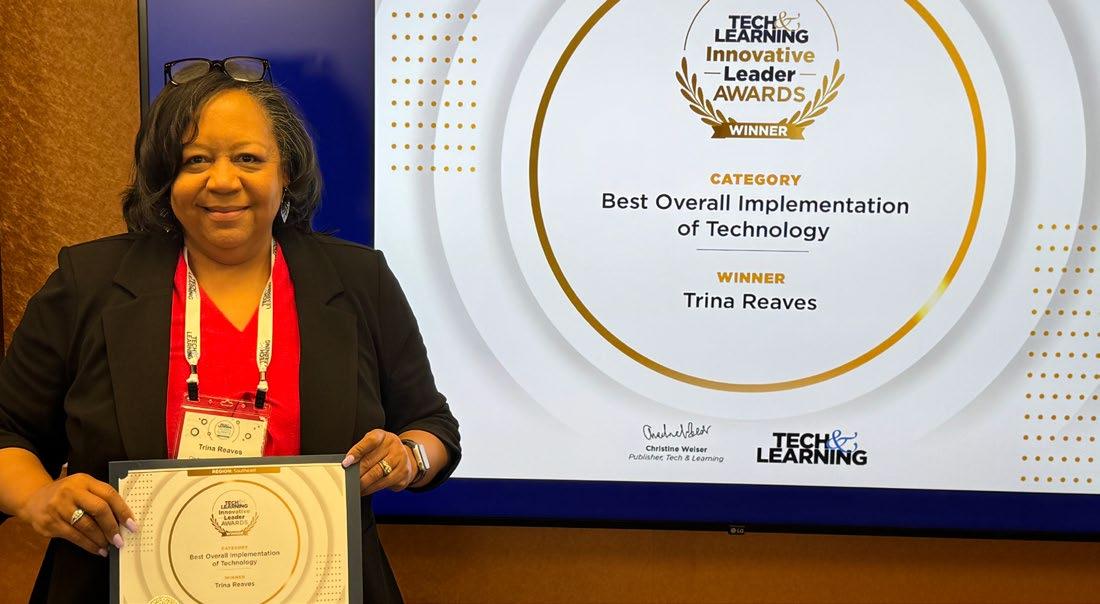


As part of our Regional Leadership Summits, Tech & Learning recognizes outstanding school district leaders with our Innovative Leader Award. We honor district leaders who are reimagining and reinventing education by developing and launching unique and forwardthinking programs, policies, and best practices that have shown to have a positive impact and are also replicable at other districts. What follows are profiles of recent winners.
You can nominate an innovative leader here



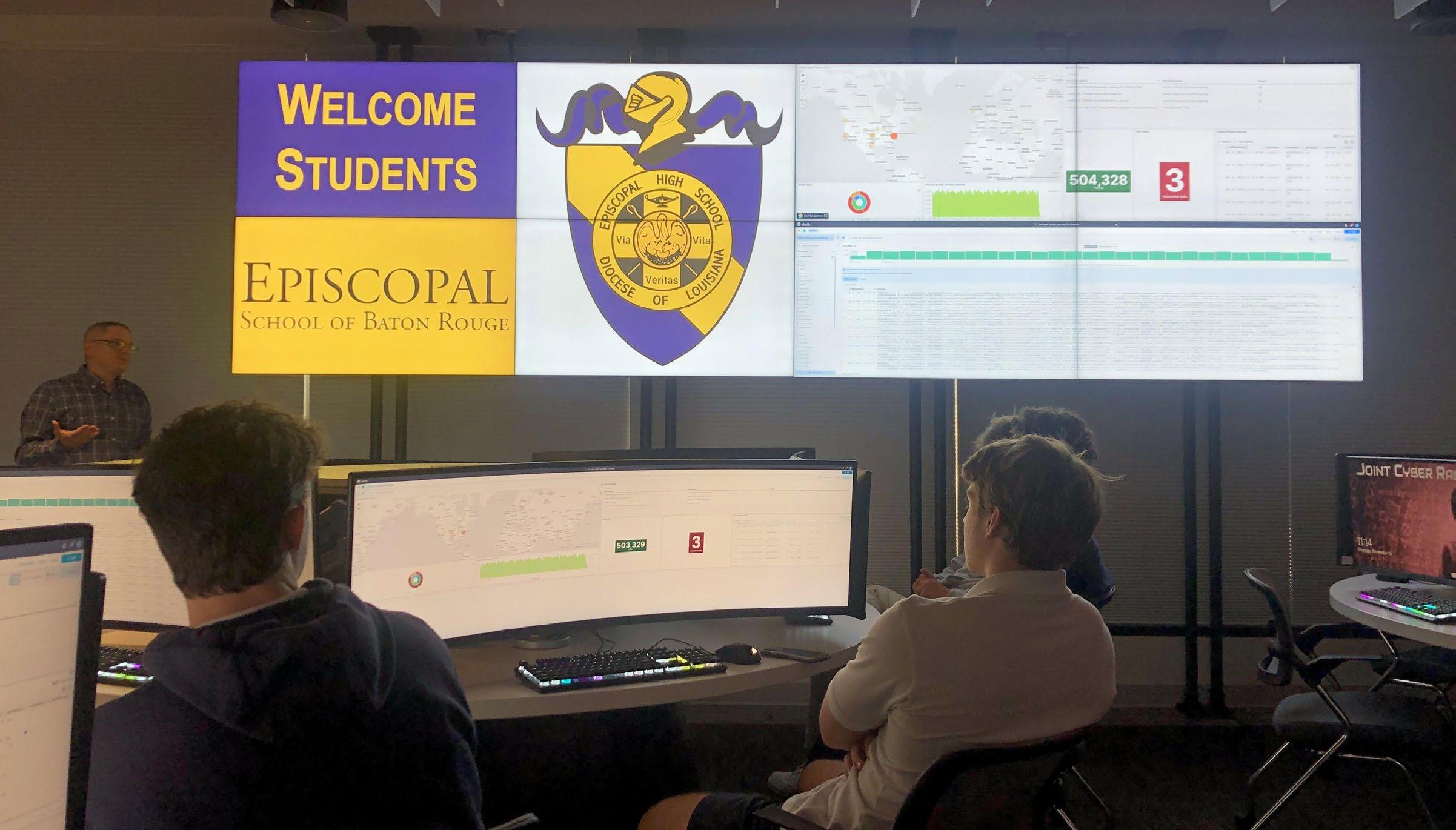
Staying aware of local funding sources available has helped Chenevert be able to provide newer technology, such as VR headsets.
By Sascha Zuger
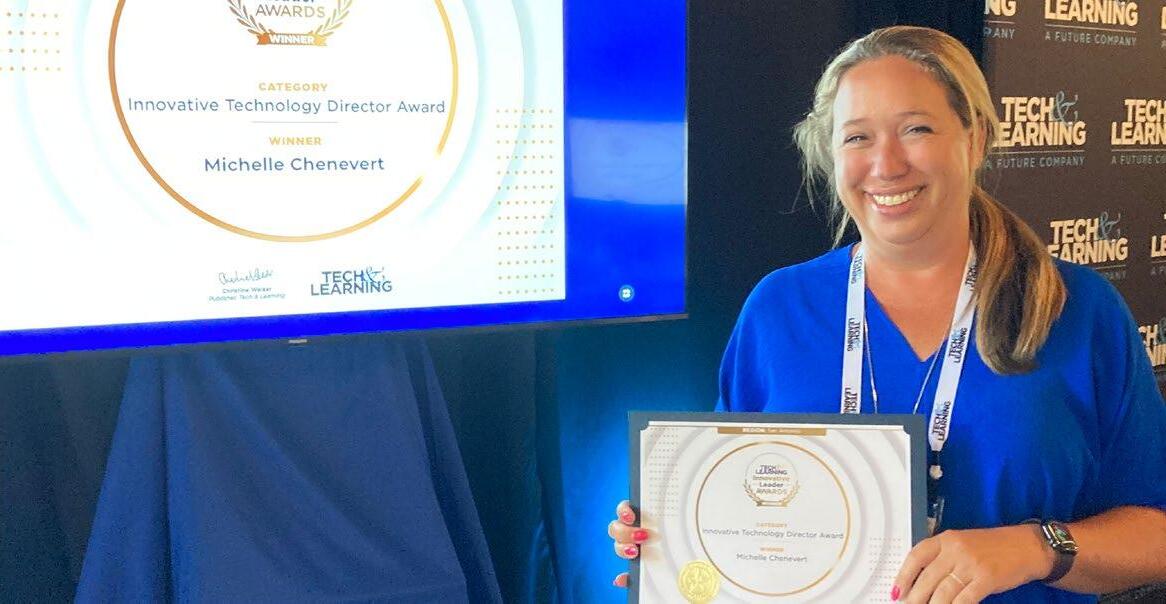
In her time as Director of Technology at Episcopal School of Baton Rouge, Louisiana, Michelle
Chenevert has learned that opportunity sometimes arrives in unwelcome company such as Hurricane Katrina, which required on-the-fly creation of learning for displaced students, or the pandemic that forced remote learning.
“These experiences definitely said to us we have to be mobile and ready to pivot at any time, whether it’s Covid, whether it’s a hurricane, whatever happens,”
Chenevert says. “We need to be ready.”
Chenevert shares how she uses creativity and clever planning to get the most tech bang for the buck.
1 Long Range Plan: Don’t Break, Fix - Make a plan for five years and understand it may change in three. Develop a replacement schedule to see at a glance when you have periods of heavier hits to your budget and when you have upcoming lulls that can accommodate upgrades or new programs.
2.Rightsize Your Devices and SoftwareRun access reports for your tech to discover unused devices or licenses that could be put to better use. Ask questions to provide training, if needed, to help educators make the most of tech.
3.Timing is Everything - Stay on top of expiring back-end hardware. “No one cares that you changed out switches or an access point, but they do care that you are giving them internet that works,” Chenevert says.
4.Train Yourself - Consider earning microcredentials for relevant software programs. Once you learn everything it can do, you can directly help teachers in the classroom.
5.‘End of Life’ Means End of Life - Don’t waste time and resources putting duct tape bandaids on
devices that really need to be replaced or upgraded.
6.Attend Conferences - Stay up to date by attending conferences, talk with vendors, and participate in mini trainings. Attend sessions even for tech you already have as you can learn new features to make it work even better for your students.
Tools They Use: Adobe, Apple Classroom, Aruba Cloud (to manage APs & Switches), Book Creator, BrainPop, Canva, Canvas LMS, ClassVR, Copilot, Clever, EdPuzzle, Discovery Education, Fortinet (Firewall), Gage Cloud Voice (Phone System), Gemini, IXL, JAMF (iPad Management), Gimkit, Google, Magic School, Managed Methods (Cybersecurity & Safety), Microsoft Intune (Windows Device Management), PowerSchool SIS, Seesaw, Verkada (Security Cameras)

By Sascha Zuger
Innovation doesn’t have to mean over-the-top wizardry in the classroom to make a serious difference in the daily lives of students.
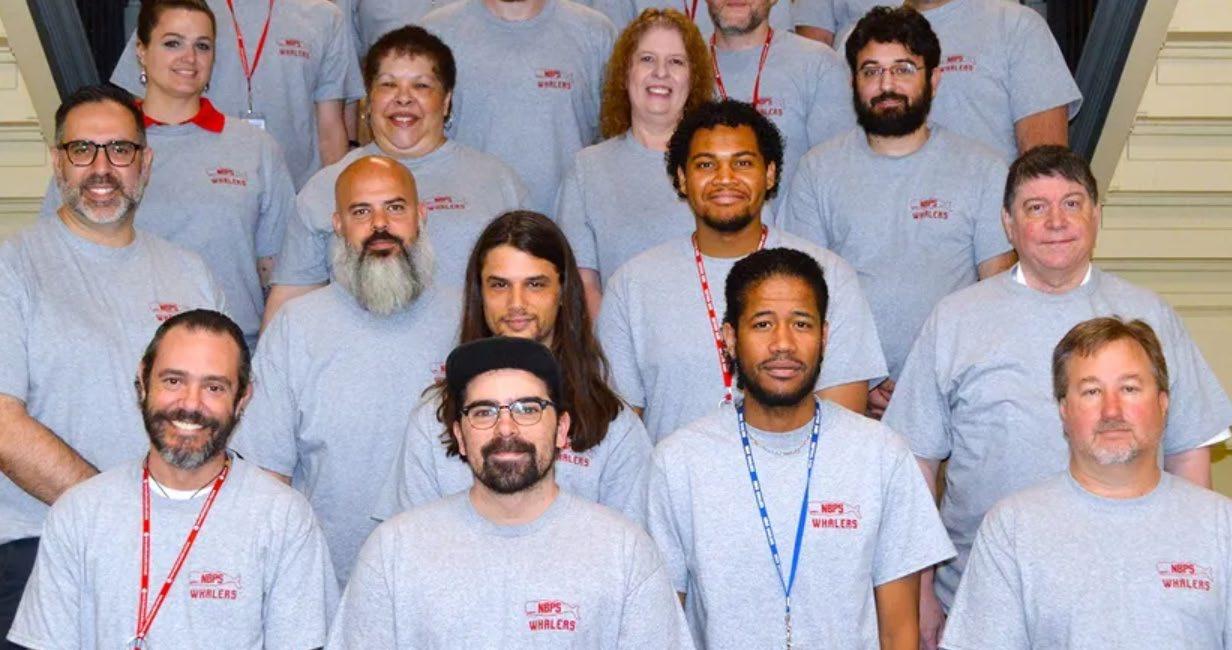
“Technology is not a magic solution, but when it’s aligned with purpose, equity, and support, it becomes a powerful catalyst for progress,” says Victor DeMedeiros, Senior Technology Manager at New Bedford Public Schools in Massachusetts. “The work we do behind the scenes matters because it enables everything else in the school system to function better.”
DeMedeiros shares three ways technology managers can help the lives of busy educators and administrators, plus offers tips for those making edtech purchasing decisions.the buck.
1.Streamline Tools and Training – Too many platforms can overwhelm staff. Consolidating tools into integrated systems (such as using Google Workspace, ClassLink, or ParentSquare) helps reduce friction and makes day-to-day tasks simpler.
2.Provide Responsive Support – Whether it’s fast troubleshooting or proactive professional development, timely tech support keeps educators focused on teaching, not tech glitches.

3.Use Automation for Admin Tasks –
Automating repetitive processes such as attendance reporting, communication alerts, or device check-ins, gives time back to staff for more impactful work. When it comes to making buying decisions, DeMedeiros says school leaders need to consider:
1.Scalability and Compatibility – Tech must scale across schools and integrate with existing infrastructure. Avoid silos; choose platforms that play well with others.
2.User Experience and Training
Requirements – Even the most powerful tool is ineffective if it’s not user-friendly. Factor in the learning curve and the availability of training and vendor support.
3.Long-Term Sustainability – Always evaluate total cost of ownership. Consider licensing models, maintenance, and the vendor’s roadmap for updates and support.
Tools They Use: Cisco, Chromebooks, ClassLink, GoogleWorkspace, ParentSquare, Verkada
Read the full article here
By Sascha Zuger
When it comes to implementing technology in a school district, communication is paramount. It’s especially critical to make sure that any decision around it is part of a conversation, not a monologue, says Bill Runey, Superintendent of Schools at Dighton-Rehoboth Regional Schools in Massachusetts.
“Strategic communication isn’t just about broadcasting—it’s about building trust and driving engagement across all stakeholders,” Runey says.
Runey shares how he helped transform his district with passion and innovation, offering five tips for superintendents to use tech to serve their district.
1. Lead with Purpose - Avoid tech for tech’s sake, from infrastructure upgrades to instructional tools. Tech should support your district’s goals to empower educators, facilitate learning, and shape a future-ready community.
2. Cultivate a Culture of Empowered Learning - Invest in PD that not only trains staff on tools, but cultivates innovation and leadership. Runey’s district offers DREAM Seminars or embedded PD days to explore, share, and implement tech-enhanced instructional practices that foster engagement and success.
3. Advance Equity Through Strategic Investment - Prioritize adaptive and assistive technologies that support differentiated learning.

Use grants and strategic funding to close gaps in access, especially for special education students and underrepresented groups.
4. Leverage Data to Empower Smarter Decisions - Use technology to gather, visualize, and act on meaningful data—from attendance and engagement metrics to learning progress and fiscal dashboards. Encourage leaders to analyze trends to improve through responsive interventions, resource allocations, and transparent reporting.
5. Use Tech to Strengthen Transparent, TwoWay Communication - From mass notification tools to community apps and interactive websites, technology can empower families to engage with schools in realtime. Leverage platforms such as Apptegy or social media to tell your story, highlight student achievement, and provide clarity during times of uncertainty.
Read the full article here
By Sascha Zuger
There’s a very strong component of leadership being a library media specialist,” says Cathy Collins, Library Media Specialist at Sharon Public Schools in Massachusetts. “We pilot new technology and studies show student improvement in academic test scores and college admissions due to the role. We’re just leaders by nature of what we do. And yet there’s not always a lot of recognition for the field.”
Too often, library media specialists are underutilized and underappreciated. A misconception they are merely babysitters or simply play a role in the entertainment side of literacy leaves a lot of quality tech expertise and opportunity for student success on the table.
Collins shares how tech plays a role for Library Media Specialists, offering tips for administrators and educators to make the most of the role’s expertise to benefit their students.

1.Prioritize Collaboration and Communication. Schedule regular meetings to discuss school needs. Involve librarians in curriculum planning and showcase the library’s resources, services and tech to students.
2.Advocate for the Librarian’s Role. Promote the librarian’s role in curriculum and tech integration, share access to professional resources such as relevant professional organizations and conferences, and promote teacher-librarian partnerships.
3.Allocate Resources and Support. Ensure adequate funding for materials, tech, collaboration time, and PD. Publicly acknowledge librarians’ contributions.
4.Professional Development and Growth. Provide opportunities for librarians to enhance skills and knowledge, support research and innovative practices, and offer librarian-to-librarian mentorship and coaching from pros.
5.Data-Driven Decision-Making. Use library data to inform resource allocation and measure the positive impact of library programs and services on student outcomes.
Tools They Use: Adobe Express, Breakout EDU, Brisk, Brush Ninja, Canva, Checkology curriculum (News Literacy Project), Code.org, diffit.me, Hour of Code, ISTE Digital Citizenship curriculum, Ludenso Create, MagicSchool AI, National Geographic, Noodletools, Safari Montage, Sora, Soundation, StretchA
Read the full article here
By Sascha Zuger
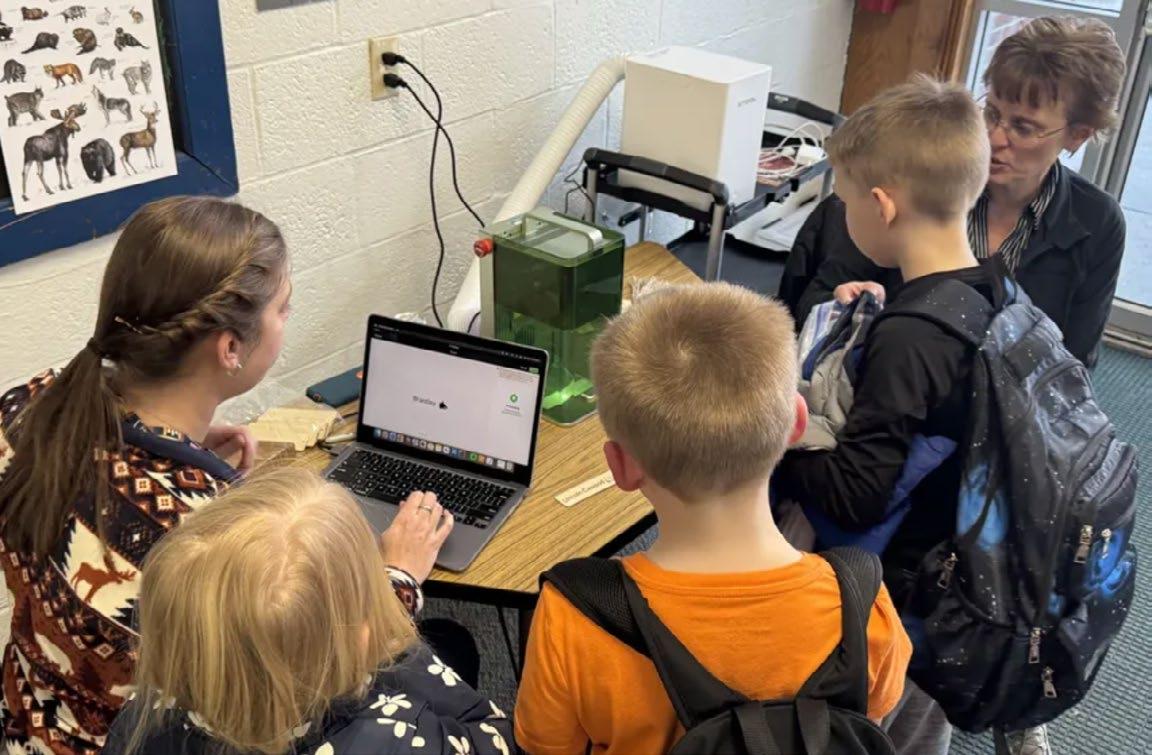
Given ever-constricting budgets and the growing need for hands-on STEM experiences, getting the most out of makerspace investments is critical. So what better way to get more hands on a tool than having it available to more than one school?
Enter Maker Spaces Go Mobile.
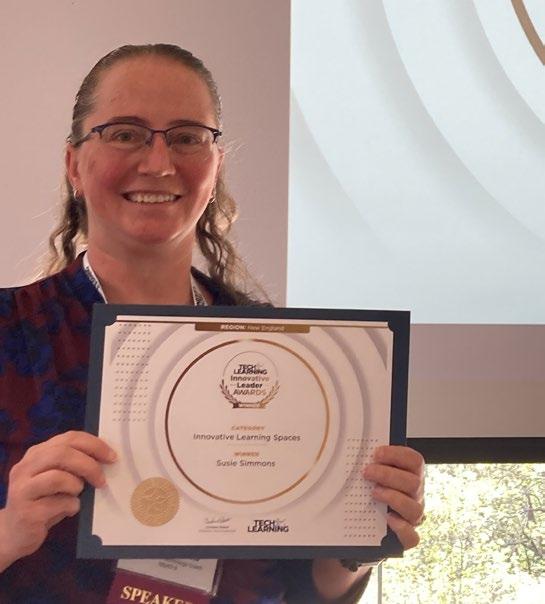
“When we housed individual machines in schools, they operated in very much of a silo mentality due to the size of our district,” says Susie Simmons, Instructional Technology Coach at Bonny Eagle Schools in Maine. “Our vision with the mobile makerspace was to cut back on isolating components and increase our collaboration across the district. It empowered us to bring a larger number of pieces of equipment into a building at any given time when they need it, which helps make any projects move faster than if they were trying to accomplish it on one stationary machine.”
Simmons offers six tips for districts wanting to connect such spaces with curriculum on a deeper level.
1.Make sure that you have people on staff invested in making it work. Find people on staff who can take the vision and make it happen, and support them doing so. It’s crucial.
2.Be the learner in the process. Without somebody to bounce ideas off and partner with, it’s a heavier lift and becomes really challenging.
3.FInd opportunities just to play, even if you don’t have the technology yet. A lot of tools have free software with which you can experiment. The tech is often in libraries and community maker spaces.
4.Consider the infrastructure involved from a physical standpoint. If you are planning to do something such as this in a mobile setting, how are you going to transport it between schools? Bonny Eagle Schools has a district van and all of the equipment is on carts.
5.Know that it’s going to take some time. The duo is still working on building capacity within this district, so this program hasn’t been an overnight success. So be willing to be patient and don’t expect it to show the fruits of your labor in year one.
6.Don’t undersell the importance of collaboration. The coaches were begging for an opportunity to talk with colleagues and put their heads together in a room. Time is precious, but even an hour of time together to sit down and talk through ideas can be really invigorating and productive.
By Sascha Zuger
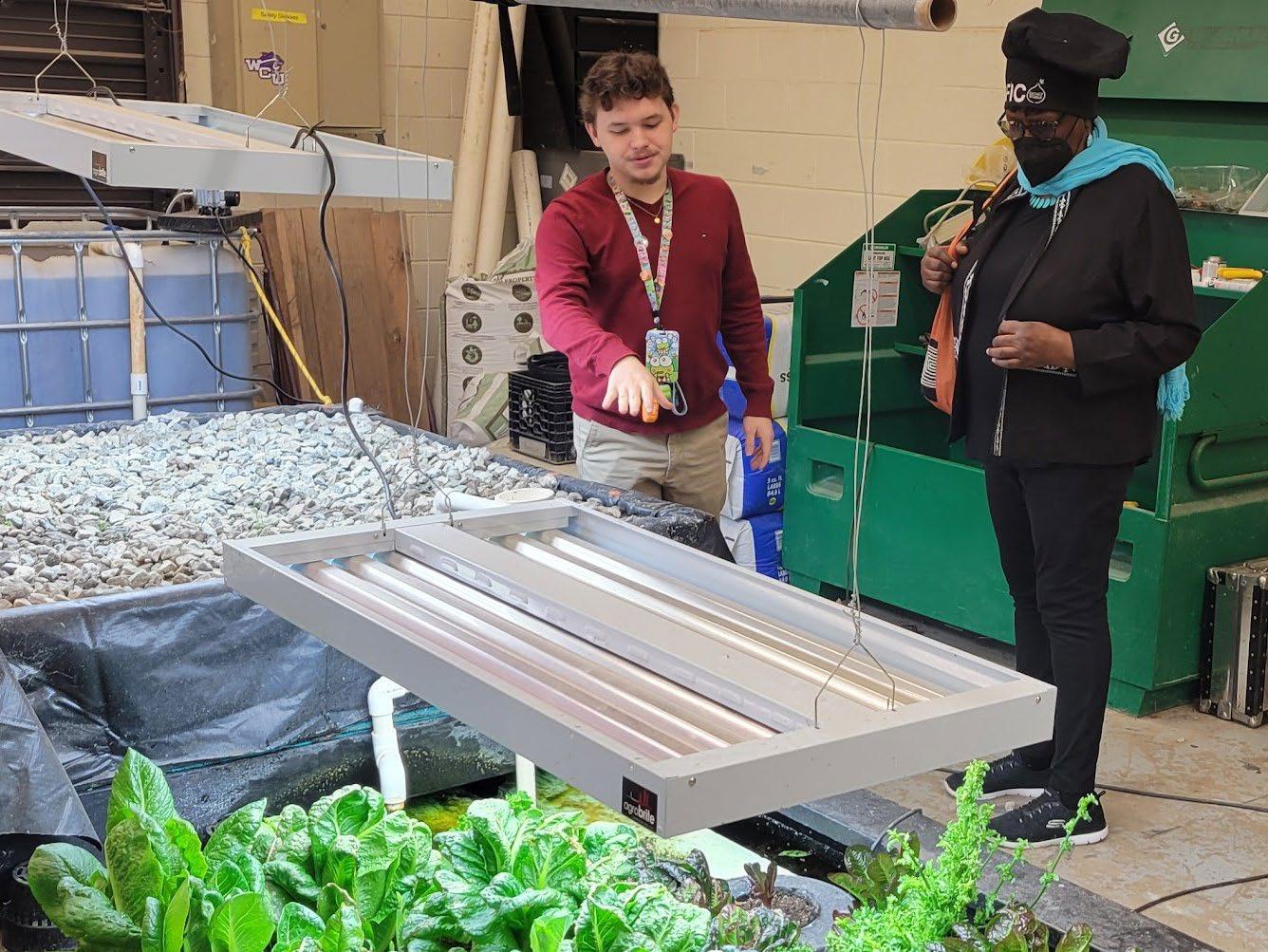
Basing any STEM-based project on a solution for a real-life problem will help the lesson stick, and connecting it to a subject that affects everyone, such as food and farming, cultivates the learning even more.
“The STEM standards for elementary, middle, and high school lend itself to any type of agriculture initiative,” says Trina Reaves, Director of STEM and Innovation at Clayton County Public Schools in Georgia. “We started organically. A lot of the schools had gotten aeroponics towers and aquaponics systems, really trying to show children how they could grow in alternate spaces other than traditional farming. We were having students look at real-world problems, such as Clayton County being in a food desert, and how they could solve them.”
Reaves shares three tips to plant a similar program in your district.
1.For any STEM initiative, you have to have buy-in at the school level. “I started with surveys and forums to make sure everybody saw the vision and was onboard,” says Reaves. “One of the things I’ve learned a long time ago as an administrator is I support you wherever you are. I can’t force you to do something because when I force you, it doesn’t play as well as when you let it build organically.”
2.You need support from outside. Reaves recommends building relationships in the industry to show that you’re trying to feed their workforce in the long term. “Whatever they can pour into the students
while in K-12 matters. We’ve partnered with colleges with scholarship and internship opportunities we want to provide our students around the Southeast.
3.Grant writing and donation appeals are imperative. Schools budgets are not large, Reaves acknowledges, so supporting programs also requires skills such as grant writing. “Create sustainability for the project,” she says. “I don’t want this to go away if I retire. Make sure relationships and supports are in place for the long term to ensure the project lives on beyond a specific district director or principal in charge.”
Tools They Use: 3D Printers, Adobe Express, Aviation Simulators, Book Creator, Boxlight Labdisc, Canva, Canvas LMS, Drones, FarmBot, Google Education Suite, Lego Robotics, Mimio Boards, Prisms (VR), Produce’d Hydroponics Growbox, Tinkercad, Tower Gardens, Vex Robotics, Wonderworks
In addition to teaching agriculture, Reaves’ programs supports CTE pathways and real-world career opportunities.

By Sascha Zuger
Dr.Holly Frilot, Cobb County School District Supervisor of Library Media Education and Adjunct Instructor for University of West Georgia in Educational Technology and Foundations, created a Library Learning Commons certification, the first of its kind in the nation. Designed to support the transformational process of making media instructional programs and spaces into future-ready Library Learning Commons, Frilot’s Library Learning Commons Certification focuses on three tenets: services, resources, and intentional spaces.
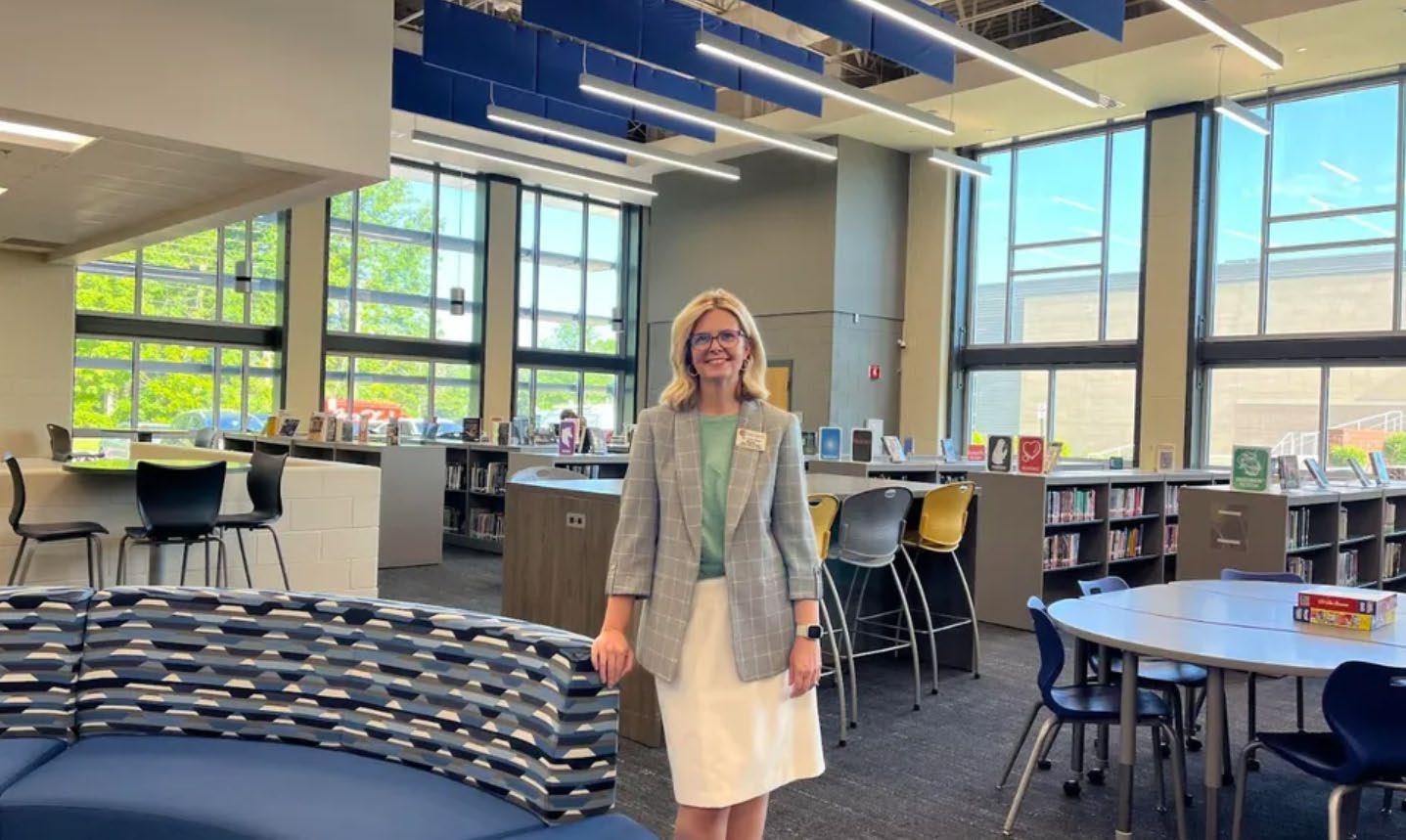
“The purpose of certification is to provide guidelines and support for the Library Learning Commons transition, as well as honor schools for their commitment to providing students with an education rich in print and digital literacy,” says Frilot.
Frilot shares three actionable tips to transform your media center, which also happen to describe the important work accomplished within the space.
1.Collaborate: “Library learning commons are all about creating a space for everyone, especially students, so it’s important to collaborate with stakeholders to define what the library learning commons should be for your district,” Frilot says.
“Student input is often most overlooked! Teachers, leaders, students, and colleagues from districts experienced in this work should all be involved in these discussions.”
Learning can be a challenge for adults sometimes.
“Slow down, listen, and ask good questions of students and colleagues who have gone before you in this work,” Frilot says. “See other library learning commons spaces either in-person or via virtual visits. Look with an eye not only for the way the library has been redesigned, but also the flow, the climate, and the way the library program shifts into a learning hub.”
3.Create: “I always recommend that planning teams, after collaborating and learning, dream big together,” Frilot says. “Create the comprehensive plan in both design and instructional shifts. Engage with a company that designs educational spaces. When the big plan is created first, even if funding or resources aren’t available yet, it facilitates a cohesive vision that engages stakeholders.”
Tools They Use: Follett Software Project Connect, Library PASS, MackinVia, Nearpod, Nintendo, Microsoft Office 365
commons should be for your district,” Frilot says. “Student input is often most overlooked! Teachers, leaders, students, and colleagues from districts experienced in this work should all be involved in these discussions.”

2.Learn: Learning can be a challenge for adults sometimes. “Slow down, listen, and ask good questions of students and colleagues who have gone before you in this work,” Frilot says. “See other library learning commons spaces either in-person or via virtual visits. Look with an eye not only for the way the library has been redesigned, but also the flow, the climate, and the way the library program shifts into a learning hub.”
3.Create: “I always recommend that planning teams, after collaborating and learning, dream big together,” Frilot says. “Create the comprehensive plan in both design and instructional shifts. Engage with a company that designs educational spaces. When the big plan is created first, even if funding or resources aren’t available yet, it facilitates a cohesive vision that engages stakeholders.”

Tools They Use: Follett Software Project Connect, Library PASS, MackinVia, Nearpod, Nintendo, Microsoft Office 365
Read the full article here














By Sascha Zuger
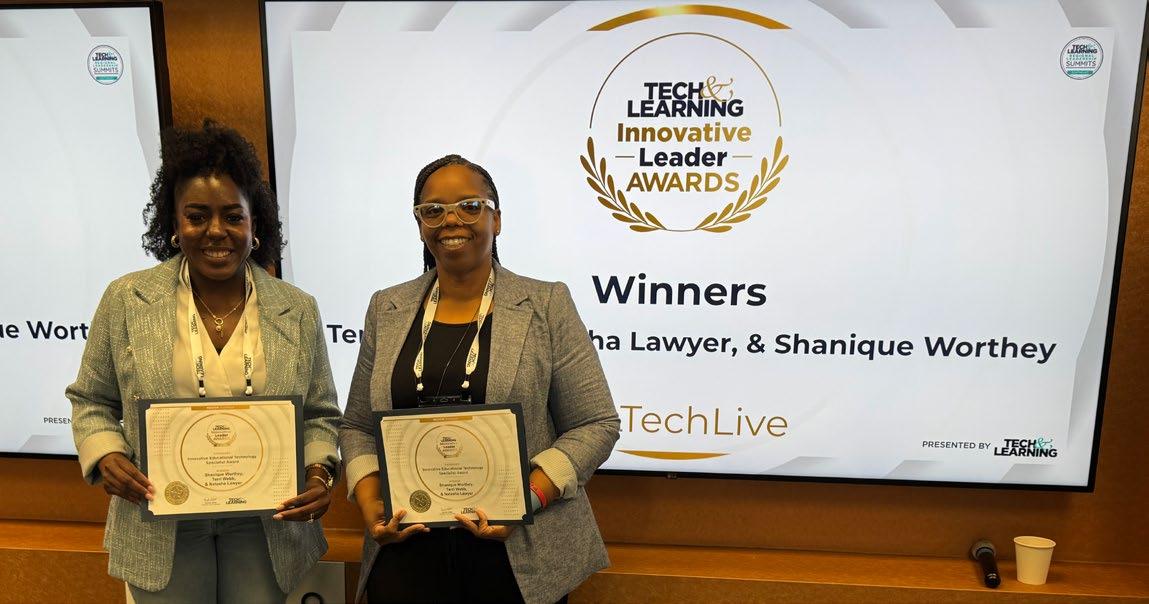
When you dream of something, you are really putting what your wants are into reality,” says Terri Webb, Manager of Instructional Technology at Georgia’s DeKalb County School District (DCSD).
So rather than guess at the needs and wants of students when it comes to the education technology they might learn with best, Webb and her team went directly to the source.
“Instead of the district pushing devices, the students created videos telling us what their dream device looks like, the different features within, how it should be used and carried,” she says. “All the things your parents would tell you, but you don’t listen because you’re listening to your friends who are much smarter than adults.”
Webb, along with Instructional Technology Coordinator Natasha Lawyer, discuss their impressive
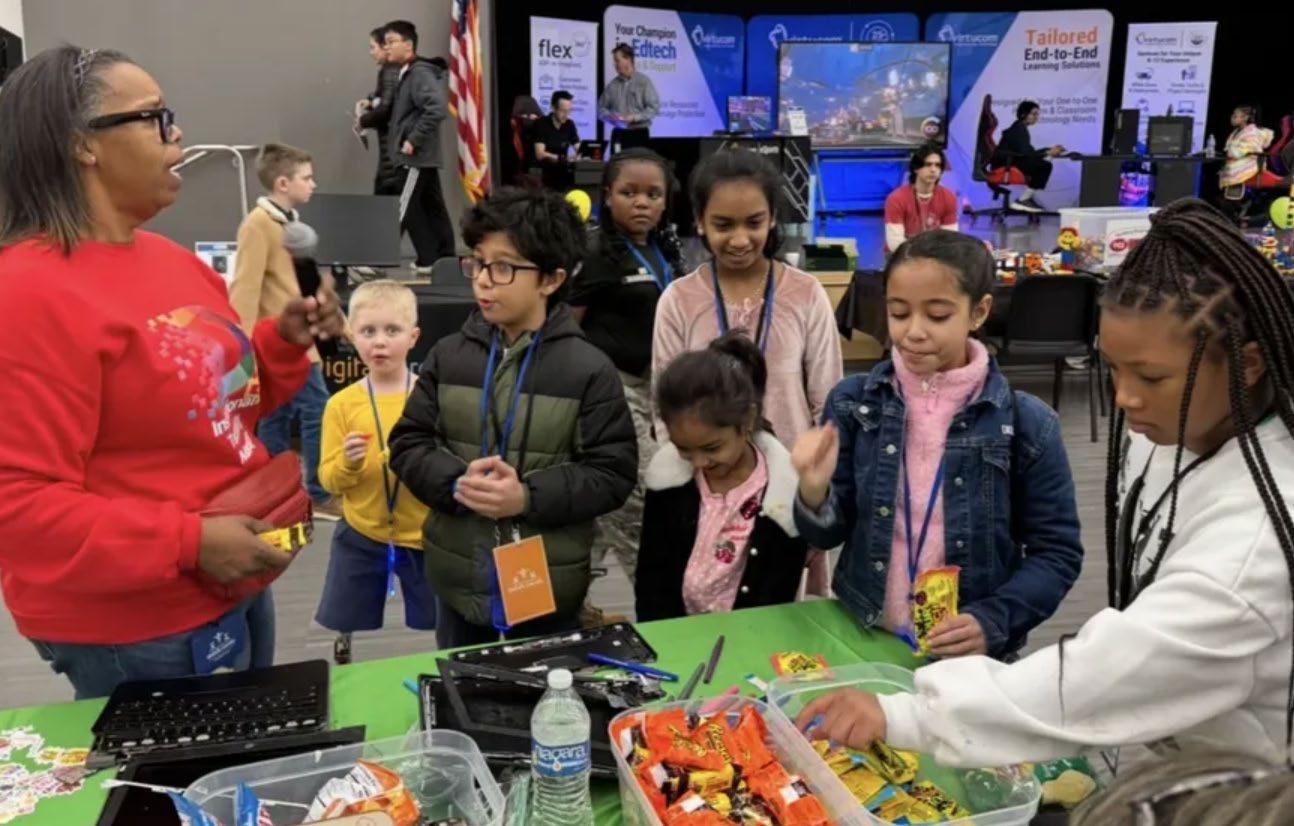
Digital Dreamers program and offer three tips to create your own student focus group to inform tech choices that resonate.
1.Embrace the personality of the student. Allow them to just talk. Listen to the frustrations, listen to the excitement, listen to everything. Then validate their feelings and concerns by showing interest and feedback on at least one piece of what they’re saying, so they understand you support them and that their thoughts matter.
2.Be open minded. Sometimes students can surprise you with the depth of their knowledge and observations in the classroom regarding tech that works and when it could work if handled better by teachers. Let them give you advice and then navigate that advice with the students.
3.Offer space and opportunity to share. Give students the opportunity to talk to leaders and decision-makers. A lot of times people making tech choices don’t have the opportunity to sit in front of students. Creating a student advisory committee space where kids can speak—about the tech, the devices, what they would like to see in the classroom—can change the game. We can learn from them.
Tools They Use: Chromebooks, Ignite U, Microsoft
By Sascha Zuger
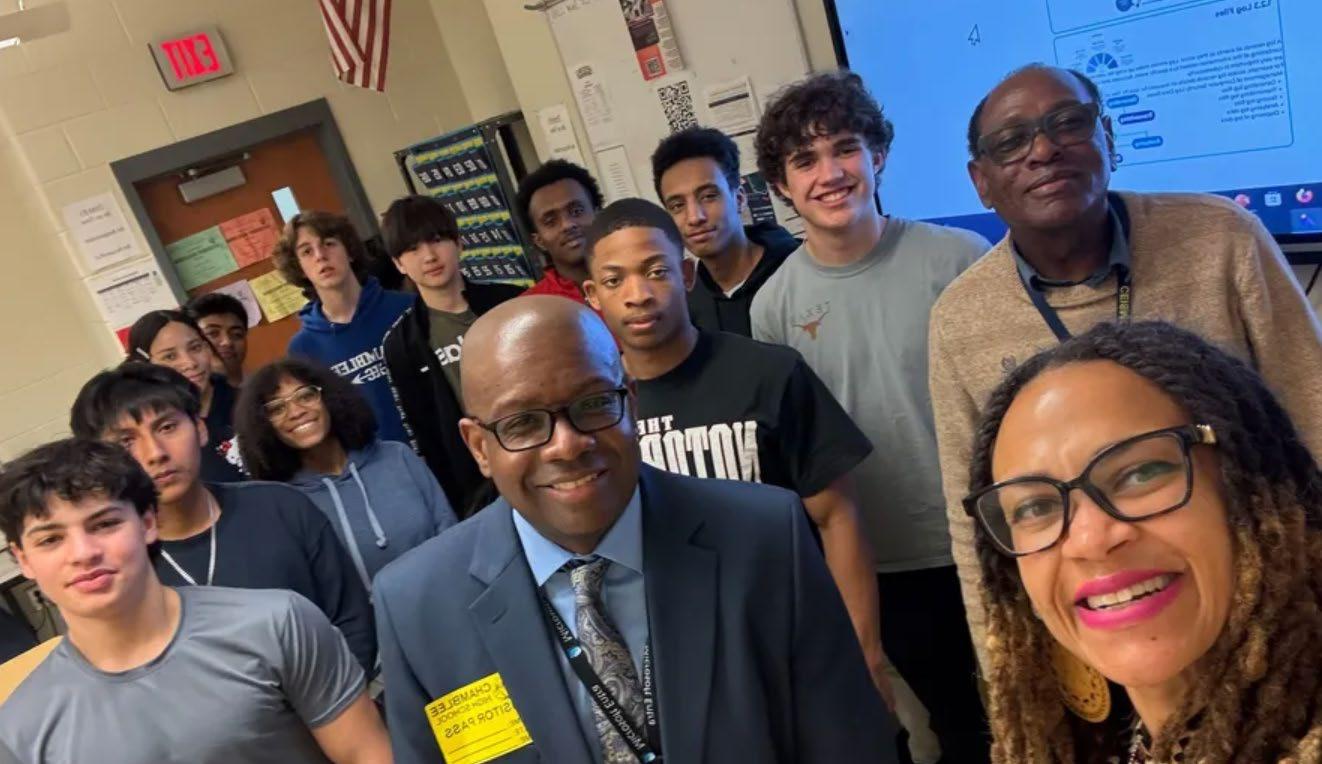
When Dr. Shanique Worthey launched her Cyber Champions program, she had no idea just how many students would jump at the chance to participate in the digital citizenship program.
“As we began collaborating last summer for the Cyber Champions, we expected a group of 25 or so,” says Worthey, Manager of Security Awareness and Engagement for Georgia’s DeKalb County School District, which serves 92,066 students across 137 schools. “Instead, we had about 100 students immediately apply to be a part of this initiative to virtually meet monthly to talk about different topics such as cybersecurity, artificial intelligence, and being a good digital citizen.”
Worthey shares five tips to launch a similar digital citizenship program in your district.
1. Offer Opportunities to Hone Soft Skills - Soft skills such as communication, collaboration, and presenting in front of an audience creates opportunities for students to shine and really be leaders in the field, and can help them be more comfortable when looking for jobs, interviewing for college, and giving classroom reports.
2. Build Model Students - Breaking information into smaller, digestible pieces helps students easily share lessons with peers in the classroom. “When we discuss using AI in an ethical and responsible way, students can model proper behavior when using the tech and show others how to be a good digital citizen,” says Worthey.
3. Bring in Subject Matter Experts - Worthey has reached out to the local FBI office and shared with them about the Cyber Champions program, explaining that they were looking for ways to partner with the FBI to bring strategies for online security awareness to share with students.
4. Create Career Pathway Awareness - “A lot of our vendors, such as Microsoft, Google, Fortnite, and others have a lot of opportunities for training students interested in careers in cybersecurity and IT,” says Worthey. “So once they go to college or into the workforce, they are already a step ahead.”
5. Offer Volunteers a Choice of Recognition“I created a form asking teacher-volunteers how they’d like to be rewarded for their time,” says Worthey. “Some like personal recognition — a mention at yearend celebration, some wanted items boasting the Cyber Champions logo, some preferred a district-wide news flash, while others would like a gift card.”
Tools They Use: Canva, Common Sense Media, Fortnight, Google, Microsoft Teams Read the full article here
By Sascha Zuger
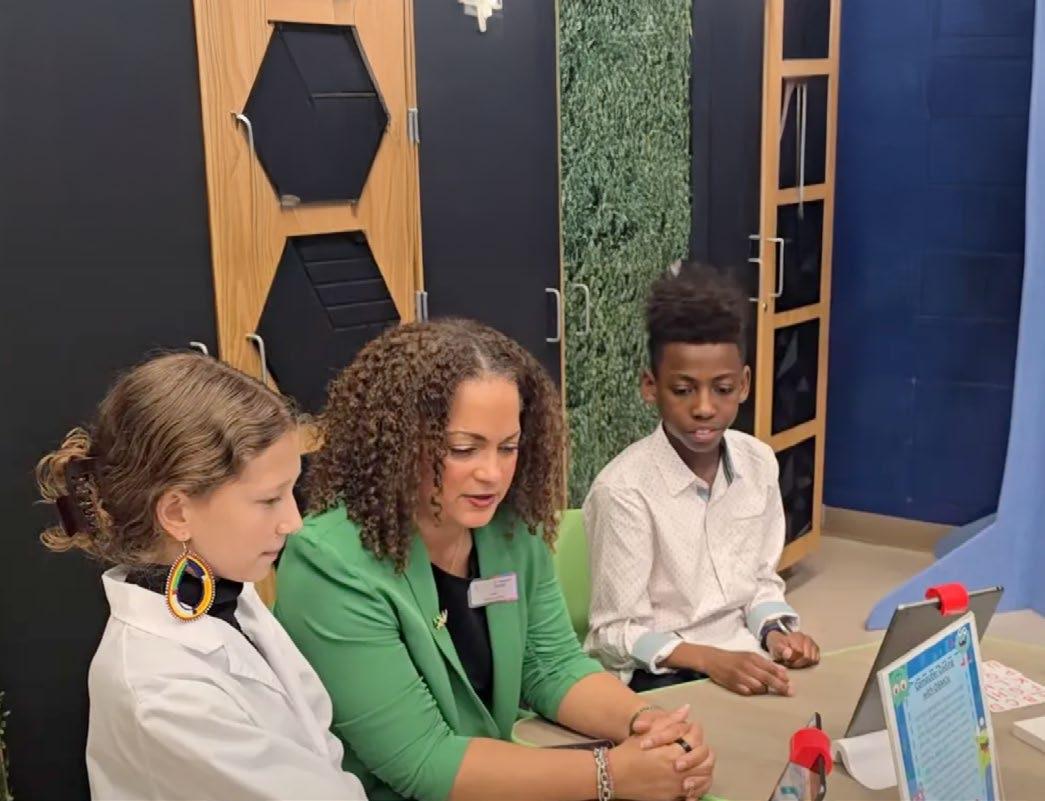
Abig element of growing a solid tech program is to create the buzz of excitement that draws in other learners. With 49,740 students across 87 learning sites, Atlantic Public Schools (APS) excels at finding ways to let students show off their hard work and talents.
“We just wrapped up our 13th Annual Technology and Innovation Competition, formerly known as Tech Fair,” says Dr. Natasha Rachell, Director of Instructional Technology for the district. “This allows our students, Grade 3-12, to showcase the amazing technology and innovation projects that they’ve been working on throughout the year.”
Rachell shares four key pieces of advice for educators trying to juggle tech and learning in style.
1. Tie everything to an instructional outcome. “Nothing we do is just for the sake of doing it,” says Rachell. “When people hear ‘esports,’ they think kids are just gaming all day or playing Minecraft. Our esports Pathway Program students are engaging in STEM career exploration. Before they even lay hands on a controller, they are going through a curriculum of content exploration to learn about game design, video production, game production—behind the scenes opportunities for their future.”
2. Create a “Principal 360 Report.” The Department of Instructional Technology, the Atlanta Virtual Academy, and the media services department
all contribute to a monthly report for principals to see at a glance the support that the division has provided to their teachers, media specialists, administrators, and students or administrators in their school.
3. Empower and delegate. “I am always delegating and empowering my team to come up with great ideas, to implement the concept, to devise plans for the rollout,” says Rachell. “This helps to build their capacity and helps make them experts, too. Everyone owns a piece— we’re all invested because we all want to see it work and don’t want to see it fail.”
4. Capture data to tell the story. Rachell’s team has been extremely diligent in capturing data, whether it’s quantitative or qualitative to tell the story of their work.
“Our edtech specialists operate on a request and feedback system,” she says. “Teachers are able to request their services, they’re able to offer feedback which tells the story of what is happening in the schools. If a principal ever says, ‘What is such and such doing in my school?’
We have that data to lean on to measure the impact.”
Tools They Use: Apple Education, Adobe, Book Creator, Brisk, Canva, Ciena Solutions Challenge, Classlink, Common Sense Media, Formative, Google for Education, Grow with Google Career Certificates, Kick Up, MagicSchool AI, Microsoft for Education, Paper, Remind, Securly, Verizon Innovative Learning Schools, zSpace
Read the full article here

By Christine Weiser






If you’ve ever planned a big event – whether it’s a conference or Uncle Bob’s surprise 75th birthday party –you likely know about “pre-party anxiety”. Will the weather cooperate? Will the shipments arrive on time? Will guests enjoy themselves?
So when the first person I saw at this week’s EdExec Summit was Taito Learning’s Anssi Valiaho, fresh off a 22-hour flight from Finland, walking down the hall with an infectious smile and a gift of Finnish chocolates, I immediately felt better. This warm greeting was the perfect kick off to our program that would focus on ways district and industry professionals can work as a community to build bridges in education, no matter the distance.

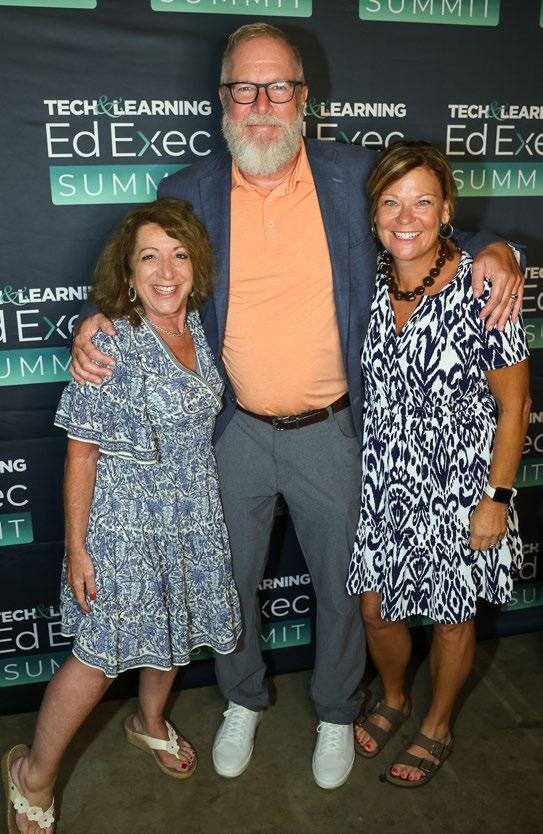

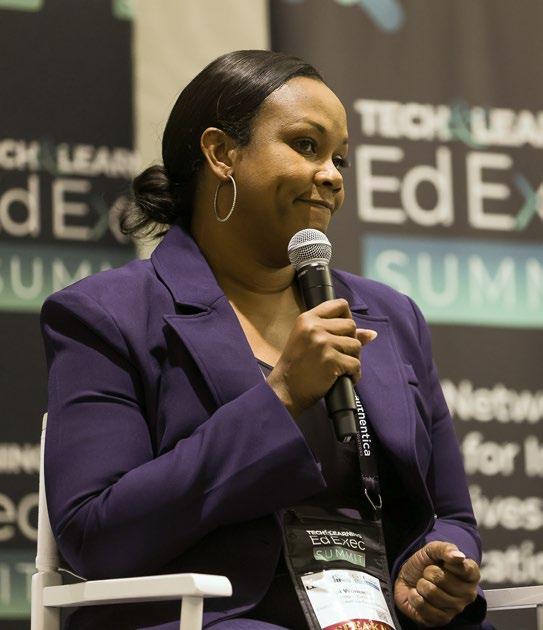









When registration opened, this trend continued as the hallway filled with warm smiles and hugs. The attendees included industry veterans, startup founders, district leaders, policy experts, consultants, and investors. As Digital Promise’s Courtney Teague noted on LinkedIn, “People walked in and you would have believed a ‘hug’ was the entry fee.”
A recurring theme throughout was the desire for genuine partnerships. As Renew K12’s Lindy Hockenbary noted, “I heard over and over from the district educators that they want a PARTNER, not a vendor.”
“This wasn’t just another conference…it’s part of a movement,” said Houston ISD’s Brandy Washington. “I walked away with more than connections. I left with clarity, community, and conviction.”


WHEN EDUCATORS TALK, YOU SHOULD LISTEN
District leaders didn’t hold back during the EdExec Summit. They shared their unfiltered realities, not to be unkind, but to help company executives understand what it takes to build long-term partnerships. Here are some notable comments heard throughout the event:

Ijeoma
Dana
Bedden, Executive Director and CEO of Village Charter School in New Jersey:
“I need to focus on: where do I get the biggest bang for the buck? Are we getting the ROI on our investments?”
Johnson, Instructional Technology Coordinator at Newton County Schools in Georgia:
“Products that are integrated into instruction are harder to eliminate.”
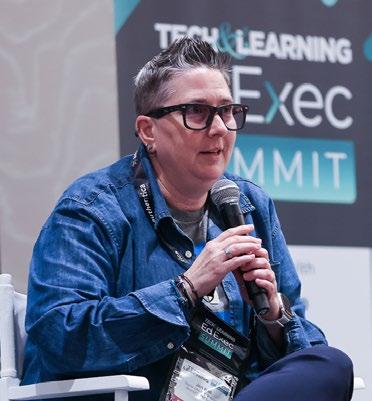
Jennifer Hall, Digital Learning Specialist at Atlanta Public Schools:
“Focus on the task, not the tool.”
Ashley Barnett, Instructional Technology Specialist at DeKalb County School District:
“Keep the students first when you’re marketing. How are you personalizing your product for the specific district needs?”

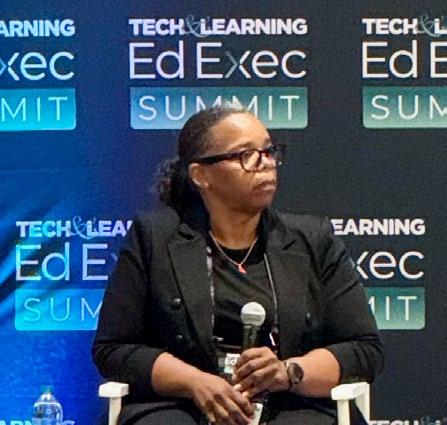
Terri Webb, Manager III of Instructional Technology at Georgia’s DeKalb County School District, urged companies to “have a roadmap that outlines what the district partnership is.”
Andrea Wright, District STEM Coordinator at DeKalb County School District:
“Reiterate the partnership. Come to career day. Judge the science fair. Think about the whole child.”
Jennifer Williams of Newton County Schools:
“If the sales person I built a relationship with walks away after the sale and hands us over to a customer service rep I’ve never met, that’s insulting.”
Read the full article here
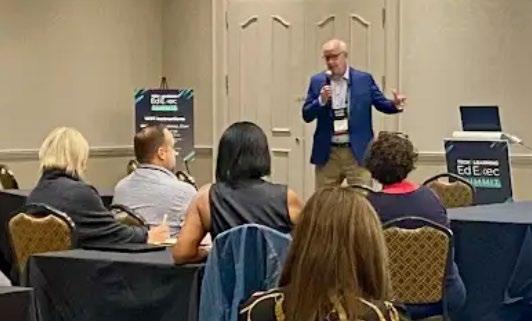
Staying current on federal funding for schools can be a bit like a game of whack-a-mole, with confusing updates being announced seemingly weekly. Reg Leichty, Founding Partner of Foresight Law & Policy, a firm that helps translate complex education policy and funding developments into actionable strategies, shared his insight on the state of the funding union at the recent Tech & Learning Ed Exec Summit.
committee bill maintained about $79 billion in funding for FY26, rejecting a requested White House cut of 15.6%. While core formula programs such as ESSA Title I and IDEA, state grants are expected to be stable, competitive grants may see reductions.
Children’s Privacy Legislation: Leichty outlined two key bills:
• Kids Online Safety Act (KOSA/S.1748): This act would impose a “duty of care” on online platforms likely to be used by minors to mitigate harm.
One Big Beautiful Bill Act (OBBA/P.L.119-21): For edtech, this might lead to a slowdown or delay in special education and assistive technology purchases. The act also launches private school tax credits in January 2027, which could expand the demand for services such as tutoring, online learning, and supplemental services.
FY25 Funding Delays: A delay in releasing nearly $7 billion in frozen state and district grants for FY25, which was later lifted by the Trump administration, caused significant disruption, including contract cancellations and staff layoffs. To prepare for future delays, companies should maintain flexible timelines and diversify customer funding sources.
FY26 Federal Education Appropriations: A Senate
• Children & Teens’ Online Privacy Protection Act (COPPA 2.0/S.836): This bill would extend privacy protections to individuals under 17, ban targeted ads to kids and teens, and require an “eraser button” for data deletion.
E-rate and Cybersecurity: A Supreme Court decision in June 2025 upheld the constitutionality of the Universal Service Fund, which provides ongoing support for E-rate.
Trump Administration AI Initiatives: The White House’s interest in AI and education is evident in several executive orders and action plans. While no new dedicated funding for AI exists, this interest may help preserve tech-related funds such as ESSA Title IV and E-rate.

Through the power of well-known brands, Future B2B delivers an unparalleled client and audience experience across newsletters, advertising, lead generation, content creation, webinars and live events.
Future B2B is a global platform for specialist media with scalable, diversified brands. We connect people to their passions through the high-quality content we create, the innovative technology we pioneer and the engaging experiences we deliver.
n IT/Tech
n Healthcare
n Finance
n Infrastructure
n Education
n Business
n Food & Bev
n AV
n Marketing, Advertising, Media Tech
n Retail/Supply Chain
n Telecom
n Energy & Chemicals
n Life Science & Tech
n Travel & Hospitality
n Aviation & Aerospace
Our established brands, like SmartBrief, ActualTech, and ITPro deliver expert-led niche newsletters, cuttingedge advertising solutions, pipeline-enhancing lead generation, and unforgettable live and virtual events.
Our turnkey services are crafted to expand your market reach, supercharge your lead nurturing efforts, and captivate your clients. Future B2B’s hyper-focused brands such as Mix, Twice, Radio World and others offer uniquely authoritative advertising opportunities to engage niche audiences with specialized content.
See how we can take your business to the next level. Learn more at: https://www.futureb2b.com/#get-in-touch

By Diana Restifo & Ray Bendici

Welcome to the September 2025 Edtech Show & Tell, in which our editors share some of the new edtech products that have caught our attention this month. These are not reviews or endorsements, but a showcase of education-friendly items, platforms, and more.

Avantis ClassVR | Xcelerate and Xplorer headsets
Designed to maximize student comfort, Xcelerate delivers six-
degrees-of-freedom head and controller tracking to provide a full range of spatial movement, plus an innovative 90° flip visor that supports transitions between immersive learning and realworld collaboration. Xplorer delivers a next-gen headset for K-12, delivering a new 4K Ultra-HD display, upgraded LCD screen, and enhanced audio.
Sense Media | Digital Literacy & WellBeing Curriculum for K-8
This new, free curriculum reimagines what digital literacy and well-being education should be, identifying the essential
knowledge, skills, and mindsets students need to thrive in a techfilled world. It readies students for the possibilities of today’s world, from cyberbullying to AI literacy, screen time, and more.
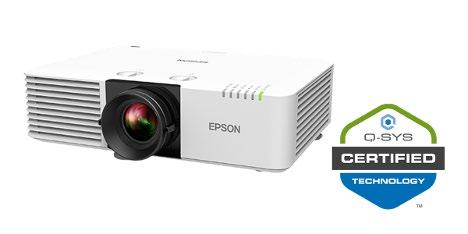
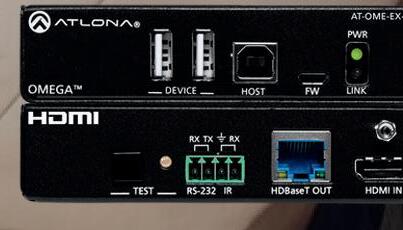
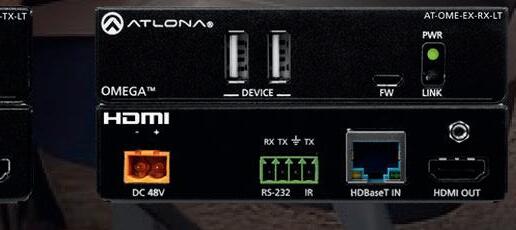
The Epson Projector Plugin enables easy connectivity into Q-SYS, a Full Stack AV Platform, and allows users to control and display information from Epson projectors, including integrating functions such as selecting the device input, controlling audio volume and mute functions, and adjusting brightness.
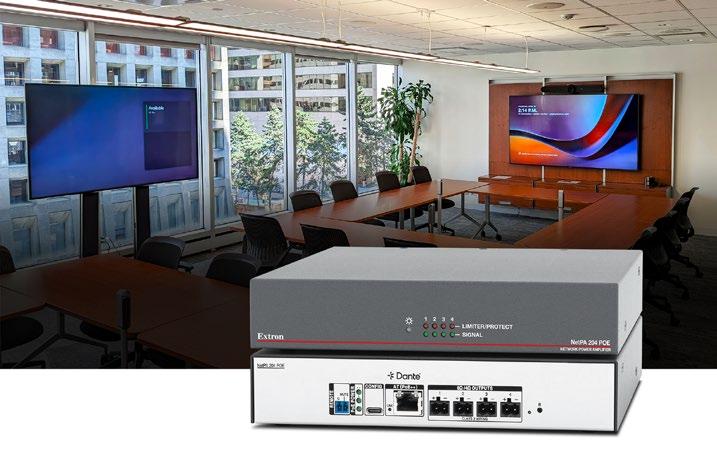
The NetPA 204 POE is a Danteenabled, PoE powered, four
channel audio power amplifier that delivers up to 20 watts per channel and is designed to be mounted above ceiling tiles. Receiving audio and power over a single cable, the NetPA 204 POE automatically recognizes connected PoE, PoE+, or PoE++ to deliver the corresponding amount of output power.
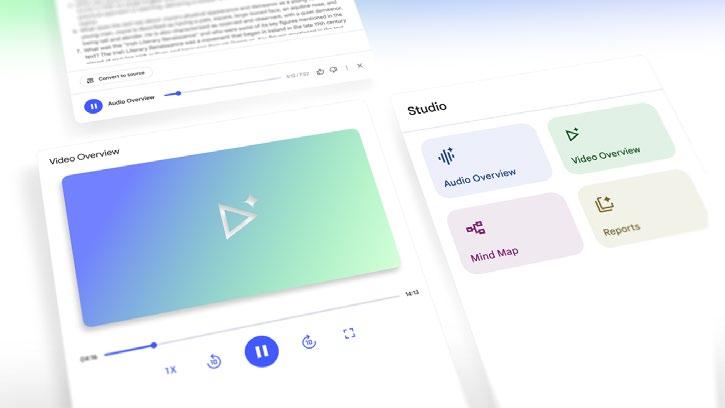
Labs | NotebookLM Video Overviews
Google Labs has announced the launch of Video Overviews and upgrades to its Studio display panel to help make NotebookLM more dynamic, accessible, and insightful. Video Overviews provides a customizable visual alternative to Audio Overviews, transforming dense information from sources into digestible, narrated slides with images, diagrams and key quotes.
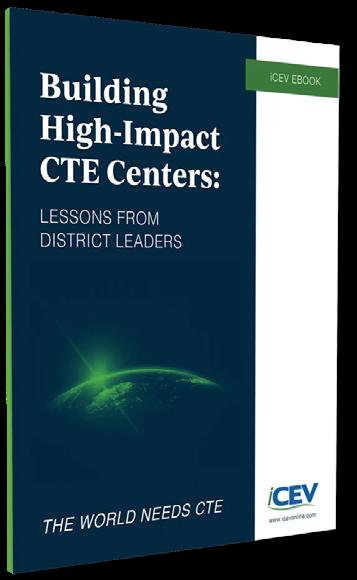
iCEV | Building HighImpact CTE Centers: Lessons from District Leaders
This new book provides practical insights, advice, and best practices from industry professionals and districts and features stories from the following districts: Culpeper County Public Schools in Virginia, Littleton Public Schools in Colorado, Montgomery Independent School District in Texas, Payette River Tech Academy in Idaho, and Roanoke City Public Schools in Virginia.

Renaissance | AI Upgrades New AI capabilities in Nearpod enable educators to generate high-quality, interactive content tailored to any topic, while Flocabulary Español debuts a vibrant new collection of Spanish-language lessons and videos, designed to support Spanish-speaking students in building foundational comprehension skills.
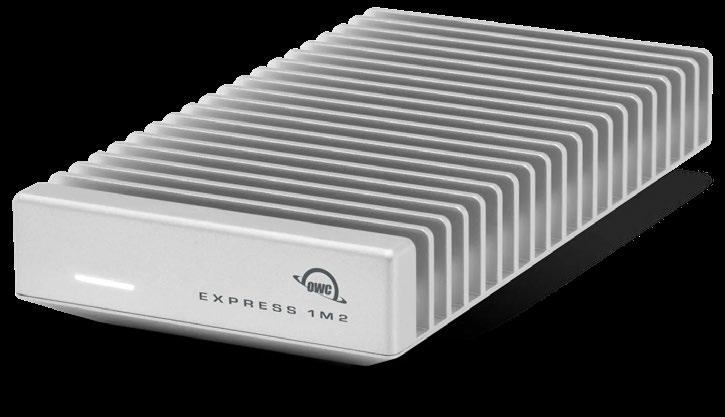
| OWC Express 1M2 80G Portable SSD
The OWC Express 1M2 80G portable SSD portable SSD is ThunderboltTM 5 compatible and delivered in a palm-sized, fanless form factor. It offers users the choice between DIY “build your own” and ready-to-run solutions. A solid aluminum, heatsink-like finned design ensures silent, throttle-free heat dissipation to support peak speeds over 6000MB/s.
zyBooks
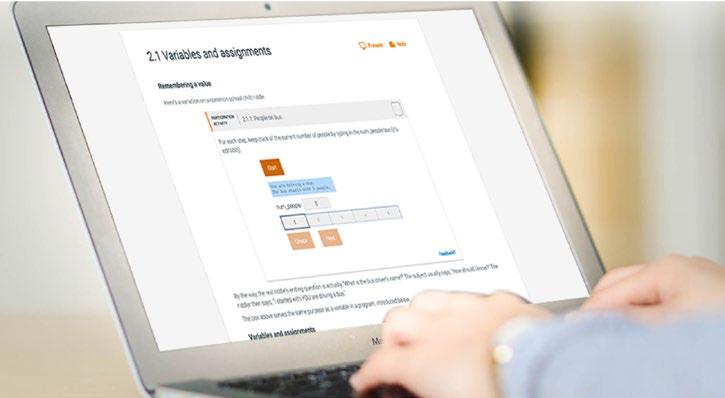
Wiley zyBooks has created four new learning tools that are available at no extra charge to users this fall: zyLabs AI Hints (an AI tutor); Generate with AI for zyLabs (an AI authoring wizard); zyBooks Assessments (custom assessments creator); and Student Behavior Insights. These new tools are designed to improve instruction, learning outcomes, and academic integrity.