PD Session: Implementing Universal Design for Learning with Seesaw

Page 1


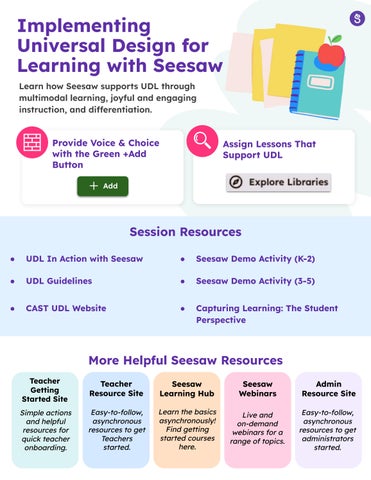
Implementing Universal Design for Learning with Seesaw

Learn how Seesaw supports UDL through multimodal learning, joyful and engaging instruction, and differentiation.

Reduce Barriers and Provide Voice & Choice with the Green +Add Button

Session Resources

● UDL In Action with Seesaw

● UDL Guidelines

● CAST UDL Website

Assign Lessons That Support UDL

Teacher Getting Started Site

Simpleactions andhelpful resourcesfor quickteacher onboarding.

● Seesaw Demo Activity (K-2)

● Seesaw Demo Activity (3-5)

● Capturing Learning: The Student Perspective

More Helpful Seesaw Resources

Teacher Resource Site

Easy-to-follow, asynchronous resourcestoget Teachers started.

Seesaw Learning Hub Learnthebasics asynchronously! Findgetting startedcourses here.

Seesaw Webinars Liveand on-demand webinarsfora rangeoftopics.

Admin

Resource Site

Easy-to-follow, asynchronous resourcesto get administrators started.

Turn static files into dynamic content formats.

Create a flipbook
PD Session: Implementing Universal Design for Learning with Seesaw by seesawlearning - Issuu