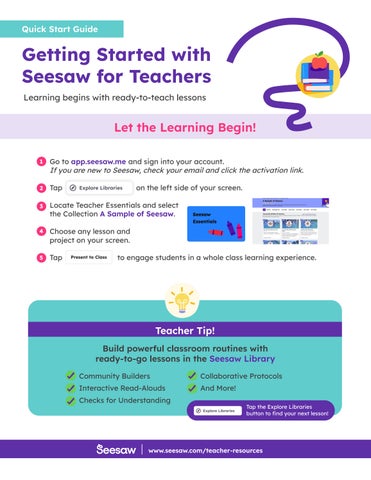
Getting Started with Seesaw for Teachers
Learning begins with ready-to-teach lessons
Let the Learning Begin!

Go to app.seesaw.me and sign into your account. If you are new to Seesaw, check your email and click the activation link.

Tap on the left side of your screen.
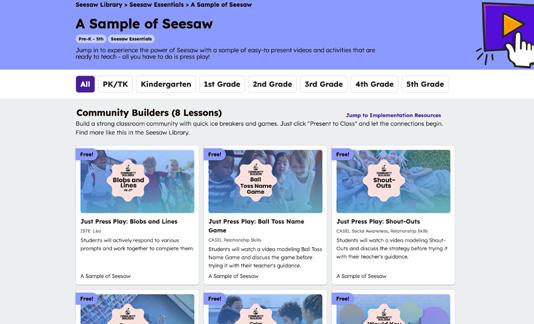
Locate Teacher Essentials and select the Collection A Sample of Seesaw. Choose