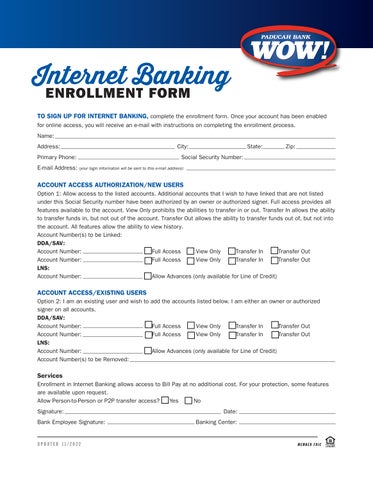
Internet BankingENROLLMENT FORM
TO SIGN UP FOR INTERNET BANKING, complete the enrollment form. Once your account has been enabled for online access, you will receive an e-mail with instructions on completing the enrollment process.
Name:
Address: City: State:Zip:
Primary Phone: Social Security Number:
E-mail Address: (yourlogininformationwillbesenttothise-mailaddress)
ACCOUNT ACCESS AUTHORIZATION/NEW USERS

Option 1: Allow access to the listed accounts. Additional accounts that I wish to have linked that are not listed under this Social Security number have been authorized by an owner or authorized signer. Full access provides all features available to the account. View Only prohibits the abilities to transfer in or out. Transfer In allows the ability to transfer funds in, but not out of the account. Transfer Out allows the ability to transfer funds out of, but not into the account. All features allow the ability to view history. Account Number(s) to be Linked:
ACCOUNT ACCESS/EXISTING USERS
Option 2: I am an existing user and wish to add the accounts listed below. I am either an owner or authorized signer on all accounts.
to be Removed: Services
Enrollment in Internet Banking allows access to Bill Pay at no additional cost. For your protection, some features are available upon request.
Allow Person-to-Person or P2P transfer access? q Yes q No
Signature: Date:
Employee Signature: Banking Center:
UPDATED 11/2022