1 minute read
AIR Secure E mail

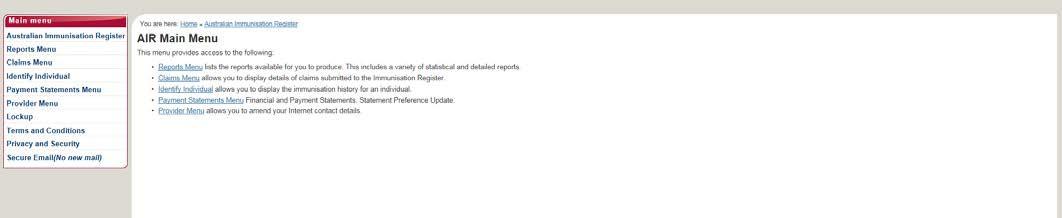
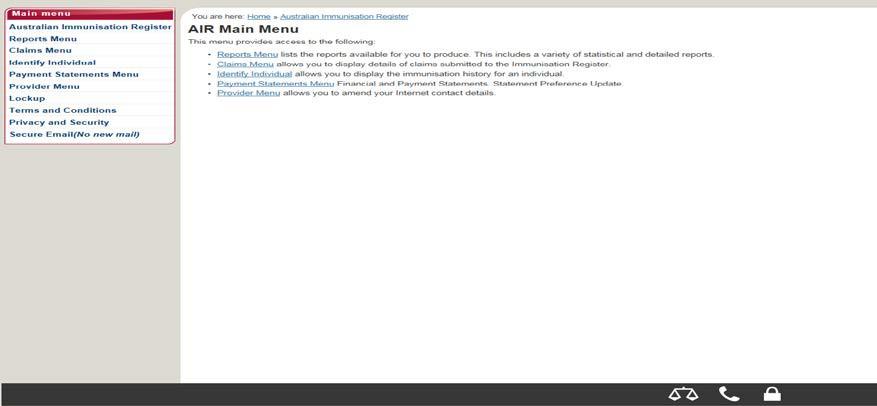
Contacting the AIR using secure email:
The AIR secure email should be used to communicate:
Advertisement
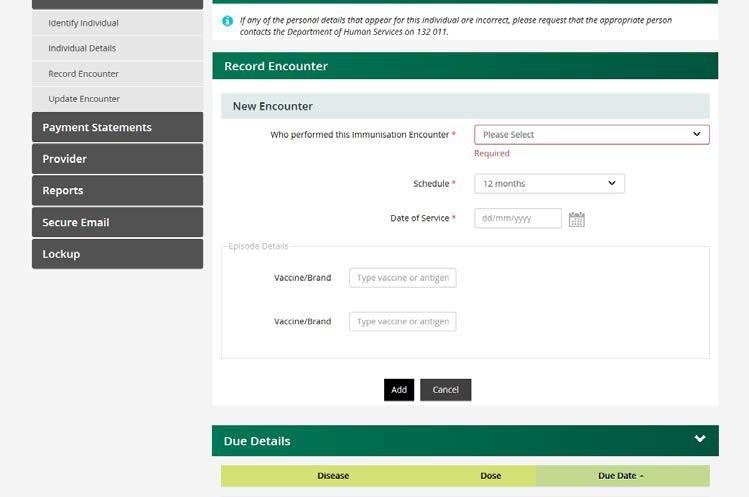
An immunisation encounter that needs to be amended in cases where an information payment has already been paid or if you did not originally record the vaccination.
That an individual is no longer contactable (i.e. no response to mail sent or calls made by provider). The AIR will flag this on the individual’s record if notified.
That an individual has moved outside of the vaccination provider’s locality or moved overseas. If notified, the AIR will also flag this on the individual’s record.
Please note: This will remove the individual’s details from the provider’s overdue reports. Provider is unable to view individual’s details, and or, immunisation history however is still able to record immunisation via the ‘Record Encounter’ function on the AIR site.
If notified, the AIR can put a temporary end date for individuals who are temporarily overseas. This can be lifted at any time by notifying the AIR.
The end date will be removed once the AIR has been notified. If an encounter occurs prior to the end date, the end date is not lifted and remains. This would likely ‘pend’ the data and require manual processing by the AIR staff.
If an individual returns prior to the end date on the AIR, it is best to remove the end date prior to recording an encounter by contacting the AIR. (However, if an update is made via Medicare, on a [Group Record] this may override the end-date recorded on the AIR).
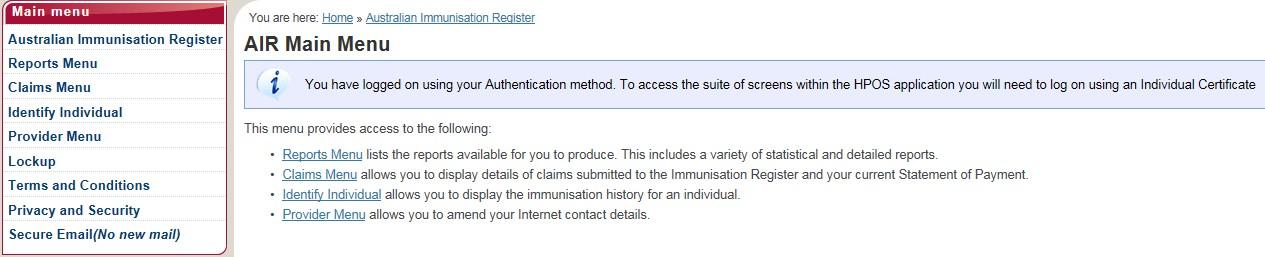
From the Inbox in the Secure Email you may read, file, delete and reply to a message by selecting the message and the appropriate action button.
Do not use the secure email function to submit new or confirm existing immunisation details.
You can submit new immunisation details through the record encounter function (as explained in previous steps).