DIGITAL SECURITY


Digital Security Workshop
Feminist Security Guide + Tips
More Digital Security Resources
Access in Other Formats
Connect with CFM!

Digital Security Workshop
Feminist Security Guide + Tips
More Digital Security Resources
Access in Other Formats
Connect with CFM!
Hello dear souls! We wanted to compile some helpful Digital Safety & Security Information and Resources from our #CFMWorkshopHighlights series, alongside some additional information from various resources around the web. We hope that this is a helpful introduction for folks who are interested in learning more about Digital Security, Safety, and/or Data Privacy.
We have included credit where and when possible Please do feel free to share any information or resources you've found helpful in the comments of our LinkedIn article! And, while we cannot promise to answer all of them, we always welcome questions, too. If you'd like to submit additional resources, please do so here.
If you cannot find specific resources, please let us know through the (above) form or by emailing creatingfreedommovements@gmail.com
First, we wanted to share some information from our 2024 Digital Security Workshop, led by JC Sanchez. JC is a proud UC Santa Cruz Alumnus, where he studied Global Information Systems & Security before working in the nonprofit sector specifically at the intersections of technology & social justice! As we hear more and more about digital surveillance, censorship, or other suppression, it is more important than ever for us to be knowledgeable about our tech, our data, and how to protect what is important to us.
JC opened our space with an important reminder:
we no longer live in an “if” world, but instead, a “when.”
In Digital Security, a threat is a potential event that undermines your efforts to defend your data. The process of creating a security plan is sometimes referred to as threat modeling. Trying to protect yourself all the time, from everyone, is impractical & exhausting. However, with thoughtful planning, we can each develop a security plan that works for us. When building a security plan, start by asking yourself these questions:
Security is a process, not a purchase. It’s not just about the tools you use or software you download. That said, there are many helpful tools and software programs out there — JC offered some additional considerations & recommendations in the workshop slides, generously made available as a CFM Public Resource — access online here.
Trying to protect yourself all the time, from everyone, is impractical & exhausting However, with thoughtful planning, we can each develop a security plan that works for us. JC also noted the importance of frequent security checks, reminding us:
In addition to leading a phenomenal workshop, JC generously made his workshop materials available as a CFM Public Resource! You’ll find more detailed steps to Build Your Own Security Plan & some digital Security Recommendations from JC! Access PDF slides: tiny.cc/DigitalSecurityCFM
In addition to leading a phenomenal workshop, JC generously made his workshop materials available as a CFM Public Resource!
Scan for a detailed breakdown of how to build your own security plan and some digital security recommendations from JC!
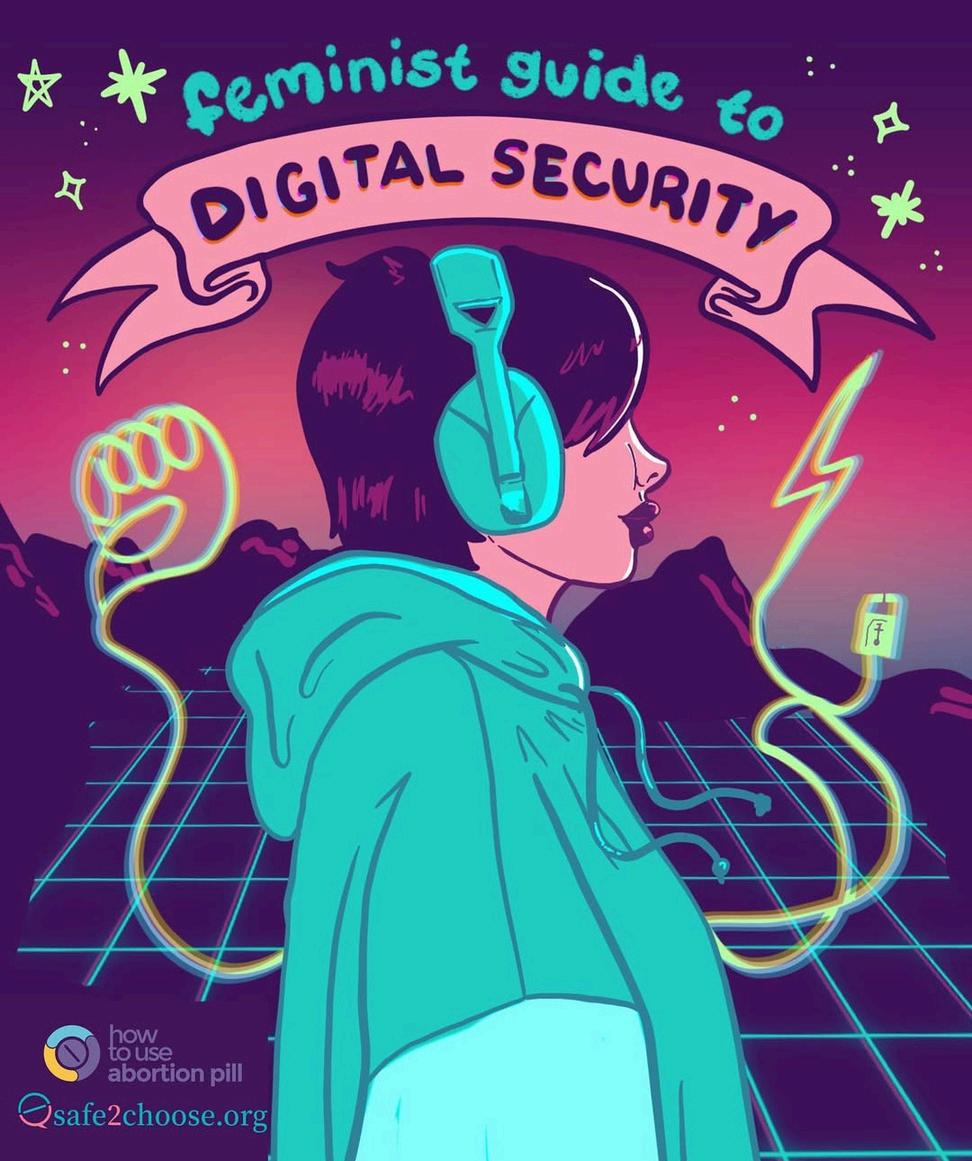
Thread by Caitlin Blunnie
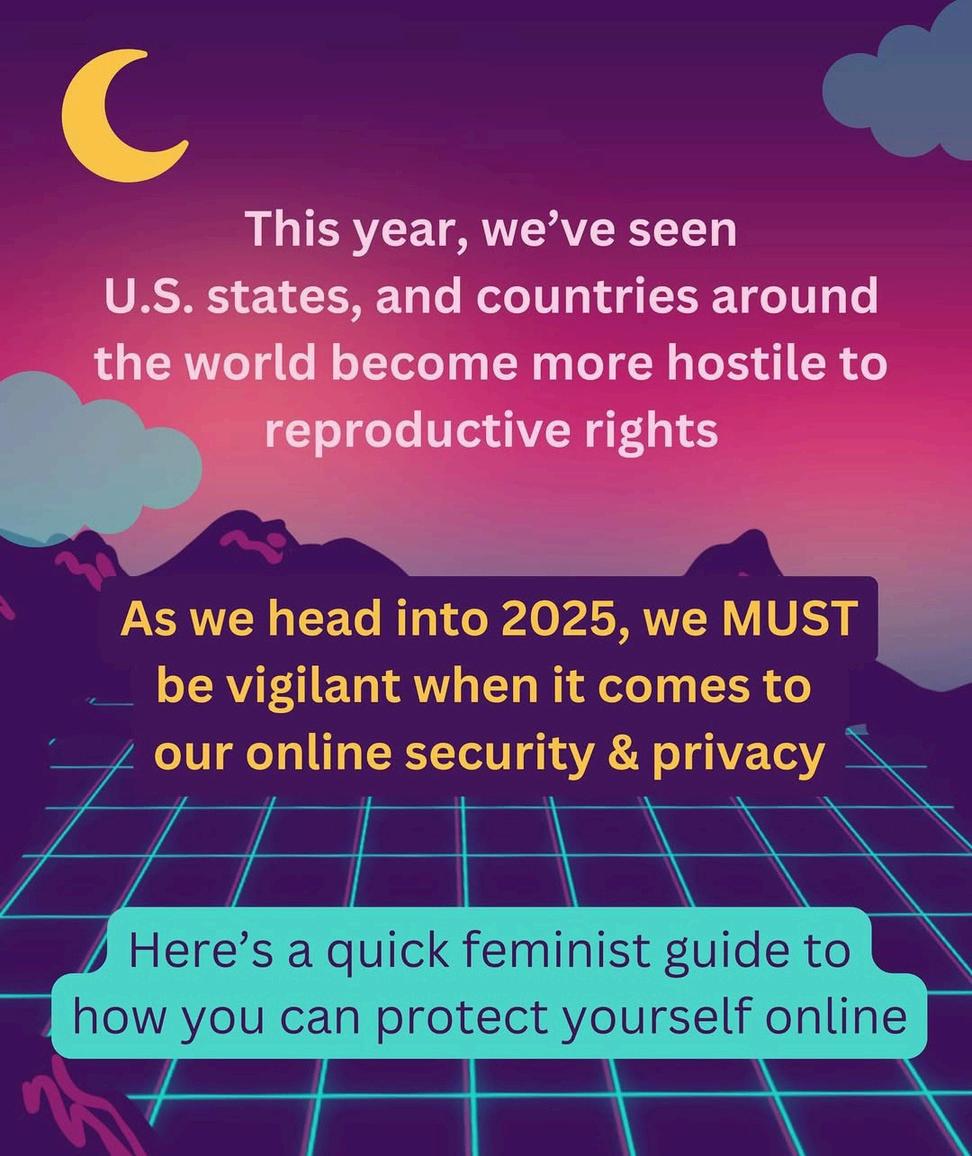
Caitlin Blunnie
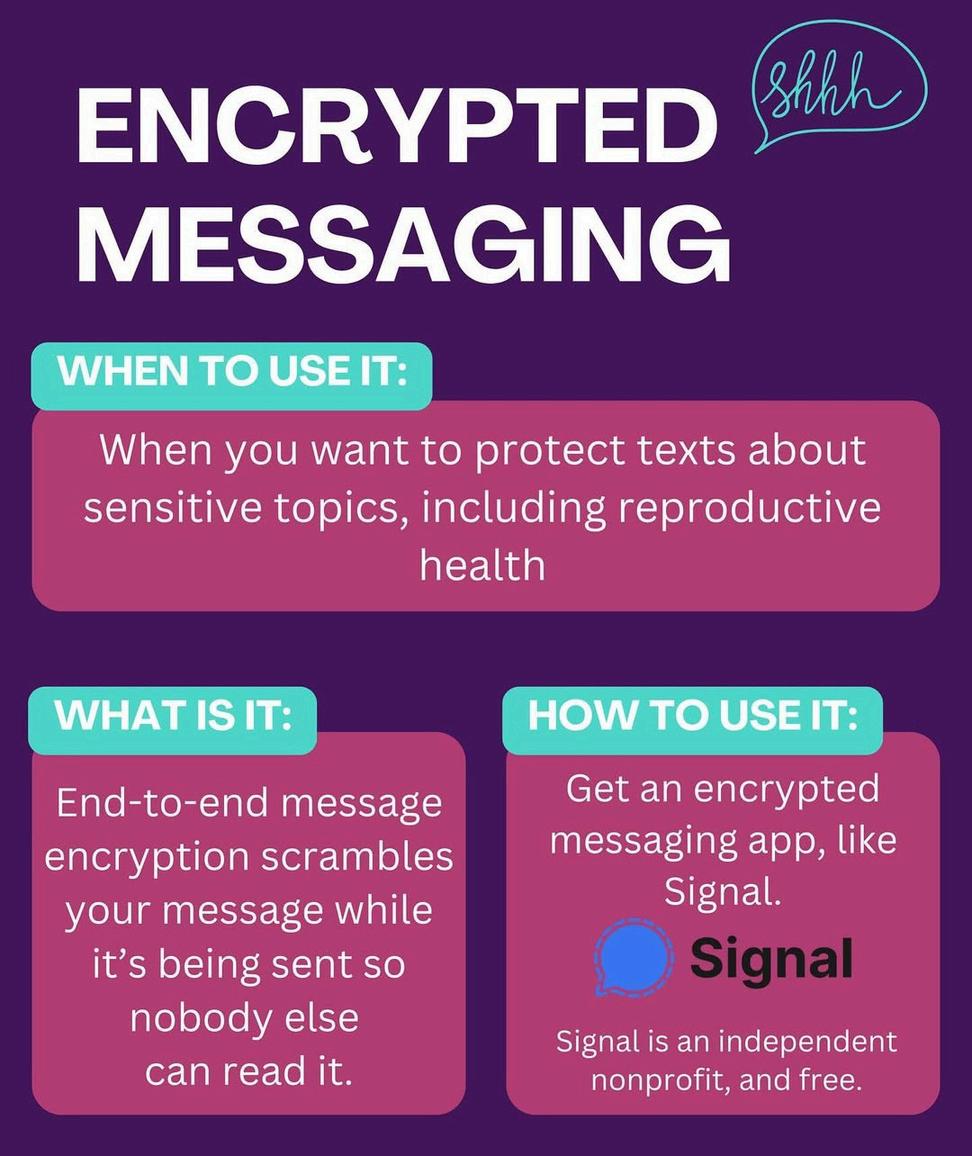

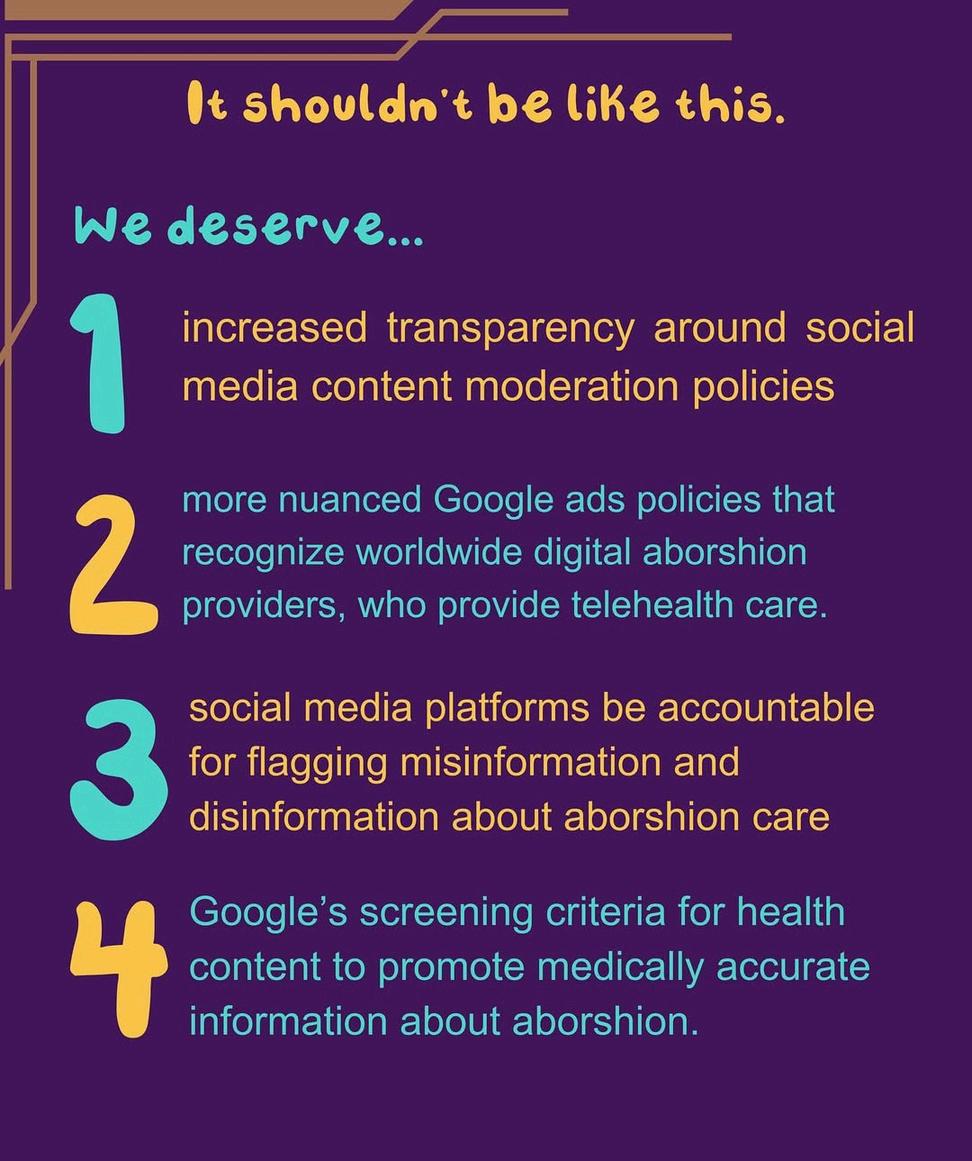
Tip 1: Encrypted Messaging — for when you want to protect your texts. This means end-to-end message encryption scrambles your message while it's being sent so no one else can read it. (eg. Signal).
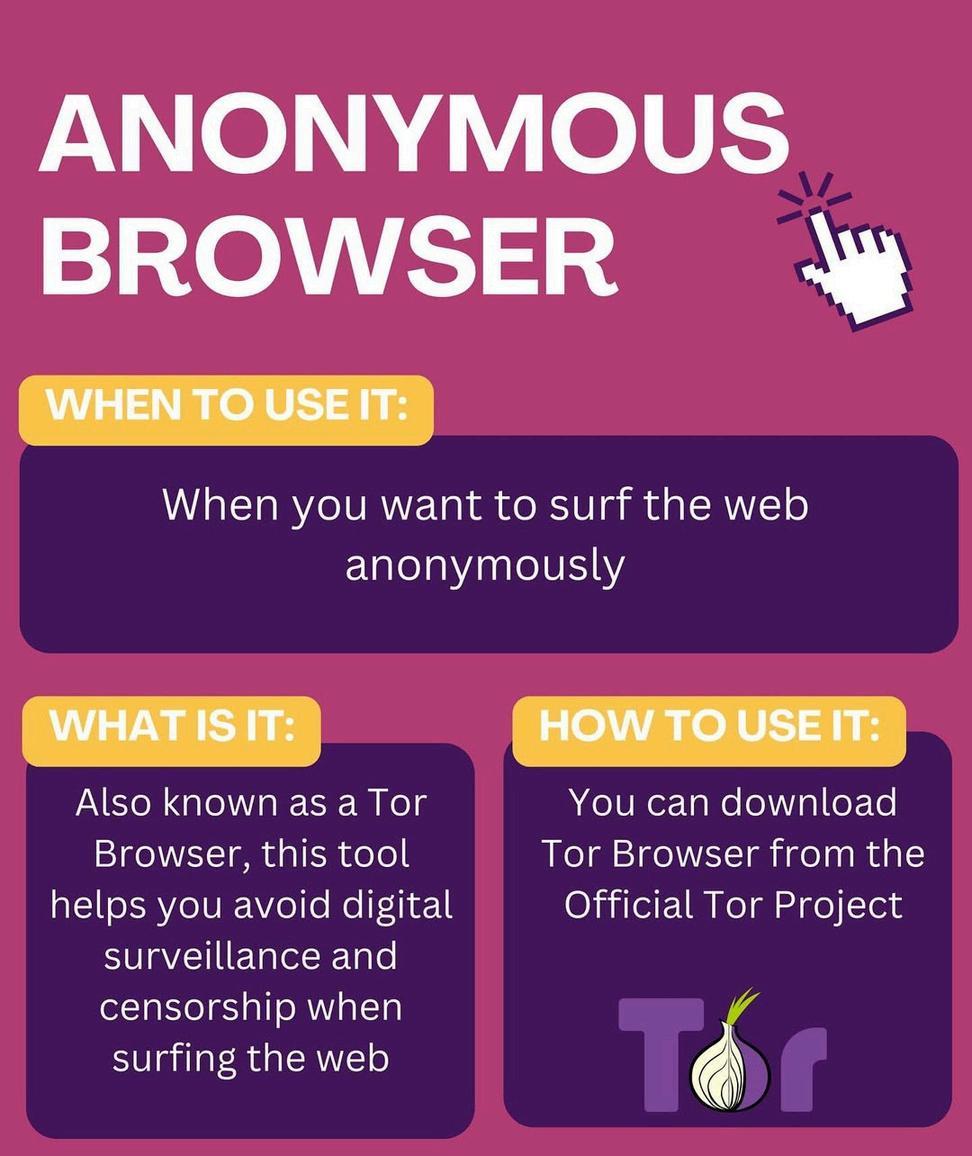
Tip 2: Anonymous Browser — for when you want to surf the web anonymous. Tor helps you avoid surveillance.
Tip 3: Secure Your Internet Connection — for when you want to surf the web anonymously. It works by hiding your online activity.
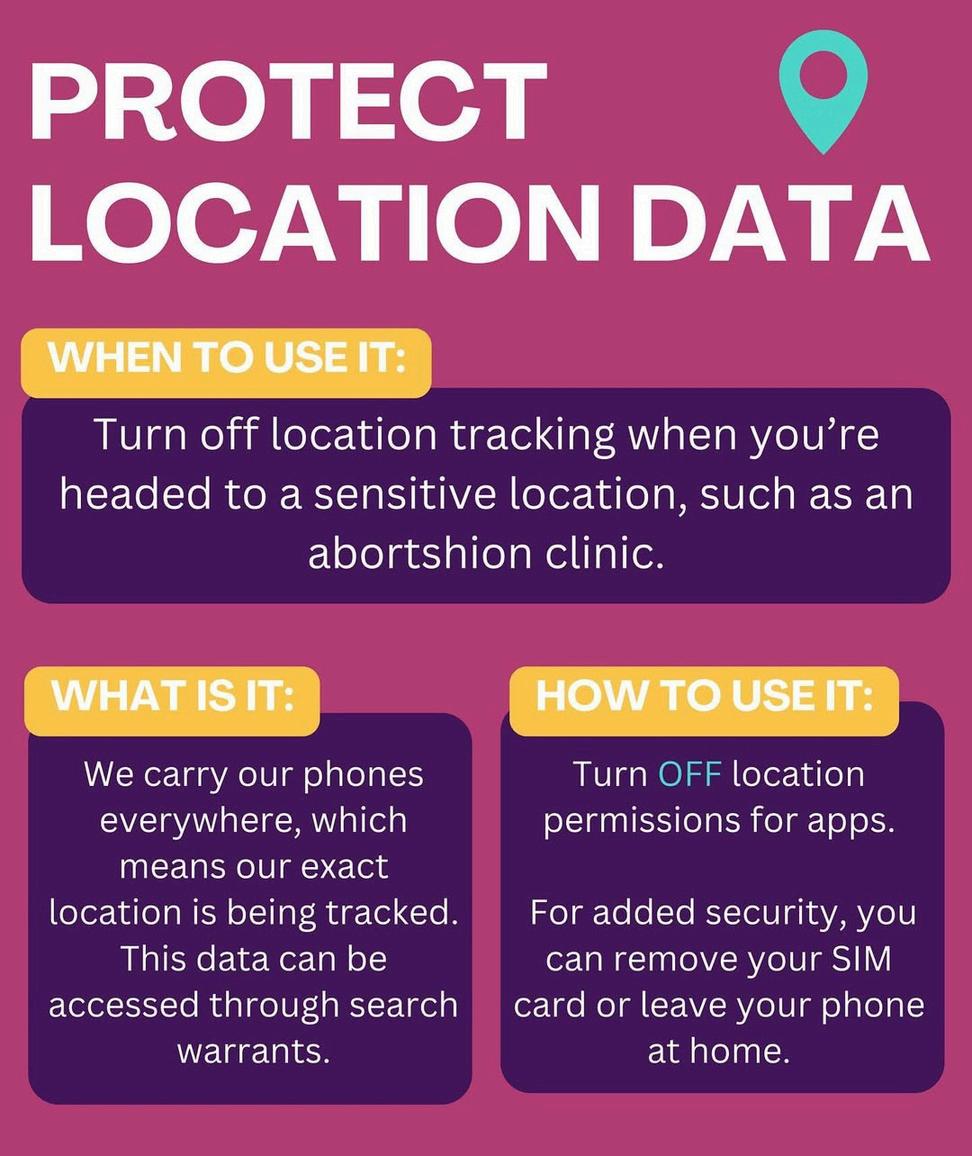
Tip 4: Protect Your Location Data — for when you're headed to a sensitive location. You can turn off location permissions on your phone.
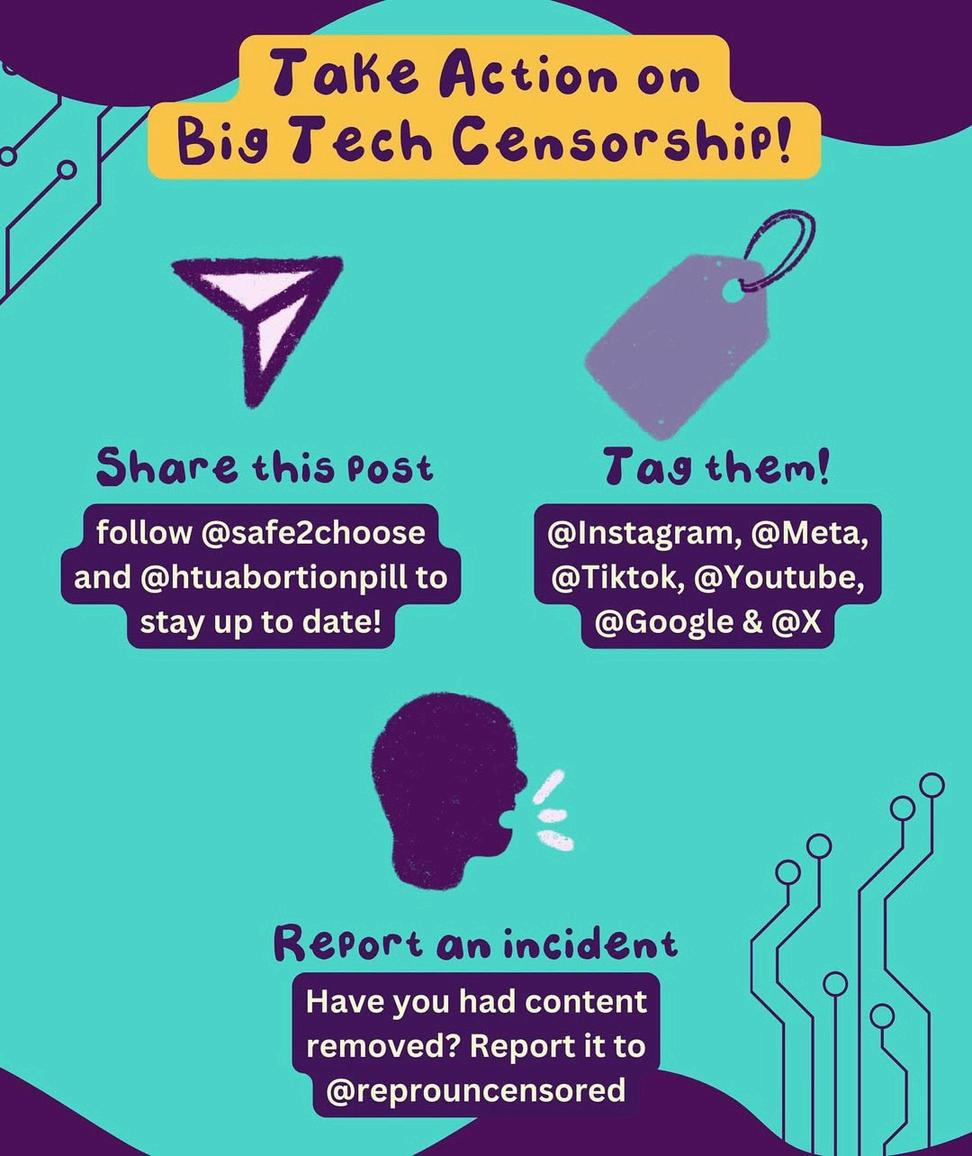
Take Action against Big Tech Censorship:
Share @LiberalJane's Post: (IG & Twitter) & Follow @Safe2Choose and @htuabortionpill to stay up to date!
Tag Big Tech: Instagram, Meta, TikTok, Youtube, Google & X (aka Twitter)!
Report an incident: Have you had content removed? Report it to @ReproUncensored!
If this content was interesting and useful to you, you may want to check out Digital Defense Fund and their resources for Digital Security & Safety as it pertains to the Abortion Access & Reproductive Justice Movements. More info available in the Digital Security section of CFM's Abortion & RJ Resources Guide!
And, in the months since, we have learned more about Digital Security and wanted to share some resources & information with all of you! Keep reading for 101 Level Resources for folks who want to learn more about Digital Safety, Cybersecurity, and/or Data Privacy.
Collected Resources from the CFM Core Team
ReadtheZine:
Available on Issuu.
Access the full list, with clickable links, as a readable zine! Check out other Zines from CFM start reading over on Issuu!
SharetheArticle:
Available on LinkedIn.
Open-Access Article, available on LinkedIn. You do not need an account to read, though you would need an account to comment or share on the article, directly.
DownloadthePDF:
Available on Google Docs.
This is the most up-to-date version of the collected resources, as shared on Google Docs and available to download as a PDF.
A comrade of one of our Core Team members shared these resources when discussing Digital Security in a larger thread. We have pulled several links and still (always!) do encourage folks to connect with the original resources:
If you’ve ever worried about protecting the privacy of your digital data or your conversations with others, we’re here to help. Surveillance Self-Defense is a digital security guide that teaches you how to assess your personal risk from online spying. It can help protect you from surveillance by those who might want to find out your secrets, from petty criminals to nation states. Surveillance Self-Defense offers guides to the best privacy-enhancing tools and explain how to incorporate protecting yourself against surveillance into your daily routine.
If you’re ready to take the first steps, their series of basic guides will help you to understand what digital surveillance is and how you can fight it.
Your Security Plan Guide
Creating Strong Passwords
Keeping Your Data Safe
What Should I Know About
Communicating With Others
Choosing Your Tools
Seven Steps To Digital Security
Why Communication Metadata Matters
Surveillance: With the majority of traffic on the Internet viewable to anyone that has access to the computers that your message passes through— from the computer in your home, to your local ISP, to the final destination of your message and all points in between — how is anyone able to mitigate online surveillance and keep their communications private? The answer is by using strong encryption.
You get a lot done on the Internet, and that means you probably have a lot of accounts on many different websites. But did you know that if you use the same password on every website or almost use the same password and change it a little bit for each site you’re more vulnerable to a cyber attack? Break-ins happen more than you think and often without the hacked website even knowing. This video shares more about 2 tried & through methods for password protection to help you stay safe online.
Malicious attackers can take over your device—whether it's a laptop computer, a desktop PC, a smartphone or tablet—and use it to find out more about you, spy on you, or plant evidence. This animation explains a few of the ways computers get taken over (or “pwned," “0wned,” etc.), and how you can protect yourself.
Computer passwords have the power to unlock vast troves of information, but some passwords are so simple that it’s easy for thieves to guess them. Attackers these days use computer programs to guess passwords—and those programs can guess millions of passwords every second. One method of inventing a truly random & long password you can actually remember is Arnold G. Reinhold’s Diceware technique: creating a secure password by using dice & a list of Diceware words.
Whether you’re looking to keep yourself safe from identity theft and common hacks, whether you simply object to mass surveillance, or anything in between, this site will help you learn the basics about protecting your identity, your safety, and your data in a way that’s accessible and achievable. Welcome to privacy made easy. There are a few sub-sections for ease:
Getting Started: New here? Not sure why privacy matters, how to build a threat model, or the difference between security & privacy? Start here!
Most Important: Are you ready to patch up the most important holes in your security? Looking for the easiest steps to take with the maximum impact? Read this section!
Moderately Important: Already got the basics covered but ready to take your privacy and security to the next step? Read this section!
Less Important: Ready for more advanced topics? Ready to start working on those last few tiny leaks you have left in your digital life? This one’s for you!
Identity Theft: These pages will teach you how to protect against the most common techniques used to impersonate you and steal your identity.
Mobile Devices: Got a new phone and looking to get as much privacy and security out of it as possible? Start here.
Desktop & Laptop Computers: Want to protect your Mac or PC as much as possible? This guide is for you!
Home Network (Wifi): If you just got a new router, are thinking about getting a new router, or simply want to know the best way to protect your home network from threats, this guide is a must-read starting point.
Content Creators: If you want to be an influencer, streamer, or other type of content creator, this guide will help protect you from doxxers, stalkers, and data leaks.
Access All Guides from The New Oil.
In the modern age of digital data exploitation, your privacy has never been more critical, and yet many believe it is already a lost cause. It is not. Your privacy is up for grabs, and you need to care about it. Privacy is about power, and it is so important that this power ends up in the right hands. Privacy is ultimately about human information, and this is important because we know that human information confers power over human beings. If we care about our ability to be authentic, fulfilled, and free humans, we have to care about the rules that apply to information about us. So much of our modern society is structured around information. When you shop online, read the news, look something up, vote, seek directions, or really anything else, you are relying on information. If we live in an information society, our information matters, and therefore privacy matters.
Build your Knowledge Base with these guides:
And check out other resources from Privacy Guides:
Introduction to Passwords
Multi-Factor Authentication
Choosing Your Hardware
Email Security
Virtual Private Network (VPN)
Overview
DNS Overview
Tor Overview
Private Payments
Types of Communication Networks
The person who recommended these resources noted that this is a lot to transition, and that this can be overwhelming! They shared that they use Proton VPN so that websites can't track their IP address from various devices. For extra privacy, they use TOR browser, but mentioned typically using Firefox with uBlock Origin (extension that blocks ads + trackers) & Bitwarden (password manager).
For Androids, they mentioned removing Google & instead, installing a different, privacyfocused Operating System called CalyxOS.
They also noted trying to shift away from corporate social media as much as they can and named federated social media like Mastodon as being a positive experience so far, noting that it is “a lot smaller and has a little bit of a learning curve, [but is] pretty cozy, there's no ads, no algorithm, and a lot of built in features that increase accessibility (very effective block functions, content warnings, moderation by real humans, dark mode, etc.)”
Awesome Privacy: a curated list of privacy & security-focused apps, software, and providers (aka Tools + resources for Digital Security)
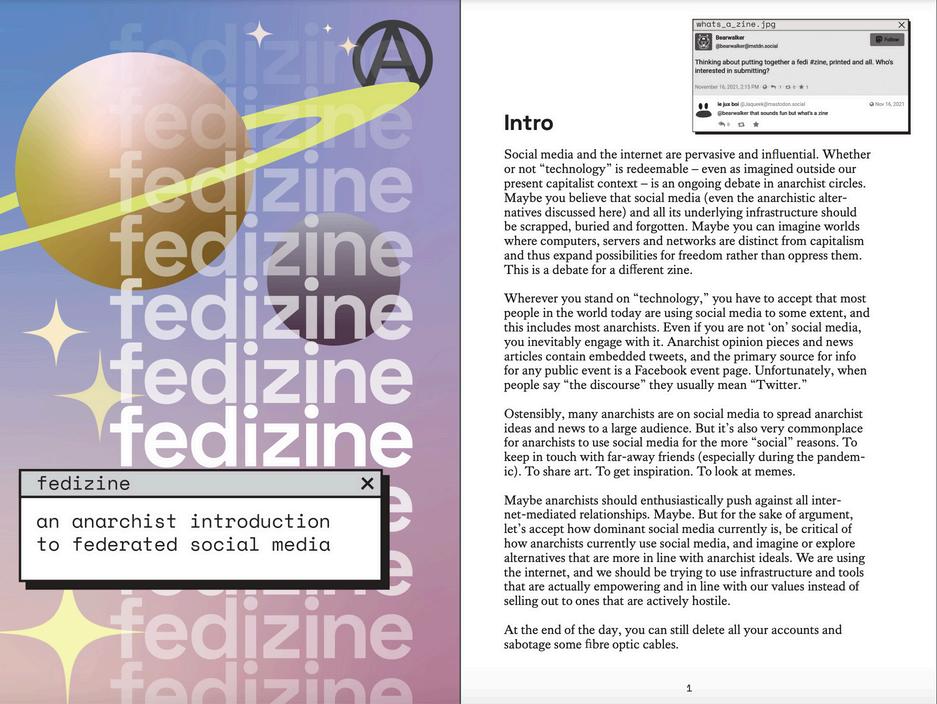
+ Fedizine: Anarchist Guide to Federated Social Media (Zine)
We are so thankful to the comrade who shared these resources!
DeleteMe empowers individuals and organizations to reclaim their privacy by removing personal data from online sources, including but not limited to: Name, Age, Address, Phone, Relatives, Social media, Occupation, Marital Status, Property Value, Past Address, Photos, and Email(s). We've highlighted a few resources from their organization to help folks get started:
How DeleteMe Works: We remove your personal information that’s being sold online.
DIY Opt-Out Guides: DeleteMe is here to help you protect and regain your online privacy. We’ve compiled a list of data brokers, along with an opt-out guide for each data broker website. Doing this yourself won’t cost you anything. However, it can take hours to go through each website and remove the personal information for just one person – let alone an entire family.
Privacy Tips & News (Blog): Learn more about data privacy, data brokers, breaches, and more. Our blog (and monthly newsletter ‘Incognito’) cover best practices when it comes to keeping your information safe as well as staying informed about the latest trends when it comes to online privacy.
YK Hong (IG: @ykreborn) regularly shares information and resources for Tech Justice and Data Privacy. Today (January 28th) is Data Privacy Day. YK wrote a piece on how, if and when we can, we should opt out of biometric theft everywhere — available for their subscribers (free tier available) on Substack!
You can learn more through YK’s 'Tech Justice' highlight on Instagram or by connecting with YK on other Social Media: Instagram, Substack, Patreon, BlueSky, & YouTube!
January was Stalking Awareness Month, something that is increasingly being done through digital means. We wanted to highlight a few tools related to stalking, specifically — primarily sourced from the Stalking Prevention, Advocacy, & Resources Center (SPARC):
Risk Assessment & Safety Planning
Safety Planning for Stalking Victims
The following resources are also available in Spanish learn more through SPARC en Español. And, check out SPARC’s eLearning Courses, register for one of their Upcoming Events, and more through SPARC’s website!
We know that Disabled, Queer + Trans, and/or racialized folks are often targeted in online harassment campaigns, whether or not they consent to being public figures. Some of the resources above are focused on digital security for content creators and/or other folks who may have public social media or online presence(s). We also wanted to highlight an incredibly useful FREE + Virtual RiskAssessment Tool for folks being harassed or stalked, the:
While many threat assessments focus primarily on domestic violence, SHARP is a tool designed specifically to examine and assess stalking. SHARP is a 48-item web-based assessment which provides an assessment of the “big picture” of the stalking situation. It also provides a situational risk profile that consists of 14 factors associated with a wide variety of harms including physical or sexual attack, harm to others, ongoing and escalating stalking and harassment, and life sabotage. SHARP is free to use and provides both a narrative of the stalking situation and the risk profile, as well as information about stalking risks and safety suggestions.
The SHARP narrative and risk profile report has been successfully used [globally] to support stalking victim safety and hold stalkers accountable, including: helping petitioners successfully receive civil protection orders as part of criminal case, as evidence that helped prosecution move forward, and/or helping to obtain higher bond and GPS conditions.

DISABILITYJUSTICE
REPRODUCTIVEJUSTICE& ABORTIONRESOURCES

SEXEDFORALLAGES
16DAYSOFACTIVISM AGAINSTGBV