Building Information Modelling (BIM) technology for Architecture, Engineering and Construction


Building Information Modelling (BIM) technology for Architecture, Engineering and Construction
Ticking away your rights? In a data-centric AI world, what should we do when software EULAs go rogue?
Autodesk AEC evolves
Forma expands into detailed design








Welcome to neural CAD
Autodesk shows its AI hand
From pixels to prompts
Chaos blending AI with traditional viz






editorial MANAGING EDITOR
GREG CORKE greg@x3dmedia.com
CONSULTING EDITOR
MARTYN DAY martyn@x3dmedia.com
CONSULTING EDITOR
STEPHEN HOLMES stephen@x3dmedia.com
advertising
GROUP MEDIA DIRECTOR
TONY BAKSH tony@x3dmedia.com
ADVERTISING MANAGER
STEVE KING steve@x3dmedia.com
U.S. SALES & MARKETING DIRECTOR
DENISE GREAVES denise@x3dmedia.com
subscriptions MANAGER
ALAN CLEVELAND alan@x3dmedia.com
accounts
CHARLOTTE TAIBI charlotte@x3dmedia.com
FINANCIAL CONTROLLER
SAMANTHA TODESCATO-RUTLAND sam@chalfen.com
AEC Magazine is available FREE to qualifying individuals. To ensure you receive your regular copy please register online at www.aecmag.com about
AEC Magazine is published bi-monthly by X3DMedia Ltd 19 Leyden Street London, E1 7LE UK
T. +44 (0)20 3355 7310
F. +44 (0)20 3355 7319 © 2025 X3DMedia Ltd



Autodesk targets BIM with Forma Building Design, Construction robot printer links to CAD, Nvidia launches compact GPUs, plus lots more
Egnyte puts AEC Agents to work, AI drives electrical design, Snaptrude targets early stage design, and lots more
Chaos is blending AI with traditional viz, rethinking how architects explore, present and refine ideas
Most architects overlook software small print, but today’s EULAs are redefining ownership, data rights and AI use — shifting power from users to vendors
Autodesk has presented live, productionready tools, giving customers a clear view of how AI could soon reshape workflows

Register your details to ensure you get a regular copy register.aecmag.com
Forma is finally expanding beyond its early-stage design roots with a brand-new product focused on detailed design
We spoke with Snaptrude CEO Altaf Ganihar about the AI capabilities coming soon to the collaborative design tool


This façade design optimisation tool works with Revit and Forma to help create sustainable, detailed designs
Martyn Day explores how the Vectorworks product set is evolving under new CEO Jason Pletcher
We caught up with Esri’s Marc Goldman to discuss the geospatial company’s focus on BIM integration
Speckle CEO Dimitrie Stefanescu shares five examples of how the collaborative platform can benefit AEC workflows
There may well come a time when AI will take a sketch or basic idea and design the entire building
Remap believes that the key to better buildings may lie in the ability of firms to create better tools for themselves
Transcend is looking to bring new efficiencies to the design of water, wastewater and power infrastructure
A two-pronged approach to technology deployment is enabling the timely detection of leaks on water networks


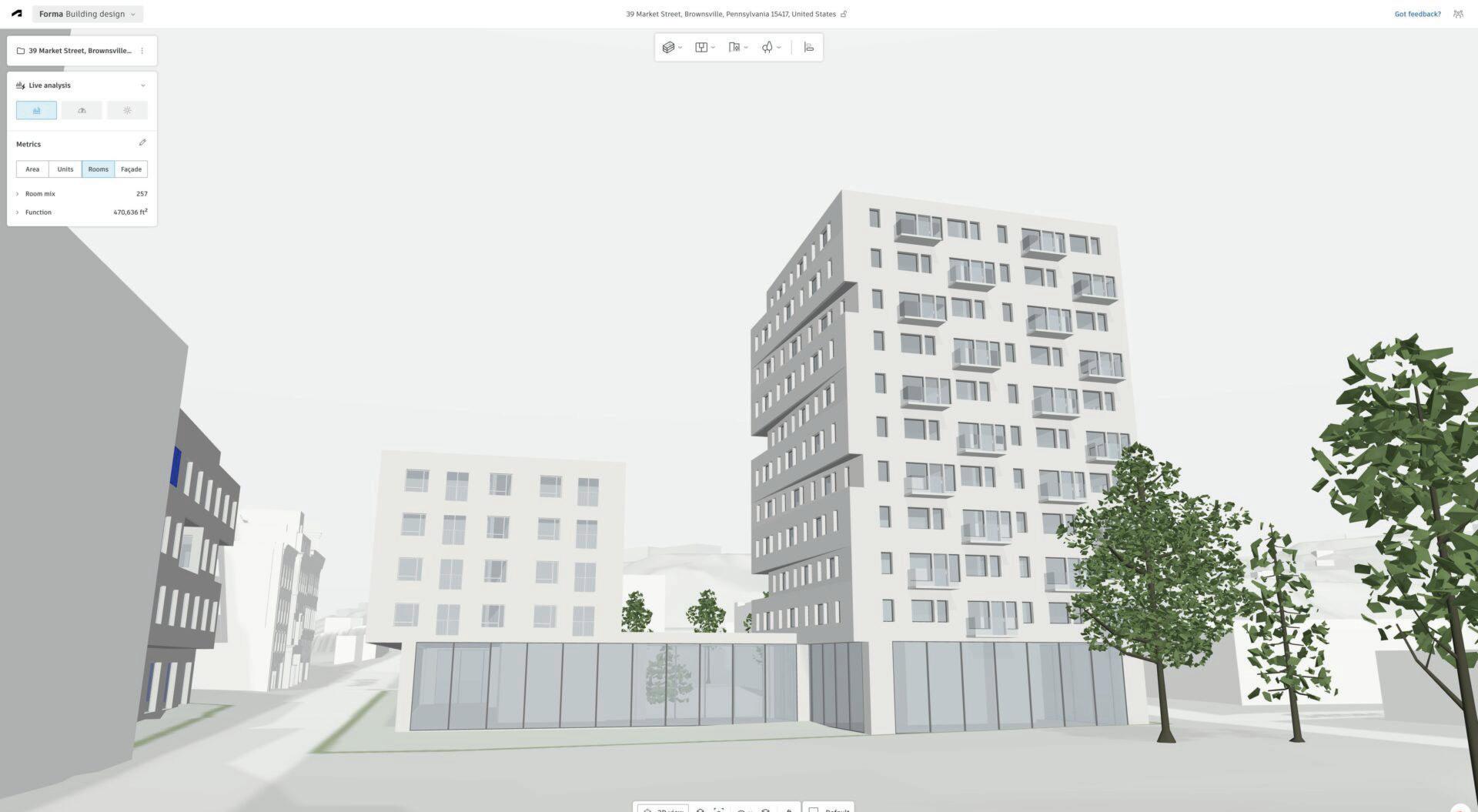
Autodesk is reshaping its AEC design software portfolio, introducing a new suite of Forma solutions, while making desktop products like Revit more deeply connected to the Forma industry cloud.
At Autodesk University, the company unveiled a new product, Forma Building Design, and announced that its existing early-stage planning tool, Autodesk Forma, will be rebranded as Forma Site Design.
Launching in beta in the coming months, Forma Building Design is billed as an easy-to-use detailed building design solution, offering ‘BIM-level’ LOD 200 detail, ‘AI-powered’ automated design tools, and integrated analysis capabilities.
Nicolas Mangon, VP of AEC industry strategy, explained that with Forma Building Design users will be able to check facades, explore interior layouts,
and optimise performance with carbon and daylight metrics.
“Forma Building Design is just the first of many new Forma solutions that will support a broader range of industries and project phases, all powered by AI,” he said.
Meanwhile, Autodesk is continuing to develop its desktop design tools while working to bridge the gap between desktop and cloud-native workflows. The company announced that Revit will be the first official Forma Connected Client — a designation for desktop products deeply integrated with the Forma industry cloud.
Revit users will be able to utilise shared, granular data and Forma’s cloud capabilities, such as environmental analyses, directly within the desktop tool, without the need for exports, imports or rework. Turn to page 30 to learn more.
■ www.autodesk.com/forma
Leica Geosystems has launched Leica BLK360 SE Essentials, a new ‘cost-effective’ solution designed to make reality capture more accessible to smaller AEC firms. Priced at £12,500 (€14,000), it bundles a Leica BLK360 SE laser scanner with a one year subscription of Leica Cyclone Field 360 laser scanning software, and PinPoint software for turning scan data into usable 3D models.
According to Leica, the solution is designed for new users across AEC, design, and trades that previously couldn’t
justify the investment in 3D scanning.
The Leica BLK360 SE is a lightweight, compact imaging laser scanner that produces 2D and 3D models with ‘onebutton operation’. It is said to capture the same exact quality of data as the original BLK360, but takes a little longer to scan .
According to Leica, in under a minute, users can complete a 360-degree scan, accurate to 40 millimetres from 10 metres away. The four-camera system captures 104-megapixel HDR images to add detailed visual context to every model.
■ www.leica-geosystems.com
W: Workplace
BExperts, a UK-based fit-out and refurbishment contractor and design-and-build consultancy, has partnered with NavLive, a specialist in construction AI-driven 3D scanning, to help give its teams faster, more reliable site data and strengthen its ability to compete for tenders.
BW has already deployed NavLive across a range of projects in London and Europe, from heritage refurbishments to modern workplaces.
In one project, BW used NavLive to survey a multi-storey commercial property in Mayfair. The team completed a full walkthrough in under 15 minutes, capturing a 3D point cloud and elevation views that enabled architects to produce a full Revit drawing in just two hours.
Looking ahead, BW and NavLive are exploring how the technology could integrate with robotics and automation, from robotic dogs to emerging humanoid platforms.
■ www.navlive.ai
Looq AI has announced that its photogrammetric data capture platform is now compatible with Trimble Business Center software.
The integration enables engineering professionals to utilise ‘survey-grade’ georeferenced, ground-classified point clouds and orthomosaic images from the Looq Platform directly within Trimble’s desktop workflows.
Looq AI combines handheld photogrammetry with computer vision algorithms to deliver high-resolution spatial data.
■ www.looq.ai
We improve the way that built environment organisations work using our knowledge of design, technology and construction.
We’re helping industry leading organisations use technology to work more effectively.



And we can help you to do the same through…
Consulting
We spend time understanding how you operate and develop solutions for you – kind of like tuning an engine!
We deliver software applications or toolkits that solve particular problems or create specific experiences.
We help deliver a specific project or package of work that can benefit from digital engineering. 1 2 3 4
Remap are a London-based digital transformation and software development consultancy providing technology services to the built environment industry. Services.
Digitaltransformation: Building on ten years’ experience in the industry; supporting organisations to get the most out of emerging technologies.
ComputationalBIM&Design: Parametric design tools, automated workflows, and custom Revit add-in development.
2D/3Dapplicationdevelopment: Bespoke software development of desktop and web applications using both 2D and 3D technologies.
Designtoconstructionsolutions: As showcased at Here East, AJ100 Building of the Year winner; using technology to streamline from design team to contractors.

Vioso has launched Exaplan, an AEC visualisation solution that enables the presentation of 1:1 scale CADbased floor plans in real time. Users can navigate through the projected plan in ‘true scale’ regardless of the size of the physical room
■www.vioso.com
Buildots’ AI construction progress tracking technology is being used to support the delivery of the National Rehabilitation Centre, a £105 million NHS project by Integrated Health Projects, a joint venture between Vinci Building and Sir Robert McAlpine ■ www.buildots.com
Tekla PowerFab 2025i, the latest release of the software suite for managing steel fabrication, offers improved production planning and forecasting, as well as a new integration with Trimble ProjectSight to help optimise construction project management workflows
■ www.tekla.com
A new 3D model viewer for Viewpoint Field View has enhanced the model-based workflows in construction site software. Teams can now more effectively capture information, allowing forms, checklists and tasks to be raised against the 3D model
■ www.viewpoint.com
Trimble has launched Stabicad for AutoCAD Mechanical in the UK. The software is designed to enhance and streamline MEP design workflows by bridging the gap between traditional CAD drafting and ‘intelligent modelling’ ■ www.mep.trimble.com
Reality capture data platform NavVis Ivion has added Hide Overlap, a new feature designed to help those working with multiple scan datasets. The smart cleanup tool automatically detects and removes lower-quality points among overlapping scan data, selecting only the best data from each scan to produce a ‘clean, streamlined’ point cloud
■ www.navvis.com/ivion
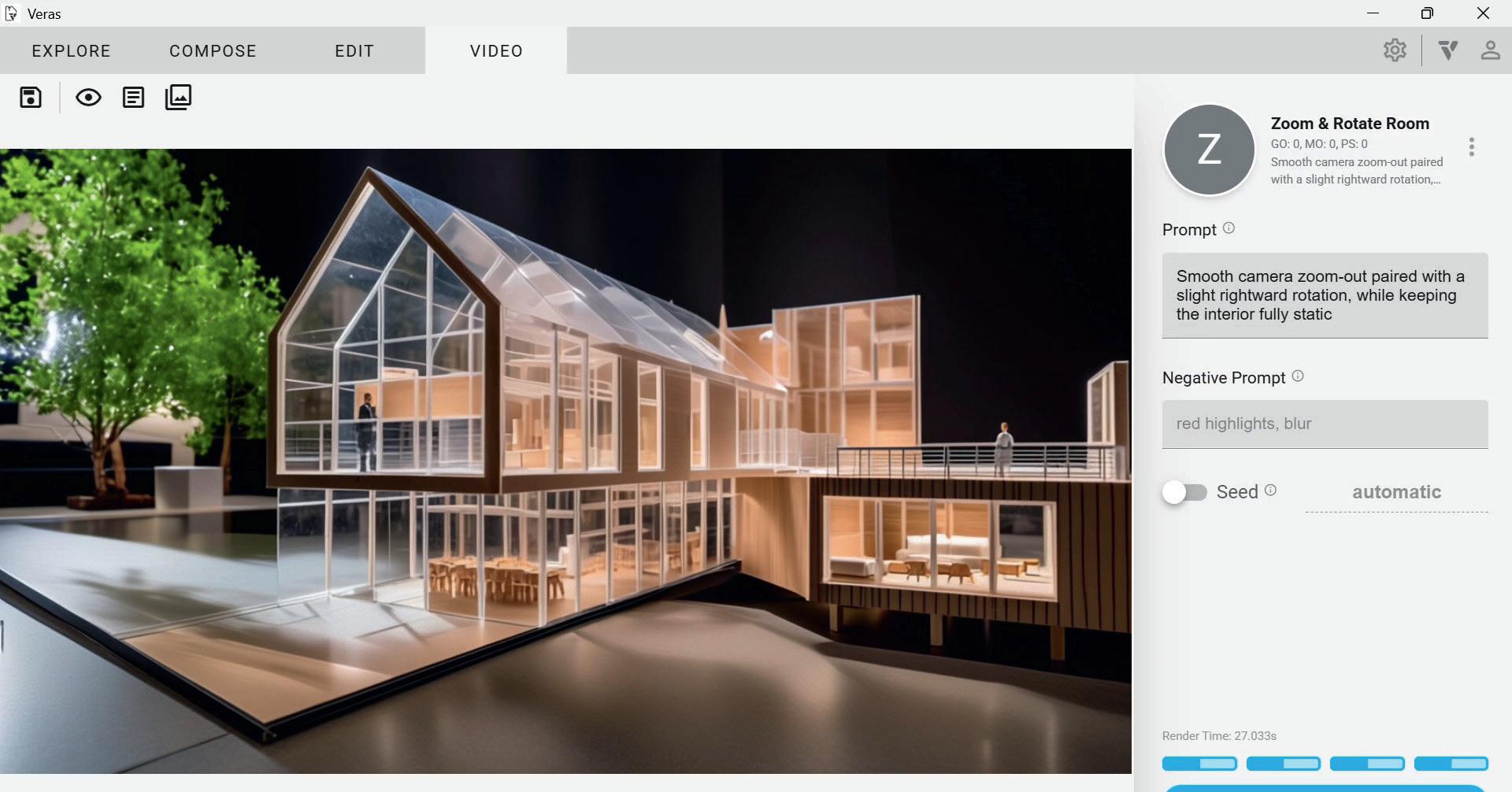
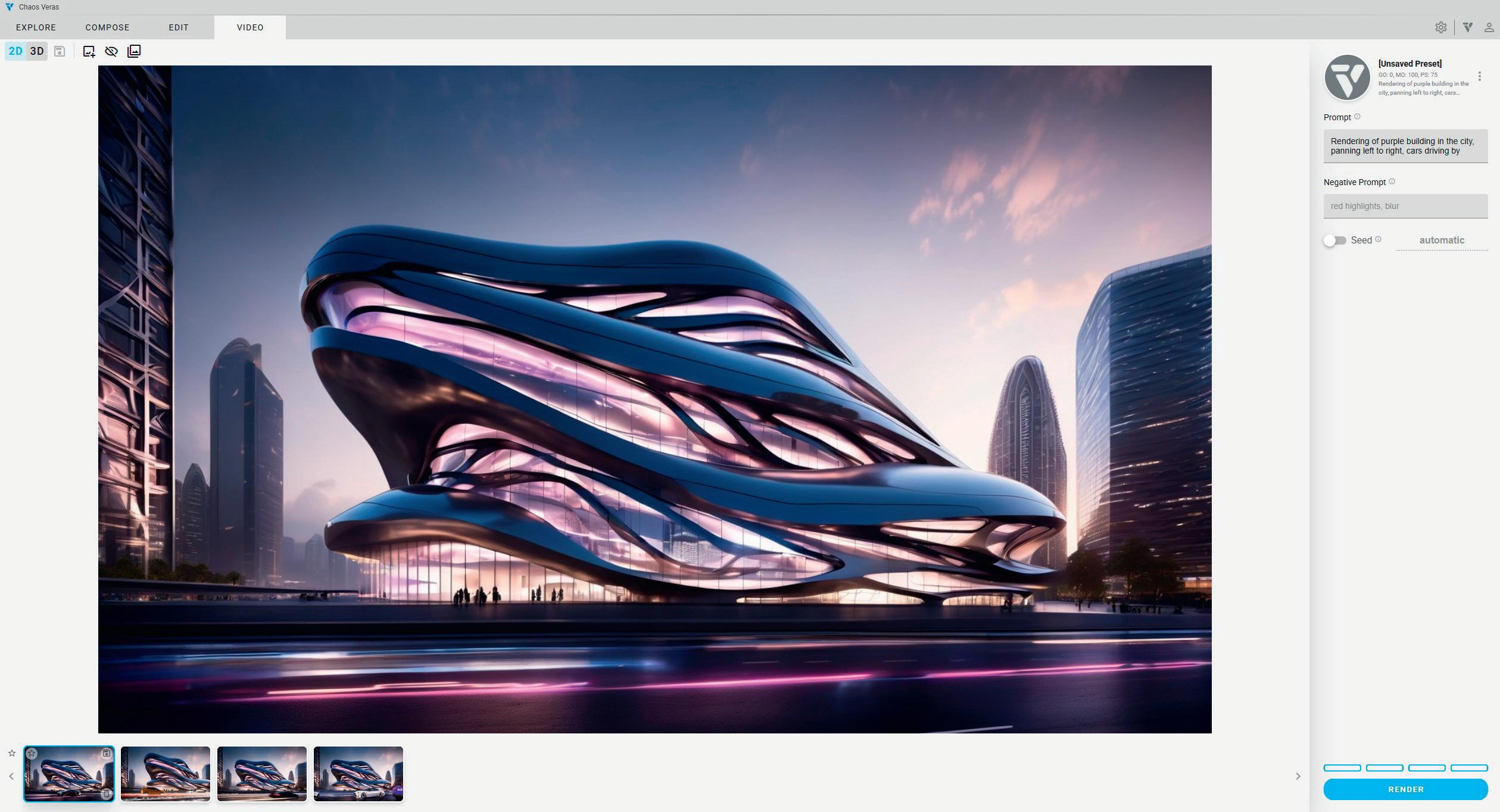
Veras 3.0, the latest release of the AI-powered viz software from Chaos, includes a new image-to-video generation capability designed to transform static renderings into ‘dynamic animations’ through simple prompts.
It builds on the software’s original capabilities, which enable designers to take 3D models and images and quickly create AI-rendered designs and style variations. Image-to-video generation in Veras allows designers to pan and zoom
cameras, animate weather, and change the time of day with ‘just a few clicks.’ Once the look is determined, motion can be added to the scene through vehicles and digital people, turning still images into ‘immersive, moving stories.’
Veras was one of the first AI viz tools to be designed specifically for AEC, integrating natively with Revit, Rhino, SketchUp and other 3D software. It was originally developed by EvolveLabs, which Chaos acquired in 2024.
■ www.chaos.com/veras
entley Systems is offering new resources to help developers use its iTwin Platform APIs within Cesium, the 3D geospatial visualisation technology that Bentley acquired in September 2024. The move is intended to streamline integration between infrastructure digital twins and large-scale geospatial applications.
The iTwin Platform provides a set of open-core APIs for creating and managing digital twins — data-rich virtual models used across the lifecycle of infrastructure assets.
Cesium is known for its 3D globe and mapping technology and for originating the 3D Tiles open standard, widely adopted for streaming large-scale 3D datasets.
Bentley now provides tutorials and example workflows that demonstrate how iTwin APIs can be used inside CesiumJS applications. Developers can, for instance,
combine geospatial context streamed from Cesium ion with engineering design data managed in Bentley iTwin, and visualise both in a single environment.
The integration reflects Bentley’s strategy following the Cesium acquisition: to bring together detailed engineering models with scalable geospatial visualisation under a single umbrella, while continuing to support open standards. For infrastructure owners, operators, and developers, the alignment is designed to reduce duplication of effort when linking project data to broader geographic settings.
The iTwin–Cesium connection is particularly relevant for organisations that need to situate infrastructure data within a regional or national context, such as utilities, transportation agencies, and government bodies.
■ www.bentley.com ■ www.cesium.com

Nvidia has announced two new low-profile workstation GPUs, the Nvidia RTX Pro 4000 Blackwell SFF Edition and the Nvidia RTX Pro 2000 Blackwell, designed to accelerate a range of professional workloads, including CAD, visualisation, simulation and AI.
Both are expected to appear in small form factor and micro workstations later this year, including the HP Z2 Mini G1i and Lenovo ThinkStation P3 Ultra SFF.
The Nvidia RTX Pro 4000 SFF and RTX Pro 2000 feature fourth-generation RT Cores and fifth-generation Tensor Cores with lower power in half the size of a traditional GPU.
Compared to its predecessor, the RTX
4000 SFF Ada, Nvidia claims the RTX Pro 4000 Blackwell SFF delivers up to 2.5× faster AI performance, 1.7× higher ray tracing performance, and 1.5× more bandwidth — all while maintaining the same 70-watt maximum power draw. It also gets a memory boost, increasing from 20 GB of GDDR6 to 24 GB of GDDR7.
Meanwhile, compared to the RTX 2000 Ada, the RTX Pro 2000 Blackwell is said to deliver up to 1.6× faster 3D modelling, 1.4× faster CAD performance, and 1.6× faster rendering. It also promises a 1.4× improvement in AI image generation and a 2.3× boost in AI text generation. Memory has been increased as well, rising from 16 GB of GDDR6 to 20 GB of GDDR7.
■ www.nvidia.com
Lenovo has redesigned its flagship mobile workstation, the ThinkPad P16, with a new Gen 3 edition that is thinner, lighter and draws less power than its Gen 2 predecessor, now with a 180W PSU.
The 16-inch pro laptop features the latest ‘Arrow Lake’ Intel Core Ultra 200HX series processors (up to 24 cores and 5.5 GHz) and a choice of Nvidia graphics up to the RTX Pro 5000 Blackwell Generation (24 GB) Laptop GPU.
Lenovo has also rolled out updates across its wider Intel-based mobile workstation portfolio. The ThinkPad P1 Gen 8, ThinkPad P16v Gen 3, ThinkPad P14s i Gen 6, and ThinkPad P16s i Gen 4
are all powered by more energy-efficient Intel Core Ultra 200H processors (up to 16 cores, 5.4 GHz) and feature less powerful Nvidia RTX Pro Blackwell GPUs — up to the RTX Pro 2000 Blackwell (8 GB).
While they share core components, the models are differentiated by design and positioning: the ThinkPad P1 Gen 8 is Lenovo’s premium thin-and-light mobile workstation, the ThinkPad P16v Gen 3 is pitched as a more affordable alternative, while the ThinkPad P14s i Gen 6 and ThinkPad P16s i Gen 4 combine thin-andlight designs with a GPU best suited to mainstream CAD and BIM workflows.
■ www.lenovo.com
UK-based subscription workstation platform
Computle has secured a £500k pre-seed investment from technology veteran Mark Boost, who takes a minority stake in the company.
The funding will support Computle’s development of its remote workstation service for creative, architecture, and engineering teams.
Founded in 2020 by technology architect Jake Elsley, Computle claims to deliver 30–50% cost savings compared to alternative solutions. Unlike virtualised remote workstation solutions, Computle provides each user with a dedicated workstation, accessed over a 1:1 connection. Every custom-built blade workstation includes its own CPU, GPU, NVMe storage, and RAM.
■ www.computle.com
Creative ITC has launched a new virtual cloud desktop solution purpose built for the AEC sector that it claims delivers the full power of a high-end in-office workstation to architects, wherever they work.
The Virtual Cloud Desktop Pod (VCDPod) is purpose-built for processor- or graphics-intensive design, visualisation, simulation, and modelling applications. With VCDPod, AEC professionals use a dedicated laptop, thin client or iPad to login into a virtual cloud desktop that offers ‘single tenant’ access to high-end computing resources. The service uses dedicated Lenovo workstations.
■ www.creative-itc.com











Bluebeam has acquired Firmus AI, a specialist in pre-construction design review and risk analysis. The move will see Firmus’ technology integrated into Bluebeam’s document review and markup workflows, extending the company’s focus into AI-assisted risk management
■ www.bluebeam.com
PMSPACE.AI is a new AI-powered platform for real-estate developers, operators and stakeholders designed to transform construction management through predictive analytics, intelligent automation, and a unified data foundation
■ www.pmspace.ai
ChatAEC is a new platform designed to help developers, engineers, and planners quickly find zoning and site requirements. Users can enter a parcel address or Assessor’s Parcel Number (APN) and ask questions like “Can I build multifamily here?” or “What are the setback requirements?”
■ www.chataec.ai
Allsite.ai, an AI-powered design platform built for civil engineering, has expanded into the North American market. The software uses AI Agents to automate grading, roading, drainage, and utility design, producing surface-ready designs for AutoCAD Civil 3D that meet local standards
■ www.allsite.ai
V-Ray 7 for 3ds Max, Update 2, the latest release of the production quality renderer from Chaos, introduces two new AI features: AI Material Generator can create materials from a real-world photo, while AI Enhancer can automatically enhance and upscale scenes
■ www.chaos.com
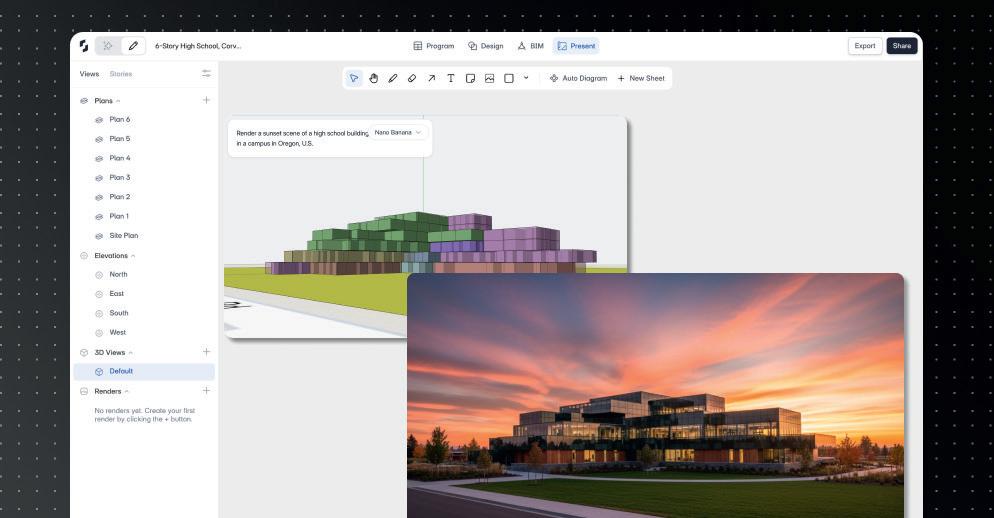
naptrude has announced that the next major release of its collaborative building design platform will bring AI directly into the early stages of design.
With Snaptrude’s ‘AI stack’ users can simply describe a building type, the site, and the intended use, while the software automatically generates a layout with the right spaces, providing an ‘intelligent starting point’ for manual design.
Snaptrude also includes a new built-in AI research capability, designed to help architects save hours by not having to dig
through codes, guidelines, and precedent studies before they can start shaping a design. Snaptrude’s AI can analyse building codes and ADA requirements, benchmark space standards and costs. Meanwhile Snaptrude has enhanced its ‘AI-powered inspiration tools’ – in other words, its AI renderers. Users now have a wider choice of AI models, including Nano-Banana for ‘ super-fast image generation for quick iterations’ and Veo 3 for ‘smooth & realistic’ video generation. For more on Snaptrude AI see page 37.
■ www.snaptrude.com
Egnyte has embedded its first ‘secure, domain-specific’ AI agents within its platform to target some of the most timeconsuming and costly parts of the AEC process, from bid to completion.
The Specifications Analyst and Building Code Analyst are designed to extract details from large specification files and quickly deliver AI guidance for building code compliance.
“These tools enable customers to take advantage of the power of AI without having to move their data and potentially expose it to security, compliance, and governance risks,” said Amrit Jassal, co-founder and CTO, Egnyte. “The AEC industry relies heavily on complex, content-intensive documents to make informed decisions throughout the project lifecycle, and a
single error in a spec sheet or misinterpretation of a building code can lead to significant project delays and cost overruns. These AEC AI agents fundamentally reduce project risk and help firms to deliver better, more profitable outcomes.”
According to Egnyte, the Specifications Analyst allows users to transform any size specification document or multiple documents into source data that delivers fast and useful answers.
Meanwhile, the Building Code Analyst is designed to consolidate disparate codebooks into a unified source of truth. Egnyte explains that the agent enables users to quickly find, compare, and check code requirements across relevant codebooks and produce consistent, useful AI-powered answers.
■ www.egnyte.com
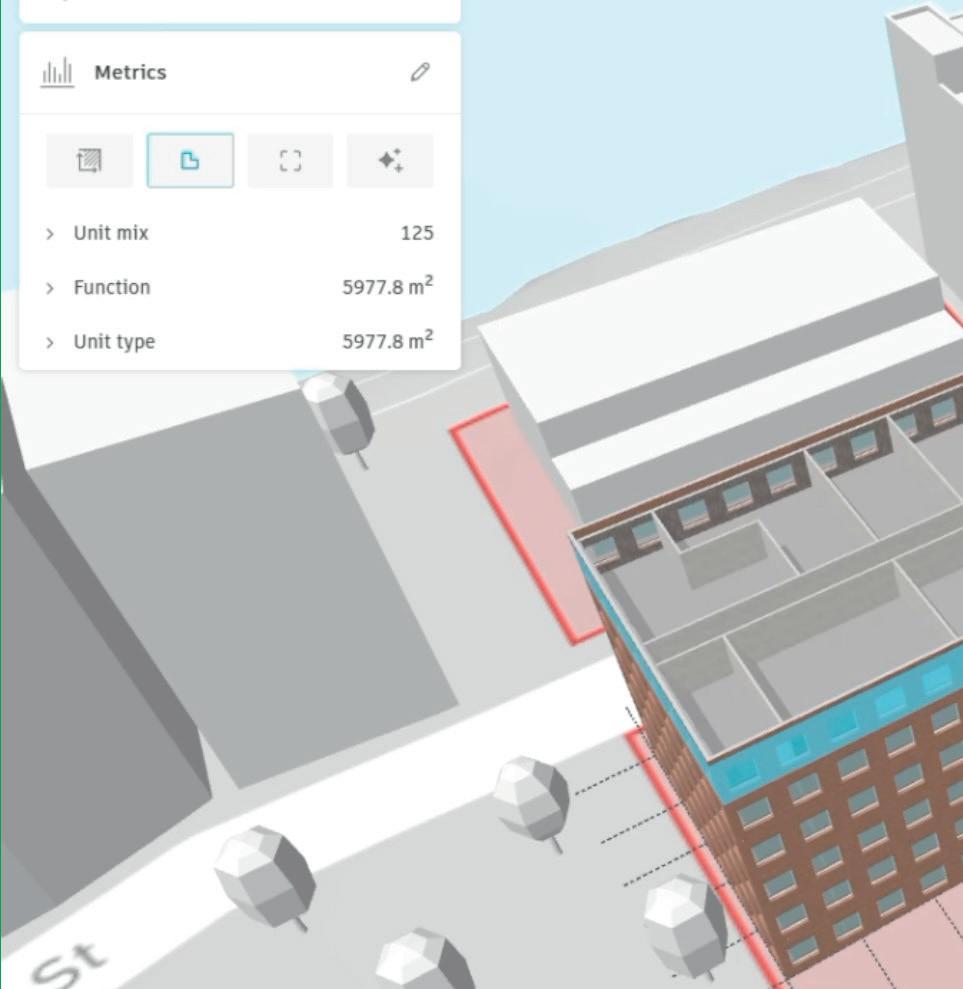

Autodesk has introduced neural CAD, a new category of 3D generative AI foundation models coming to Forma and Fusion, which the company says will “completely reimagine the traditional software engines that create CAD geometry” and “automate 80 to 90% of what you [designers] typically do.”
Unlike general-purpose large language models (LLMs) such as ChatGPT, Gemini, and Claude, neural CAD models are trained on professional design data, enabling them to reason at both a detailed geometry level and at a systems and industrial process level – exploring ideas like efficient machine tool paths or standard building floorplan layouts.
According to Mike Haley, senior VP of research, Autodesk, neural CAD models are trained on the typical patterns of how people design, using a combination of
synthetic data and customer data. “They’re learning from 3D design, they’re learning from geometry, they’re learning from shapes that people typically create, components that people typically use, patterns that typically occur in buildings.”
Autodesk says that in the future, customers will be able to customise the neural CAD foundation models, by tuning them to their organisation’s proprietary data and processes.
Autodesk has so far presented two types of neural CAD models: ‘neural CAD for geometry’, which will be used in Fusion and ‘neural CAD for buildings’ for Forma.
In Forma, Autodesk explains that architects will be able to ‘quickly transition’ between early design concepts and more detailed building layouts and systems with the software ‘autocompleting’ repetitive aspects of the design.
■ www.autodesk.com
ugmenta has enhanced its Augmenta Construction Platform (ACP), a fully agentic design environment capable of automating electrical raceway routing and coordination. According to the Toronto-based firm, the new updates make the product substantially easier and faster to use, and enable it to generate designs that more closely meet strict project requirements.
New features include enhanced schedule creation capabilities, intelligent
routing guidance, and improved solution inspection tools.
“Today’s ACP is a direct result of our close collaboration with our clients on the front lines — the electrical contractors and engineers who are racing to meet unprecedented demand,” said Aaron Szymanski, co-founder and CPO of Augmenta. “This platform is everything they need to cut their BIM modeling time in half and take on more work.”
■ www.augmenta.ai
OpenSpace has introduced AI Autolocation, a new Spatial AI technology that it claims will give every smartphone a real-time indoor positioning capability without the need for specialist hardware, such as Bluetooth Beacons. The company believes that as the system matures, powered by ongoing machine learning, it will ultimately exceed GPS-level accuracy.
AI Autolocation works by comparing real-time sensor readings from a smartphone with sensor maps generated from preexisting 360° captures created on the OpenSpace platform.
The adaptive system progressively refines its location estimations even as the jobsite itself changes over time.
Looking to the future, OpenSpace claims AI Autolocation is laying the groundwork for advanced Spatial AI agents that will enable proactive issue detection and resolution by flagging issues in specific zones and suggesting immediate actions. The agents will also provide ‘executive-level insights’, with AI-powered summaries derived from visual and spatial data delivering clear, actionable guidance.
■ www.openspace.ai
Chaos is blending generative AI with traditional visualisation, rethinking how architects explore, present and refine ideas using tools like Veras, Enscape, and V-Ray, writes Greg Corke
From scanline rendering to photorealism, real-time viz to realtime ray tracing, architectural visualisation has always evolved hand in hand with technology.
Today, the sector is experiencing what is arguably its biggest shift yet: generative AI. Tools such as Midjourney, Stable Diffusion, Flux, and Nano Banana are attracting widespread attention for their ability to create compelling, photorealistic visuals in seconds — from nothing more than a simple prompt, sketch, or reference image.
The potential is enormous, yet many architectural practices are still figuring out how to properly embrace this technology, navigating practical, cultural, and workflow challenges along the way.
The impact on architectural visualisation software as we know it could be huge. But generative AI also presents a huge opportunity for software developers.
Like some of its peers, Chaos has been gradually integrating AI-powered features into its traditional viz tools, including Enscape and V-Ray. Earlier this year, however, it went one step further by acquiring EvolveLAB and its dedicated AI rendering solution, Veras.
“Basically, [it takes] an image input for your project, then generates a five second video using generative AI,” explains Bill Allen, director of products, Chaos. “If it sees other things, like people or cars in the scene, it’ll animate those,” he says.
This approach can create compelling illusions of rotation or environmental activity. A sunset prompt might animate lighting changes, while a fireplace in the scene could be made to flicker. But there are limits. “In generative AI, it’s trying to figure out what might be around the corner [of a building], and if there’s no data there, it’s not going to be able to interpret it,” says Allen.
Chaos is already looking at ways to solve this challenge of showcasing buildings from multiple angles. “One of the things we think we could do is take mul-
‘‘
or improved model variant may come in the future.
But, as Allen points out, the choice of model isn’t just down to the quality of the visuals it produces. “It depends on what you want to do,” he says. “One of the reasons that we’re using Stable Diffusion right now instead of Flux is because we’re getting better geometry retention.”
One thing that Veras doesn’t yet have out of the box is the ability for customers to train the model using their own data, although as Allen admits, “That’s something we would like to do.”
In the past Chaos has used LORAs (Low-Rank Adaptations) to fine-tune the AI model for certain customers in order to accurately represent specific materials or styles within their renderings.
With Veras 3.0, the software’s capabilities now extend to video, allowing designers to generate short clips featuring dynamic pans and zooms, all at the push of a button ’’
tiple shots - one shot from one angle of the building and another one - and then you can interpolate,” says Allen.
Model behaviour
Veras allows architects to take a simple snapshot of a 3D model or even a hand drawn sketch and quickly create ‘AI-rendered’ images with countless style variations. Importantly, the software is tightly integrated with CAD / BIM tools like SketchUp, Revit, Rhino, Archicad and Vectorworks, and offers control over specific parts within the rendered image.
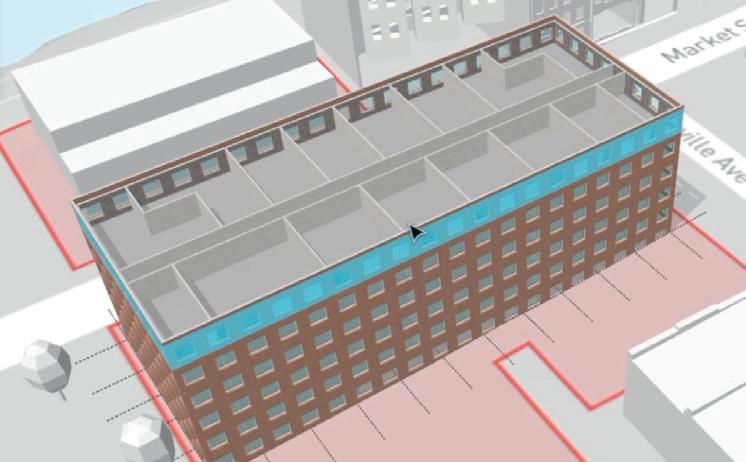
With the launch of Veras 3.0, the software’s capabilities now extend to video, allowing designers to generate short clips featuring dynamic pans and zooms, all at the push of a button.
Veras uses Stable Diffusion as its core ‘render engine’. As the generative AI model has advanced, newer versions of Stable Diffusion have been integrated into Veras, improving both realism and render speed, and allowing users to achieve more detailed and sophisticated results.
“We’re on render engine number six right now,” says Allen. “We still have render engine, four, five and six available for you to choose from in Veras.”
But Veras does not necessarily need to be tied to a specific generative AI model. In theory it could evolve to support Flux, Nano Banana or whatever new
Roderick Bates, head of product operations, Chaos, imagines that the demand for fine tuning will go up over time, but there might be other ways to get the desired outcome, he says. “One of the things that Veras does well is that you can adjust prompts, you can use reference images and things like that to kind of hone in on style.”
While Veras experiments with generative creation, Chaos is also exploring how AI can be used to refine output from its established viz tools using a variety of AI post-processing techniques.
Chaos AI Upscaler, for example, enlarges render output by up to four times while preserving photorealistic quality. This means scenes can be rendered at lower resolutions (which is much quicker), then at the click of a button upscaled to add more detail.
While AI upscaling technology is widely available – both online and in
generic tools like Photoshop – Chaos AI Upscaler benefits from being directly accessible at the click of a button directly inside the viz tools like Enscape that architects already use. Bates points out that if an architect uses another tool for this process, they must download the rendered image first, then upload it to another place, which fragments the workflow. “Here, it’s all part of an ecosystem,” he explains, adding that it also avoids the need for multiple software subscriptions.
Chaos is also applying AI in more intelligent ways, harnessing data from its core viz tools. Chaos AI Enhancer, for example, can improve rendered output by refining specific details in the image. This is currently limited to humans and vegetation, but Chaos is looking to extend this to building materials.
“You can select different genders, different moods, you can make a person go from happy to sad,” says Bates, adding that all of this can be done through a simple UI.
There are two major benefits: first, you don’t have to spend time searching for a custom asset that may or may not exist and then have to re-render; second, you don’t need highly detailed 3D asset models to achieve the desired results, which would normally require significant computational power, or may not even be possible in a tool like Enscape.
The real innovation lies in how the software applies these enhancements. Instead of relying on the AI to interpret and mask off elements within an image, Chaos
brings this information over from the viz tool directly. For example, output from Enscape isn’t just a dumb JPG — each pixel carries ‘voluminous metadata’, so the AI Enhancer automatically knows that a plant is a plant, or a human is a human. This makes selections both easy and accurate.
As it stands, the workflow is seamless: a button click in Enscape automatically sends the image to the cloud for enhancement.
But there’s still room for improvement. Currently, each person or plant must be adjusted individually, but Chaos is exploring ways to apply changes globally within the scene.
Chaos AI Enhancer was first introduced in Enscape in 2024 and is now available in Corona and V-Ray 7 for 3ds Max, with support for additional V-Ray integrations coming soon.
materials
Chaos is also extending its application of AI into materials, allowing users to generate render-ready materials from a simple image. “Maybe you have an image from an existing project, maybe you have a material sample you just took a picture of,” says Bates. “With the [AI Material Generator] you can generate a material that has all the appropriate maps.”
Initially available in V-Ray for 3ds Max, the AI Material Generator is now being rolled out to Enscape.
In addition, a new AI Material
Recommender can suggest assets from the Chaos Cosmos library, using text prompts or visual references to help make it faster and easier to find the right materials.
Chaos is uniquely positioned within the design visualisation software landscape. Through Veras, it offers powerful oneclick AI image and video generation, while tools like Enscape and V-Ray use AI to enhance classic visualisation outputs. This dual approach gives Chaos valuable insight into how AI can be applied across the many stages of the design process, and it will be fascinating to see how ideas and technologies start to cross-pollinate between these tools.
A deeper question, however, is whether 3D models will always be necessary. “We used to model to render, and now we render to model,” replies Bates, describing how some firms now start with AI images and only later build 3D geometry.
“Right now, there is a disconnect between those two workflows, between that pure AI render and modelling workflow - and those kind of disconnects are inefficiencies that bother us,” he says.
For now, 3D models remain indispensable. But the role of AI — whether in speeding up workflows, enhancing visuals, or enabling new storytelling techniques — is growing fast. The question is not if, but how quickly, AI will become a standard part of every architect’s viz toolkit.
■ www.chaos.com
contractually restrict you from applying them in one of the most strategically valuable ways: training your own AI models.
I know many of the more progressive AEC firms that attend our NXT BLD event are training their own in-house AI based on their Revit models, Revit derived DWGs and PDFs. With no caveats or carve outs for customers, they potentially now have the Sword of Damocles hanging over their data. As worded, the broad use of the word ‘output’ could theoretically even apply to an Industry Foundation Classes (IFC) file exported from Revit, as it’s an output from Autodesk’s product stack, which could mean you are not even allowed to train AI on an open standard!
Legally, the company has not taken your intellectual property; instead, it may have ring-fenced its permitted uses, in a very specific way. This creates what I’d characterise as a “legal DRM moat” around customer data.
If
Autodesk potentially positions itself as the arbiter of how your data can be exploited, leaving you in possession of your files but without full freedom to decide their fate. The fine print ensures Autodesk maintains leverage over emerging AI workflows, even while telling customers their data still belongs to them. And the one place where this restriction doesn’t apply is within Autodesk’s cloud ecosystem, now called Autodesk Platform Services (APS). Only last month at Autodesk University, Autodesk was showing the AI training of data within the Autodesk Cloud.
owned by them. If a vendor asserts ownership rights through its licence terms, that warranty could be undermined. The risk goes further: consultancy agreements often contain indemnities, requiring the designer to protect the client against copyright breaches or claims. If a software vendor were to allege ownership or misuse under its EULA, a client might look to recover damages from the consultant. This creates a potential double exposure — liability to the vendor, and liability to the client.
The rationale behind this clause is open to interpretation. Autodesk maintains that its intent is to protect intellectual property and ensure AI use occurs within secure, governed environments. Some industry observers worry that the breadth could inadvertently chill legitimate customer innovation, despite Autodesk’s stated intent.
‘‘
what Autodesk claims to be its intent and the plain language of what is written. If the intent is to stop reverse engineering of Autodesk AI IP, then why not state that clearly?
The reverse engineering of its products and services is covered quite extensively in section 13 Autodesk Proprietary Rights in its General Terms. Machine Learning, AI, data harvesting and API, are all in addition to this.
When Nathan Miller, a digital design strategist and developer from Proving Ground, discovered these limitations, he ran a series of posts on LinkedIn (www. tinyurl.com/Miller-Terms). Prior to this none of the AEC firms we had spoken with for this article had any insight into this, despite the Terms of Service being published seven years ago.
licence agreements prevent firms from using
their
own
outputs to train AI, they forfeit the ability to build unique, in-house intelligence from their past projects
Some commentators also speculated that such clauses could serve to pre-empt potential misuse of design data by large AI firms. However, Autodesk’s 2018 publication date predates the current wave of generative AI, suggesting the clause was originally framed more broadly as an IP-protection measure, challenging Autodesk’s hold on its customers. 2018 is a long time before these major AI players were a potential threat.
While it was certainly a topic hotly commented on, the only Autodesk-related person to add their thoughts to the LinkedIn post was Aaron Wagner of reseller Arkance. He commented: “I don’t think the common interpretation is accurate to the spirit of that clause. Your data is your data and the way you use it is under your own discretion. Of course, you should always seek legal counsel to refine any grey areas.
Knock-on risks for consultants
Winfield also points out that Autodesk’s broad claims over “outputs” may have knock-on consequences for customer–client agreements. Most design and consultancy contracts require the consultant to warrant that deliverables are original and fully
The short solution to this would be for Autodesk to refine the language in its Terms of Use and not have such an implied broad restriction on customers creating their own trained AIs on their own design data, irrespective of the software that produced it.
There is a lot of daylight between
EULA vs Terms of Use: what’s the difference?
At first glance, a EULA (End User Licence Agreement) and Terms of Use can look like the same thing. In practice, they operate at different levels — and together form the legal framework that governs how customers engage with software and cloud services.
The EULA is the traditional
licence agreement tied to desktop software. It explains that you do not own the software itself, only the right to use it under certain conditions. Typical clauses cover installation limits, restrictions on copying or reverse-engineering, and confirmation that the software is licensed, not sold.
The Terms of Use apply more
“This statement to me reads that the clause is from a standpoint of Autodesk wanting to protect its products from being reverse engineered and hold themselves free of liability of sharing private information, but model element authors can still freely use AI/ML to study their own data / designs and improve them.”
Following an early draft of this article, Autodesk responded, “This clause was written to prevent the use of AI/ML technology to reverse engineer Autodesk’s IP or clone Autodesk’s product functionalities, a common protection for software companies. It does not broadly restrict our users’
broadly to online services, platforms, APIs and cloud tools. They include acceptable use rules, data storage and sharing conditions, API restrictions, and often a right for the vendor to change the terms unilaterally.
One unresolved issue is how to interpret contradictions. If the EULA states ‘you own your
work’ but the Acceptable Use Policy restricts what you can do with that work, and neither agreement specifies which takes precedence, which clause governs? In practice, customers may only discover the answer in the event of a dispute — an unsettling prospect for firms relying on predictable rights.
ability to use their IP or give Autodesk ownership to our users’ content.”
Buro Happold’s Winfield shared her perspective, “Contract interpretation is generally not impacted by spirit of a clause - if the drafting is clear, it is not changed by the assertion of a different intention? Unless there are contradictions in other clauses and copyright law then it all needs to be read together and squared up to be interpreted in a workable way? It may be the “outputs” in the clause needs to qualify / clarify its intentions, if different from the seemingly clear drafting of read alone?”
The interpretation that this was a sweeping restriction on AI training using any output from Autodesk software has not gone unnoticed by major customers. Autodesk already has a reputation for running compliance audits and issuing fines when licence breaches are discovered, so the presence of this clause in an updated, binding contract has raised alarm.
The fear was simple: if the restriction exists, it can be enforced. Several design IT directors have already told their boards that, on a strict reading of Autodesk’s updated terms, their firms are probably now out of compliance – not for piracy, but for training their own AI models, on their own project data.
Some of the commenters on Miller’s original LinkedIn post, reported that they raised the issue with Autodesk execs in meetings. By and large these execs had not heard of the EULA changes and said they would go find out more information.
Looking around at what other firms have done here, their EULAs include clauses about AI training of data, but it always appears to be in relation to protecting IP or reverse engineering commercial software - not broad prohibitions.
Adobe has explicit rules around its Firefly generative AI features and the company’s Generative AI User Guidelines
forbid customers from using any Fireflygenerated output to train other AI or machine learning models. However, in product-specific terms, Adobe defines “Input” and “Output” as your content and extends the same protections to both.
Graphisoft has so far left customer data largely unconstrained in terms of AI use. Bentley Systems sits somewhere in between, allowing AI outputs for your use but prohibiting their use in building competing AI systems. The standard Allplan EULA / licence terms do not appear to contain blanket prohibitions on using output for AI training.
Meanwhile, Autodesk’s wording has no caveats or carve out for customers’ data just what appears to be a blanket
This mirrors tactics used in other industries. Social media platforms, for example, restrict third-party scraping to ensure AI training occurs only within their walls –although in that instance the third party would be using data it does not own.
In finance, regulators have intervened to stop institutions from controlling both infrastructure and the datasets flowing through them. Europe’s Digital Markets Act directly targets such gatekeeping, while US antitrust agencies are scrutinising restrictive contract terms that entrench platform dominance.
For the AEC sector, the potential impact of the restrictions in Autodesk’s Acceptable Use Policy is clear: it risks concentrating AI innovation inside Autodesk’s ecosystem, raising barriers for independent development and narrowing customer choice.
restriction on AI training using outputs from its software, combined with an exception for its own cloud ecosystem. This appears to effectively grant the company a monopoly over how design data can fuel AI. Customers are free to create, but if they wish to train internal AI on their own project history, the contract could shut the door — unless that training happens inside Autodesk’s APS environment. The effect is to funnel innovation into Autodesk’s platform, where the company retains commercial leverage.
As the industry moves into an era defined by artificial intelligence and machine learning, customer content has become more than just the product of design work, it has become the raw material for training and insight.
BIM and CAD models are no longer viewed solely as
deliverables for projects, but as vast datasets that can be mined for patterns, efficiencies, and predictive value. This is why software vendors increasingly frame customer content as “data goods” rather than private work.
With so much of the design process shifting to cloud-based platforms, vendors are in a
How Autodesk might enforce an AI training ban is an open question. Traditional licence audits can detect unlicensed installs or overuse. Meanwhile, proving that a customer has trained an AI on Autodesk outputs is way more complex. But Autodesk file formats (DWG, RVT, etc.) do contain unique structural fingerprints that could, in theory, be detected in a trained model’s weights or outputs - for example, if an AI consistently reproduces proprietary layering systems, metadata tags, or parametric structures unique to Autodesk tools.
Autodesk could also monitor API usage patterns: large-scale systematic exports or conversions may signal that datasets are being harvested for training. Another possible avenue is watermarking — embedding invisible markers in outputs that survive export and could later be detected. APIs, APS and developers
Autodesk is also making significant changes to other areas of its business –changes that could have a big impact on those that develop or use complementary software tools. Autodesk’s API and
powerful position to influence, and often restrict, how those datasets can be accessed and reused.
The old mantra that “data is the new oil” captures this shift neatly: just as oil companies controlled not only the drilling but also the refining and distribution, software firms now want to control both the pipelines of
design data and the AI refineries that turn it into intelligence. What used to be customerowned project history is being reconceptualised as a strategic asset for software vendors themselves and EULAs and Terms of Use are the contractual tools that allow them to lock down that value.




Autodesk Platform Services (APS) ecosystem has long been central to the company’s success, enabling customers and commercial third parties to extend tools like Autodesk Revit and Autodesk Construction Cloud (ACC).
But what was once a relatively open environment is now being reshaped into a monetised, tightly governed platform — with serious implications for customers and developers.
Nathan Miller of Proving Ground points out that virtually every practice he has worked with relies on open-source scripts, third-party add-ins, or in-house extensions. These are the utilities that make Autodesk’s software truly productive. By introducing broad restrictions and fresh monetisation barriers, Autodesk risks eroding the very ecosystem that helped drive its dominance.
The most visible change is the shift of APS into a metered, consumption-based service. Previously bundled into subscriptions, APIs will now incur line-item costs for common tasks such as model translations, batch automations and dashboard integrations.
A capped free tier remains, but highvalue services like Model Derivative, Automation and Reality Capture will now be billed per use. For firms, this means operational budgets must now account for API spend, with the risk of projects stalling mid-delivery if quotas are exceeded or unexpected charges triggered.
Autodesk has also tightened authentication rules. All integrations must be registered with APS and use Autodeskcontrolled OAuth scopes. These scopes, which define the exact permissions an app has, can be added, redefined or retired by Autodesk — improving security, but also centralising control over what kinds of applications are permitted.
Perhaps the most profound change is not technical, but contractual. Firms can still create internal tools for their own use. But turning those into commercial products — or even sharing them with peers — now requires Autodesk’s explicit approval. The line between “internal tool” and “commercial app” is no longer a matter of technology but of contract law. Innovation, once free to circulate, is now fenced in.
This changing landscape for software development is not unique to Autodesk. Dassault Systèmes (DS), which is strong in product design, manufacturing, automotive, and aerospace, has sparked controversy by revising its agreements with third-party developers for its Solidworks MCAD software. DS is demanding developers hand over 10% of their turnover along with detailed financial disclosures. (www.tinyurl.com/solidworks-10).Small firms
fear such terms could make their businesses unviable.
Across the CAD/BIM sector, ecosystems are being re-engineered into revenue streams. What were once open pipelines of user-driven innovation are narrowing into gated conduits, designed less to empower customers than to deliver shareholder returns.
The stakes are high for both customers and developers. For customers, the greatest risk is losing meaningful control over their design history. Project files, BIM models and CAD data are no longer just records of completed work; they are the foundation for future AI-driven workflows. If licence agreements prevent firms from using their own outputs to train AI, they forfeit the ability to build unique, inhouse intelligence from their past projects. The value of their data, arguably their most strategic asset, is redirected into the vendor’s ecosystem. The result is growing dependence: firms must rely on vendor tools, AI models and pricing, with fewer options to innovate independently or move their data elsewhere.
For software developers, the risks are equally severe. Independent vendors and in-house innovators who once built addons or utilities to extend core CAD/BIM platforms now face new costs and restrictions. Revenue-sharing models, such as Dassault Systèmes’ 10% royalty scheme, threaten commercial viability, especially for smaller firms. When API use is metered and distribution fenced in by contract, ecosystems shrink. Innovation slows, customer choice narrows, and vendor lock-in grows.
AI is the existential threat vendors don’t want to admit. Smarter systems could slash the number of licences needed on a project, deliver software on demand, and let firms build private knowledge vaults more valuable than off-the-shelf tools. Vendors see the danger: EULAs are now their defensive moat, crafted to block customers from using their own data to fuel AI. The fine print isn’t just about compliance — it’s about making sure disruption happens on the vendor’s terms, not those of the customer.
This trajectory is not inevitable. Customers and developers can push back. Large firms, government bodies and consortia hold leverage through procurement. They can demand carve-outs that preserve ownership of outputs and guarantee the right to train AI. Developers, too, can resist punitive revenue-sharing schemes and press for fairer terms. Only collective action will ensure innovation remains in the hands of the wider AEC community,
Autodesk’s Acceptable Use Policy (AUP) appears to ban AI/ML training on any “output” from its software unless done within Autodesk’s APS cloud. This could include models, drawings, exports, even IFCs.
Why it matters
Customers risk losing the ability to train internal AI on their own design history. Strict licence audits mean firms could be flagged noncompliant even without intent.
Legal experts warn the AUP’s broad claims over “outputs” may conflict with copyright law, which in many jurisdictions gives authors automatic ownership of their creations.
Consultants could face knock-on risks if client contracts require them to warrant full ownership of deliverables — raising potential indemnity exposure.
Autodesk gains leverage by funnelling AI innovation into its paid ecosystem.
The big picture
This move mirrors gatekeeping strategies in other tech sectors, where platforms wall off data to consolidate control. Regulators in the EU (Digital Markets Act, Data Act) and US antitrust bodies are increasingly scrutinising such practices.
not locked in vendor boardrooms.
The tightening of EULAs and developer agreements is not happening in a vacuum. In Europe, new regulations like the Digital Markets Act (DMA) and the Data Act could directly challenge these practices. The DMA targets “gatekeepers” that restrict competition, while the Data Act enshrines customer rights to access and use data they generate, including for AI training. Clauses banning firms from training AI on their own outputs may sit uncomfortably with these principles.
In the US, antitrust law is less settled but moving in the same direction. The FTC has signalled increased scrutiny of contract terms that suppress competition, and restrictions such as Autodesk’s AI-output ban or Solidworks’ 10% developer royalty could draw attention.
For customers and developers, this creates negotiating leverage. Large firms, government clients, and consortia can
What changed?
Autodesk has overhauled Autodesk Platform Services (APS): APIs are now metered, consumption-based, and gated by stricter terms. While firms can still build internal tools, sharing or commercialising scripts now requires Autodesk’s explicit approval.
Why it matters
Independent developers face new costs and quotas for integrations that were once bundled into subscription fees.
In-house teams must now budget for API usage, turning process automation into an ongoing operational cost.
Quota limits mean projects risk disruption if thresholds are unexpectedly exceeded mid-delivery.
The contractual line between “internal tool” and “commercial app” is now defined by Autodesk, not developers.
Innovation that once flowed freely into the wider ecosystem is fenced in, with Autodesk deciding what can be shared.
The big picture
Across the CAD/BIM sector, developer ecosystems are being monetised and restricted to generate shareholder returns. What were once open innovation pipelines are narrowing into vendor-controlled platforms, threatening the independence of smaller developers and reducing customer choice.
push for carve-outs citing regulatory rights, while developers may resist punitive revenue-sharing as disproportionate. Yet smaller players face a harder reality: challenging vendors risks losing access to platforms that underpin longstanding businesses.
A Bill of Rights?
With so many software firms busily updating their business models, EULAs and terms, the one group here that is standing still and taking the full force of this wave are customers. A constructive way forward could be the creation of a Bill of Rights for AEC Software customers — a simple but powerful framework that customers could insist their vendors sign up to and be held accountable against. The goal is not to hobble innovation, but to
ensure it happens on a foundation of fairness and trust. Knowing this month’s ‘we have updated our EULA’ will not transgress some core concepts.
At its heart we’re suggesting five core principles:
Data Ownership - a statement that customers own what they create; vendors cannot claim control of drawings, models, or project data through the fine print.
AI Freedom - guarantees that firms may use their own outputs to train internal AI systems, preserving the ability to innovate independently rather than relying solely on vendor-driven tools.
Developer fairness - ensures that APIs remain open, with transparent and nonpunitive revenue models that allow third-party ecosystems to thrive.
Transparency - requires vendors to clearly disclose when and how customer data is used in their own AI training or analytics.
Portability - commits vendors to interoperability and open standards, so that customers are never locked into one ecosystem against their will.
Such a Bill of Rights would not prevent Autodesk, Bentley Systems, Nemetschek, Trimble and others from building profitable AI services or new subscription tiers. But it would establish clear boundaries: vendors innovate and capture value, but not at the expense of customer autonomy. For customers, developers, and ultimately the built environment itself, this would restore balance and accountability in a market where the fine print has become as important as the software itself.
AEC Magazine is now working with a group of customers, developers and software vendors to see how this could be shaped in the coming months.
EULAs are no longer obscure boilerplate legalese, tucked at the end of an installer. They have become the front line in a new battle, not over software piracy, but over who controls the data, workflows, and ecosystems that shape the future of design.
In my view, as currently worded, Autodesk’s clause could be interpreted as a prohibition on AI training, although this may be counter to Autodesk’s intentions with regards to customer ‘outputs’. Furthermore, Dassault Systèmes’ demand for a slice of developer revenues illustrates just how quickly the ground is shifting. Contracts
are no longer just protective wrappers around software; they are strategic levers which can be used to lock in customers and monetise ecosystems.
This should concern everyone in AEC. Customers risk losing the ability to use their own project history to innovate, while mature developers face sudden, new revenue-sharing models that could undermine entire businesses. Left unchallenged, the result will be less competition, less innovation, and greater dependency on a handful of large vendors whose first loyalty is to shareholders, not users.
The only path forward I see is collective action. Customers and developers must push back, demand transparency, insist on long-term contractual safeguards, and possibly unite around a shared Bill of Rights for AEC software. The question is no longer academic: in the age of AI, do you own your tools and your data — or does your vendor own you?
In response to this article, D5 Render provided the following statement:
We fully understand and share the community’s concerns regarding data rights in the evolving field of AI. We remain committed to maintaining clear and fair agreements that protect user rights while fostering innovation.
Our Terms of Service (publicly available at www. d5render.com/service-agreement) do not claim any ownership or perpetual usage rights over user-generated content, including AI-rendered images. On the contrary, Section 6 of our Terms of Service explicitly states that users “retain rights and ownership of the Content to the fullest extent possible under applicable law; D5 does not claim any ownership rights to the Content.”
When users upload content to our services, D5 is granted only a non-exclusive, purpose-limited operational license, which is a standard clause in most cloud-based software products. This license merely allows us to technically operate, maintain, and improve the service. D5 will never use user content as training data for the Services or for developing new products or services without users’ express consent.
As for liability, Sections 8 and 9 of our Terms of Service are standard in the software industry. They are designed to protect D5 from risks arising from user-uploaded content that infringes on third-party rights. These clauses are not intended to transfer the liability of D5’s own actions to users.



In the fast-moving world of modern work, time is precious, and every second lost is an opportunity missed. Whether it’s waiting for large project files to load, struggling with multiple applications slowing your system down, or dealing with clunky collaboration tools, these bottlenecks add up quickly. They disrupt the flow of ideas, delay important decisions, and make everyday tasks feel like a constant battle with technology.
But this doesn’t have to be the case. Lenovo mobile workstations are designed to break free from the constraints of traditional laptops. These latest devices, such as Lenovo’s newly launched ThinkPad P14s / P16s powered by AMD Ryzen™ processors, are built for professionals who need more than just a basic device. They’re tailored to handle the complex workflows that define modern work, where data, collaboration, and creative tasks often collide.
Let’s consider a common scenario: project managers juggling multiple applications— everything from Primavera P6 and SAP to Teams, emails, and spreadsheets. Each application demands memory, processing power, and attention. But what happens when your laptop can’t handle the load? It starts freezing, stalling, and you’re left waiting. ThinkPad P series are built to eliminate this problem. Equipped with high-speed memory, these workstations allow you to run multiple heavy applications at once, without the system crashing
or slowing down. Whether it’s tracking a project or responding to urgent emails, you’ll experience smooth multitasking with no interruptions. With Unified Memory Architecture, your machine intuitively allocates system resources to handle demanding tasks, so you don’t have to worry about your computer holding you back.
The Unified Memory Architecture also benefits professionals in with 3D rendering and visualization needs, where slow model edits or long render times can halt creativity. You need great graphics memory to tackle the demanding graphical tasks. The latest Lenovo mobile workstations ensure there is no more waiting for renders to finish or materials to load— just a continuous, uninterrupted workflow that lets you focus on the creative process.
AI Collaboration:
Seamless Teamwork Across Borders
In today’s remote-first world, collaboration is at the heart of almost every workflow. Yet, the challenges of managing team members across different locations, software tools, and time zones are significant. Whether you’re handling data analysis, designing 3D models, or simply working on a multimedia project, it’s easy to feel overwhelmed when your system struggles to keep up with multiple apps running simultaneously. The latest AI-powered mobile workstations from Lenovo, like ThinkPad P14s and P16s powered by AMD Ryzen™ processors, solve this by ensuring smooth multitasking and collaboration. Equipped with 50+ TOPS NPU for AI-driven performance, these workstations accelerate real-time
on-device AI tasks, from data processing to virtual meetings. This ensures smooth collaboration even when working with large, complex files. Whether it’s editing 4K video, reviewing models, or sharing your screen during a client presentation, these machines can handle the load without delays. You’ll experience better, faster teamwork, all while benefiting from real-time security and adaptive power management, keeping you productive on the go.
These workstations don’t just eliminate lag and delays; they transform your workflow into something fluid, something that feels natural. Collaboration tools are more intuitive, creative processes are less interrupted, and even data analysis is faster. It’s like having a team that anticipates your next move—empowering you to do more, faster, and with less frustration.
In the past, workstations were specialized tools used only by engineers, designers, or 3D professionals. But as the demands of work have shifted, the definition of what a power user needs have expanded. Today, professionals in data analysis, project management, and even content creation are faced with AI assisted workflows that require more than a typical laptop can provide. AI-powered workstations offer solutions to these challenges, delivering productivity and realtime processing that can handle even the most complex tasks.
Whether you’re tracking resources, analyzing data, or rendering designs, these workstations provide the power and flexibility you need to stay productive and efficient. No longer is it about whether you can get by with a laptop—it’s about whether your device can keep up with your growing workflow demands. As AI continues to reshape industries, those who are equipped with the right tools will stay ahead of the curve.
Is your current machine holding you back? Evaluate your device with the self-assessment tool to see if it meets today’s demands, or if an upgrade is needed for future workflows.
Autodesk’s AI story has matured. While past Autodesk University events focused on promises and prototypes, this year Autodesk showcased live, production-ready tools, giving customers a clear view of how AI could soon reshape workflows across design and engineering, writes Greg Corke
At AU 2025, Autodesk took a significant step forward in its AI journey, extending far beyond the slide-deck ambitions of previous years.
During CEO Andrew Anagnost’s keynote, the company unveiled brand-new AI tools in live demonstrations using pre-beta software. It was a calculated risk — particularly in light of recent high-profile hiccups from Meta — but the reasoning was clear: Autodesk wanted to show it has tangible, functional AI technology and it will be available for customers to try soon.
The headline development is ‘neural CAD’, a completely new category of 3D generative AI foundation models that Autodesk says could automate up to 80–90% of routine design tasks, allowing professionals to focus on creative decisions rather than repetitive work. The naming is very deliberate, as Autodesk tries to differ entiate itself from the raft of generic AECfocused AI tools in development.
neural CAD AI models will be deeply integrated into BIM workflows through Autodesk Forma, and product design workflows through Autodesk Fusion. They will ‘completely reimagine the tra ditional software engines that create CAD geometry.’
Autodesk is also making big AI strides in other areas. Autodesk Assistant is evolv ing beyond its chatbot product support ori gins into a fully agentic AI assistant that can automate tasks and deliver insights based on natural-language prompts.
Big changes are also afoot in Autodesk’s AEC portfolio – develop ments that will have a significant impact on the future of Revit.
The big news was the release of Forma Building Design, a brand-new tool for LoD 200 detailed design. Autodesk also
announced that its existing early-stage planning tool, Autodesk Forma, will be rebranded as Forma Site Design and Revit will gain deeper integration with the Forma industry cloud, becoming Autodesk’s first Connected client. You can learn more about these developments in the article on page 30.
neural CAD marks a fundamental shift in Autodesk’s core CAD and BIM technology. As Anagnost explained, “The various brains that we’re building will change the way people interact with design systems.”
Unlike general-purpose large language models (LLMs) such as ChatGPT and Claude, or AI image generation models
Autodesk has so far presented two types of neural CAD models: ‘neural CAD for geometry’, which is being used in Fusion and ‘neural CAD for buildings’, which is being used in Forma.
For Fusion, there are two AI model variants, as Tonya Custis, senior director, AI research, explained, “One of them generates the whole CAD model from a text prompt. It’s really good for more curved surfaces, product use cases. The second one, that’s for more prismatic sort of shapes. We can do text prompts, sketch prompts and also what I call geometric prompts. It’s more of like an auto complete, like you gave it some geometry, you started a thing, and then it will help you continue that design.”

On stage, Mike Haley, senior VP of research, demonstrated how neural CAD for geometry could be used in Fusion to automatically generate multiple iterations of a new product, using the example of a power drill.
“Just enter the prompts or even drawing and let the CAD engines start to produce options for you instantly,” he said. “Because these are first class CAD models, you now have a head start in the creation of any new
It’s important to understand that the AI doesn’t just create dumb 3D geometry – neural CAD also generates the history and sequence of Fusion commands required to create the model. “This means you can make edits as if you modelled it yourself,” he said. Meanwhile, in the world of BIM, Autodesk is using

neural CAD to extend the capabilities of Forma Building Design to generate BIM elements.
The current aim is to enable architects to ‘quickly transition’ between early design concepts and more detailed building layouts and systems with the software ‘autocompleting’ repetitive aspects of the design.
Instead of geometry, ‘neural CAD for buildings’ focuses more on the spatial and physical relationships inherent in buildings as Haley explained. “This foundation model rapidly discovers alignments and common patterns between the different representations and aspects of building systems.
“If I was to change the shape of a building, it can instantly recompute all the internal walls,” he said. “It can instantly recompute all of the columns, the platforms, the cores, the grid lines, everything that makes up the structure of the building. It can help recompute structural drawings.”
At AU, Haley demonstrated ‘Building Layout Explorer’, a new AI-driven feature coming to Forma Building Design. He presented an example of an architect exploring building concepts with a massing model, “As the architect directly manipulates the shape, the neural CAD engine responds to these changes, auto generating floor plan layouts,” he said.
But, as Haley pointed out, for the system to be truly useful the architect needs to have control over what is generated, and therefore be able to lock down certain elements, such as a hallway, or to directly manipulate the shape of the massing model.
“The software can re-compute the locations and sizes of the columns and create an entirely new floor layout, all while honouring the constraints the architect specified,” he said.
Of course, it’s still very early days for neural CAD and, in Forma, ‘Building Layout Explorer’ is just the beginning. Haley alluded to expanding to other disciplines within AEC, “Imagine a future where the software generates additional architectural systems like these structural engineering plans or plumbing, HVAC, lighting systems and more.”
In the future, neural CAD in Forma will also be able to handle more complexity, as Custis explains. “People like to go between levels of detail, and generative AI models are great for that because they can translate between each other. It’s a really nice use case, and there will definitely be more levels of detail. We’re currently at LoD 200.”
The training challenge
neural CAD models are trained on the typical patterns of how people design. “They’re learning from 3D design, they’re learning from geometry, they’re learning from shapes that people typically create, components that people typically use, patterns that typically occur in buildings,” said Haley.
In developing these AI models, one of the biggest challenges for Autodesk has been the availability of training data. “We don’t have a whole internet source of data like any text or image models, so we have to sort of amp up the science to make up for that,” explained Custis.
For training, Autodesk uses a combination of synthetic data and customer data. Synthetic data can be generated in an ‘endless number of ways’, said Custis, including a ‘brute force’ approach using generative design or simulation.
Customer data is typically used later-on in the training process. “Our models are trained on all data we have permission to
train on,” said Amy Bunszel, EVP, AEC.
But customer data is not always perfect, which is why Autodesk also commissions designers to model things for them, generating what chief scientist Daron Green describes as gold standard data. “We want things that are fully constrained, well annotated to a level that a customer wouldn’t [necessarily] do, because they just need to have the task completed sufficiently for them to be able to build it, not for us to be able to train against,” he said.
Of course, it’s still very early days for neural CAD and Autodesk plans to improve and expand the models, “These are foundation models, so the idea is we train one big model and then we can task adapt it to different use cases using reinforcement learning, fine tuning. There’ll be improved versions of these models, but then we can adapt them to more and more different use cases,” said Custis.
In the future, customers will be able to customise the neural CAD foundation models, by tuning them to their organisation’s proprietary data and processes. This could be sandboxed, so no data is incorporated into the global training set unless the customer explicitly allows it.
“Your historical data and processes will be something you can use without having to start from scratch again and again, allowing you to fully harness the value locked away in your historical digital data, creating your own unique advantages through models that embody your secret source or your proprietary methods,” said Haley.
When Autodesk first launched Autodesk Assistant, it was little more than a natural language chatbot to help users get
support for Autodesk products.
Now it’s evolved into what Autodesk describes as an ‘agentic AI partner’ that can automate repetitive tasks and help ‘optimise decisions in real time’ by combining context with predictive insights.
Autodesk demonstrated how in Revit, Autodesk Assistant could be used to quickly calculate the window to wall ratio on a particular façade, then replace all the windows with larger units. The important thing to note here is that everything is done though natural language prompts, without the need to click through multiple menus and dialogue boxes.
Autodesk Assistant can also help with documentation in Revit, making it easier to use drawing templates, populate title blocks and automatically tag walls, doors and rooms. While this doesn’t yet rival the auto-drawing capabilities of Fusion, when asked about bringing similar functionality to Revit, Bunszel noted, ‘We’re definitely starting to explore how much we can do.’
Autodesk also demonstrated how Autodesk Assistant can be used to automate manual compliance checking in AutoCAD, a capability that could be incredibly useful for many firms.
technology has also been built with agent-to-agent communication in mindthe idea being that one Assistant can ‘call’ another Assistant to automate workflows across products and, in some cases, industries.
“It’s designed to do three things: automate the manual, connect the disconnected, and deliver real time insights, freeing your teams to focus on their highest value work,” said CTO, Raji Arasu.
In the context of a large hospital construction project, Arasu demonstrated how a general contractor, manufacturer, architect and cost estimator could collaborate more easily through natural language in Autodesk Assistant. She showed how teams across disciplines could share and sync select data between Revit, Inventor and Power Bi, and manage regulatory requirements more efficiently by automating routine compli-
into the mix. To pay for this Autodesk is introducing a new usage-based pricing model for customers with product subscriptions, as Arasu explains, “You can continue to access these select APIs with generous monthly limits, but when usage goes past those limits, additional charges will apply.”
But this has raised understandable concerns among customers about the future, including potential cost increases and whether these could ultimately limit design iterations.
Autodesk is designing its AI systems to assist and accelerate the creative process, not replace it. The company stresses that professionals will always make the final decisions, keeping a human firmly in the loop, even in agent-toagent communications, to ensure accountability and design integrity.
‘‘ This feels like a pivotal moment in Autodesk’s AI journey, as the company moves beyond ambitions and experimentation into production-ready AI that is deeply integrated into its core software
“You’ll be able to analyse a submission against your drawing standards and get results right away, highlighting violations and layers, lines, text and dimensions,” said Racel Amour, head of generative AI, AEC.
Meanwhile, in Civil 3D it can help ensure civil engineering projects comply with regulations for safety, accessibility and drainage, “Imagine if you could simply ask the Autodesk Assistant to analyse my model and highlight the areas that violate ADA regulations and give me suggestions on how to fix it,” said Amour.
So how does Autodesk ensure that Assistant gives accurate answers? Anagnost explained that it takes into account the context that’s inside the application and the context of work that users do.
“If you just dumped Copilot on top of our stuff, the probability that you’re going to get the right answer is just a probability. We add a layer on top of that that narrows the range of possible answers.”
“We’re building that layer to make sure that the probability of getting what you want isn’t 70%, it’s 99.99 something percent,” he said.
While each Autodesk product will have its own Assistant, the foundation
ance tasks. “In the future, Assistant can continuously check compliance in the background. It can turn compliance into a constant safeguard, rather than just a one-time step process,” she said.
Arasu also showed how Assistant can support IT administration — setting up projects, guiding managers through configuring Single Sign-On (SSO), assigning Revit access to multiple employees, creating a new project in Autodesk Construction Cloud (ACC), and even generating software usage reports with recommendations for optimising licence allocation.
Agent-to-agent communication is being enabled by Model Context Protocol (MCP) servers and Application Programming Interfaces (APIs), including the AEC data model API, that tap into Autodesk’s cloud-based data stores. APIs will provide the access, while Autodesk MCP servers will orchestrate and enable Assistant to act on that data in real time.
As MCP is an open standard that lets AI agents securely interact with external tools and data, Autodesk will also make its MCP servers available for third-party agents to call.
All of this will naturally lead to an increase in API calls, which were already up 43% year on year even before AI came
“We are not trying to, nor do we aspire to, create an answer, “says Anagnost. “What we’re aspiring to do is make it easy for the engineer, the architect, the construction professionalreconstruction professional in particular - to evaluate a series of options, make a call, find an option, and ultimately be the arbiter and person responsible for deciding what the actual final answer is.”
It’s no secret that AI requires substantial processing power. Autodesk trains all its AI models in the cloud, and while most inferencing — where the model applies its knowledge to generate real-world results — currently happens in the cloud, some of this work will gradually move to local devices.
This approach not only helps reduce costs (since cloud GPU hours are expensive) but also minimises latency when working with locally cached data.
Autodesk also gave a sneak peek into some of its experimental AI research projects. With Project Forma Sketch, an architect can generate 3D models in Forma by sketching out simple massing designs with a digital pencil and combining that with speech. In this example, the neural CAD foundation model interacts with large language models to interpret the stream of information.
Elsewhere, Amour showed how Pointfuse in Recap Pro is building on its capability to convert point clouds into












Turn your project vision into concepts, with full creative control, in a single prompt.








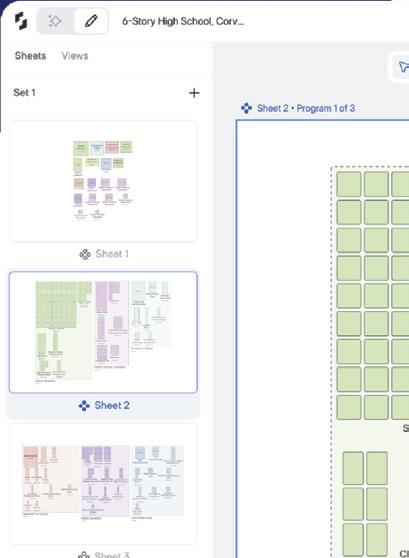

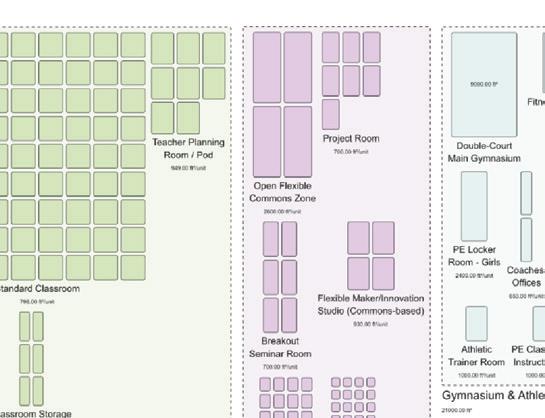
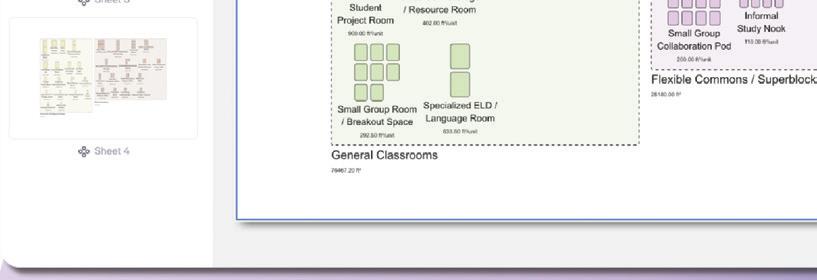



















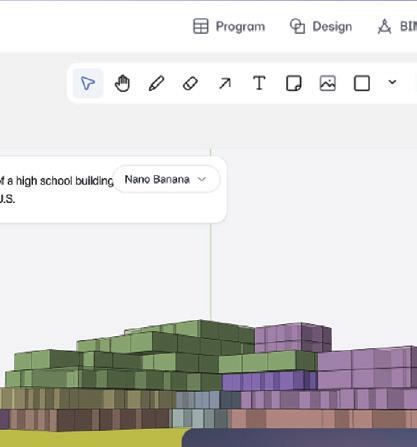





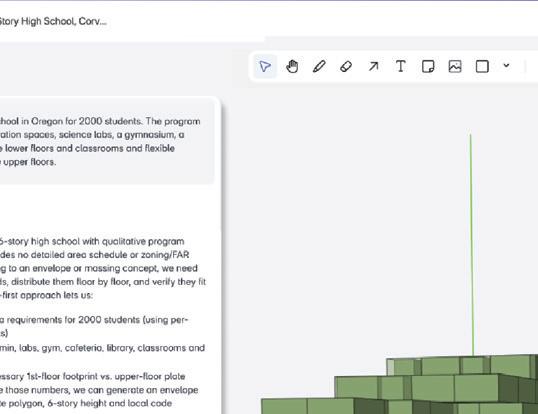

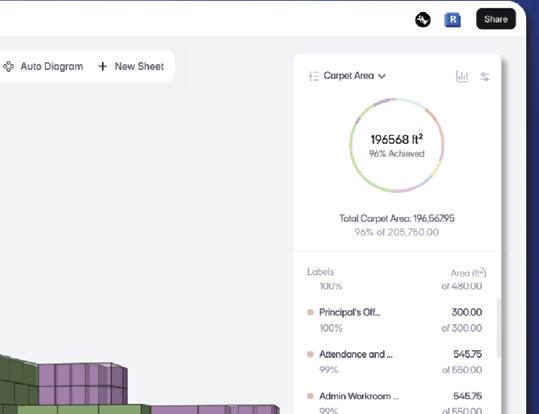
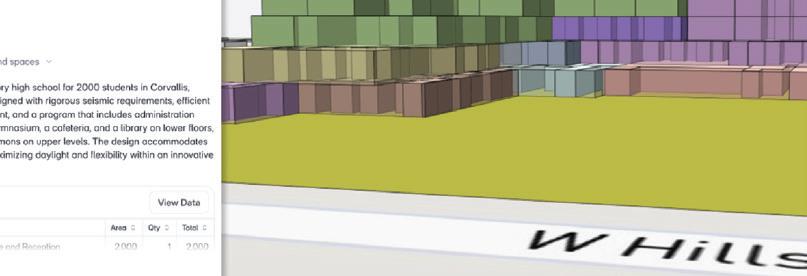
















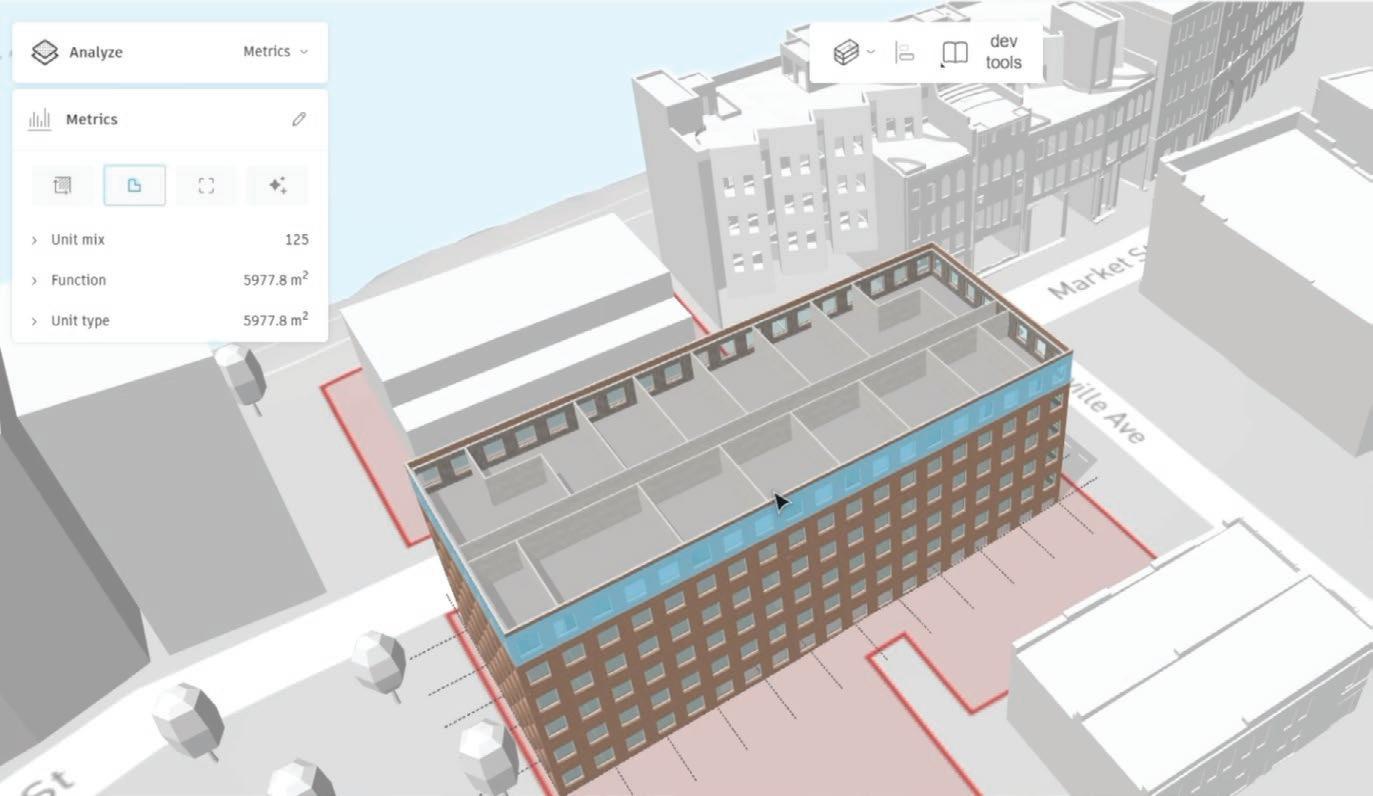
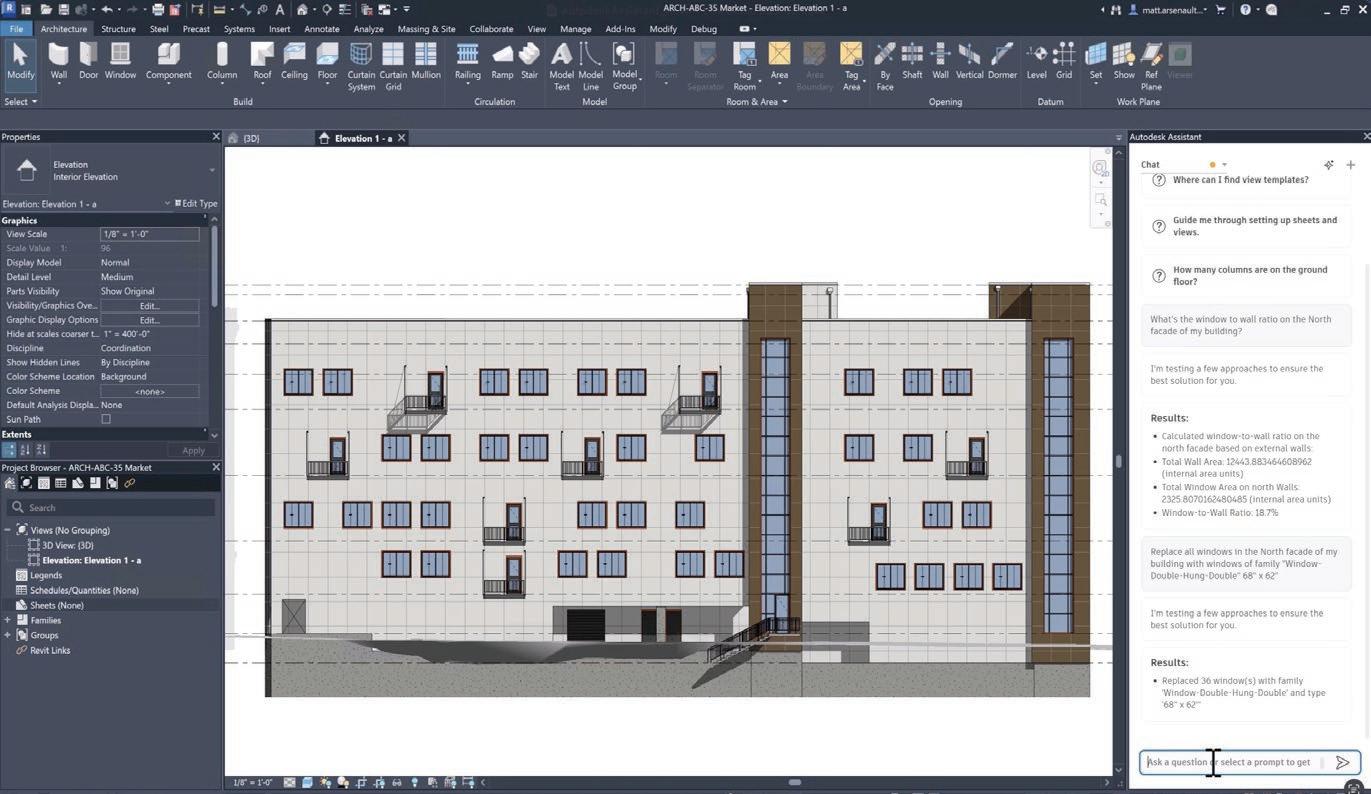
segmented meshes for model coordination and clash detection in Revit. “We’re launching a new AI powered beta that will recognise objects directly from scans, paving the way for automated extraction, for building retrofits and renovations,” she said.
Autodesk has also been working with global design, engineering, and consultancy firm Arcadis to pilot a new technology that uses AI to see inside walls to make it easier and faster to retrofit existing buildings.
Instead of destructive surveys, where walls are torn down, the AI uses multimodal data – GIS, floor plans, point clouds, Thermal Imaging, and Radio Frequency (RF) scans - to predict hidden elements, such as mechanical systems, insulation, and potential damage.
The AI-assisted future
AU 2025 felt like a pivotal moment in Autodesk’s AI journey. The company is now moving beyond ambitions and experimentation into a phase where AI is becom-
1 ‘Building Layout Explorer’, a new AI-driven feature coming to Forma Building Design
2 Autodesk Assistant in Revit enables teams to quickly surface project insights using natural language prompts, here showing how it could be used to quickly calculate the window to wall ratio on a particular façade, then replace all the windows with larger units 1 2
evolves, the company faces the challenge of educating users on its capabilities — and its limitations.
Meanwhile, data interoperability remains front and centre, with Autodesk routing everything through the cloud and using MCP servers and APIs to enable cross-product and even cross-discipline workflows.
It’s easy to imagine how agent-to-agent communication might occur within the Autodesk world, but AEC workflows are fragmented, and it remains to be seen how this will play out with third parties. Of course, as with other major design software providers, fully embracing AI means fully committing to the cloud, which will be a leap of faith for many AEC firms.
ing deeply integrated into its core software.
With the neural CAD and Autodesk Assistant branded functionality, AI will soon be able to generate fully editable CAD geometry, automate repetitive tasks, and gain ‘actionable insights’ across both AEC and product development workflows.
As Autodesk stresses, this is all being done while keeping humans firmly in the loop, ensuring that professionals remain the final decision-makers and retain accountability for design outcomes.
Importantly, customers do not need to adopt brand new design tools to get onboard with Autodesk AI. While neural CAD is being integrated into Forma and Fusion, users of traditional desktop CAD/BIM tools can still benefit through Autodesk Assistant, which will soon be available in Revit, Civil 3D, AutoCAD, Inventor and others.
With Autodesk Assistant, the ability to optimise and automate workflows using natural-language feels like a powerful proposition, but as the technology
From customers we have spoken with there remain genuine concerns about becoming locked into the Autodesk ecosystem, as well as the potential for rising costs, particularly related to increased API usage. ‘Generous monthly limits’ might not seem so generous once the frequency of API calls increase, as it inevitably will in an iterative design process. It would be a real shame if firms end up actively avoiding using these powerful tools because of budgetary constraints.
Above all, AU is sure to have given Autodesk customers a much clearer idea of Autodesk’s long-term vision for AI-assisted design. There’s huge potential for Autodesk Assistant to grow into a true AI agent while neural CAD foundation models will continue to evolve, handling greater complexity, and blending text, speech and sketch inputs to further slash design times.
We’re genuinely excited to see where this goes, especially as Autodesk is so well positioned to apply AI throughout the entire design build process
■ www.autodesk.com/AI
At Chaos, we believe AI should enhance human creativity, not replace it.
Our AI tools are built to support architects, designers, and visualization artists with capabilities that amplify imagination and efficiency while protecting authorship and originality.

We empower designers to explore more ideas, create higherquality visuals faster, and make innovation more accessible while ensuring they maintain full control and ownership. Chaos offers a wide range of AI-powered tools and features:
Integrated in Chaos Cosmos, the AI Material Generator lets users generate ready-to-use materials from photos or textures, adjust and crop them for seamless tiling, and store them for future use.
An AI-powered visualization tool that lets you quickly generate and refine visual concepts directly within Enscape, Revit, Rhino, SketchUp, and more.
A feature of Chaos products that lets users boost visualization quality — especially people and vegetation without manual masking or extra tools like Photoshop.
A Revit® plugin that automates and standardizes time-consuming documentation tasks—like view and sheet creation, tagging, dimensioning, and sheet packing.
Learn more and discover the full ecosystem of Chaos products at chaos.com
Imagine. Design. Believe. With Chaos.
New in:
Veras 3.0
With the new Veras image-to-video tool you can turn your renders into captivating animations - perfect for pitch decks and presentations.
Coming soon:
AI Mood Match
This one-click photo-based lighting replaces manual sky and sun tweaks.
AI Upscaler
Enables one-click 2x / 4x enlargement of render outputs, cutting render times while preserving photoreal quality.
AI Material Recommender
Search and find Cosmos materials by writing straightforward prompts, instead of manually browsing.
Forma is finally expanding beyond its early-stage design roots with a brand-new product focused on detailed design plus enhanced connectivity with Revit via the cloud, writes Greg Corke
Ever since Autodesk launched Forma in 2023, several questions have repeatedly come up: how will the early-stage design tool evolve, how will it integrate with Revit, or will it even replace Revit?
Fast forward two years and we are now starting to get some clarity. At Autodesk University this month, Autodesk unveiled Forma Building Design, a new browser-based tool which targets detailed design, albeit at a moderate Level of Detail (LoD) 200.
Forma Building Design, due to launch in beta later this year, signals the start of a new wave of Forma design solutions. According to Nicolas Mangon, VP of AEC industry strategy, these tools will support a broader range of industries and project phases, all powered by AI. Given the growing competition from ‘BIM 2.0’ startups like Motif, Arcol, Snaptrude and Qonic, Autodesk will feel the timing is good.
one application, which is kind of a problem with Revit today,” admits Bunszel.
The idea is that a designer would work within the application best suited to a specific task, while data flows between each tool via the Forma Industry Cloudor more specifically, via Forma Data Management, the new name for Autodesk Docs, the common data environment.
By keeping everything in sync, designers will get access to the latest model data, wherever it’s needed, instantly appearing in other connected applications.
These multi-application workflows aren’t limited to the browser-based Forma design tools. Revit will also play in this new collaborative world, as Autodesk
‘‘
Forma will become available within Revit. While Revit will be the first official Forma Connected Client, Autodesk plans to bring more of its desktop applications into the mix, although it has not yet named which ones.
Of course, many AEC firms also play outside the Autodesk world, so could Forma Connected Client status extend to third party tools? From a technical standpoint, this is possible: “The data model is open if they wanted to participate in that way,” says Bunszel.
However, third parties are more to likely integrate in other ways, such as through Autodesk Data Exchange Connectors, currently available for Tekla Structures, Rhino, Power Bi and IFC.
If Autodesk truly delivers on its promise of seamless data flow between Forma, Revit, and other tools, the question of where design work is done will become less important
While Forma solutions that cover MEP, structural, and fabrication level of detail are obvious candidates, new products won’t necessarily be limited to buildings. Amy Bunszel, executive VP, AEC solutions, hinted that they could also extend to transportation, civil and infrastructure. “We need to get to some of those workflows, and we’ll probably do the same thing, we’ll start conceptual,” she says.
Meanwhile, the existing Forma product will be rebranded as Forma Site Design, picking up where it left off with ‘data-driven’ site planning and design.
So why is Autodesk choosing to develop multiple Forma products rather than a single monolithic BIM tool? “We’re trying to be persona-based instead of overloading everything we don’t need into
continues to build a bridge between Revit desktop and the Forma Industry cloud.
Revit will soon become what Autodesk calls a Forma Connected Client — a new ‘gold standard’ designation for desktop products that are deeply integrated within the Forma industry cloud.
Revit users will be able to utilise shared, granular data, regardless of where it was authored - in Revit, Forma Site Design, or Forma Building Design.
In addition, Revit users will be able to use some of Forma’s cloud capabilities, such as wind analysis, directly within the desktop tool. Results generated in Forma Site Design or Forma Building Design will also be accessible in Revit.
Over time, additional sustainability and building performance analyses from
To encourage firms to get on board with this new collaborative way of working, Autodesk will give Revit users access to the new Forma design tools and the Forma Industry Cloud.
“Everyone will get data management, at some level,” explains Bunszel. “We’re building, what’s called [Forma Data Management] Essentials. There’s not everything that’s in Docs today, but there’ll be an Essentials version that goes to all the standalone customers, so that they can participate and start to get their data in the cloud.”
However, participation in the Autodesk cloud will require API calls, which will be monitored. Autodesk has said customers will receive ‘generous monthly limits,’ though some customers have expressed concern about escalating costs in the future once they those limits are reached.
Moving into detailed design
Forma Building Design is said to combine easy to use modelling tools, generative AI and real time analysis, “So wheth-
er you’re shaping facades, exploring interior layouts or optimising performance with carbon and daylight metrics, users of all skill levels can design with intent and deliver with impact,” says Bunszel.
The emphasis on ‘all skill levels’ is deliberate, as Autodesk also sees Forma Building Design as a way of encouraging AutoCAD users into the world of 3D design by ‘making BIM less daunting’.
Forma Building Design is focused on what Autodesk describes as outcomebased BIM. As an architect designs, they’ll get real-time feedback on analyses like indoor daylight, operational carbon and sunlight exposure. “You can make precise design changes while instantly validating their impacts downstream,” says Racel Amour, head of generative AI, AEC.
Most of what we’ve seen so far about Forma Building Design centres on AI, enabled by ‘neural CAD for buildings’, a brand-new industry-specific AI foundation model specifically trained on 3D design data and built into the heart of Forma.
This AI-enhanced CAD engine will pave the way for a range of generative AI tools, the first of which is ‘Building Layout Explorer’ which enables the ‘rapid generation and automatic regeneration’ of new interior layouts, all while giving the designer control. “Soon you can review designs side by side to evaluate against different outcomes like unit mix and daylight,” says Amour.
Forma Building Design is intended to deliver models at LoD 200 but, according to Bunszel, in the future Forma could equal what you have in Revit.




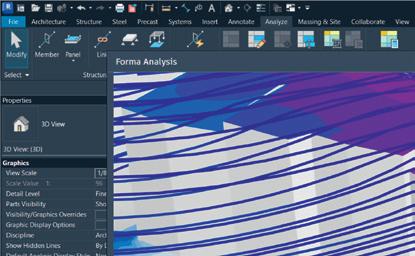
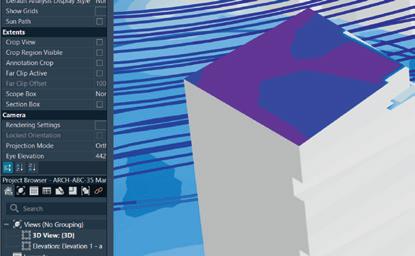
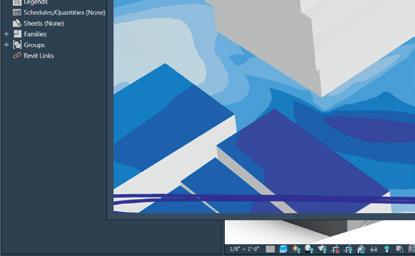
1 Forma Building Design targets detailed design at LoD 200
“Depending on the type of project, some people could work almost exclusively some day in Forma and maybe not need Revit or maybe go to Revit for some very particular things,” she says.
2 As a Forma Connected Client, Revit users will be able to tap into Forma’s cloud capabilities without leaving their desktop environment
Revit clearly has decades of development behind it, but one of those ‘particular things’ could be 2D documentation. We asked Bunszel if Forma will ever get a 2D drawing capability, or is that something that will always be exclusive to Revit?
“It’s too early for me to comment on that,” she laughs. “We still see drawings as being important. Drawings are also a huge opportunity for automation.
“We do have some customers who are now successfully delivering fewer drawings, but they’re still delivering drawings.”
But what about creating drawings in Revit? Are there plans to bring more automation to that process, similar to what Autodesk has done with mechanical CAD tool Fusion? “We’re looking into things,”



says Bunszel. “You saw a couple [of examples] this week [at AU] using some of the MCP capability to automatically grade sheets. There was another one we showed on the main stage where they were tagging doors and windows and things. So, we’re definitely starting to explore how much we can do.”
An accelerated future
Forma Building Design has been a long time coming, but its arrival brings fresh clarity to the future of Autodesk’s AEC design tools. Most importantly, Autodesk is not trying to replace Revit with Forma. “We’re not trying to duplicate everything that Revit does well but reimagine some of the things that Revit doesn’t do well, and give people access to both,” says Bunszel.
AI will be central to this reimagining. While Revit will gain efficiencies through the new AI-powered Autodesk Assistant, it seems inevitable that the Forma-based design tools will go much further. Now with a neural CAD AI engine at its core,



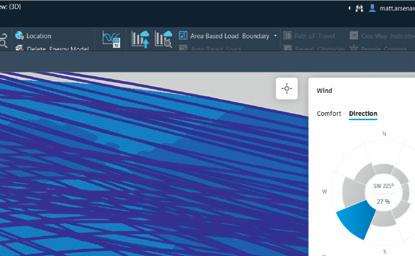
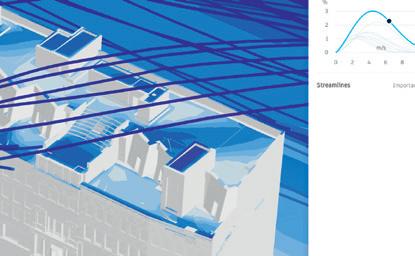
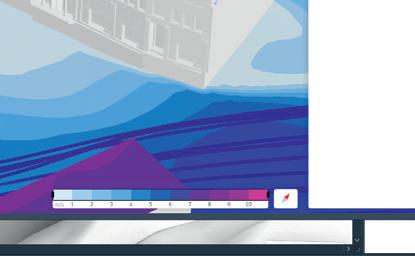

expect significantly more automation and optimisation as Forma grows.
If Autodesk truly delivers on its promise of seamless data flow between Forma, Revit, and other tools, the question of where design work is done will become less important— notwithstanding the practical challenge of training staff across multiple systems. AEC firms will be free to choose the best design tool for each task, including from a growing list of third-party Forma add-ons, such as Finch, TestFit, ShapeDiver, Chaos Veras (see page 14) and FenestraPro (see page 41)
Although it has taken two years for Autodesk to give Forma a detailed design capability, albeit at LoD 200, we expect it will now start to grow more rapidly, with AI-powered workflows and entirely new products.
The fact is, AI is not only promising to accelerate design, but software development as well, and as Bunszel points out, “I can’t even describe the things our developers have been doing in days that would have [previously] taken months and months.”
■ www.autodesk.com/forma

Becauseeventhesmallest ideacanbetransformedinto abigstory.Agreatbigstory.

Autodesk® AutoCAD® 2026 and Autodesk® Revit® 2026 both embrace modern graphics technology, shifting more power to the GPU for ultra-smooth navigation of drawings and 3D models. Paired with the new AMD Ryzen™ AI Max PRO processor, the latest HP Z Workstations deliver professional-grade performance for CAD and BIM in compact, energy-efficient form factors











CAD and BIM software is entering a new era. Autodesk® AutoCAD® and Autodesk® Revit® — two of the most widely used design tools in Architecture, Engineering and Construction (AEC) — are now getting more out of modern graphics APIs and software frameworks, enabling them to fully tap into the power of today’s advanced Graphics Processing Units (GPUs).
This shift of oads more of the processing from the CPU to the GPU, easing a common performance bottleneck. The result? Smoother model navigation, more responsive design environments, and a signi cant boost in productivity — with less need for model simpli cation or

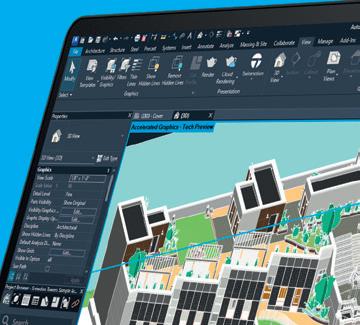







performance workarounds.
Meanwhile, workstation hardware is evolving just as quickly. Traditionally, integrated graphics — where the GPU is built into the CPU — was often seen as inadequate for professional use. Discrete GPUs used to be the standard. But that assumption is now being challenged.
The latest AMD Ryzen™ AI Max PRO processors feature integrated Radeon™ GPUs with levels of performance once reserved for discrete solutions. These GPUs are not only powerful and energy ef cient, but also fully compatible with, and optimised for, the advanced graphics features in AutoCAD 2026 and Revit 2026.




This convergence of next-gen software and hardware marks a turning point. Architects and engineers using some of the latest HP Z Workstations — such as the slimline 14-inch HP ZBook Ultra G1a laptop and compact HP Z2 Mini G1a mini desktop — can now access the advanced graphics capabilities of Revit 2026 and AutoCAD 2026, without needing a discrete GPU. The bene ts? Lower cost, reduced power consumption, and sleeker, more portable hardware.
As software and hardware continue to advance in tandem, the future of CAD and BIM promises to be faster, smoother, and more exible than ever.

Powered by the AMD Ryzen AI Max PRO processor, the HP ZBook Ultra G1a laptop and HP Z2 Mini G1a desktop workstations are well positioned to maximise the benefits of Revit 2026 and its next-gen graphics engine — delivering a significant performance boost, particularly when navigating complex BIM models
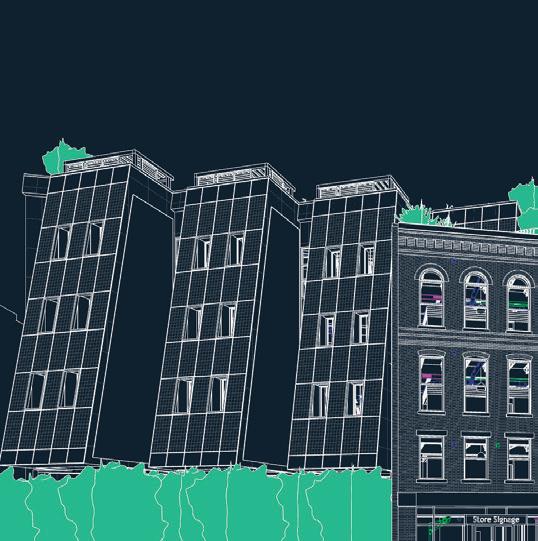
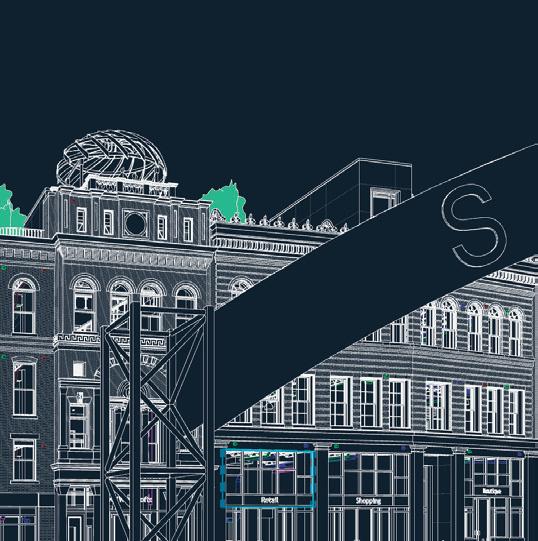

Revit 2026 introduces a new graphics technology designed to signi cantly improve performance in both 3D and 2D views. The ‘Accelerated Graphics Tech Preview’, which is still in development, delivers smoother, more responsive model navigation when panning, orbiting, or zooming. Those working with particularly complex Revit models should experience the most noticeable performance bene t.
To unlock these performance gains, the Revit development team is harnessing the latest technology in both software and hardware. This includes Universal Scene Description (USD) — an XML framework born out of Pixar® but increasingly used in AEC for data exchange and collaboration. However, Revit uses USD in a different way. In the ‘Accelerated Graphics Tech Preview’ it’s employed solely to draw the graphics on screen, faster. A direct export of Revit models to USD is not currently on Autodesk’s roadmap.
The ‘Accelerated Graphics Tech Preview’
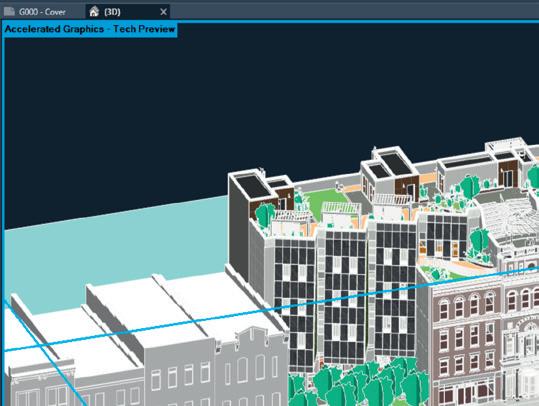
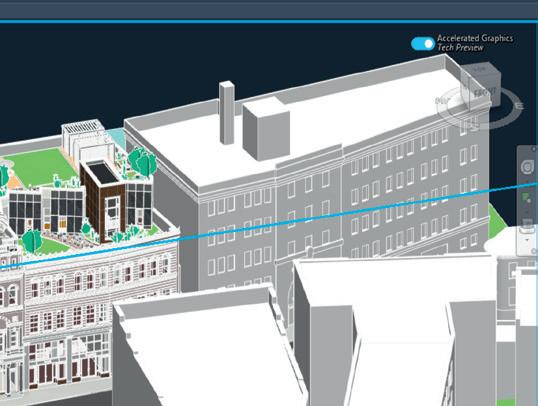
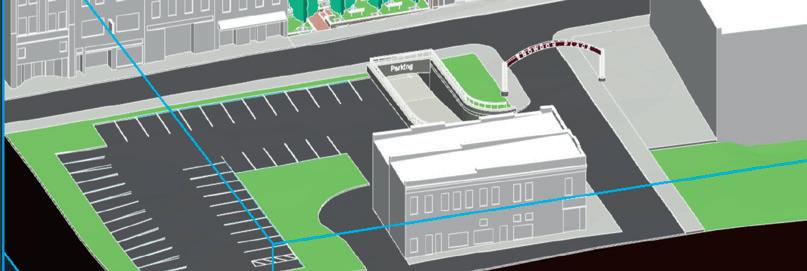
also makes much better use of modern GPUs — processors that are well-suited for graphics rendering. By of oading more of the graphics workload to the GPU, visual performance is signi cantly improved while also freeing up the CPU to handle other tasks — helping boost overall system performance.
The ‘Accelerated Graphics Tech Preview’ currently supports popular display styles such as ‘shaded’ and ‘hidden line’. It can be toggled on or off at any time, giving users exibility to choose the best mode for their current work ow. As the technology matures, expect to see support for other display styles such as ‘realistic’, along with ‘shadows’, ‘sketchy lines’, and ‘transparency’. The ultimate goal is to replace Revit’s entire graphics engine, making ‘Accelerated Graphics’ the default experience without the need for manual activation.
To get the best performance Autodesk recommends a workstation with at least 64 GB of RAM and a GPU with at least
8 GB. In the past, this would have meant a workstation with a discrete GPU. However, with the new AMD Ryzen AI Max PRO processor — featured in the HP ZBook Ultra G1a laptop and HP Z2 Mini G1a desktop workstations — users now have access to an integrated AMD Radeon GPU with the equivalent performance of a mid-range discrete GPU. Coupled with up to 128 GB of system memory, of which up to 96 GB can be assigned to the GPU, the chip is fully capable of handling Revit’s new graphics demands. When running Revit’s Snowdon Tower sample project on the HP ZBook Ultra G1a with an AMD Ryzen AI Max+ PRO 395 processor, the viewport feels signi cantly more responsive compared to the traditional graphics engine. Model navigation is silky smooth, and the model is not simpli ed in any way — a technique often used to maintain full interactivity with larger models. As shown in our benchmarks below, performance (measured in frames per second) was approximately 2.5 to 3 times faster.
Bring your BIM models to life with advanced real-time visualisation


Twinmotion for Revit by Epic Games, included with select Revit subscriptions, brings high-quality, real-time visualisation directly into your BIM work ow. The software is GPU-accelerated, and the AMD Ryzen AI Max PRO processor is well suited to handling mainstream visualisation tasks. A key advantage is the ability to directly allocate up to 96 GB of system memory to the processor’s integrated Radeon GPU — far more than most discrete GPUs with comparable performance.
On test with the HP ZBook Ultra G1a, powered by the AMD Ryzen AI Max+ PRO 395 processor, the Revit Snowdon Tower sample project consumes 8.1 GB of GPU memory on load. This increases to 14.2 GB when rendering at 4K and 35.1 GB when rendering at 8K.
With the test machine con gured with 128 GB of system memory, of which 64 GB is allocated to the GPU, the system maintains ample headroom throughout.
In contrast, when a discrete GPU runs out of dedicated memory, it must of oad data to system memory — a process that can introduce latency, slow performance, and signi cantly increase render times.
AutoCAD 2026 feels faster and smoother when navigating 3D models, thanks to Graphics System Fabric (GSF), a powerful graphics engine built on DirectX 12 that harnesses the power of modern GPUs
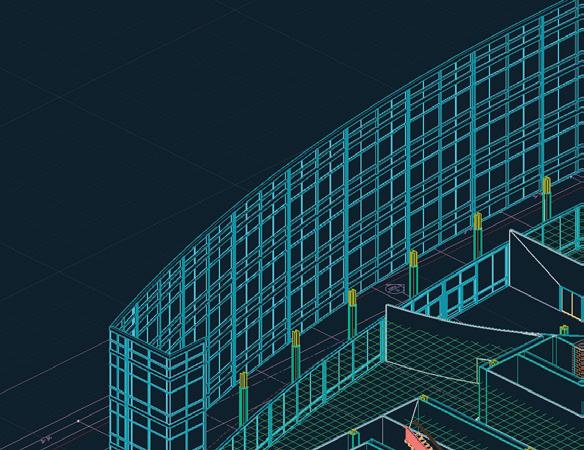

According to Autodesk, AutoCAD 2026 delivers major performance improvements over the 2025 release, including le open times up to 11x faster and application launch speeds up to 4x faster.
One of the most impactful — yet less talked about — enhancements lies in the graphics pipeline. Users can expect noticeably smoother navigation of 3D models and a signi cantly more responsive design experience when using wireframe, conceptual,



styles. improvements





and hidden
(GSF), a next-gen graphics engine

visual styles. These improvements are enabled by the latest enhancements to Graphics System Fabric (GSF), a next-gen graphics engine built on Microsoft that optimises GPU utilisation. GSF of oads more graphics processing from the CPU to the GPU and caches more data in GPU memory, allowing for faster access and better real-time performance.
GSF represents a signi cant leap
forward for AutoCAD, but it is still under development. Certain visual styles — such as realistic — are not yet supported, so AutoCAD will automatically switch between GSF and the previous Graphics System One (GS1) engine, based on the active view or model requirements.
Another key advancement in AutoCAD 2026 is improved support for processors

with integrated graphics. Historically, integrated GPUs often lacked suf cient memory to be supported by GSF, which typically requires between 4 GB and 8 GB of dedicated GPU memory.
That limitation is effectively removed with the AMD Ryzen AI Max PRO processor, which can allocate up to 96 GB of system memory to its integrated Radeon GPU — far exceeding the capacity of most discrete GPUs in its class.
In real-world testing on an HP ZBook




Ultra G1a powered by the AMD Ryzen AI Max+ PRO 395 processor, the bene ts of GSF are clear. Navigating a complex



Mastenbroek heavy machinery model

view style is instant and uid
in AutoCAD 2026 with no loss of detail. In contrast, there is a noticeable lag in AutoCAD 2025: mouse movements lead to delayed on-screen responses, as the software must rst lower model detail in order to maintain interactivity, before restoring full detail once movement stops.
Integrated graphics just got serious. Powered by AMD’s Ryzen AI Max PRO, the HP ZBook Ultra G1a and HP Z2 Mini G1a deliver impressive performance for CAD, viz and AI – without the need for a discrete GPU
For CAD and BIM work ows, architects and engineers have traditionally relied on workstations with separate CPUs and discrete GPUs. Processors with integrated graphics have often fallen short — lacking the 3D performance, application-speci c optimisations, and software certi cations required for professional use.
But the AMD Ryzen AI Max PRO processor at the heart of the new HP ZBook Ultra G1a mobile workstation and HP Z2 Mini G1a desktop workstation is rede ning what’s possible with integrated graphics.
At the top of the range, the AMD Ryzen AI Max+ PRO 395 features a powerful AMD Radeon 8060S GPU, delivering performance that rivals that of a mid-range discrete GPU. It enables smooth, responsive viewports in Revit and AutoCAD, even when working with large models, and
can also handle real-time visualisation work ows in Twinmotion for small to medium-sized projects.
This leap in capability is powered not only by AMD’s RDNA 3.5 graphics architecture, but also the ability to allocate large amounts of system memory to the GPU — far more than the xed on-board memory of most comparable discrete GPUs.
In the BIOS, users can choose from 512 MB, 4 GB, 8 GB, all the way up to 96 GB. However, dedicating large amounts of memory to the GPU isn’t always necessary. In some work ows the GPU can dynamically borrow additional memory from the system when needed, without the severe performance penalties that occur when discrete GPUs exceed their onboard memory and must fall back on slower system RAM.
The processor’s large memory pool also unlocks new possibilities in AI workloads. When the system is con gured with 128 GB,
The HP ZBook Ultra G1a with Ryzen
AI Max PRO processor is an extremely powerful 14-inch mobile workstation. It offers noteworthy upgrades over other 14-inch models, including signi cantly more high-performance cores (up to 16) and substantially improved graphics.
It’s not just about performance. It’s the thinnest ZBook ever, just 18.5mm in pro le and weighing as little as 1.50kg. The HP Vaporforce thermal system keeps it running cool and there is very little fan noise even
when the processor is running at out.
the GPU can run colossal 128B parameter Large Language Models (LLMs) – roughly the size of Chat GPT 3.0 – well beyond the limits of most xed-memory GPUs.
For architects and designers, more memory also unlocks practical creative advantages in other AI-driven work ows. Text-to-image tools like Stable Diffusion, which are increasingly used for early-stage visualisation, can bene t directly. With fast, direct access to a large pool of GPU memory, it becomes feasible to generate high-resolution images — far beyond the practical pixel limits imposed by GPUs with restricted memory.
Finally, the Ryzen AI Max+ PRO 395 also comes with a Neural Processing Unit (NPU), which is designed to handle mainstream AI tasks very ef ciently. It is capable of dishing out 50 TOPS of AI performance, meeting Microsoft’s requirements for a Copilot+ PC.

The power ef cient laptop is paired with either a 100 W or 140 W USB Type-C slim adapter for charging. For video conferencing, there’s a 5 MP IR camera with AutoFrame, Spotlight, Background Blur, and virtual backgrounds all powered by the 50 TOPS NPU. Additional highlights include a top-tier 2,880 x 1,800 OLED panel (400 nits), up to 4 TB of NVMe TLC SSD storage, and support for Wi-Fi 7.
Despite it diminutive form factor, the HP Z2 Mini G1a is a very powerful desktop workstation. Like its laptop sibling, it features the same AMD Ryzen AI Max PRO processor. However, with a 300W internal power supply, the ultra compact desktop workstation can deliver signi cantly more sustained power to the processor, resulting in superior performance in multi-threaded CPU and graphicsintensive work ows.



One of the most compelling use cases for the Z2 Mini G1a is in rack-mounted deployments, where multiple units serve as a centralised remote workstation resource managed by HP Anyware. Each architect or engineer connects to their own dedicated workstation via a 1:1 session, ensuring both simplicity in deployment and predictable, high-performance access. Up to ve workstations can be installed side by side in a 4U rack space, offering impressive density and scalability for teams.

























After years of AI hype, we’re starting to see AI technology appear in established BIM applications. Autodesk is already on the case, but Revit’s competitors are not far behind. AEC Magazine spoke with Snaptrude CEO Altaf Ganihar about the AI capabilities that his company is about to launch
Artificial intelligence and machine learning promise so much for automation and retention of knowledge in the future – but right now, we’re still looking for killer features and applications that can be used by everybody.
Key vendors such as Autodesk are starting to provide clues as to how these might look, in the form of new AI capabilities in specific workflows. In this first phase of deployment, we expect to see AI applied as a copilot in defined functions and workflows and delivering productivity benefits in very generic workflows, particularly those associated with conceptual and querying tools.
The likely long-term implications of AI in the AEC industry are much harder to assess. Customers will have access to software on demand, where AI will create custom programmes to solve clientspecified problems, without the need to acquire or download a vendor’s generic application. New levels of automation will significantly challenge current thinking around architectural billable hours as it proves its ability to make decisions based on huge numbers of competing constraints far faster than any human. It will radically transform detail and drawing output.
Recently, AEC Magazine caught up with Snaptrude CEO Altaf Ganihar to discuss the company’s imminent AI update and its likely impact. We kicked off the conversation with a brief look at Snaptrude’s development to date and how its new AI tools are designed to complement the highly workflow-led nature of its BIM tool.
Four phases in Snaptrude
In this year’s release, a lot of thought has gone into how Snaptrude breaks down the design process into distinct phases and at which point new AI updates should help automate and rationalise Snaptrude’s workflow methodology.
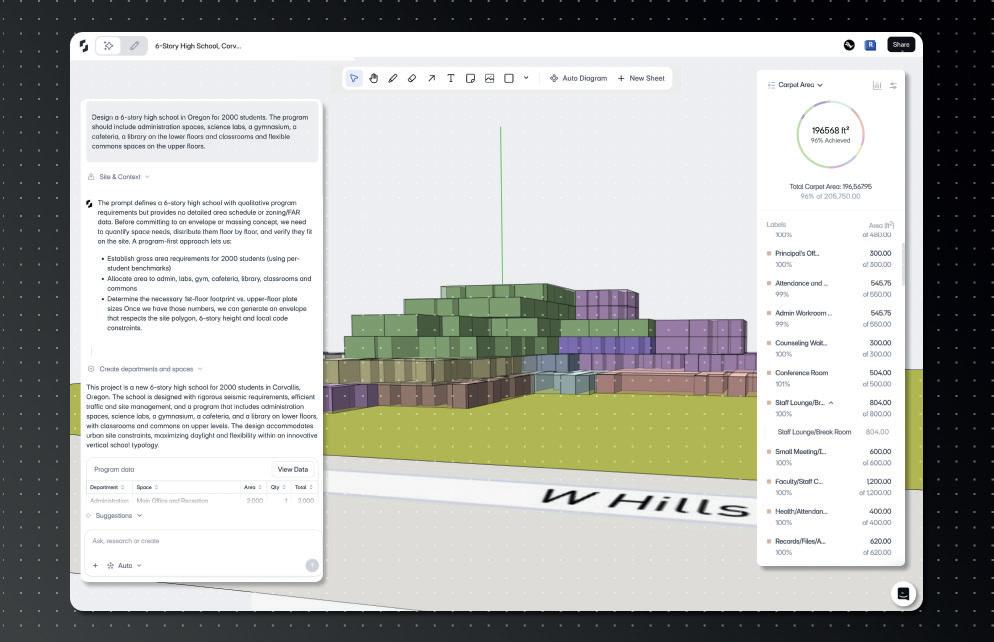

Phase 1 focuses on concept design generation via AI (Autonomous Mode). This process begins when the user inputs a prompt (such as an RFP, a brief or an Excel-based room schedule) that describes the desired building. This could be a seven-storey culinary institute that includes student and faculty housing at a particular university or college, for example. This process involves:
Setting data and constraints. Here, accurate site data, including the plot’s parcelling and zoning codes, is loaded. Snaptrude then studies the site context and considers the requirements, automatically creating an RFP by making assumptions (if no specific rationale is provided) and considering factors such as climate, floor allowance, flood zones and the plot’s zoning code.
AI orchestration. A master AI orchestrates the sequence, instructing specialised AI agents what to do and when. This orchestration involves physics and climate-aware models, as well as large language models or LLMs, to perform tasks such as creating the initial programme, conducting climate analysis, studying adjacencies, and generating a massing envelope.
Output. The autonomous AI process generates a working model, aiming for an LOD 250/300 ‘ish’ model, which follows adjacencies and complies with zoning/ building codes. It typically delivers this output in about seven to ten minutes. The AI also provides reasoning for its decisions, and presents diagrams, which serve as the first few presentation slides for a developer.
Phase 2 involves refinement and artistic input, conducted in design/editing mode by an architect. This involves:
Envelope editing. The initial envelope generated by the AI is considered a ‘draft’ and can be modified to make it ‘more fancy’ by using tools such as Boolean operations, or importing complex elements such as facades from a tool like Rhino.
Repacking/resolving. When an envelope is altered, the AI understands the new geometry and can be instructed to repack the programme (space planning) within any new constraints. If the required programme cannot fit, the software flags up the violation by showing that ‘target versus achieved as gone down’ in the programme mode.
AEC Magazine: Altaf, as Snaptrude has developed, you and your team have clearly rethought many of its workflows and features. So what can you tell us about how AI will change the way that Snaptrude sees nextgeneration BIM tools?
Altaf Ganihar: Snaptrude’s first AI deliverables are aimed to automate much of the early concept design phase, combining various critical checks into a single process. What we are launching in October 2025 will do most of the concept design, literally taking users from an RFP to an LOD 300 model. And it’s not just some random shape that is generated, but something that follows adjacencies, something which looks at zoning codes, building codes, and takes into account the climate to generate a building option, automatically, in seven to ten minutes. It’s very different and much quicker than manual BIM 1.0 development.
The strength of the software lies in its comprehensive, connected ecosystem, initiated by a spreadsheetlike environment. This drives the programming, the massing tool, the early BIM tool, and the presentation and Miro-like interface to do documentation. Everything is live. So you make a change in your spreadsheet, design updates, presentation updates, render – it’s all here. You can tell the full story without having to go out of Snaptrude.
AEC Magazine: Is it fair to say that you rethought Snaptrude and, instead of a single application, you chose to break it down?
Altaf Ganihar: Snaptrude is built on four modes: programming to host data, design for geometry, BIM for detail, and geometry and presentation for documentation. We built it such that each one of these modes is an independent product, but also connected, and each one of them has AI agents to do tasks.
Regarding geometry flexibility, Snaptrude has added Boolean functions and integrates Rhino geometry both ways, allowing users to import complex designs, edit them in Snaptrude and potentially take them back to Rhino.
(Note: Altaf added that Snaptrude is also working on allowing users to import a complex Rhino envelope and reverse-engineer the internals, which we think would be hugely useful to signature architects using a Rhinofirst approach.)
AEC Magazine: Many people are worried about AI’s propensity to hallucinate. Is this a concern for you and how does Snaptrude address this risk?
Altaf Ganihar: Snaptrude’s approach uses a sophisticated, multi-layered AI architecture to ensure outcomes
are constrained, deterministic and compliant with real-world physics and codes. The way to achieve this is if you follow the recent AI developments closely, and if you layer AI using sophisticated techniques, then you can get very little hallucination – in fact, almost no hallucination.
The Snaptrude system uses multiple AI models. The only technique which you need to use is to have one AI to do creation and another AI to critique it. That critiquing should be based on either actual geometry or numbers, something deterministic. It’s a combination of AI modules. Some of them are LLM. Some of them are not LLM. Some of them we had to build, ones that use physics and climateaware models. They’re all run by this master AI which figures out which one to use and when.
AEC Magazine: And what about the concern that AI will eliminate jobs in the AEC industry, with automation meaning that fewer architects are required?
Altaf Ganihar: The goal of the AI is not to replace the architect entirely, but to automate repetitive and ‘boring’ tasks, allowing professionals to focus on creativity. We position our AI as a helpful collaborator or intern. You are the principal architect
and you do the creative jobs. You don’t want to sit and do research on building codes and fit this mass in. Well, delegate that to the AI, come back after a coffee, and then edit the design. You should be able to go from an RFP to a design presentation in a few minutes, and take as much control as you need, because at the end of the day, you’re the architect.
AEC Magazine: The whole business model for software firms in an age of AI has still to be worked out. On the face of it, it would seem to remove the need for licences with automation. What do you think the business model of the future might look like?
Altaf Ganihar: I think we have to move away from subscriptions. We are moving away from subscriptions with this launch. The planned pricing structure involves tokens, and customers can use these tokens however they want, in terms of paying for processing.
AEC Magazine: For architects who charge per hour, might it not be problematic that AI is not only automating but also speeding up workflows?
Altaf Ganihar: I think fees generally would have to go up, and people have to move away from this ‘billable
Delegation. The architect can delegate specific tasks back to the AI, which refines or applies checks, such as researching building codes, showing best-practice adjacencies or providing floor-planning for a specific floor.
Phase 3 aims at achieving a more detailed state and sees the project move into BIM mode. This involves:
Detailing and compliance. At this stage, elements like doors, fire exits and detailed components are addressed. The AI helps transition the design by choosing appropriate detailed components, such as firerated walls for corridors, based on metadata and historical project data (for example, from ten previous hospital projects).
Model quality. The goal is to reach an LOD
300 model, which requires more detailed Revit families, though users can manually make changes, as the environment is a full authoring tool. The software uses its own data schema to understand and rationalise all geometry, including imported Revit files, helping it make decisions based on metadata such as construction cost, demolition cost, and procurement processes.
Finally, in Phase 4, we see the project move into presentation mode for documentation. Here, we see AI driving auto-documentation and autodrawings, with the system automatically creating floor plans, 3D views and adjacency and bubble diagrams. The user can then configure these.
The goal is that, right up until the schematic phase, users should not have to touch traditional BIM tools such as Revit.
■ www.snaptrude.com
hour’ concept. Maybe software costs need to be directly linked to project profitability. You need to align it to the right outcomes. If you’re getting more projects, you spend more, and you consider that spend as part of the profit/loss of the project. Maybe if you want to stick to that, you’ll have to consider software as a person.
AEC Magazine: And what can you tell us about training and protecting the IP of your customers?
Altaf Ganihar: Our software is built to be enterprise-ready and capable of handling the proprietary intellectual property of large architectural firms such as Gensler and HOK, treating the AI as a platform using firm-specific IP. The thing is, we can customise it for each company. Like, you can connect your Google Drive or Dropbox tomorrow and start using your data to make decisions privately. We have built the product that way.
So, the AI is a platform, it’s not a tool. We can swap out the knowledge base. You can think of those customers I mentioned using their own Gensler knowledge base or HOK knowledge base.
And when it comes to training, we have made it possible to connect your Google Drive or SharePoint or Egnyte or ACC with us. The AI can then dynamically call up all the
‘‘ A lot of thought has gone into how Snaptrude breaks down the design process into distinct phases and at which point new AI updates should help automate and rationalise Snaptrude’s workflow methodology ’’

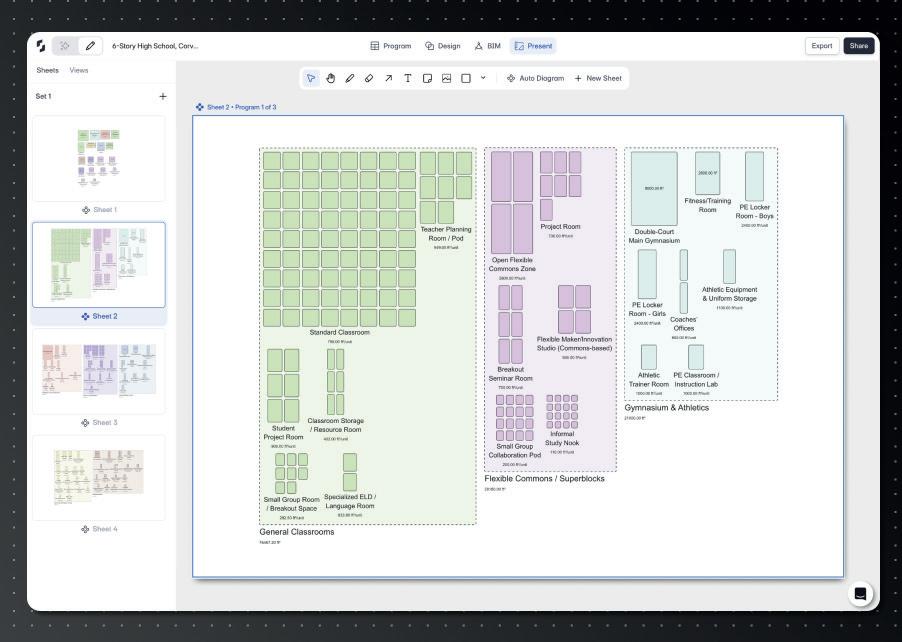
past 20 hospital projects, find all the PDFs, all the spreadsheets, all the Revit files and discover the design data and adjacencies.
AEC Magazine: To conclude, what comes next following this initial AIenabled release?
Altaf Ganihar: This is Version 1. It’s the starting point, similar to early GPT models. There will be a V2 or V3 with significant improvements by the end of the year and the immediate feedback loop from users is what will drive incremental development at Snaptrude.




















































FenestraPro offers a façade design optimisation tool for Revit and an envelope analysis tool for Forma that, when combined, can be used in workflows to create sustainable, detailed designs, writes Martyn Day
The building envelope has always been one of architecture’s most demanding battlegrounds. A façade is expected to satisfy multiple, often conflicting requirements. It must express design intent, meet performance targets for energy efficiency, comfort and daylight, and comply with regulations.
Traditionally, assessments to ensure these requirements are met have been left until late on in projects, once a design is largely fixed and alterations become expensive.
Dublin-based FenestraPro was created to address this issue, giving architects direct access to façade performance tools inside of their existing BIM workflows and when their decisions can most optimally influence outcomes.
Established in 2012 by technologists Simon Whelan and Dave Palmer, FenestraPro emerged from a frustration with digital analysis tools that were either too specialist for day-to-day design work or too disconnected from the platforms that architects actually use.
The goal was to bring performance data into the design process itself, enabling architects to weigh the consequences of their choices while still sketching and modelling.
Today, FenestraPro is used by international firms such as AECOM, Jacobs and HKS, where architects and engineers rely on it to help close the gap between aesthetic intent and energy performance.
Face value
FenestraPro’s technology centres on façade analysis and offers deep integration with Autodesk environments. Its best-known product, FenestraPro for Revit, runs as an add-on and allows users to test glazing proportions, shading devic-
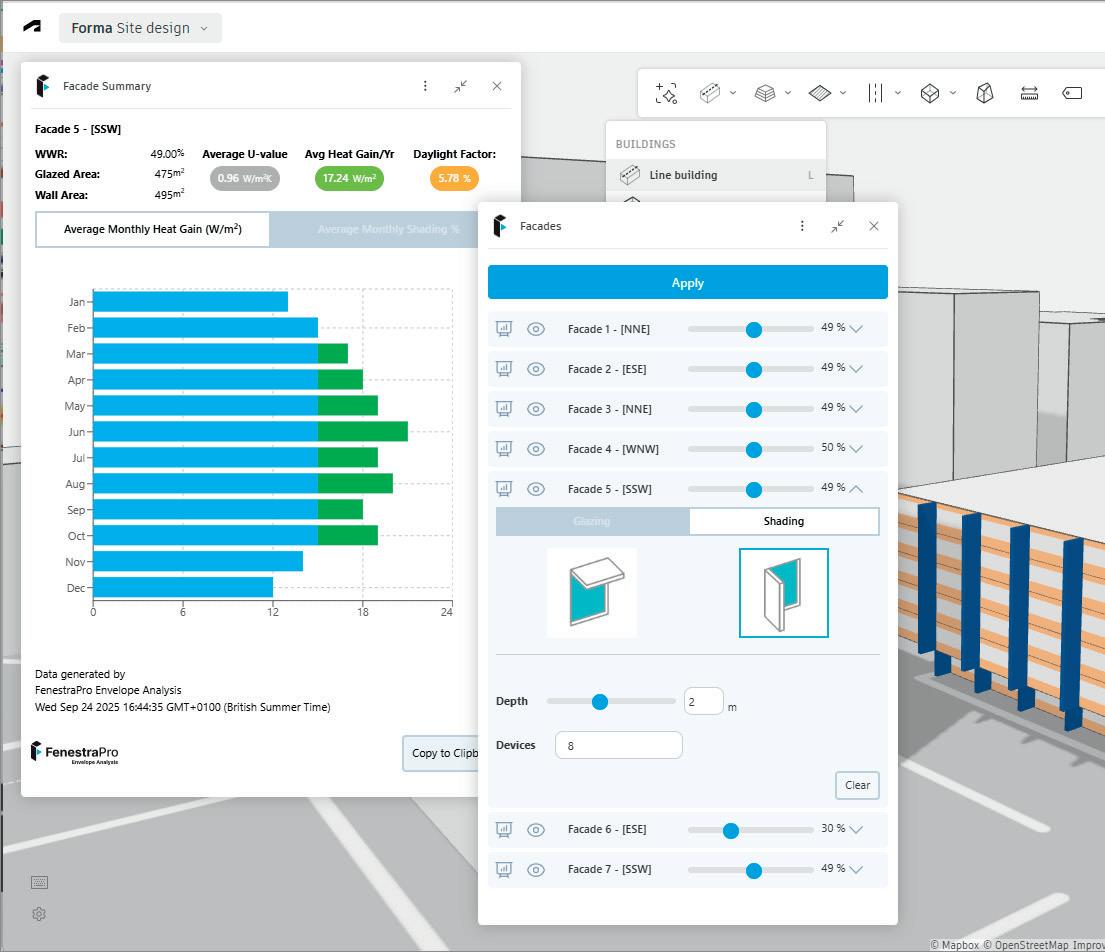
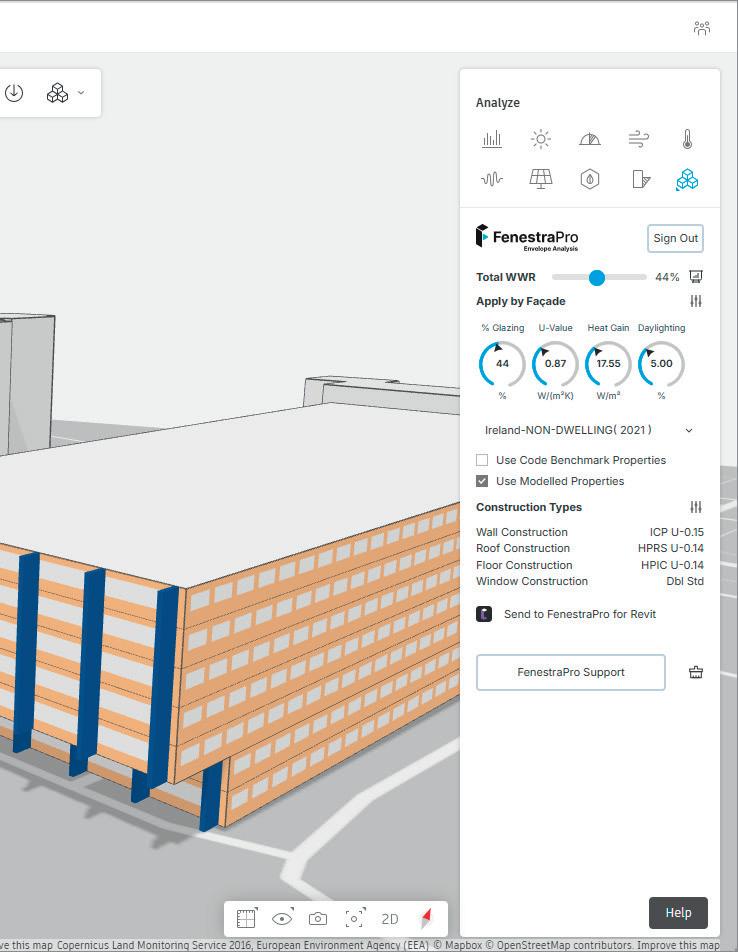
es and material selections without leaving their BIM model.
A partner application extends similar functionality into Autodesk’s emerging Forma conceptual design platform, enabling performance analysis from the massing stage onwards. In this way, designers can quickly evaluate how orientation, window-to-wall ratios or shading strategies will affect daylight levels and energy use.
Instead of waiting on external reports, the system provides immediate feedback, with colour-coded surfaces and dynamic charts that highlight potential problem areas such as glare or excessive solar gain.
The software deliberately avoids imposing the heavy computational demands associated with full building simulation tools. Instead, it delivers a lightweight, responsive engine designed for iteration.
This makes it possible for users to compare multiple façade options in quick succession, guiding design choices before geometry becomes too fixed. The package also incorporates a database of more than a thousand glazing products, complete with accurate thermal and solar properties. Recent integrations, such as a link with Vitro Architectural Glass, allow data from manufacturers’ specification platforms to flow directly into the FenestraPro environment, grounding analysis in real-world products rather than generic assumptions.
As projects evolve, the software continues to add value. It supports detailed façade modelling inside Revit, from panelisation through to mullion layouts, while maintaining live performance feedback.
One notable feature is its ability to identify errors or weaknesses in BIM energy models – issues that can compromise downstream analysis. By flagging these early, the tool ensures that data exported from Revit is both reliable and
compliant. Reports and outputs can then be generated for a range of uses, from compliance submissions to client presentations.
Design teams can evaluate options in minutes, not days, which accelerates iteration and avoids costly late-stage changes. Building owners get the assurance that the building envelope has been optimised for operational energy consumption and improved occupant comfort. Meanwhile, architects can have greater confidence that their aesthetic choices will work in harmony with performance/ sustainability requirements.
FenestraPro does not aim to replace engineering-grade simulation packages. Instead, it focuses on providing architects with the early intelligence they need to make smart façade decisions. By connecting the dots between early-stage exploration in Forma and detailed design in Revit, the platform promotes a joinedup approach to performance.
With sustainability targets becoming stricter and clients demanding more accountability, tools that embed envelope analytics into mainstream BIM workflows are gaining in importance.
FenestraPro’s strategy is to complement existing design environments, rather than reinvent them, positioning itself as a pragmatic but powerful partner in the pursuit of sustainable architecture.
Prices start at $29 per month for Envelope Analysis in Forma and $149 per month for a Premium offering, which adds Revit integration, detailed thermal analysis, carbon benchmarking, model checking and export tools. Discounts are available for teams.
■ www.fenestrapro.com
The arrival of Autumn also means the arrival of Vectorworks’ annual updates to its Architect, Landmark, Spotlight and Design Suite products. Martyn Day looks at how the product set is evolving under new Vectorworks CEO Jason Pletcher
Vectorworks has undergone some big changes over the last couple of years, as it navigates the shift to a more subscription-based model for customers and, more recently, adapts to new leadership. With Jason Pletcher now at the company’s helm, there could be further transformation ahead.
Pletcher was announced as the new CEO of Vectorworks in February 2025, taking the reins from Dr Biplab Sarkar, who retired in March after an impressive 25-year tenure at the company.
Pletcher came to Vectorworks from another Nemetscheck brand, GoCanvas, where he served as chief operating and financial officer and, according to Nemetscheck executives, was instrumental in almost quadrupling GoCanvas’ business over a 5-year period.
Hopes are presumably high that he can pull off a similar trick at Vectorworks, improving its business and expanding its market reach.
The new Vectorworks CEO has wasted no time in emphasising his conviction that design creativity should drive business results, rather than be hindered by software limitations. That’s an interesting statement, perhaps suggesting that Vectorworks might be readying itself to explore the world of cloud-based services, a market in which GoCanvas already operates as a provider of mobile field work management software.
One thing that hasn’t changed, however, is Vectorworks’ commitment to providing its customers with an annual refresh of product capabilities – with the additional flourish this year of declaring Vectorworks 2026 as its most “forwardthinking software version yet”.
As Pletcher put it: “Designers are ambitious and Vectorworks 2026 offers the tools to transform their big ideas into reality. Our latest version allows designers to work more efficiently, break free from busy work, automate manual processes and unleash their design freedom, so their











































best work can move forward.”
The overarching themes of this version include integrating sustainability metrics, enhancing collaboration and reducing manual and repetitive tasks through smarter automation.
On that last point, various updates across the portfolio – which includes the Architect, Landmark, Spotlight and Design Suite products – are engineered to automate routine adjustments, increase productivity and give designers more time for exploration and design refinement.
For example, the automated Depth Cueing feature is designed to improve the clarity and spatial depth of drawings with minimal user intervention, dynamically adjusting the visual properties of objects based on their distance from the viewer in both Hidden Line and Shaded viewports.
This includes the automatic manipulation of line weights, tonal values and pixel transparency, causing objects farther away to appear lighter or fainter, while foreground elements remain prominent. This feature is most impactful for generating presentation-quality elevations and sections directly from a model, significantly improving the graphical output for design review and client communication.
With Worksheet User Interface and Slicing, meanwhile, customers will see a new ribbon-style toolbar that provides
them with a more intuitive interface for worksheet operations. The new slicing capability allows users to split large, complex reports into smaller, linked sections – particularly useful for controlling page layouts, as it ensures data fits neatly within specified print areas without manual reformatting. The interface now supports pinned headers that remain visible during scrolling. These updates make creating complex reports and documents more manageable, according to Vectorworks executives.
Elsewhere, File Health Checker is a new palette designed to maintain project performance and stability, but only available to subscription customers. This diagnostic tool proactively scans active documents for issues likely to degrade performance (such as hidden geometry or resource inefficiencies, for example). The workflow presents users with smart suggestions to resolve these problems, many of which can be executed with a single click. The aim here is to tackle a common pain point in collaborative projects, where imported third-party files can introduce performance-degrading data and even lead to file corruption. When it comes to Vectorworks’ own graphical scripting tool, Marionette, key updates have been introduced to streamline the process of creating custom parametric objects and workflows. Marionette
supports Python-powered nodes, making execution faster, and also has expanded Python library support, supporting access to a large ecosystem of existing Python libraries for complex data manipulation, geometric calculations and interoperability tasks. Vectorworks executives hope this streamlining will make Marionette a more direct competitor to McNeel Grasshopper and Autodesk Dynamo.
Finally, 3D modelling gets a new Offset Face mode within the Push/Pull tool, to enable simultaneous offsetting of multiple planar and non-planar faces on a 3D model. Users can adjust multiple surfaces at one time, without having to recreate dependent features such as fillets. The tool also provides a real-time preview and allows for on-the-fly parameter adjustments.
Architect-specific enhancements
In the Vectorworks Architect 2026 product, updates focus on advanced BIM workflows and integrated sustainability analysis. For example, there are now tools to assist in designing in line with certifications such as LEED and BREEAM and in compliance with regulations such as the UK’s Biodiversity Net Gain (BNG) law.
A new sustainability dashboard provides a number of environmental analysis tools via one interface. It provides real-time monitoring of sustainability metrics as a design evolves, tracking specific data points including embodied carbon calculations, urban greening scores, biomass density and BNG.
pliance. This version streamlines Industry Foundation Classes (IFC) data, mapping across different versions and driving data compliance with project-specific or industry-wide BIM standards.
Landmark for landscaping
Vectorworks is the industry’s only BIM tool with a dedicated ‘flavour’ for landscaping design. In this release, there’s a new Plant Style Manager, a spreadsheetstyle tool that helps users to build, manage and customise a dedicated plant library. It supports batch editing, importing data from nursery partners and plant placement. Since it’s based on a centralised system, this capability drives data consistency from design through to procurement.
The existing Tree tool is improved to support the creation of more realistic and data-rich tree models for regulation-compliant landscape design. The most significant enhancements are support for Maxon Plant Geometry, image props and 3D symbols. Existing trees can be integrated with geographic information system (GIS) data.
Grade Objects have been enhanced and can be created using curves and polylines in both 2D and 3D views. The tool integrates with data tags, allowing for instant
‘‘
ability to calculate technical specifications, such as power and data requirements, overall size and weight, and pixel resolution.
A new, dedicated tool for common rigging hardware (specifically clamps and side arms) has been added, replacing the previous method of using generic symbols or complex grouped objects, which often lead to inaccurate inventory counts and imprecise geometry in rigging plots, requiring significant manual verification.
Spotlight now supports the MVRxchange Protocol, which powers a local network protocol allowing users to instantly share, commit and request My Virtual Rig (MVR) files with other connected applications, such as lighting consoles or pre-visualisation software.
The Showcase feature for real-time visualisation has had several enhancements including animated fog for creating atmospheric effects, false colour rendering for technical lighting analysis and DMX-driven control of lighting devices. There are also user interface enhancements for tuning the output.
Vectorworks’ cloud services can process Revit and IFC file imports, offloading the processing of large files, so that workstations aren’t locked up for 30 minutes
A door and window assembly tool supports the creation of complex architectural openings, enabling users to combine elements such as doors, windows, symbols and panels, into single, unified assembly objects. (Previously, this was an error-prone process that often omitted data from schedules and quantity take-offs). This new tool replaces manual workarounds with fully parametric and data-rich objects.
New detailing capabilities for 2D graphical representation of walls, doors, and windows, allows for the customisation of 2D graphics at multiple detail levels, ensuring construction documents appear exactly as intended. By automating the creation of high-quality, standards-compliant drawings, the tool helps maintain consistency and accuracy across document sets while saving time.
Data Manager, meanwhile, now has an enhanced focus on accelerating and simplifying BIM workflows. The tool’s primary role is to automate data standards com-
labelling of elevations and streamlined reporting of site grading information.
Finally, the Massing Model tool has been updated to accommodate the planning of mixed-use structures. The tool now allows designers to define unique heights, classes and usages for individual floors within a single massing model object.
The one market in which Vectorworks stands alone is in providing CAD/BIM capabilities for entertainment design, particularly stage and theatre design, covering everything from lighting and mixing desks to stage elements.
The updates in Spotlight 2026 focus on streamlining the design of advanced A/V equipment and on improving collaborative workflows for live events and installations.
There’s a new LED Wall creation tool, which can create walls of virtually any shape, including flat, curved and threedimensional forms. The tool supports the
Vectorworks is fleshing out its formative cloud services offering. In this release, it aims to offload some of the processing work from the desktop to the cloud. There’s a new ‘Cloud Status’ widget integrated directly into the Vectorworks view bar, which provides real-time updates on the progress of cloud processing jobs and direct access to results without leaving the desktop application.
For subscribers only, Vectorworks’ cloud services can process Revit and IFC file imports, offloading the processing of large files, so that workstations aren’t locked up for 30 minutes. Users can work on, uninterrupted.
For now, there seems to be a pretty good spread of features for all users in the various disciplines that Vectorworks targets. There is a clear drive to assist with automation and reporting, increasing documented accuracy and productivity.
Those features that are limited to subscribers, we would suggest, are highly desirable and fit well with the company’s drive to get customers onto subscription contracts.
With a new CEO on board – and one recruited from a SaaS provider – we anticipate an increasing effort to convert the customer base to subscription payments over the coming years, along with greater cloud integration.
■ www.vectorworks.net
With more AEC collaborative design solutions available, employees in disciplines that once worked in silos are increasingly connected and sharing information with their colleagues. Martyn Day caught up with Marc Goldman, director of AEC industry at Esri, to discuss the company’s focus on BIM integration
Since 2017, Esri and Autodesk have pursued a strategic partnership to bridge longstanding divides between GIS (geospatial) and BIM (building/infrastructure design) data.
The shared ambition of executives at the two companies is to enable engineers, planners and asset owners to author, analyse and manage projects in a unified, spatially aware environment, from design through to operations.
Initially, the two companies announced plans to build a ‘bridge’ between BIM and GIS, so that Revit models could be brought into Esri platforms and to support enhanced workflows in ArcGIS Indoors and ArcGIS Urban.
Over time, this partnership has evolved, to include Connectors for ArcGIS – tools for Civil 3D, InfraWorks, and AutoCAD Map3D – that support live linking of GIS data into BIM software with bidirectional updates.
Today, that integration is embodied by ArcGIS GeoBIM, a web-based platform linking Autodesk Construction Cloud (also known as ACC and previously named BIM 360) to Esri’s ArcGIS. This enables project teams to visualise, query and coordinate BIM models within their real-world geographic context, according to Marc Goldman, director of AEC industry at Esri.
distinct forms, tailored to project needs.
The first is Building Layers with ArcGIS Pro, to support detailed, element-level analysis, design review and asset management. Models retain full BIM structure, including geometry, categories, phases and attributes, enabling precise filtering by architectural element or building level.
The second is Simplified 3D Models with ArcGIS GeoBIM, introduced in June 2025, to optimise performance and agility for construction monitoring, mobile workflows and stakeholder engagement. The Add Document Models tool generates lightweight, georeferenced models from Revit and IFC files while preserving links back to their source.
Esri has also extended its partnership with Autodesk with ArcGIS for Autodesk Forma, embedding geospatial reference data directly into Autodesk’s cloud-based planning platform. Forma users can now
‘‘
tion, ArcGIS for Forma supports rapid scenario testing, such as climate risk or transport connectivity, within the context of a live GIS fabric.”
Autodesk Tandem and the broader world of digital twins have also caught the attention of executives at Esri, he adds: “Esri is working with the Tandem team to serve GIS context for customers managing clusters of buildings. This could enable Tandem to evolve into a multi-building digital twin platform.”
AI, NLQ et al
According to Goldman, Esri has been using AI technology internally for years – long before the recent surge of hype around the technology. Now, he says, AI is being deployed to automate complex GIS tasks for users, lowering the barrier to entry for non-specialists.
GeoBIM provides a common dashboard for large-scale projects, allowing AEC firms and owner-operators to visualise GIS context alongside BIM content and object properties, even though the source files may reside in ACC Marc Goldman, director of AEC industry, Esri
“GeoBIM provides a common dashboard for large-scale projects, allowing AEC firms and owner-operators to visualise GIS context alongside BIM content and object properties, even though the source files may reside in ACC,” he explains.
The technical integration now takes two
draw on the ArcGIS Living Atlas, municipal datasets and enterprise geodatabases, all natively georeferenced. This allows environmental, infrastructure, zoning and demographic layers to be overlaid onto early-stage conceptual designs.
As Goldman notes, “Designs created in Forma inherit coordinate systems and spatial metadata, ensuring that when they move downstream into Revit, Civil 3D or ArcGIS Pro, they remain consistent and location-aware. Beyond visualisa-
One example of this can be found in reality capture and asset management. Esri’s reality suite, based on its 2020 acquisition of nFrames, uses geosplatting and computer vision to create high-quality 3D objects from 360-degree cameras or video inspections.
“AI enables automated feature extraction from reality capture data, such as LiDAR,” he explains. “Organisations like Caltrans can process hundreds of miles of roads overnight. Segmentation automatically recognises barriers, trees, signage and more, making the data assetmanagement ready.”
Meanwhile, natural language query (NLQ) capabilities in ArcGIS are also paving the way for the democratisation of GIS
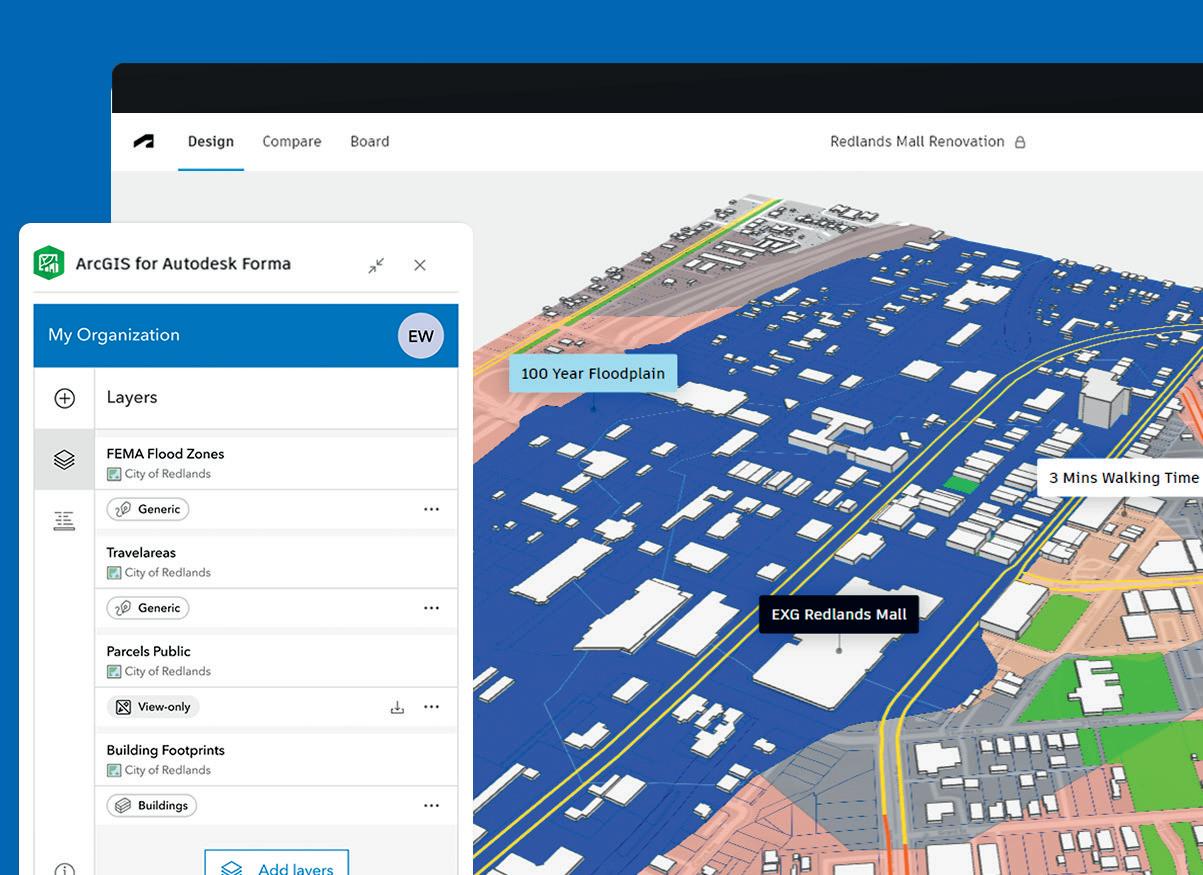

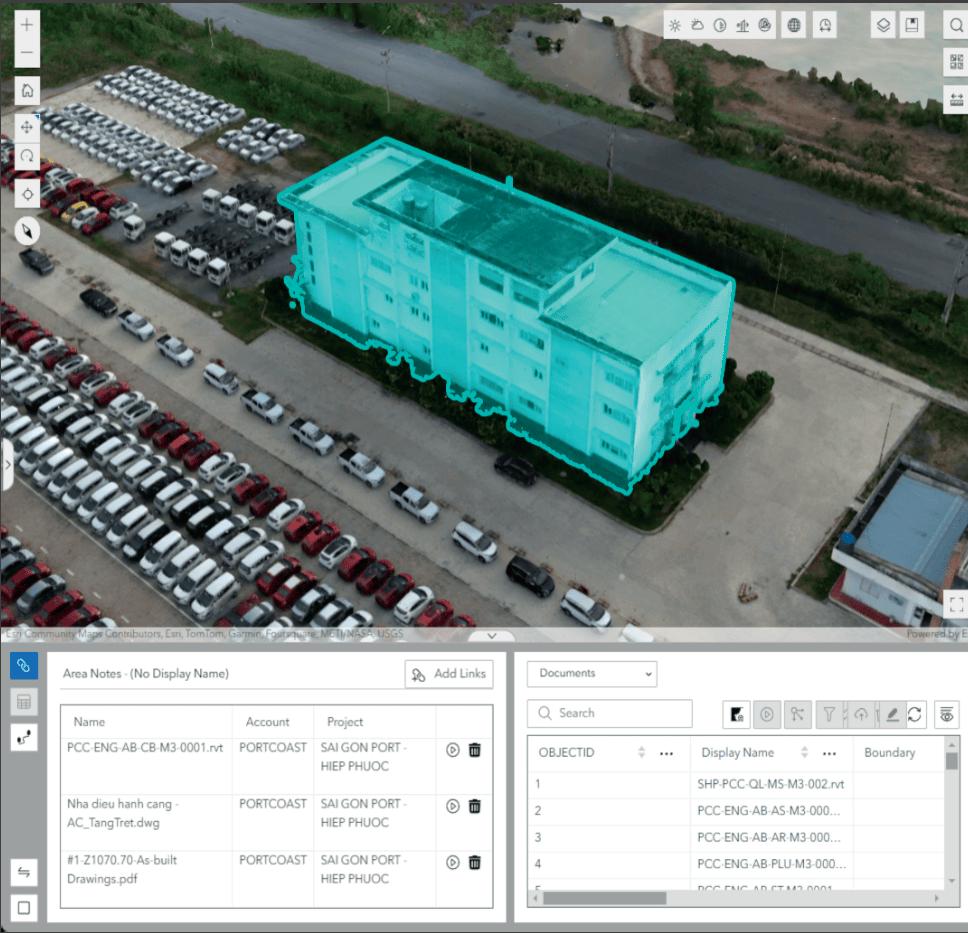
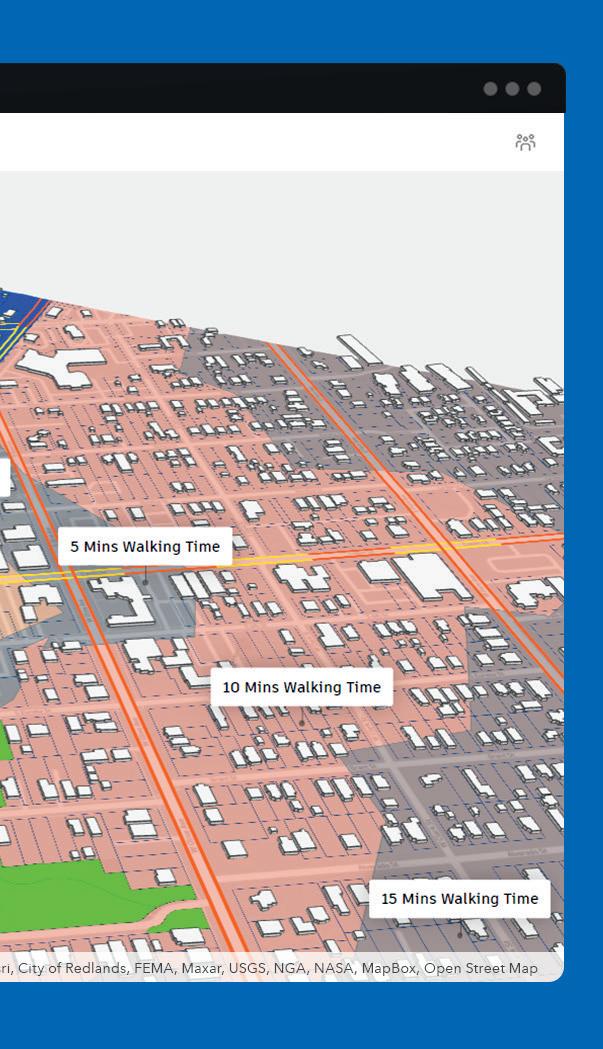
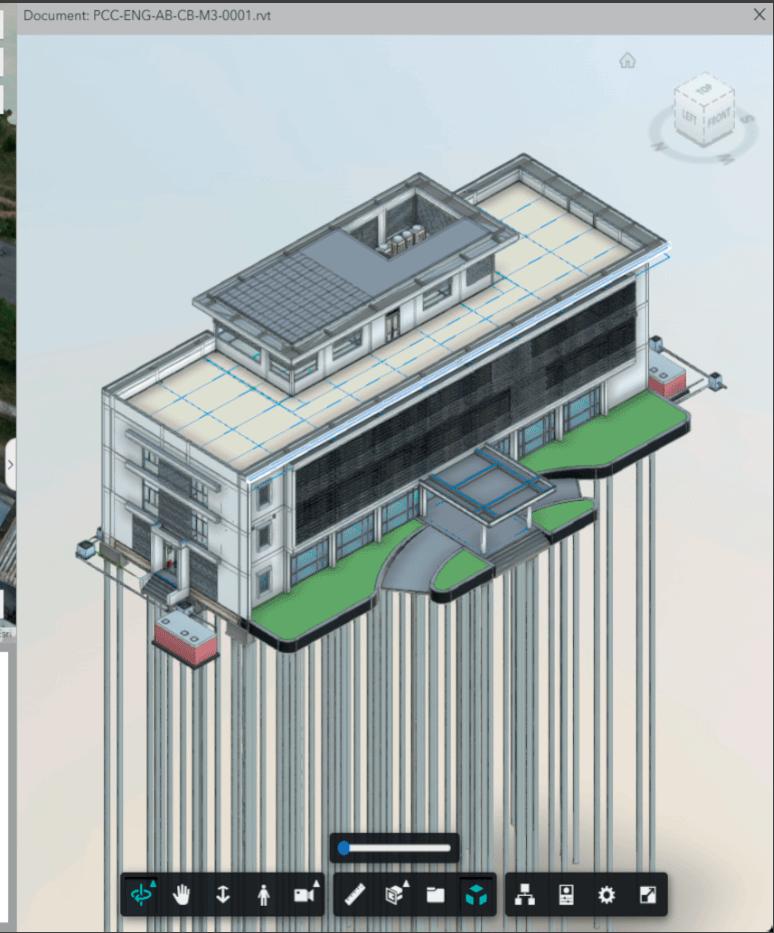
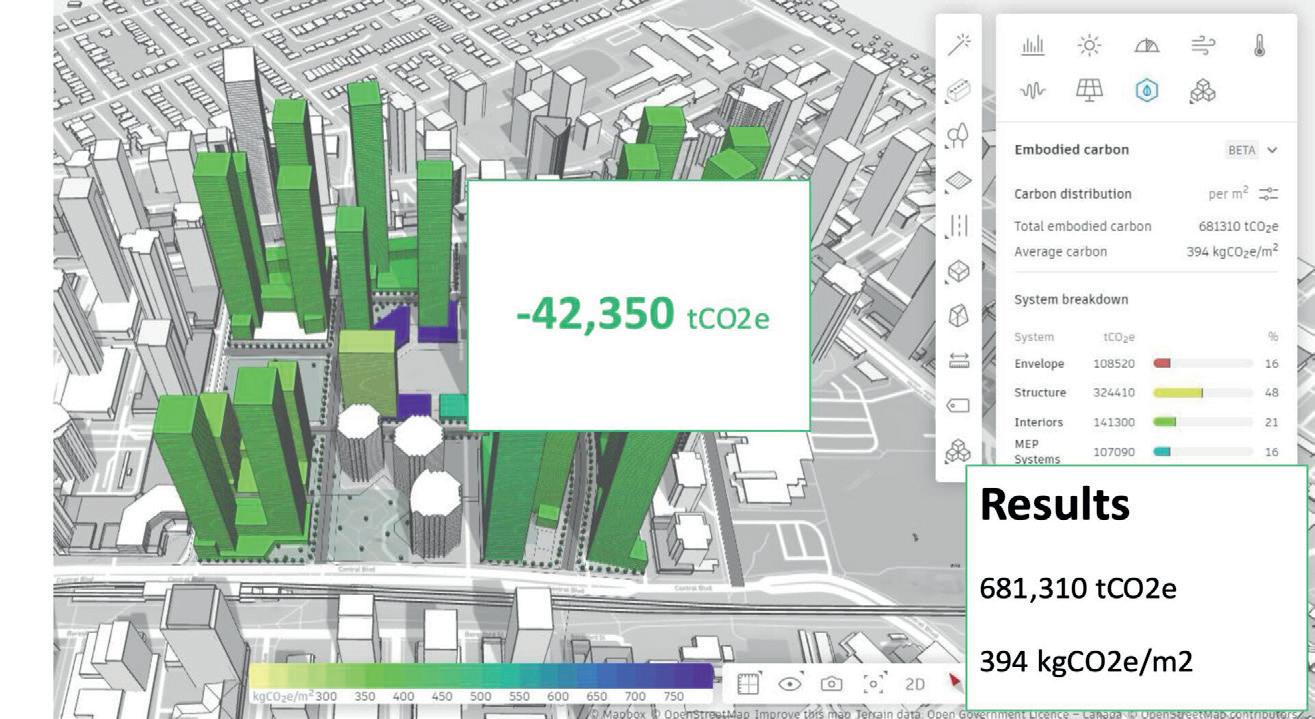
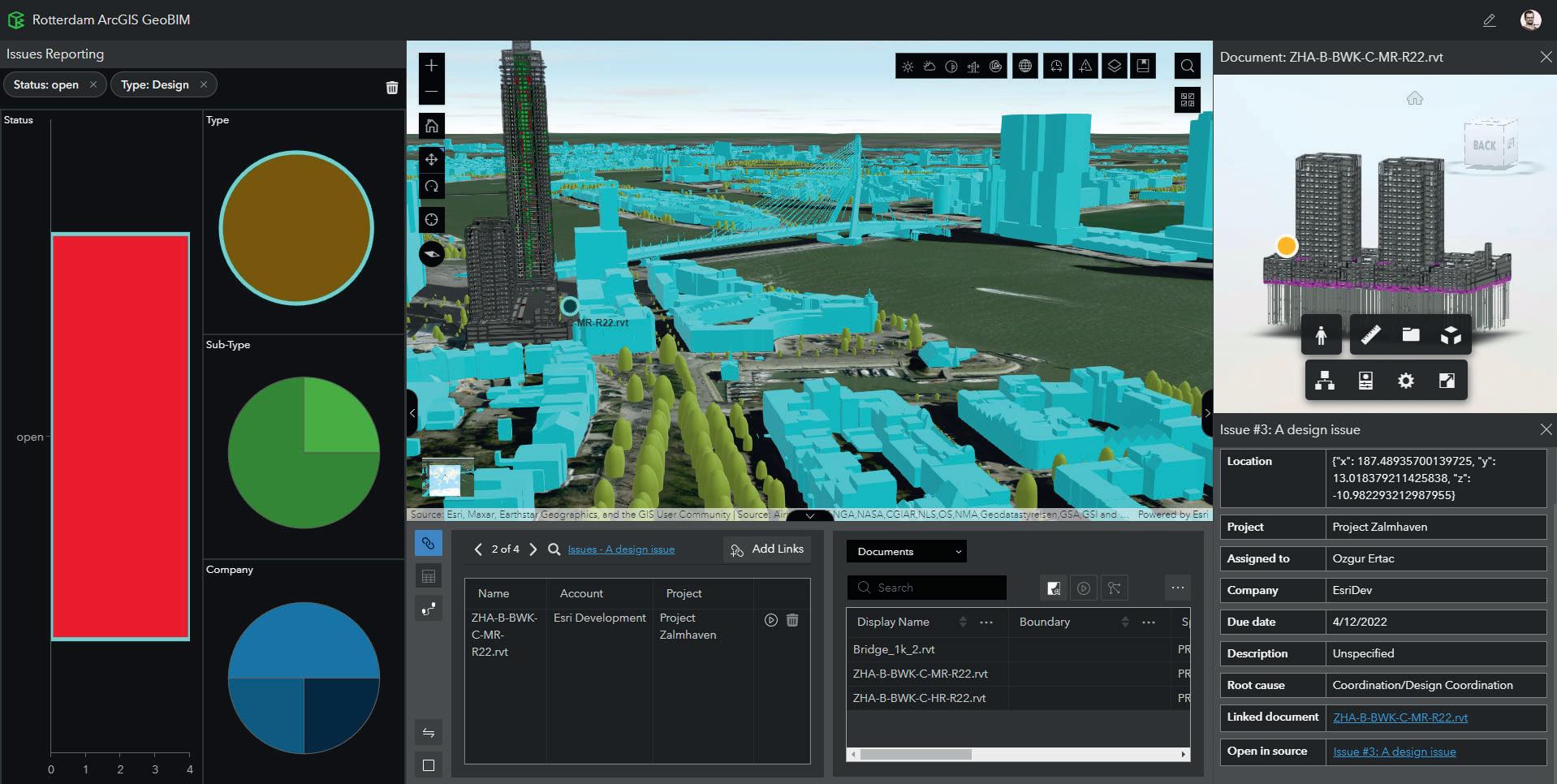
data. Users can now perform advanced analysis without specialist training.
“Say I need a map of central London, showing the distance between tube stops and grocery stores, overlaid with poverty levels,” Goldman illustrates. “The system generates the map and suggests visualisations, making spatial insights accessible to anyone.”
Urban planning remains a hot topic. That was certainly the case at our recent NXT BLD event, where innovations were showcased by Cityweft, Giraffe, GeoPogo and, of course, Esri (see www.nxtaec.com)
It’s a domain in which Esri has long contributed and continues to do so, with technologies to enable scenario evaluation and parametric city modelling.
As Goldman puts it: “Architects and planners need to evaluate scenarios, like population growth, by bringing in demographic and visual context. Esri’s tools ensure design choices are made in the right place, with the right influences. And with AI, the possibilities for urban planning expand even further.”
In summary, Esri’s partnership with Autodesk continues to transform the relationship between GIS and BIM data, with AI set to drive the next great wave of integration. As both companies continue to expand their cloud portfolios and ecosystems, Esri is embedding spatial intelligence, predictive analytics and automated decision support directly into AEC workflows.
The convergence of ArcGIS, GeoBIM and Forma with AI-driven insights offers the AEC industry a significant opportunity to move beyond static models towards dynamic, learning digital twins. In this way, says Goldman, the Esri and Autodesk partnership will help that industry “create a more sustainable, resilient and contextaware built environment.”
■ www.esri.com
Speckle started as an open-source tool leveraged by computational design teams, and has since been deployed as data infrastructure at hundreds of firms globally. AEC Magazine invited Speckle CEO Dimitrie Stefanescu to explain how the company is working to make the tool easier to deploy and challenged him to give us five examples of how it might benefit reader workflows
Speckle is on a mission to make the models, data and intellectual property that architects and engineers spend all day creating easier to share, query and just plain access.
In the five years we’ve spent in pursuit of our goal of building the AEC industry’s go-to data platform, we’ve learned that making it fast and easy to unlock value from data is just as important as breadth of features. After all, no return on investment is ever realised from a solution until it is actually adopted by real teams working on real projects.
While thousands of users around the world are already using Speckle to transform their workflows, the reality for many working in AEC today remains depressing, because of how difficult it remains for anyone outside of a small group of experts to access a 3D model.
So 2D remains king, because everyone can engage with a PDF. Contrast the simplicity of this with another scenario that will be all-to-familiar to many readers: You’re a project manager who wants to show off the latest design updates to a client. The architect involved sends you a massive Revit file that subsequently crashes your laptop. The structural engineer, meanwhile, sends a Tekla model that only runs on specialised software that you don’t have. And the MEP consultant’s AutoCAD files are so complex that finding relevant information is a challenge akin to plucking a needle from a haystack.




the model on their phone during a site visit. In other words, they’re making critical decisions based on outdated print-outs, even while a real-time, data-rich 3D model sits locked away in proprietary software that only specialists know how to use.
It’s 2025, and we’re still carrying around rolled-up drawings like it’s 1925.
So how can we make 3D models,



typically find that they’re not referring to a particularly advanced automation, but instead to the fact that a task that used to require many hours of work or specialist tools to perform now happens with a single click. For example, that could be sharing a link to a 3D model with a client, who is not only able to open it via the web browser on their smartphone, but also start leaving comments immediately.
‘‘ The magic doesn’t lie in the technology itself. It lies in what becomes possible when barriers disappear and information flows freely ’’
So what do you do? What’s most likely is that you’ll fall back on 2D PDFs and static images that convey only a very small subsection of the valuable information that you and your colleagues worked so hard and so long to create, while around 90% of it goes to waste.
Meanwhile, your client – who is investing millions in this project – can’t even see
including their geometry and data, as accessible to project stakeholders as 2D files? And how can we unlock the additional data they contain, making them far more useful than 2D and achieving the full potential of BIM that we’ve all been sold on but which has let us down badly over the past twenty years?
Making magic
At the risk of selling our company short, when our users say ‘Speckle is magic’, we
Moving beyond files and expanding access to objectlevel data means that teams are no longer trapped in authoring silos where only a small minority of team members can access vital information.
So what sort of workflows might improved data access actually unlock? To your right, you’ll see five ways we believe it could change the way you work:
From file chaos to data clarity
Are you ready to stop wasting your precious resources building workarounds to connect data across vendor-enforced data silos? The current state of AEC data management is unsustainable. We’re spend-


Getting a model into Speckle has been made intentionally simple. You drag it into the web app, install a connector for your authoring tool, or activate a live integration with your project’s data environment. Once published the model opens directly in the browser with fidelity for decision-making. You can jump into 2D views, isolate specific element types, measure distances, or check elevations. No
more waiting on your modelling team to generate bespoke views.
Because the model lives on the web, it is instantly shareable via a link. Teammates, clients or consultants can explore that model on any device without specialist software or gatekeepers. Feedback no longer comes in the form of vague markups on static PDFs, but contextual comments tied to exact objects within the model. A client who feels the reception desk is too imposing, for example, can click on it directly. An MEP consultant who spots a clash can flag the affected elements with precision.
The impact is immediate. Sarah, a design director at a mid-sized firm, used to juggle attachments on the way to client meetings. Now, she sends a Speckle link to her clients, enabling them to navigate layouts on their tablets long before the meeting begins. The
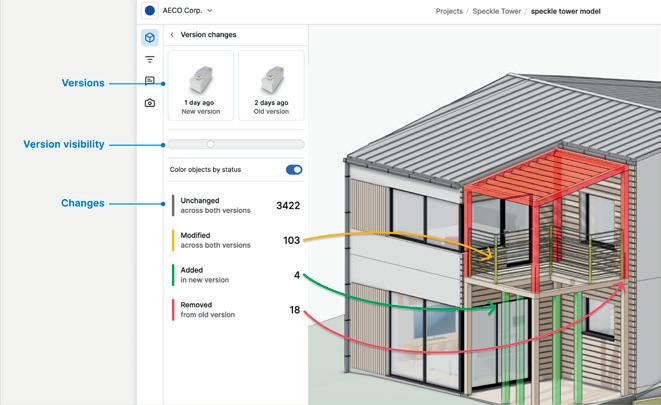
So, your teammate finished the structural design over the weekend? See what elements they added, modified or removed through our seamless version comparison. No more playing ‘spot the difference’ with overlaid drawings or trying to remember what was
different about last week’s model. If the client requests a new layout on the first floor, ensure they can easily see the changes you’ve made. Visual diffs highlight modifications with colour coding: new elements in green; deleted elements in red; modified elements in blue. But it goes beyond just visual changes. You can also see property modifications, quantity variations, and even changes to non-geometric data.
Take the case of David, a design principal whose client was nervous about a design revision that affected the entire ground floor of a building. Instead of presenting his proposals as a completely new design, David showed the client precisely what changed from the version they had already approved.
conversation then shifts from defensive clarification to collaborative decision-making.
The same workflow is transforming contractor-side reviews. At one global contractor, VDC leads share Speckle links with estimating teams so that they can explore live quantities directly. Instead of waiting for scheduled coordination calls or static take-off exports, estimators now see updates in the browser as soon as the design evolves. What once demanded weekly meetings is now handled asynchronously in context.
What feels magical in these moments is not complexity, but relief. Like water in the desert, the ability to simply share and engage with a model should have become the norm long ago. This is the BIM 2.0 principle of access and engagement: open models in the browser, universally available, and connected to continuous, contextual feedback.
They could see that the core circulation remained the same and that they’d actually gained some square footage in the new design. Speckle transformed a potentially difficult conversation into an easy approval. This granular change tracking also enables more sophisticated coordination workflows. When a structural engineer moves a beam, the MEP engineer gets notified about specific elements that might be affected. When an architect adjusts room layouts, the interior designer sees exactly which spaces need attention. Information flows where it needs to go, whenever it’s needed. For many firms, this marks a shift from guesswork and manual spot-checking to transparent change management.
Building a dashboard to inform project decisions in real time
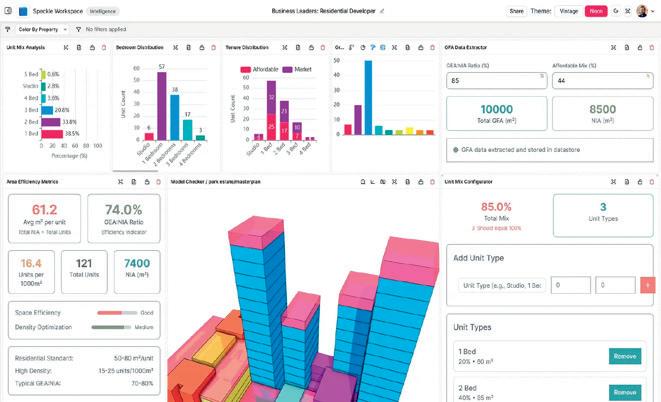
Want to compare the carbon footprint impact of a new layout? With Speckle, you can create a carbon comparison dashboard allowing you to see the environmental impact of design
decisions as they happen, not weeks later when the sustainability report finally gets updated. The possibilities extend far beyond carbon calculations. Users might use a dashboard to track cost implications of design changes, compliance with accessibility requirements, or progress towards a project’s information requirements. The key is real-time feedback that informs decisions while they can still be easily influenced.
Our customers are leveraging dashboards powered by the data in Speckle to surface embodied carbon calculations, updating live as the design develops. When the architect is choosing between different facade systems, they
can see the carbon impact immediately, not wait for a weekly report. This means being able to optimise for sustainability throughout the process, instead of just checking a box at the end. And these dashboards aren’t just for technical consultants. Project managers can track budget implications as a design changes; facility managers can preview operational requirements; and clients can monitor adherence to their programme requirements. When everyone can see relevant metrics updating in real time, decisions become faster and better informed. Metrics can finally drive decisions, rather than being surfaced intermittently in lagging reports.
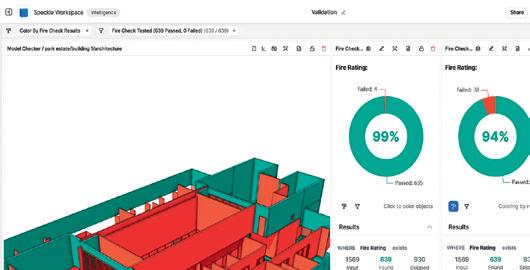
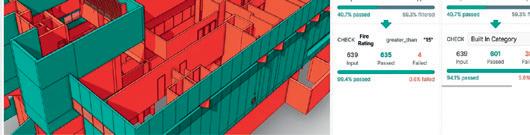

Design progress is all well and good, but what’s the quality of the information going into the model? Do doors include proper fire ratings? Do assets meet the client’s standards and specifications for the project? Does the model contain the level of development
required for the next project phase?
Let Speckle’s data validation automation confirm not just design completion, but also data accuracy and completeness. Set up rules that check for missing properties, validate values against project requirements and flag inconsistencies before they become costly problems. This is a shift to machine-checkable information quality from manual, human-led checking that’s spotty at best and scheduled (plus extremely painful) at worst.
VDC teams at large contractors create validation rules that check every model they receive against a project’s construction requirements. So instead of discovering incomplete information when they’re onsite
trying to build, they now catch it during design coordination. The result? Field crews get models they can actually use for construction and project schedules don’t get derailed by information gaps.
With Speckle, validation goes beyond just checking boxes. It enables progressive enhancement of model data throughout the project lifecycle. Early design phases might require basic geometric accuracy, while construction documentation demands complete specifications, and facility handover needs operational parameters. Automated validation powered by Speckle’s data infrastructure ensures each project phase receives the information quality it needs.


For many owners, BIM handover still means files that disappear into archives, only to become obsolete when a retrofit rolls around. Yet some public clients with global asset holdings; from offices to embassies; are taking a different view. With planning
horizons of three, ten, even fifteen years, they need data that will remain usable when new projects begin, not static IFCs that lock information away.
In these approaches, native models from designers are brought into Speckle’s open database and maintained as a living source of truth. Reality capture datasets sit alongside them, giving a continuous picture of what exists today against what was originally designed. That makes the data immediately usable for asset takeoff; dependable for portfolio intelligence across thousands of buildings; and strategic for briefing future projects, whether for reuse, revenue generation, or disposal. Plus, Speckle’s granular support for data
regionality means that these portfolios can even be hosted in discrete national data centres, so government entities can be confident that their information remains sovereign; an option other platforms cannot provide.
The outcome is not a static archive but an institutional memory that compounds in value. Assets remain editable and dependable; portfolios become searchable, analysable, and strategically actionable. This is the BIM 2.0 principle of durability and continuity: deliverables that do not expire but grow in intelligence over time. And in certain places where clocks, trains, and public buildings are all expected to last generations, this approach feels almost inevitable.
ing more time managing files than creating value, and more energy fighting software than solving design problems. The future belongs to organisations that treat data as a strategic asset rather than a necessary evil. Teams that can seamlessly share information across disciplines are better positioned to make informed decisions based on real-time data and to deliver value to clients through better access to project information.
Join AEC’s data leaders and adopt an open data layer to get your data ecosystem AI-ready and finally put your data to work. In a world where every other industry has figured out how to make complex information accessible to non-
experts, AEC is still behind the curve.
The magic doesn’t lie in the technology itself. It lies in what becomes possible when barriers disappear and information flows freely. When your client can understand your design as deeply as you do, when your contractors can access the information they need without playing telephone, when your building owners can leverage their BIM investment throughout the facility lifecycle – that’s when we finally deliver on the promise of digital transformation. The future of AEC isn’t about better software. It’s about better access to the intelligence we’re already creating.
■ www.speckle.systems
NXT BLD 2025: Watch Speckle’s Dimitrie Stefanescu explore how Speckle reimagines interoperability as a humancentred conversation www.nxtaec.com


You’ve got ideas. Big ones. The latest release gives you new tools to bring them to life—with fewer manual steps, smarter automation, and streamlined customisation. See it for yourself now.
Try it for free.

Software developers are using AI to generate co-pilots and remove the drudgery of repetitive manual tasks. However, there may well be a time when AI will take a sketch or basic idea and design the entire building. Amazingly, North Carolina-based Higharc appears close to delivering that, writes Martyn Day
Higharc is a cloud-based service for US housebuilders of timber-frame buildings, aimed at a market of users more likely to use AutoCAD and dumb 2D sketches than BIM.
Having a single focus on a specific type of building and process has enabled the development team to highly automate modelling, drawings, QA, costings and many other parts of the design process. While this may not be aimed at the type of buildings you create, it’s well worth looking at what this expert BIM system can do.
Higharc possesses a wealth of industry knowledge and has already secured significant financial backing, having raised $25 million in Series A funding and later $53 million in Series B funding. The leadership team contains veterans from relevant technology fields, including CEO Marc Minor, who came from the 3D printing world.
There are several former employees of Autodesk. CTO Peter Boyer is an ex-Autodesker who was a founding member of Dynamo, and Michael Bergin, VP of Product, was a research lead for Autodesk’s Industry AEC team. Bergin previously worked on Dreamcatcher, Autodesk’s AI/ML design system for manufacturing design, and his motivation stemmed from recognising the broken system of manual architecture design.
This year we are starting to see some of the AI work that Bergin has been working on for Higharc users. In April 2025, Bergin released a video demonstrating a very cool use of AI - a new Generative AI capability specifically designed for on-boarding designs to its cloud-based BIM platform. This AI accelerates the conceptual phase
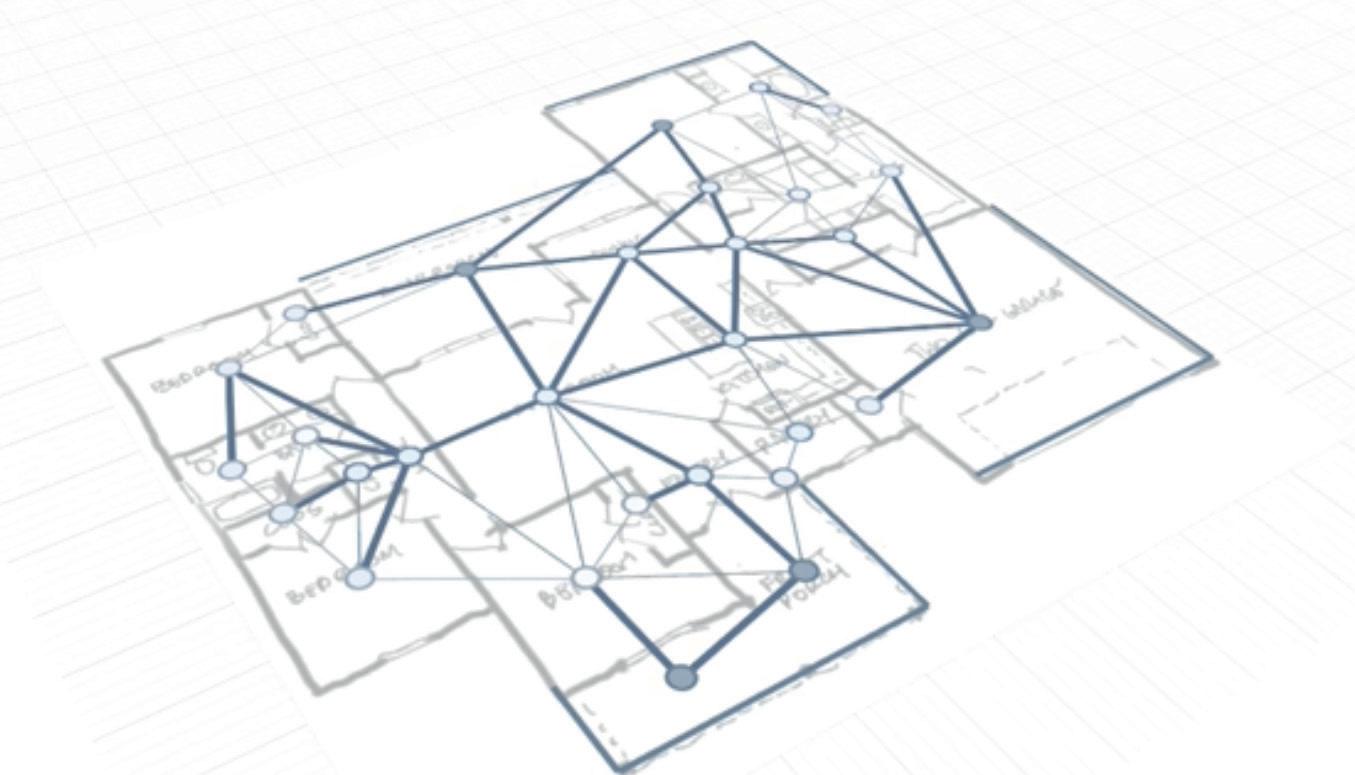
by converting a 2D hand sketch directly into a functional 3D BIM model (AEC Magazine covered it here www.tinyurl. com/Higharc-AECmag).
Available in beta, the software used visual intelligence to analyse architectural features contained in a plan view sketch. As most people in US residential are not BIM experts and have little CAD knowledge, driving a modelling system from hand drawn sketches bypasses the need to learn complex CAD.
‘‘ We are entering a different phase in design tool evolution. We will start talking to and working with AI from concept to document delivery ’’
The process involves importing the sketch, which is then analysed to automatically detect room boundaries and wall types. The AI identifies and tags spaces, even handwritten notes denoting room allocation types (like kitchen or bedroom). The “magic” of the process is that it is not simply form finding; it involves mapping the rooms to specific data types within Higharc’s system of defined spaces. Since Higharc is a datafirst BIM system built from the ground up, the AI transforms the sketch directly
into this organised data model. In a matter of minutes, the software generates the correlated 3D elements identified in the drawing, including walls, doors, windows, and fixtures.
In September 2025 Bergin posted a new video to Linkedin showing his latest beta developments in applying AI to the Higharc modelling process.
Moving on from converting sketches to models, Bergin is aiming to take the process from sketch to completed model, with drawings and AI renderings. And ultimately to be able to talk to the model, to get it to update design features.
Bergin explained what the video showed, “Powered by our building design agent, a one-shot prompt turns a floor plan hand sketch into an enriched Higharc model. As with any Higharc model, once translated we have real-time dimensioned plans, building estimates, sales experiences, marketing materials, and more.
“Most importantly, for the first time, we’re opening the door to a research preview-DreamGraph, our first step toward enabling people who are not Pro Homebuilders to experience Higharc firsthand.”
The video kicks off with an imported
2D drawing and on the side menu, the user enters “Analyse this floor plan image and translate to Studio” (studio home design being the modelling tool of Higharc).
The AI replies “Great! I’ll begin analysing your floor plan image and translating it into a Studio home design. This process involves several steps: creating the underlay, detecting and scaling the floor plan, generating rooms, identifying doors and windows, and finalising the layout. Let’s get started.”
The system can then be seen running though routines on the screen. The AI scales the image which is used as an underlay to extract the room outlines. It then detects the room boundaries and converts them into Studio rooms, matching the original floor plan. Doors, windows, and other entities were identified and placed and the layout was analysed and refined to ensure logical room types and adjacencies.
Blocks and roofs were generated for a complete, buildable home structure. All this in a matter of seconds, and you can even look at the structural timber frame for the roof that was never drawn or designed. It’s all quite gobsmacking.
This then initiates the automated docu-
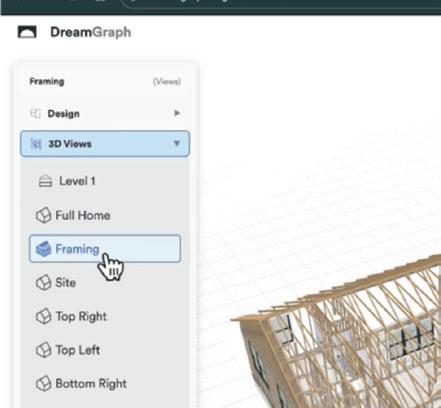
mentation capabilities of Higharc, delivering architectural plans, and 3D views and renders. This is the first demonstration of the automation of sketch to model to drawings.
To create a BIM model and all associated documentation, with costings and Bill of Materials, all you need to be able to do is sketch; it’s really quite amazing.
Bergin then posted a subsequent but short video, demonstrating editing capabilities. With the completed model he typed into the native language interface ‘bring out porch 180 inches deep’ and Higharc paused, identified that the existing porch was 96 inches deep and then extended out that part of the model by 84 inches, while maintaining the original porch width.
Higharc is the perfect example of what a BIM 2.0 system can do. The only drawback is that it’s an expert system dedicated to a very niche market. By designing a BIM system to operate within the constraints of a single building type, the team has been able to drill incredibly deeply into the granularity of the construction type, enabling a wealth of riches in terms
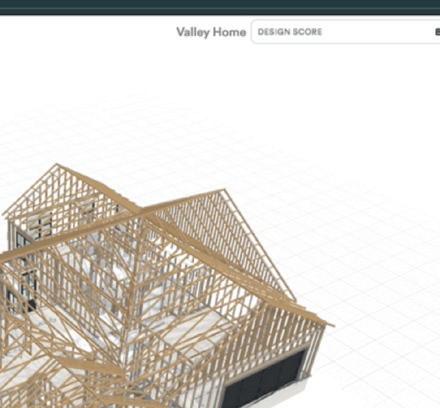
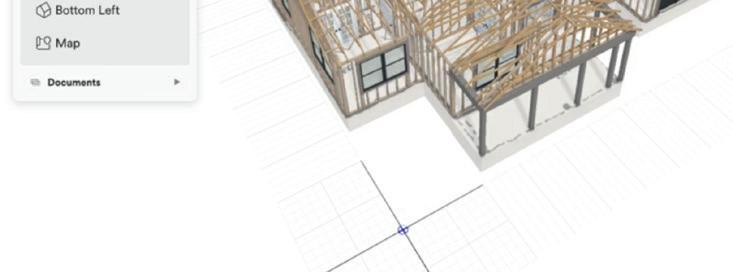
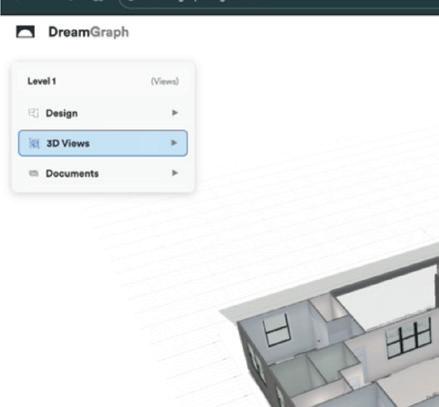
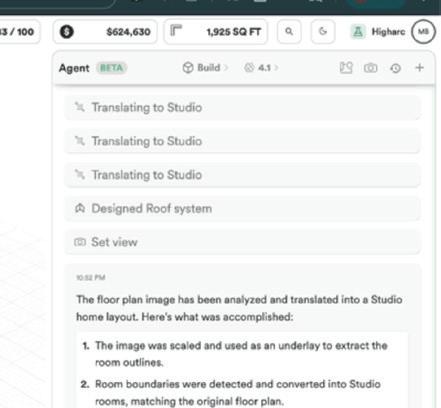
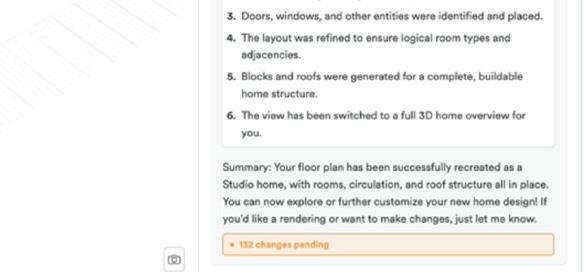
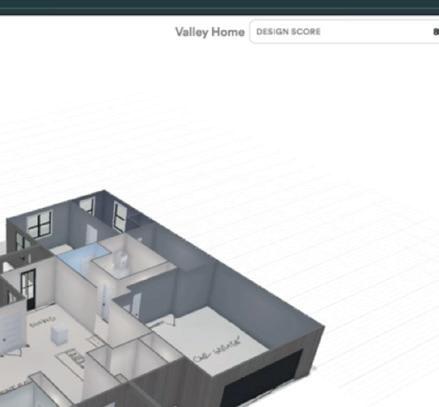
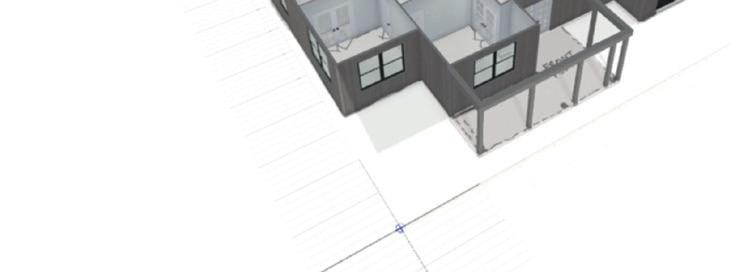
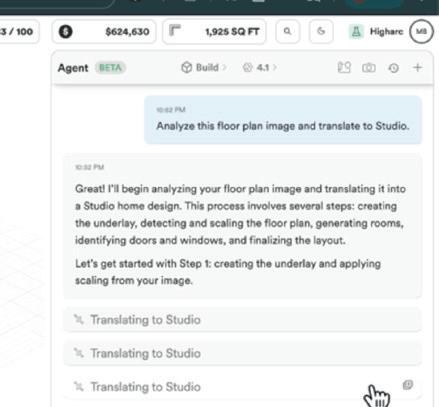

of data out and automation in modelling, drawing, costings etc. Every house is a variation on a theme and a reconfiguration of the granular entities that make up a US timber frame house.
While in the future the team could expand out to cover other building types and construction methodologies, each building would take immense focus and work to repeat Higharc for concrete offices or modular hotels etc.
In musings with Greg Schleusner, principal and director of design technology at HOK, we have discussed if expert BIM systems are the way forward, as opposed to generic systems, which even most of the BIM 2.0 players are creating, following the Revit replacement route.
HOK has many hotel and labs design jobs, so should there be bespoke BIM systems which cater for these building design types, as opposed to having a generic tool and developing your own internal layers to try and create a customised system?
There will always be a problem when the software is created by programmers who have never worked in a design firm and the designers are in the practices knowing all the problems but not writing the software.
The jury is still out on this. But what might change is the impact of AI on coding, applications on demand. Firms may be able to describe a building type with all its nuances and get an automated and programmatic response.
Programs like Hypar (www.hypar.io ) could well sit in this space as they are BIM 2.0 and potentially flexible to define expert systems.
We are entering a different phase in design tool evolution. We will start talking to and working with AI from concept to document delivery. This kind of interface is coming to generic BIM tools as well as these powerful expert systems. But due to their intrinsic knowledge of a design type, it’s easier for AI to deliver deep productivity saving results.
With the AI-powered conceptual technology in Forma demonstrated at Autodesk University (see page 24) , Snaptrude’s AI launch (see page 37) and technology like Skema, which can take massing models and replace low level of detail models with high level of detail, productivity savings are coming - and for relatively common building types the level of automation will get quite frightening, quite quickly.
■ www.higharc.com
At London-based digital transformation and software development consultancy Remap, co-founders Jack Stewart and Ben Porter believe that the key to better buildings may lie in the ability of firms to create better tools for themselves
For those of us who operate in the built environment industry, our ability to catalyse change and to drive innovation is vital to our roles as future makers. As problem solvers, tool developers, technology wizards and tinkerers, it can feel natural to jump straight into solutions.
But what if we don’t quite know for what reason we should be developing a solution? It can be difficult to pluck from thin air innovations and new ways of doing things. Divine inspiration is often not the optimum route to a great idea or product. Instead, new ideas are often best identified through more general exploration of the broader domain that they occupy. At Remap, we’ve run numerous hackathons and foresight workshops with our clients, with the aim of teasing out such ideas. Understanding challenges in our industry, working through what might be creating them and then investigating emerging technologies for a response can result in great solutions
the processes that we undertake to design, as well as the technologies that we use to do it. Sometimes, it would feel as though there was a disconnect between designers and the tools that we use to do our work. In other words, it felt as if we, and our colleagues, were sometimes shackled by the design tools that we were using and at the mercy of those companies that build and sell them.
As we started to become more proficient in software development, we became aware of how good the tech industry is at testing, procuring and building new tools. At the most extreme end of the scale, open source culture in tech sees enthusiasts contributing to the improvement of software and platforms almost as a hobby. And for focused efforts, they typically run the equivalent of design charrettes and critiques, for
‘‘
be a digital tool, a physical tool, a building component, strategy or system. Wikihouse, meanwhile, is the framework – the modular system that this tool will work alongside and facilitate. And Y is the purpose or goal.
One team, with the purpose of ‘reducing waste’, developed a tool to turn plywood offcuts into furniture. Another, targeting ‘structural improvement’, proposed a new beam solution for spans wider than were previously possible. Finally, a team addressing ‘cost certainty’ built a handy API for instant costing of an itemised Wikihouse.
It was a super-successful event, with several ideas finding their way into the future Wikihouse development pipeline.
In 2023, while the seeds of Remap were being sown, we listened to a podcast by the Y Combinator, called ‘How to start a start-up’.
Understanding challenges in our industry, working through what might be creating them and then investigating emerging technologies for a response can result in great solutions ’’
In early 2024, Ben Porter and I (Jack Stewart) cofounded Remap off the back of 10-plus years leading digital design at Hawkins\ Brown. As architects at Hawkins\Brown, we would design through a process of inquisition, participating in design charettes and the deeply ingrained critique culture of the profession.
Here, we tested techniques for rapid design exploration and evaluation. Collaborative design charettes are where a team of designers, community members and other stakeholders work together to develop a vision or design for a project. Critiques, meanwhile, provide feedback on how well design meets both user needs and client objectives. Generally, this approach focuses on the ‘why’ and the ‘what’ of design.
But Ben and I were often curious about
ideas, process and functionality, in the form of hackathons.
As British architect Cedric Price said, ‘If technology is the answer, then what is the question?’ In a hackathon environment, we can discover what problems we need to solve and then rapidly prototype solutions.
Hackathons and heroes
This piqued our interest and, during the 2022 London Festival of Architecture, we hosted a hackathon alongside Here East, Hawkins\Brown, and Wikihouse, bringing together a range of creative minds to explore new ideas for the Wikihouse system. The challenge was simple: ‘Build X, using Wikihouse, for the purpose of Y.’
In this scenario, X is the tool. It might
In the podcast, Wufoo founder Kevin Hale introduced his ‘King for a Day’ initiative, born out of frustration that so many great hackathon ideas never make it to production.
Often during hackathons, users are working hard on ideas about which, in reality, they are only semi-passionate. In King for a Day, one staff member is randomly chosen, and, for one day only, an idea about which they are truly enthusiastic takes centre stage.
We brought this to Hawkins\Brown in 2023, launching our first ‘Hero for a Day’. This was a callout for practice-wide suggestions to improve practice, design or delivery. Over 50 ideas poured in. From these ideas, ‘heroes’ were chosen and a practice-wide Digital Design Network was assembled to tackle the winning challenges.
In this process, we start by understanding the hero’s idea and then break the problem down into simple, testable steps using pseudocode. We focus on practical
solutions, prioritising functionality over appearance, and on what we can realistically accomplish in a single, energised day. Later in 2023, as part of an automationfocused callout, we requested pain points that could benefit from technology to either improve quality of output or make processes more efficient.
One hero suspected that modelling ceiling setting-out tiles could be automated.
During the session, the team developed a Grasshopper script to automatically generate layouts responding to the ceiling perimeter and structural penetrations. This could then be developed as a Revit add-in leveraged by Rhino.Inside.Revit.
The second hero, frustrated with the conversion of design documents from A3 to 16:9, led a team to develop an automated conversion process. During the ses-
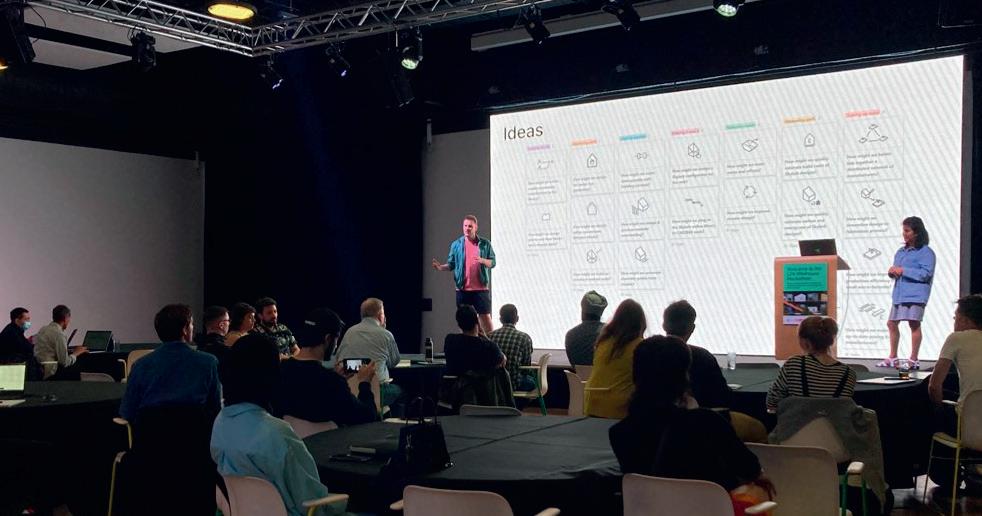

sion, the team documented how this process worked auto-manually, using InDesign buttons, then daisy-chained the functions together using Javascript.
The third hero, in response to ARB and RIBA requirements to document CPD activities, developed an app to list, calendarise and track activities and attendance. This team’s app allowed users to easily download attendance records and access linked recordings and presentations.
We noticed that most pain points submitted were typically associated with automation, often broad in nature and had a practice-wide impact. To spark more project-specific innovation, we launched a design-focused Hero for a Day in 2024.
One highlight was the Arch-revival project, a computationally designed stone pavilion for Clerkenwell Design Week. Project leads teamed up with the Digital Design Network to create a design engine that automated brick arch layouts and enabled rapid exploration of variations in form and pattern.
Using Grasshopper, the team adjusted parameters such as brick size, mortar joints and arch shape, while attractor controls generated unique clustering effects. Integrating Rhino.Inside.Revit streamlined the workflow, enabling design changes to instantly update elevations and schedules, eliminating tedious redraws.
The result? A more complex, visually stunning pavilion that remained practical to build thanks to digital design tools. The final structure was a stand-out pavilion at CDW, and a testament to the power of computational design in real-world fabrication.
These successes have given us great momentum. We have since run a forecasting workshop at BILT and hackathons at architecture firms Donald Insall Associates and Scott Brownrigg, with further events organised for later in 2025. These organisations are enthused about how techniques such as hackathons can help firms tap into the creativity and intelligence of their employees and use technology to build their own solutions to problems.
We are firm believers that to have ultimate design agency we need to be able to create & edit our own tools. That is really important to create great buildings.
Let’s embrace this challenge with the creativity, courage, and conviction it demands. After all, the future is not something that happens to us; it’s something we create. Let’s build it.
■ www.remap.works





Transcend aims to automate one of engineering’s slowest frontend processes – the design of water, wastewater and power infrastructure. Its cloud-based tool generates LOD 200 designs in hours rather than weeks and is already reshaping how some utilities, consultants and OEMs approach projects
The Transcend story begins inside Organica Water, a company based in Budapest, Hungary and specialising in the design and construction of wastewater treatment facilities.
Transcend was a tool built by engineers at Organica to solve the persistent headache of producing preliminary designs for these facilities quickly and at scale. They found traditional manual design processes too limiting, so they put together a digital tool that connected spreadsheets, calculations and process logic in order to automate much of the work associated with early-stage design.
This tool, the Transcend Design Generator (TDG), was a big success at Organica, slashing the time it took engineers to produce proposals and enabling them to explore multiple design scenarios side-by-side.
By 2019, it was clear that while Transcend may have started off as an internal productivity aid, it had matured sufficiently to represent a significant business opportunity in its own right. Transcend was spun off as an independent company, led by Ari Raivetz, who served as Organica CEO between 2011 and 2020.
Today, TDG is positioned as a generative design and automation solution for the infrastructure sector, targeted at companies building critical infrastructure assets such as water and wastewater plants and power stations. It is billed as accelerating the way that such facilities are conceived, embedding sustainability and resilience into designs from their earliest stages.
Among Transcend’s strategic partnerships is one with Autodesk, which sees TDG integrated with mainstream BIM workflows, providing a bridge between
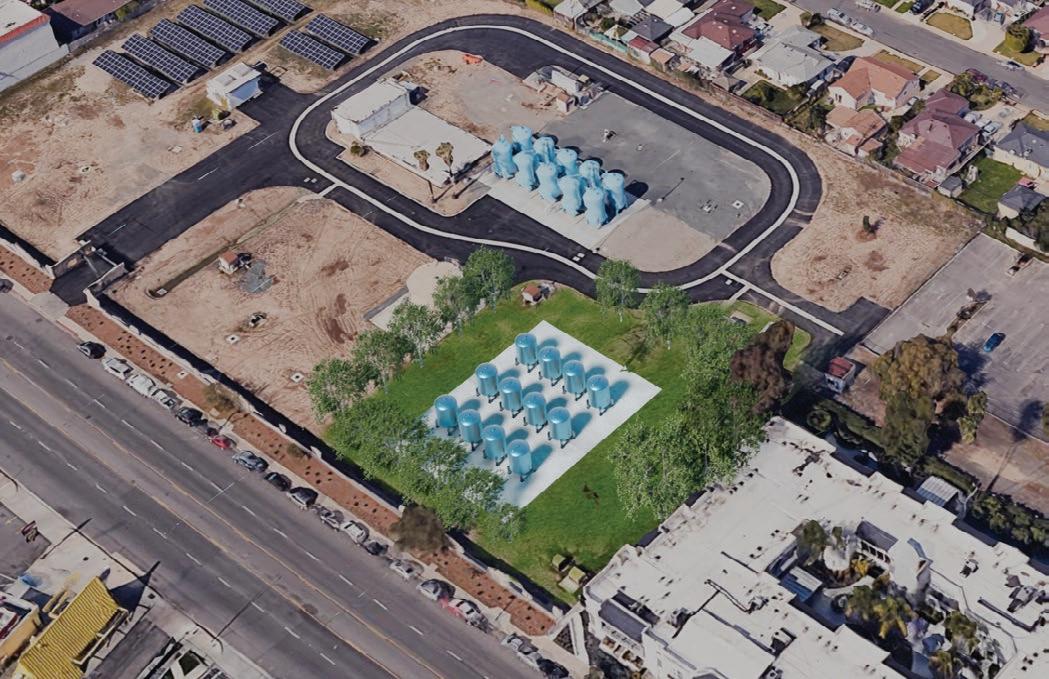
early engineering and detailed designs. Autodesk is also an investor in Transcend, having contributed to its 2023 Series B funding round. To date, Transcend has raised over $35 million and employs some 100 people globally.
A look at Transcend’s tech
A wealth of capability is baked into the TDG software, which goes beyond geometry generation and parametric modelling to also embrace process engineering, civil and electrical logic, simulation and cost modelling.
Engineers enter a minimal set of inputs, such as site characteristics, flow rates and regulatory requirements, and the software generates complete conceptual designs that are validated against engineering rules. Outputs include models, drawings, bills of quantities, schematics, cost estimates and carbon foot-

print calculations. Every decision and iteration is tracked, producing an audit trail that would be difficult to achieve in manual workflows.
The difference compared to traditional design practices is quite stark. With manual conceptual design, weeks of work may yield only one or two viable options, locking in assumptions before alternatives can be properly tested.
Transcend compresses this process into hours, producing multiple design variants that can be compared quickly and objectively. Because the data structures and outputs are already aligned with BIM and downstream processes, the work does not need to be redone at the detailed design stage.
Transcend executives say that using TDG on a project creates a shift from reac-
tive, labour-intensive conceptual engineering to a more proactive approach. The tool, they claim, is capable of delivering part of a typical initial design package, with outputs detailed enough to support option analysis, secure stakeholder approval, underpin bids and provide reliable cost and carbon estimates.
The intent, however, is not to replace detailed design teams. Instead, it is to accelerate and standardise the slowest stage of the workflow, so that engineers can move into the final stage of detailed design with a far clearer, validated baseline.
TDG is very much a BIM 2.0 product for civil/infrastructure design and is, at its heart, generative design software.
It uses rules-based automation and
algorithms to generate early-stage models, drawings and documentation, solving complex engineering problems through auditable, traceable data, rather than relying on less-reliable LLMs.
All TDG’s processing is on the cloud, so it works without the need of a desktop application and can be accessed from any device with a web browser.
We also find it to be impressively transdiscipline, integrating the design processes of mixed teams to produce complete, multi-option design packages that reflect the work and experience of mechanical, civil and electrical design experts.
This end-to-end, multidisciplinary approach certainly appears to be a key differentiator for Transcend in the automation space.
■ www.transcendinfra.com
Adam Tank is co-founder and chief communications officer at Transcend. AEC Magazine met with Tank to focus on the company’s Transcend Design Generator (TDG) tool and hear more about its future product roadmap.
AEC Magazine: To begin, we’re curious to know how you define TDG, or Transcend Design Generator, Adam. Is it a configurator, is it AI, is it both – or is it something else entirely?
Adam Tank: TDG is fundamentally a parametric design software. While people often mistake sophisticated automation for artificial intelligence, our software is built on processes that are really thought-out. It operates as a massive parametric solver, similar to tools used in site development like TestFit, but applied to multidisciplinary engineering for critical infrastructure.
We utilise rules-based automation and algorithms to generate complete, viable design options, based on inputs, constraints and standards. TDG can produce designs quickly, by combining first-principles engineering, parametric design rules and proprietary data sets.
Our primary focus is on solving complex engineering problems through auditable, traceable data, rather than relying solely on large language models that might
hallucinate. Every decision the software makes can be traced back to a literal textbook calculation or a rule of thumb provided by an expert engineer.
AEC Magazine: So what exactly does the output for a project produced by TDG look like and how deep does the generated geometry go?
Adam Tank: TDG supports the entire early-stage design process. The software is built to follow the same sequential workflow as a multi-disciplinary engineering team, beginning with process calculations, then moving on to mechanical, electrical and civil calculations.
Consequently, it is capable of generating a comprehensive set of validated, reusable data sets and outputs. These outputs include PFDs (process flow diagrams), BOQs (bills of quantities), and full P&IDs (piping and instrumentation diagrams), because it captures all the required data, such as the full equipment list, the geometry, the motor horsepower rating and the electrical consumption of the equipment.
These schematics can be produced in either AutoCAD or Revit. TDG also produces 3D BIM files with geometry generated at LOD 200. This includes key components like slabs, walls, doors, windows, concrete quantities and steel structures. LOD 200 is
sufficient for the conceptual design phase, enabling teams to determine the total capital cost of a project within a 10% to 20% margin.
Furthermore, Transcend also generates drawings from the model. Because the model geometry is guaranteed to be accurate through automation, starting from precise specifications rather than attempting to fix poor modelling errors in the drawings, the resulting drawings can be relied upon.
AEC Magazine: So how does TDG effectively combine knowledge and requirements of multiple engineering disciplines into one unified solution?
Adam Tank: The key to TDG is that it functions as an end-to-end, multi-disciplinary, first-principles engineering automation tool. We built the software to follow the exact same sequential thought process that a multidisciplinary team of engineers uses today.
The process begins with the software taking user inputs regarding location, desired consumption, and facility requirements, and combining this with first principles engineering,
parametric design rules, and proprietary data sets. Critically, every decision the software makes can be traced back to a textbook calculation or an engineer’s rule of thumb, providing the auditable, traceable data required in this high-risk industry.
The engine then executes the workflow. It starts with the process set of calculations. Once that data is validated, the software transfers that data to the next stage, flowing through a mechanical engine that handles the calculations and then subsequently translating the data for electrical and civil engineering needs.
Essentially, TDG integrates process, mechanical, civil and electrical design logic into one tool, acting as an engine that ‘chews it all up’, from a multidisciplinary perspective, and produces the unified outputs required by engineers.

This complex system handles local and regional standards, equipment standards and regulatory constraints, guaranteeing that the design options generated are viable and grounded in real engineering standards.
AEC Magazine: The process certainly sounds heavily automated – but where, specifically,
Transcend has a strategic partnership with Autodesk, which sees TDG integrated with mainstream BIM workflows, providing a bridge between early engineering and detailed designs
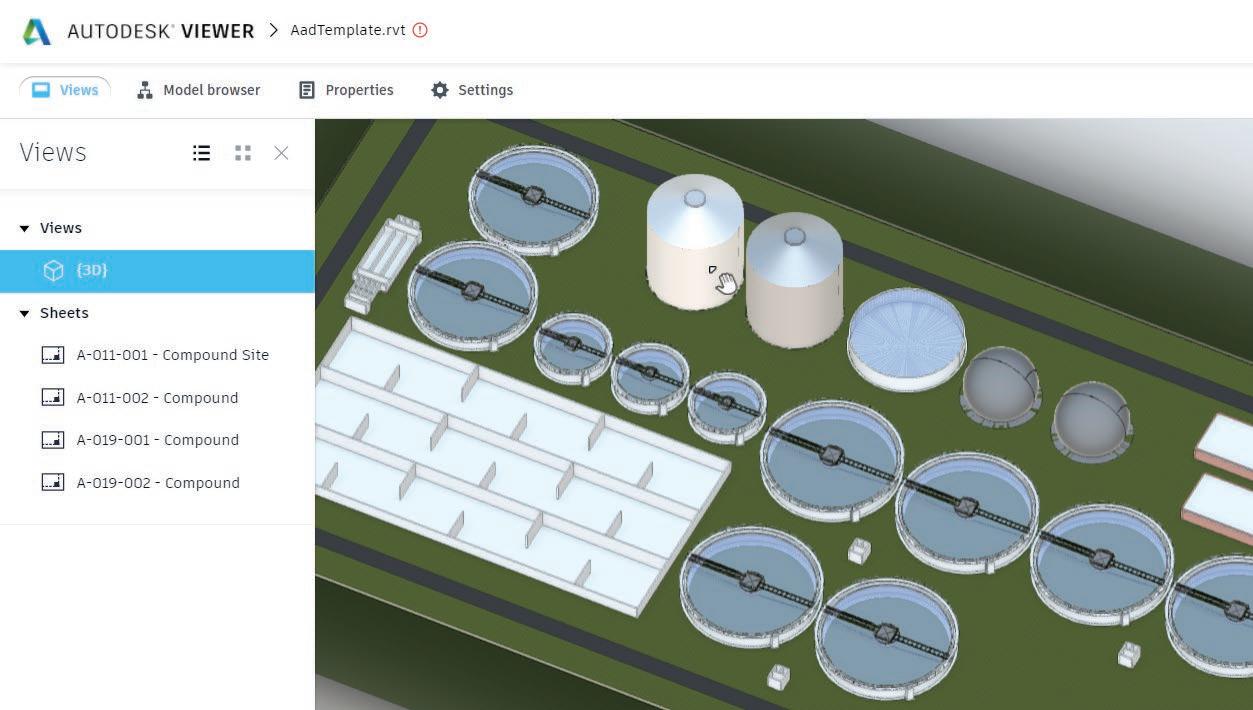
does TDG use AI today and what are the company’s future plans for incorporating more AI into the tool?
Adam Tank : Currently, the only part of our software that uses AI is the site arrangement, where we employ an evolutionary algorithm to optimise site layout. When a user inputs the parcel of land and specifications, the software checks constraints and runs through thousands of combinations to determine the optimal arrangement. This algorithm optimises site footprint, while taking into consideration required ingress/egress points for power and water, traffic flow and other necessary clearances.
For future AI development, we are focused on applications that build user trust and enhance productivity. For example, while TDG already produces a preliminary engineering report as part of its output package, we are looking at leveraging AI for text generation within this report.
There’s also scope for an engineering co-pilot. We’d like to integrate an AI-powered co-pilot that guides the user through the TDG interface and, critically, explains the reasoning behind the software’s design decisions. Engineers are accustomed to manipulating every variable manually, so when the computer generates the solution, they need to understand why certain components are placed the
way they are. This co-pilot could quote bylaws, manufacturer limitations or engineering standards, effectively allowing the user to query the model itself.
AEC Magazine: How does Transcend handle the complexity of standards and multi-disciplinary data flow across separate but collaborating engineering functions?
Adam Tank: Our software must handle local and regional standards, equipment standards and regulatory constraints, so the amount of data collection is immense.
The complex engine we have built follows the standard engineering workflow. It starts with a user inputting project data, like location, water flow, desired treatment, existing site conditions. This data is used by the process engineer calculation models, which run sophisticated simulations to predict kinetics and mathematics.
TDG acts as the multi-disciplinary engine. It feeds data into those process models, takes the output and then translates it into the next required discipline—mechanical, then electrical, then civil.
This means the engineering itself is still being done, but our engine chews up all the multi-disciplinary requirements and produces the unified outputs that engineers require.
‘‘
TDG operates as a massive parametric solver, similar to tools used in site development like TestFit, but applied to multi-disciplinary engineering for critical infrastructure
AEC Magazine: Into which markets does Transcend hope to expand next – and why hasn’t the company so far sought to offer higher levels of detail, such as LOD 300 and LOD 400?
Adam Tank: Our focus has been to remain the only company offering end-to-end, multi-disciplinary, first principles engineering automation for critical infrastructure. We don’t have a direct competitor, because our competition is scattered across specialised automation tools that only handle specific parts of the process, such as MEP automation or architectural configuration. We were purpose-built specifically for water, power and wastewater infrastructure, and we are the only generative design software focused entirely on these complex sectors.
Regarding LODs, we have made a deliberate strategic decision not to pursue higher LOD specifications. In the conceptual design phase, we
generate geometry at LOD 200. The time and complexity required to achieve that depth would divert resources from attracting new clients and expanding into new conceptual design verticals.
If it were entirely up to me, the next big market we would pursue is transportation, covering roads and bridges, which represents a massive market in terms of total design dollars spent, eclipsing water and wastewater by almost double.
We also get asked a lot about data centre design. This expansion is technologically feasible for us. For instance, early in our company history, we developed a similar rapid configuration tool for Black & Veatch to design COVID testing facilities during the pandemic. We see a potential natural fit with companies like Augmenta, which specialises in electrical wiring automation, where we could automate the building structure and they could handle the wiring complexity.
Small leaks from water networks are not only a major headache for utilities providers, but also have the potential to lead to major outages and significant disruption for the communities they serve – but a two-pronged approach to technology deployment can help, according to Peter Delgado of Oldcastle Infrastructure
b y Jessica Twentyman
In late September 2025, thousands of residents in Novi, Michigan and the surrounding area were forced to contend with days of disruption following a severe water main break. Some homes and businesses faced total water outages. Others were issued a ‘boil water advisory’, recommending they boil the water from their taps due to potential contamination that might make it unsafe to drink.
This kind of scenario is all too common and causes real headaches for communities. It’s hugely damaging for utility providers, too. Alongside the significant costs of a major repair job, they are also likely to experience an angry backlash from customers and, in some cases, financial penalties from regulators.
But even more problematic for utilities is the impact of slow but steady leakage of water from their networks. According to estimates from strategy firm McKinsey, some 14% to 18% of total treated potable water in the US is lost through leaks before it even reaches customers. In England, the figure is around 19%, according to a 2024 report by the

UK Environment Agency. In other words, it simply makes sound business sense to catch and fix small leaks before they lead to major problems.
Technology can help, but to tackle leaks effectively, utilities need to take a twopronged approach to its deployment, according to Peter Delgado, director of commercial excellence at OldCastle Infrastructure, which is part of CRH, a global provider of building materials for transportation and critical infrastructure.
Says Delgado: “You need prediction technology, so that you know where leaks are most likely to occur across the many miles of network that you manage. And you need leak detection technology that enables you to pinpoint the location and size of leaks.”
Oldcastle Infrastructure’s CivilSense solution, he claims, is the only solution to enable customers to adopt this bilateral approach and address both sides of the coin. To do so, Oldcastle relies on whitelabelling technology from two other companies and combining these with its CivilSense software platform.
First, CivilSense uses AI-driven predictive analysis from Boston, Massachusetts-based VODA.ai to flag sections of a network that are at higher risk of pipe failure or breakage, based on its analysis of geographic information systems (GIS), climate and infrastructure asset data. These analyses include the ranking of different areas of often vast water networks by risk.
Next comes the deployment by frontline teams of acoustic sensors from Bicester, UK-based FIDO Tech. These sensors detect, locate and size actual leaks in real time and are magnetically attached to valves via manholes in areas of particular concern for a monitoring period typically lasting a day or two, but sometimes up to a week, Delgado says. They are engineered to ‘listen’ for the particular sounds and vibrations produced by a leaking pipe and often at lev-
els far beyond the limits of human hearing and AI-driven analysis of that data can pinpoint a leak to an accuracy of around three metres, says Delgado. That data is also fed back into CivilSense.
Finally, CivilSense is the platform where both types of intelligence - predictive analytics and leak detection - are aggregated and visualised for utility workers, in the form of dashboards and maps accessible from any device, including the smartphones and tablets typically used by workers in the field. In this way, utilities can respond proactively to leaks before they become severe, prioritise repairs, allocate frontline resources to repair jobs and plan preventative maintenance – not to mention avoid the cost, waste and disruption of digging in a location where no leak actually exists.
It’s important to remember that much of this infrastructure is hidden away, deep underground and that’s part of the problem, says Delgado. “The ‘out-ofsight, out-of-mind’ nature of leaks can lead to a reactive mindset, but that’s no solution to the challenges that utilities increasingly face.” Water systems are ageing in the US and many other countries, he points out, with infrastructure such as pipes and valves fast approaching the end of its shelf-life.
Couple that with the impacts of rising demand for water among consumers, extreme weather events and ageing workforces in which many skilled utilities engineers are nearing retirement, he says, and you’ve got a perfect storm that simply demands a more proactive mindset.
“Without more innovative solutions, without new technologies, the current approaches used by utilities providers to deal with leaks will soon prove hopelessly inadequate,” he warns.
Indeed, if you ask the people of Novis, Michigan, they would probably tell you that the utilities industry reached that point some time ago.
■ www.oldcastleinfrastructure.com






1. Choose your GPU
Browse




2. Rapid Provisioning
We’ll

3. Enjoy SCAN Cloud
You’re