How to use the Thalamus Risk Score Register 1. Log on to Thalamus 2. Navigate to Population Profile
Risk Score Register on Thalamus
3. Select your Practice from the dropdown menu
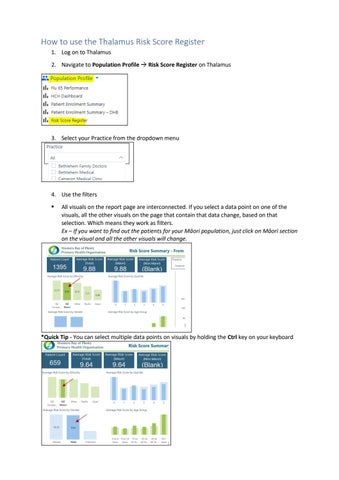
4. Use the filters All visuals on the report page are interconnected. If you select a data point on one of the visuals, all the other visuals on the page that contain that data change, based on that selection. Which means they work as filters. Ex – If you want to find out the patients for your Māori population, just click on Māori section on the visual and all the other visuals will change.
*Quick Tip - You can select multiple data points on visuals by holding the Ctrl key on your keyboard