
How do an Expense Tracking Tool and Management Software Work Together?
How do an Expense Tracking Tool and Management Software Work Together?

Let’s not pretend business tools aren’t a dime a dozen. You’ve probably tried several, only to find yourself buried under more apps than you can keep track of. But when an expense management software syncs well with a client or staffing management system, the results can be gamechanging.
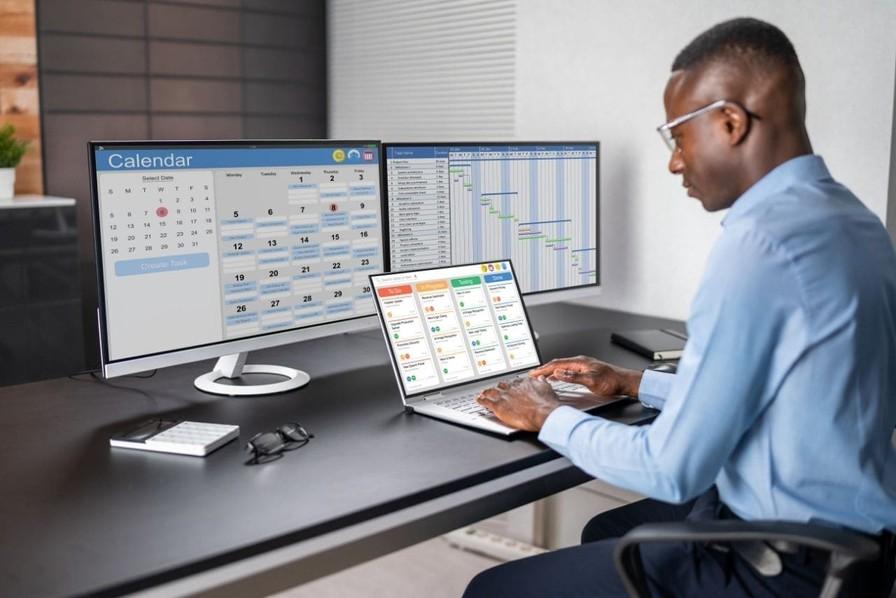
So how exactly do these tools tag-team their way into streamlining your operations? It’s not magic, but it sure feels like it when everything connects. Picture this: your staff logs hours, the system cross-checks those hours with project timelines, and the expense tracking tool assigns every billable hour to a specific client or cost center — all in one go.
Here’s a thought: why do manual tasks still exist in 2025? If your team is still uploading PDFs of receipts into a shared folder, you're not just behind — you're in the digital stone age. Today, expense management software doesn't just automate approvals; it can flag duplicate entries, check compliance, and even give gentle reminders to the team (because let’s face it, someone always forgets). This automation doesn’t just save time; it boosts morale. When your people don’t feel bogged down by busywork, they can focus on what they do best — growing your business.
Businesses often operate like they're driving with the rear-view mirror. You only realize there’s a problem when it’s already cost you money. By pairing a solid expense tracking tool with realtime management software, you move from reactive fixes to proactive decisions. You see trends as they happen — not three weeks later when your books are finally updated.