
• Definition
• Importance
• Differences
• Examples of Effective UI/UX
• Conclusion

• User Interface (UI) refers to the visual elements that users interact with in a digital product. This includes buttons, icons, spacing, typography, colors, and other visual elements.
• Key Components of UI:
+ Visual Design: Focuses on aesthetics and visual appeal.
+ Interactive Design: Concerns the elements users interact with.
+ Information Architecture: Organizes content to help users navigate.
• User Experience (UX) encompasses all aspects of the end-user's interaction with a company, its services, and its products.
• Key Components of UX:
+ Usability: How easy and intuitive the product is to use.
+ Accessibility: Ensuring the product can be used by people of all abilities.
+ Desirability: The emotional response elicited by the design.
+ Utility: The product's functionality meeting user needs.
• Enhances User Satisfaction: Good UI/UX design increases user satisfaction and improves user retention.
• Boosts Accessibility: Ensures that digital products are usable by people with a wide range of abilities and disabilities.
• Increases Conversion Rates: Well-designed interfaces can lead to higher conversion rates and better business performance.
• Reduces Development Costs: Identifying and addressing usability issues early in the design process saves time and money.
• Builds Brand Loyalty: Positive user experiences encourage users to return, fostering loyalty and brand advocacy.

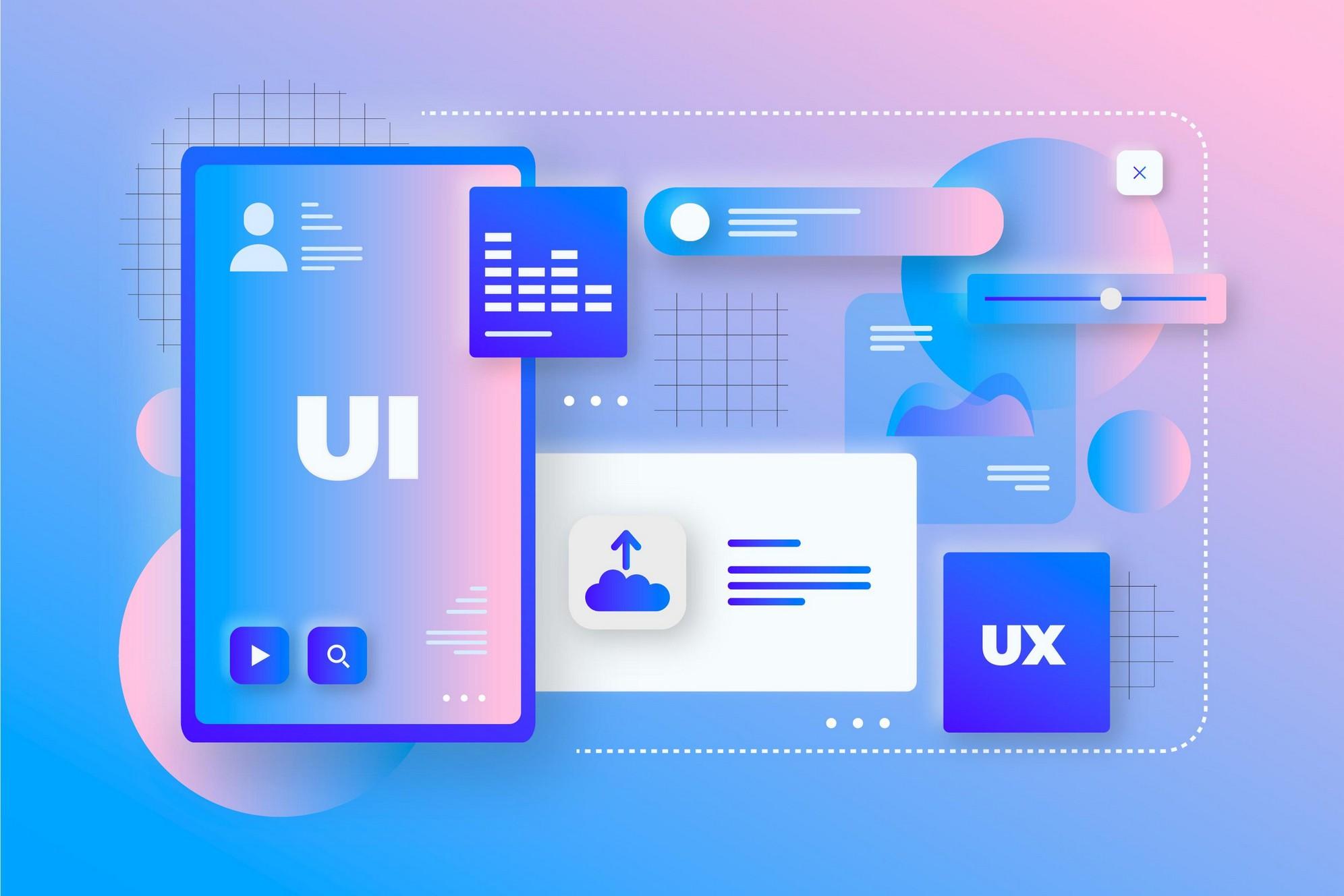
• UI : Focuses on the product’s look and layout.
• UX : Focuses on the user’s journey and overall experience.
• Analogy : UI is the bridge that gets you to the other side (destination), while UX is the feeling you have while crossing the bridge.

• Apple: Known for its intuitive and aesthetically pleasing design, contributing to its loyal user base.
• Google: Focuses on simplicity and speed, providing an efficient user experience.
• Airbnb: User-friendly interface and seamless booking process enhance user experience.



• In the rapidly evolving landscape of technology and user expectations, embracing change is essential for staying competitive and relevant.
• By embracing changes, designers can leverage new opportunities to create more intuitive, engaging, and impactful user experiences.