D598 Analytics Programming Task 3: Analytics Programming Presentation and Code Explanation 20262027 Western Governors University
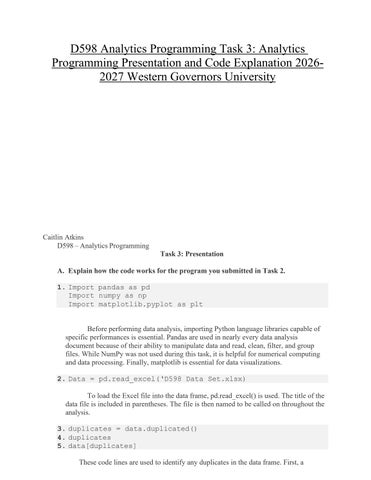
Caitlin Atkins D598 – Analytics Programming Task 3: Presentation A. Explain how the code works for the program you submitted in Task 2. 1. Import pandas as pd Import numpy as np Import matplotlib.pyplot as plt Before performing data analysis, importing Python language libraries capable of specific performances is essential. Pandas are used in nearly every data analysis document because of their ability to manipulate data and read, clean, filter, and group files. While NumPy was not used during this task, it is helpful for numerical computing and data processing. Finally, matplotlib is essential for data visualizations. 2. Data = pd.read_excel(‘D598 Data Set.xlsx) To load the Excel file into the data frame, pd.read_excel() is used. The title of the data file is included in parentheses. The file is then named to be called on throughout the analysis. 3. duplicates = data.duplicated() 4. duplicates 5. data[duplicates] These code lines are used to identify any duplicates in the data frame. First, a