
Step1–InstalltheApp
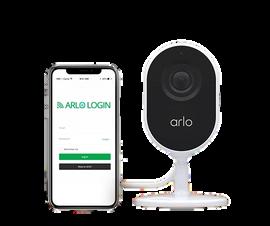
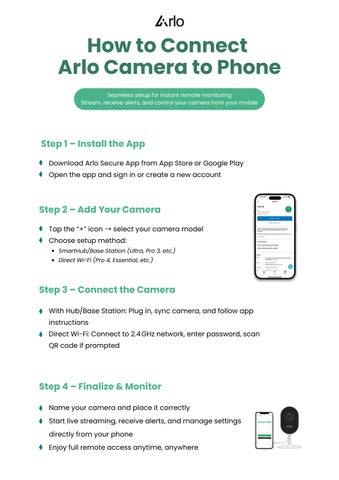
DownloadArloSecureAppfromAppStoreorGooglePlay Opentheappandsigninorcreateanewaccount
Step2–AddYourCamera
Tapthe“+”icon → selectyourcameramodel Choosesetupmethod:
SmartHub/BaseStation(Ultra,Pro3,etc.)
DirectWi-Fi(Pro4,Essential,etc)
Step3–ConnecttheCamera
WithHub/BaseStation:Plugin,synccamera,andfollowapp instructions
DirectWi-Fi:Connectto2.4GHznetwork,enterpassword,scan QRcodeifprompted
Step4–Finalize&Monitor
Nameyourcameraandplaceitcorrectly Startlivestreaming,receivealerts,andmanagesettings directlyfromyourphone Enjoyfullremoteaccessanytime,anywhere