Folio
24 MAY 2023
SOUND . VIDEO . PHOTOSHOP #ISSUE29
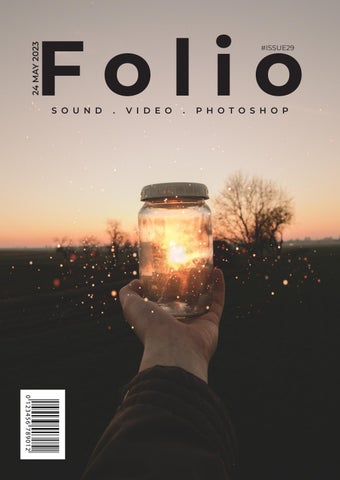
I am pursuing a Bachelor’s degree at Murdoch University, focused on web communication and strategic communication. Throughout my COM109 course, I have acquired several valuable skills. These include the ability to edit sounds using Adobe Audition, such as cutting out undesired sounds and eliminating unwanted background noise. Additionally, I have gained proficiency in Photoshop by remixing disparate images to create a distinctive, new image. Furthermore, I have learned how to film and edit videos using Adobe Premiere Pro and have also designed a magazine using Adobe InDesign. The overall design concept of the magazine is minimalistic to create monochrome look and feel.

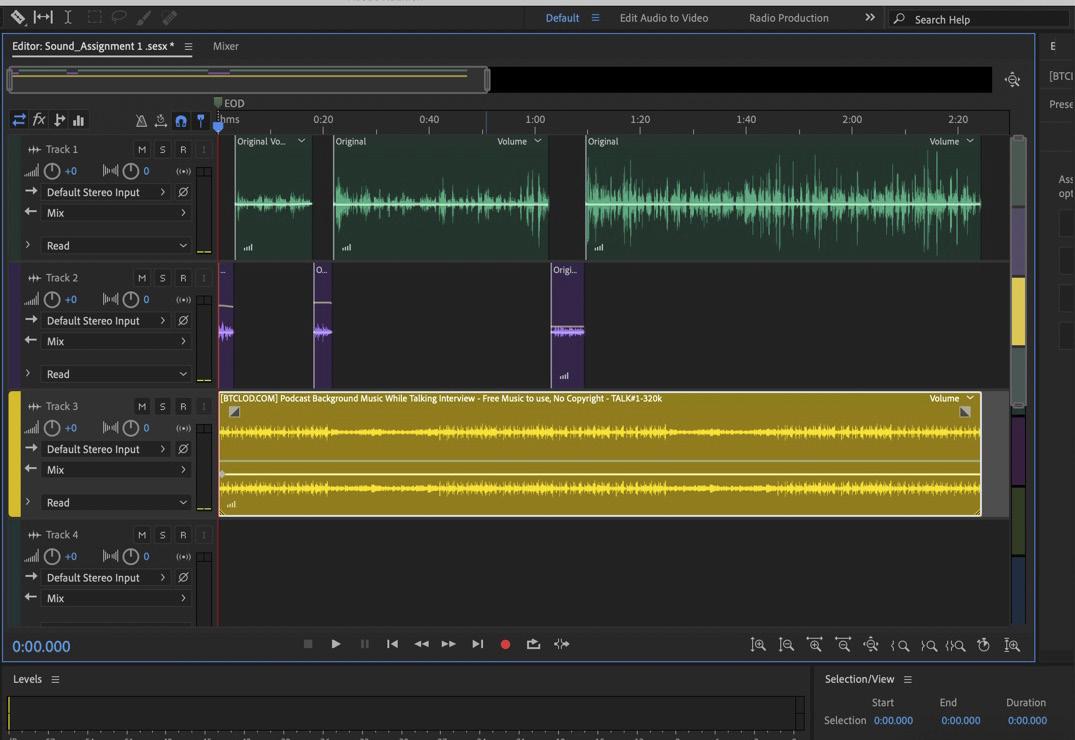
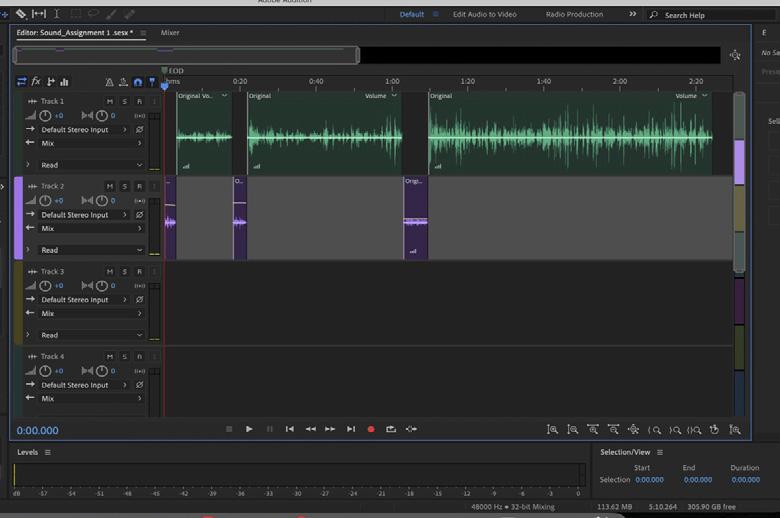
Using Adobe Audition, the sound exercise aims to improve a one-minute interview recording by developing a multitrack clip. This is achieved by incorporating relevant background music that complements the audio. Click on the link below to listen.
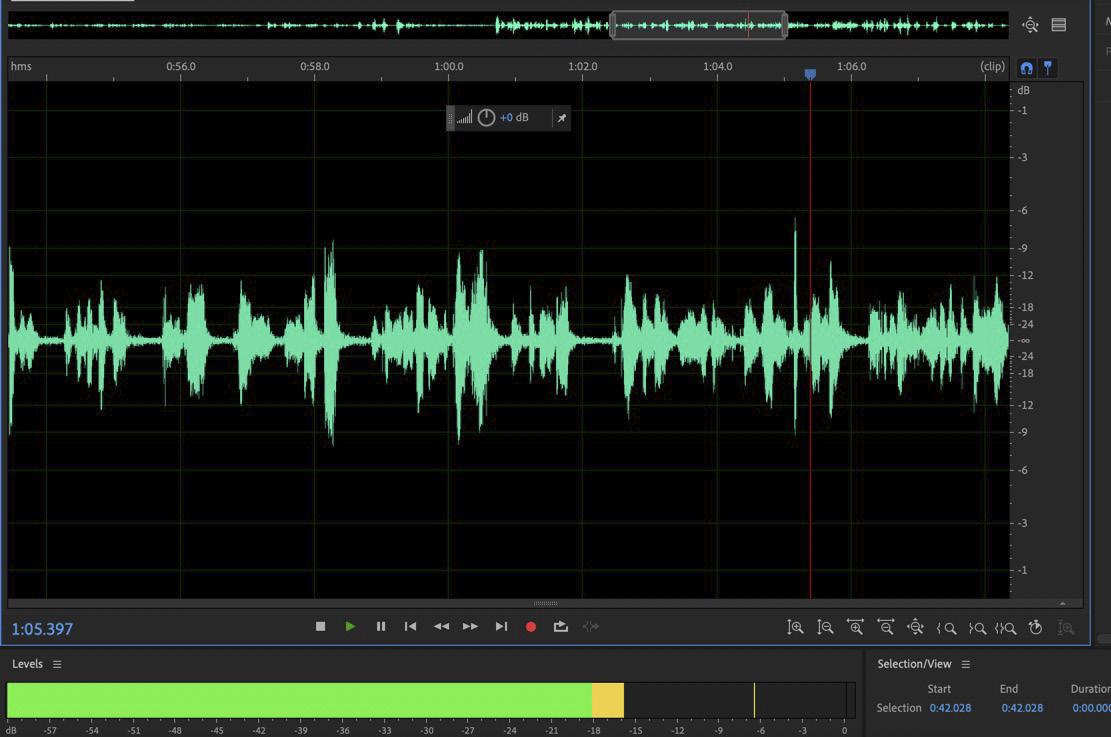
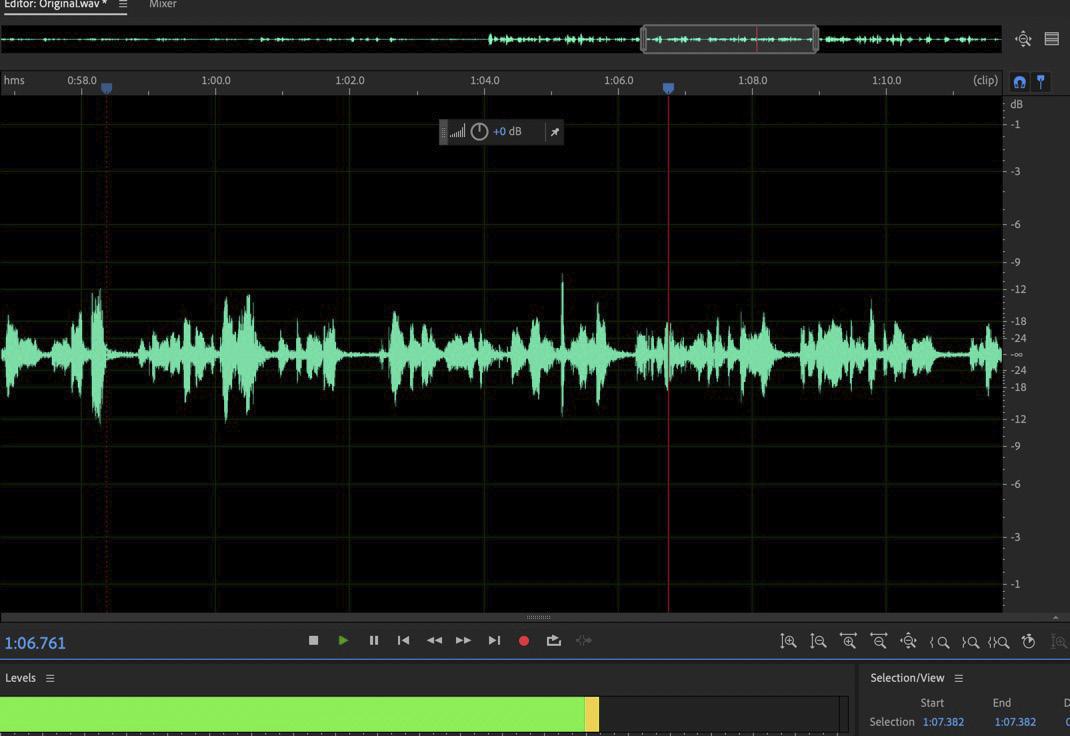
Before increasing the amplitude of the audio. The audio sounded soft.
After adjusting the DB, the audio sounded clearer.

Before adding background music, the interview sounded flat.
After adding background music, the interviewee can easily communicate out on the content, and it creates engagement.
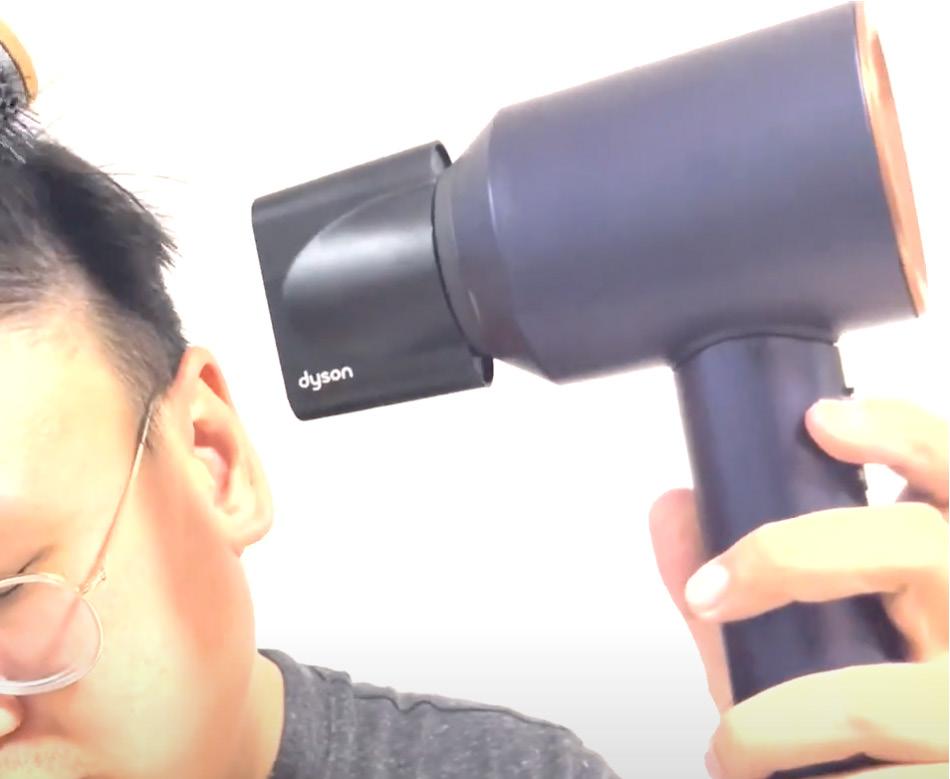

The video was edited using Premiere Pro to implement the five-shot rule because it allows for easy editing and organising of footage. Premiere Pro can create multiple sequences and organise clips to keep everything in order. It is important to pre-plan shots beforehand using a storyboard or shot list during the video process. When ready for editing, import the footage to Premiere Pro and arrange it in respective bins for ease of searching. Proceed by dragging the shots onto the timeline and begin editing the five types of shots to create a rhythm for the video. Each shot should complement the previous one for a cohesive and engaging story.
Using Premiere Pro with the five-shot rule can help create compelling videos that capture viewers’ attention and keep them engaged throughout the storylines. Click on to watch Dyson recreate.

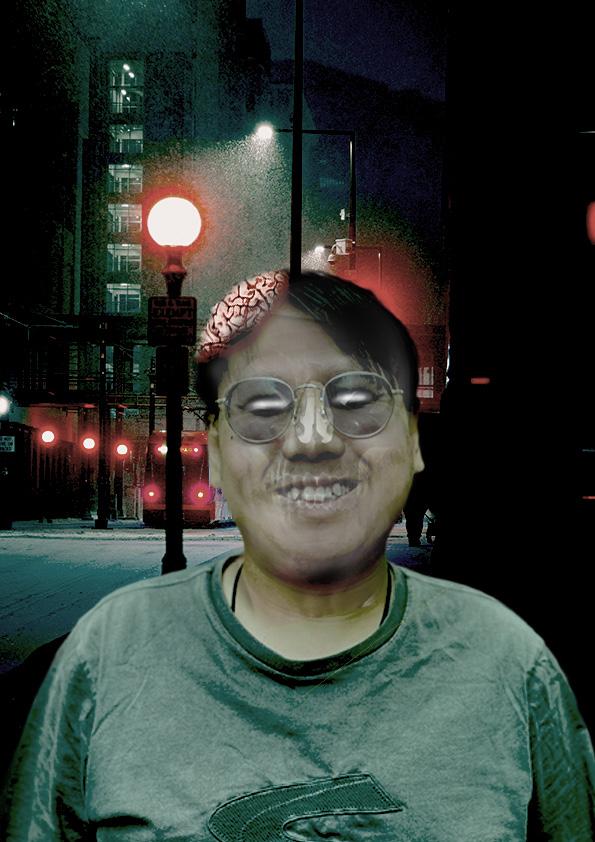
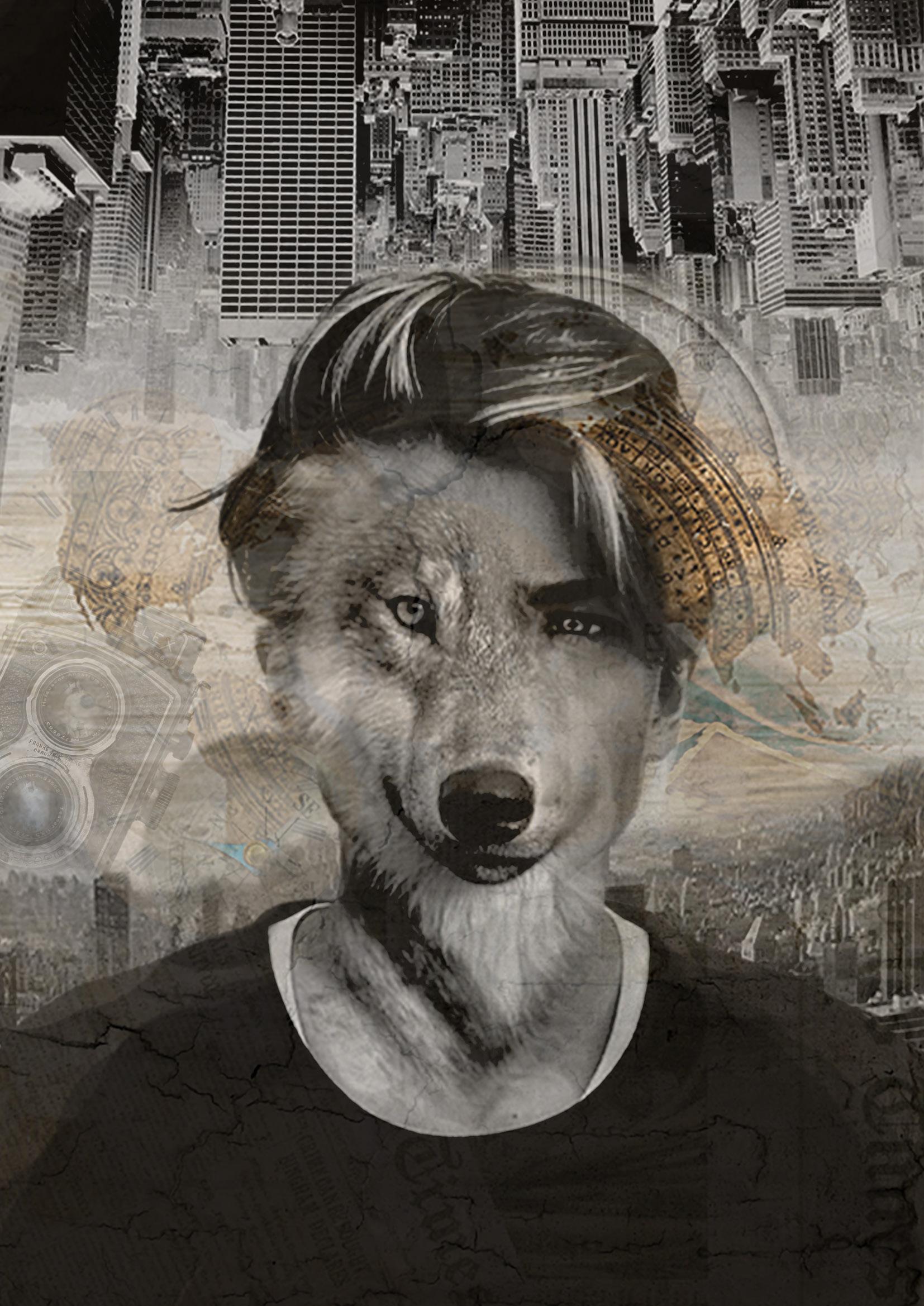
The inspiration and idea for creating the final design came from the movie “Inception”.
The final design has been created by merging ten stock images from royalty-free websites, Pixabay and Unsplash. The ten images include a map, newspaper, man, wolf, compass, camera, old photos, watch inter, pocket watch and buildings.