BIM



COA Registerd Architect
Name: Naveen Sebastian
Location: Kochi,India
Contact: +971565770579
Email: naveenseb1997@gmail.com
I’m a curious architect with a passion for learning and innovation. I draw inspiration from nature to design sustainable and beautiful buildings that meet the needs of
Education
Sharjah Indian School ,UAE Higher Secondery (12th - 2015 )
DC School of Architecture and Design (Bachelor of Architecture (B.Arch) 2015-2020 )
Master Computational Design Course (MCDC)
Work Experience
Junior Architect

“If I have seen further it is by standing on the shoulders of Giants”
-Isaac Newton
Contents
BEAD ARCHITECTS
2024
1
AL BAHAR PALACE
2 BEACH HOUSE
NOVATR (PARAMETRIC MODELING COMPUTATIONAL DESIGN)
2020
3 Spine Project
• Rhino Modeling Work-flow
• Canopy from spine project
• Creating BIM project
• Documentation
4 Extension in Pyrevit
5 Extension in Pyrevit
6 Create revit sheet from excel
7 Recreating 80Hz Pavilion
8 Temple Galaxia
9 Asolute tower logic
10 Evolutionary Solving
PROFESSIONAL PRACTICE

RHINO REVIT AUTOCAD
2024
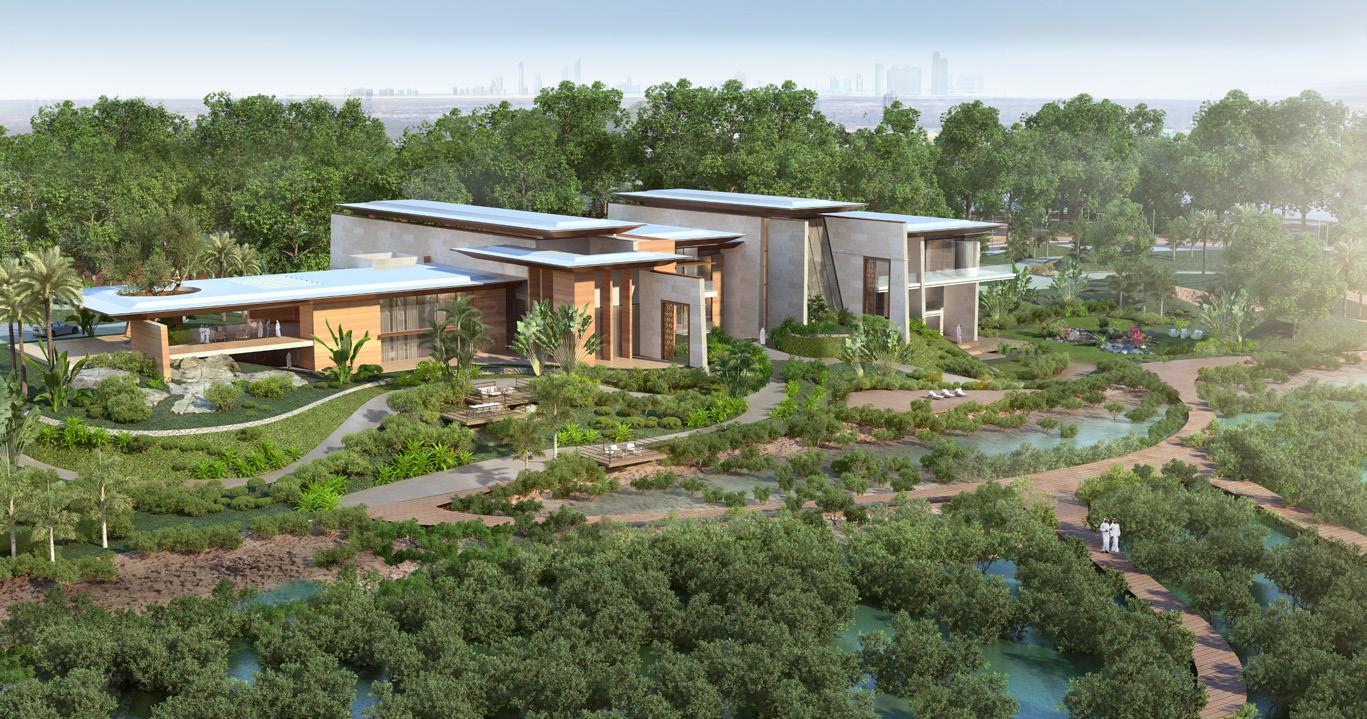
BHAHAR PALACE - PRIVATE RESCIDENCE
Location :ABU DHABI
Builtup Area :9,428 SQM
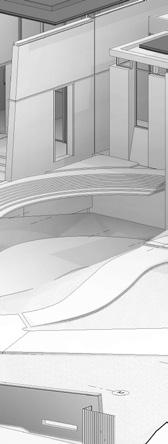
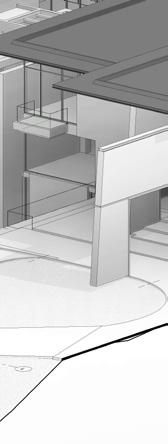
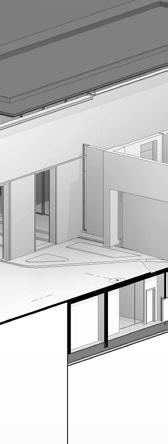
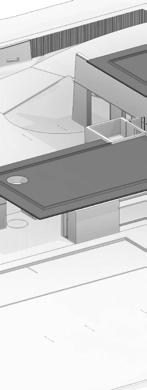
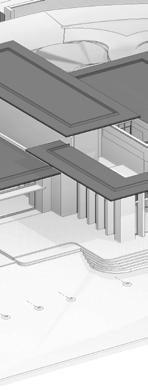
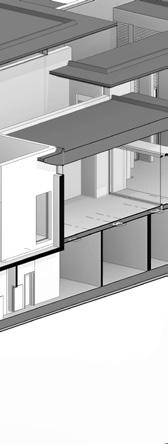
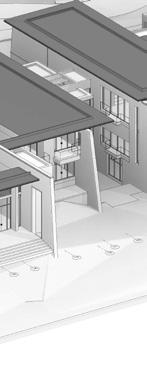
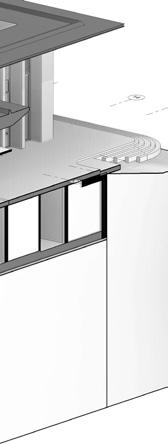
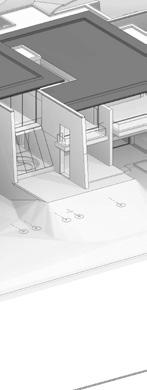
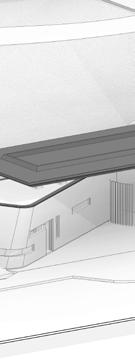
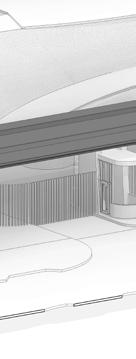
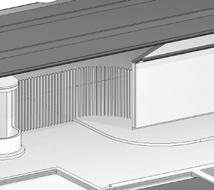
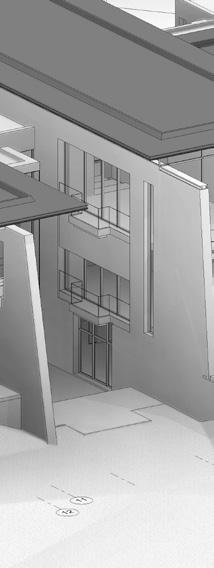
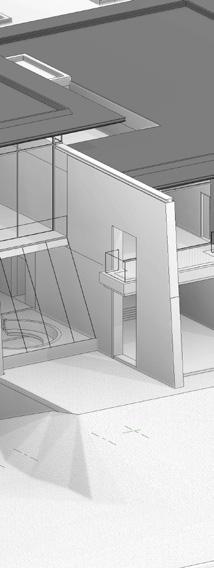
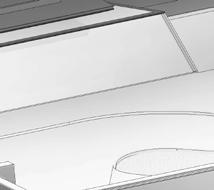
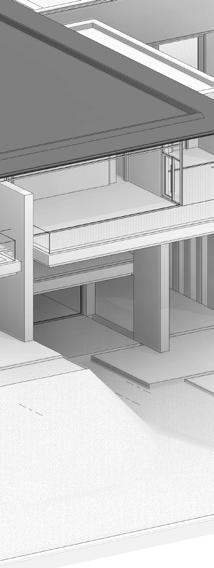
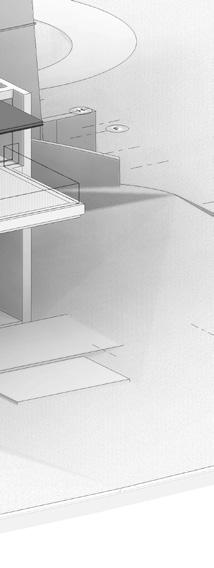
• Nestled on a private island, the Al Bahar Palace emerges as a serene oasis, harmoniously blending the majesty of architectural innovation with the tranquil beauty of nature. This project is envisioned as a mangrove retreat, where the rustling leaves whisper tales of tranquility and the gentle sea breeze carries the promise of relaxation.
Project Role :
Software Used:
• Concept development
• Revit
• Rhino
• Schematic Drawing,Presentation
• AutoCAD
• Speckle for rhino-revit interoperability
01.AL
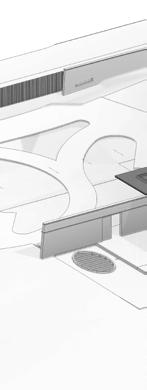
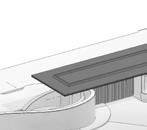
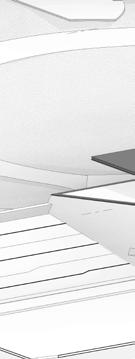
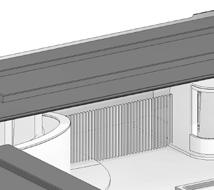
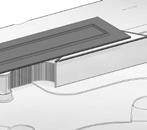
ISOMETRIC VIEWS (Revit)


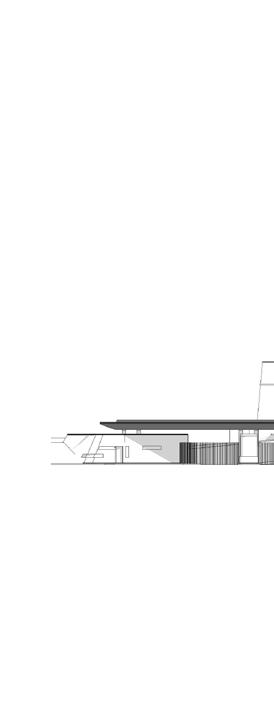

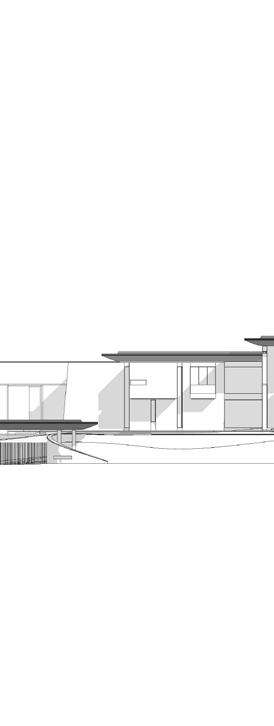
WEST SIDE ELEVATION

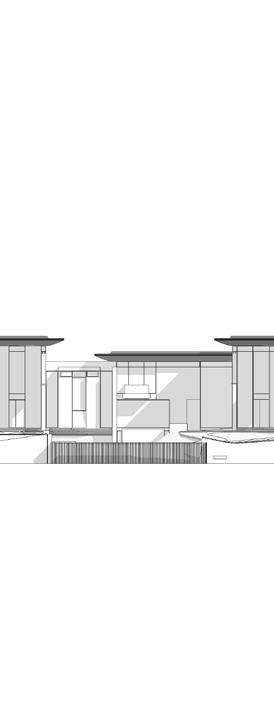

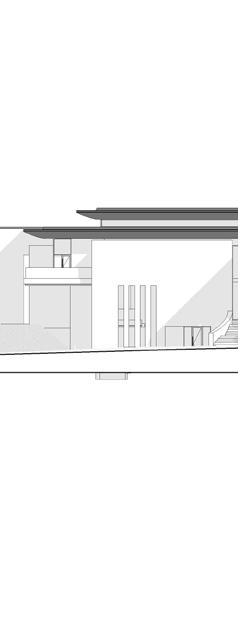



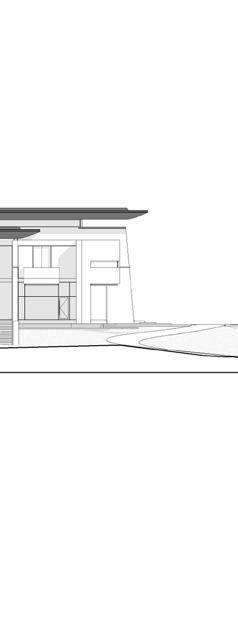


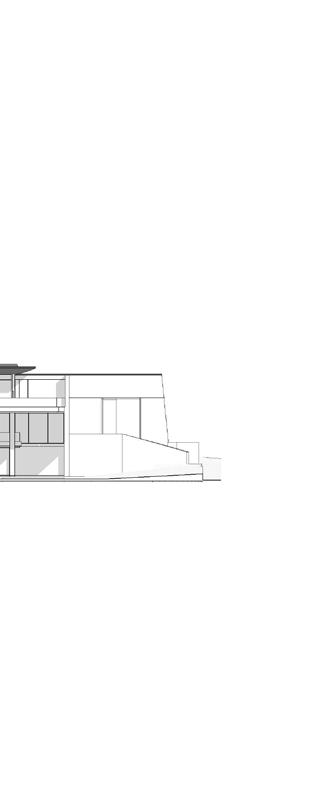


19 Ground Floor 5000 Lower Ground Floor First Floor 9600 1 2 3 4 5 6 7 8 9 10 11 12 13 14 15 16 17 18 19 20 21 Roof Base 1 14000 Roof Base 2 16100 450 4550 4600 4400 2100 SOUTH SIDE ELEVATION NORTH SIDE ELEVATION Ground Floor 5000 Lower Ground Floor 450 First Floor 9600 A B C D E F G H I J K L M Roof Base 1 14000 Roof Base 2 16100
BEACH HOUSE - PRIVATE RESCIDENCE
Location :ABU DHABI
Builtup Area :628 SQM
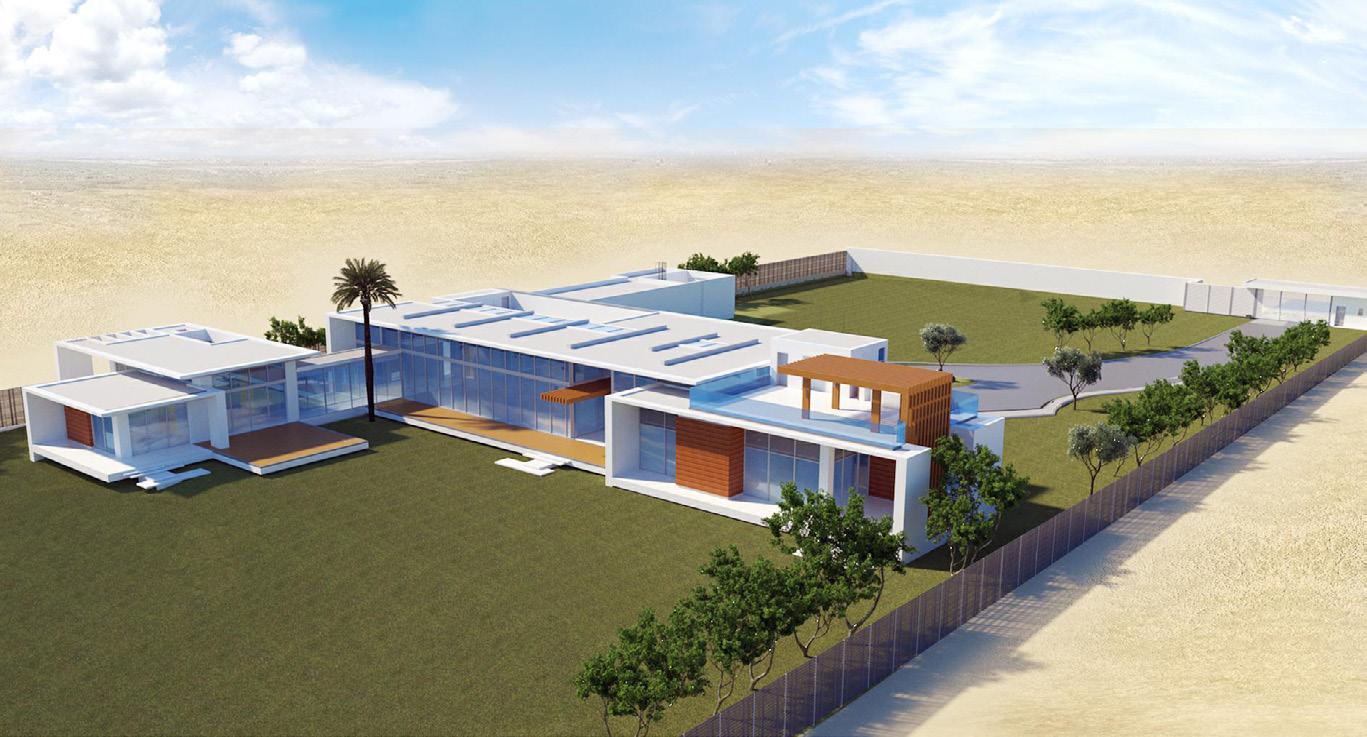
• The Beach House, a harmonious blend of modern architecture and natural splendor, situated in the heart of Abu Dhabi’s coastal line. This architectural marvel is designed to be a sanctuary of peace, offering a breathtaking beach view framed by lush greenery, creating an idyllic backdrop for family activities and garden leisure.
Project Role :
Software Used :
• Concept development
• Revit
• Schematic Drawing,Presentation
• Rhino • AutoCAD
• Speckle for rhino-revit interoperability
02.AL
UP UP AR202 1 AR201 2 D AR302 D AR302 ENTRANCE HALL GF -01 MAIDS RM-01 GF -37 GAMES ROOM GF -04 GYM GF -06 WASH GF -10 BEDROOM -02 GF -16 TERRACE GF -27 C AR302 C AR302 B AR301 B AR301 12 11 10 9 8 7 6 5 4 3 2 + 0.75 FFL + 0.65 SSL + 0.75 FFL + 0.65 SSL H I J K L M N O 7195 5995 6000 7200 4800 4800 3600 4800 11400 4205 + 0.75 FFL + 0.65 SSL MAIDS RM-02 GF -35 CORRIDOR GF -29 G AR303 G AR303 A AR301 A AR301 F AR303 F AR303 + 0.15 PAVING LVL. 1200120012002100 1700 11900 5895 10805 1400850 5095 2575 04 D 2500 1975 1200 2850 2075 3000 2593 8050 2550 5100 2575 2600 2175 300 3400 4250 7500 1800 2850450 5100 1050 18350 4050 4000 6250 3300 17501000 4800 3750 300 5650 400 5600 400 5600 400 11001450 3100 3000 BEDROOM -01 GF -13 300300 4250 2003000 1500 3800 1050 BATH GF -18 3000 2000 200 1300 4450 3900 7100 18400 3700 4000 600 4150 4000 1300600 4800 3650 2300 240011002002225150 3825 26225 20850 6500 4575 + 0.75 FFL + 0.65 SSL + 0.75 FFL MAJLIS GF -20 BEDROOM -03 GF -21 DRESS GF -22 BATH GF -23 BEDROOM -04 GF -24 DRESS GF -25 BATH GF -26 6000 GLAZE PASSAGE GF -19 SERVICE KITCHEN GF -39 3950 6000 8400 7200 01020304 UP RAMP UP 01 02 03 04 E AR303 E AR303 JAN. GF -33 ELE. GF -32 TEL. GF -32 MAID'S BATH GF -38 MAID'S BATH GF -36 DISPLAY KITCHEN GF -05 STORE GF -40 TOILET GF -11 STORE GF -12 1300 200 900 38400 2400 6000 4700 3700 152 5856 10643 7350 300 19504001100 3450 11003002200 2400 2350300802 8648 405 7845 2000 18251250 2275300 400 6000 8400 3600 4850 5950 2400 7500 2350 4800 3550 2750 7200 8575 8375 17850 20850 UP 01 02 03 04 UP 01 02 03 04 UP 01 02 03 04 UP 01 02 03 04 UP + 0.15 PAVING LVL. + 0.15 PAVE. LVL. + 0.15 PAVE. LVL. + 0.15 PAVE. LVL. + 0.15 PAVE. LVL. OFFICE GF -07 + 0.75 FFL + 0.65 SSL + 0.75 FFL + 0.65 SSL DRESS GF -15 BATH GF -14 DINING GF -03 MAJLIS GF -02 DRESSER GF -17 REF + 0.15 PAVING LVL. + 0.75 FFL + 0.65 SSL + 0.75 FFL + 0.65 SSL 5850 LOUNGE GF -08 CANOPY LINE REF WS-01 AR401 SLIDING + 0.75 FFL + 0.65 SSL CANOPY LINE PLOT LIMIT + 0.75 FFL + 0.75 FFL + 0.65 SSL + 0.75 FFL + 0.65 SSL + 0.75 FFL + 0.65 SSL + 0.75 FFL + 0.65 SSL WS-03 AR403 WS-04 AR404 WS-02 AR402 01 D 02 DF 04A D 02 D 02 D 03 D 01 D 05 D 05 D 03 DF 05 D 02 D 02 D 05 D 02 DF 02 DF 04A D 02 D 04A D 04A D 02 D 02 D 02 D 01 DF 06 D 05 D 07 D W 03 W 03A W 02A W 02 W 07 05 DG W 12 W 11 W 14 W 05 W 04 W 06 06 D 01 DG 02 DG 03 DG 04 DG W 08 W 13 W 15 W 01 W 09 W 10 DG 06 WS-06 AR406 WS-05 AR405 xx-AR411W 16 W 17 W 17 W 17 W 18 W 19 W 20 W 19 N W 07A STAIR-02 GF -30 SER, HALLWAY GF -31 PORCH GF -00 ? GF -? PLANTERS PLANTERS TERRACE GF -27 TERRACE GF -27 TERRACE GF -22 PLANTERS PLANTERS PLANTERS PLANTERS STORE GF -28 STAIR-01 GF -09 TERRACE GF -27 W 02B PLANTERS GROUND FLOOR PLAN

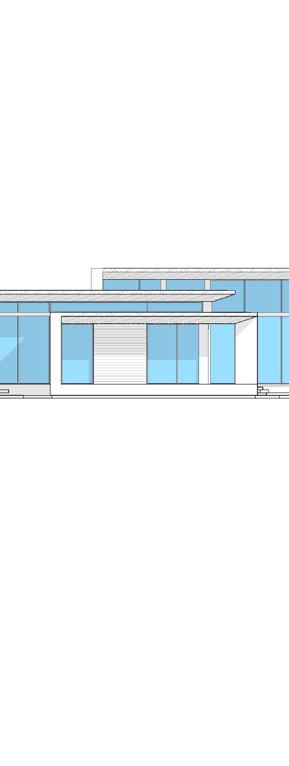
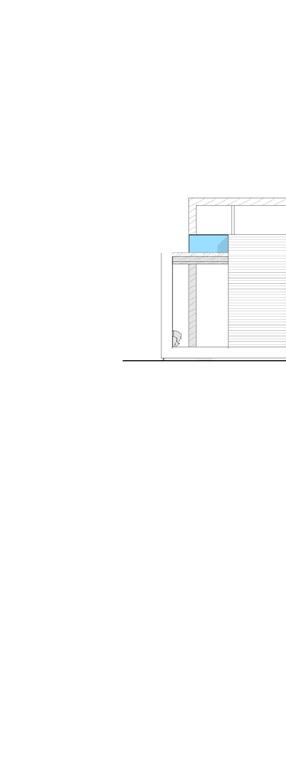
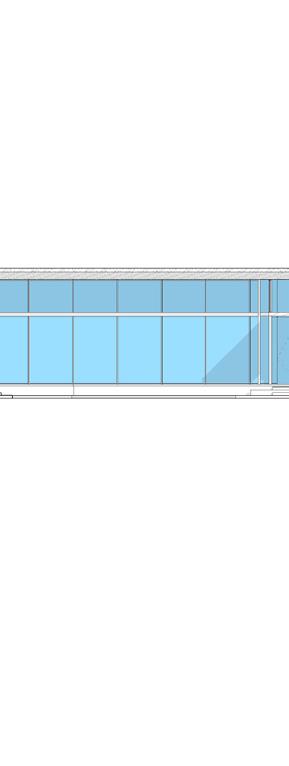
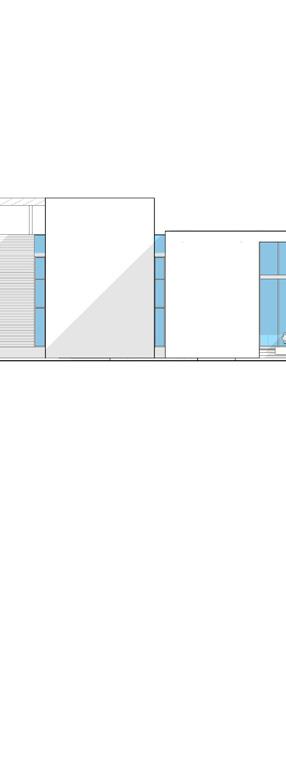
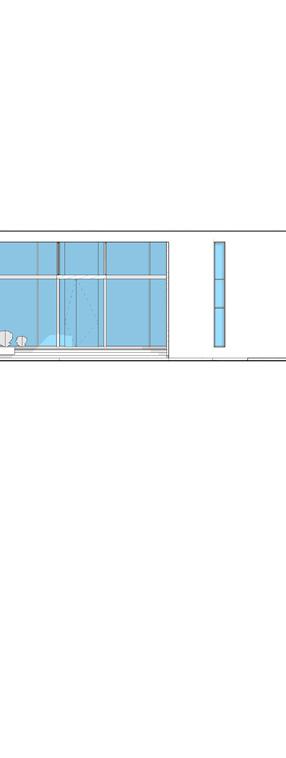
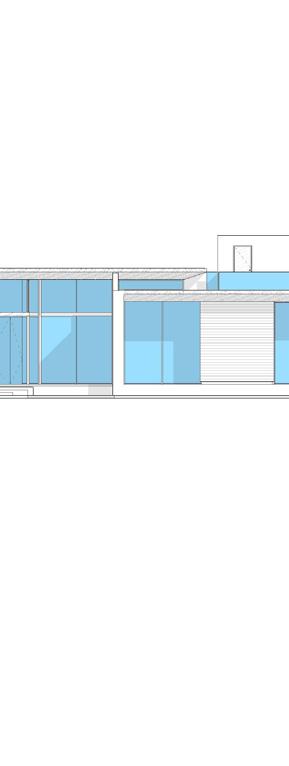
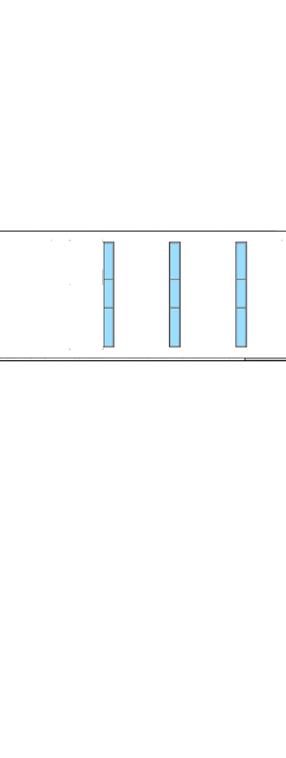
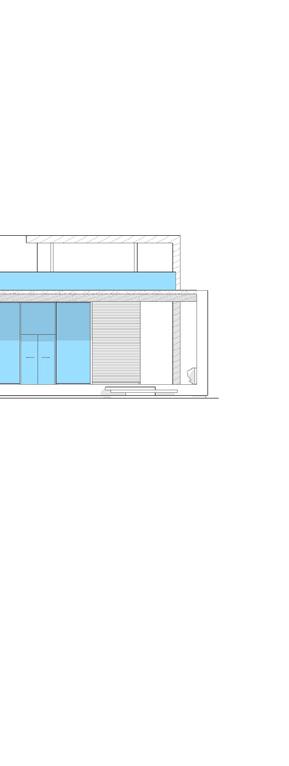
PAVE LEVEL +0.000FFL GROUND FLOOR LEVEL +0.750FFL TOP OF PARAPET 1 +5.850 TOP 2000 1000 600 4500 TOP OF PARAPET 2 +7.050 TOP TOP OF PARAPET 3 +8.850 TOP 12 11 10 9 8 7 6 5 4 3 2 1 8850 ROOF LEVEL 01 +4.650 SSL 1800 1200 1200 3900 750 + 8.85 TOP + 0.75 FFL + 2.00 TOP OF WALL + 6.85 TOP + 5.85 TOP 150 PAVE LEVEL +0.000FFL GROUND FLOOR LEVEL +0.750FFL TOP OF PARAPET 1 +5.850 TOP TOP OF PARAPET 2 +7.050 TOP TOP OF PARAPET 3 +8.850 TOP 12 11 10 9 8 7 6 5 4 3 2 1 ROOF LEVEL 01 +4.650 SSL 750 3900 120012001800 8850 + 6.85 TOP + 2.00 TOP OF WALL 4500 150 + 0.15 PAV. LVL SOUTH SIDE ELEVATION NORTH SIDE ELEVATION
3675 625 2400 650 138 2113 150 IN OUT PLAN 1213 912 FFL F F F F F ELEVATION 5700 1800 200 3700 625150 2100 150650 1075 1900 1075 IN OUT PLAN 4050 4500 4050 3000 1500 FFL S S F S F 1075 1900 1075 ELEVATION 1900 IN OUT 5325 1713 1713 PLAN 4500 1500 3000 5325 1713 1900 1713 FFL S S F S ELEVATION 1300 1900 1300 IN OUT PLAN 4500 4500 3000 1500 4500 FFL F F F ELEVATION 1300 1900 1300 1150 1900 1150 IN OUT 4200 PLAN 3300 3000 300 FFL F S F S S 4200 1150 1900 1150 ELEVATION F S 1875 5800 SLIDING IN OUT 1450 1450 1450 1450 PLAN 1500 1450 1450 1450 1450 5800 FFL FFF ELEVATION 6671000 PLAN 1667 3000 700 2000 5700 667 FFL F S ELEVATION 1667 4180 2105 2075 PLAN 4500 1500 3000 2105 2075 4180 FFL S ELEVATION PO. Box 62010 AD -UAE www.beadarchitects.com info@beadarchitects.com Tel.:+971 (0) 6668110 Fax:+971 (0) 6668115 DATE: OFFICIAL USE ONLY: PROJECT NAME: DRAWING TITLE: PROJECT No: DRAWING No: OWNER: CONSULTANT: THIS DRAWING ENGINEERS AND WITHOUT THE DO NOT SCALE ALL DIMENSIONS UNLESS NOTED ON SITE AND APPROVED 1. 2. 3. 4. THIS DRAWING RELEVANT ARCHITECTURAL, ELECTRICAL, AND ALL RELEVANT GENERAL KEYPLAN: SECTOR NO: PROJECT DESCRIPTION: Project Service Block, ZONE: AL AL SADER REVDATE 00FEB 2022 PROJECT = + 4.03 AR802 FEB B1N-2022-000070 DOOR DOOR MARK LOCATION FIRE RATING DESCRIPTION DW GF-01 N/A DOUBLE GLAZED ALUMINUM FRAMED WINDOW SYSTEM WITH SINGLE GLAZED PIVOTED DOOR, COMPLETE WITH HARDWARE & ACCESSORIES AS PER SPECS. 01 DOOR MARK LOCATION FIRE RATING DESCRIPTION DW GF-16 N/A DOUBLE GLAZED ALUMINUM FRAMED SLIDING DOOR ASSEMBLY WITH FIXED PANELS. COMPLETE WITH HARDWARE & ACCESSORIES AS PER SPECS. 02 DOOR MARK LOCATION FIRE RATING DESCRIPTION DW GF-13 N/A DOUBLE GLAZED ALUMINUM FRAMED SLIDING DOOR ASSEMBLY WITH FIXED PANELS. COMPLETE WITH HARDWARE & ACCESSORIES AS PER SPECS. 03 DOOR MARK LOCATION FIRE RATING DESCRIPTION DW GF-13 N/A DOUBLE GLAZED ALUMINUM FRAMED SLIDING DOOR ASSEMBLY WITH FIXED PANELS. COMPLETE WITH HARDWARE & ACCESSORIES AS PER SPECS. 04 DOOR MARK LOCATION FIRE RATING DESCRIPTION DW GF-24 N/A DOUBLE GLAZED ALUMINUM FRAMED SLIDING DOOR ASSEMBLY WITH FIXED PANELS. COMPLETE WITH HARDWARE & ACCESSORIES AS PER SPECS. 05
Door Shedule

COMPUTATIONAL DESIGN (UP-SKILL)
RHINO GRASSHOPER
REVIT DYNAMO
GRASSHOPPER PYTHON
2023
03.Spine Project
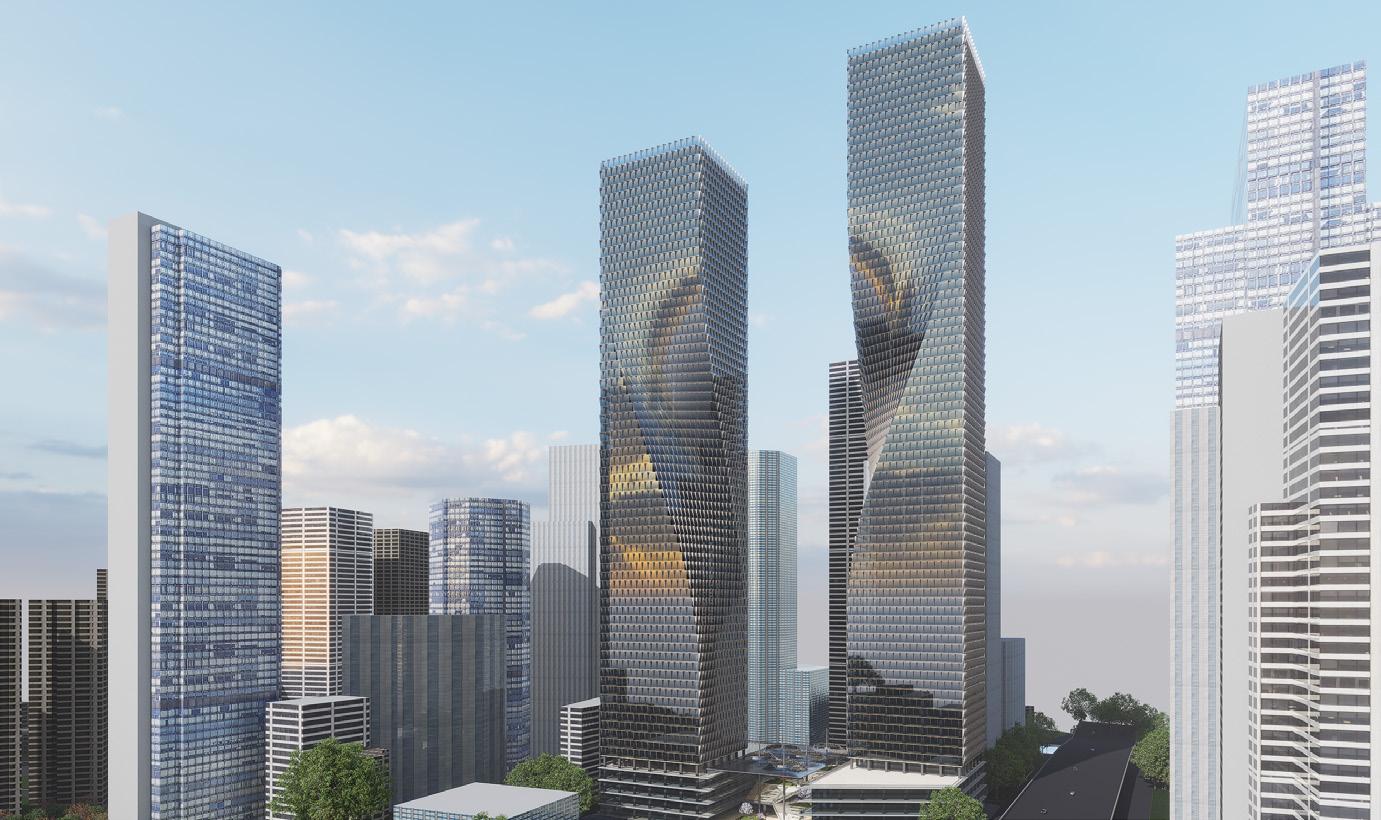
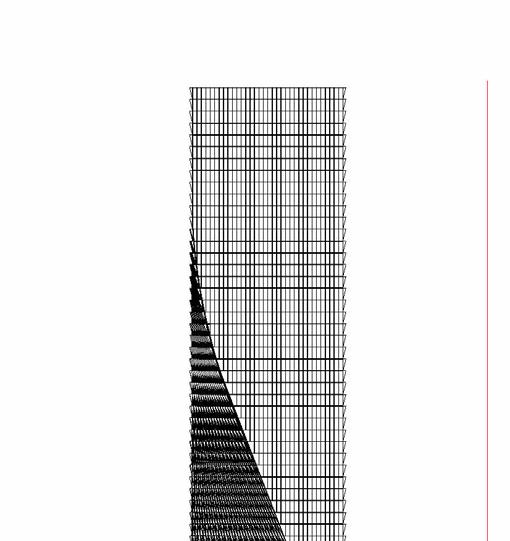
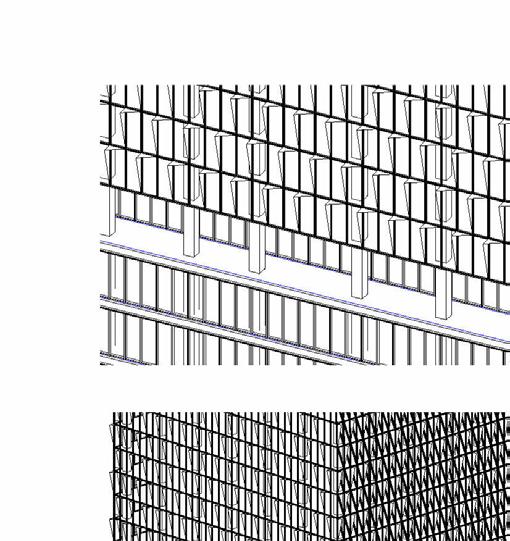
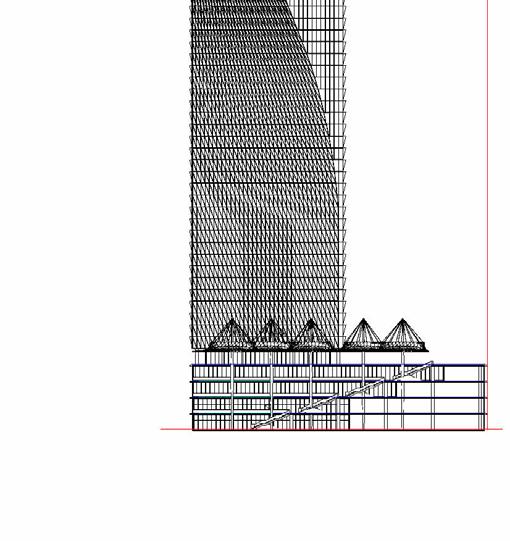
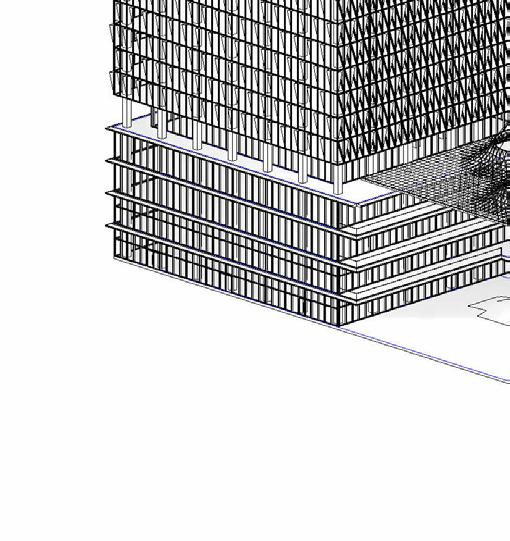
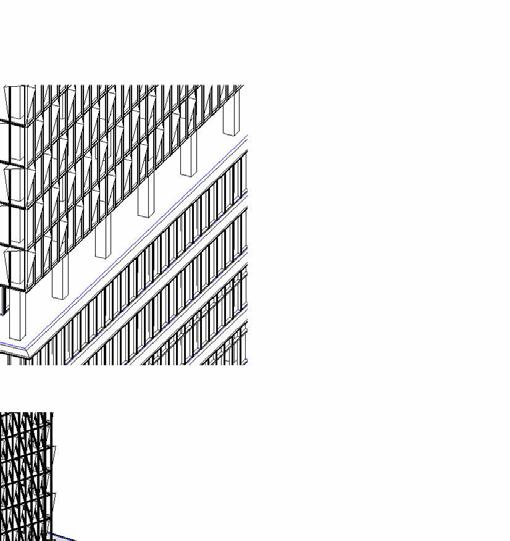
The Spine Project is a computational BIM project that explores the use of parametric design and generative tools to create a complex building form. The project consists of two towers, T1 and T2, on a podium structure. The towers are connected by a spine element that creates a dynamic and visually striking form.
Software Used :
• Revit
• Rhino • AutoCAD
• Speckle for rhino-revit interoperability
5.Rhino modeling Work Flow
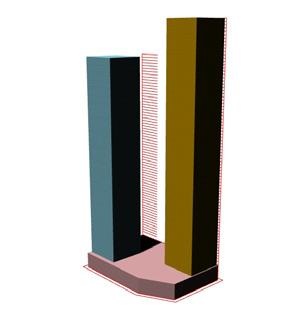
Create massing and zoning:
This model was used to define the overall size and shape of the building, as well as the location of the different functional areas.
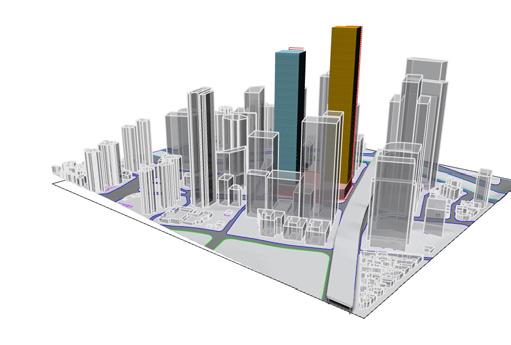
Model building surrounding:
This included the adjacent buildings, the streets, and the landscape. Modeling the building surrounding is important for creating a realistic and accurate BIM model..
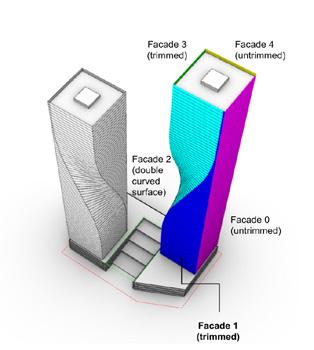
Split envelope surfaces into trimmed and Generate panels for trimmed and untrimmed
The fourth step was to split the envelope surfaces into trimmed and untrimmed surfaces. Trimmed surfaces are those that have been cut or modified in some way. Untrimmed surfaces are those that have not been modified.
This was done using paneling tools in Rhino and Grasshopper. The paneling tools allowed the designers to create a variety of panel patterns and to generate panels that fit the complex building envelope.
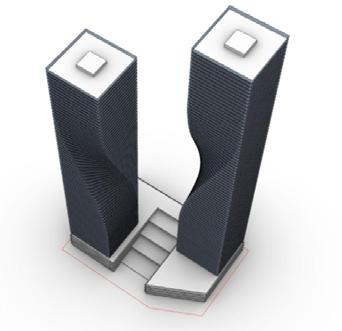
Create the building envelope
This was done using parametric design tools in Rhino and Grasshopper. The parametric model allowed the designers to explore a variety of design options and to quickly iterate on their design.
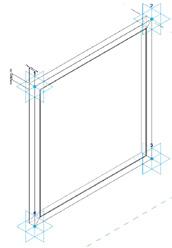
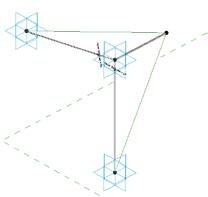
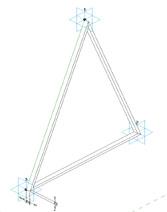
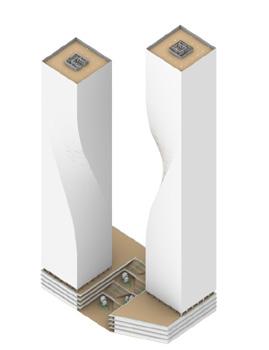
Create family and adaptive components with paneling tools:
The sixth step is to create family and adaptive components for the building envelope panels. This will allow you to easily place and adjust the panels in Revit.
NOVATR
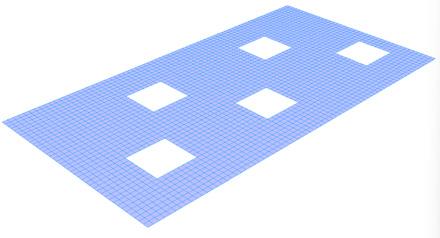
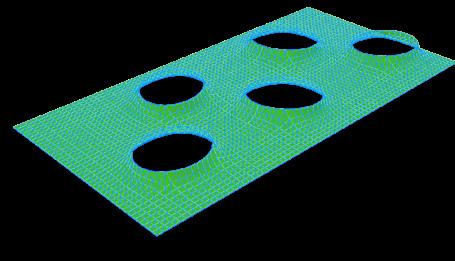
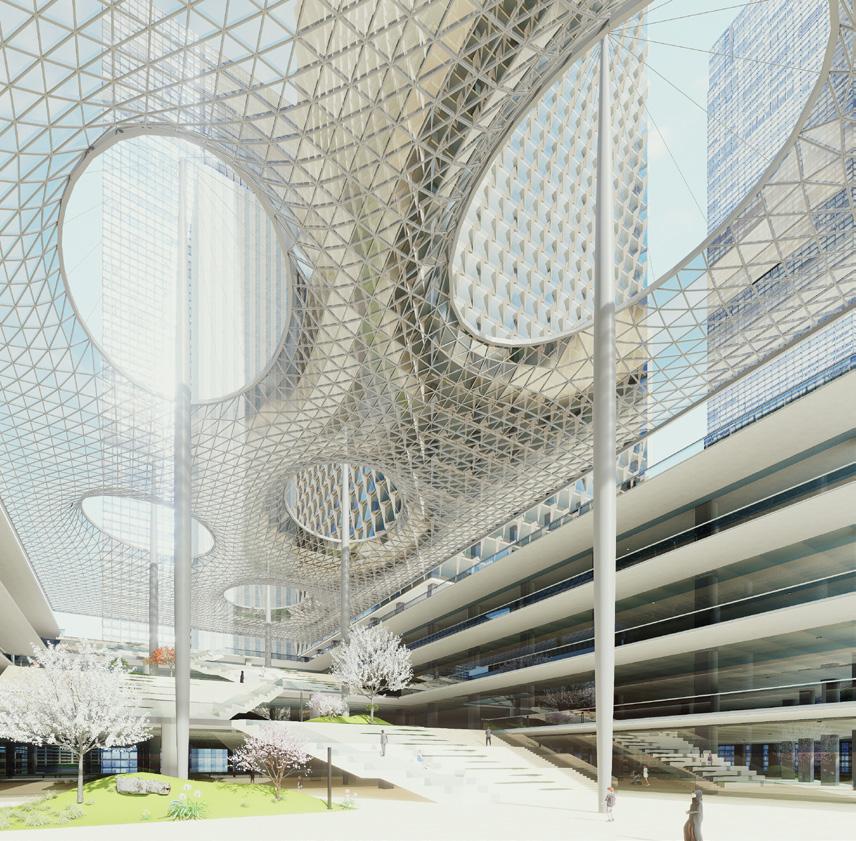
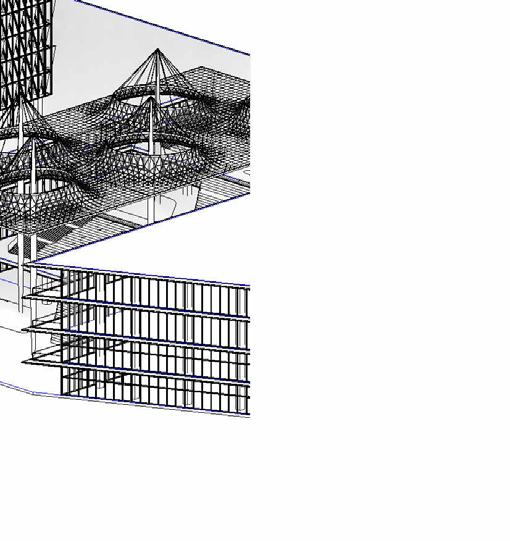
Canopy form for the Spine Project
The Spine Project is a computational BIM project that explores the use of parametric design and generative tools to create a complex building form. The project consists of two towers, T1 and T2, on a podium structure. The towers are connected by a spine element that creates a dynamic and visually striking form.
Base Mesh for canopy
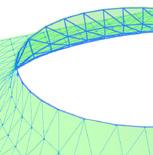
Creating Triangulated glass panels and supporting Space frame
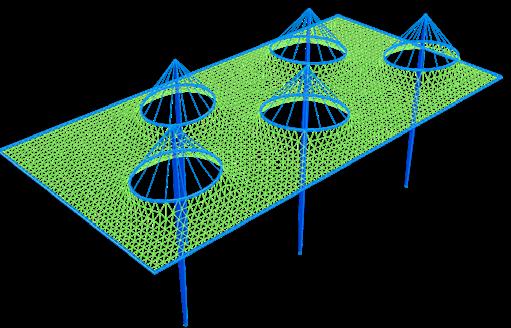
Creating Column structures Steel cables supporting the rings.
NOVATR
Creating BIM model
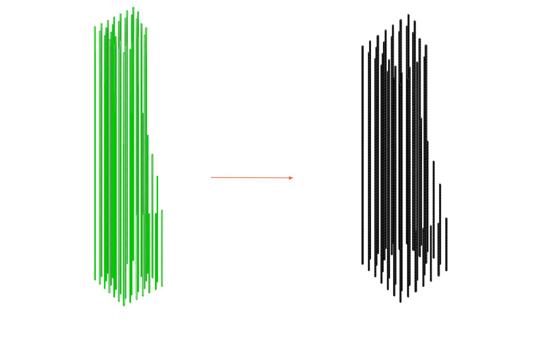
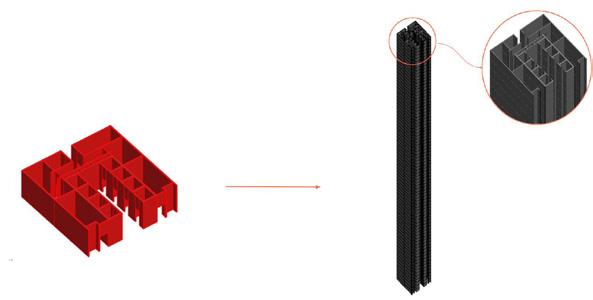
The next step after creating the Rhino model was to transport all the Rhino models to a BIM model using interoperability tools like Rhino inside and Speckle. Rhino inside is a plug-in that allows Rhino to run inside of Revit. Speckle is a cloud-based data exchange platform that allows users to exchange data between different BIM software applications.
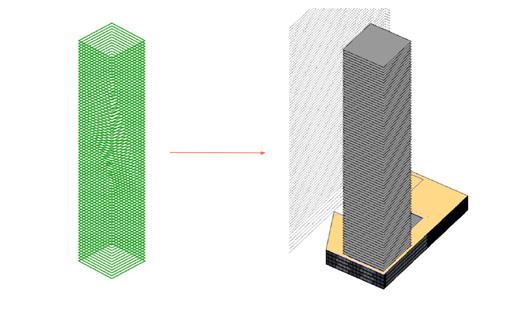
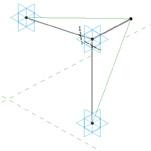
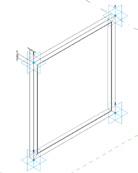
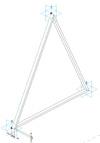
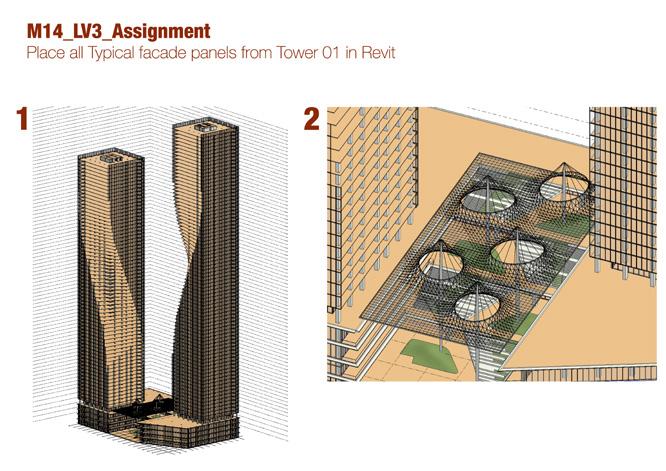
Placing the adaptive component family to respective point on the panel grid
Place columns using line joining the center Place floors using outer curve for rhino
Place Core using center line of walls
1.
2.
4.
3.
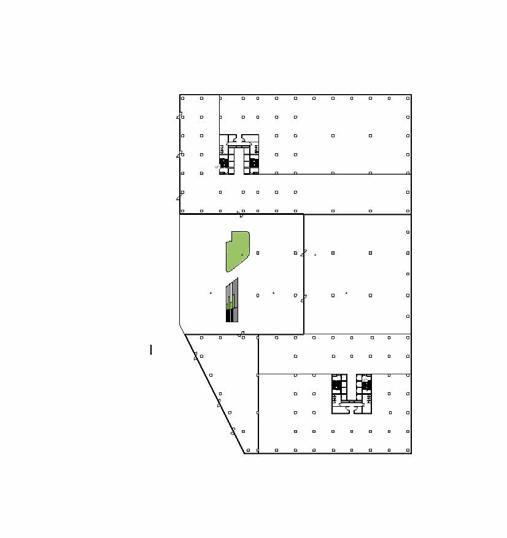
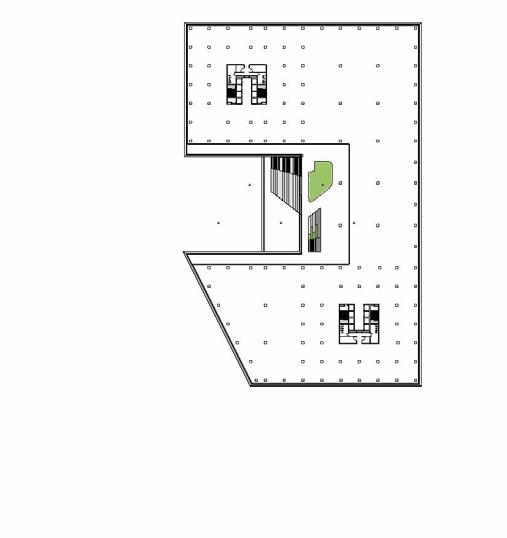
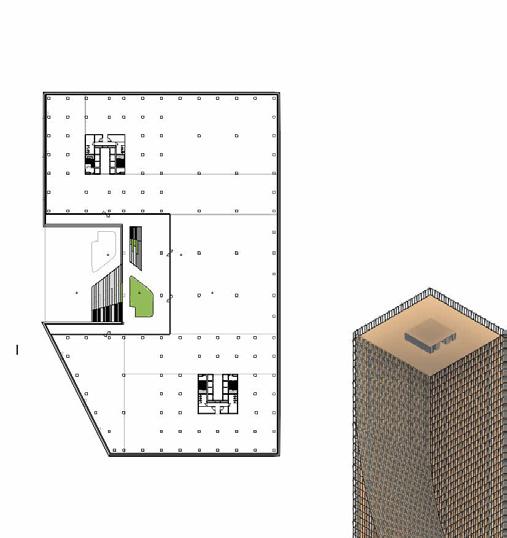


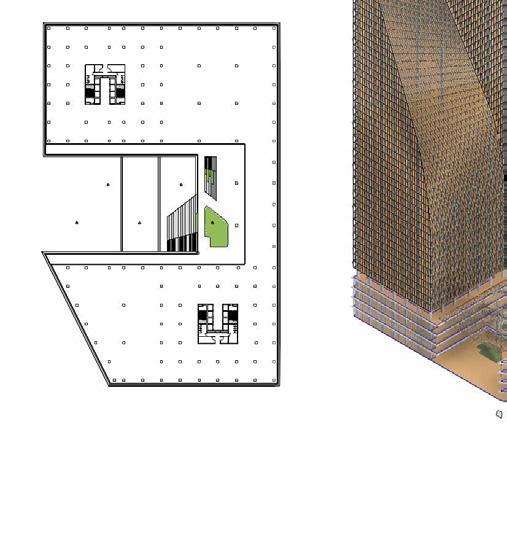


SPINE PROJECT


3 3 Drawing no.
name. Project name. PODIUM FLOOR PLANS A101
Drawing
NAVEEN A102 A102-1 2 3 4 5 6 7 8 9 10 11 12 13 A B C D E F G H I J K L M N O P Q R S 1 2 3 4 5 6 7 8 9 10 11 12 A B C D E F G H I J K L M N O P Q R S 1 2 3 4 5 6 7 8 9 10 11 12 13 A B C D E F G H J K L M N O P Q R S 1 2 3 4 5 6 7 8 9 10 11 12 A B C D E F G H I J K L M N O P Q R S
name. Project name. 1 : 500 PODIUM FLOOR PLANS A101 09/27/23
NAVEEN 1 : 500 Level 0 1 1 500 Level 1 2 1 : 500 Level 2 3 1 500 Level 3 4 {3D} 6 Axonometric view
Drawing
SPINE PROJECT
1 : 400 Section 1 1
Drawing no. Scale
Drawing name. Issue date
1 : 400 ELEVATION A102 NAVEEN
Project name. Drawn By.
Naveen 1 400 Section 1 1 Canopy Detail 2 panelling detail 3
SPINE PROJECT
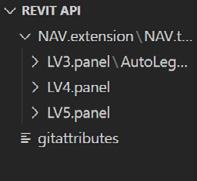
04.Extensions using pyrevit

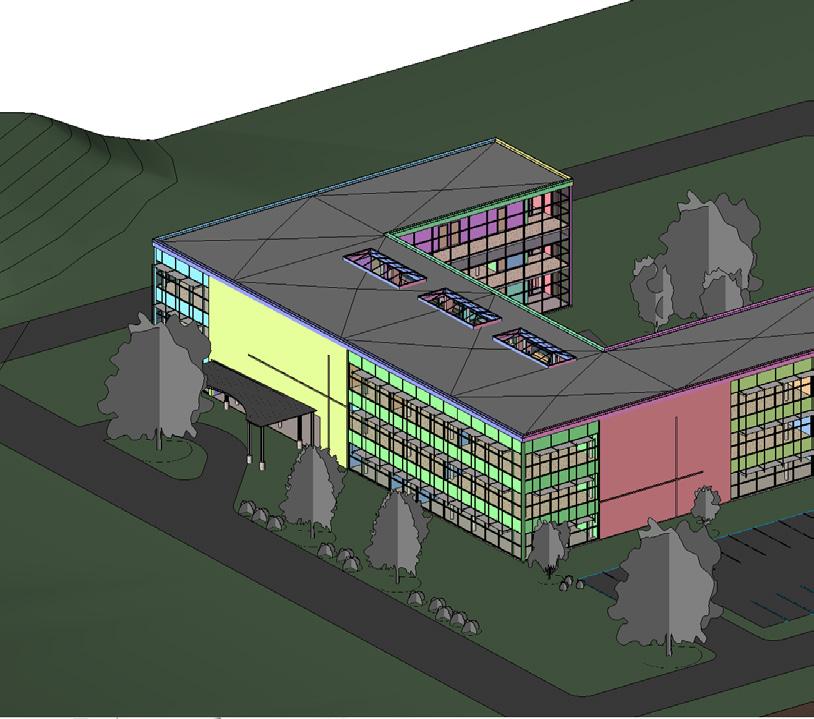
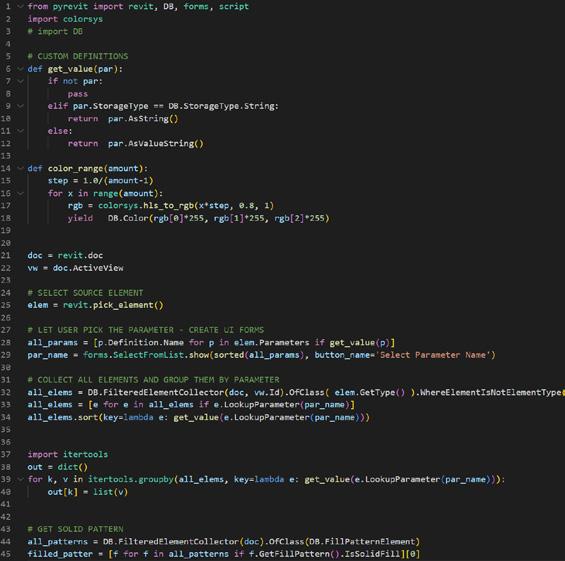
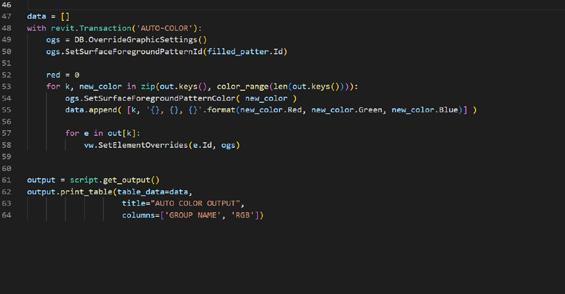 1.Creating Push button extension for Auto Color Function
04.Extensions using pyrevit
2.Creating Push button extension for Align Viewports-

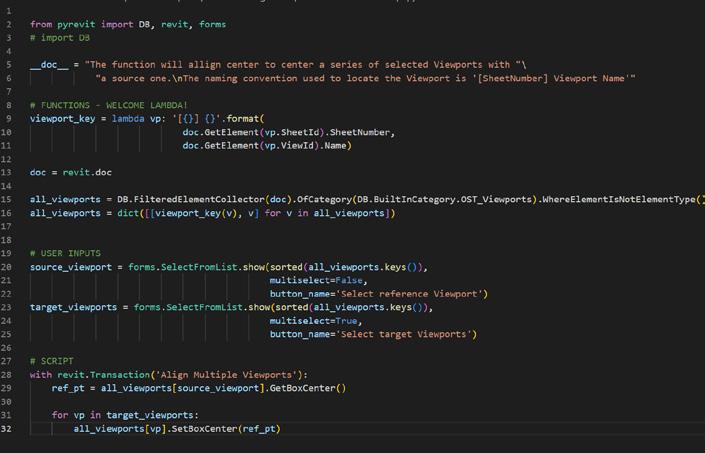
Align Viewports UP UP UP UP UP-1 1 2 2 3 3 4 4 5 5 6 6 7 8 9 10 A B C D E F G H I J 1.1 1.1 F.135154 7315 2642 5893 6299 6502 6502 2438 915 405 9151609915289915289915289915 9956 Clear 2640 Exterior overhead canopy. See structural sheets for additional information/details Vest. 101 Lobby 102 Cafeteria 121 Prep/Dish 122 Dry Storage 124 Electrical 125 Conference 123 Office 127 Admin 126 Storage 128 Toilet 129 Stair 130 Corridor 131 Sprinkler 119 Electrical 118 Instruction 117 Lounge 120 Conference 116 Instruction 115 Stair 114 Electrical 112 Lounge 111 Men 110 Women 109 Corridor 107 Instruction 108 Instruction 106 Instruction 105 Instruction 104 Conference 103 Stair 132 15 15 15 15 15 15 122 124 125 123 126129 128 127 130 130A 119A 119B 118 117 116 115 114 111112 110 109 104B103 105B104A 106B105A 108B106A 108A 132A 132B 101B 121 101A 101C 101D 120 A1 A1 A4 A5 01 - Entry Level 0 02 Floor 3800 03 Floor 7600 Roof 11400 Parapet 12000 A B C D E F G H I J F.1 1 : 200 01 - Entry Level 1 1 : 200 Section 1 2
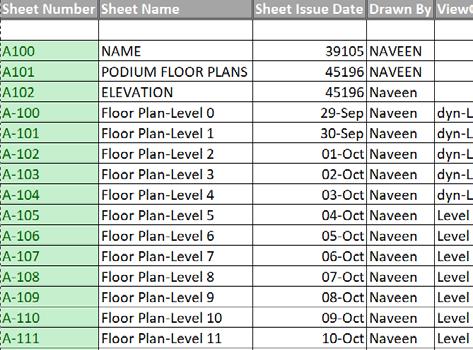
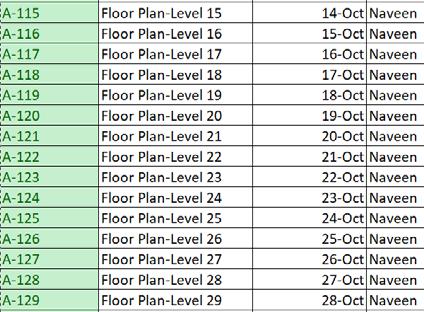
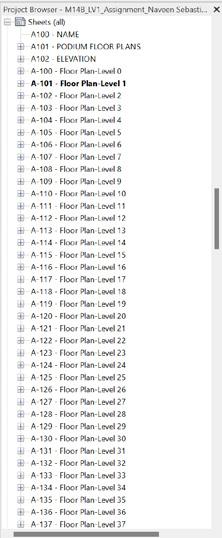
Revit sheets from Excel
The process involves editing an Excel table to add new sheets with unique numbers and names, creating a Boolean mask in Dynamo to filter out null values, then using the filtered data to select a specific title block type before generating new sheets in Revit with the specified attributes
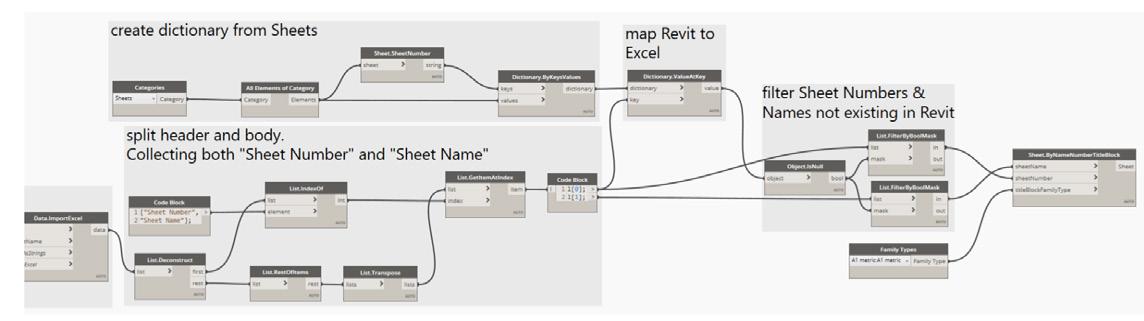
The process involves enhancing an Excel table by adding a “ViewOnSheet” column to specify views for placement. In Dynamo, a dictionary is created from project views, and views are mapped to Excel values using the “ViewOnSheet” parameter. In Revit, views are placed on a sheet at defined midpoints using the “Viewport.BySheetViewLocation” node
05.Create
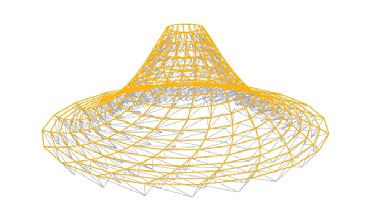
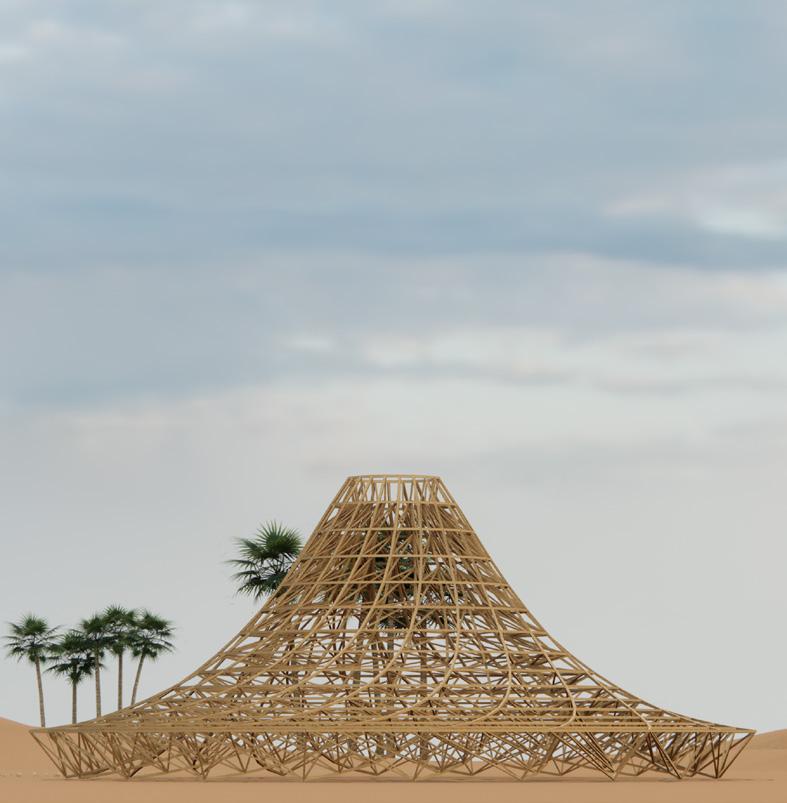
07.Temple Galaxia by Mamoumani
This was an activity in which i created a 3 dimensional lattice using point grids along 13 circles with common axis and then piped the entire grid using a rectangular profile
Tools used :Rhino+GH,Relative Item,Relative items
Generating the outer ring and inner curve
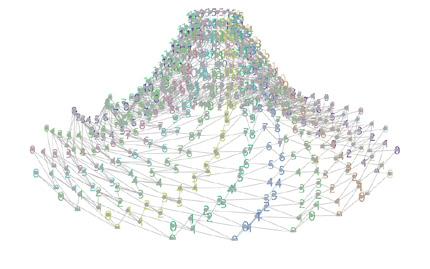
Creating
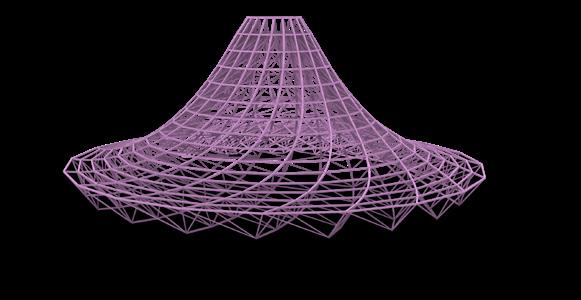
Connector using data matching For the outer an inner ring
Piping the connector to create breps
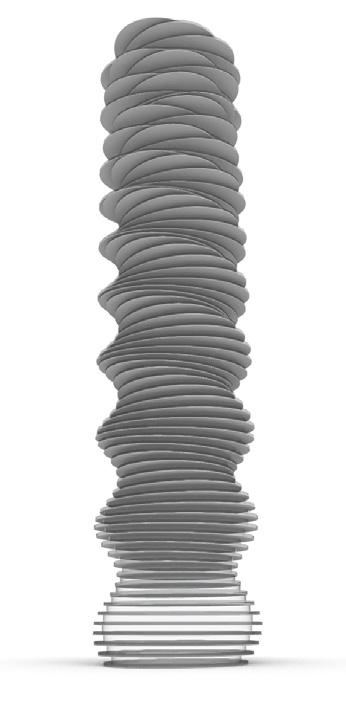
08.Creating variations of absolute tower using Graphmapper
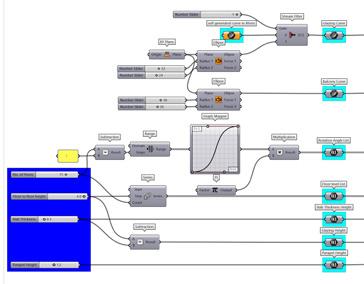
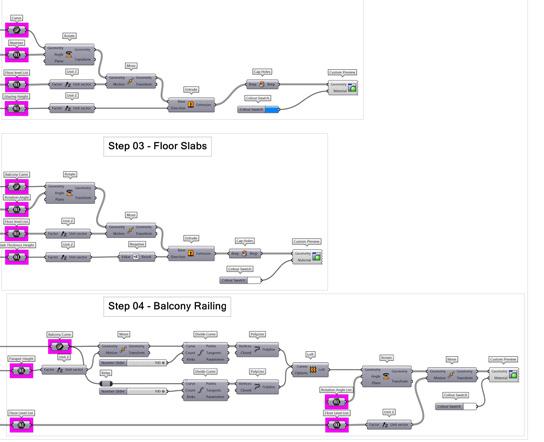
This was an assingment in my computational design course in which i used graph mapper recreate the fluid shape of absolute tower and to try variations on Tools used :Rhino+GH
Create Parameters and Lists
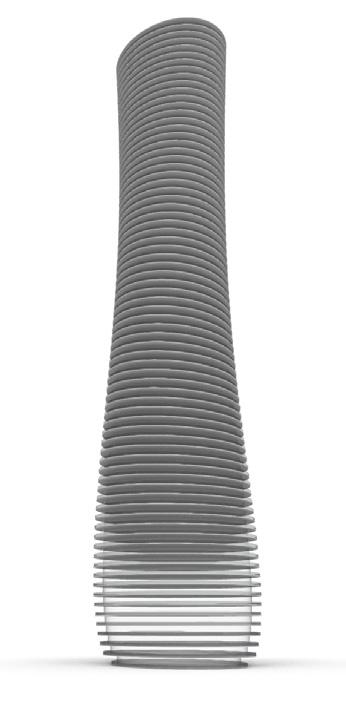
Create the Glazing surface,Floor Slab,Railing
 Graph type :Bezier Graph type :X^2
Solving
14.Panel Size Optimization
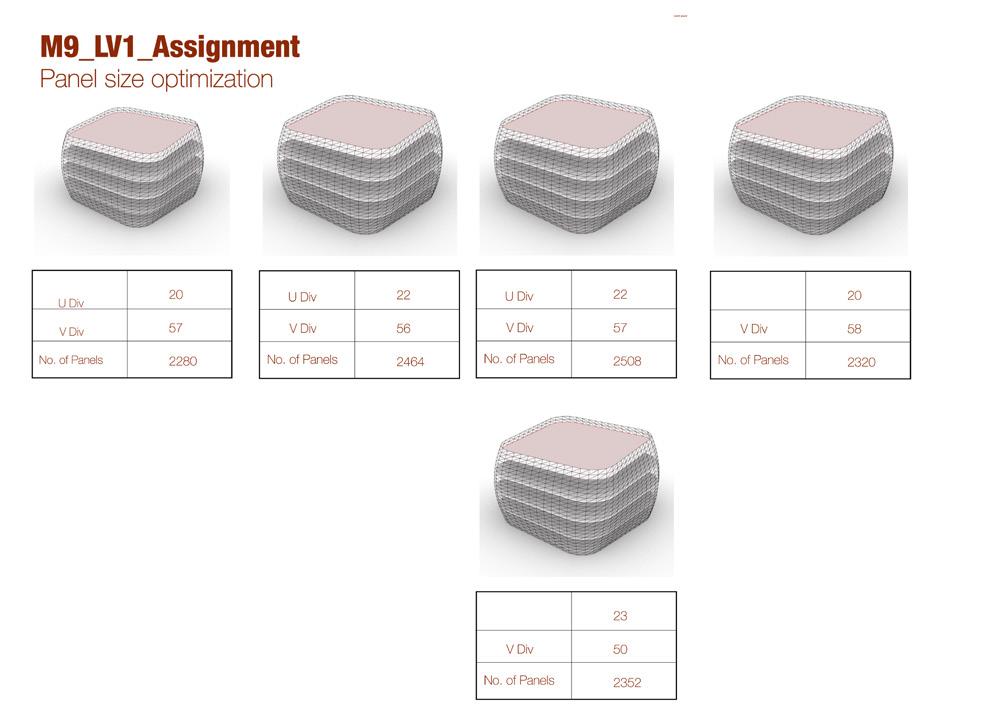
Tools used :Rhino+GH+Galopagos
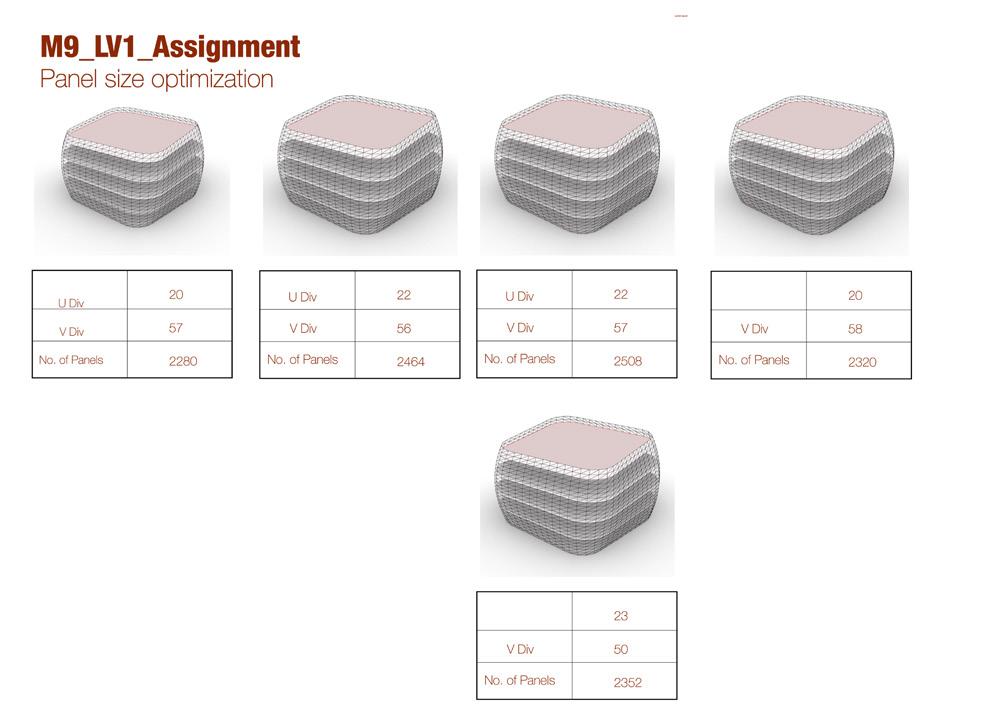
In this activity we tried using Evolutionary solving to generate few options of facade paneling option to generate the optimal solution for reduced number of panels.
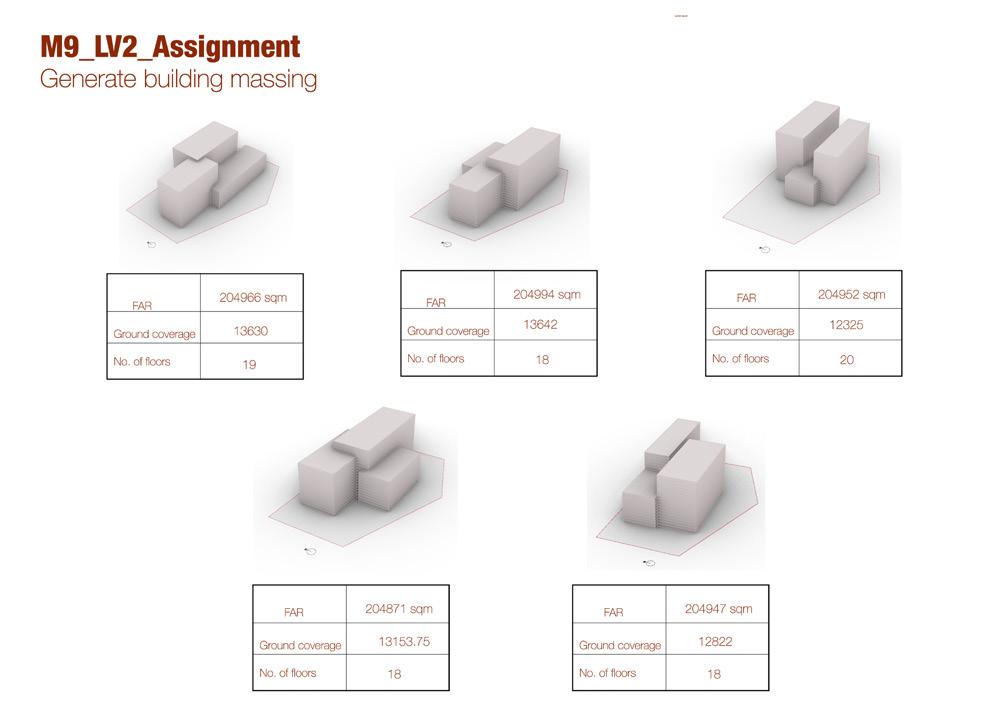
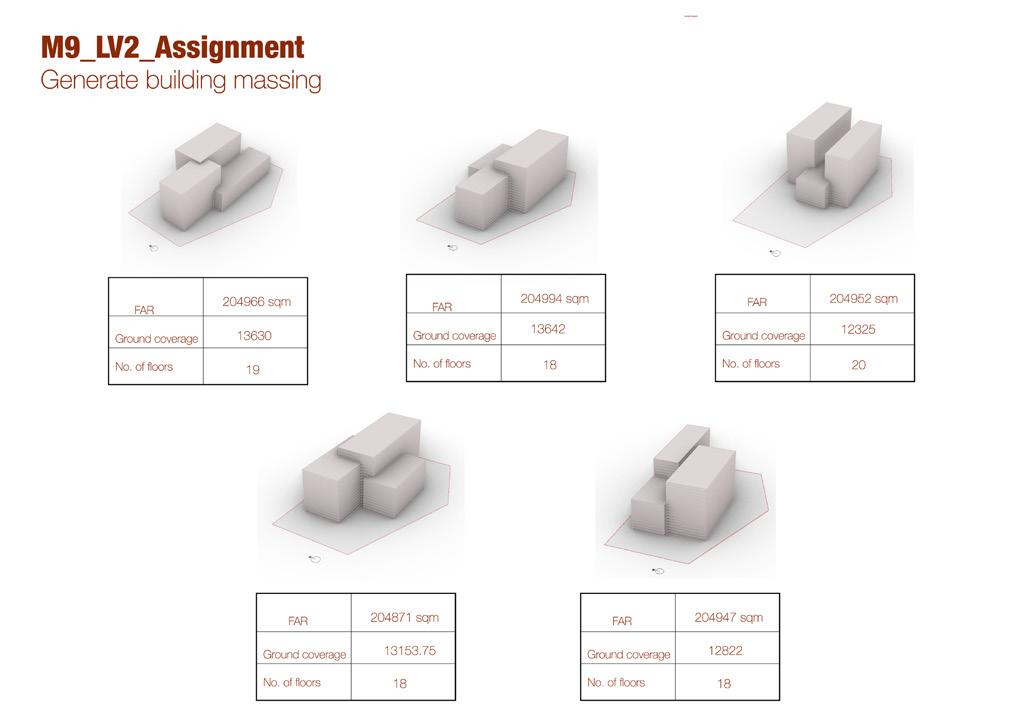
In this activity we tried to generate few options of massing using generative designing tool called Galapagos.
Tools used :Rhino+GH+Galopagos
09.Evolutionary