Top 14 Web Design Trends in 2023
In this era of the digital world, aren’t we all looking for trends that can set us apart? Well, trends these days mean getting viral. However, that is not the case with web design trends! Web design is a unique area where new trends come and go with the ultimate aim of user satisfaction.
With the rapid advancement in technology, the trends in web designs are also changing quickly. As we enter 2023, there have been a lot of changes in the digital world. Web Design Trends not only help web designers to explore new opportunities but also helps brands and companies provide a smooth user experience.
Here are 14 Web Design Trends in 2023:
1. Smart Videos
Smart videos are videos that are designed to provide the best possible viewing experience by adapting to factors like the viewer’s device, connection speed, etc. It includes things like automatically adjusting the resolution of the video to match the device’s screen size and resolution. It can also use adaptive streaming technologies to ensure that the video plays smoothly even on low-bandwidth connections. Smart videos are becoming increasingly popular due to the accessibility of the web on a variety of devices, including smartphones, tablets, and laptops with a range of screen sizes and resolutions. By using smart videos, web designers can ensure that their videos are accessible and enjoyable for a wide audience.
2. Integrated CRM
Integrated CRM, or customer relationship management, refers to the use of software to manage and analyze customer interactions and data throughout the customer life cycle. In web design, an integrated CRM system can be used to improve the overall user experience by providing personalized and relevant content and interactions based on the customer's needs and preferences. This can be achieved through the use of features such as personalized recommendations, personalized emails and messaging, and real-time customer support. An integrated CRM system can also help businesses to better understand their customers, improve customer retention, and increase customer loyalty.
3. Parallax Scrolling
Parallax scrolling is a technique used in web design in which the background image or images move more slowly than the foreground content as the user scrolls down the page. This creates the illusion of depth and can make the website feel more interactive and engaging. Parallax scrolling is often used in combination with other design elements, such as responsive design and animation, to create a more immersive and visually appealing user experience.
4. Chatbots
Chatbots are often used to provide a more interactive and personalized experience for users. They can be used to answer frequently asked questions, guide users through a process, or assist with online transactions. Chatbots are typically implemented using JavaScript and integrated into
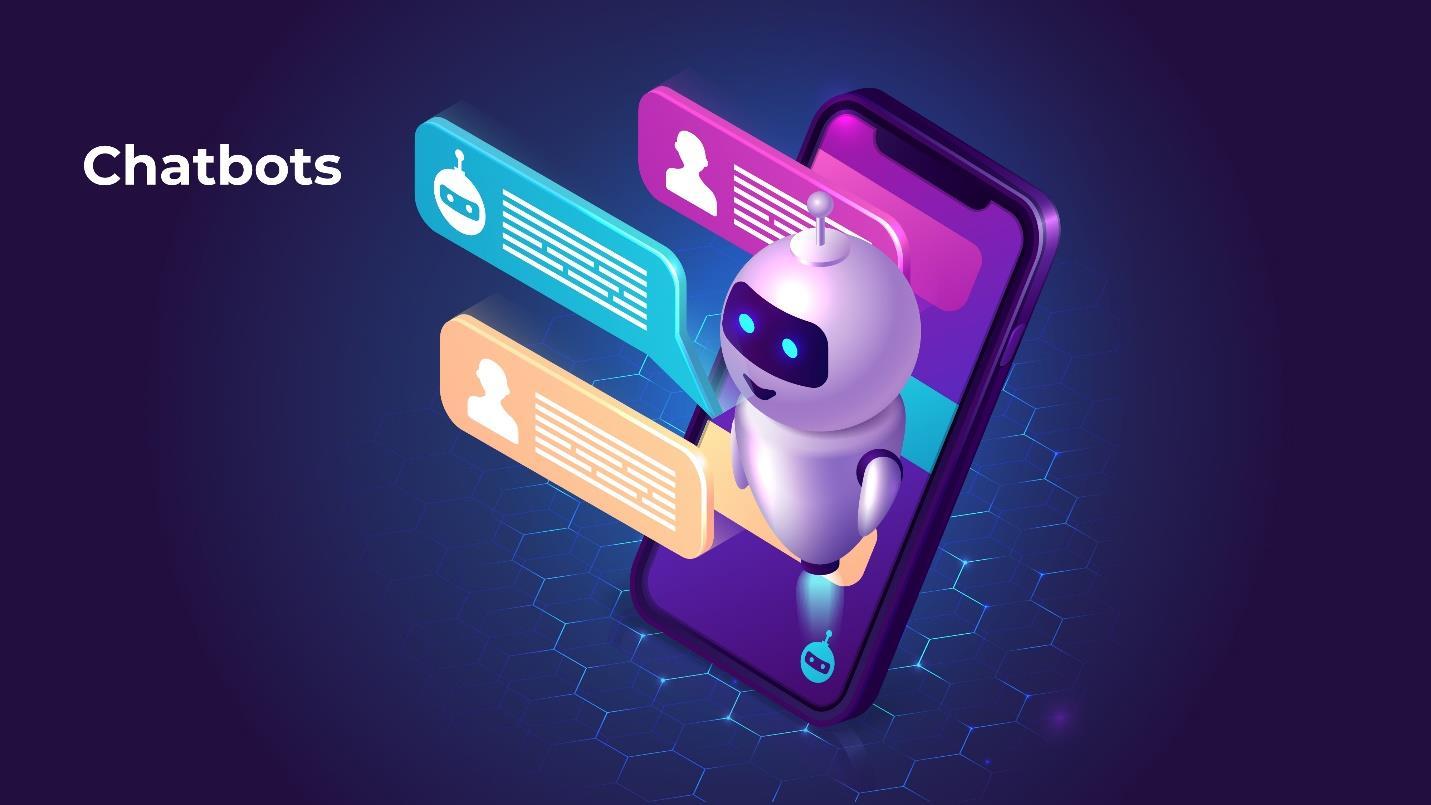
the website using APIs. When it comes to web designing, chatbots can be integrated into ways such as chat widgets, contact forms, landing pages and more.
5. Immersive 3D Experiences
Immersive 3D experiences in web design refer to using 3D graphics and technologies to create interactive, lifelike environments that users can explore and interact with on the web. This can be done using various technologies such as WebGL, which allows for the creation of 3D graphics within a web browser, orWebXR, which enables the creation of virtual and augmented reality (VR and AR) experiences on the web. Some examples of immersive 3D experiences in web design include virtual tours, 3D product demonstrations, and games.
To create immersive 3D experiences in web design, you will need to have a strong understanding of 3D graphics, as well as the tools and technologies used to create and publish 3D content on the web. This can include learning how to use 3D modelling software such as Blender or 3ds Max and becoming proficient in programming languages such as JavaScript and WebGL. You will also need to be familiar with best practices for creating user experiences that are intuitive and engaging, as well as techniques for optimizing 3D content for the web.
6. Voice-Activated Interface
Voice-activated interfaces are a type of user interface that allows users to interact with a device or service using voice commands. It is becoming increasingly popular in web design as they provide a convenient and hands-free way for users to interact with a website or application. These interfacesare often used in home assistants like Amazon’sAlexa, Google’sAssistant, and Apple’s Siri, as well as in other devices like smart TVs and smart thermostats.
7. Interactivity
Interactivity refers to the ability of a system, program, or device to respond to input from a user in a way that allows the user to communicate with and control the system. This can include responding to user input through visual, auditory, or other means, and can involve two-way communication between the user and the system. Examples of interactive systems include computer programs, video games, and interactive exhibits at museums. The level of interactivity can vary greatly depending on the specific system and the user’s goals and can range from simple, one-way communication to complex, multi-layered interactions.
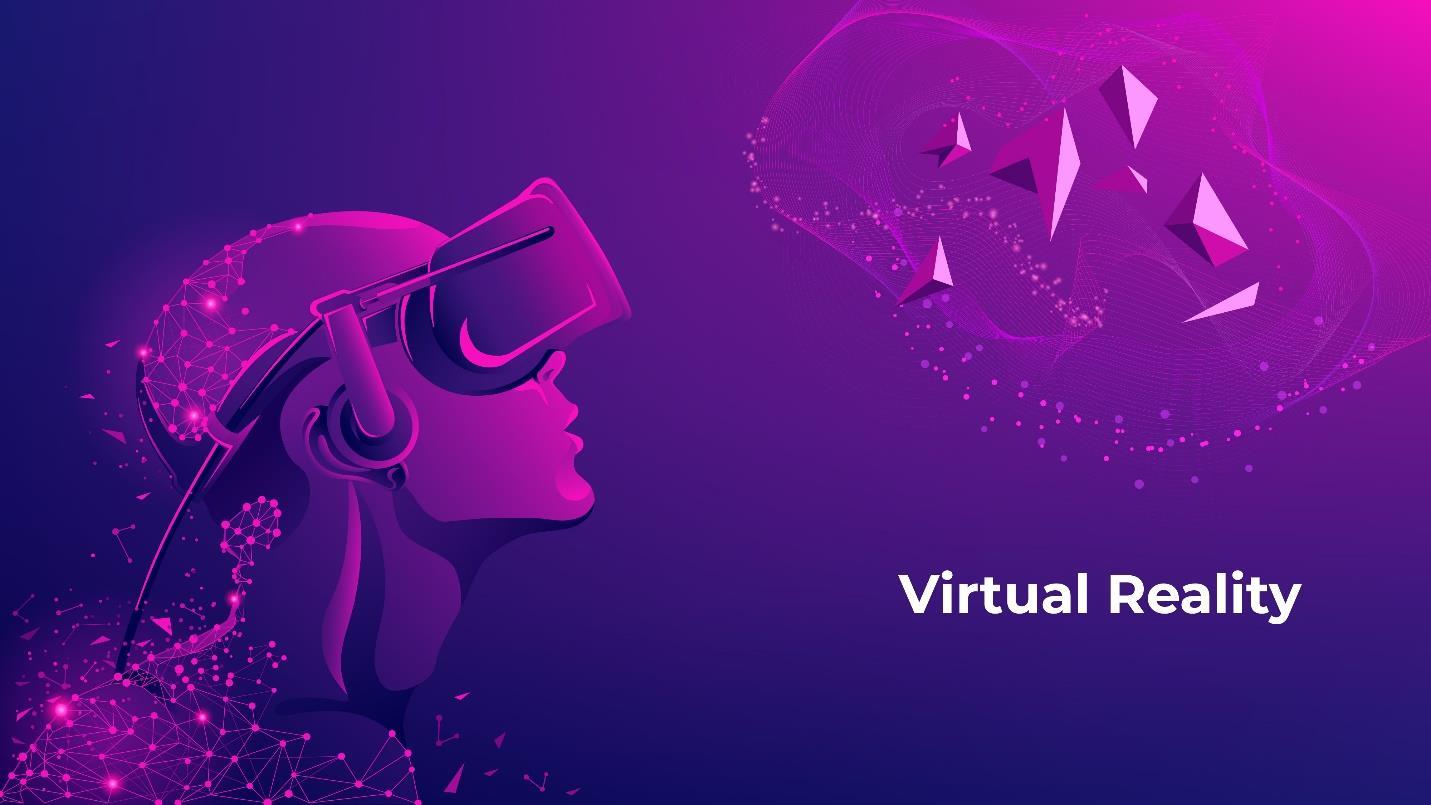
8. Virtual Reality
Virtual reality (VR) in web design refers to the use of VR technology to create immersive, interactive experiences on the web. This can be achieved through VR hardware, such as VR headsets, and specialized VR software. It is already being used in the form of VR applications, VR web browsers and so on.
9. Micro-Interactions
Micro-interactions are small, interactive elements that serve a single purpose within a larger product or user flow. They are designed to help users complete a specific task or action, such as changing a setting or interacting with a piece of content. In web design, micro-interactions can be used to enhance the user experience by making it more enjoyable and engaging. Some examples of micro-interactions in web design include hover states, loading animations, and notifications.
10. Micro-Animations
Micro-animations refer to small, subtle animations that are used in web design to improve the user experience. They can be used to draw attention to important elements on the page, provide feedback on user actions, and make the overall user interface feel more interactive and engaging. Some common examples of micro-animations include hover effects, loading spinners, and button presses. These animations are typically implemented using CSS and JavaScript, and they can be as simple or complex as needed to achieve the desired effect.
11. Thumb-Friendly Mobile Navigation
Today, to create a smooth user-friendly experience, web designers must create mobile-friendly web designs. Thumb-friendly mobile navigation refers to the design of a website or mobile app's navigation menu and other interactive elements in a way that is easy for users to interact with using their thumbs. This is particularly important on smartphones, as most usershold their phones with one hand and use their thumb to tap buttons and links on the screen.
12. Material Design
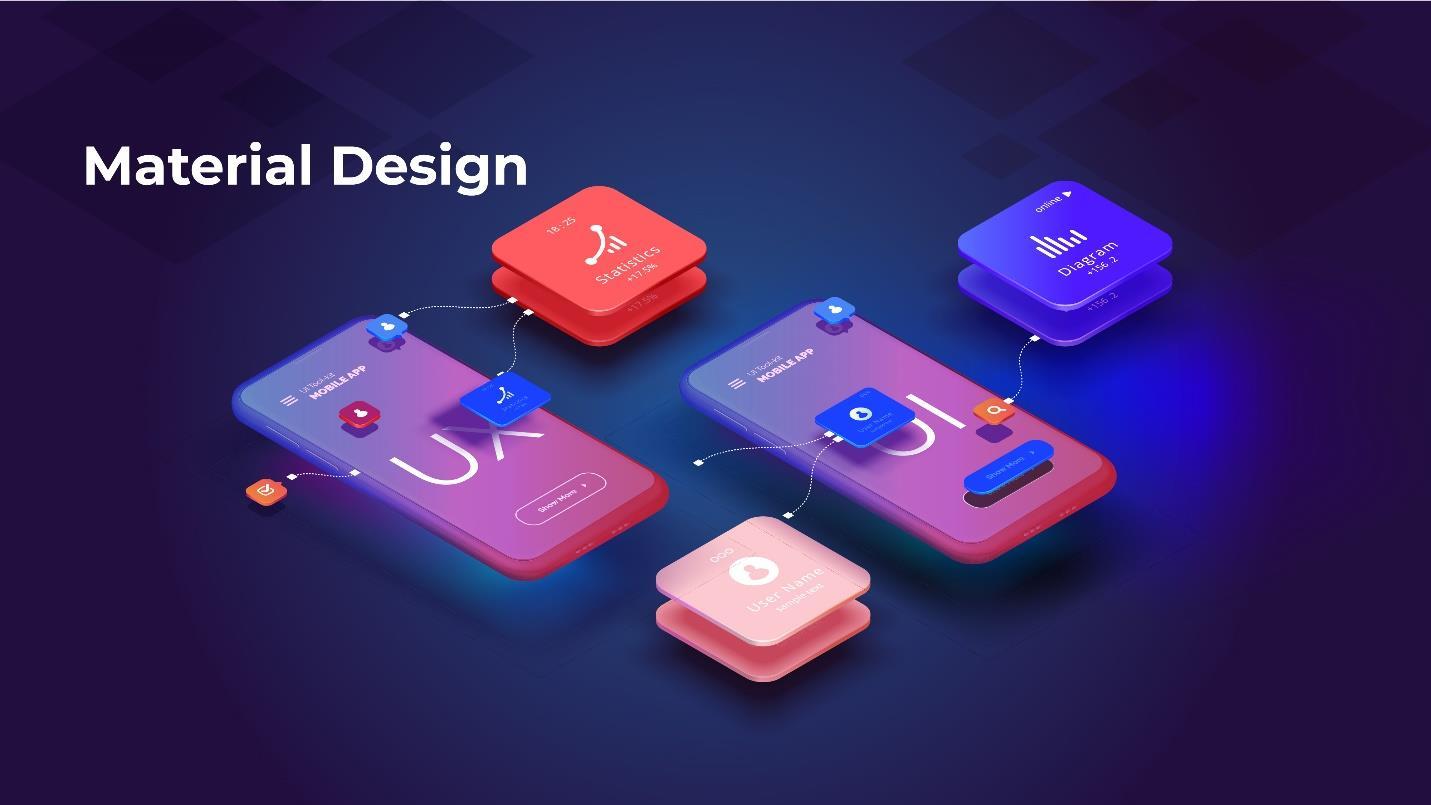
Material Design which is a design language was developed in 2014 by Google. It is a set of guidelines for designing user interfaces and experiences, and it is based on the idea of “material” as a metaphor for digital interfaces. It is intended to create a consistent and intuitive experience across all devices and platforms, from mobile devices to desktop computers. In web design, Material Design principles can be applied to create visually appealing and easy-to-use websites that are consistent with the design of otherGoogleproducts. Some of the keyprinciplesof Material Design include using hierarchy, spacing, and meaningful transitions to create a clear and intuitive user interface, and using bold and vibrant colours to draw attention and create a sense of depth and movement.
13. Data visualization
Data visualization is the process of creating visual representations of data to understand, explore, and communicate data more effectively. In web design, data visualization is often used to help users make sense of complex data by using visualelements like charts, graphs, and maps. These visualizations can be static or interactive and can be implemented using a variety of tools and technologies, including HTML, CSS, and JavaScript.
When designing data visualizations for the web, it is important to consider the types of data being visualized, the audience for the visualization, and the goals of the visualization. It is also important to consider the design of the visualization itself, including the use of colours, labels, and layout.