How to Create a Family Camp Profile in CampInTouch The Camper Application in CampInTouch is designed with youth campers in mind. Each camper is associated with a Primary Childhood Household and is presumed to have a School Grade and a School. While the system can accommodate additional households and alternative schools for youth, it does not have a straightforward way to enroll adults interested in attending Family Camp. To address this, Camp Echo has come up with a solution to make the system suitable for Family Camp. We have created a generic youth camper profile named “FamilyCamp” that will be used to register your group. Follow the instructions below to create your own FamilyCamp profile.
Step 1: Log In to CampInTouch Returning Users
If you have an account in CampInTouch, log in, select Additional Camper, and go to the Create a New Youth Camper for instructions on how to add your FamilyCamp Camper.
New to CampInTouch
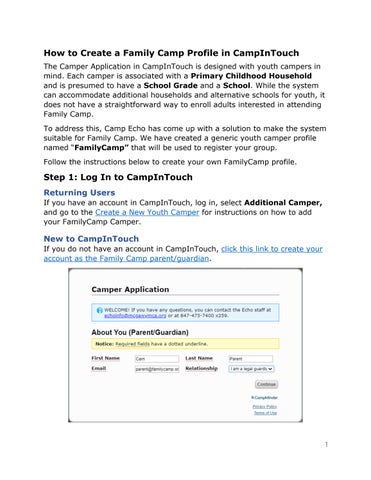
If you do not have an account in CampInTouch, click this link to create your account as the Family Camp parent/guardian.
1