
Task 5 - Online Magazine
Marolin S. FajardoCode: 1.005.362.928
Universidad Nacional Abierta y a Distancia – UNAD
Escuela de Ciencias de la Educación – ECEDU
Licenciatura en Lenguas Extranjeras con énfasis en inglés – LiLEI
Course Code and Name: Technology in Foreign Language Teaching 518006_14
Professor’s Name: Edith Grande
Due date: May 29th, 2024
Tips for teachers who want to use technology in their classroom
➢ Start small and gradual
Begin with a few tools or apps to avoid overwhelming yourself and your students. Introduce one new technology at a time to gauge its effectiveness and troubleshoot any issues.
➢ Set clear objectives
Define what you want to achieve with technology: Increase engagement, facilitate learning or improve collaboration? Align technology use with curriculum goals and learning outcomes.

➢ Choose the right tools
Select tools that are appropriate for the age and level of the students and match your teaching style and subject. Look for resources that are easy to use and offer good support and tutorials.
➢ Ensure cccessibility
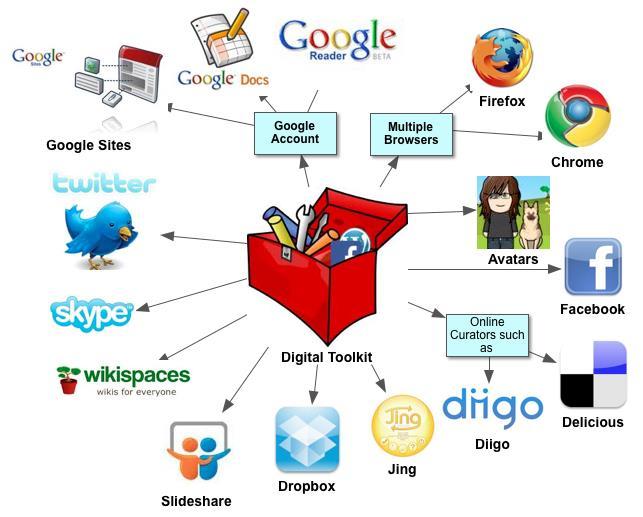
Make sure all students have access to the necessary devices and internet connectivity. As well as for students with disabilities, providing features like screen readers or adjustable text sizes.

➢ Encourage collaboration and communication
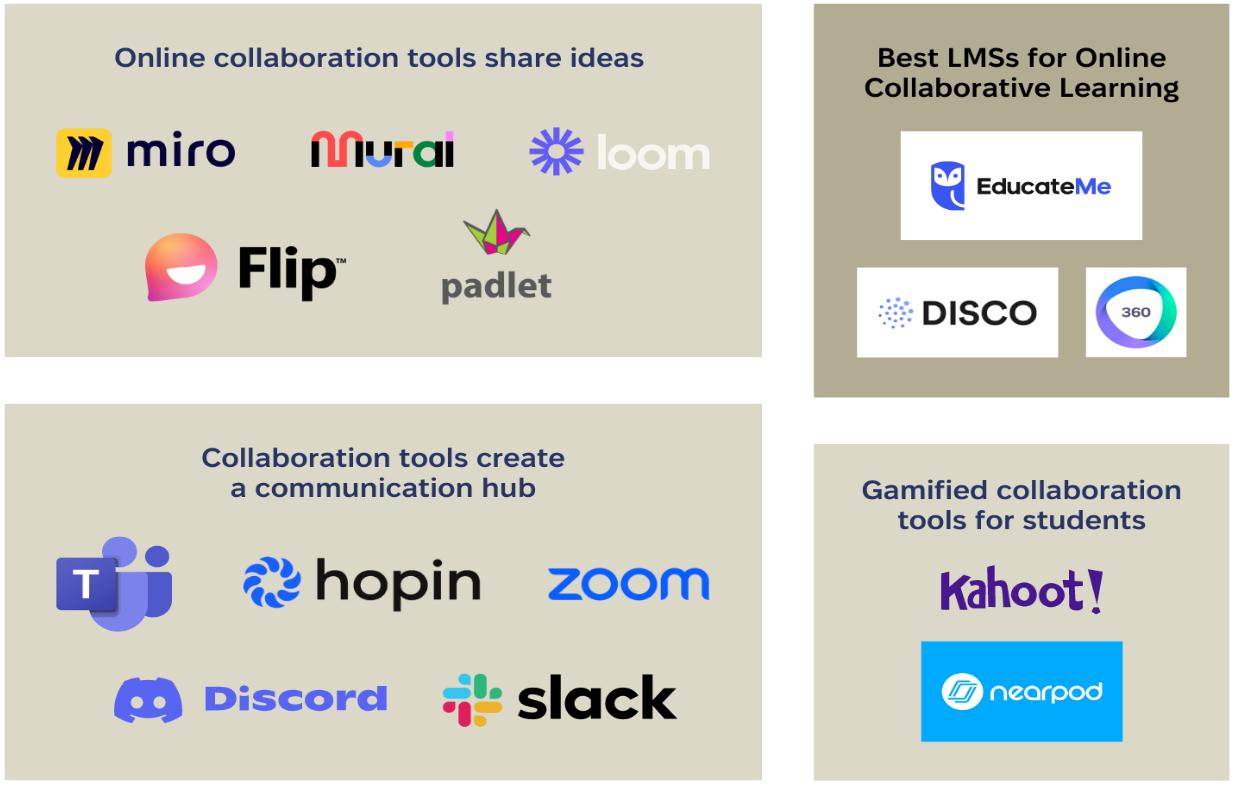
Use collaborative tools like Google Docs, Padlet or Teams to facilitate group work and communication. Create a digital classroom environment where can share ideas and feedback.
➢ Incorporate multimedia
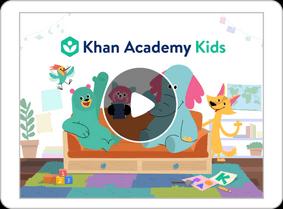
Use videos, podcasts, and simulations to cater to different learning styles and keep lessons engaging. Khan Academy, YouTube, and interactive whiteboards can bring subjects to life.
➢ Leverage assessment tools
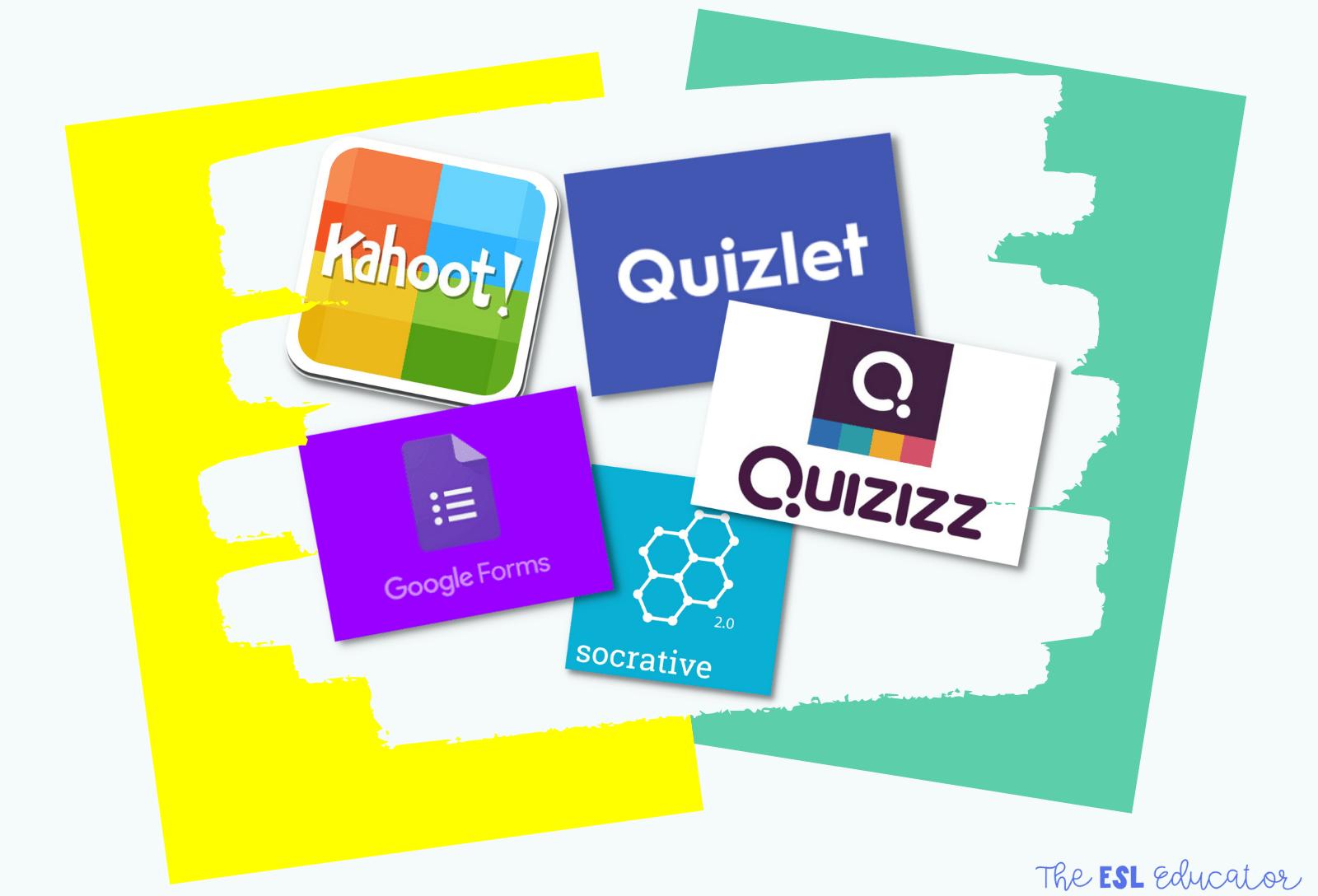
Utilize online quizzes, polls, and formative assessment tools like Kahoot, Quizlet, or Google
Forms to quickly gauge student understanding. Use learning management systems (LMS) like Canvas, Moodle, or Google Classroom to track progress and provide feedback.
➢ Create interactive and engaging lessons
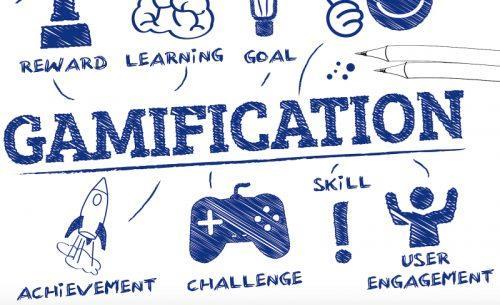
Use gamification techniques to make learning fun and interactive. Educational games can motivate students and provide immersive learning experiences.
➢ Adapt and reflect
Regularly seek feedback from students about the technology tools and their effectiveness. Be prepared to adapt them if they do not meet the objectives or if better options are available.

➢ Stay updated
Keep abreast of the latest educational technology trends and tools by joining online communities, attending webinars, and reading blogs. Integrating technology into practice, can create a dynamic and effective learning environment that prepares students for the future.

Tips for students who want to learn English
➢ Immerse yourself in the language
Change the language settings on your devices and try to think in English as much as possible. Watch movies, TV shows, and YouTube videos. Listen to English music and podcasts.
➢ Practice regularly
Dedicate time every day to practicing English, even if it's just for a few minutes, and be consistent, regular short sessions are often more effective than occasional long ones.
➢ Expand your vocabulary
Aim to learn a few new words every day. Use flashcards or apps like Anki or Quizlet to help. Try to use new vocabulary in sentences and conversations to reinforce your memory.
➢ Improve your speaking skills
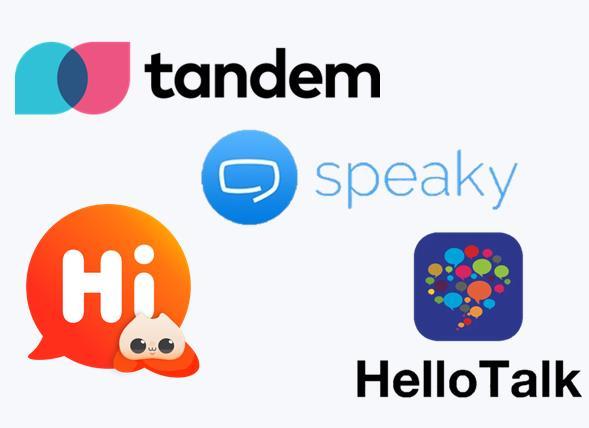
Practice speaking English with friends, partners, or even by talking to yourself. Join language exchange programs or apps like Tandem, HelloTalk, or ConversationExchange to practice with native speakers. Record your speech and listen to it to identify areas for improvement.

➢ Enhance listening skills
Listen actively: Pay attention to pronunciation, intonation, and context in conversations, podcasts, and audiobooks. Variety of sources: Listen to different accents and types of English (e.g., British, American, Australian) to become more versatile.
➢ Improve reading skills
Regularly read books, newspapers, blogs, and articles in English. Start with simpler texts and gradually move to more complex material. Read a variety of genres to expand your vocabulary and understanding of different writing styles.
➢ Boost writing skills
Keep a journal: Write daily about your experiences, thoughts, or reflections in English.
Practice different forms: Write emails, stories, and messages in different styles and tones.
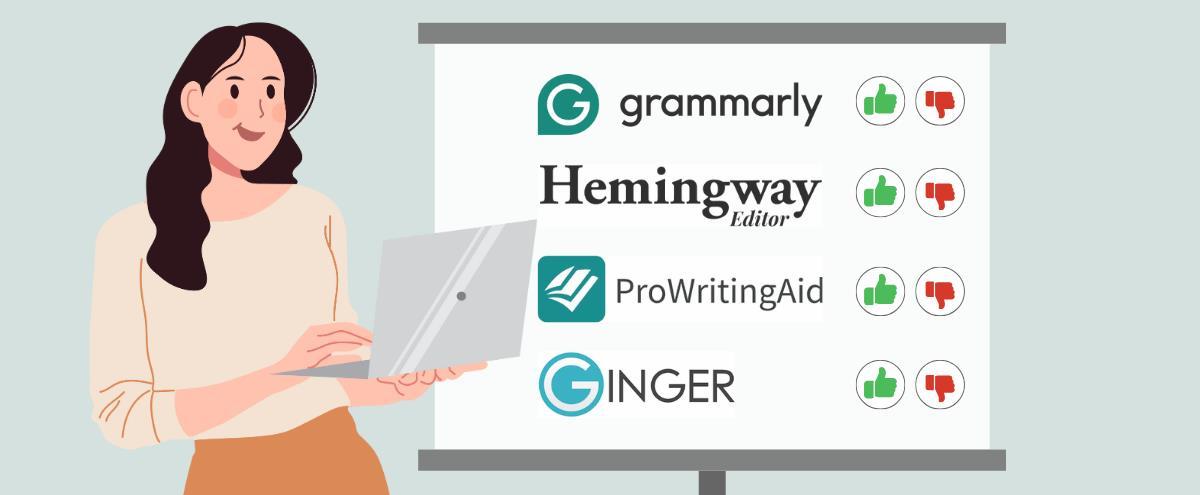
Utilize writing tools like Grammarly or Hemingway to check and improve your writing.
➢ Use technology and apps
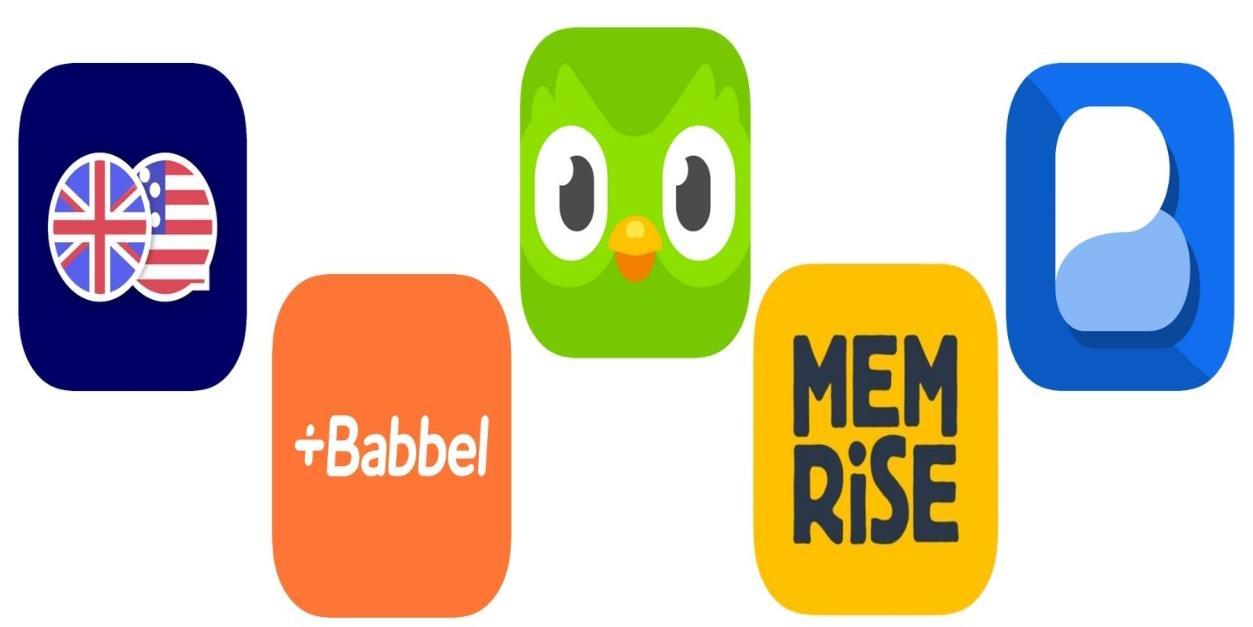
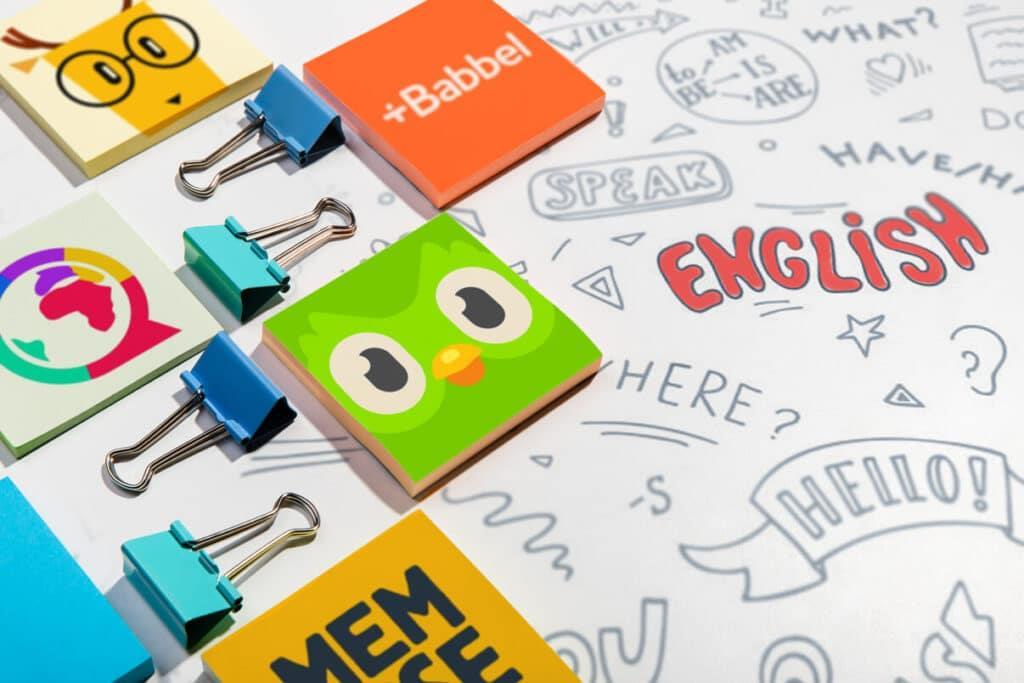
Language Apps like Duolingo, Babbel, or Rosetta Stone for structured learning.
Engage with interactive tools and games that make learning fun and engaging.
➢ Learn in context
Focus on learning phrases and vocabulary relevant to specific situations, like ordering food, traveling, or job interviews. Learn about the culture behind the language to understand idiomatic expressions and context better.
➢
Set realistic goals
Set clear, achievable goals, like learning a number of words per week or being able to hold a basic conversation. Keep track of your progress and celebrate milestones to stay motivated.

My experience at the Colegio Integrado del Carare
➢ Pedagogical practice using TICS
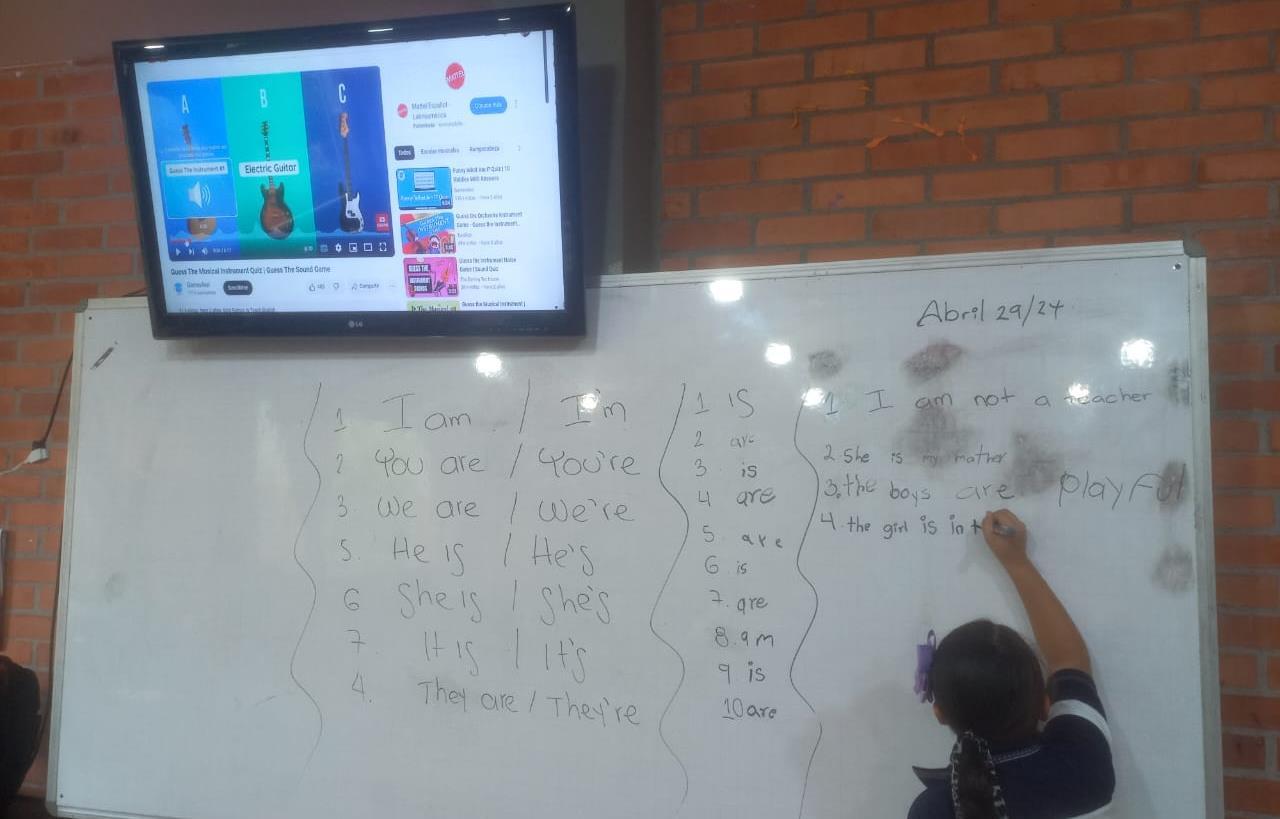
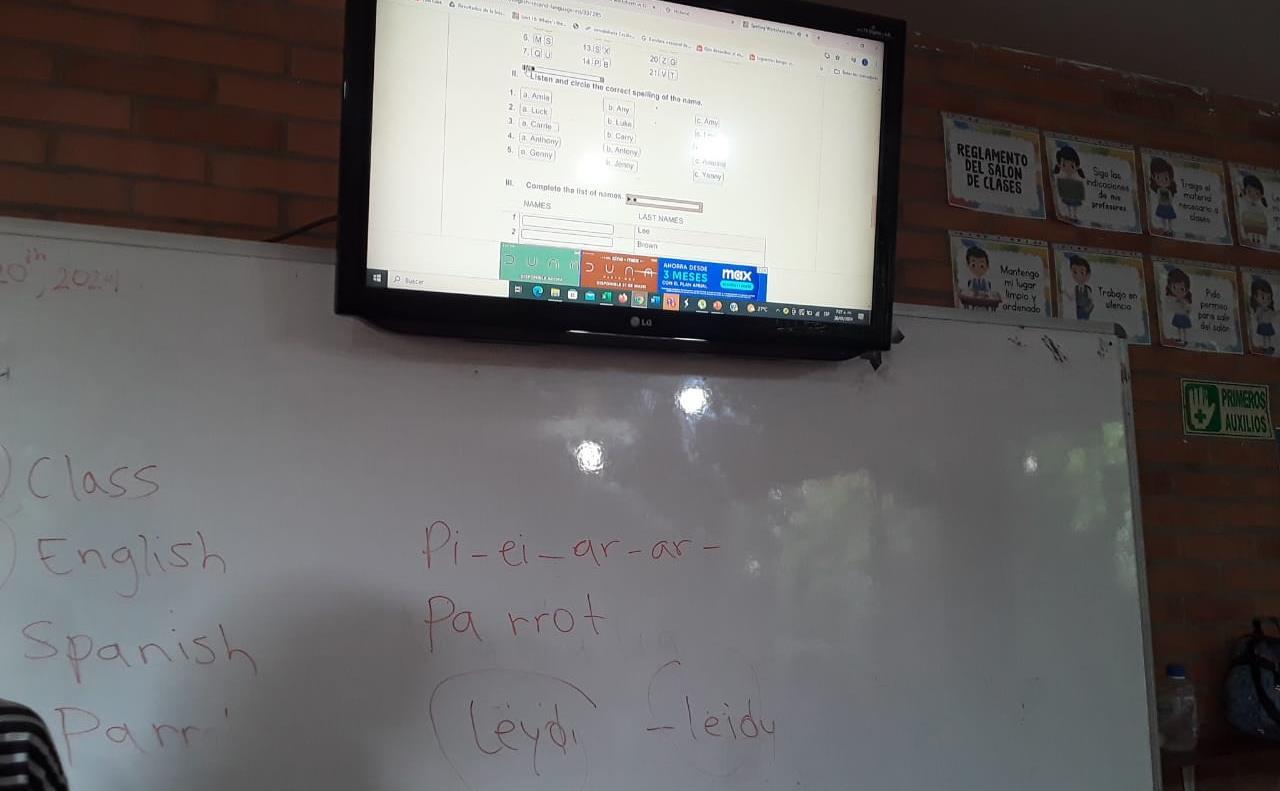
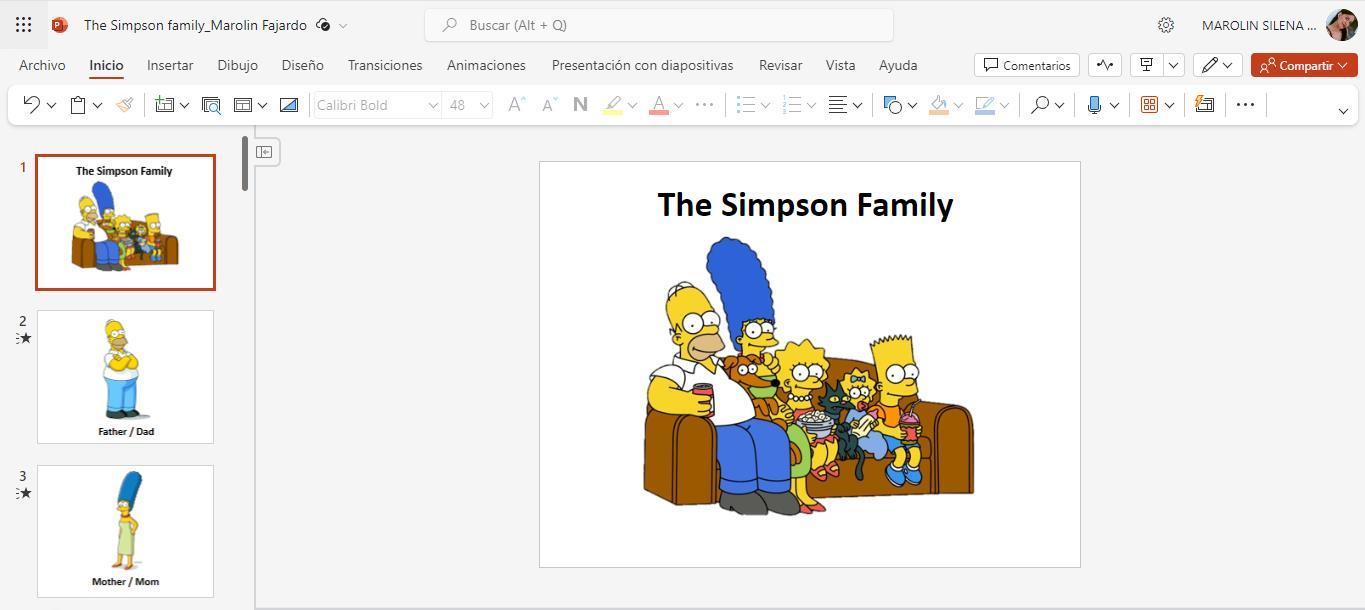
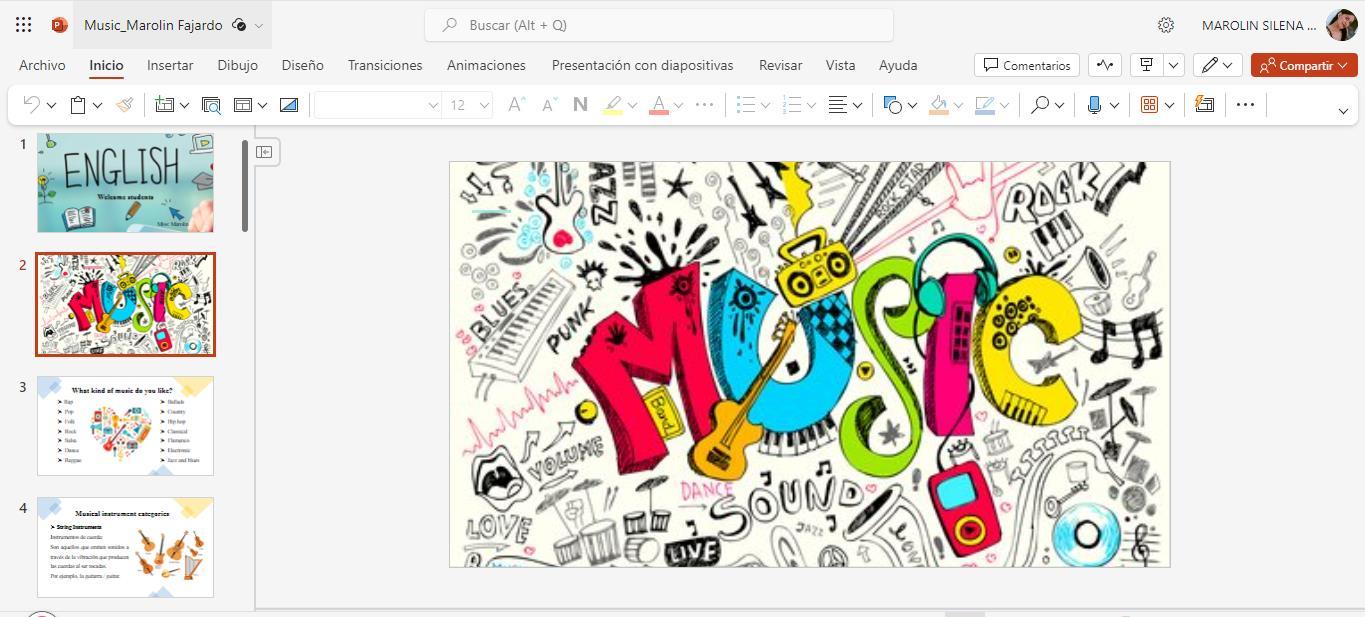
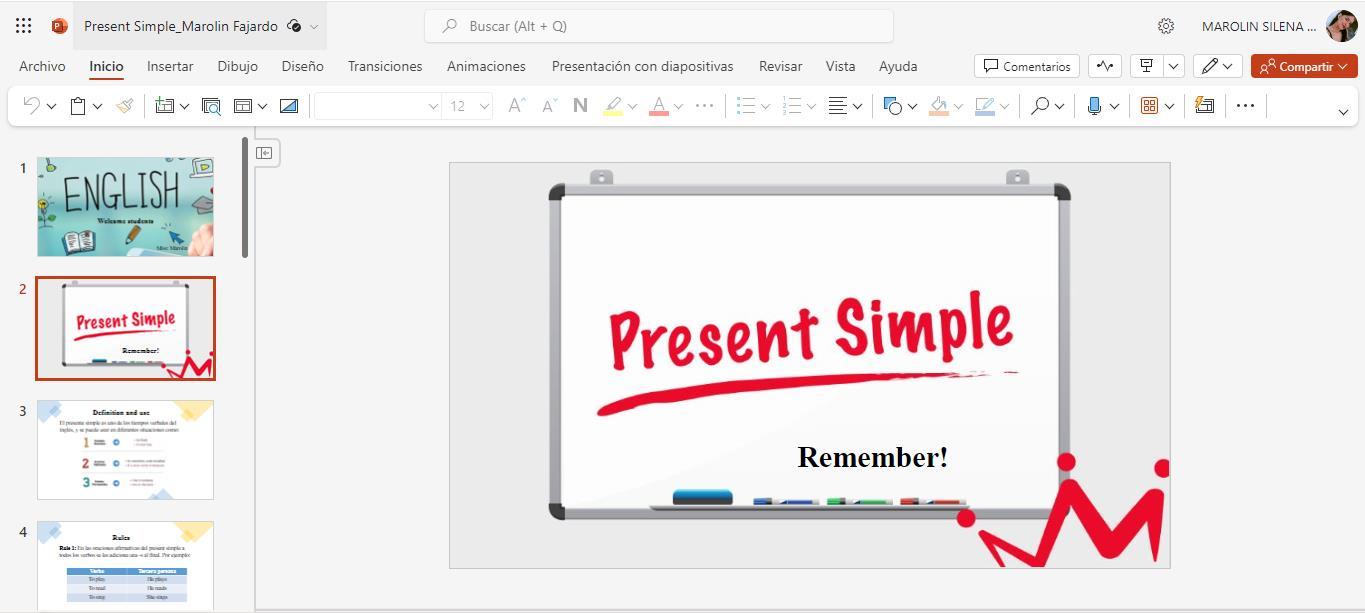
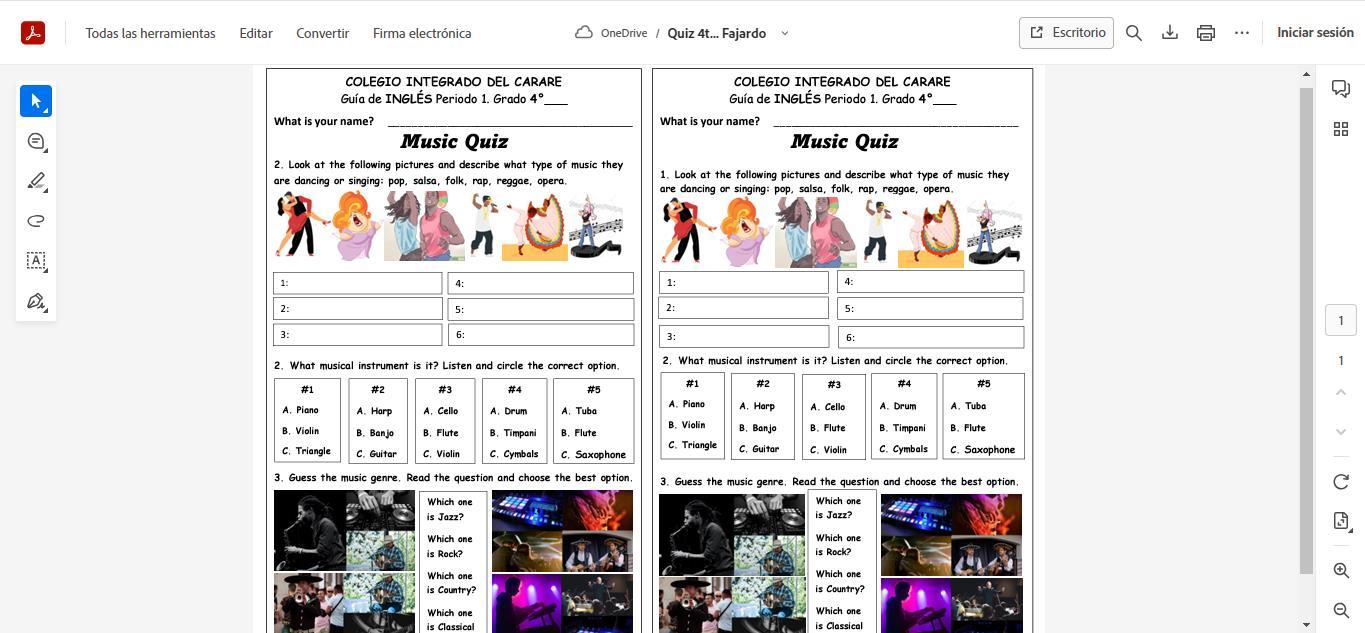
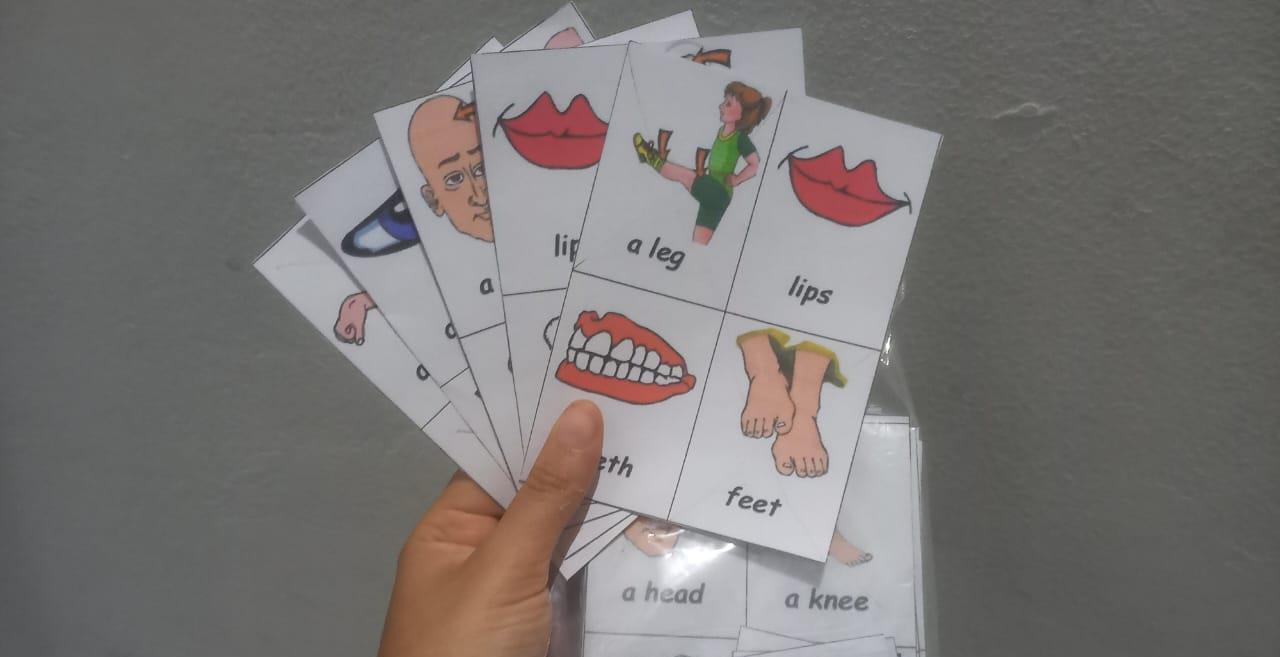
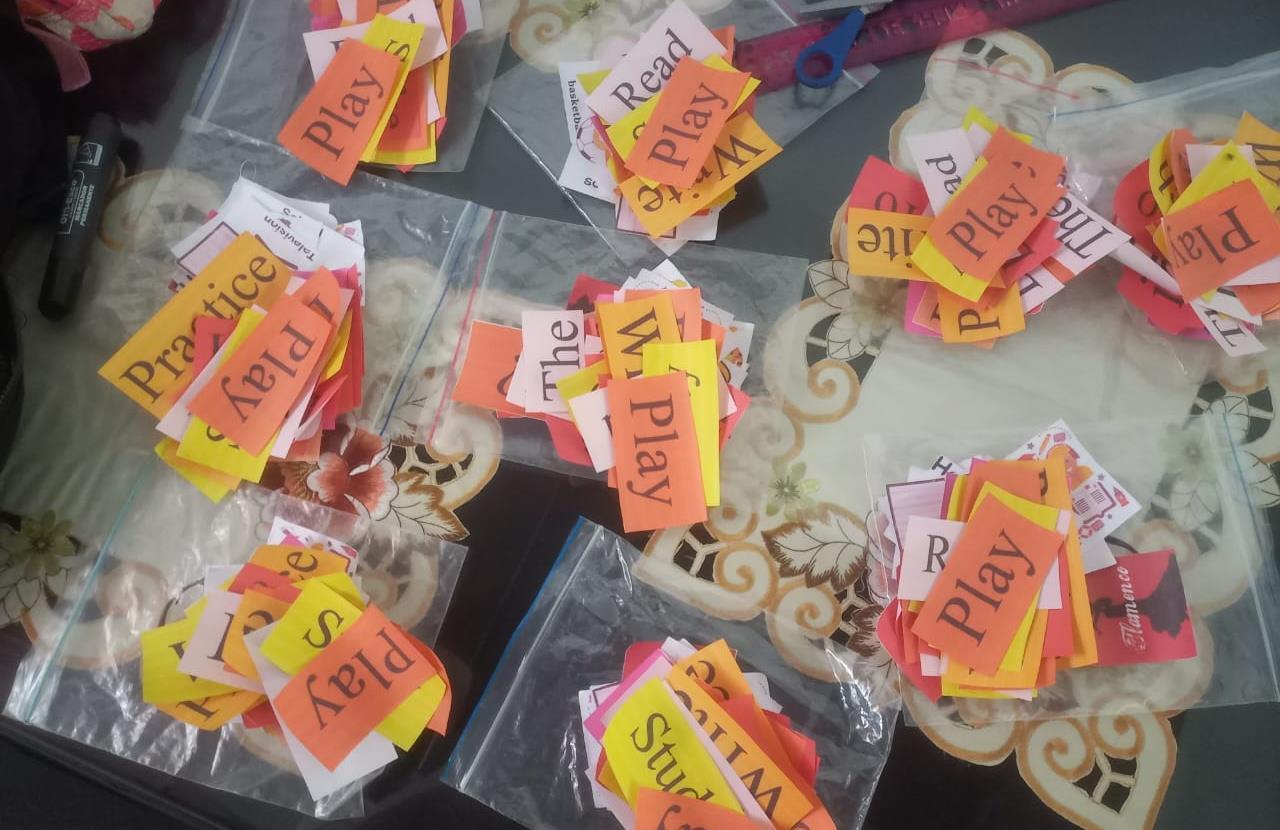
During my time at CICA, I had the opportunity to integrate Technology in Communication and Information (ICT) into my English teaching practice, resulting in a highly enriching experience for both my students and myself. Utilizing various digital tools and resources, I was able to create a more engaging and interactive learning environment.
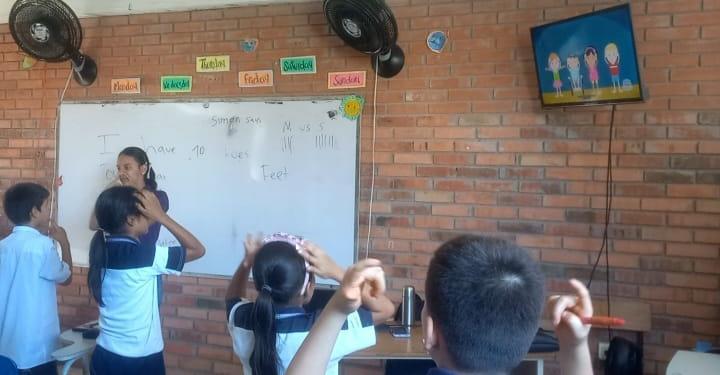
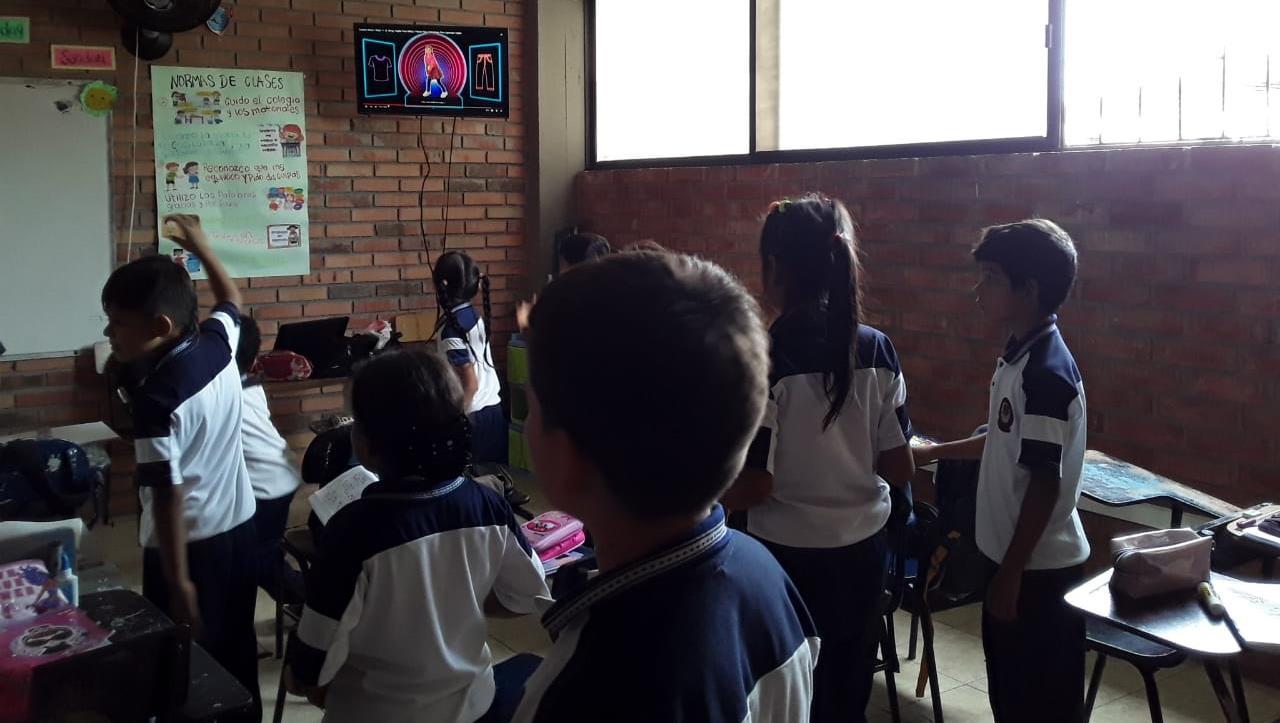
I incorporated multimedia presentations, interactive quizzes, and educational apps to facilitate different aspects of language learning. For instance, using tools like Liveworksheets and Grammarly made vocabulary building and grammar practice more dynamic and enjoyable.
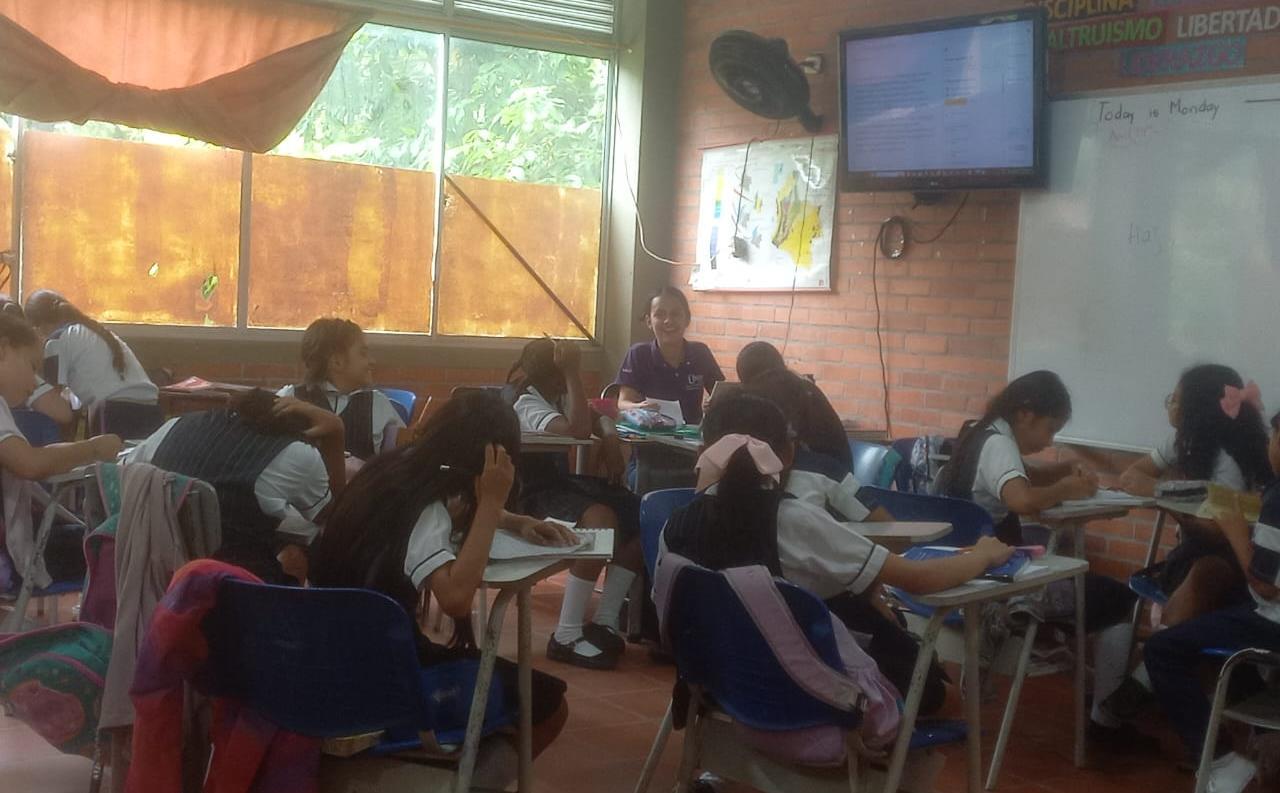
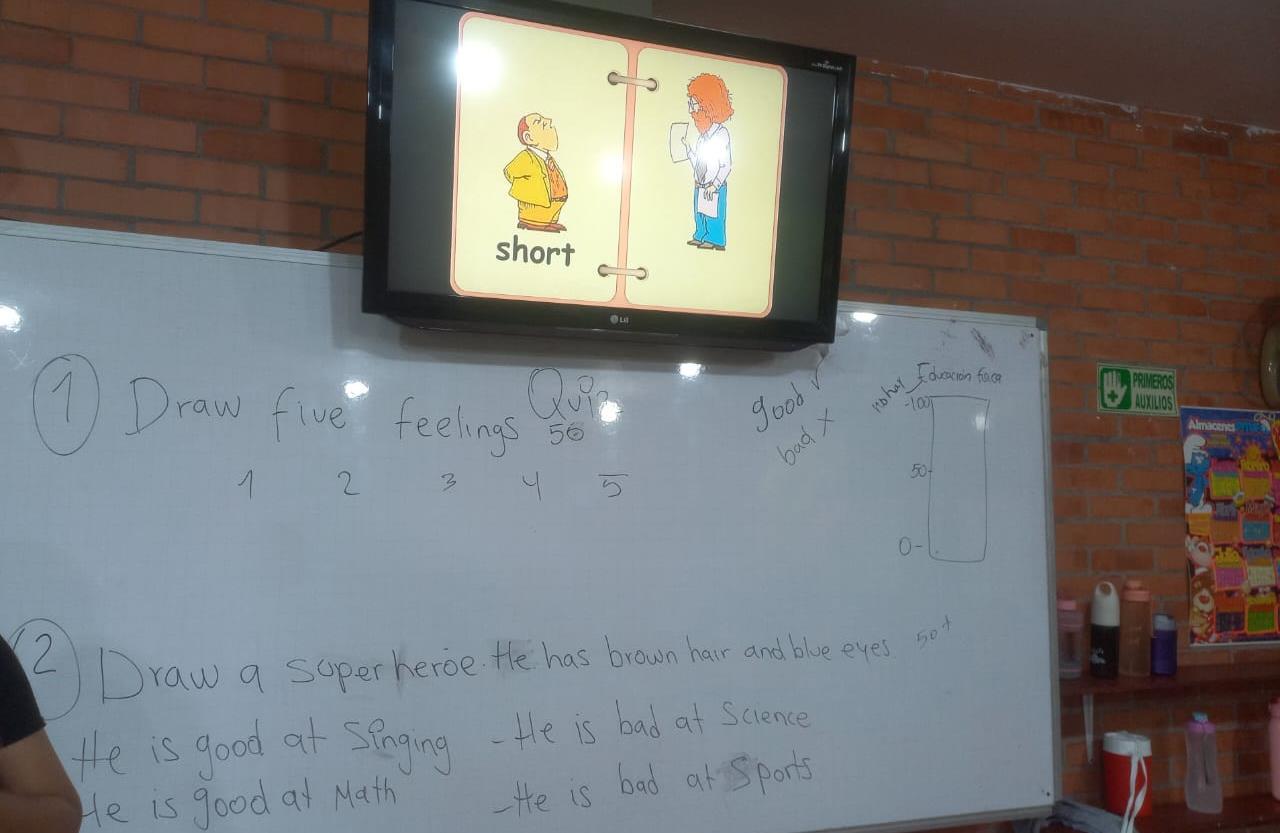
One of the most significant outcomes was the noticeable improvement in student participation and enthusiasm to engage with the material, participate in activities, and complete their assignments. Moreover, the use of video and audio resources helped enhance their listening and speaking skills in an interactive manner.
Material designed
References
Al-Mahrooqi, R. & Troudi, S. (2014). Using Technology in Foreign Language Teaching Cambridge Scholars Publishing.
https://bibliotecavirtual.unad.edu.co/login?url=https://search.ebscohost.com/login.asp xdirect=true&db=e000xww&AN=871072&lang=es&site=eds-live&scope=site
García-Esteban, S. & García-Laborda, J. (2018). Linking Technology and Reflective Practice in Primary ELT Teacher Education. Onomázein, 41, 78–94.
https://bibliotecavirtual.unad.edu.co/login?url=https://search.ebscohost.com/login.asp
xdirect=true&db=fap&AN=132798816&lang=es&site=eds-live&scope=site
Gutgold, N. D. & Grodziak, E. M. (2013). Making Smart Use of Smart Phones to Develop Oral Skills. Journal of Technology Integration in the Classroom, 5(1), 13–16.
https://bibliotecavirtual.unad.edu.co/login?url=https://search.ebscohost.com/login.asp x?direct=true&db=eue&AN=92960700&lang=es&site=eds-live&scope=site
Mostafa El-Dali, H. (2015). Integrated EFL Skills and Technology: Focus on Learners’ Perceptions. Arab World English Journal, 91–115.
https://bibliotecavirtual.unad.edu.co/loginurl=https://search.ebscohost.com/login.aspx
?direct=true&db=eue&AN=108684983&lang=es&site=eds-live&scope=site
Sabatino, L. (2014). Improving Writing Literacies through Digital Gaming Literacies: Facebook Gaming in the Composition Classroom. Computers & Composition, 32, 41–53. https://www-sciencedirect-
com.bibliotecavirtual.unad.edu.co/science/article/pii/S875546151400019X?via%3Dih ub