www.dmedelivers.com




www.dmedelivers.com

www.dmedelivers.com

Welcome to February! It’s cold!
As we roll into 2026, we’re starting the year with some real momentum, clearer focus, and a stronger setup for how we support our partners. After more than 40 years in the game, we’re still evolving, but now we’re doing it better together. Being under one roof has already made us more efficient, more collaborative, and a lot faster in how we work and serve our clients.
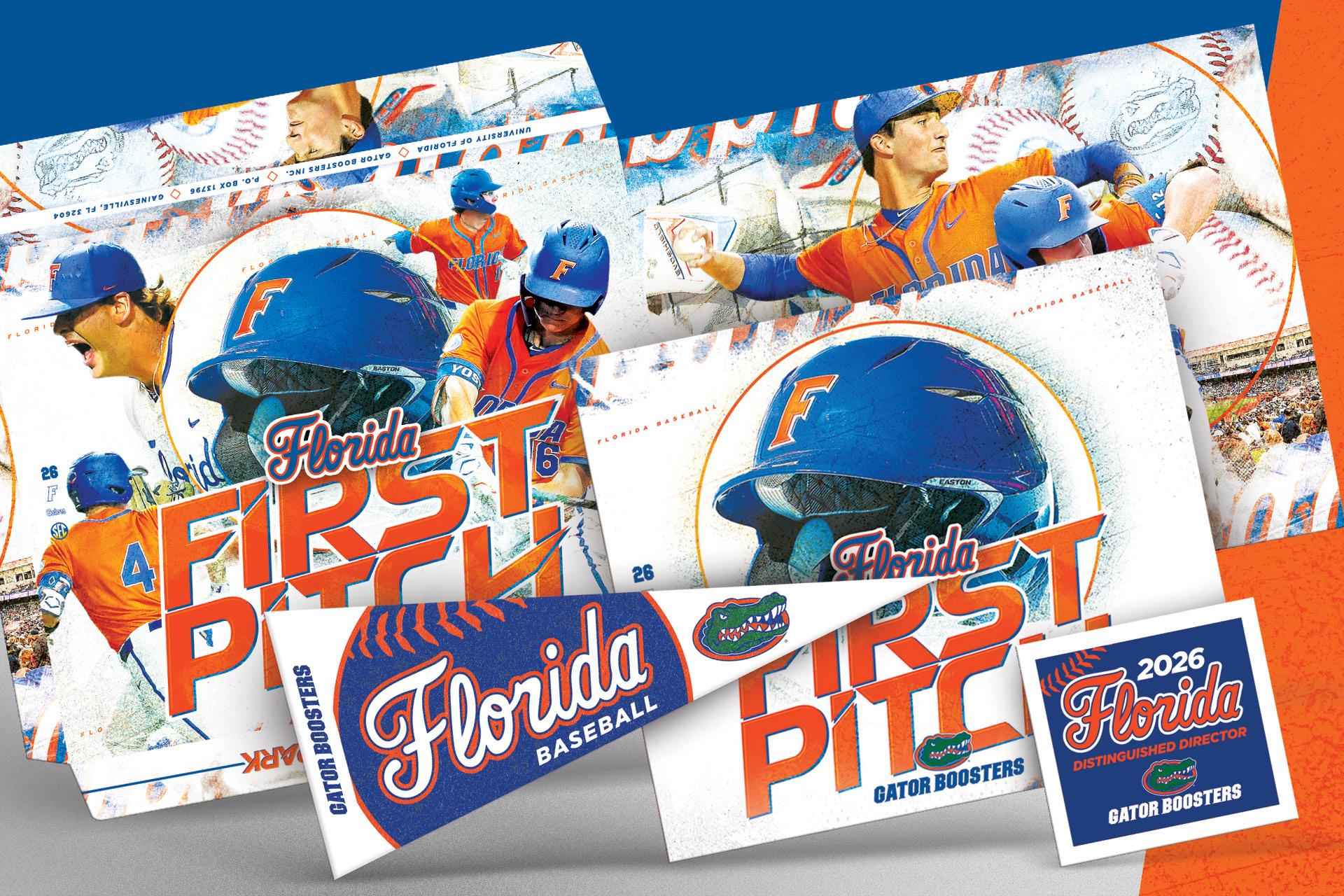
On top of that, we’re kicking off the year with some great news...our exclusive partnership with Truly Engaging. This expands what we can offer our customers and adds some really strong products to our lineup, including proprietary self-mailing decal postcards, magnet postcards, high-end presentation
www.dmedelivers.com
folders, and more. With Truly Engaging’s advanced production capabilities like spot gloss, foil, and softtouch finishes, we’ll be able to deliver even more premium, high-impact work that helps our partners stand out. If you haven’t seen any samples yet, come on up!
With our team aligned, our operations stronger, and our product offering growing, we’re set up for an exciting 2026. Looking forward to what we’ll build together this year!
Thanks y’all, Chris

I know we’re all shocked, saddened, and thoroughly confused that the Vikings did not, in fact, make it to the Super Bowl this year, despite every NFL expert insisting they would. See y’all next year!
...Go Seahawks
www.dmedelivers.com
www.dmedelivers.com




www.dmedelivers.com






www.dmedelivers.com





www.dmedelivers.com
www.dmedelivers.com


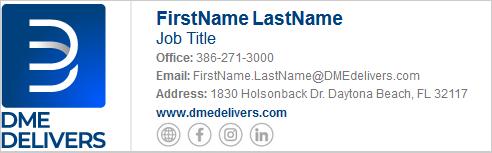
We’re excited to unveil our refreshed email signature, now optimized for Dark Mode! Designed with a modern touch, it ensures clarity, readability, and a seamless experience regardless of your preferred display settings.
This update reflects our commitment to staying current and enhancing communication with with our customers.
Please click the button to the right to update your email signature.
https://webrepo.dmedelivers.com/emails/EmailSignatureBuilder/index.html
Outlook Web App
Select Settings > Mail
Select Settings Compose and Reply Under Email signature, paste your signature from the Builder Tool into the text box.
Select as your default signature for New Messages and Replies
Select Save
Outlook Desktop
Select File > Options > Mail > Signatures
Select the signature you want to edit, and then paste your signature from the Builder Tool in the Edit signature box
When you’re done, select Save > OK
www.dmedelivers.com