Collection
www.marinadunbar.com
studio@marinadunbar.com
Step 1: Prepare the Eyelet Screws
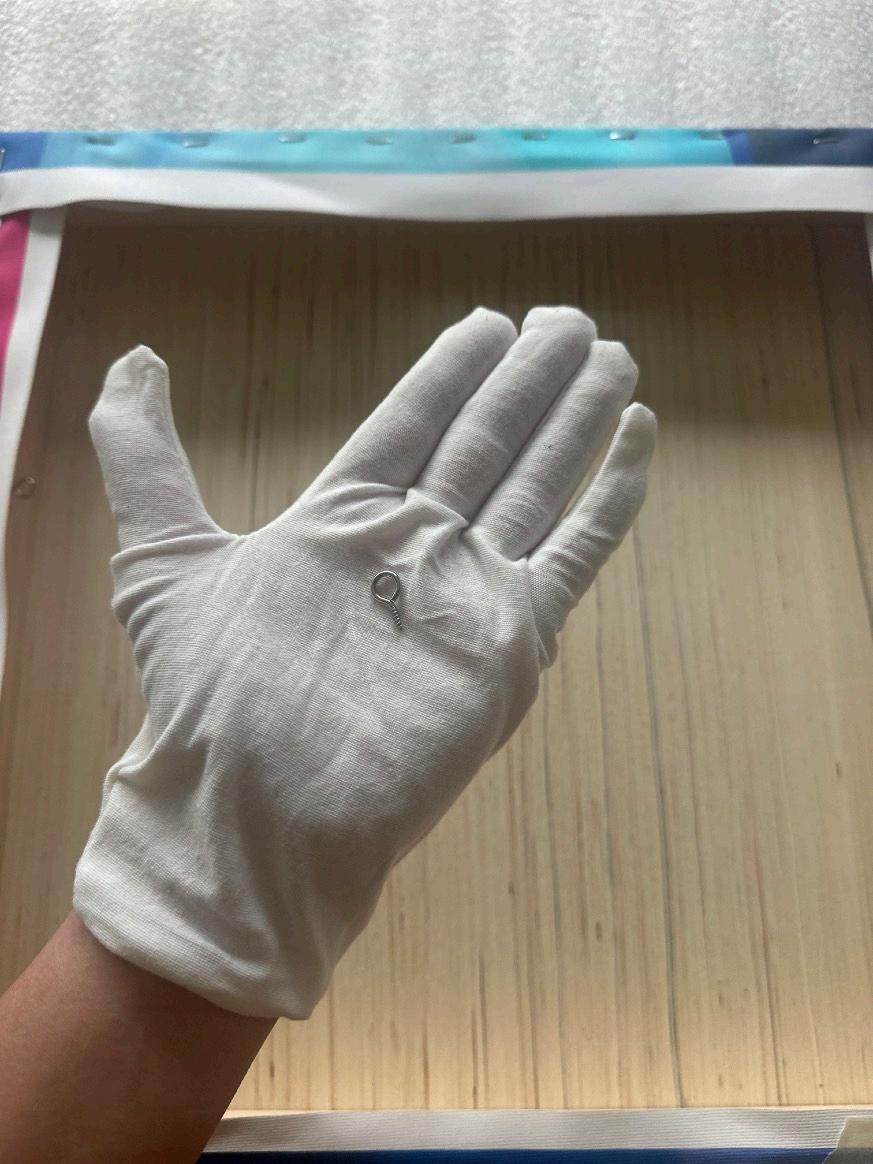
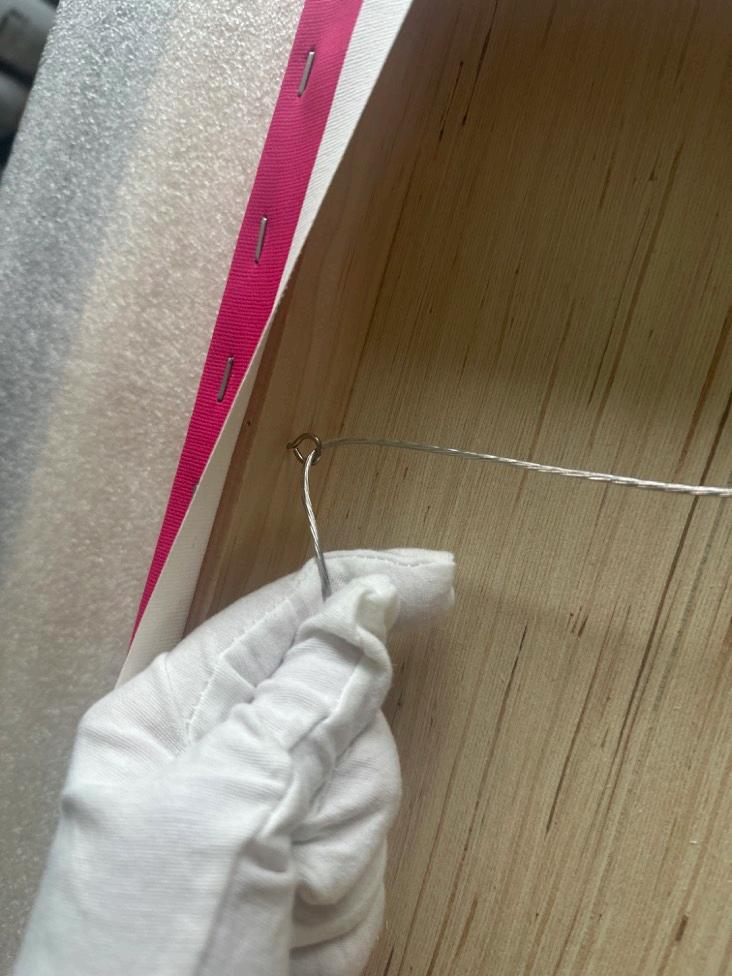
Locate the eyelet screws included with your print. These will be installed on the back of the cradled panel to support the hanging wire. Measure and mark a point one-third down from the top of the panel on each side.
The panel is 16 inches tall, one-third down is approximately 5 inches.
Gently screw the eyelet into the marked position on one side of the panel. To make this easier, you can pre-drill a small hole using a drill bit slightly smaller than the screw. If you don’t have a drill, the screw can be inserted by hand with steady pressure.
www.marinadunbar.com
studio@marinadunbar.com
Step 2: Repeat on the Other Side
Repeat the process for the second eyelet screw, placing it at the same height on the opposite side of the panel.
Step 3: Attach the Hanging Wire
Take the coated wire and thread it through the eyelet screws. Leave a bit of slack in the wire so it forms a gentle curve when the print is hung. Too much tension will make hanging difficult, while too much slack may cause instability. This can always be readjusted if needed.
Once the wire is threaded, wrap the excess wire around itself tightly near the base of the eyelet screw to secure it. Tie a small knot at the base of the screw to ensure the wire doesn’t loosen over time.
www.marinadunbar.com
studio@marinadunbar.com
Step 4: Nail and Hook Installation
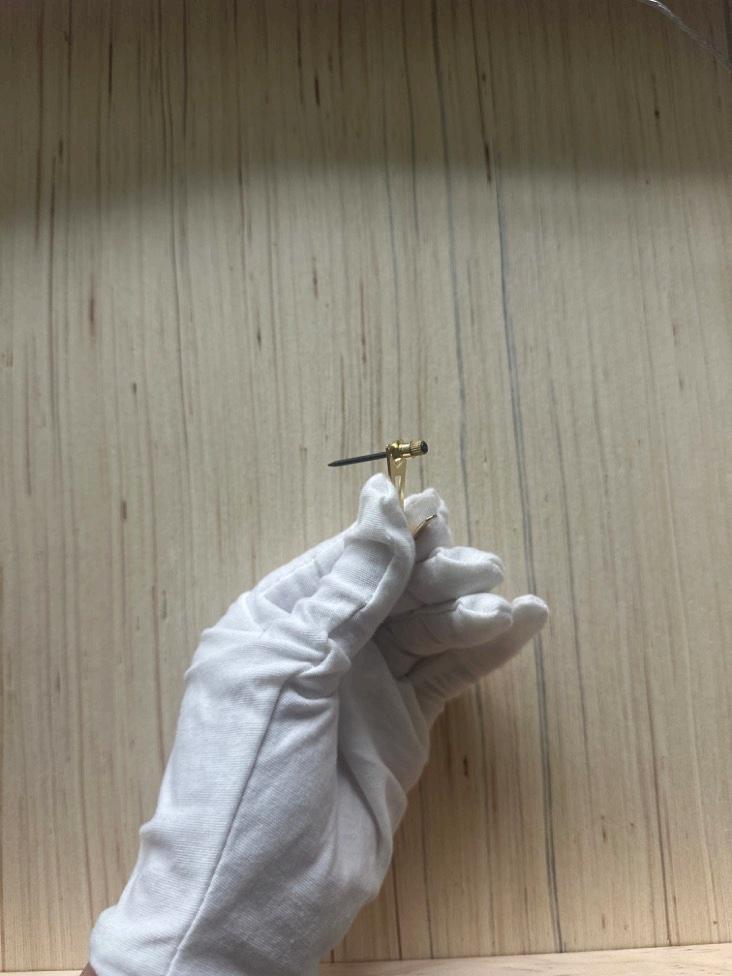
Take the provided nail and hook. Place the hook onto the nail as shown in the reference picture. Use a hammer to gently tap the nail into the wall at the desired height. Ensure the nail is angled slightly upward to support the weight of the print.
Step 5: Hang the Print
Lift the print and position the wire over the hook. Adjust the wire as needed to ensure the print is level. If the wire is too tight or too loose, you can adjust it by rewrapping or repositioning the wire around the screws.
Your limited edition print is now installed and ready to be enjoyed!
www.marinadunbar.com studio@marinadunbar.com