The system you don’t think about.
Until you see the results.
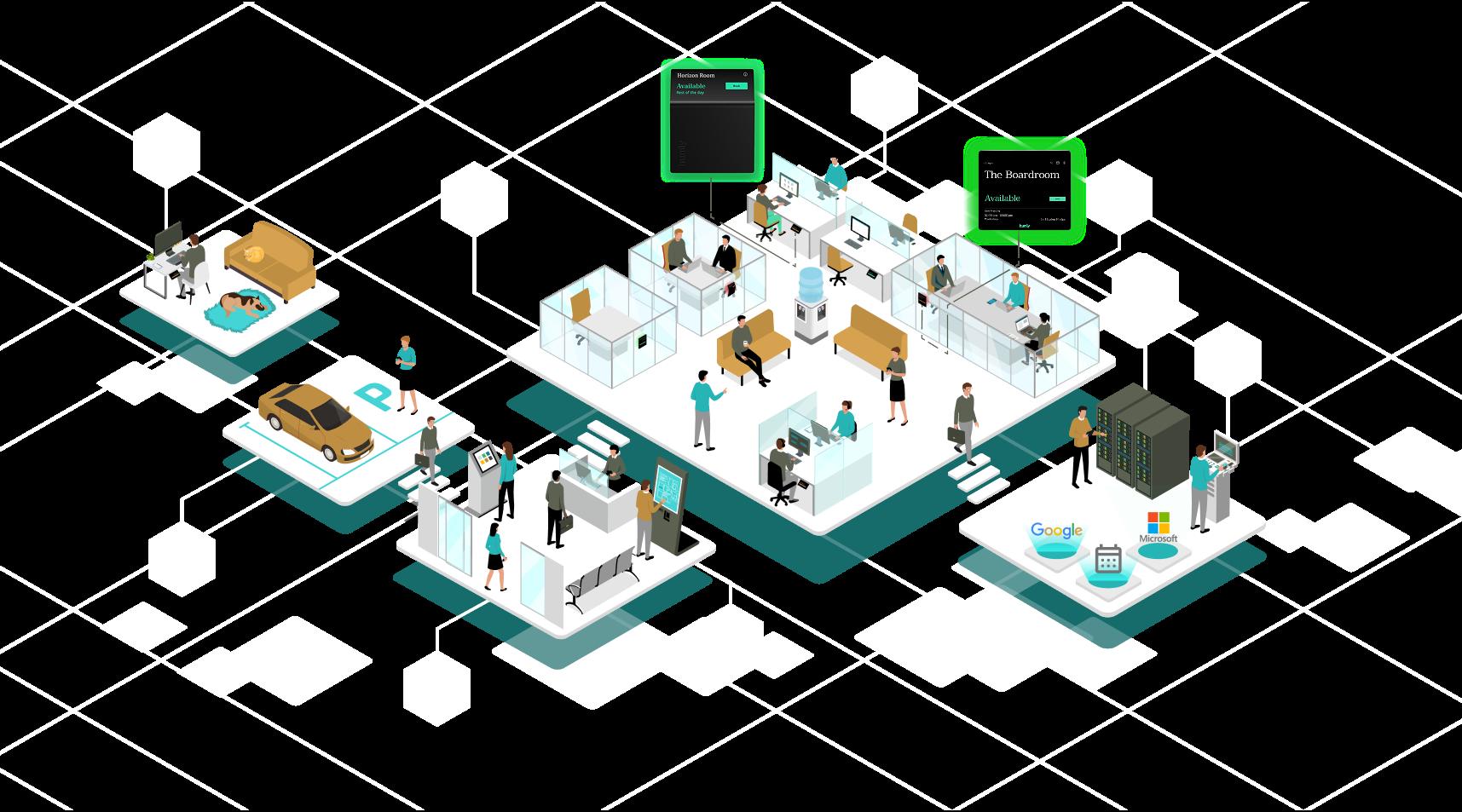
Your workplace experience on a single platform
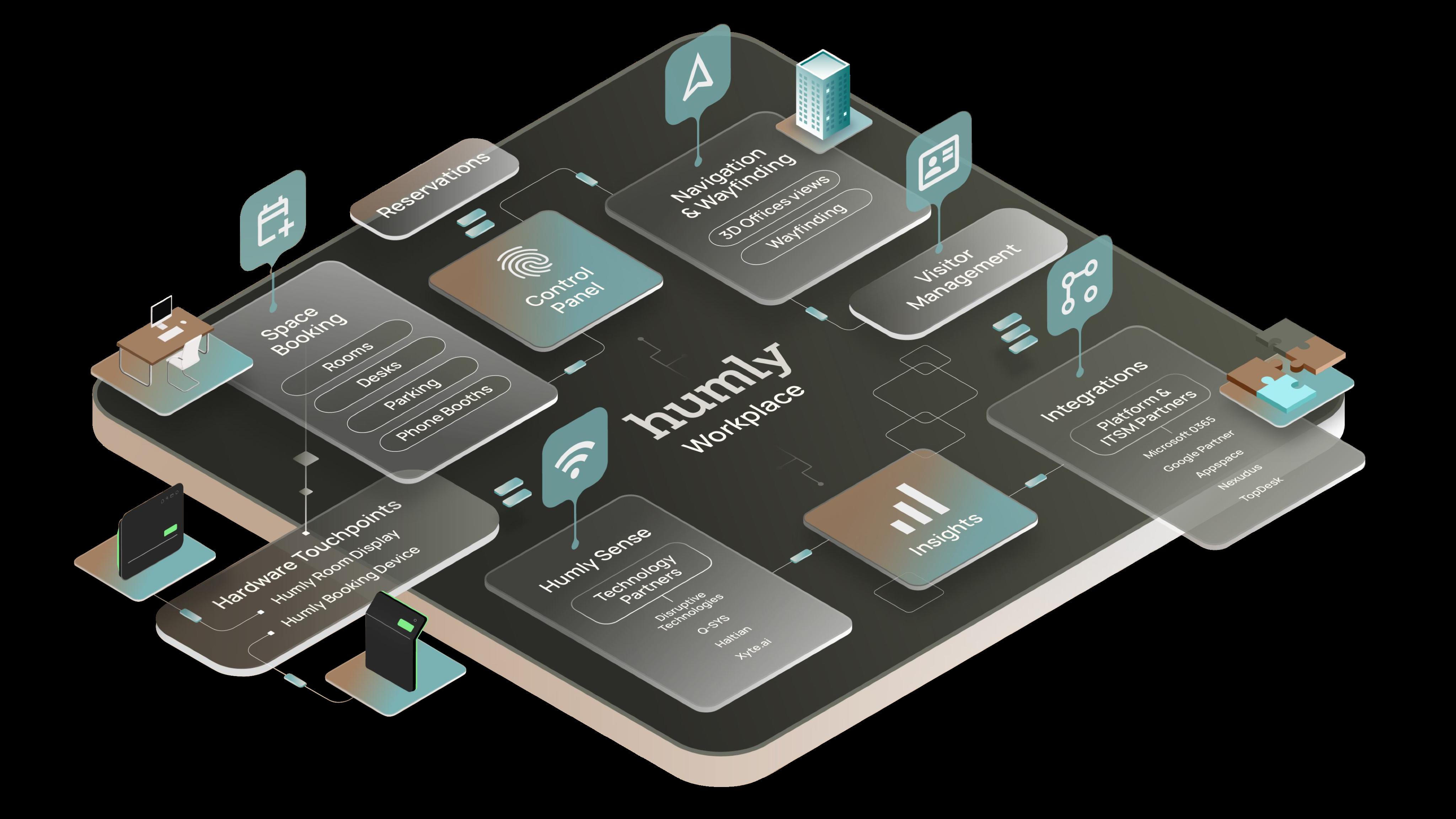
Humly brings rooms, desks, and shared resources together with Microsoft 365, Google Workspace, and other leading calendar platforms. Everything is managed in one place via the Humly Control Panel, making it easy to scale, secure to run, and simple to keep consistent across locations.
Great tools don’t demand attention, they give it back.
Humly is designed to feel natural for people, while giving teams the control they need behind the scenes. The result is calmer days, time back, fewer failed meetings, smoother operations, and smarter use of space.
We believe that the best workplace system is the one you hardly notice—until you see the results. That’s why Humly was designed to blend in, but built to stand out.
Humly is built for workplaces where security is non-negotiable
From device-level options to secure operations, Humly follows ENISA and CIS best practices and runs regular external penetration tests as part of a structured development process. For stricter installations, Max Security hardware options are available, including versions with Wi-Fi and Bluetooth disabled.
ISO-Certified for Trust and Excellence
Humly is proudly ISO 27001, 9001, and 14001 certified, ensuring the highest standards in information security, quality, and environmental responsibility.
These certifications reflect our commitment to protecting your data, delivering reliable solutions, and promoting sustainability in every product we create.
Humly Booking Device
Book anything, anywhere. Simplify every workspace.
Clarity that saves minutes every day.
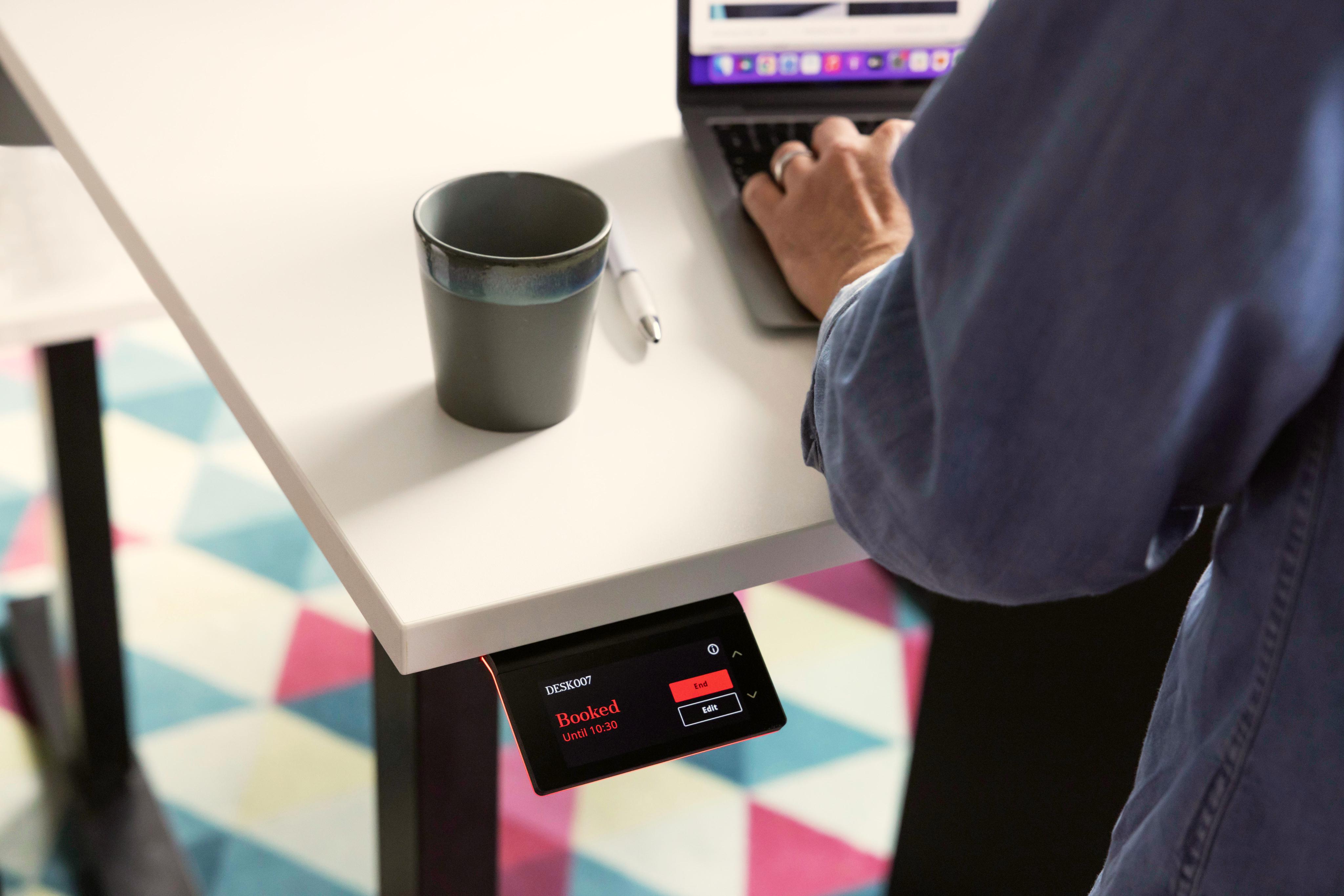
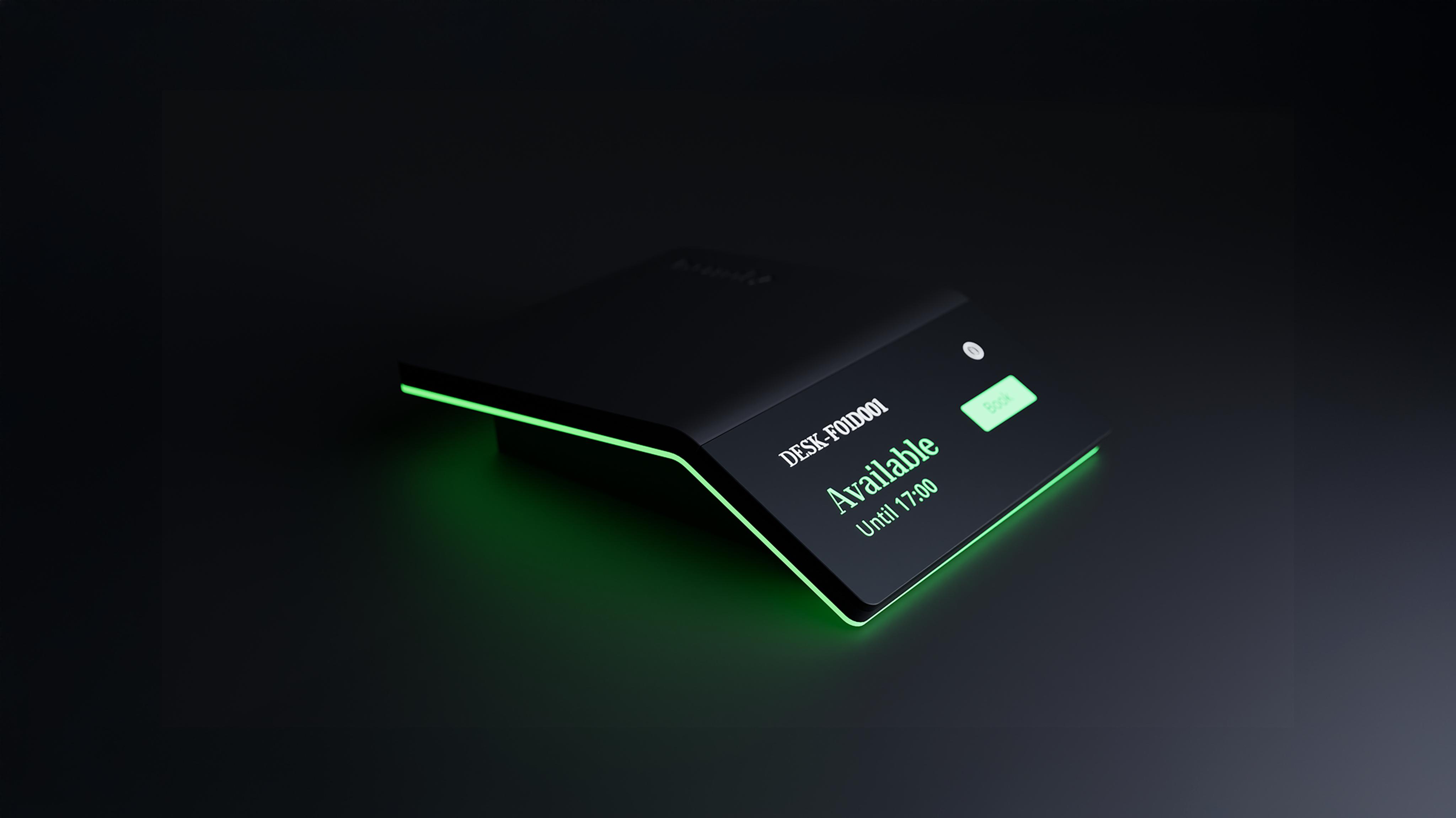
A sleek, sensor-enabled touchpoint for modern workplaces. Humly Booking Device makes it easy to book desks and shared resources in the moment, while giving teams central control and reliable usage data through the Humly Control Panel.
Mount it anywhere
Humly Booking Device is designed to book:
Desks
Meeting rooms
Focus rooms
Phone booths
Core features
Find, book, and manage resources
Find your booked space, or an available one, instantly
See who’s booked (and for how long) at a glance
Tap to book or check in
Sensor integration
Co-working and social spaces
Cars and parking spaces
…and other shared resources
Humly Booking Devices can be configured with third-party motion sensors available in Humly Sense
Phone Booth Mode allows automatic sensor-triggered bookings with clear status cues
With Motion Sensor Booking thirdparty sensors will automatically reserve spaces the moment someone walks in
Presence-based check-in options for desks to help keep bookings accurate
Streamlined user experience
Clear interface, minimal steps
Optional reminders help prevent missed check-ins
Built to feel natural, even on busy days
Flexible at scale
Mounting options for desks, glass, walls, and booths
Remote management and live monitoring via Humly Control
Panel
Real-time updates for fast rollouts and consistent performance
Usage statistics and workplace analytics, right when you need them
Works with the platforms you already use
Why choose Humly Booking Device?
Elegant, timeless design
Award-winning Scandinavian design that fits naturally into modern interiors
Compact format with clear, at-aglance status via the LED halo
Matte, anti-glare, anti-fingerprint touchscreen built for everyday use
Durable hardware designed for long service life (5+ years)
User-friendly experience
Tap to book, check in, or adjust
Global user accessibility
Multilingual support for global teams (30+ languages)
Works with leading calendar platforms, plus an open API for custom integrations
Flexible configuration for different office types, layouts, and workflow
Cost-effective solution
Advanced capability in a compact
Supported accessories
Top-of-desk and wall mount (included)
Under-desk mount
Glass wall adhesive
USB C power cable
Power adapter
Extension box with support for Ethernet/PoE and controller for adjustable desks.
Cables for adjustable desks
Technical Specifications
Display
Display Size, inch (cm)
3.46 inches (8.79 cm)
Display Resolution
740 × 340 pixels
Pixel Density
235 PPI (pixels per inch)
Display Technology
LCD (TFT) with capacitive touch technology
Display Finish
Matte, Anti-Glare display with anti-fingerprint treatment
LED
Ambient Lighting
RGB LED light aura (background illumination)
Customizable LED colors
Ambient light aura
Resource Occupancy Default
Colors
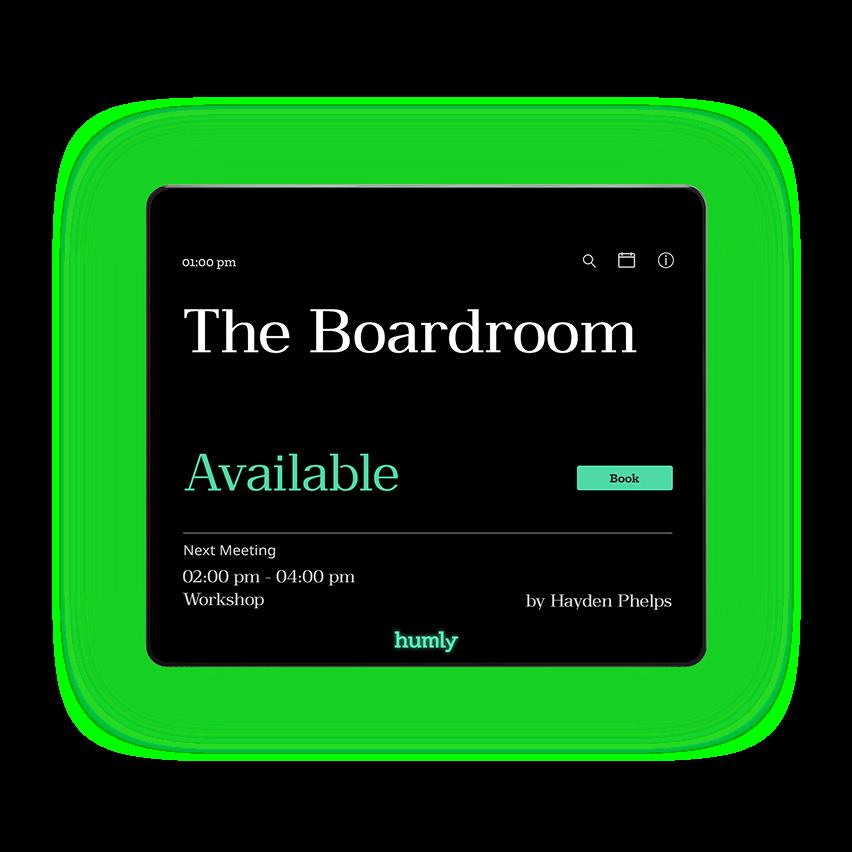
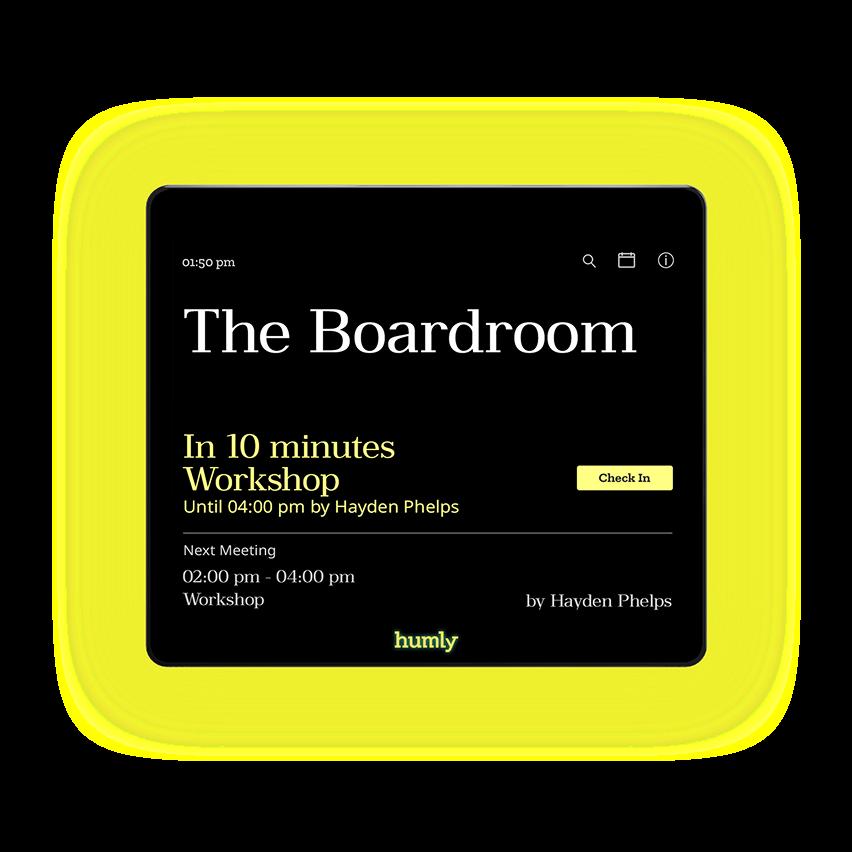
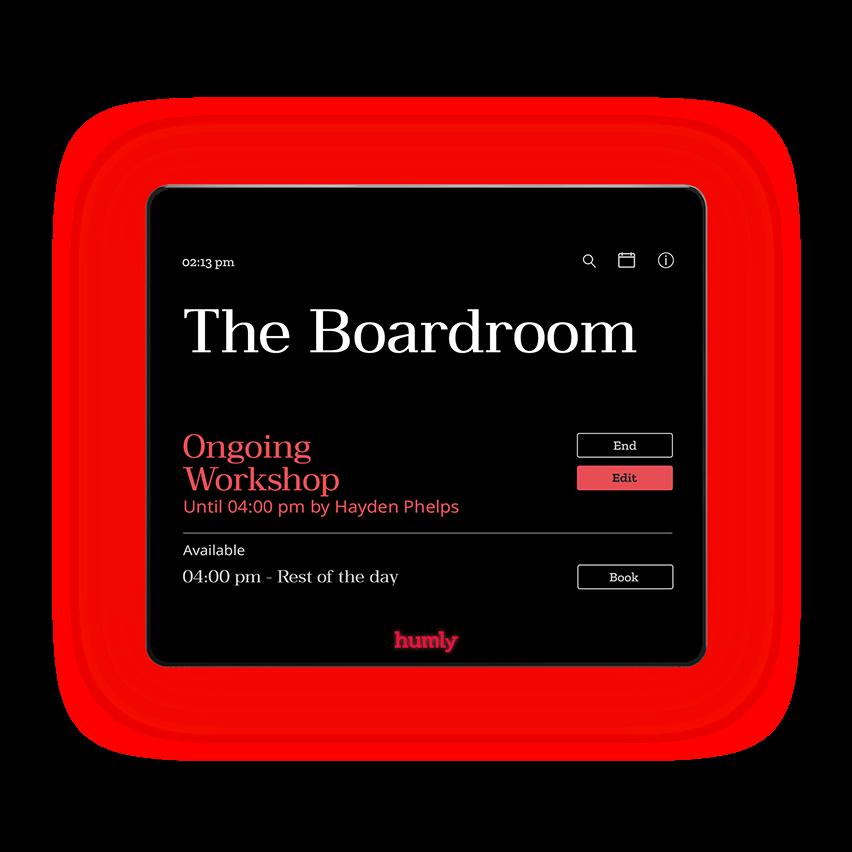
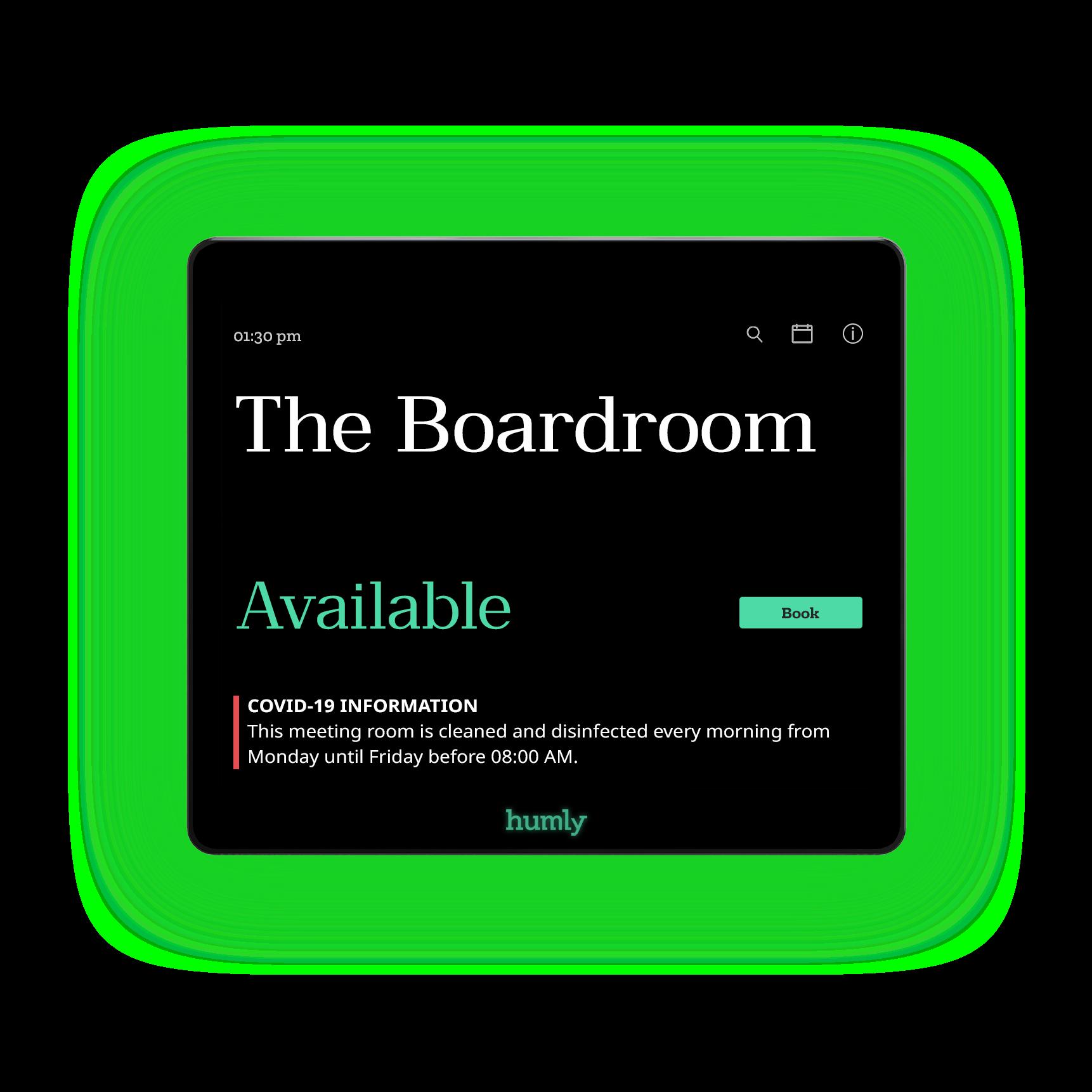
Green (available), Yellow (upcoming/check-in), Red (ongoing)
Network & Connectivity
Ethernet LAN
RJ-45 10/100 (requires HUM1020935 PoE and Desk Control, sold separately & not incl.)
Power over Ethernet (PoE)
802.3at (Type 1), 37 57V, 0.35A (requires HUM1020935 PoE and Desk Control, sold separately & not included)
Wi Fi
802.11 b/g/n, 2.4 GHz
Wi Fi Security
WEP, WPA TKIP, WPA2-CCMP, WPA2-PSK, WPA3-Personal
Network Configuration
Static IP (ethernet only), DHCP
Bluetooth
Version 5.0
RFID & NFC
NFC/RFID 13.56 MHz (ISO/IEC 14443A/B), supports MIFARE 4K/1K (Type V ISO/IEC 15693 and MIFARE Ultralight C not supported)
Sensors
Accelerometer
Detects vibrations for activity monitoring (recommended for desk resources)
Sensor
External motion sensor that detects human presence (recommended for rooms)
Input/Output
USB
USB-C for device management (flashing, upgrading, log access),
Micro-USB
Mini Display Port
For use with HUM1020935 PoE and Desk Control (sold separately & not included)
DC Power Input
For use with HUM1020915 5V Power Supply & HUM1020975 USB-C Power Cable (sold separately & not included)
Reboot
Reboot button accessible via paper clip or similar tool
Desk Height Control
Desk height adjustment via onscreen up/down arrows
Mounting Options
Standard Wall Mounting
Standard wall mount included
Glass Wall Mounting
Requires HUM1020955 Mount Kit (sold separately & not included)
Under Desk Mounting
Requires HUM1020925 Desk Mount (sold separately & not included)
On Top of
Placement option without mounting; directly on desk surface
Power Supply
Power Adapter (Barrel Jack)
15V @ 3A, DC (requires HUM1020915 5V Power Supply, sold separately & not incl.)
Power over Ethernet (PoE)
802.3at (Type 1), 37 57V, 0.35A (requires HUM1020935 PoE and Desk Control, sold separately & not included)
USB C to DC (Barrel Jack)
HUM1020975 USB-C to Power Cable (Barrel Jack), sold separately & not included
Weight (incl. wall mount) 186 grams (6.56 ounces)
System Software
Operating System
Real Time Operating System (RTOS)
Accessories
Supported Humly Accessories
5V Power Supply (HUM1020915), Desk Mount (HUM1020925), PoE and Desk Control (HUM1020935), Glass Mount Kit (HUM1020955), LINAK Cable (HUM1020965), USB-C Power Cable (HUM1020975), Logic Data CB Cable (HUM1020985), Jiecang Desk Control (HUM1020815)
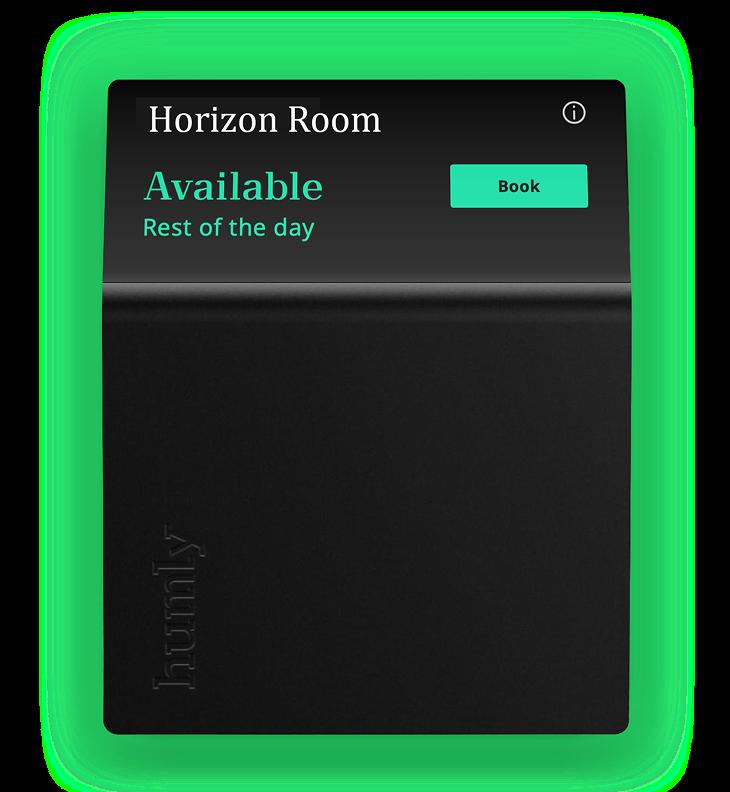
Humly Room Display
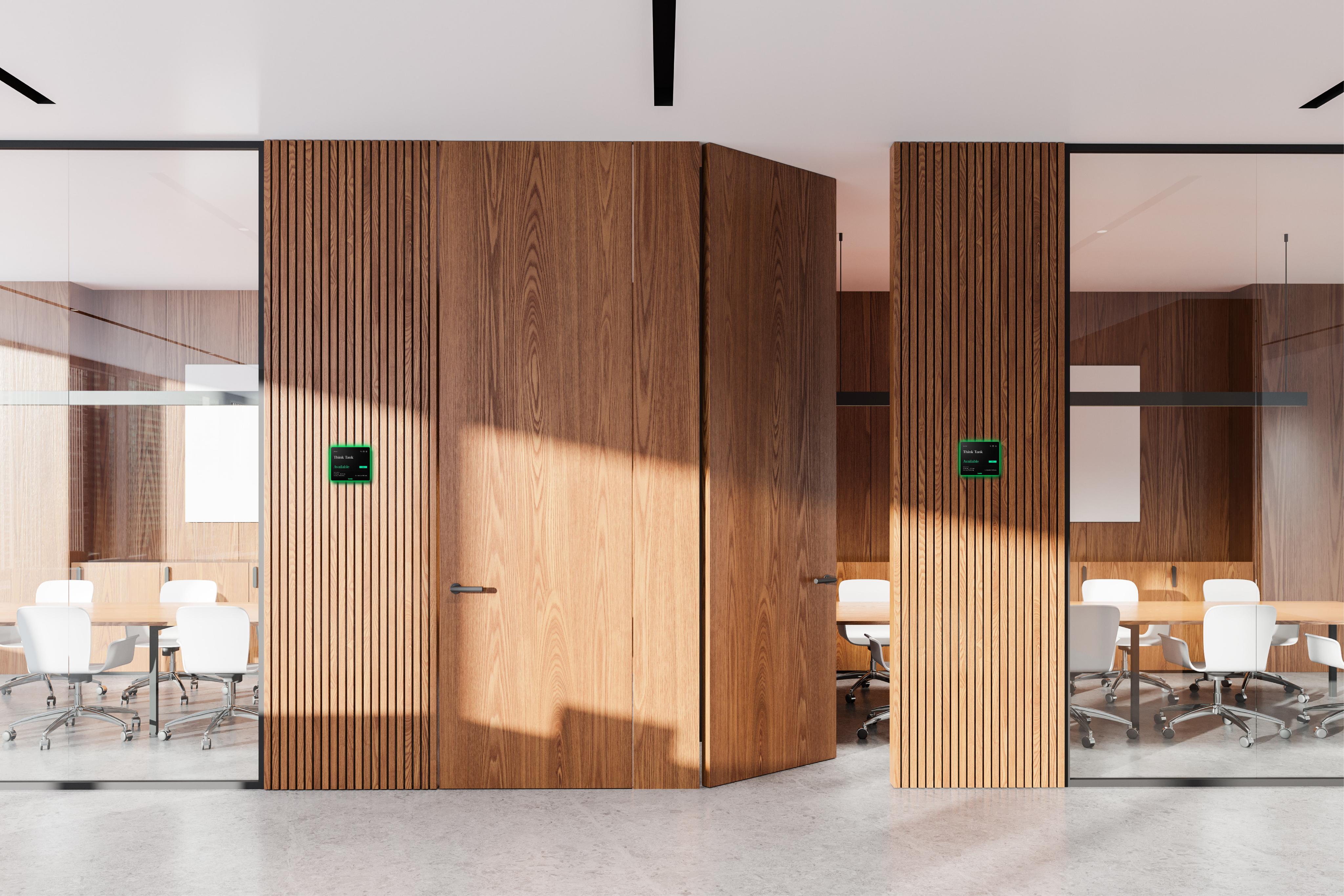
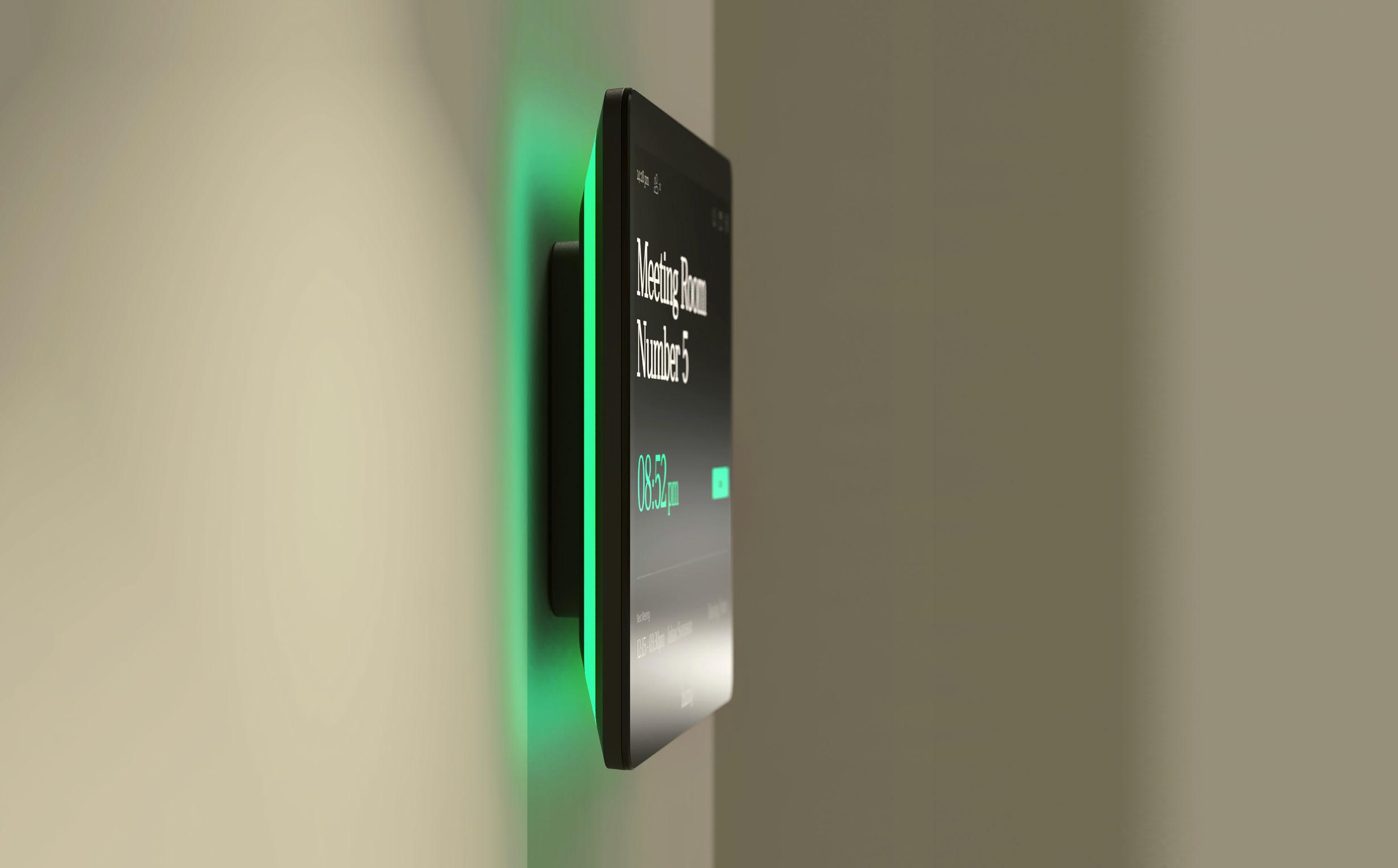
Designed to blend in. Built to keep meetings flowing.
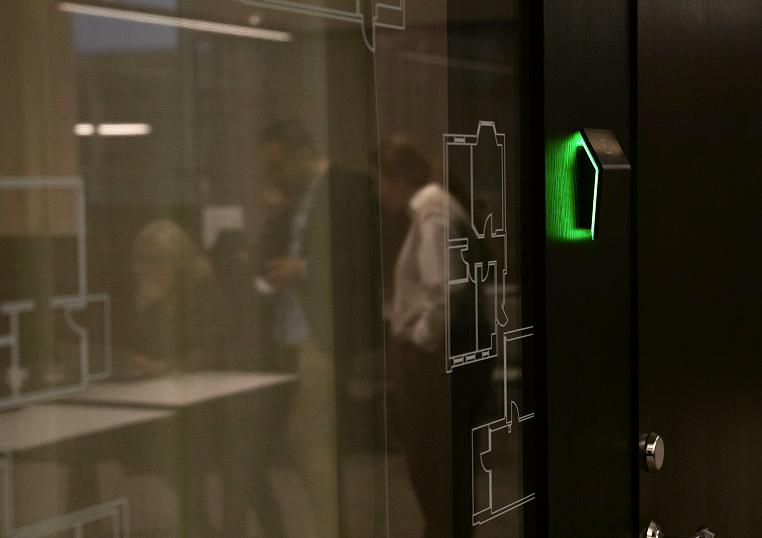
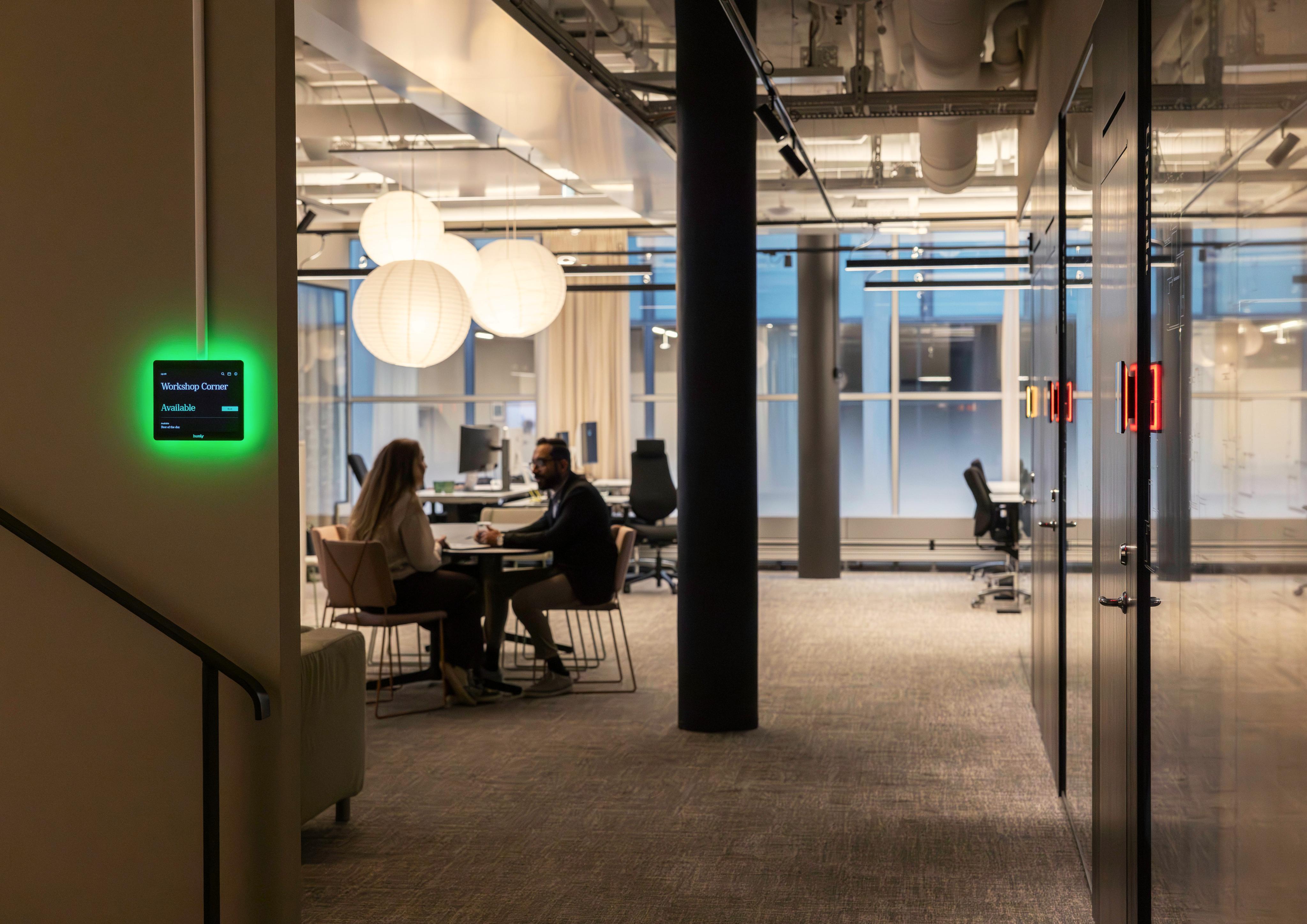
Instant room clarity, right outside the door.
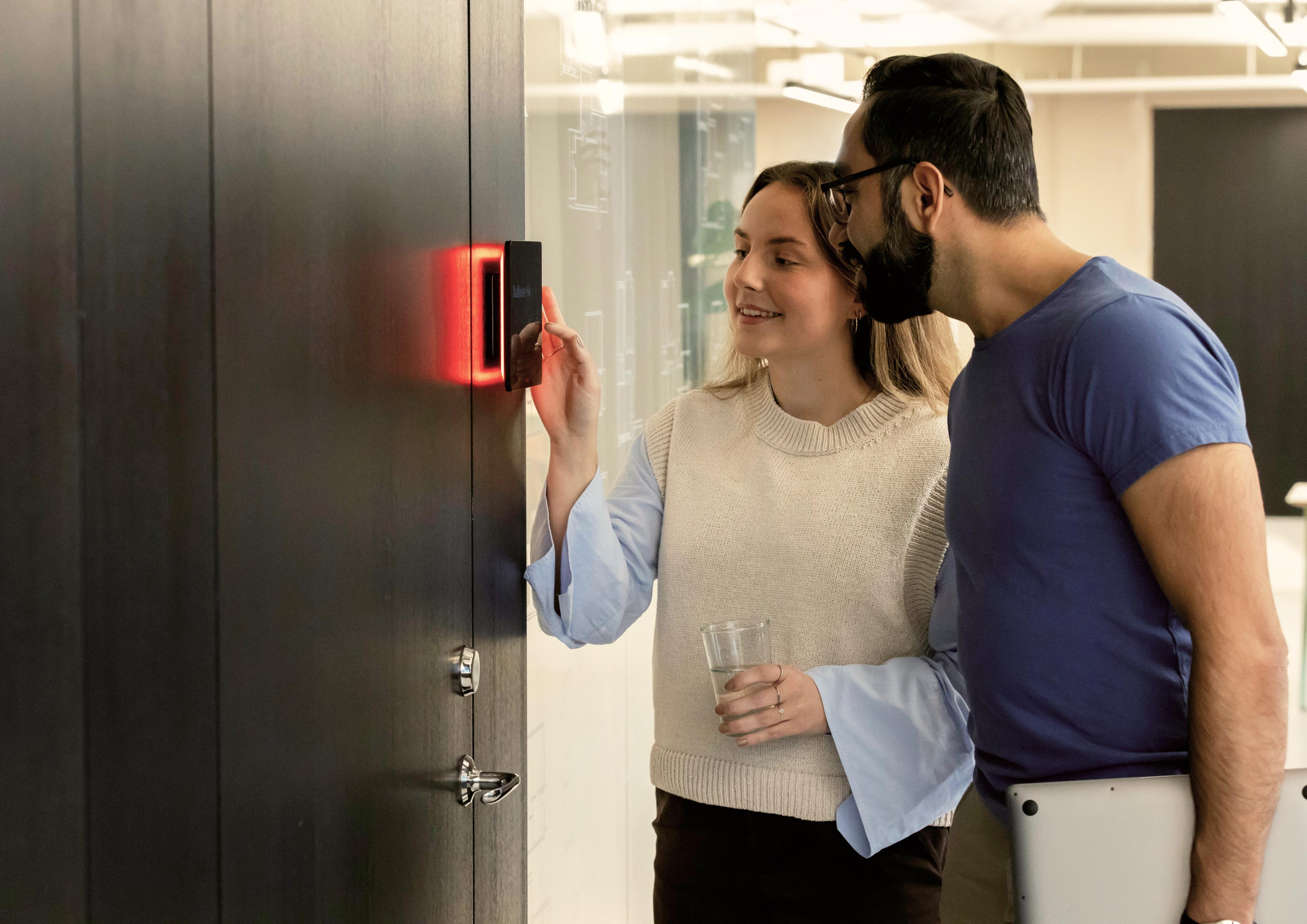
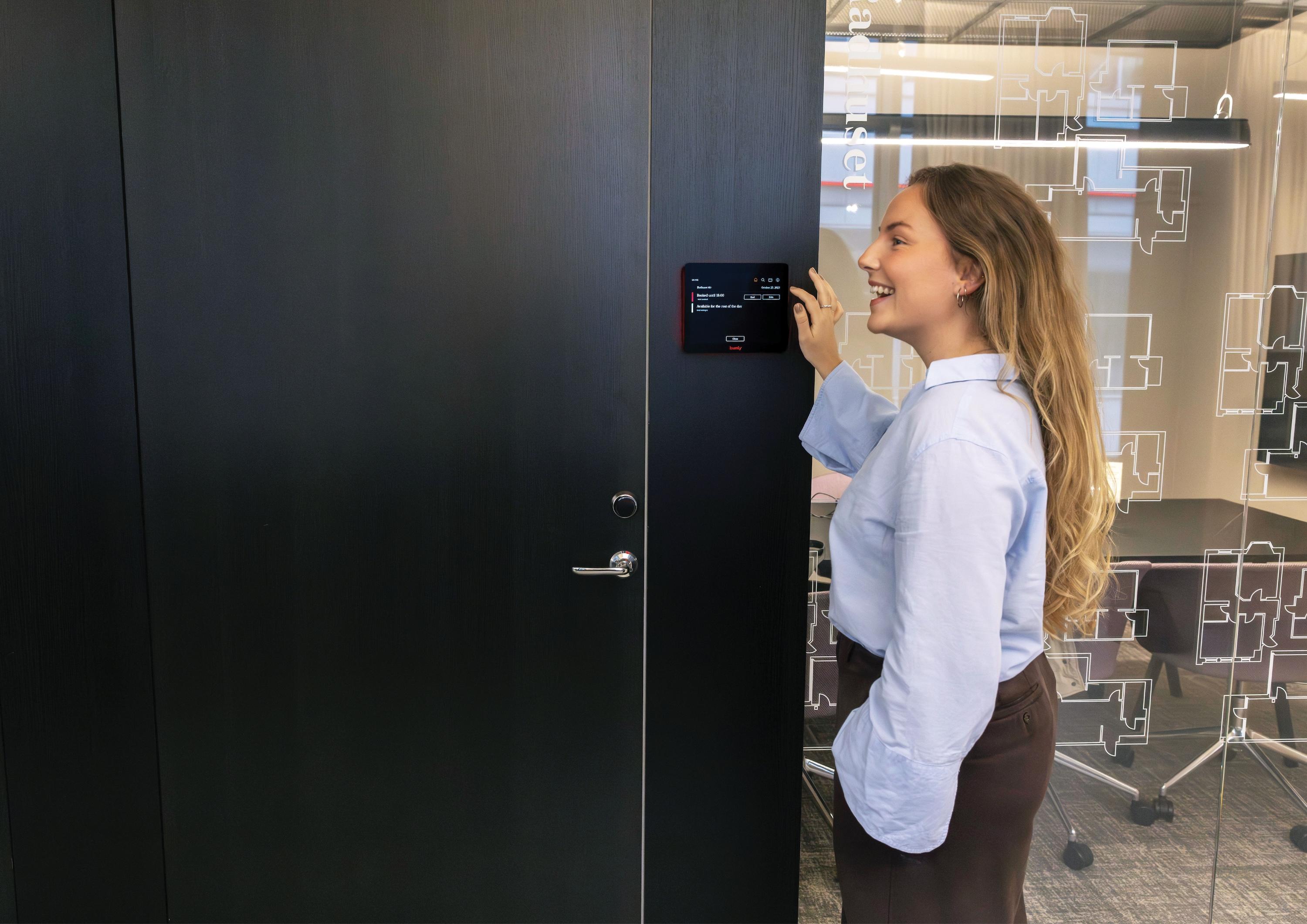
A premium room display that keeps meeting spaces running smoothly. See availability at a glance, book in seconds, and keep schedules accurate with check-in and sensor support, all managed centrally through the Humly Control Panel.
Find, book, and manage rooms
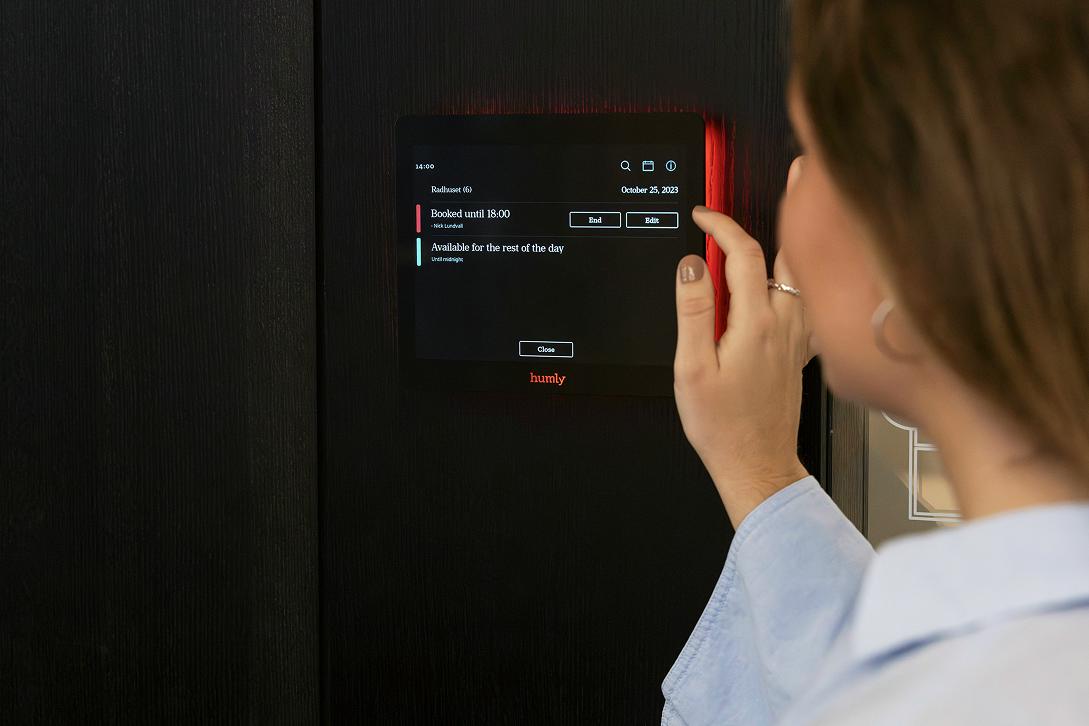
See room status and meeting details instantly
Book, extend, or end meetings directly on the display
Find another available room nearby with one tap
Sensor integration
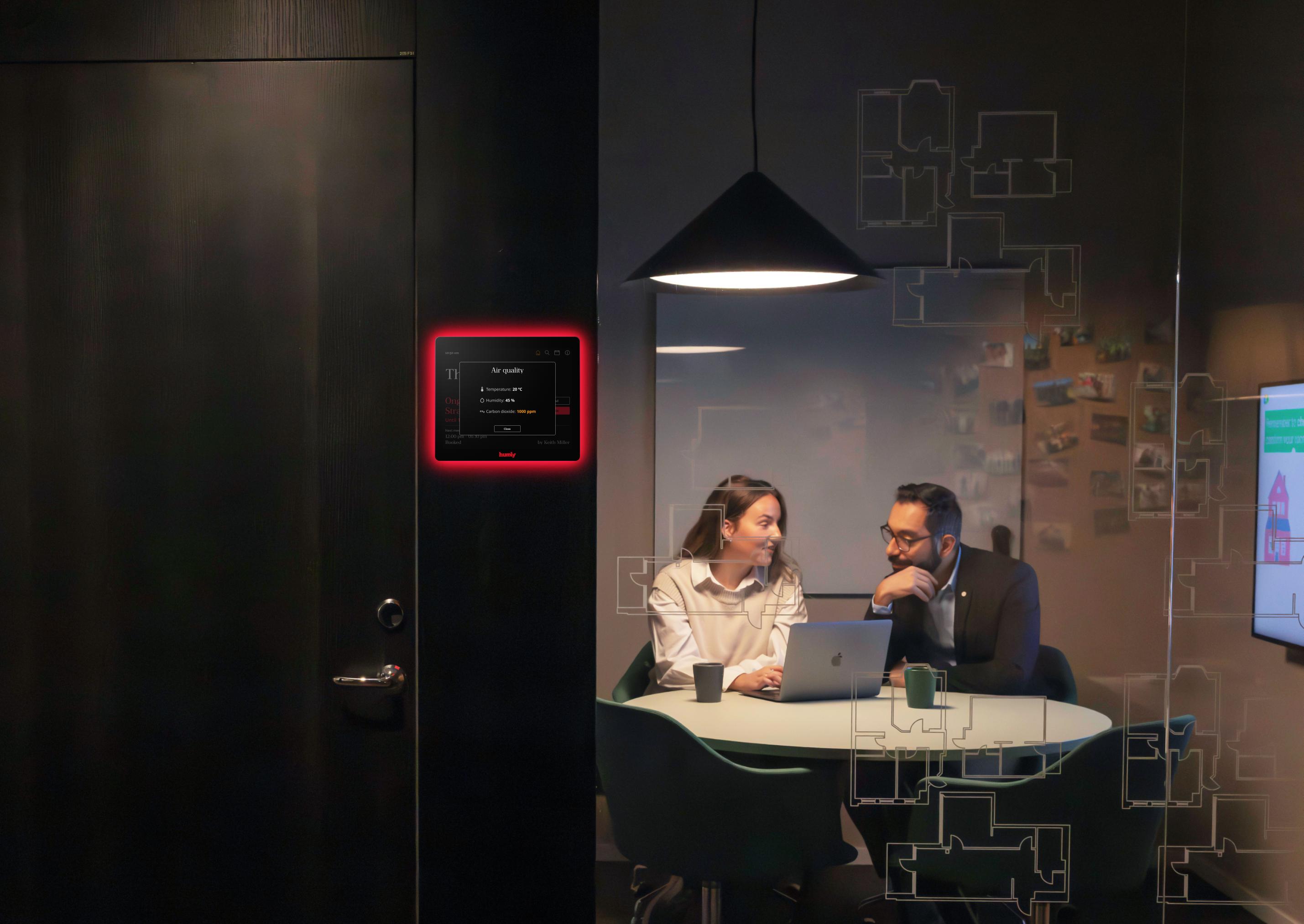
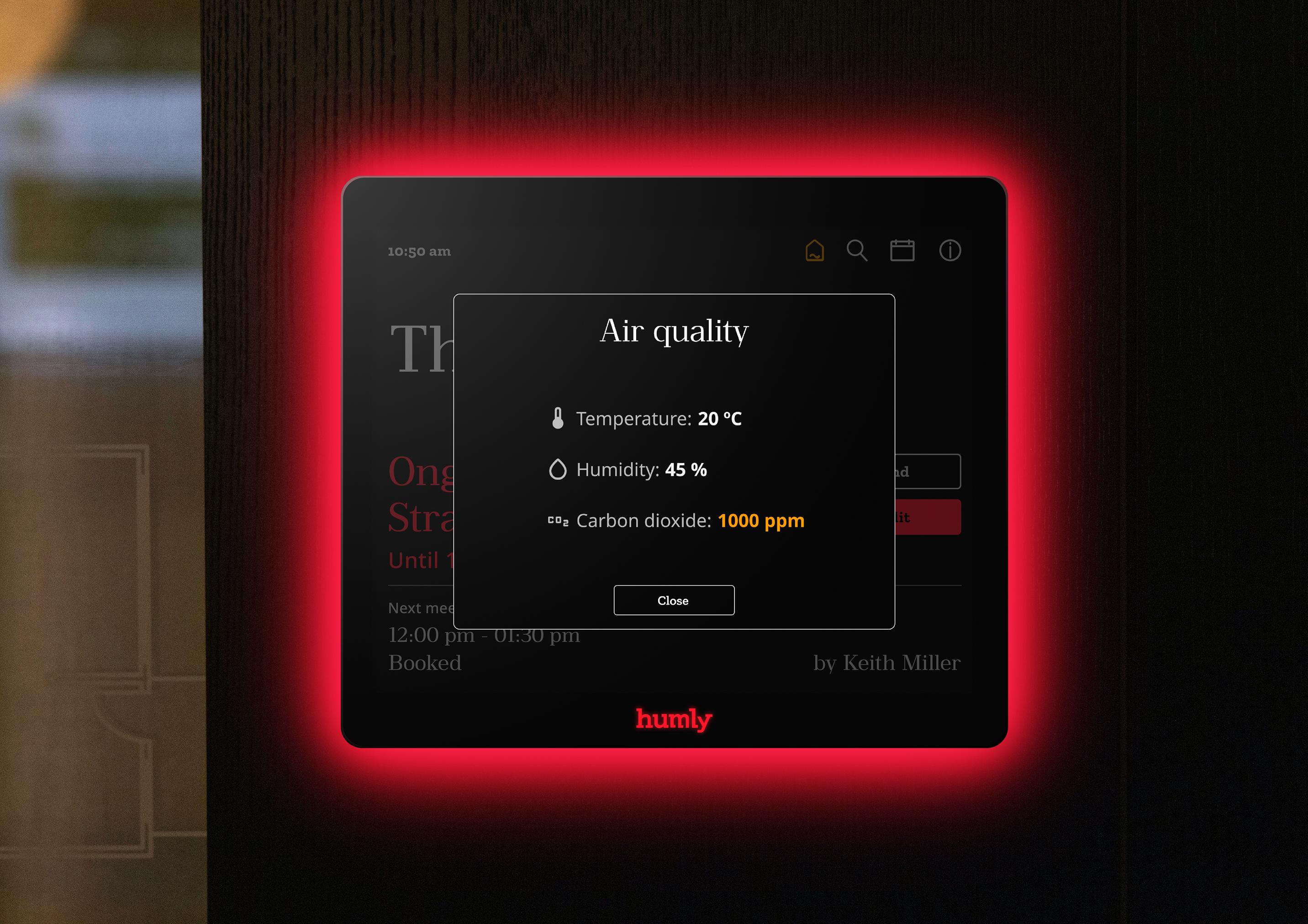
Display environmental data such as CO₂, temperature, and humidity (with Humly Sense + compatible sensors)
Motion/presence support for smarter room status and automation (when configured)
Streamlined user experience
Clean interface designed for quick decisions
Report issues with the room directly from the screen
Optional check-in reminders help keep bookings accurate
Remote management and monitoring
Manage Room Displays across multiple locations
Real-time updates, monitoring, and configuration via Humly Control Panel
Usage data available when you need it
Usage statistics and workplace analytics, ready when decisions matter
Touchless check in Q uick check-in via RFID or NFC A faster flow for high-traff ic workplaces
Works with the platforms you already use
Why choose Humly Room Display?
Elegant, timeless design
Recognized for its timeless, floating design with a full RGB LED halo
Designed to blend into modern interiors, clear when it needs to be
Durable hardware built for longterm daily use (5+ year lifespan)
User-friendly experience
Easy-to-use touchscreen for ad hoc and scheduled bookings
Clear status visibility at a glance with the LED halo
upported accessories
Customizable and versatile
Add your logo and tailor onscreen content to your workplace
Flexible installation for standard walls or glass
Five-way cable exit for clean, adaptable setups
Supports advanced configurations like Room within a Room
Maximum security options
Max Security hardware available for stricter installations, including versions with Wi-Fi and Bluetooth disabled
Support for third-party sensors (via Humly Sense when configured) The room system you don’t have to think about.
Clear status. Fast booking. Fewer interruptions. Humly Room Display keeps meeting spaces running smoothly, while giving teams central control and monitoring through the Humly Control Panel.
Global user accessibility
Multilingual support for global teams
Works with leading calendar platforms
Flexible configuration for different office types
Open API for custom solutions
Connect to third-party systems and build custom workflows when needed
S
Technical Specifications
Display
Display Size, inch (cm)
8 inches (20.32 cm)
Display Resolution
1024 × 768 pixels, 160 PPI (pixels per inch)
Pixel Density
235 PPI (pixels per inch)
Display Technology
LCD IPS display with 180° viewing angle and capacitive touch technology
Display Finish
Matte, Anti-Glare display with anti-fingerprint treatment
LED
Number of LED lights 48
Ambient & Logo Lighting
RGB LED backlight and illuminated logo
Customizable LED colors
Ambient and logo
Sensors
Sensor
Detects pertinent atmospheric data including air quality, temperature, carbon dioxide levels, and humidity with third-party sensors. Can also be integrated with motion sensors.
Network & Connectivity
Ethernet LAN RJ-45 10/100/1000 Mbps Power over Ethernet (PoE) PoE (IEEE 802.3af) and PoE+ (IEEE 802.3at)
Network Configuration
DHCP, Static IP
RFID & NFC
NFC/RFID 13.56 Mhz (ISO/IEC 14443A/B), MIFARE 4K/1K (does not support ISO/IEC 15693 or MIFARE
Ultralight C)
Input/Output
USB
USB-A, for device management (flashing, upgrading, log access)
Ethernet
RJ-45, 10/100/1000 Mbps (Gigabit Ethernet)
DC Power Input
Barrel Jack connector
Reboot
Reboot button located on the backside, top right corner
System Software
Operating System
Embedded Linux
Power Supply
Power Adapter (Barrel Jack) 12V 2A AC/DC (HUM1006 12V Power Supply, sold separately & not included)
Power over Ethernet (PoE)
PoE (IEEE 802.3af) and PoE+ (IEEE 802.3at), 10-12W
Mounting Options
Wall Mounting
VESA 75 × 75 mm wall mount included (replacement wall mount model HUM1008 available separately)
Glass Wall Mounting
Glass Mount Film (HUM1007 Glass Mount Film, sold separately & not included)
Cable Management
5-way cable exit options for flexible installation
Accessories & Customized
Hardware
Supported Humly Accessories
Wall Mount (HUM1008), Glass Mount Film (HUM1007), 12V Power Supply (HUM1006)
Humly Maximum Security
Customized hardware optimized for high-security installations and environments
Weight (incl. wall mount) 650 grams (22.9 ounces)
Humly QR Booking
Scan. Book. Get on with your work.
Clarity in every scan.
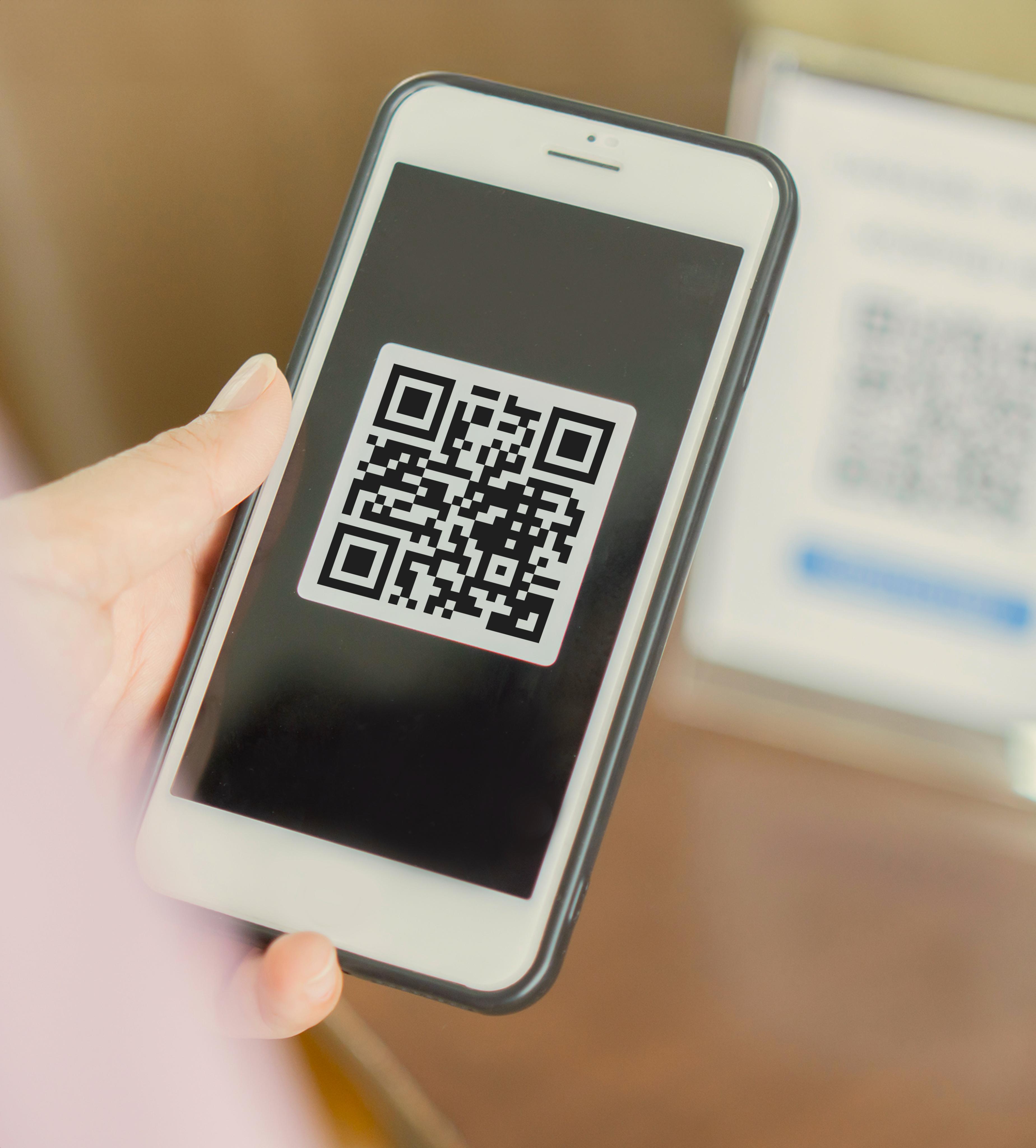
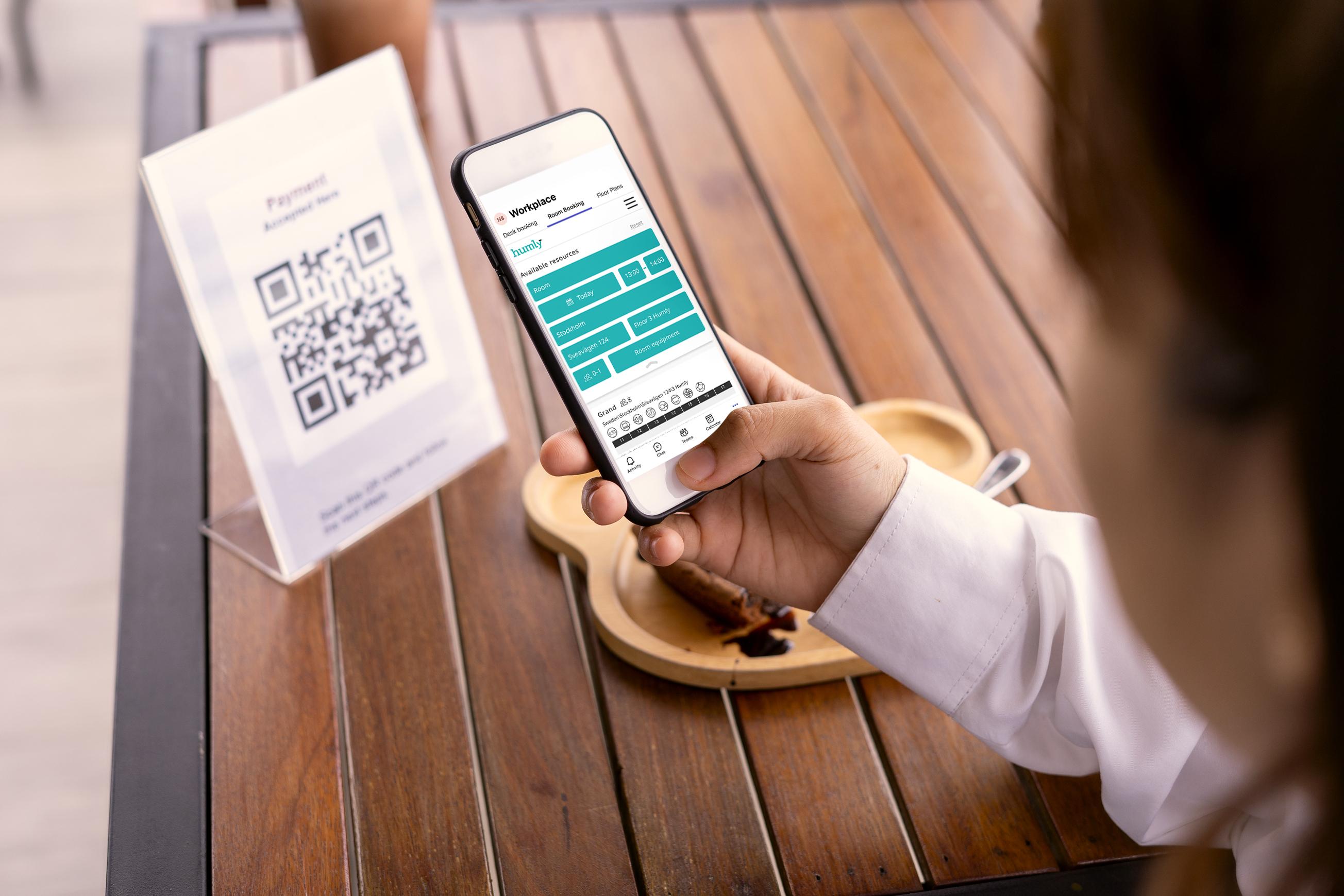
Humly QR Booking is the easiest, most flexible way to reserve rooms, desks, or any shared workspace — with no additional hardware required. Just scan a QR code to check availability and book instantly through Humly Reservations.
For organizations that don’t need full display setups, QR Booking offers a low-touch, cost-effective way to manage shared spaces. Each unique code connects directly to a specific resource, showing its live availability and allowing users to book or view details in seconds – right from their phone, without installing any app.
Built on the same secure foundation as the rest of the Humly Ecosystem, QR Booking complements Humly Room Display and Booking Device, bringing even more flexibility to the workplace. Whether you’re managing a few desks or hundreds of rooms, it’s a simple, scalable solution that makes every workspace easier to use.
Core Capabilities
Hardware-Free Booking
Reserve rooms, desks, or shared resources using only a QR code –
Instant Booking
Scan, check availability, and confirm in seconds
Direct Integration
O pens automatically in Humly Reservations via mobile browser – no app required
Static codes for permanent desks or rooms.
Dynamic codes for flexible setups or temporary resources
Direct Integration
O pens automatically in Humly Reservations via mobile browser – no app required
See live availability and current or upcoming bookings
A dministrators can create, download, and update QR codes directly in Humly Control Panel
Technical Overview
Platform Integration
Combine QR
Booking with
Humly Reservation
Built on the same secure foundation as the rest of the Humly Ecosystem, QR Booking complements Humly Room Display and Booking Device. Scan, check, reserve, and get on with your day.
Requires Humly Control Panel and Humly Reservations but also works with platforms like Microsoft, Exchange and Google Workspace
Access Method
Mobile browser (iOS, Android, or desktop)
QR Code Management
Generated in Humly Control Panel, downloadable in various formats
Data Handling
Real-time updates via Humly cloud infrastructure
Compatibility
Fully aligned with Humly s existing booking systems and APIs
Bookings — anytime, anywhere
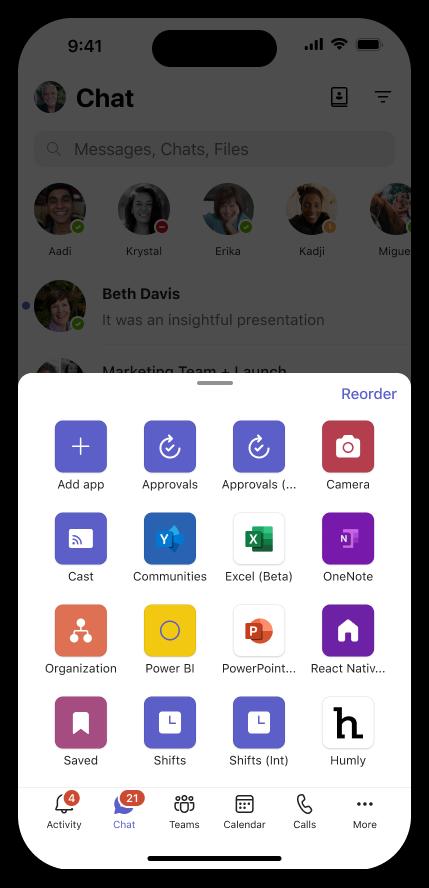
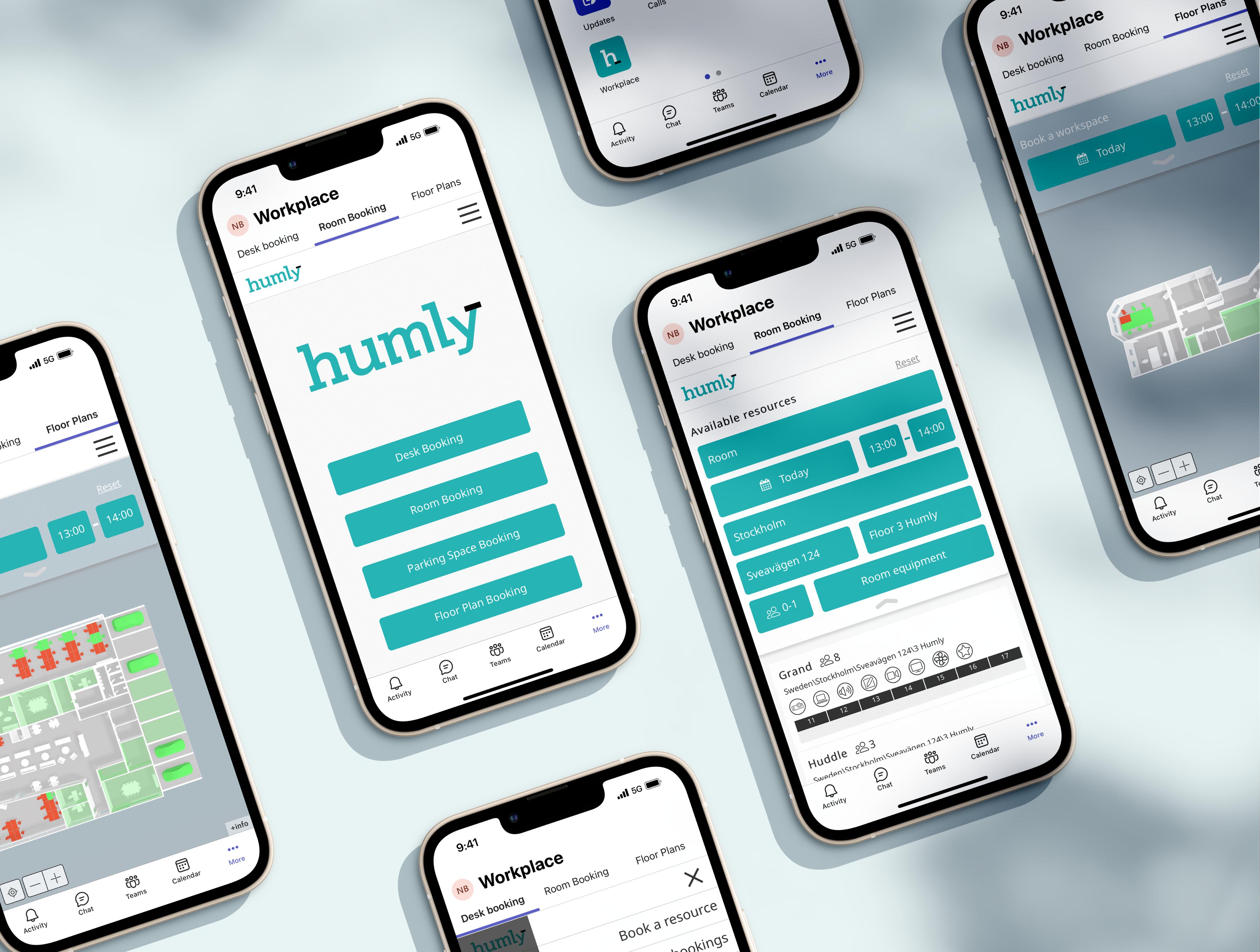
Humly Reservations makes it easy to book rooms, desks, and parking from your browser, phone, or Microsoft Teams. It integrates with your existing calendar system, or runs as a standalone setup when you need more control.
Core features
Comprehensive management
Check availability, amenities, and capacity, then book, adjust, or cancel in a few clicks
Add desks, rooms, and parking as bookable resources
Integrates with Active Directory
With the QR code feature it is possible to check availability or book instantly a resource through Humly Reservations
Standalone mode
Add bookable resources independently from other calendar platforms
Book directly in Humly Reservations or from the Room Display, Booking Device or QR booking
Data is stored and managed securely in the Humly Control Panel
Guest user access
Enable guest users to book resources when needed
Dynamic parking management
Book parking spaces with the same simple flow, no extra admin
Find colleagues and resources
F ind colleagues in the off ice and book nearby spaces
Search across desks, rooms, and parking for faster planning
Flexible Code Management
G enerate and update QR codes (static or dynamic) for each resource directly in the Control Panel.
Scan a QR code on any desk or room to check availability and book instantly from your phone no app required.
Microsoft Teams integration
Why choose Humly Reservations?
User-centric design
Built for everyday speed. Clear flows that feel familiar, so people book correctly the first time.
Scalable and secure
Designed for enterprise rollouts, with security and control that holds up across locations.
Flexibility
Rooms, desks, parking, and shared resources, plus domain setups and custom configurations when needed.
Effortless management
Manage resources, permissions, and rollouts in the Humly Control Panel, with visibility when you need it.
Cross-Platform Flexibility
Works seamlessly across browsers, Teams, and Humly hardware devices or QR codes.
Multilingual support
31 languages available.
Humly Reservations stays simple for people, and steady for teams behind the scenes.
Technical specifications
Details include
Meeting details and room nam e
Building, floors, desks - and directions
Find a colleague
Custom logo or message
Display available desks
Display QR codes
Requirements
Humly Cloud or On-premise installations
Any web-capable device
Supported by Chromium-based browsers (i.e. Google Chrome, Microsoft Edge), Firefox, and Safari.
The online learning platform
Humly Academy is offering self-paced and guided courses created by our Partner Success Managers. Learn the essentials of the Humly Workplace Suite and gain practical knowledge you can apply right away. All courses are available in two formats: self-learning and coaching.
When systems connect, work flows.
Humly Partner Integrations
Humly’s integrations turn separate tools into one calm, connected workplace experience. Both when it comes to calendar
Humly connects smoothly with Microsoft 365 and Google Workspace and other leading calendar systems, with native integrations across software and hardware. If you need something custom, the Humly API makes it easy to connect other systems without breaking the experience. Support is available at support.humly.com.
Sustainable and built to last
Sustainability starts with longevity. Humly products are designed to stay in use for years, using carefully selected components and materials, with durable hardware made for everyday work. Fewer replacements. Less waste. A calmer footprint over time.
Scan the QR code to explore our full sustainability report.
Flexible and scalable workplace management
Humly is built to scale, from a single office to global rollouts. Manage devices centrally through Humly Cloud, or deploy on-premises when required. Either way, everything stays consistent through the Humly Control Panel: configuration, monitoring, and updates across locations.
HTTPS 3002
Humly Cloud
HTTP 80
Humly API
Humly Control Panel (web application)
3002
3002
Humly Floor Plan
Space availability at a glance
A 3D overview that makes the next step obvious.
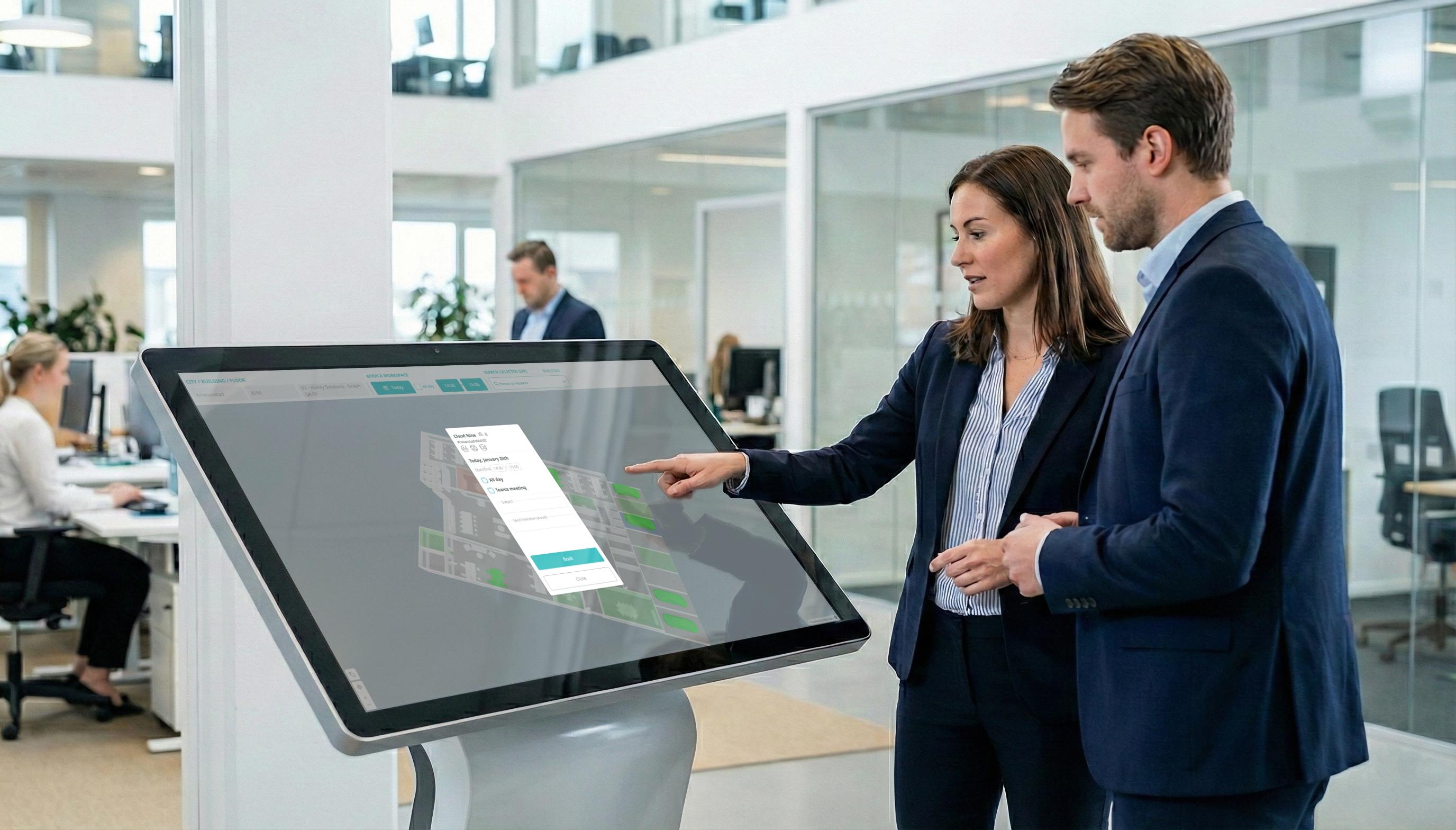
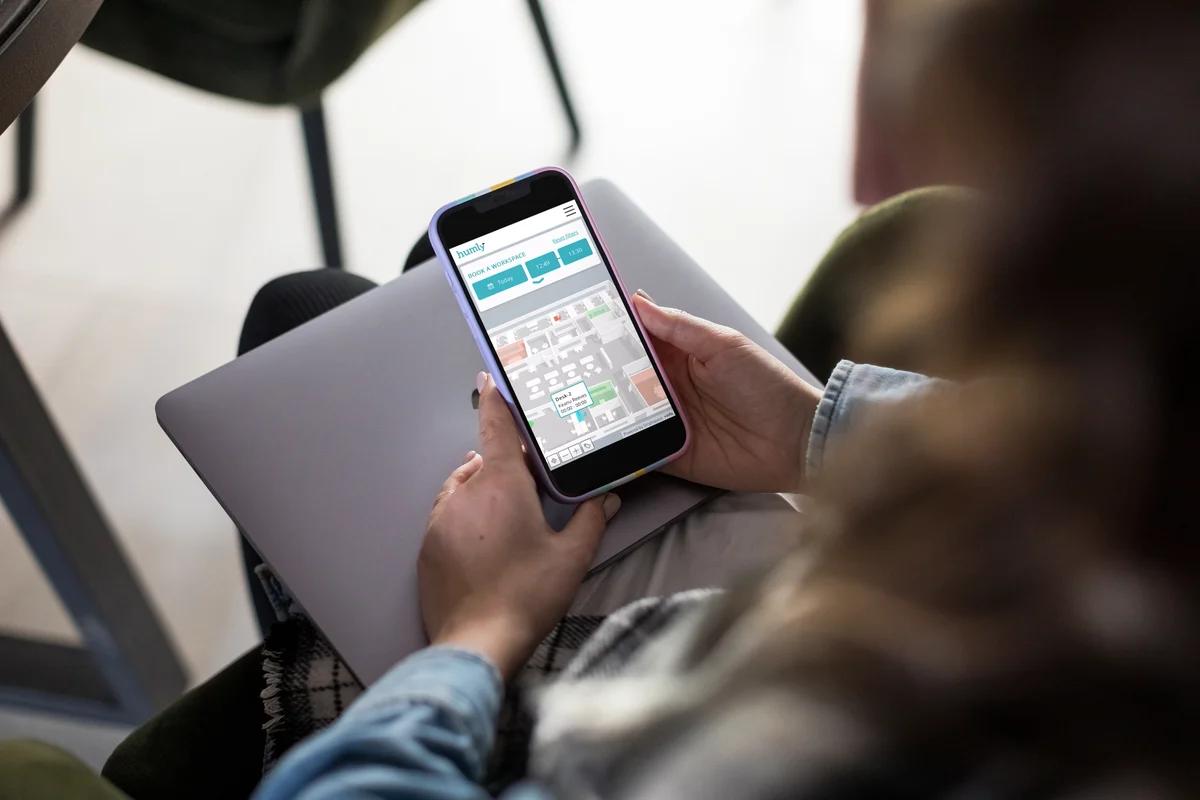
See what’s open, what’s in use, and where to go instantly. Check a whole floor or zoom in on specific rooms, desks, and parking areas, then book directly from the map when needed.
Core
features
Instant 3D visualization
Real-time bird’s-eye view of floors, rooms, desks, and parking
Clear status at a glance, no guessing
Manage parking spaces
View parking availability and book in a click
Keep the status clear for everyone
Interactive booking
Check availability and book directly from the floor plan
Use an at-a-glance view or an interactive mode (as configured)
Mobile and remote access
Book from your phone, browser, or Microsoft Teams
Stay in control even when you’re not in the office
Find a colleague
See where teammates are working and book nearby spaces
Make planning feel effortless, especially on busy days
Why Choose Humly Floor Plan?
Time-Saving Efficiency
Eliminate the guesswork of finding available spaces, saving time for employees and guests.
Intuitive Design
Easy-to-use visual interface requires no training.
Seamless Integration
Combine with Humly Reservations or Wayfinding for a complete workplace solution.
Enhanced Collaboration
Locate colleagues and resources effortlessly, fostering better teamwork.
Flexible Booking
Configure any bookable resource, from desks to parking spaces, for a tailored experience.
Multilanguage Support
31 languages available.
With Humly Floor Plan, your office is always at your fingertips simplifying workplace navigation, bookings, and resource management. Technical specifications
Details include
Meeting details and room name
Building, floors, desks
Find a colleague Req
Compatible platforms
Seamless Integration with Leading Platforms
Humly Cloud or A S oogle Chrome,
Microsoft Teams integration
A ccess Humly Floor Plan directly within Microsoft Teams via single sign-on bringing scheduling into the tools employees already use.
Humly Wayfinding
Clear guidance, without the noise.
Great tools don t demand attention, they give it back.
70% of off ice workers spend more than 15 minutes each day looking for meeting rooms. 24% spend more than 30 minutes trying to coordinate and book collaboration spaces. Let’s give some of that wasted time back to your employees.
Finding your way, made simple.
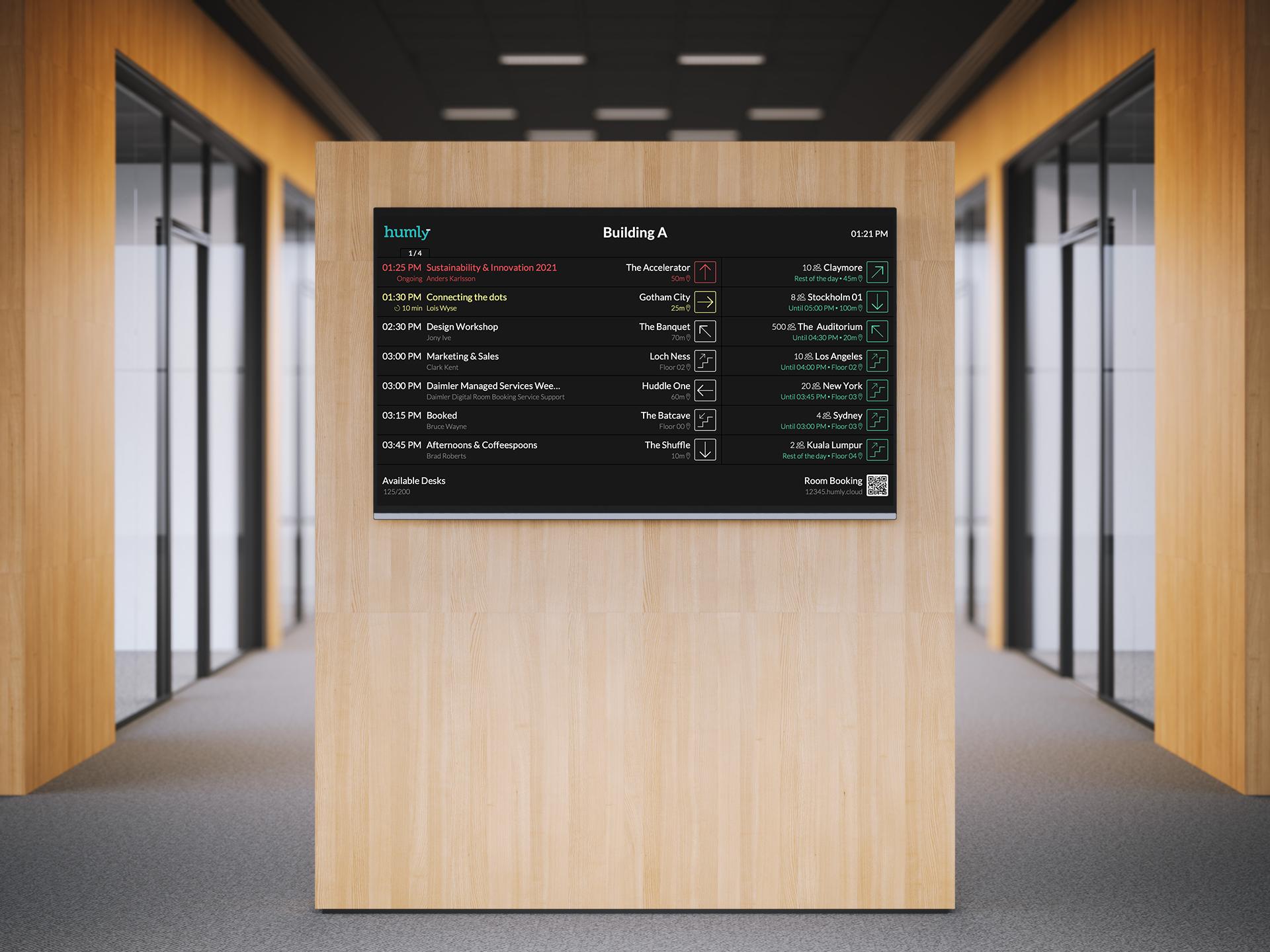
Humly Wayfinding makes the next step obvious by showing what’s happening now, what’s next, and where to go. Less searching. Fewer interruptions. More time back for the actual work.
Why choose Humly Wayfinding?
Save time
make it easier to find the right room and get there on time
Works as part of the ecosystem
combine with Humly Reservations, Floor Plan, and QR Booking for a more connected experience
Clear by design
a simple, chronological view inspired by familiar information boards
Works with your systems
compatible with leading booking platforms, and adaptable via the Humly API
Fits your space
brandable layouts and content that match your office and needs
Global-ready
31 languages available.
It stays in the background, so people spend less time searching and more time moving.
Technical specifications
Details include
M eeting details and room name
Building, floors, desks - and directions
Find a colleague
Custom logo or message
Display available desks
Display QR codes
Req
Any web-capable device
Supported by Chromium-based browsers (i.e. Google Chrome, Microsoft Edge), Firefox, and Safari.
Works with the platforms you already use
Microsoft Teams integration
Access Humly directly within Microsoft Teams via single sign on bringing scheduling into the tools employees already use.
Humly Visitor
Welcome your visitors with ease
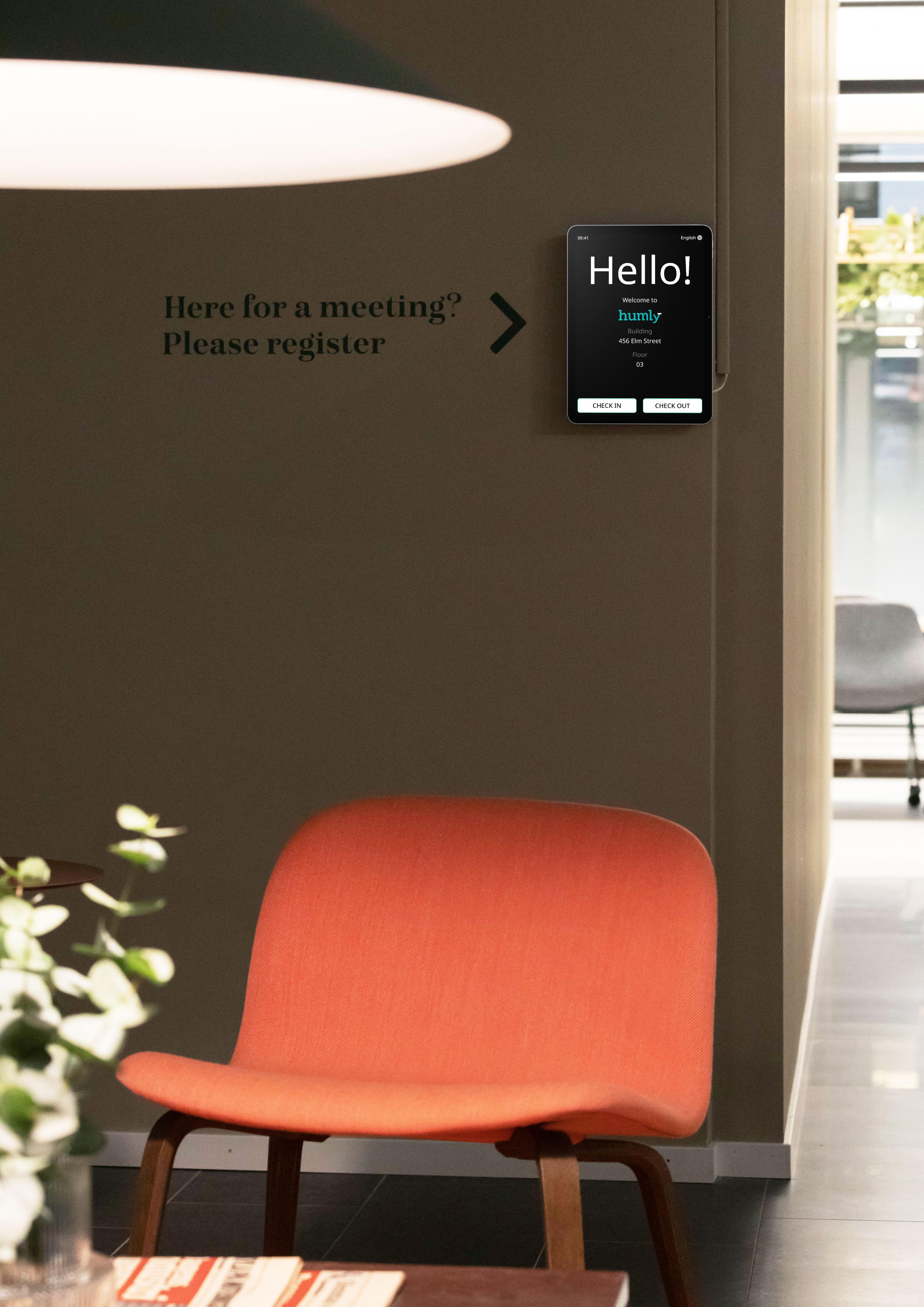
Give every guest a smooth arrival without adding work at the front desk. Humly Visitor keeps check-ins simple, host notifications instant, and your visitor log clear when you need it.
Core Features
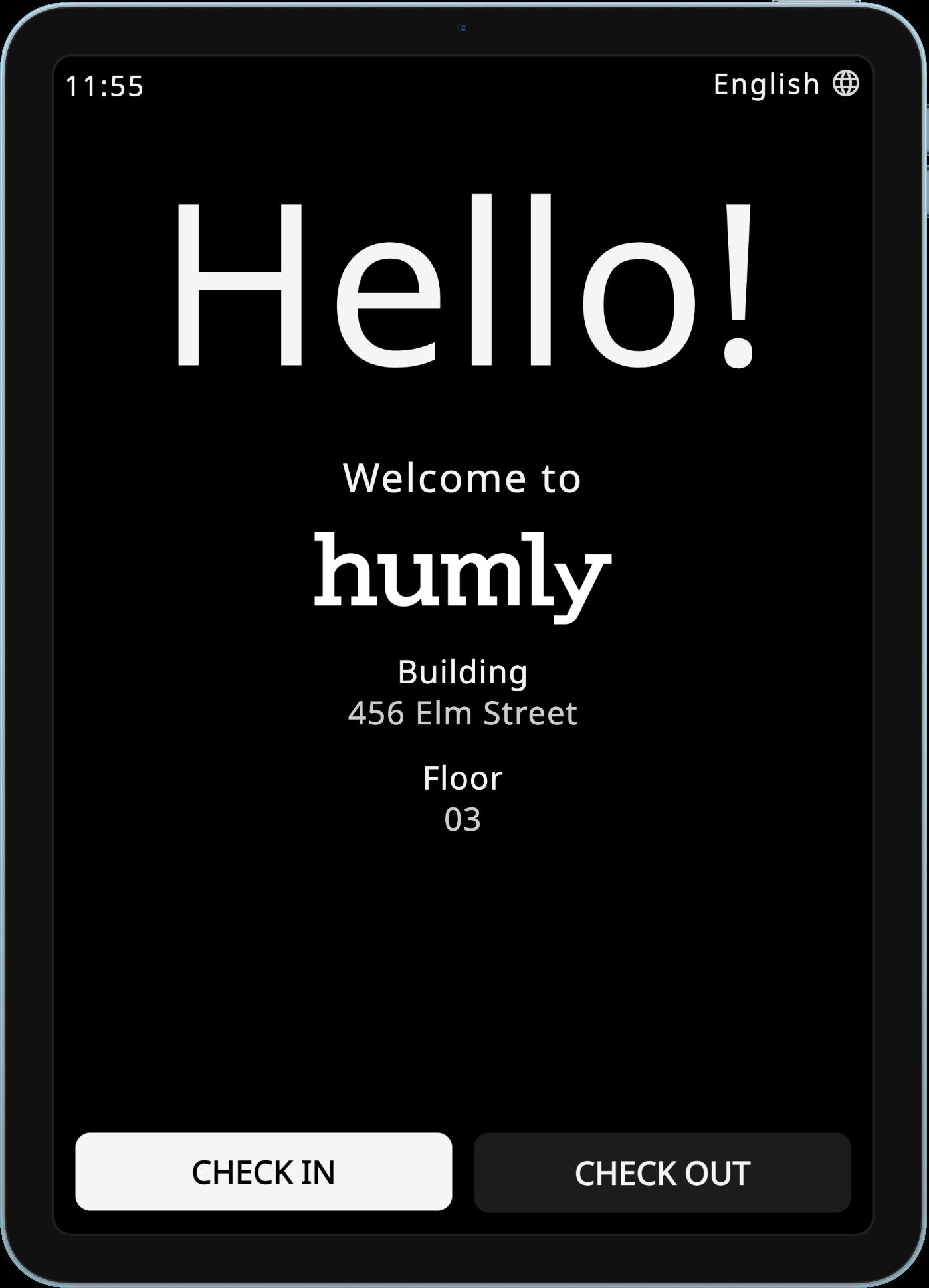
Effortless check-in and check-out
Visitors check in on any device with a web browser
Approve terms and capture visitor details in one flow
Optional badge printing via Humly Print Service
Multilingual support
Check-in in 31 languages
Host notifications in their preferred language Calm check-ins. Clear oversight.
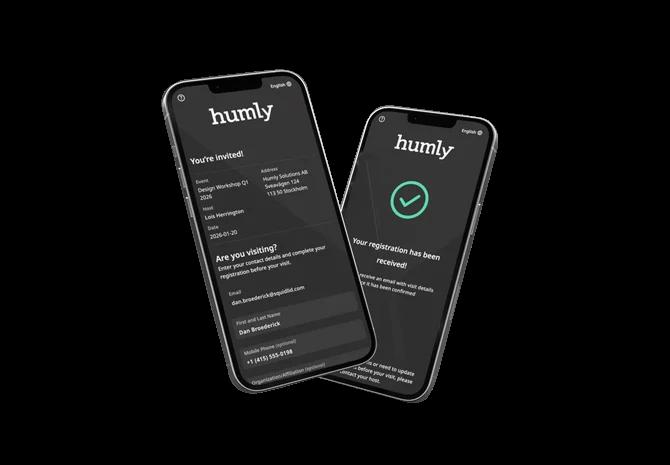
Pre-registration for efficiency
Invite and pre-register visitors ahead of time
Faster arrivals with less re-entry and less admin
Parking convenience
Register visitor parking during check-in (when used)
Standard
Visitor check-ins
Badge printing
Host notifications
Custom branding
Integration support
Professional
Everything included in Standard
Pre registration options
Check-in code
Invitation and registration emails
Outlook-add in
Include address and map links
Why Choose Humly Visitor?
Less admin. Better service.
Give front desk teams more time for people, not paperwork.
Clearer security.
Keep a reliable visitor log for safety, audits, and emergency planning.
Flexible and customizable.
Adapt fields, terms, and badge printing to match your workplace needs.
Easy to run.
Works on tablets and any screen with a web browser. Simple setup, simple operation.
Effortless check-ins
Guests check in on any device and receive printed badges. Or use the pre-registration option. Hosts get email or SMS alerts on arrival.
Tailored to your needs.
Comes in two versions, Standard or Professional. Choose the plan that fits your workspace.
Humly Visitor keeps guest management calm and consistent, so the welcome feels effortless and the overview is always there when you need it.
Specifications
Technical requirements:
A screen or device that can ru
web browser
Humly Cloud or on-premises i
Optional printer (for visitor b
Works with the platforms you already use
The intelligence behind better decisions.
Real-time signals for smarter workspaces.
Data that stays in the background until you need it.
Humly Sense connects compatible third-party sensors to the Humly ecosystem, helping you understand how spaces are actually used in real time. Occupancy, motion, and air quality data can keep availability accurate, improve comfort, and support better planning over time.
Everything is managed in the Humly Control Panel and, where supported, shown on Humly devices. That way insights are visible when they matter, without adding work for people.
Key features in Humly Sense
Automatic occupancy detection
Use real-time sensor signals to understand when a space is in use. When configured, this can help reduce ghost bookings and keep availability trustworthy works on both Humly Booking Device and Humly Room Display..
Phone Booth Mode
Show whether a booth is occupied or available, based on real-time sensor data. Works with Humly Booking Device.
Air quality monitoring
Monitor environmental data such as CO₂, temperature, and humidity in supported setups. Data can be viewed in the Humly Control Panel and, where supported, on Humly Room Display.
* Requires compatible third-party sensors for motion or/ and air-quality.
Check support.humly.com for third-party sensors that works.
Workspace intelligence
Sensor data is collected across the Humly ecosystem and visualized in the Humly Control Panel, so you can spot patterns, validate changes, and plan with confidence.
Why choose Humly Sense for workplace optimization?
Humly Sense turns real-time sensor data into a clearer picture of how spaces are actually used, so you can reduce guesswork, improve availability, and plan changes with confidence. Quiet in the background. Valuable when it matters.
Not tied to one sensor brand
Connect compatible third-party sensors from different manufacturers, so you can choose what fits your workplace.
Smarter planning with data
Understand usage patterns over time and make better calls on layouts, capacity, and how spaces are configured.
Real-time workplace signals
Use live occupancy and environmental data to keep spaces reliable day to day, and support healthier, more efficient workplaces.
Seamless ecosystem fit
Designed to work with Humly Booking Device and Humly Room Display, with everything managed in the Humly Control Panel.
Privacy and security by design
Built for enterprise environments, with security and data protection as part of the foundation, not an addon.
Technical requirements:
P latform support: Available in Humly Control Panel
v1.32 or later
Sensor support: Compatible third-party presence and environmental sensors (availability depends on sensor vendor)
Supported devices: Humly Booking Device and Humly Room Display
Modes (when configured):
Phone Booth Mode (occupancy-based status for booths/small spaces)
Data handling: Sensor data is visualized and stored in the Humly Control Panel (and can be shown on supported devices)
Ready to make your workplace smarter?
Humly Sense brings real-time signals into the Humly ecosystem, so planning gets easier and availability becomes more reliable over time.
Manage spaces, settings, and insights in one place.
In Humly Control Panel, you can manage and customize your entire Humly Ecosystem - eg. change LED colors, monitor check-in options or add custom footers on your device.