technology for unlv faculty & staff.
Supported by the Office of Information Technology
Contacts IT Help Desk 895-0777 CBC B133 ithelp@unlv.edu Classroom Support 895-0771 (Technology Enhanced Classrooms) 895-0701 (all other classrooms) Website oit.unlv.edu Media Services 895-0701 CBC B132
UNLV Technology Guide
This booklet outlines technology services offered to UNLV employees. Keep this booklet nearby for quick reference. Details about the services may be found at the Office of Information Technology (OIT) website: oit.unlv.edu
Help & Training p. 2 E-mail p. 4 Computers p. 6 Software p. 7 Classroom Technology p. 8 Web Presence p. 12 Wireless p. 14 Security p. 16 Servers & File Storage p. 17 More Tech Services p. 18 About OIT p. 20
1
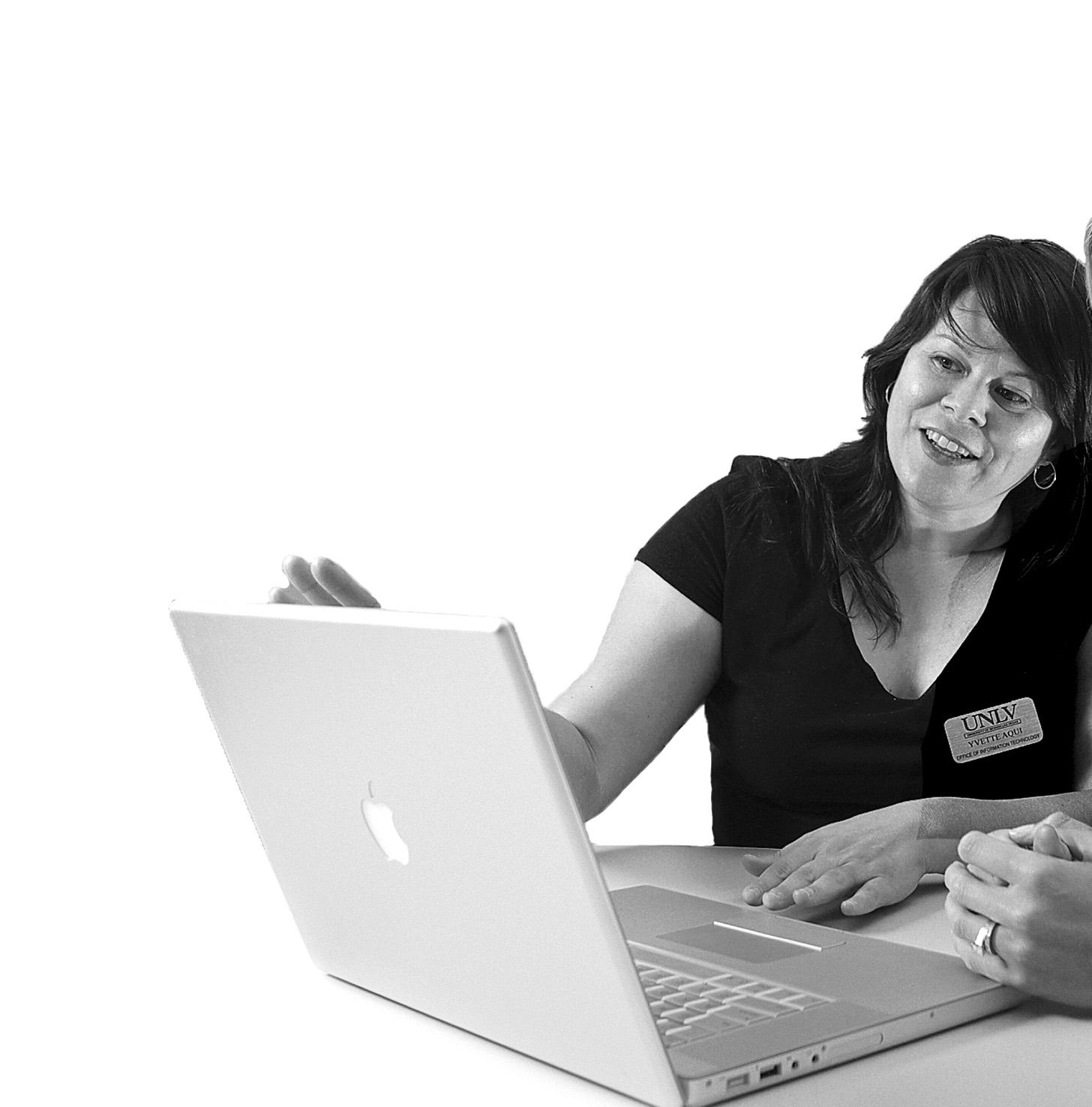
The IT Help Desk supports technology needs for UNLV faculty, staff, and student employees. Contact the IT Help Desk when you have a computing question.
you need help, just call us! IT Help Desk Help & Training 2 IT Help Desk Contact & Hours Call E-mail Visit Website 895-0777 ithelp@unlv.edu CBC B133 or SU 231 oit.unlv.edu Hours Mon - Fri 8 a.m. - 5 p.m. Call us for help with: Printing • Networking • Wireless • Using supported applications • Using WebCampus • Server problems • E-mail • General technology info •
When
Training
Free training courses are offered to UNLV employees throughout the year. Enrollment is on a first-come, first-served basis. Each class is limited to twelve participants. All workshops are 2 hours in duration and located in CBC C307, unless otherwise noted. We offer courses on:
Lotus Notes •
Microsoft Office products • Windows •

For workshop descriptions, schedules, and registration, click on the Help & Training link at oit.unlv.edu
Note: We also offer custom group training. For example, if an entire department wants to learn how to use Lotus Notes’ calendar features, OIT will create a class designed specifically to meet their needs. Contact the IT Help Desk to place a request.
Several entities provide additional IT training:
UNLV Teaching & Learning Center • tlc.unlv.edu
Pedagogical emphasis on how to use technology in the classroom
UNLV Educational Outreach • edoutreach.unlv.edu
Evening classes for website development, business productivity and digital creative products

The College of Southern Nevada • csn.edu
A wide range of semester-long courses for a variety of computing skills
3
E-mail
Lotus Notes
Lotus Notes is the e-mail and calendaring software supported for faculty and staff. You can use two versions: the client version, which needs to be installed on your computer, and the web version, which is available anywhere with Internet access.
New Accounts
New individual and group accounts are available by request for faculty, staff, and student employees. Request new accounts at newuser.unlv.edu
Training
OIT offers free, 2-hour training workshops on Lotus Notes. Find more information and selfhelp guides at oit.unlv.edu

Technical Support
When you need help with Lotus Notes, contact the IT Help Desk at 895-0777.
BlackBerries
The IT Help Desk assists with connecting your BlackBerry to Lotus Notes e-mail. We provide full support for BlackBerries and guidance for other hand held devices.
For more information visit the Faculty & Staff link from oit.unlv.edu
4
E-newsletter Systems
Get news to the campus community...
Are you hosting a guest lecture or special event? You can send invitations and announcements to the UNLV community through several e-newsletter systems listed below. For more information, click E-mail & Collaboration from oit.unlv.edu
RAVE
Goes weekly to all students according to class standing, like all sophomores and juniors.
SEND
Goes weekly to all students according to department and class standing, like all freshman marketing majors.
Rebelmail
UNLV Today
Goes daily to UNLV employees.
rebelmail.unlv.edu
Be sure to remind students to use Rebelmail. All UNLV students receive a Rebelmail e-mail account upon admittance. Forms that require students to provide an e-mail address should require @unlv.nevada.edu as the domain name.
5
Computers
Your department is responsible for allocating funds to purchase new employee computers. Vendors like Dell, Apple and MPC offer significant discounts to UNLV.
You can get help with computers through the IT Help Desk and through OIT’s website. They help with:
• recommendations
Minimum computer specification
Note: We do our best to provide quality service for UNLV-tagged computers. To service your personal computer or laptop, we recommend you consult with your vendor or local repair shop for assistance.

• Hardware repair including
Set up of the computer
• provisions for temporary replacements when computers break unexpectedly
Office Computer Purchases Follow these steps to get a great computer:
Locate the minimum standards at 1. the Hardware & Software page at oit.unlv.edu
Contact the IT Help Desk if you need 2. more consulting on computer type. Configure your computer online 3. through one of our partner vendors and be sure your computer meets the minimum standards.
Follow your department’s 4. purchasing procedures.
Technicians will call to schedule 5. a set-up appointment once UNLV Property Control tags the computer and delivers it to OIT.
Note: Be sure to request at least a 3 year warranty on all computer purchases!
Interest-free Computer Loans
UNLV offers no-interest loans to employees for personal computer purchases. Apply for the loan through the Bursar’s office. You may be placed on a waiting list.
Accessories Companies other than your computer vendor often offer much better deals on accessories. For example, CDWG and Boise/Office Max may sell scanners or printers at a better price. These products are not supported by OIT beyond the manufacturer’s warranty, which is typically very brief.
6
Software
Before buying software, check OIT’s website for discounts!
OIT can help you get the software you need. Several software packages are provided for free under UNLV site licenses, and some titles must be purchased individually by your department through our partner vendors, usually at a great discount.
OIT’s software website explains details about obtaining software for personal and office use. Search for the title, look through the list, and call the IT Help Desk if you need assistance. Click on the Software & Hardware link at oit.unlv.edu
Discount Software
We offer free or discounted versions of:
Microsoft Office Products
•
•
Adobe Products

• And much more
SPSS, SAS, AutoCAD
Unique Campus Software
The software below allows authorized individuals to access university data.
OIT coordinates the authorization process that allows employees access to the data held in these systems. Check OITуs website for more information.
•
Student Information Systems (SIS)
BlackBerry
OIT supports BlackBerry devices for faculty and staff. These portable devices work well with Lotus Notes and offer many features you might find on a computer, such as web browsing.
•
Human Resources Management
Web Contracts
•
• Warehouse
Advantage/Financial Data
Oracle Data Warehouse
•
Projectors
Call
7
895-0701 before purchasing projectors. UNLV contracts with Epson to get great deals on projectors and excellent support.
•
Classroom Technology
Technology Enhanced Classrooms
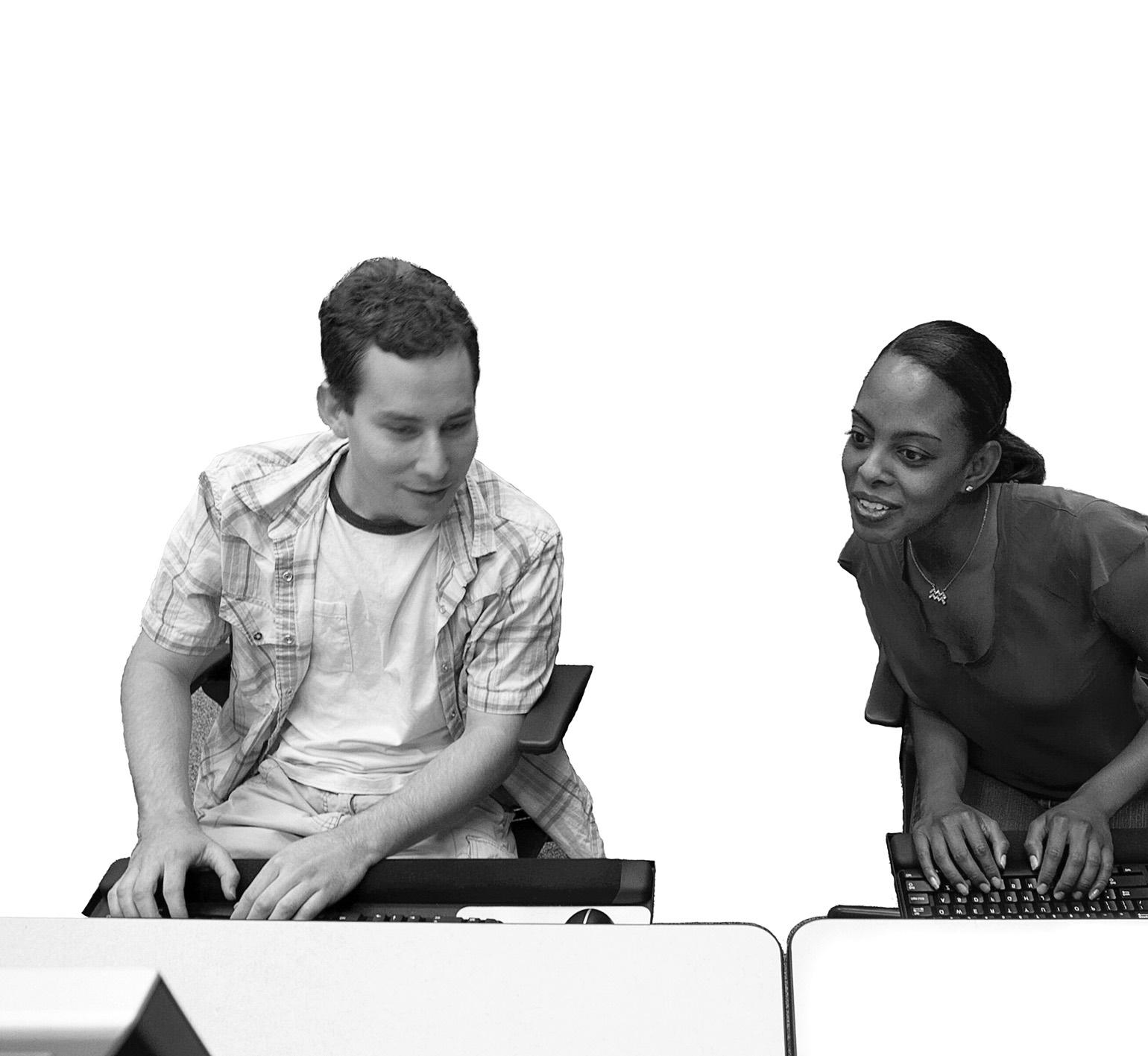
Technology Enhanced Classrooms (TECs) are equipped with technology permanently installed in a lectern. General purpose TECs include a multimedia projector, computer (PC), Internet access, VCR/DVD player, document camera, as well as connections for a laptop. TECs designed for specific department use may include additional unique tools, like a turntable. As funding permits, OIT converts as many rooms as possible to TECs.
8
Computers
All TECs are equipped with a computer and Internet access. Computers within these classrooms do not require a login. Restart the computer if there is a login prompt. Laptop connectivity for PCs and Macintosh computers is also provided. If using a Mac laptop, bring your adapter.
Room Access
You are required to carry and use a Marlok Card to access TECs. Contact your department to request a Marlok card or to add TEC access to your current card.
We suggest entering emergency phone numbers into your cell phone in case you are locked out of a room:
Facilities Department
Public Safety Dispatch
Support & Training
Check out OIT’s website to see photos of your TEC, the type of equipment in each room and instructional videos. You may also call 895-0771 for:
•
Help over the phone
•
A technician to visit your location

• classroom
•
•
Emergency assistance in the
Training
Software installation requests
Scheduling
To reserve a TEC, notify the administrative staff in your department and ensure that the classroom requested in a specific building on campus matches the capacity of your class. If it doesn’t, you may have to choose a TEC in another building.
895-4357
895-3668
Check out online videos that demonstrate how to use TECs. See how the remote doubles as a laser pointer and mouse
oit.unlv.edu/instructionaltechnology/tecs
9
Need help in a technologyenhanced classroom? Call 895-0771.
Classroom Technology
Media Services
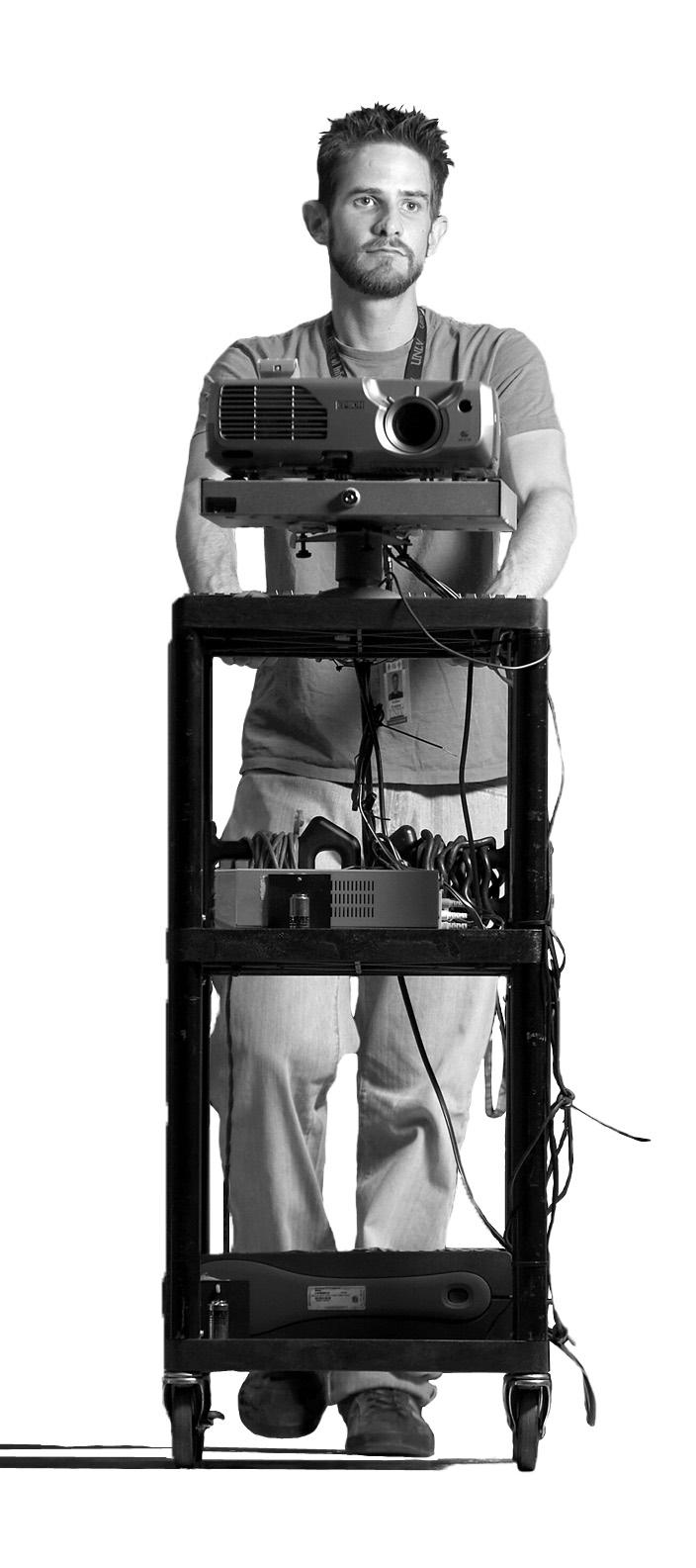
If you are unable to schedule your class in a TEC, Media Services can deliver technology equipment to your classroom. We also have equipment available for classroom use that you can pick up from our office. Available for delivery:
•
Computer projection carts
VCR/DVD TV carts
•
Available for pick up:
•
Laptop computers
•
Tape recorders
• Camcorders
Slide projectors
•
Check oit.unlv.edu for a complete inventory list.
Ordering information
Call at least one business day in advance and provide the following information:
•
Type of equipment needed
• needed
Date and time the equipment is
• the equipment is to be used
Building and room number where
Name, phone number, and
• department of the person using the equipment
Be sure to reserve equipment at least one business day in advance. Equipment availability is limited.
10
Media Services Contact & Hours
Fall & Spring Semester Hours
Mon - Thur 8 a.m. - 9 p.m.
Fri 8 a.m. - 5 p.m.
Sat - Sun Closed
Call 895-0701 OR visit CBC B132
More Services
Summer Semester Hours
Mon - Fri 8 a.m. - 5 p.m. Sat - Sun Closed
provided by Classroom Technology & Media Services
Teaching Facilities
Teaching Facilities are computer labs that double as classrooms so that students can use computers during class time. The rooms are equipped with audio-visual tools, such as a projector and DVD player. If you need to schedule a class in a Teaching Facility, contact your department administrative assistant.
Computer Labs
OIT offers many computer labs where students may complete assignments that require technology. Lab monitors are available to assist students with logging in and using UNLV supported software.
Conferencing
Requests for use of academic spaces, such as TEC rooms and classrooms may be e-mailed to scheduling@unlv.edu. Classroom availability is limited.
If you need assistive listening devices, or other assistive technology, contact the Disability Resource Center at 895-0866.
11
Web Presence
Do you want to publish research to a website? How about interacting with students online? OIT provides several tools for you to create an online presence. Use the information below to learn more about faculty and staff websites, WebCampus, and more.
WebCampus
webcampus.unlv.edu
WebCampus is an enterprise course management system providing a secure username and password protected environment for course content and activities.
Features
• Class calendaring
Secure grade posting
• Discussion forums
• Collaboration tools for
• communication within WebCampus Online testing and assignment
• submissions
Training & Support
The Teaching & Learning Center
• provides WebCampus training. Check tlc.unlv.edu for a current class schedule. Check out the support resources
• available from the WebCampus website or contact the IT Help Desk OIT hosts open labs every Friday
• from 9-11 a.m. in CBC C307. Just drop by for individual assistance.
12
Faculty/Staff Webpages

faculty.unlv.edu
OIT hosts a web server for faculty and staff webpages.
Training
Webpage design and development classes are offered by the Teaching & Learning Center and Educational Outreach. Please visit their websites for a list of current classes. OIT offers Dreamweaver training sessions upon request.
Request an Account
Visit faculty.unlv.edu to request an account and complete the Web Account Security Agreement.
Help with Publishing
The IT Help Desk ensures you have access to your folder and account. You can build webpages by using HTML or via website development software like Dreamweaver. Before buying web publishing software, check the OIT software website for significant discounts.
All publishing access to the faculty web server is via Secure FTP. Free software is available for download at faculty.unlv.edu
Department, College, & Unit Webpages
web.unlv.edu
Web Communications, a division of Marketing & Public Relations, is responsible for managing the content and design of UNLV’s top-level webpages. This office also assists academic and administrative units in developing websites that effectively communicate and strategically align with the university’s pages. Access their services online or by calling their web help desk at 895-2886.
Web Grading
register.unlv.edu
Web Grading is an online system where faculty may view their class rosters and enter student grades. Access Web Grading from the registrar’s Faculty & Staff Resources page at register.unlv.edu . This website also contains the most current contact information if you have questions about logging in to the system.
Professors may drop by CBC B307 on Friday mornings for individual assistance with WebCampus.
13
The UNLV wireless network is available in select locations to faculty, staff, and currently enrolled students who have valid UNLV RebelCards. You will need a PC or Macintosh laptop with a supported wireless network card. Some laptops have these cards built in, but sometimes you will need to buy one. Wireless is a convenient way to search the web, check e-mail, study, and conduct research. The map to the right shows buildings where some hotspots are available. New locations are installed as resources permit. Check our website for the most current location.
To use wireless, go to a hotspot on campus, turn on your computer and launch a web browser. You will automatically be directed to the login page. Your RebelCard is required for first time users.
Learn more about using wireless at wireless.unlv.edu
14
University Road Brussels St. Swenson Avenue Tropicana Avenue DISABILITY RESOURCE CENTER SSC 137
Wireless
To report problems and receive assistance with network connection issues, contact the IT Help Desk at 895-0777. 15 UNLV 57 Maryland Parkway HarmonAvenue HELP DESK SU 231 HELP DESK CBC B133 CLASSROOM TECHNOLOGY & MEDIA SERVICES CBC B132 TEACHING & LEARNING CENTER LLB 3421 Indicates Wireless Hotspots Available
Security
Good information security means that data are protected against theft and misuse, and that the data needed in daily business are available and accurate. Maintaining security requires everyone to take precautions to protect themselves as well as the institution. If you suspect any security problem or breach, contact the IT Help Desk at 895-0777 or e-mail the OIT Information Security Office at informationsecurityoffice@unlv.edu
Follow these tips to ensure better security:
Do not keep student data or 1. social security numbers on your personal computer. Avoid keeping unnecessary data in department systems.
Secure your computer with a 2. password. Be sure it has at least 8 characters, 4 different character types.
Install antivirus & malware 3. protection software on your office and personal computers.
Think before you click on e-mails, 4. webpages, and other attractive Internet options. Do not comply with e-mail solicitations for your passwords.
Use Lotus Notes’ spam filter system, 5. Proofpoint. Keep your operating system patched 6. with critical updates.
16
Servers & File Storage
OIT hosts and supports servers to store information for individuals, departments and the entire university. If your department wants to purchase its own servers, OIT offers consultation and may host new servers, if necessary.
Faculty and staff network storage needs are serviced by the Novell Netware system, also called the “Cluster.” It offers the following:
Group File Storage
Sometimes you need to share files with colleagues in your department or with students. OIT offers group accounts where members of a team can share documents. This is perfect for sharing resources like forms, spreadsheets, policies and procedures. Contact the IT Help Desk at 895-0777 for more information.
Personal File Storage
Network storage for your files is available through your Novell account. If you store files on your network drive, they can be accessed on or off campus. Use your H drive on your UNLV computer, or log in via the web at files.nevada.edu to access them while off campus.
Back Ups
OIT can restore deleted or overwritten files hosted on the Novell Netware system because we keep back ups for up to 30 days. Just call the IT Help Desk if you need a file recovered. Or, do it yourself by right-clicking in the folder where you deleted the file and click Salvage.
17
OIT ensures that your data are protected in secure server locations.
More Technology Services
Many entities at UNLV employ technical staff to meet their unique technology needs. Contact them directly if you work in these colleges, schools or units.
Colleges & Schools
Architecture

Randy Hale | 895-1905 randy.hale@unlv.edu
Business
Ryan Doyle | 895-4654 ryan.doyle@unlv.edu
Dental Medicine
Help Desk | 774-2569 sdmhelpdesk@unlv.edu
Education Young Bok Kim | 895-3762 young.kim@unlv.edu
Engineering
Steve Frazer | 895-1563 steve.frazer@unlv.edu
Fine Arts Rob Mader | 895-4402 robert.mader@unlv.edu
Hotel Administration
Bradley Bigham | 895-1381 Bradley.Bigham@unlv.edu
Law
Help Desk | 895-5298 helpdesk@law.unlv.edu
Units
Academic Advising Roy Hessinger | 895-2037 roy.hessinger@unlv.edu
Center for Academic Enrichment & Outreach (CAEO) IT Division | 774-4214 caeo-it@unlv.edu
Harry Reid Center for Environmental Studies
Kris Davidson | 895-1415 Mark Stalling | 895-5727
Student Affairs Technology
Help Desk | 895-1994 SAT.HelpDesk@unlv.edu
Thomas & Mack Computer Services
Help Desk | 895-4722 tmchelpdesk@unlv.edu
University Libraries Systems Group staff.library.unlv.edu/webforms/work_ request
18
More Technology & Training Services
Disability Resource Center
895-0866 or TDD 895-0652 studentlife.unlv.edu/disability
An Assistive Technology Specialist is available to support students with disabilities and to make campus computing resources more accessible.
Distance Education
895-0334 | distanceed@unlv.edu distance-ed.unlv.edu
Contact Distance Education if you are interested in teaching online courses. Instructional design staff and the visualization team will assist you in organizing your content for a successful course and learning experience for your students.
National Supercomputing Center for Energy & the Environment (NSCEE)
895-4153 | help@nscee.edu nscee.edu
NSCEE provides supercomputing training and services to academic and research institutions, government and private industry for research and development.
Teaching & Learning Center
895-2293 | teaching@unlv.edu tlc.unlv.edu
The TLC provides the university teaching community with resources and support, including training in the use of learning technologies and their integration into teaching and learning in both face-to-face and distance education courses.
University Libraries library.unlv.edu
University Libraries offers one-on-one and customized training sessions to develop student and faculty research and technology skills, as well as providing assistive technologies and services, a Multimedia Design Studio, and extensive media services.
19
About OIT
The Office of Information Technology (OIT) is the central unit responsible for meeting the computing needs of UNLV faculty, staff, and students. Led by Dr. Lori Temple, Vice Provost for Information Technology, OIT reports to the Office of the Executive Vice President & Provost. Below are subunits within OIT that serve you:
Administration & Support
Supports internal OIT operations, hosts the IT budget office, Information Security Office, and WebCampus coordination.
Campus Computing Services
Provides help desk support, instructional and multimedia technology, training, desktop support, data storage solutions, and network development.
Systems & Applications
Provides enterprise-level software solutions, server management, integration, and applications security.
Mission
Our mission is to support and enhance teaching, research, scholarly and creative production, and administration through the effective management and use of information technology resources.
Values
We serve UNLV with these core values in mind: Service
Collegiality
Committees
Several committees govern OIT’s decisions and processes. All of them work together with the Information Technology Coordination Committee (ITCC). To suggest a new technology project or request a new service from OIT, submit a proposal to the ITCC. Go to oit.unlv.edu and click Committees.
20
•
•
•
• Integrity •
Innovation
Competence
Call the IT Help Desk at 895-0777 to request more booklets and brochures! Get more details at oit.unlv.edu
A publication of the Office of Information Technology University of Nevada, Las Vegas, 2008
UNLV
Services
Photos provided by
Photo