Add Elements to Pages
Building Your Yearbook Ladder Diagram
Text Box, Embellishments, Frames and Shapes
Overview On Page Builder, you have the capability to add different elements to your Yearbook from text box, embellishments, single image and page layout. 1.
From the Home, hover over Book Builder and select Ladder Diagram or you can enter the specific page number in the ## field and click Go.
2.
Once your page is loaded, you’ll navigate to the left navigation panel and select one of the options/actions you want to take: o
Text-Used to create a text box on your page
o
Embellishments-Are colorful images and words to be used on your yearbook pages.
o
Frames & Shapes-Has selections for Image Frames, Shapes and Lines that can be added to page.
3.
Select the action that you want to take. Clicking on your option will open additional options to select from. o
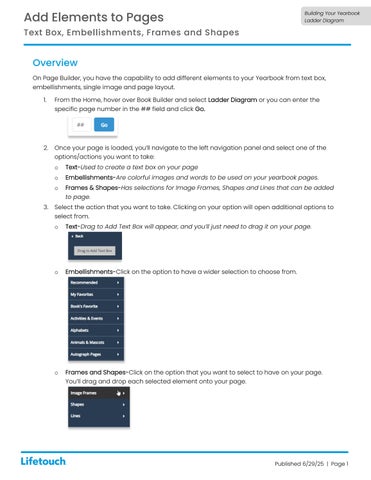
Text-Drag to Add Text Box will appear, and you’ll just need to drag it on your page.
o
Embellishments-Click on the option to have a wider selection to choose from.
o
Frames and Shapes-Click on the option that you want to select to have on your page. You’ll drag and drop each selected element onto your page.
Published 6/29/25 | Page 1