Add Images to Pages Candid Images
Managing Images Upload Images
Overview Adding candid images (individual or group) to Yearbook pages and how to adjust color, sizing and adding image effects. WARNING: Process should only be used for candid images and not for portrait flowing. Review Flowing Portraits.
Criteria Photos can be uploaded from multiple sources: •
Google Drive
•
Google Photos
•
One Drive
•
Local Files
Acceptable file formats: •
JPG
•
PNG
•
HEIC
•
SVG
•
Max 20MB/file and 100 files/upload
•
Minimum image size is 150 x 150px
Upload an Image (s) 1.
Click on Manage Assets.
2.
Select Upload Images from the drop down.
3.
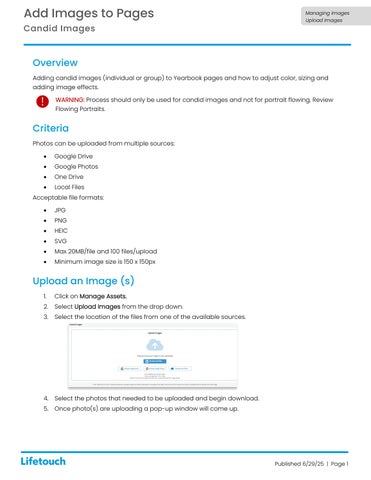
Select the location of the files from one of the available sources.
4.
Select the photos that needed to be uploaded and begin download.
5.
Once photo(s) are uploading a pop-up window will come up.
Published 6/29/25 | Page 1