

JULIO GUTIÉRREZ
Portfolio | Product Design | UX | UI | Social Media

About me
With over 8 years of professional experience, my journey in the world of design has been nothing short of dynamic and diverse. I earned my degree in Industrial Design from ITESM, laying the foundation for a career that has taken me from esteemed corporate environments to the vibrant realm of startups and entrepreneurship.
My expertise spans across a multitude of domains, including Graphic Design, Digital Marketing, Branding, and Digital Product Design, to name a few. This eclectic background has honed my ability to adapt and innovate, enabling me to contribute effectively to a wide array of projects and industries.
I thrive when orchestrating teams, refining processes, implementing strategic approaches, and providing creative direction. My passion lies in crafting experiences and solutions that not only meet but exceed expectations.

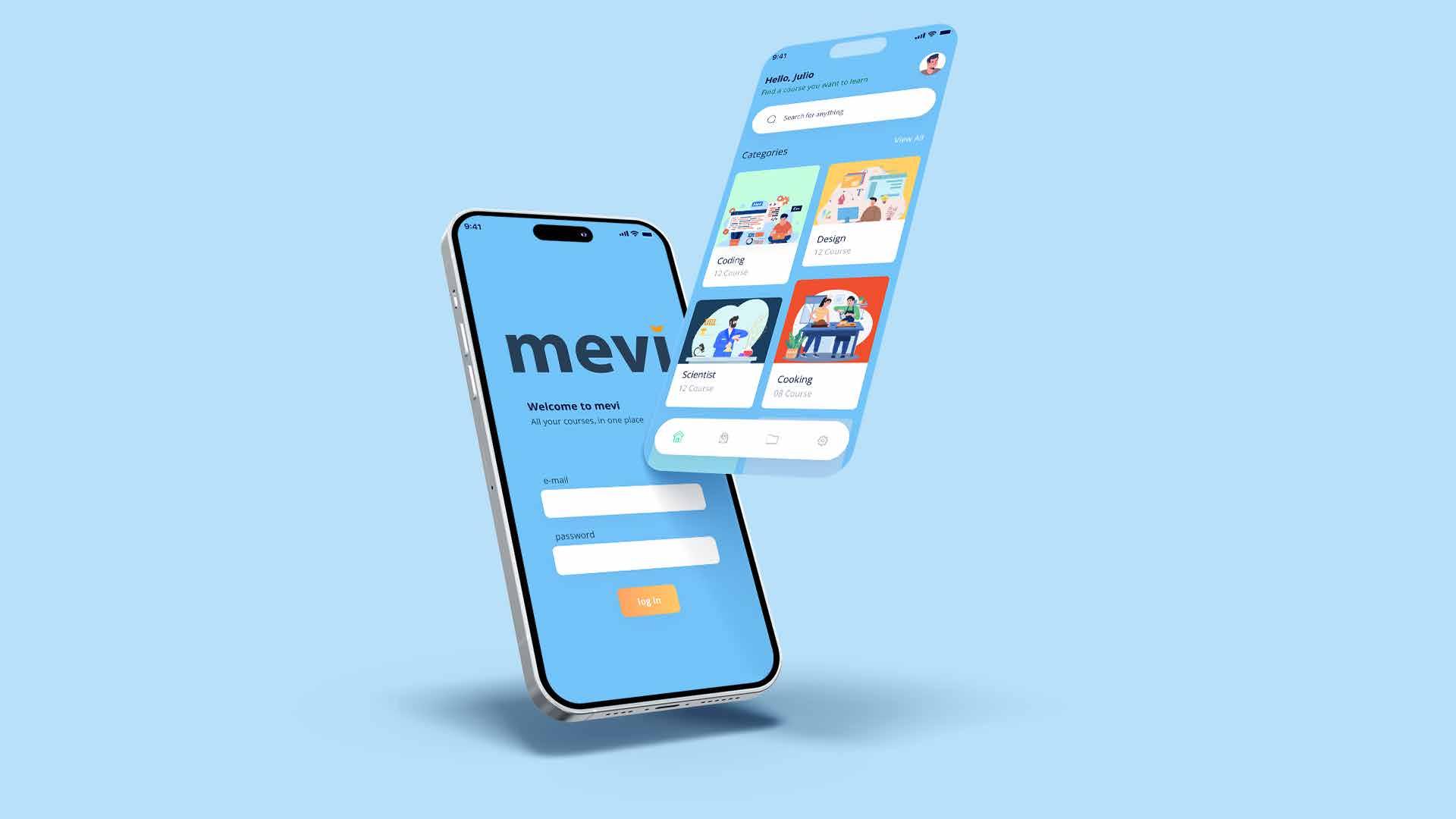
All your courses, in one place.
About the project
"mevi" was a captivating venture into the realm of digital product design, where I had the privilege of spearheading the entire process—from initial research to task flow development and UI design.
My role in this exciting project was to delve deep into research, understanding user needs and preferences, and then translating these insights into a seamless task flow that would guide users through their learning journey. Additionally, I had the creative challenge of crafting an engaging and intuitive user interface (UI) that would facilitate an immersive and enriching educational experience.
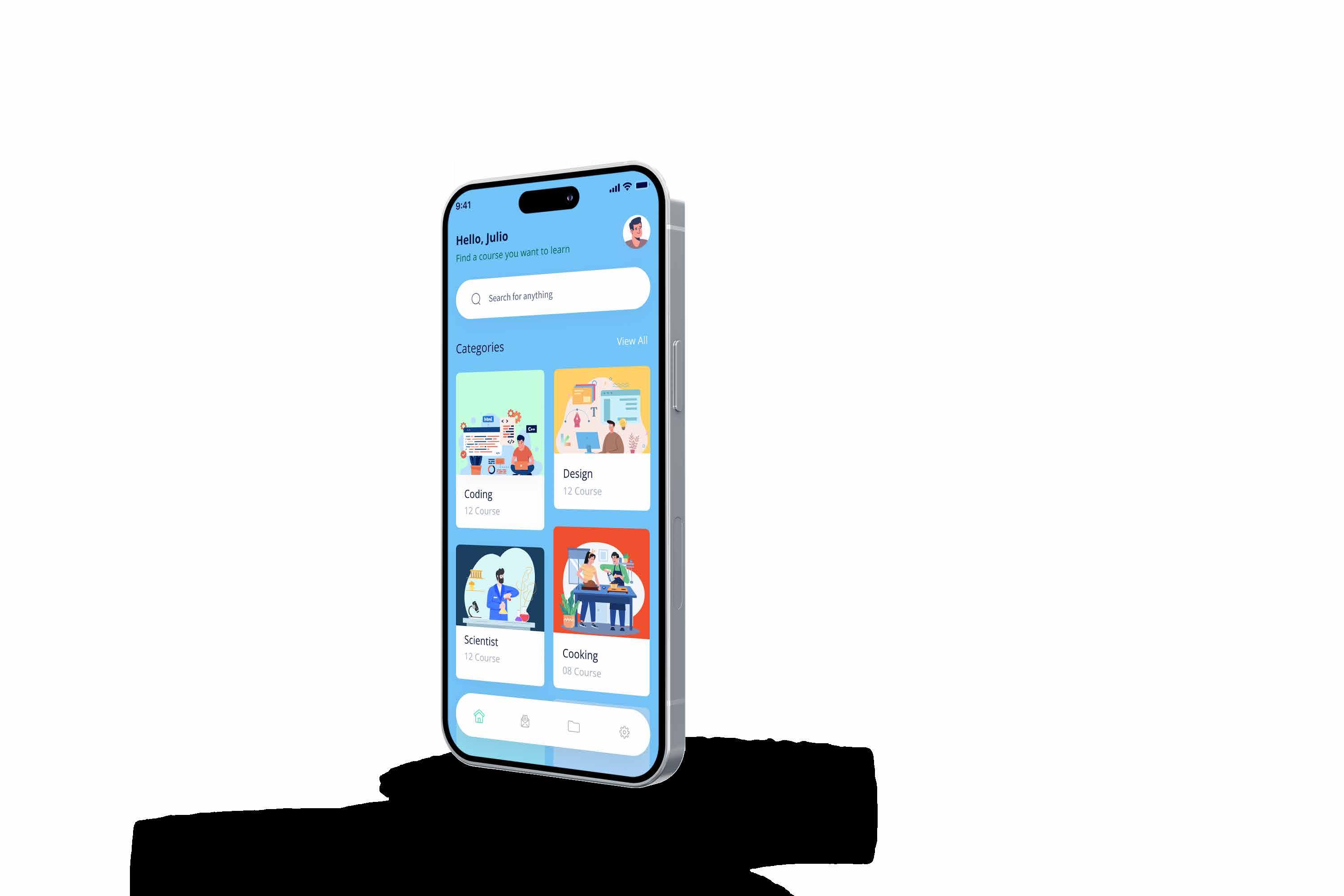
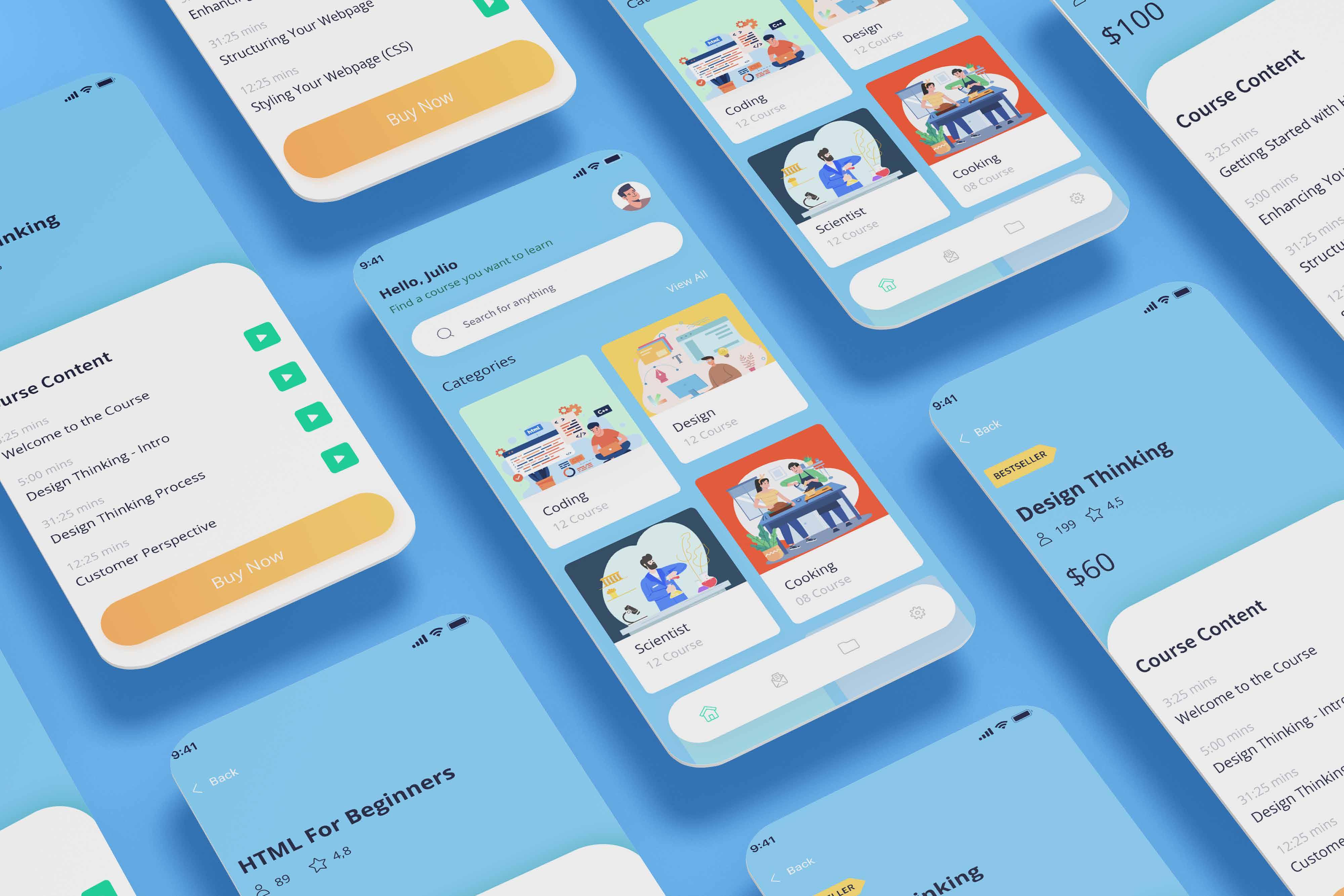
This app was created to change how we learn by offering various courses like Design Thinking, Coding, Cooking, and Science all in one place for easy access.

UX Visual Identity UI
Research
Users
University Students
As part of the primary audience, these users seek courses that complement their education. They require an intuitive interface and a wide range of courses, including academic subjects and professional skills.
Development Professionals
This group aims to enhance their skills and knowledge in areas such as Design Thinking and Coding. They will value accessibility and content quality.
Cooking Enthusiasts
Individuals interested in cooking courses, from beginners to amateur chefs, expect clear recipes and tutorials with an easy-to-navigate interface.
Parents and Guardians
This group may be interested in monitoring the educational progress of their children or wards using the "mevi" application. They seek features like online safety, access to progress reports, and user-friendly navigation to assist their children on the platform.
Human Resources Professionals
HR departments may consider "mevi" for skills development and employee training. They will appreciate user account management ease, progress tracking, and the availability of job-specific courses.
User persona

User Persona 1: Sarah, the University Student
Name: Sarah Mitchell
Age: 21
Occupation: Computer Science University Student
Description:
Sarah seeks to expand her knowledge beyond her academic curriculum, particularly in areas like Design Thinking and Coding. She desires an intuitive interface and a wide range of courses, including academic subjects and professional skills, while managing her university responsibilities.
Goals and Objectives:
Complete courses in Design Thinking and Coding.
Complement her university education with practical skills.
Efficiently manage her time between studies and additional learning.
Skills:
Research and data analysis skills. Problem-solving competency. Time management ability.
Frustrations:
Lack of time for additional courses. Difficulty finding high-quality online courses. Confusing user interfaces on other e-learning platforms.

User Persona 2: Diego, the Development Professional
Name: Diego Pérez
Age: 30
Occupation: Software Developer
Description:
Diego is a professional in the technology field seeking to enhance his skills in Design Thinking and Coding to advance his career. He values accessibility and content quality, as his time is limited due to work responsibilities.
Goals and Objectives:
Advance his career by improving technical skills.
Find high-quality courses in Design Thinking and Coding.
Efficiently complete courses without disrupting his work.
Skills:
Competence in software development. Proficiency in complex problem-solving. Effective time management.
Frustrations:
Limited time for lengthy courses.
Low-quality content on some online learning platforms.
Complicated user interfaces hindering navigation and content access.
User Persona 3: María, the Cooking Enthusiast
Name: María García
Age: 35
Occupation: Chef at a Local Restaurant
Description:
María is a passionate chef looking to expand her culinary repertoire. She's interested in cooking courses, from beginner to advanced levels, and seeks clear recipes and tutorials within the application. María needs an easy-to-navigate interface to enhance her culinary skills.
Goals and Objectives:
Expand her knowledge in cooking and baking. Find inspiring recipes and advanced culinary techniques. Create more creative dishes at her restaurant.
Skills:
Experience in cooking and restaurant management.
Ability to follow recipes and culinary techniques. Creativity in dish preparation.
Frustrations:
Lack of time for attending in-person courses. Difficulty finding clear recipes and tutorials online.
Complex interfaces in other learning apps.

User
4: Carlos, the Concerned Parent
Name: Carlos Rodríguez
Age: 42
Occupation: Sales Manager
Description:
Carlos is a parent concerned about his teenager's educational progress. He uses "mevi" to monitor his child's learning and ensure online safety. He seeks a user-friendly interface to assist his child in navigating the application.
Goals and Objectives:
Monitor his child's educational progress. Ensure his child's online safety while using the app.
Support his child's online learning.
Skills:
Ability to review progress reports and statistics. Capability to assist his child with technology. Effective communication with his child.
Frustrations:
Lack of visibility into his child's educational progress.
Concerns about his child's online safety. Complex app interfaces hindering monitoring.

Name: Laura Martínez Age: 38
Occupation: Director of Human Resources
Description:
Laura works in an HR department and considers "mevi" for employee training in specific job skills. She values ease of employee account management and progress tracking. She needs a platform that allows her to efficiently manage her team's skill development and offers industry-specific courses.
Goals and Objectives:
Enhance her team's job-related skills. Find an efficient solution for employee training. Effectively manage her team's skill development.
Skills:
Ability to manage and lead teams. Competency in HR and training. Skill in analyzing progress data.
Frustrations:
Lack of an efficient platform for employee training.
Difficulty finding industry-relevant courses. Issues with account management and progress tracking in other solutions.
 Persona
User Persona 5: Laura, the HR Professional
Persona
User Persona 5: Laura, the HR Professional
Meet Sarah, a 21-year-old university student with a passion for technology. Sarah seeks opportunities to expand her knowledge beyond her academic program. She dreams of exploring topics like Design Thinking and Coding, which are not covered in her university curriculum. However, she faces the complexity of finding suitable courses that fit her university schedule and academic duties.
One day, Sarah discovers the "mevi" application, which promises a wide range of courses, from academic to professional, all in one place. Intrigued, she decides to give it a try. What she finds pleasantly surprises her: an intuitive interface and high-quality courses in Design Thinking and Coding that perfectly align with her schedule. Now, she can efficiently and balancedly complement her education.
POV
MVP
Course Catalog Course Details Content Playback Search and Filters User Profile
An interface that displays an initial selection of courses in various categories, including Design Thinking and Coding. This allows users to see the variety of available courses and start exploring their content.
Course description pages that include information about the course content, duration, difficulty level, and prerequisites. This helps users make informed decisions about which courses to take.
The ability to watch videos or access related course materials. This feature is essential for users to access learning content and participate in courses.
Search functionality that allows users to search for courses by keywords and apply filters such as difficulty level, duration, and category. This makes navigation and finding specific courses easier.
A space where users can edit their profile, view their progress in courses, and manage their notification preferences. This provides a personalized experience and helps users keep track of their learning.
Task Flow
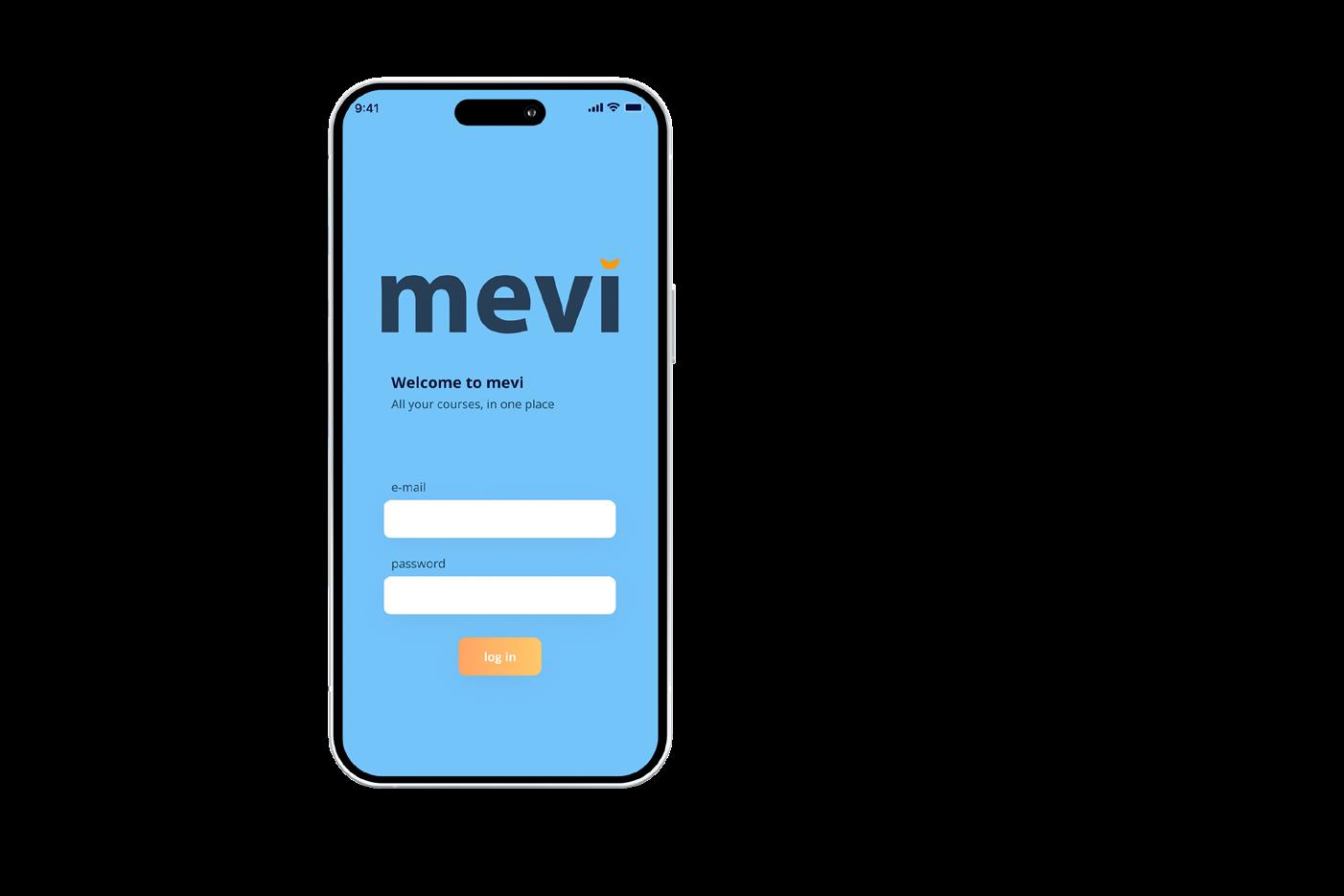
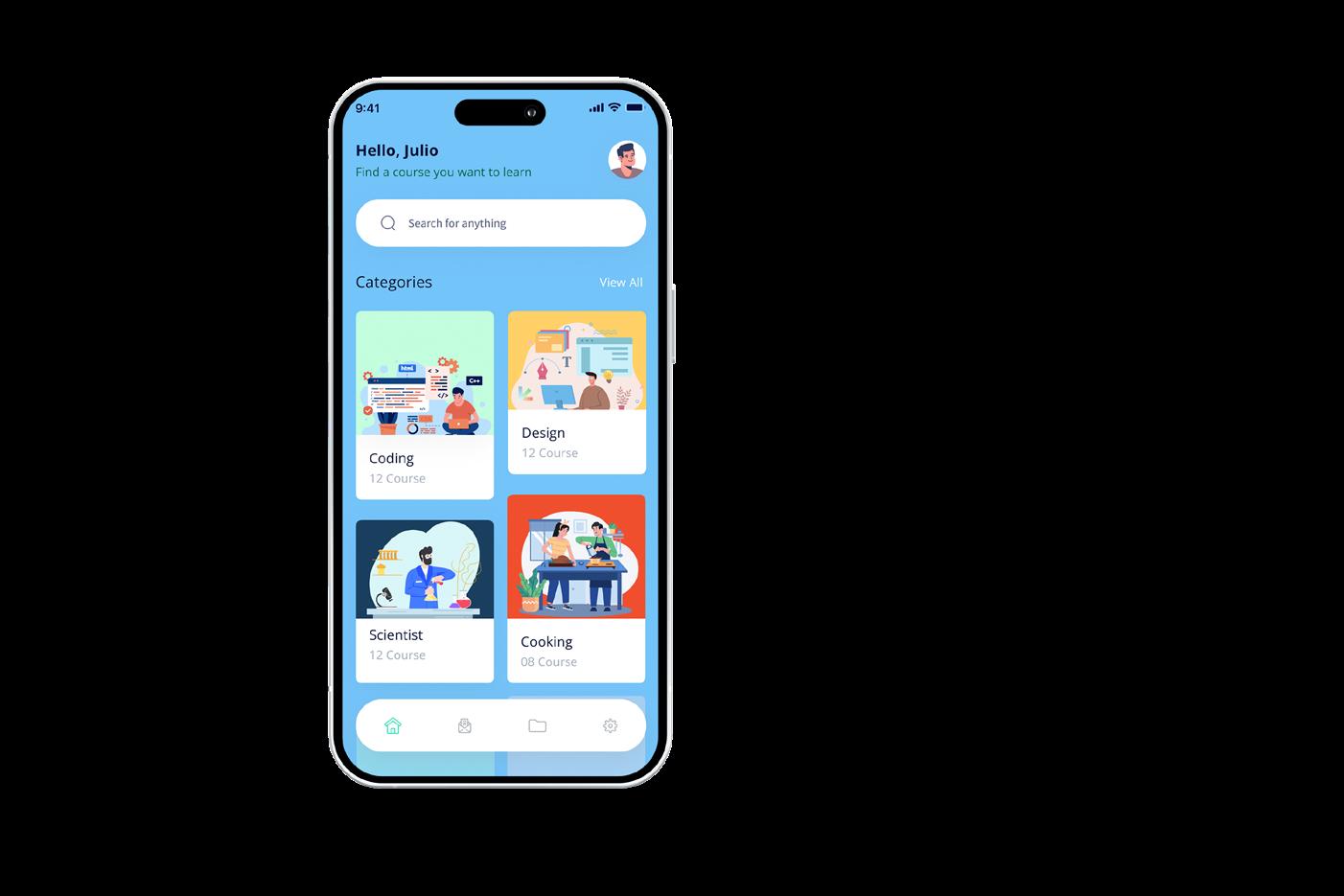
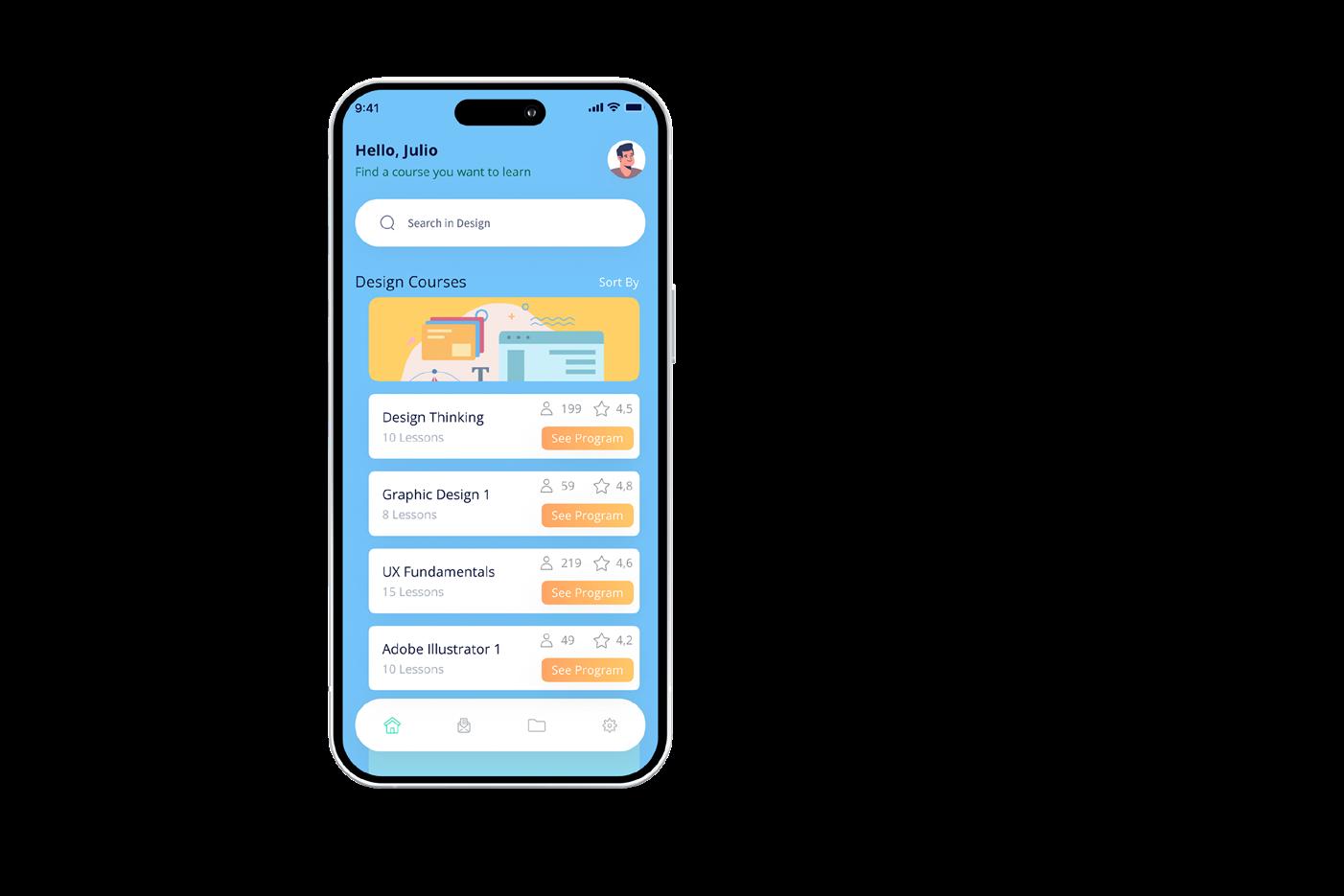
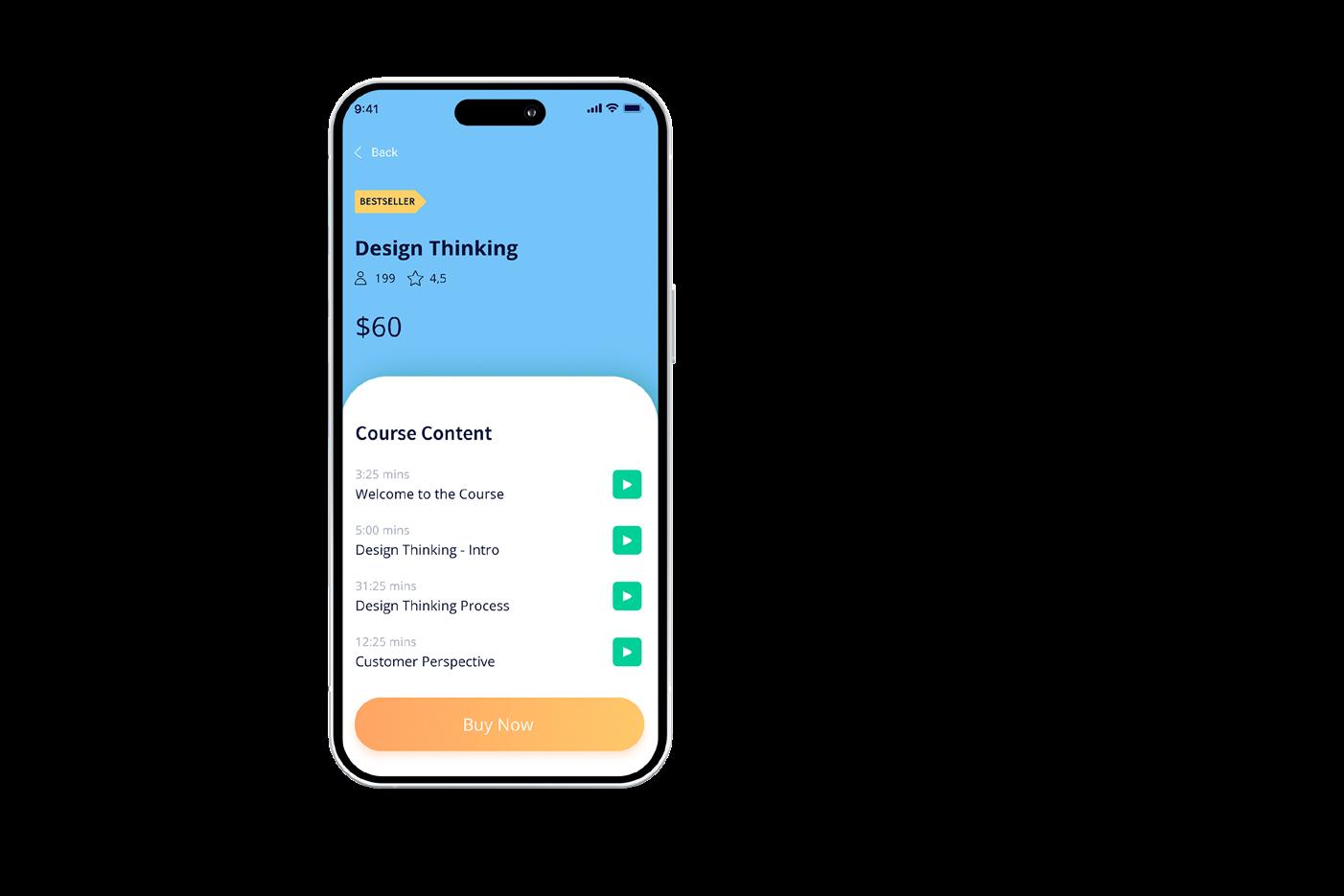
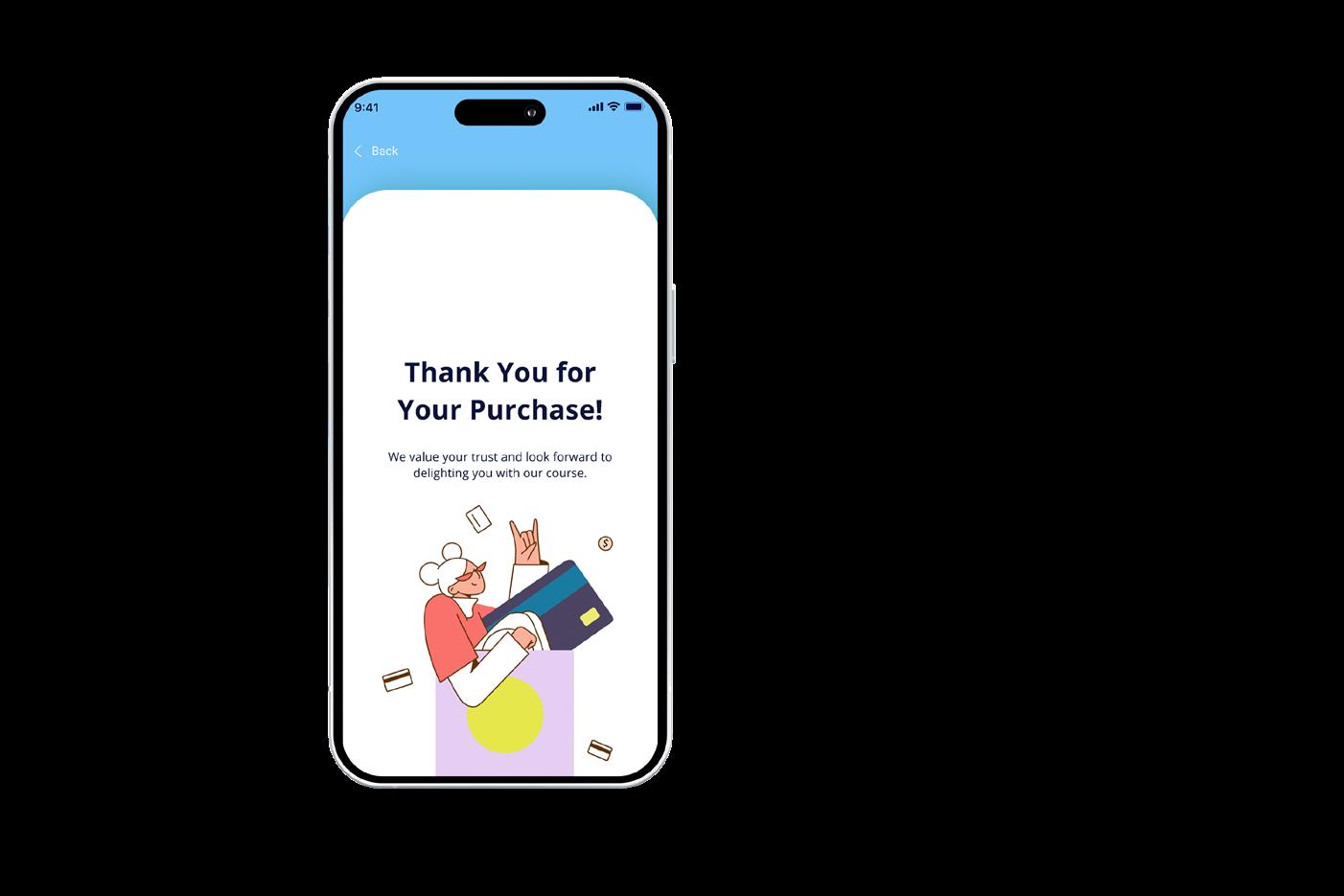
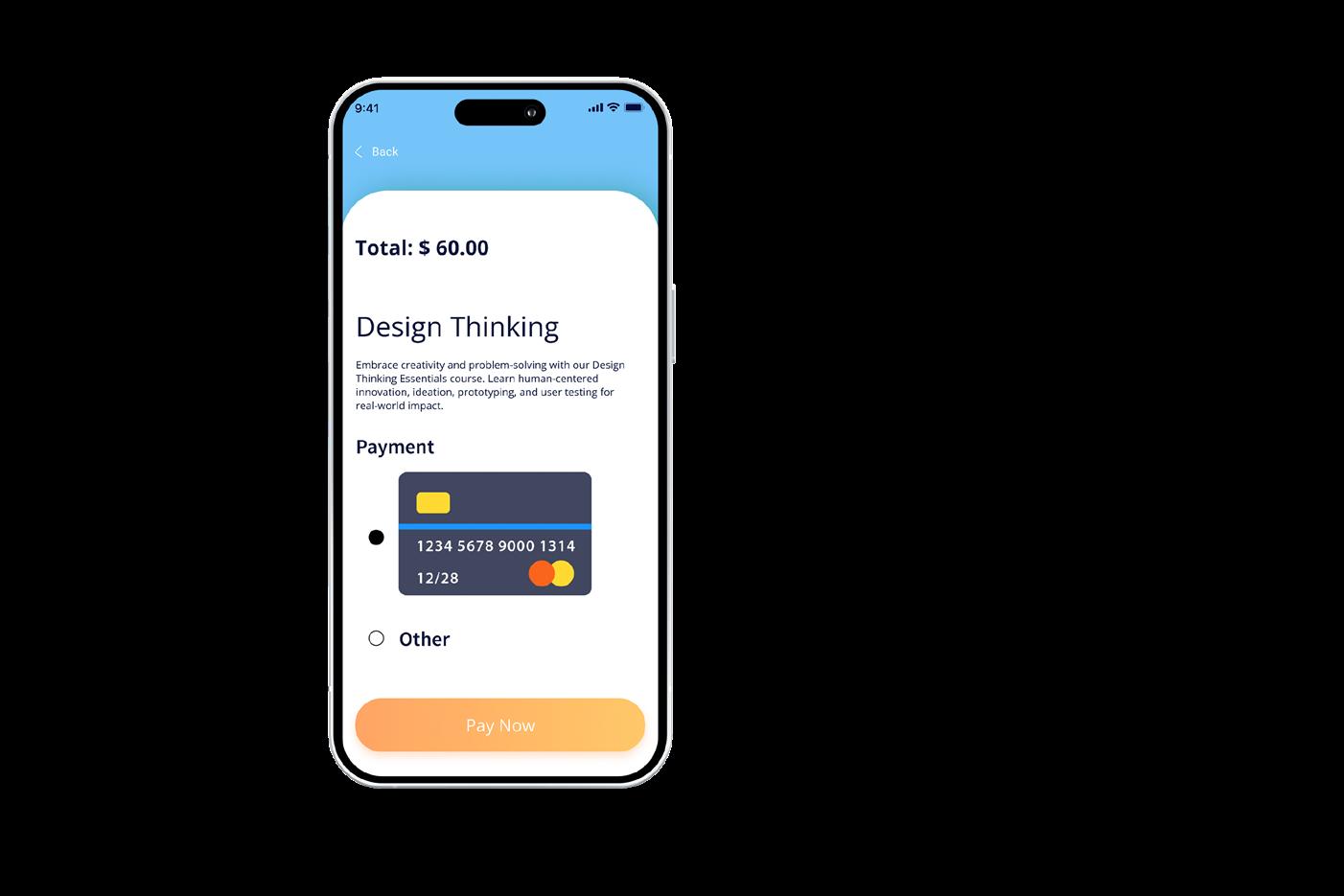
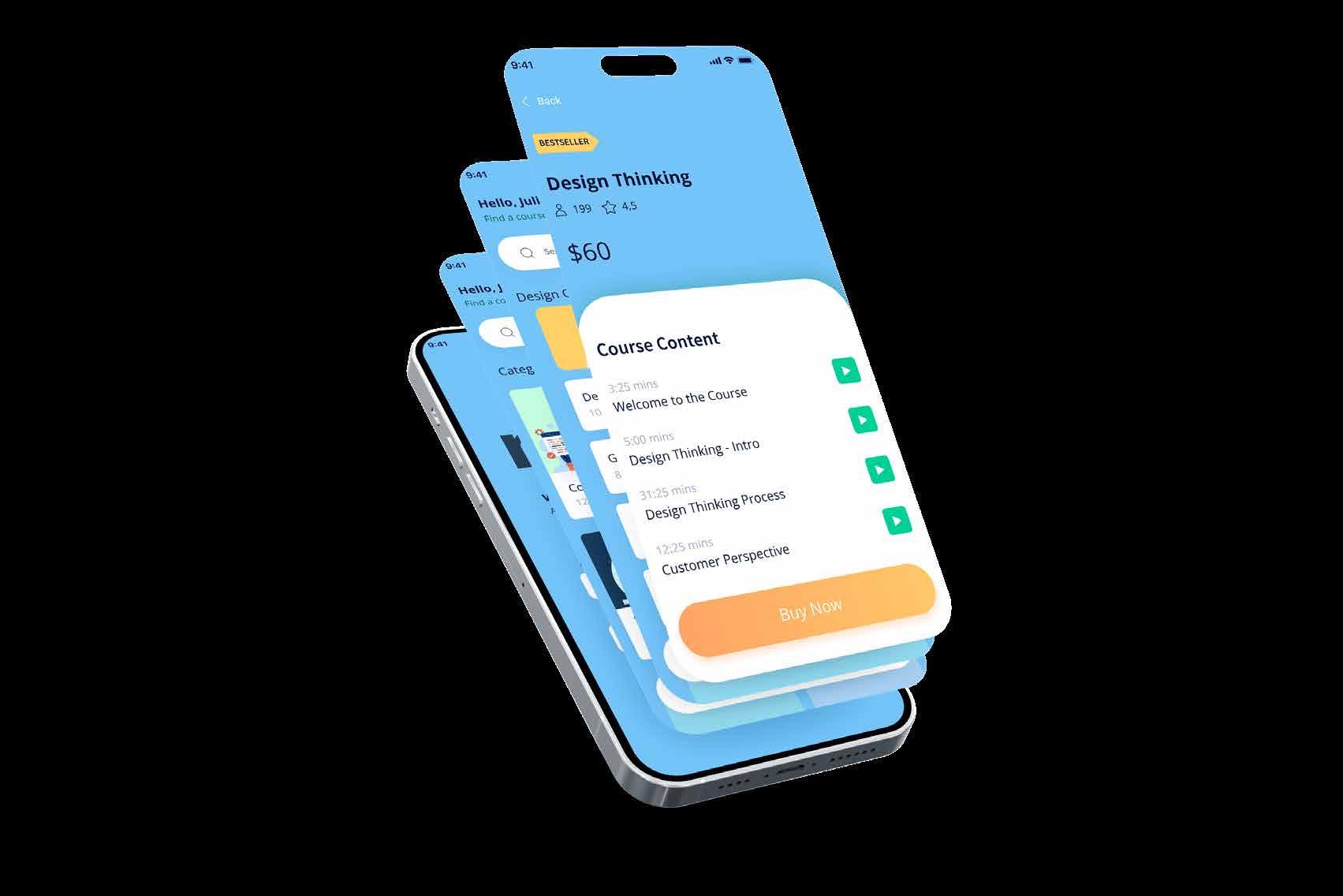
Home Menu Topic Menu Course Content Checkout Purchase Completed
User Flows
Step 1: User Registration
1.1. User launches the "mevi" app. 1.2. User selects the "Register" option.
Step 5: User Profile
5.1. User accesses their profile by clicking on their profile picture or name.
1.3. User enters their name, email, and creates a password.
1.4. User clicks "Register."
Step 2: Explore Courses
2.1. User is directed to the app's home screen.
2.2. User can browse the course catalog displayed on the home screen.
2.3. User can use the search bar to find specific courses or apply filters (e.g., difficulty, duration, category).
2.4. User selects a course of interest to view course details.
Step 3: Course Details
3.1. User can see course information, including course content, duration, difficulty level, and prerequisites.
3.2. User has the option to enroll in the course or return to the course catalog.
Step 4: Enroll in a Course
4.1. User clicks "Enroll" on the course details page.
4.2. User is prompted to confirm their enrollment.
4.3. User confirms enrollment.
4.4. User receives a confirmation message and is added to the course.
5.2. User can view their enrolled courses and progress.
5.3. User can edit their profile information.
5.4. User can manage notification preferences.
Step 6: Course Progress and Learning
6.1. User selects an enrolled course from their profile.
6.2. User accesses course materials, including video lessons and related content.
6.3. User can track their progress within the course.
6.4. User can leave comments and ratings for the course.
Step 7: Additional Features
7.1. If the user is a parent or guardian, they can access the "Progress Reports" feature to monitor their child's learning.
7.2. HR professionals can use the "HR Management" feature to administer employee accounts and track training progress.
Step 8: Logout
8.1. User can log out of their account by selecting the "Logout" option in the user profile.
UX/UI proposal for TruBit, focused on the website, in collaboration with Michelle Salcedo




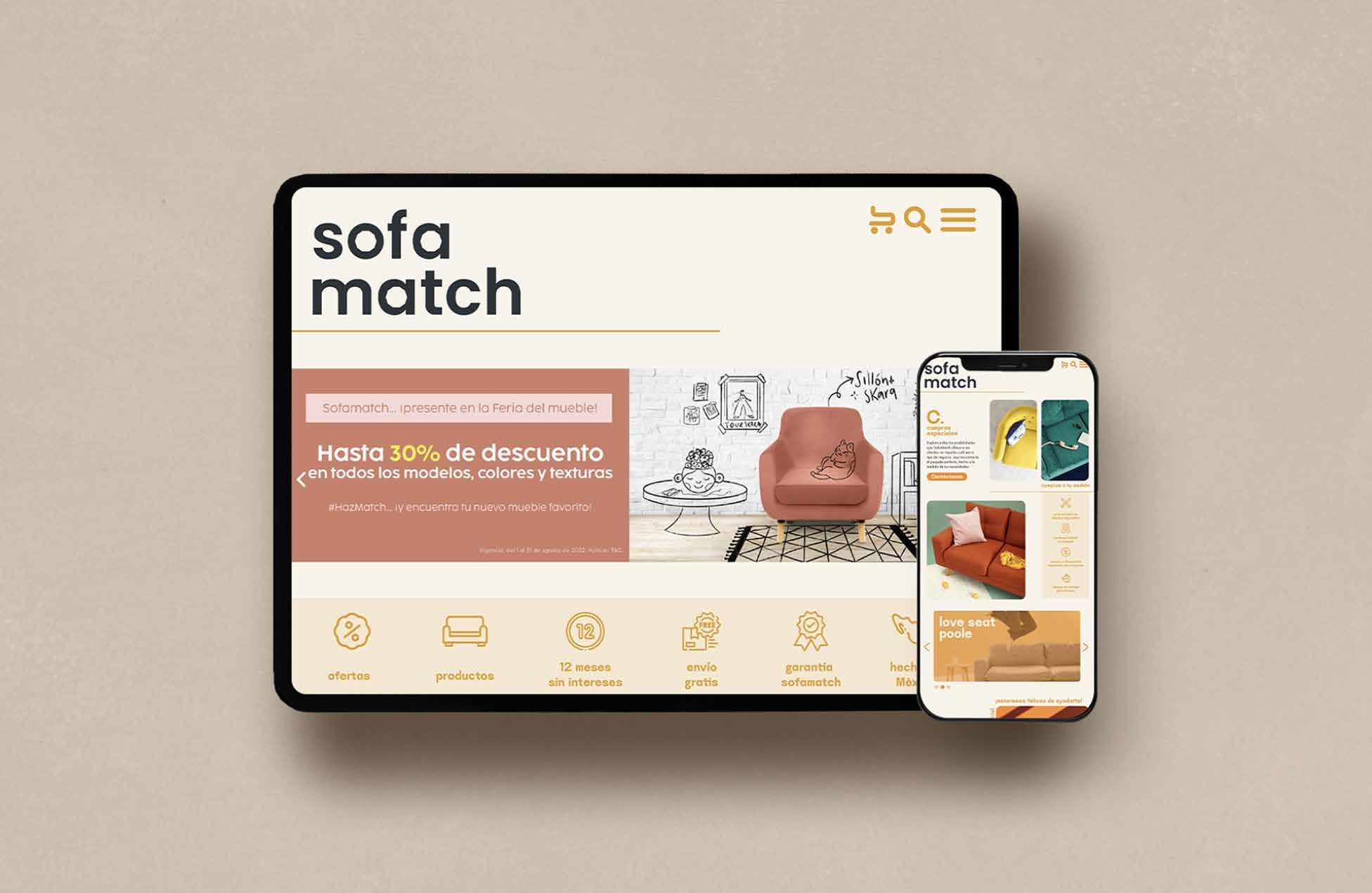

PROJECT DEVELOPMENT STEPS
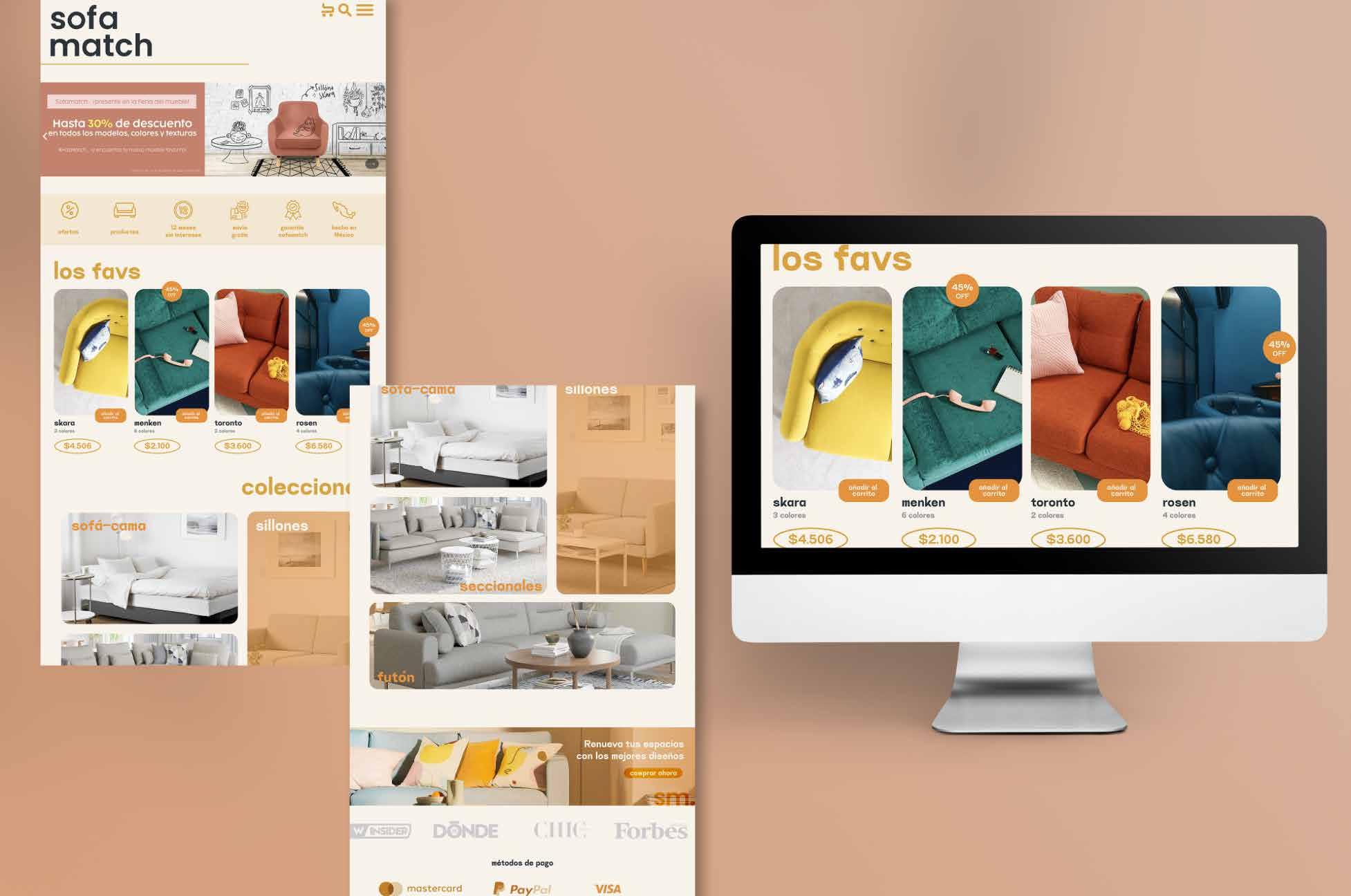
Understanding User Needs: The project initiated with a comprehensive analysis of Sofamatch's existing website and user feedback. By identifying pain points and user needs, I gained crucial insights into the improvements necessary for the redesign.
User Research: Conducting user research played a pivotal role. Through surveys, interviews, and usability testing, I gathered valuable data regarding user preferences, behaviors, and expectations when shopping for furniture online.
Information Architecture: I collaborated with the Sofamatch team to restructure the website's information architecture. This step ensured that the website's content was logically organized, making it easier for users to find what they were looking for.
Wireframing and Prototyping: I created wireframes and interactive prototypes to visualize the new website's layout and functionality. These prototypes allowed for testing and refining the design concepts.
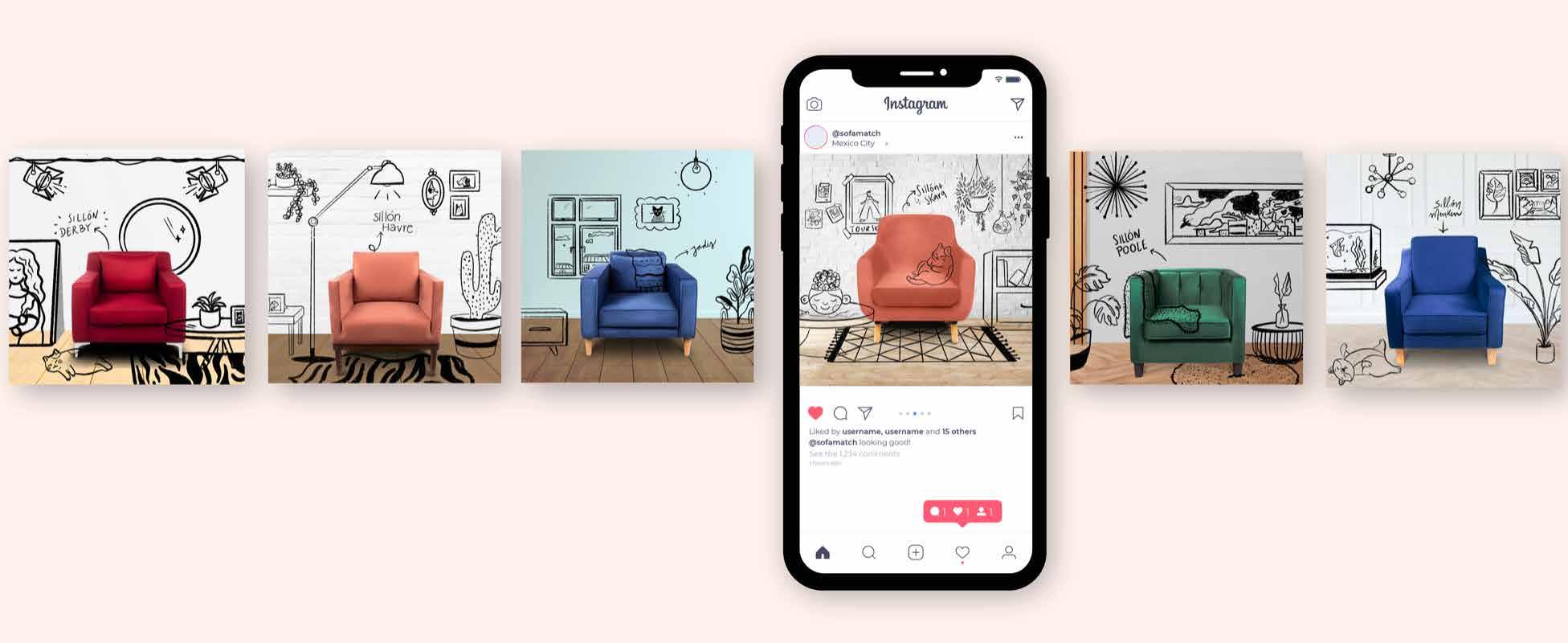
UI Design: The redesign involved a meticulous UI design process. I worked on crafting a visually appealing and cohesive design language that resonated with Sofamatch's brand identity, incorporating elements such as colors, typography, and imagery.
Responsive Design: Recognizing the importance of mobile accessibility, I ensured that the website was responsive, providing an optimal browsing experience across various devices and screen sizes.
Usability Testing: Throughout the development, usability testing was conducted to validate the design decisions and gather user feedback, allowing for iterative improvements.
Implementation Support: I collaborated closely with the development team to oversee the implementation of the new design, ensuring that the final website accurately reflected the envisioned UX/UI improvements.
Launch and Post-launch Monitoring: After successful implementation, the redesigned Sofamatch website was launched. Post-launch monitoring and user analytics helped assess the impact of the changes and identify areas for ongoing enhancements.
Website redesign for Stori, in collaboration with Gabriela
LinharesAbout the project
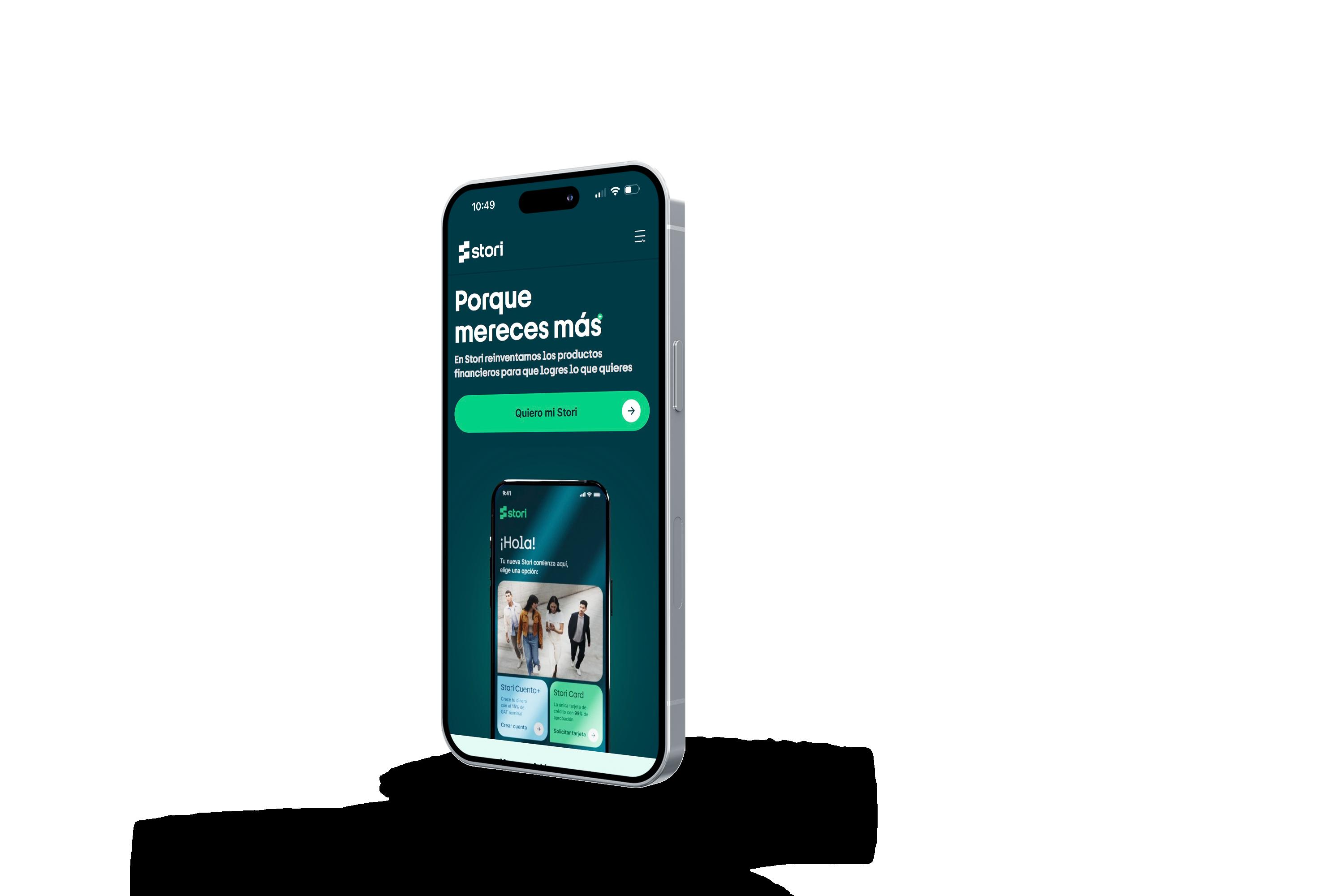
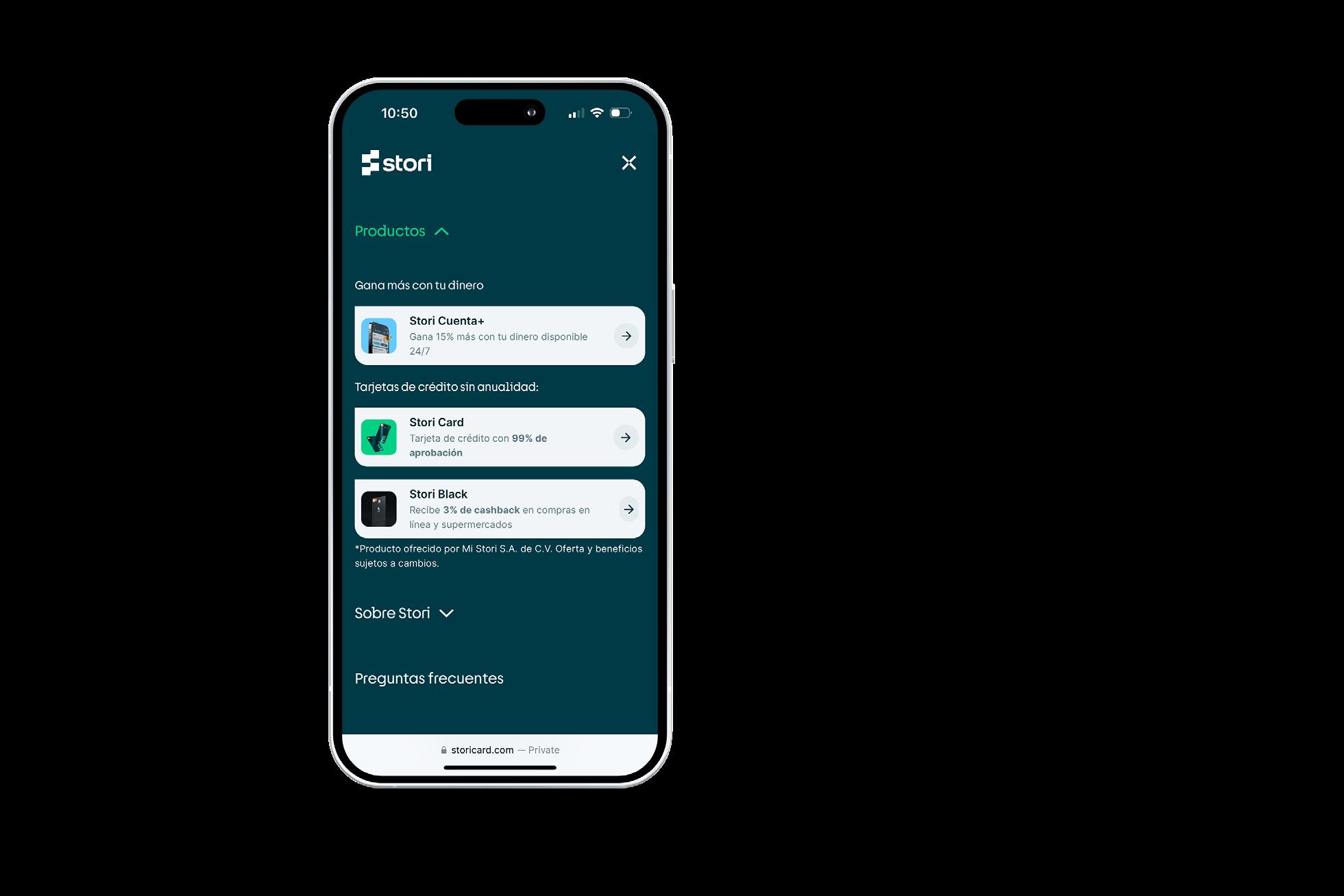
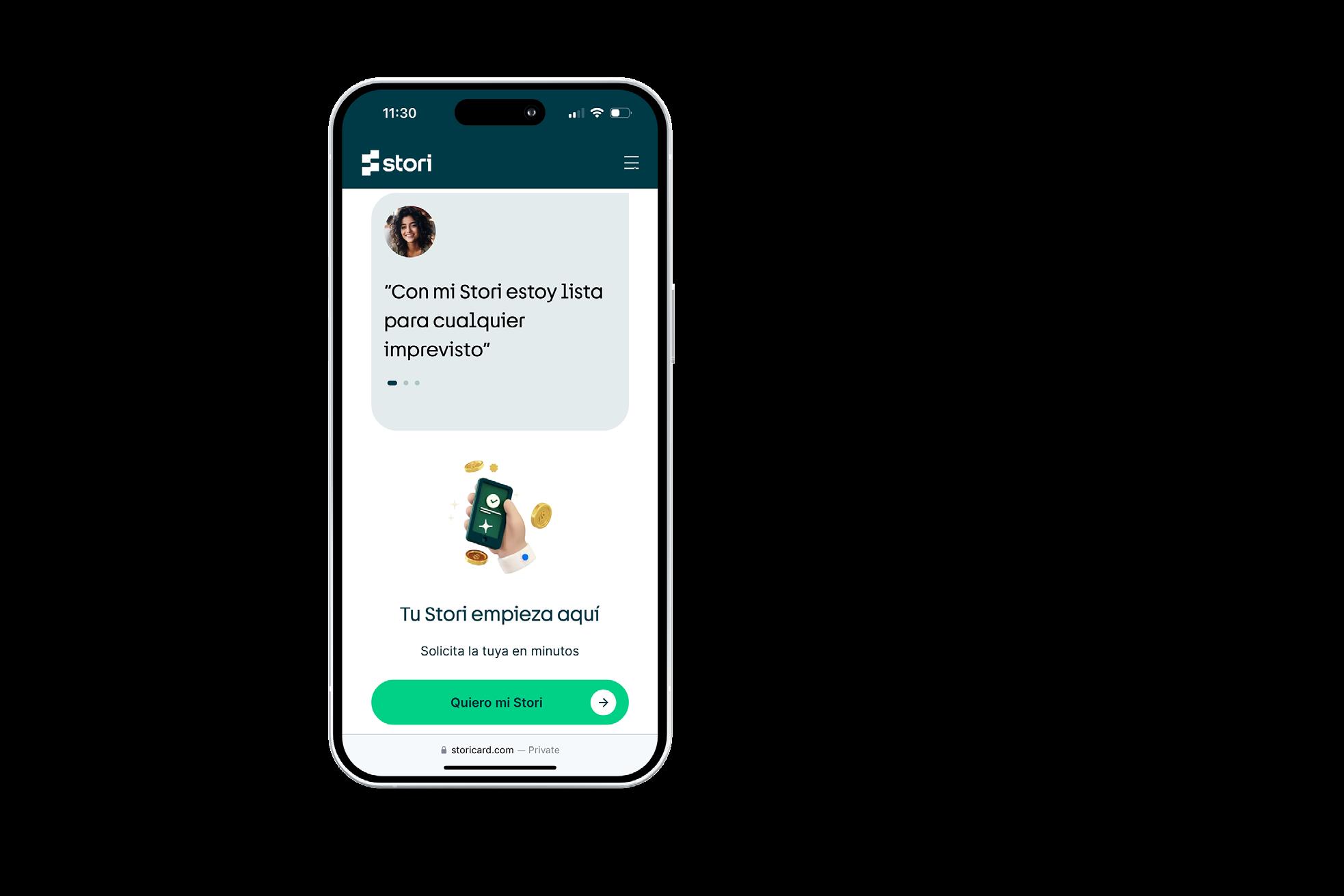
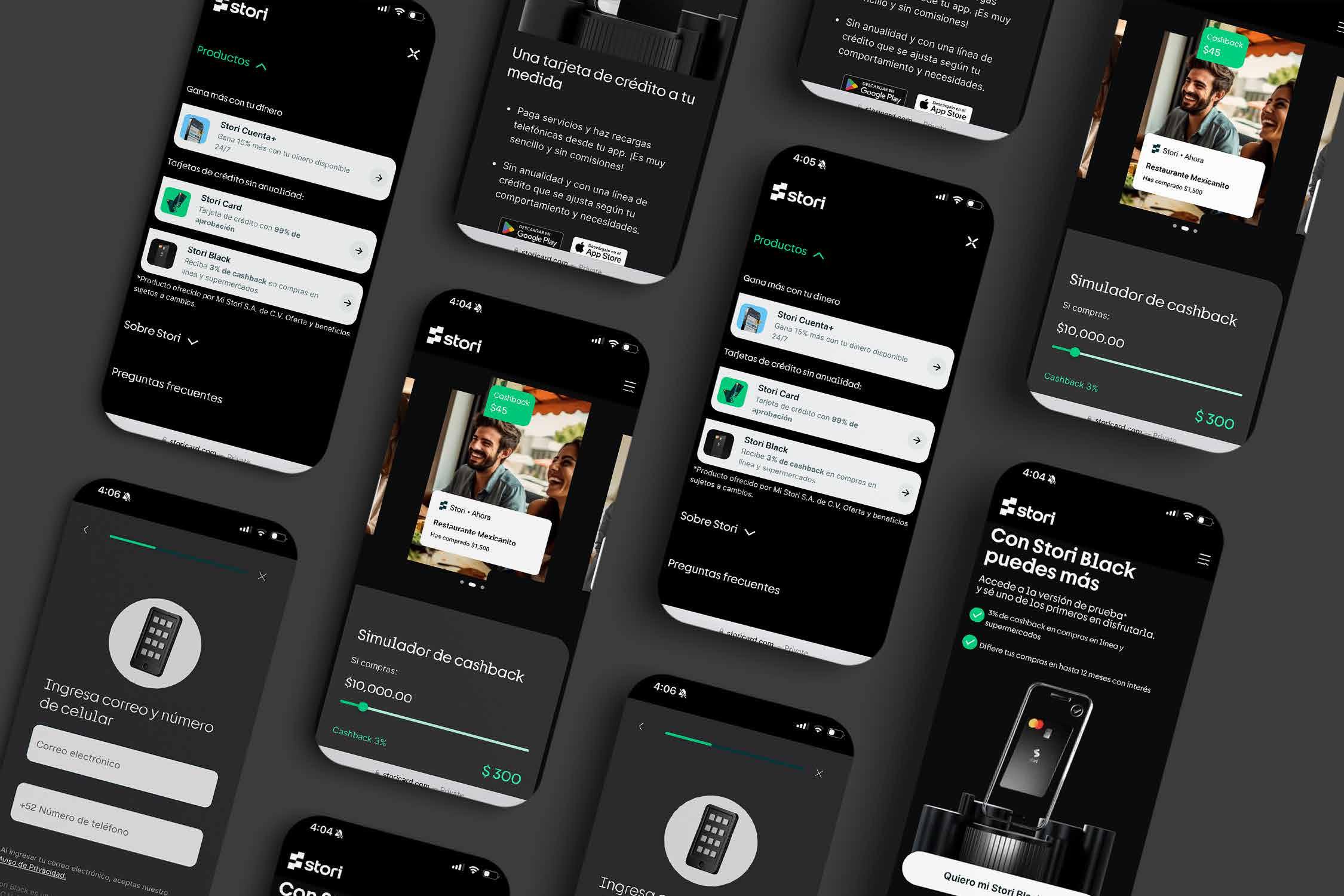
The project involved redesigning the entire user experience on the Stori website, considering that the Stori brand underwent a 100% rebranding to better convey its essence and brand vision.
We had to conduct user research, usability tests, and market research to be able to design the new Stori website.
UX UI
User Research Usability Test
Multiproduct
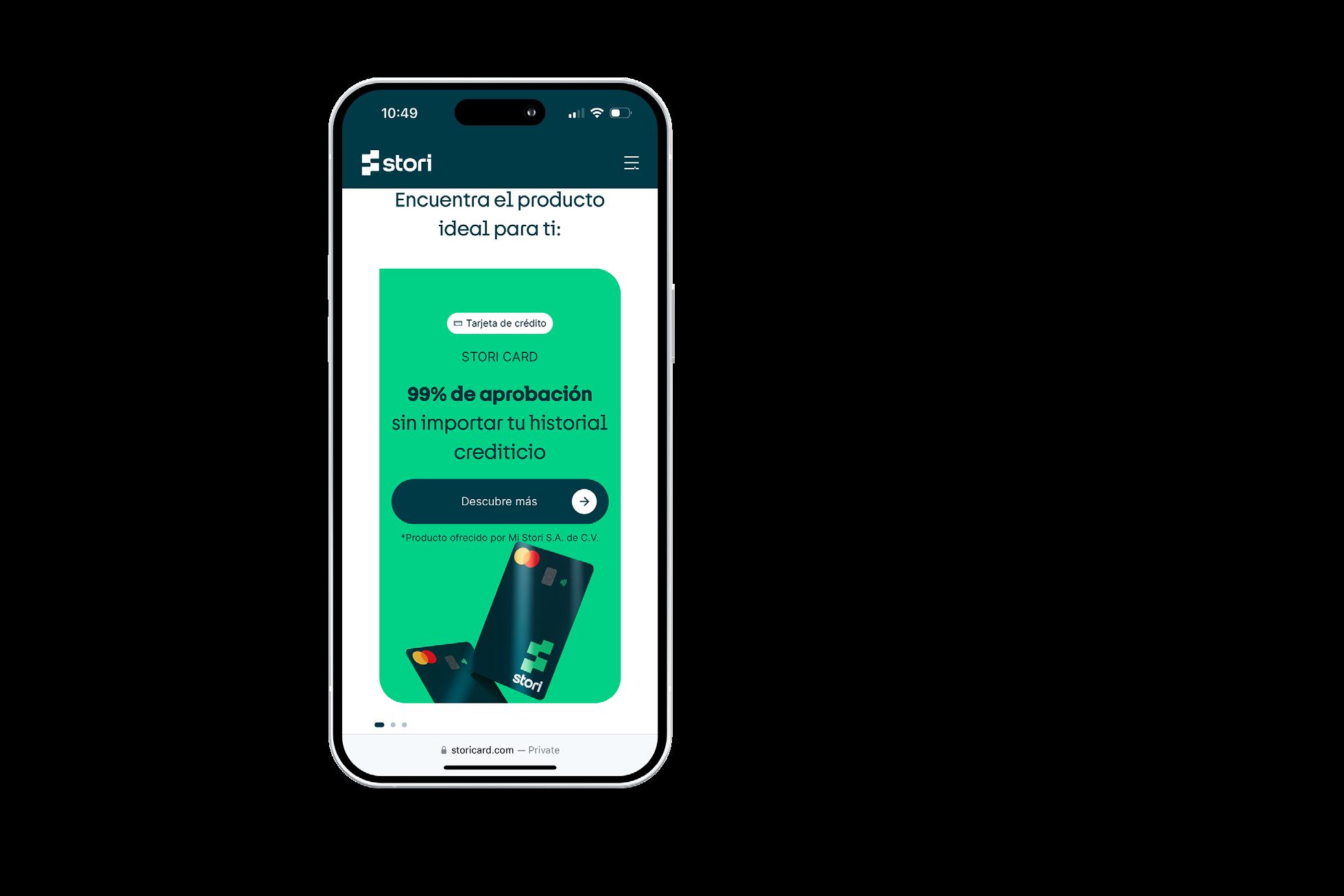
The Stori website, in addition to providing a new experience for users and a new brand identity, also has to offer clear information about its various products and comply with all the legal requirements imposed by the authorities on Stori.
Among the product offerings that Stori has for its users are:
• Stori Card
• Stori Black
• Cuenta+
Each product has its respective landing page to provide a unique experience for users, as well as all the relevant information and benefits of each product.
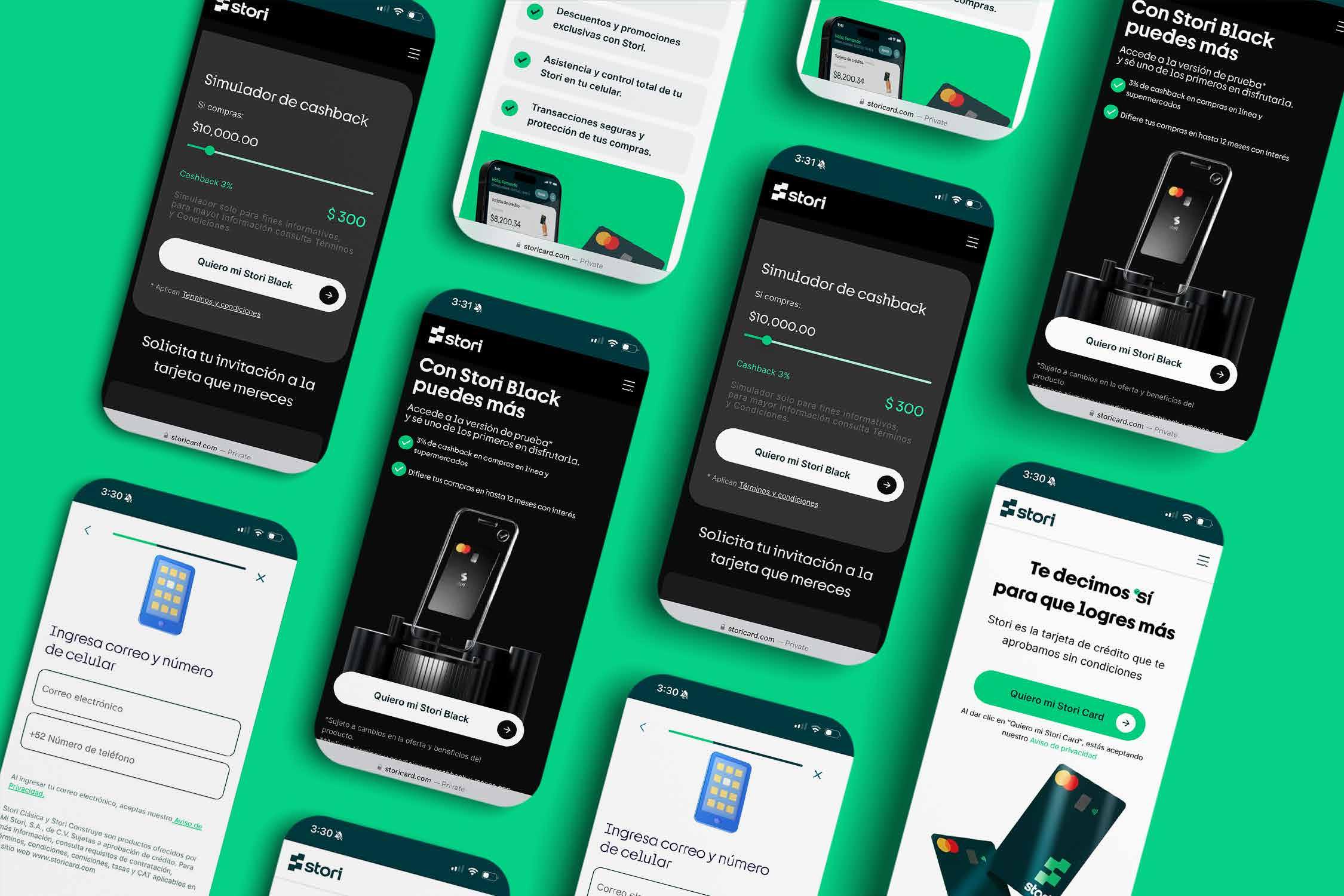
Stori Black
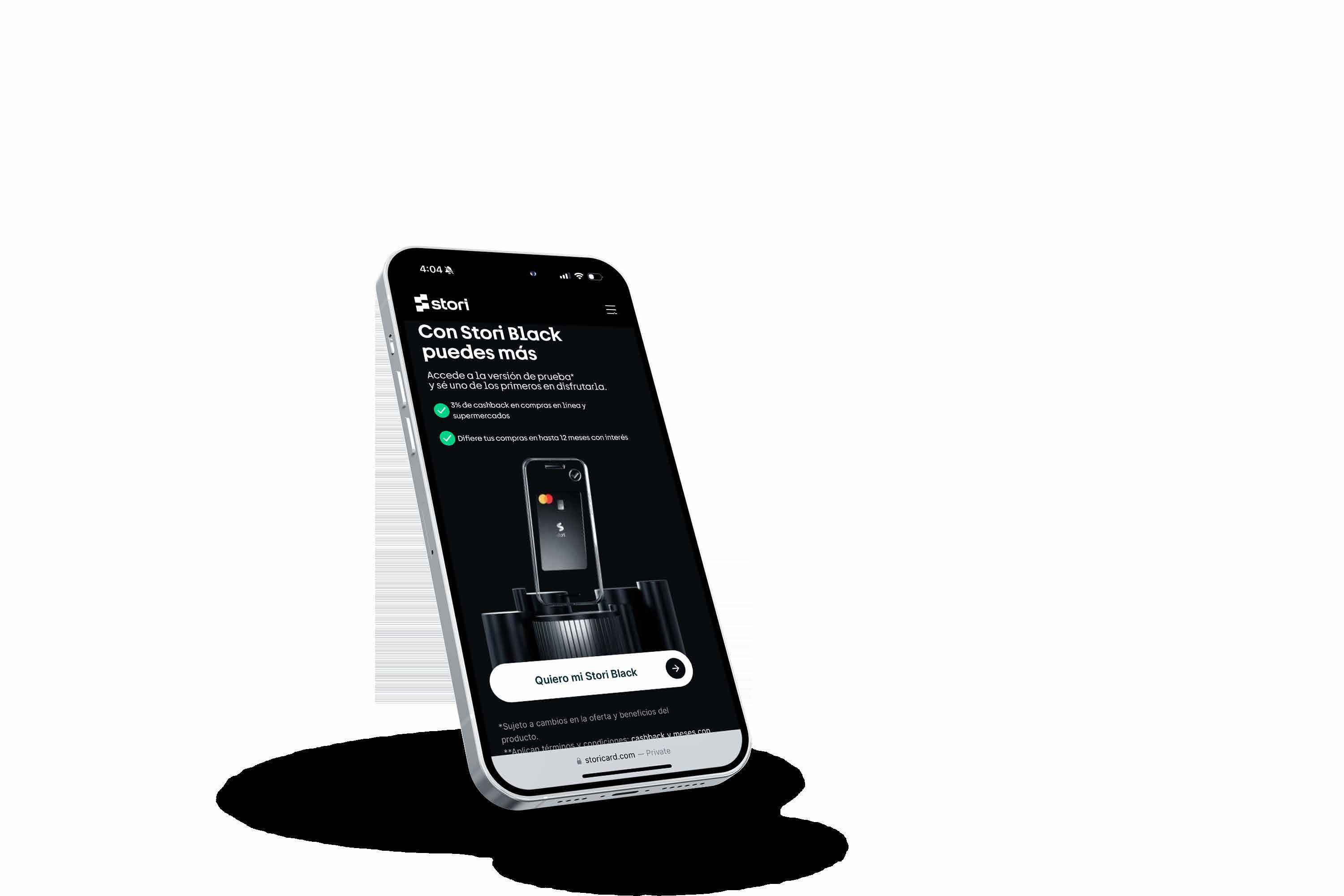
Stori Black is the premium card for Stori users, with more and better benefits than the conventional Stori card. In this project, I was involved in the final iterations for its public launch, usability testing, user interviews, and interface design.
This project was a collaboration with Alejandra Hernande UI User Research Usability Test
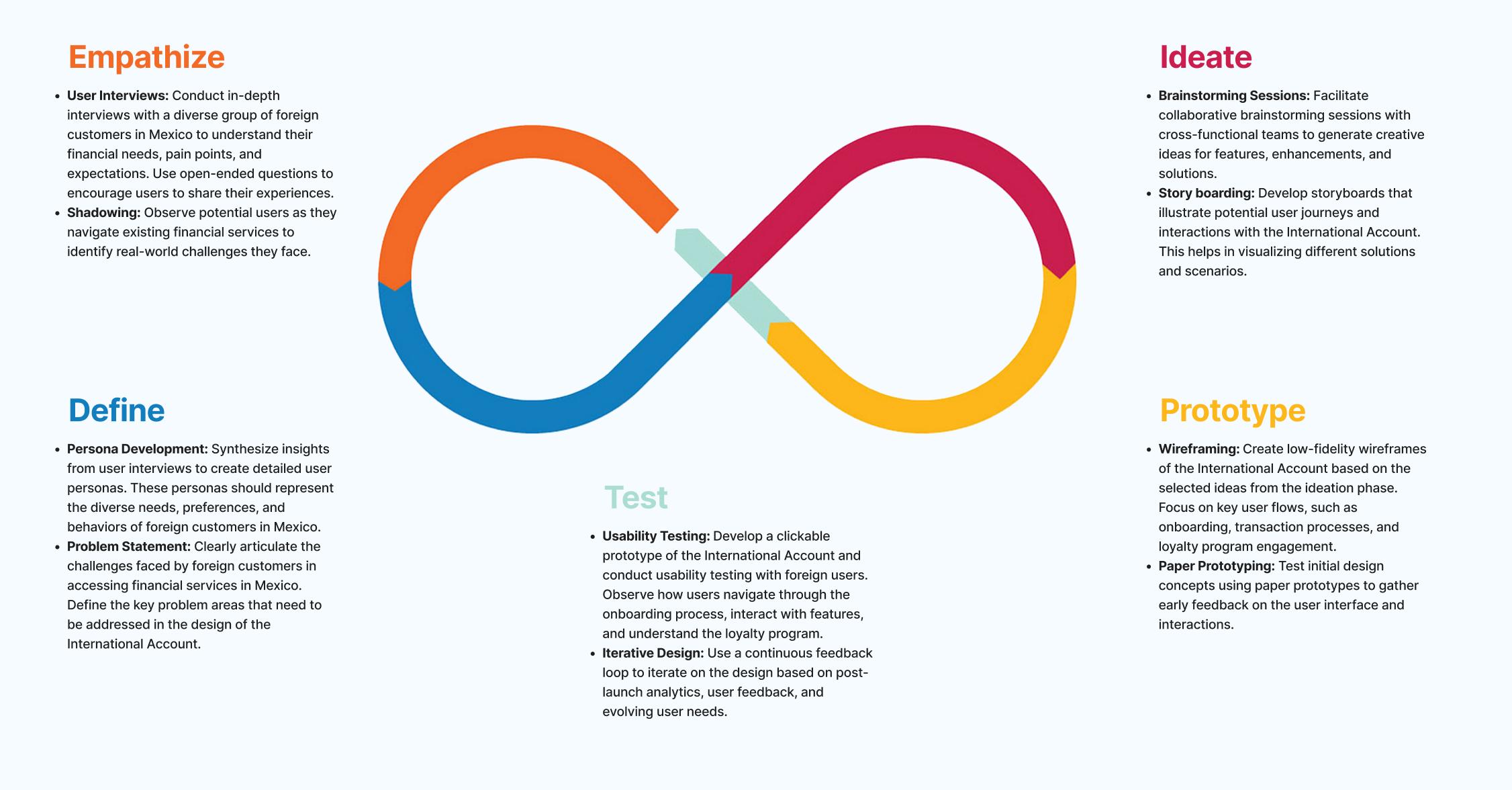
User Persona & Interview Script
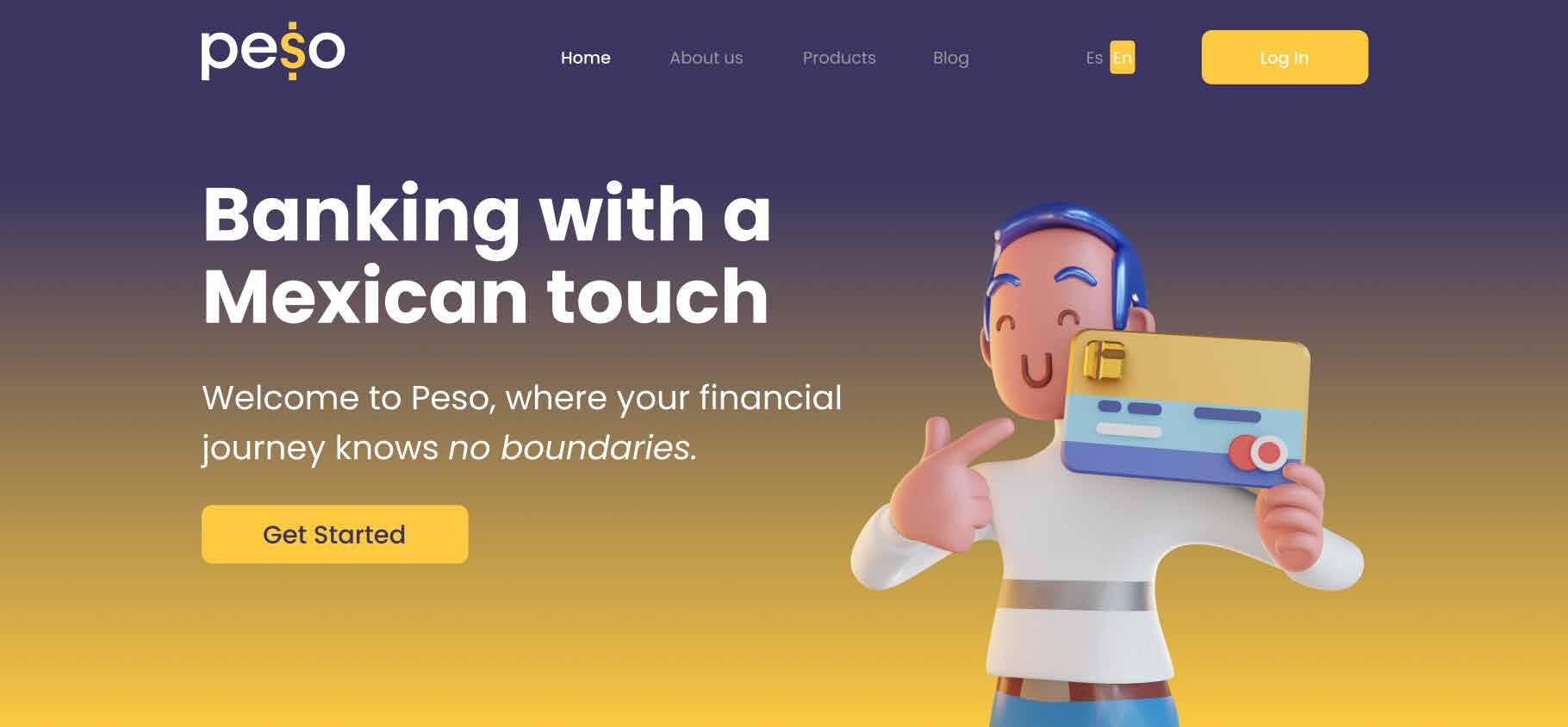
For this project we create a User Persona with the following criteria:
- Age
- Occupation
- Location
- Background
- Challengues
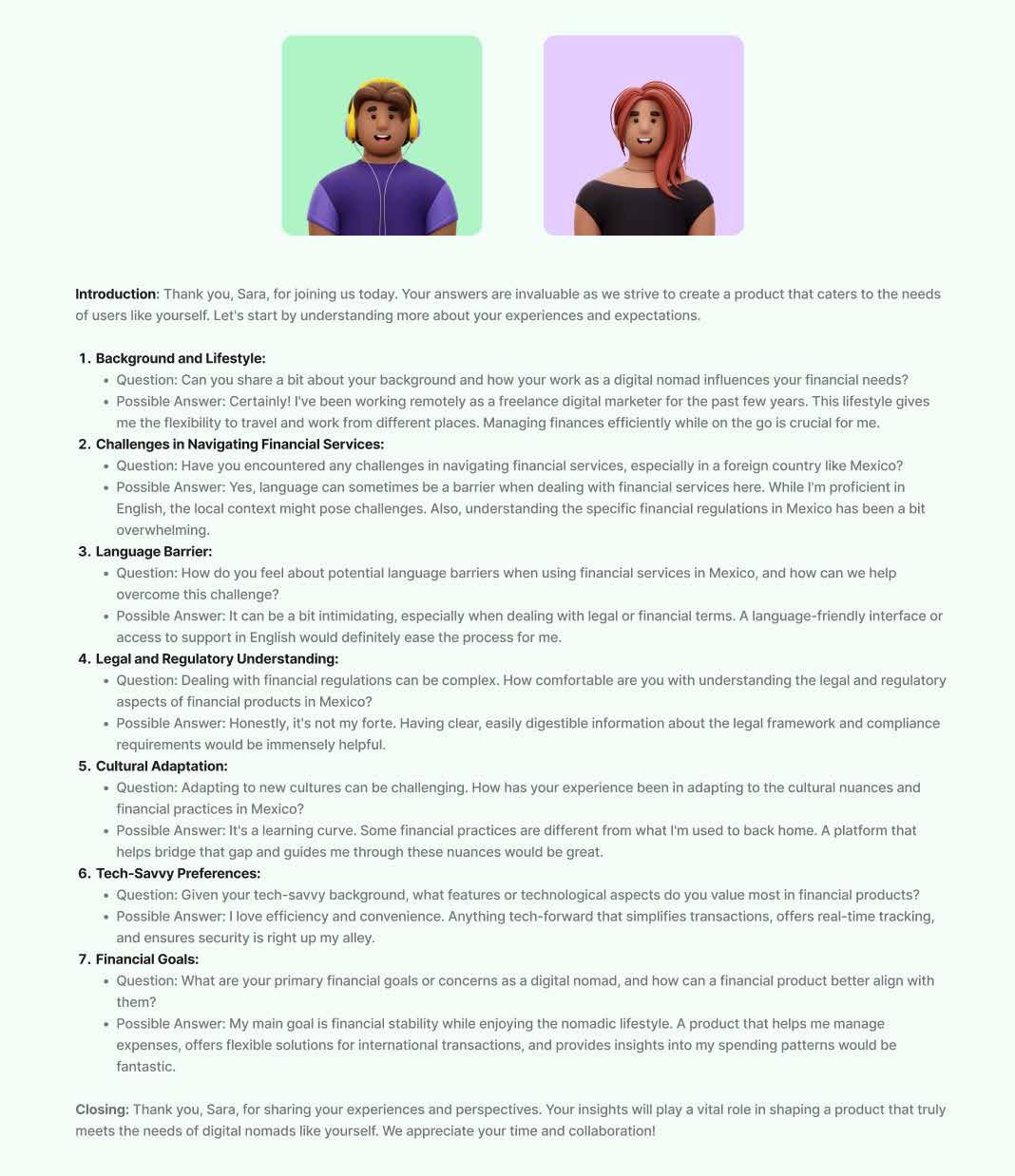
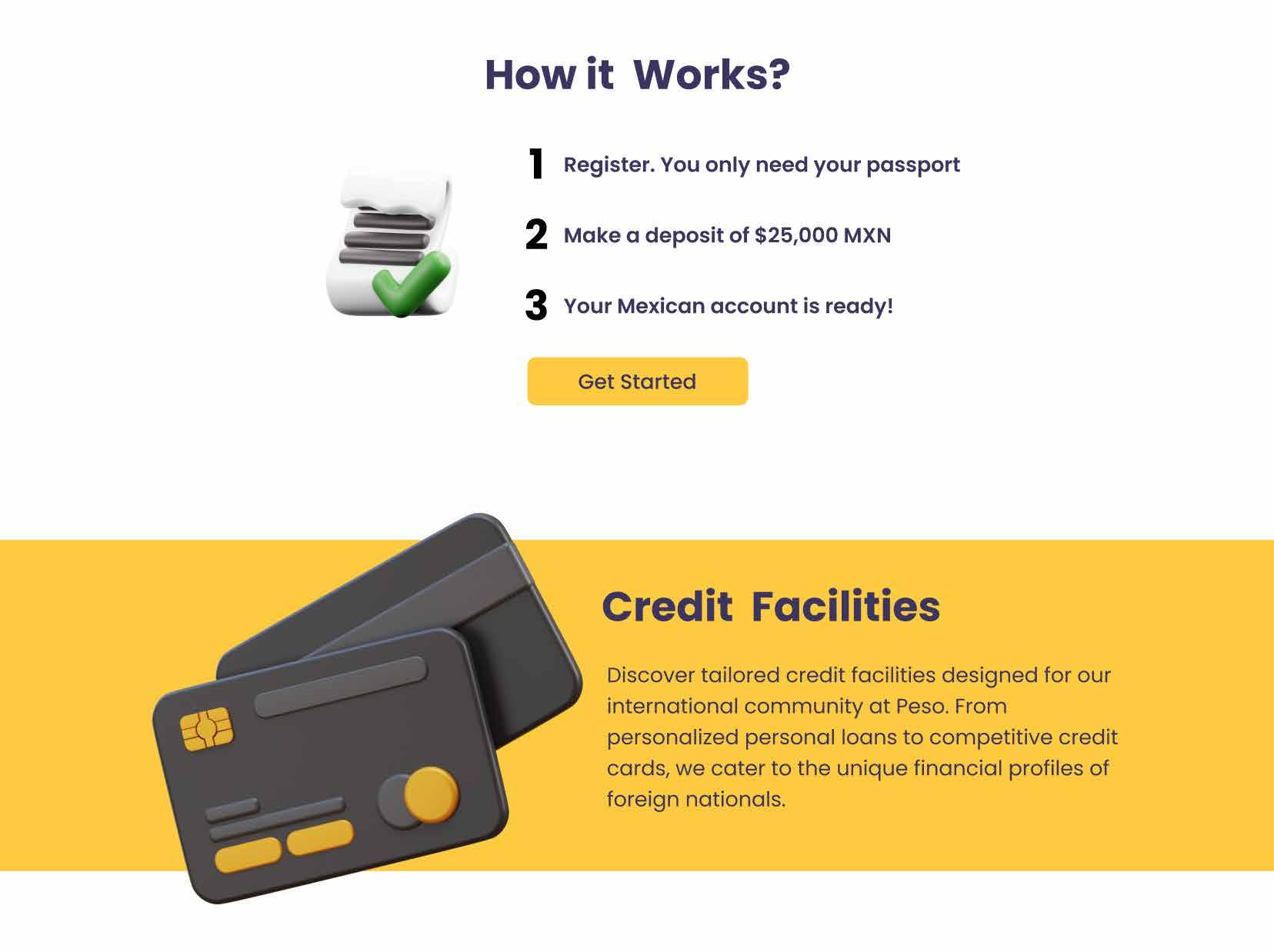
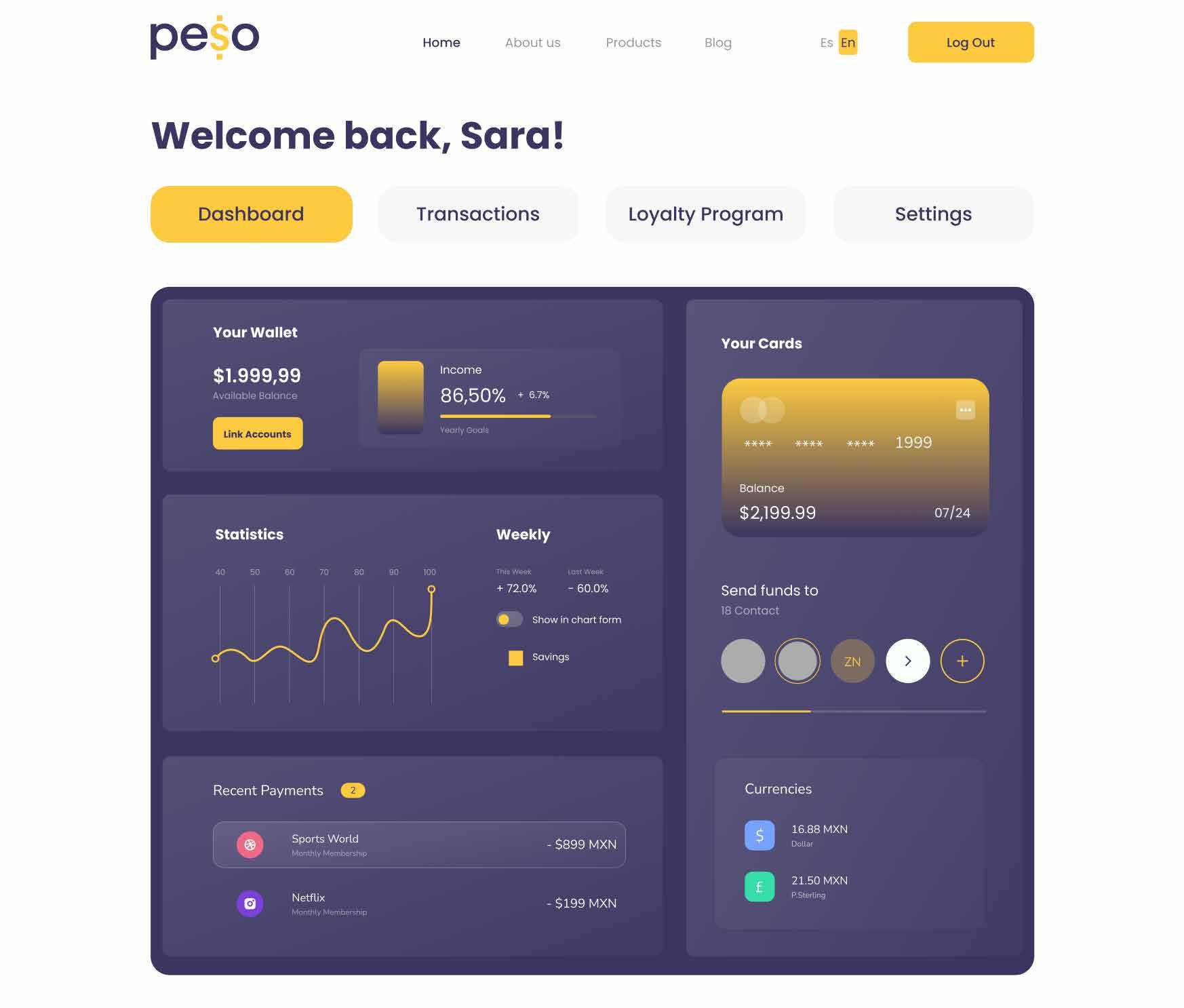
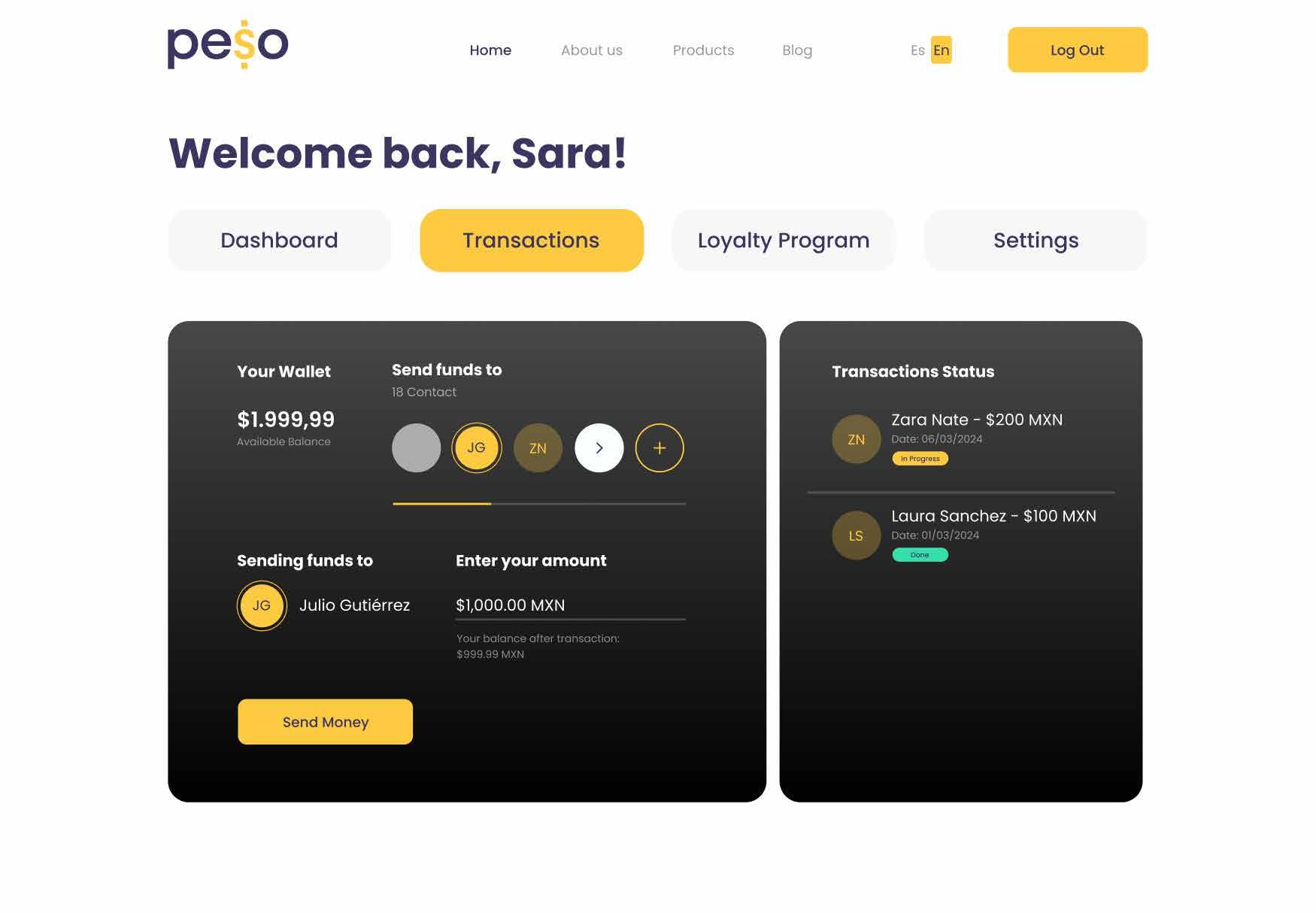
We were looking to understand the specific needs of a foreing customer living Mexico and the challenges that they face with a mexican account.
The script was designed to gather this information to then translate it to insighst and outputs.
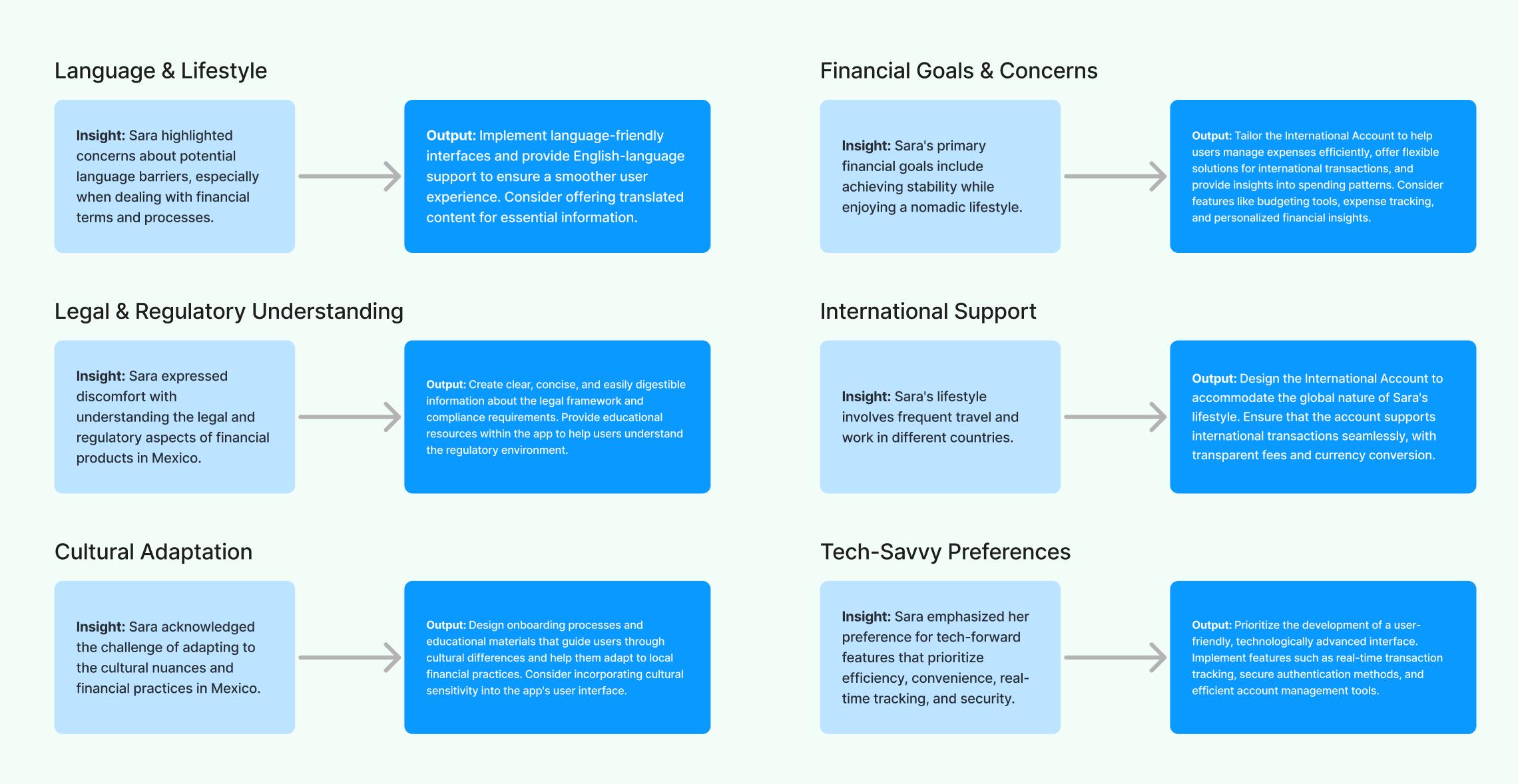
Insights & Outputs

Contact julioc.grz@gmail.com | +52 477 754 5269 | www.linkedin.com/in/juliogrz/