1 minute read
Replacing the Thermal Module


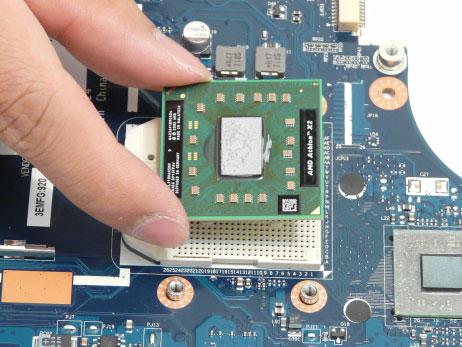
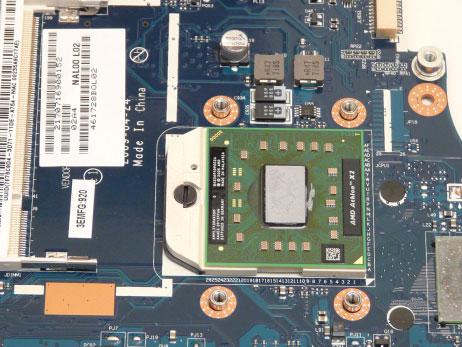
2. Using a flat blade screw driver, rotate the CPU screw 180° clockwise to lock the CPU into the socket.
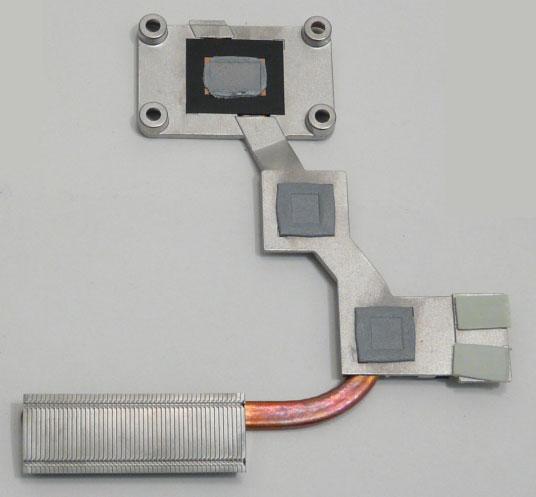
IMPORTANT: Ensure all heat pads are in place before replacing the Thermal Module.
The following thermal pads are approved for use: • Eapus XR-PE 1. Remove all traces of thermal grease or pad adhesive from the CPU and thermal module using a lint-free cloth or cotton swab and Isopropyl Alcohol, Acetone, or other approved cleaning agent. 2. Place the pads as shown.
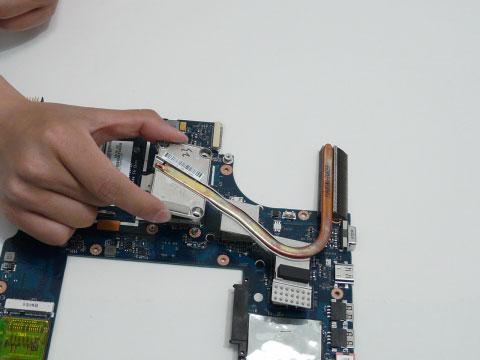
3. Grasp the Thermal Module by the CPU heat sink and place onto the Mainboard as shown.