1 minute read
Replacing the LCD Module


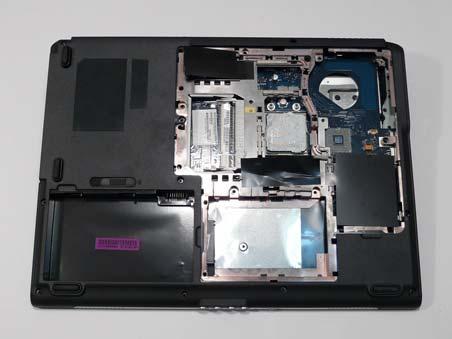
4. Replace the two screws in the upper cover as shown. 5. Turn the computer over and replace the eleven screws as shown.
1. Align the LCD hinges with the lower case and replace the LCD module.
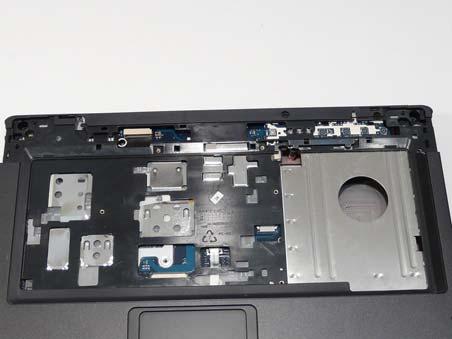
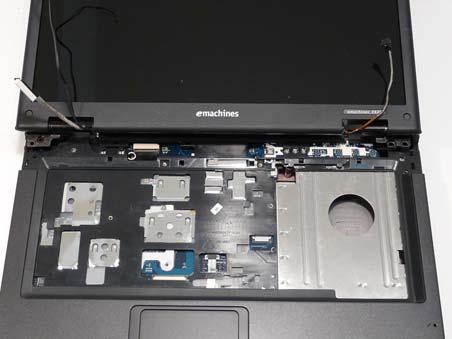
2. Replace the four securing screws (two each side), starting with the left side hinge.
NOTE: Two different screw sizes are used to secure the LCD module in place. The red callouts require M2.5*15 screws and the green callouts require M2.5*10 screws.
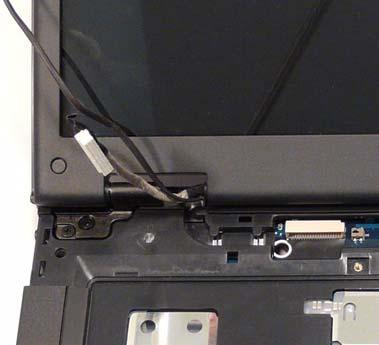
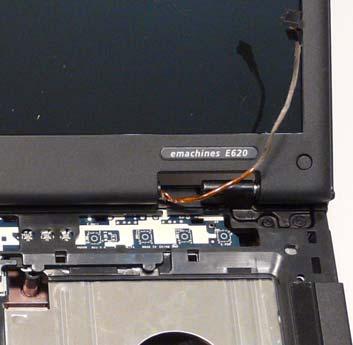
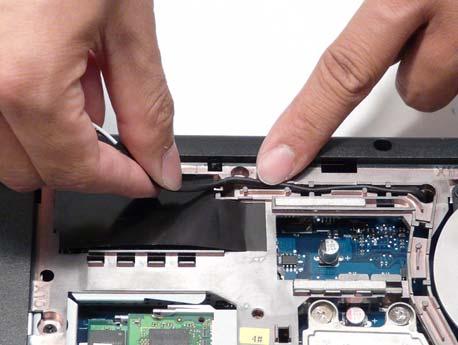
3. Push the antenna cables through the chassis and pull them all the way through from the underside. 4. Place the antenna cable in the cable channel using all the cable clips as shown.
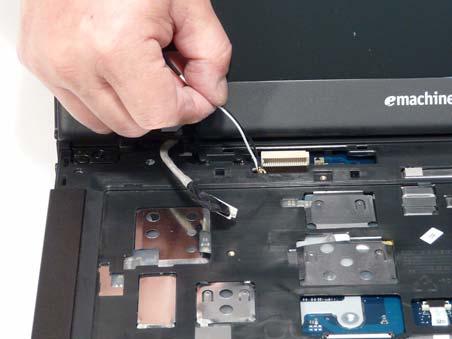
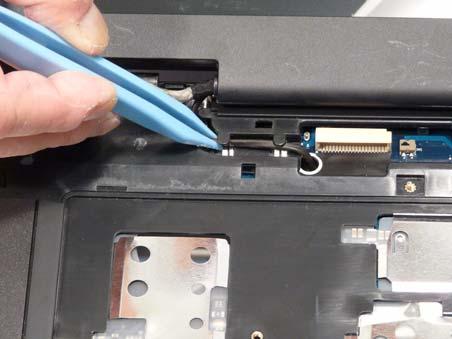
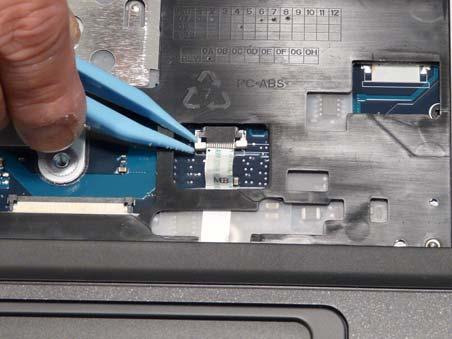
5. Reconnect the LCD power cable as shown. 6. Place the power cable in the cable channel using all the cable clips as shown.
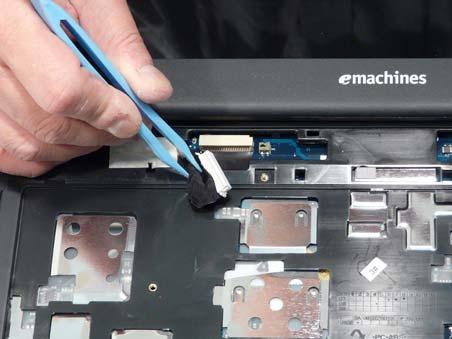
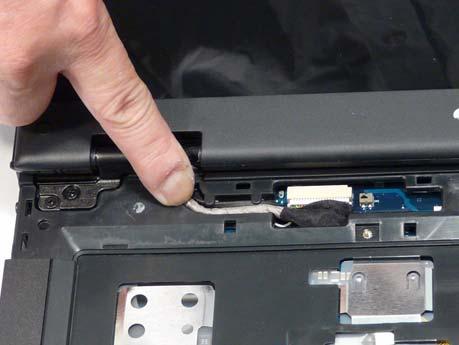
7. Replace the adhesive strip to secure the cables in place. 8. Place the camera cable in the cable channel using all the available cable clips.
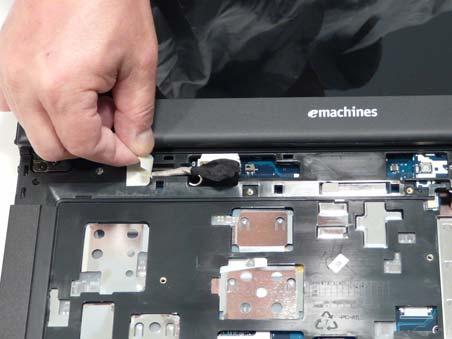
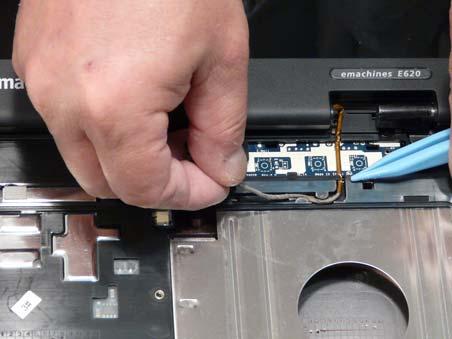
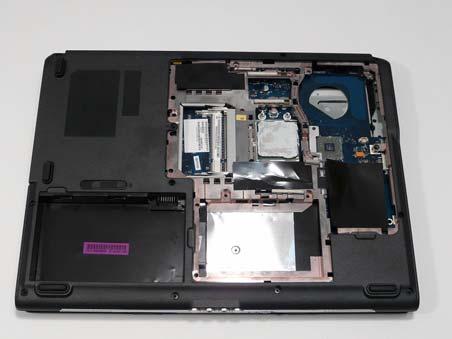
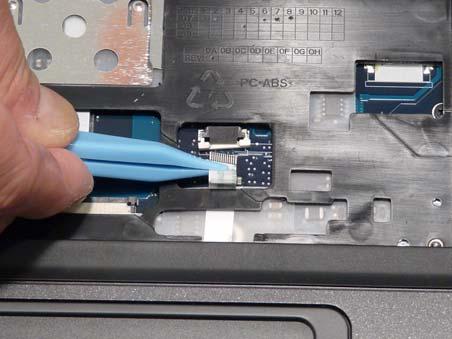
9. Reconnect the camera cable as shown. 10. Turn the computer over and ensure the antenna cable is pulled fully through the chassis.
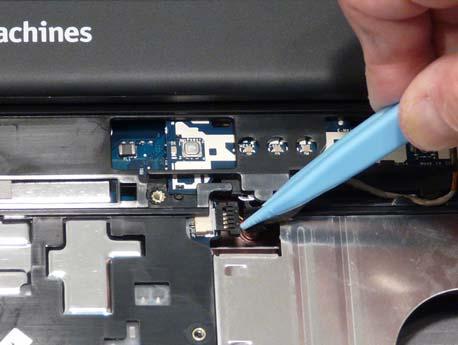
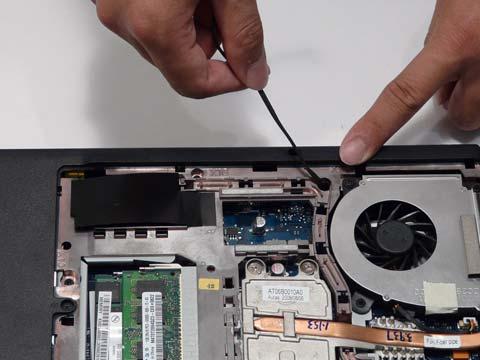
11. Run the antenna cable along the cable channel using all the available clips as shown. 12. Replace the two securing screws as shown.