Free Adobe InDesign Course for Beginners That Builds Real Skills
Learning Adobe InDesign doesn't have to feel like walking into a maze. Beginners can learn it for free, step by step, without guessing what to click first or why it matters. That matters because InDesign makes sense only when the lessons follow a clear order.
GalaxyonKnowledge provides Adobe InDesign video tutorial training at no cost through its Free Adobe InDesign Courses Playlist. This kind of course helps new users build page layout skills from the ground up. You start with the workspace, then move to text, images, pages, and styles. As a result, you can begin making flyers, brochures, reports, and simple books with less confusion.
What this free Adobe InDesign course for beginners teaches first
A strong beginner path starts with orientation, not fancy effects. In practice, the first lessons should cover Adobe InDesign: Introduction so a new user sees what the software is for, how documents behave, and why layout tools differ from word processors.
Get comfortable with the workspace, tools, and page panels
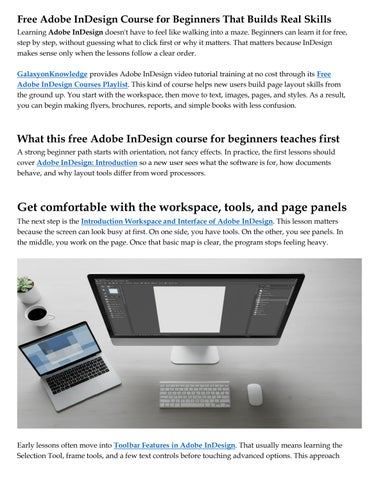
The next step is the Introduction Workspace and Interface of Adobe InDesign. This lesson matters because the screen can look busy at first. On one side, you have tools. On the other, you see panels. In the middle, you work on the page. Once that basic map is clear, the program stops feeling heavy.
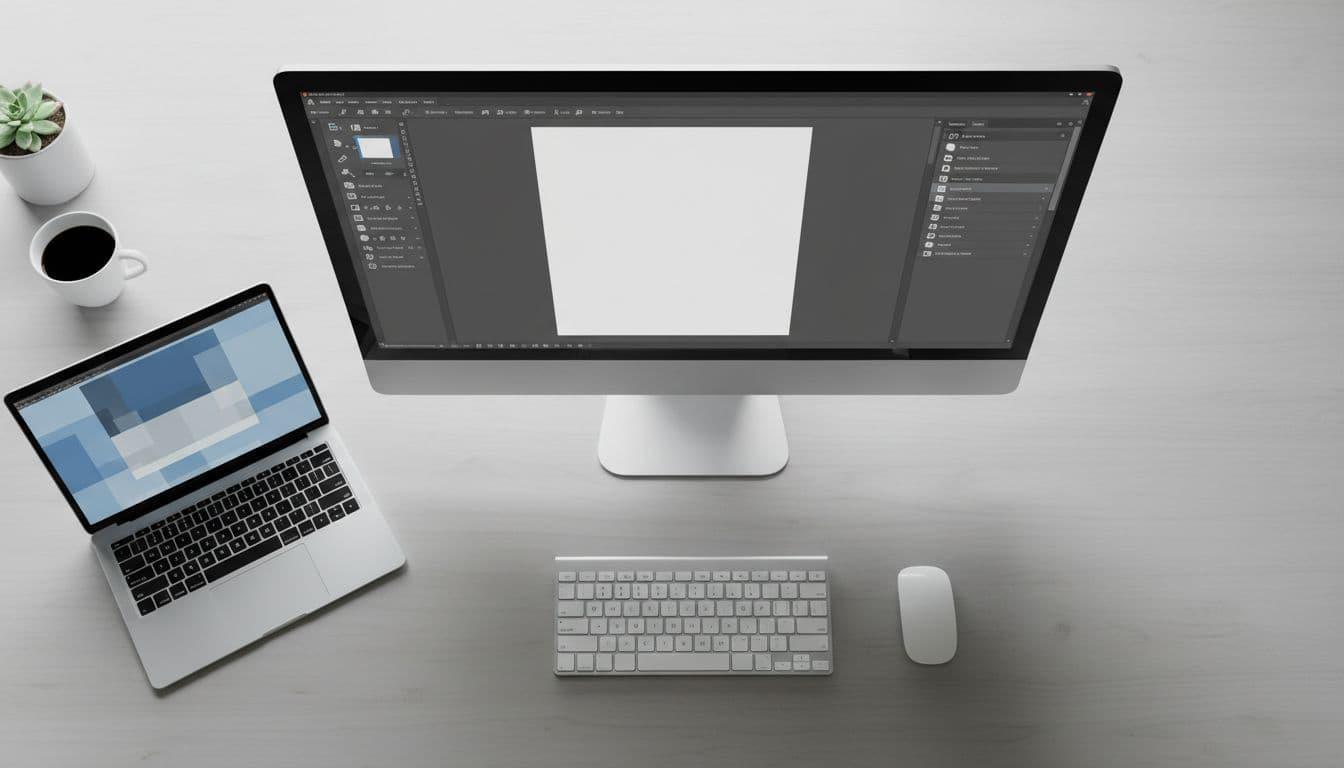
Early lessons often move into Toolbar Features in Adobe InDesign. That usually means learning the Selection Tool, frame tools, and a few text controls before touching advanced options. This approach
reduces overload. You don't need every button on day one. You need the few that let you place, move, and shape content with confidence.
Then comes All About Pages in Adobe InDesign. Page size, margins, facing pages, and the Pages panel form the skeleton of every project. If that skeleton is weak, later work gets messy fast. When beginners understand page setup first, they make cleaner choices later.
Learn text basics before moving to full page design
After the workspace feels familiar, the Type Tool in Adobe InDesign becomes the logical next lesson. Text is the heart of most InDesign files, whether you're making a flyer or a book sample. A beginner should learn how to draw a text frame, type inside it, edit copy, and control spacing.
That may sound simple, but it changes everything. Once you can place text cleanly, you can build structure. Headings sit where they should. Body copy stays readable. Pages stop looking random.
This teaching order works well as InDesign Training for Beginners and as a Free Adobe InDesign Course Tutorial Video for Beginners. It gives new users a steady foundation instead of a pile of disconnected tricks.
The core skills that help beginners make real InDesign projects
Once the basics are in place, the course should shift from tools to results. This middle stage is where InDesign starts to feel useful, because each lesson connects to an actual page that could be printed or shared.
Work with color, images, and text wrap without breaking the layout
A practical course should introduce Adobe InDesign: Color theme Tool and Function in a simple way. Color gives a document mood and order. However, beginners don't need theory lectures first. They need to see how a limited palette makes a flyer or brochure look consistent.
Then come Adobe InDesign: Images and Text Wrap in Adobe InDesign. These lessons teach how to place a photo, resize it without damage, align it well, and wrap text around it without ruining readability. This is often the moment when a learner sees why InDesign exists. Visual control becomes precise, not accidental.
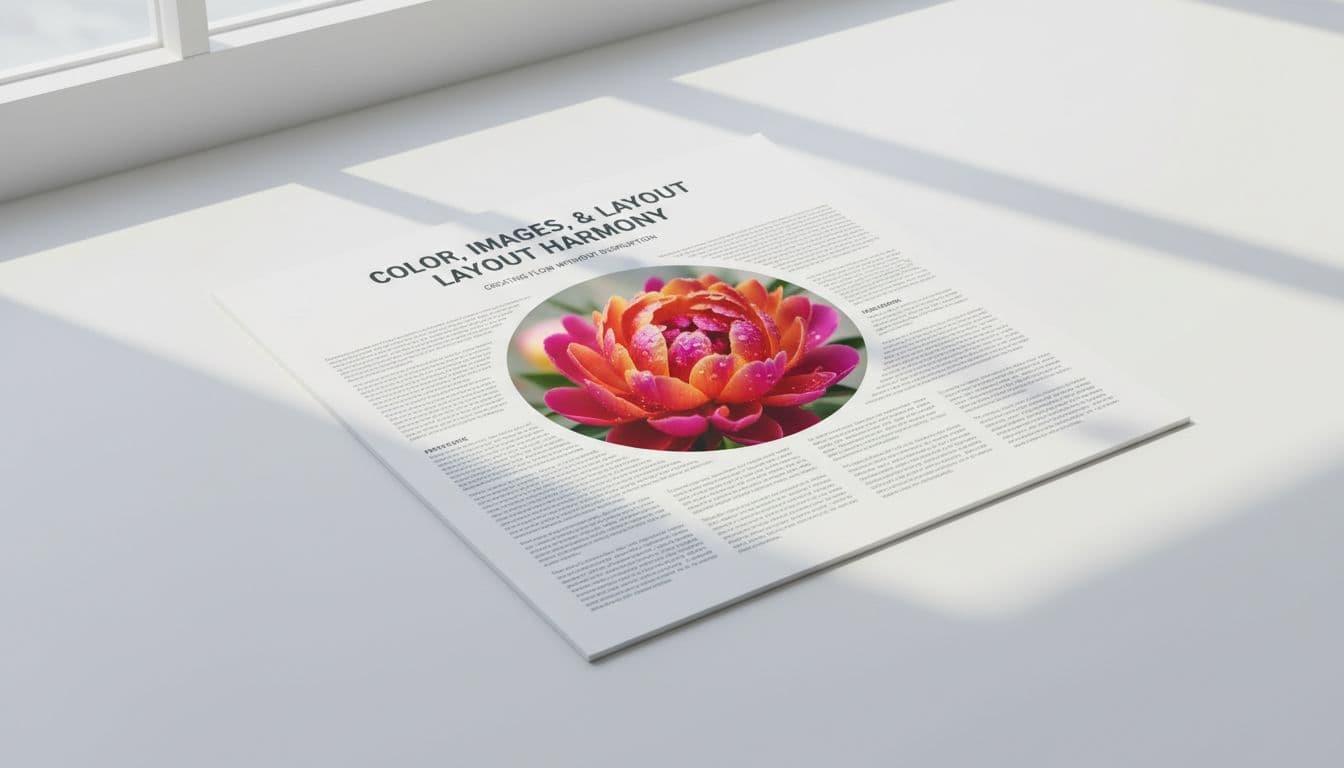
That skill set supports real projects, such as flyers, brochures, reports, and product sheets. Many readers search for adobe InDesign free tutorials, an adobe InDesign tutorial pdf, or a free adobe InDesign course for beginner’s pdf. Those resources can help, yet video lessons are often easier for first-time learners because they show each click and setting in context.
Use long text and styles to save time on bigger documents
The next jump is Adobe InDesign: Long Text. Short layouts are one thing; long documents are another. Once a file runs across many pages, beginners need better habits. They must manage flowing text, page order, and consistency.
That is why Adobe InDesign: Paragraph Styles and Character Styles should appear early in any solid course. Styles save time and reduce errors. If every heading share one style, a single change updates the whole document. If one word or phrase needs emphasis, character styles handle that neatly.
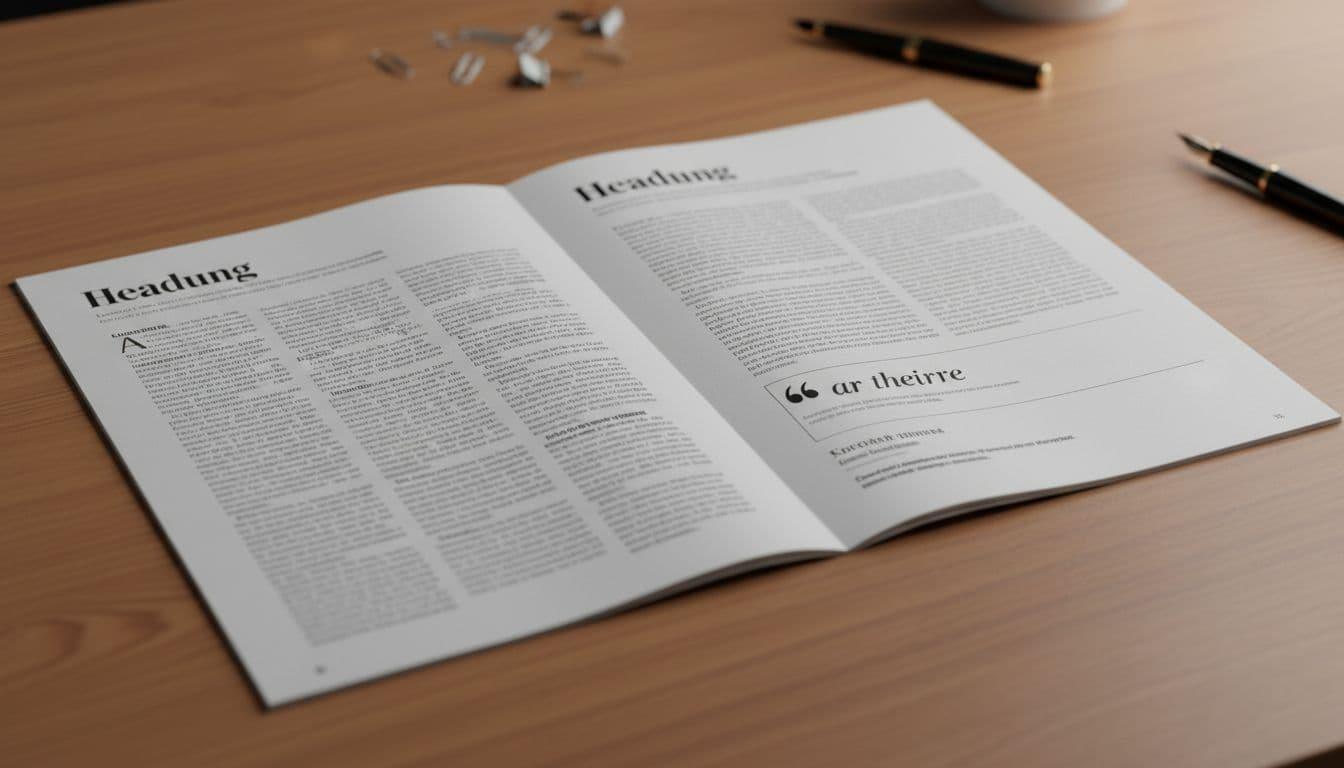
For magazines, reports, and simple books, styles turn repetition into order. Without them, every page becomes hand-edited. With them, the document behaves like a system. Video lessons help beginners see not just what to do, but when to do it.
How to tell if this beginner InDesign course is the right fit for you
A good course should answer more than tool questions. It should also help you judge fit, pace, and likely outcomes.
When self-paced video lessons work better than a classroom course
Many beginners search phrases like What Is the Main Purpose of Adobe InDesign? Which is better, then continue with Canva or InDesign? Can you teach yourself InDesign? Is Adobe InDesign easy to learn? The short answer is yes; you can teach yourself if the lessons are ordered well and include practice.
Canva works better for quick social posts or simple one-page graphics. InDesign fits longer documents, print layouts, and detailed typographic control. So, the better tool depends on the job.
Self-paced video lessons also let you pause, replay, and practice at your own speed. That makes learning realistic for students, job seekers, and busy professionals. It also helps when lessons move beyond basics, such as How to Make a Book Cover in Adobe InDesign or Start Page Numbering From Any Pages in Adobe InDesign. Those topics show that the course goes past the opening screen and into real publishing tasks.
Signs you are ready to move from beginner lessons to small client or personal projects
You don't need mastery before starting small projects. You need a few reliable habits:
You can build a clean multi-page file with correct page size, margins, and basic structure.
You place images well and use text wrap without crowding the page.
You apply styles consistently to headings, body text, and emphasized words.
You export with confidence, whether for print review or simple digital sharing.
If you can do those things, you're no longer stuck at the starting line. You're ready to make work that looks planned, readable, and professional.
Conclusion
The Best Free Adobe InDesign Course for Beginners teaches in a calm order. First comes the workspace, then pages, text, images, styles, and finally small projects that feel real. That sequence matters because beginners don't need everything at once. They need the right lesson at the right time. A no-cost video course can build solid publishing skills, step by step, until the software feels less like a wall and more like a well-lit desk.
Follow us on: Twitter | Facebook | Instagram | Youtube | Pinterest | FlipBoard | Threads | Linkedin