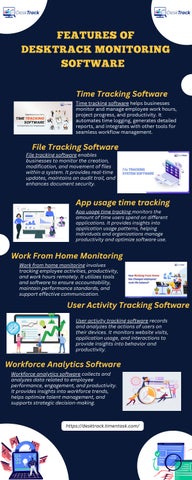
FEATURES OF DESKTRACK MONITORING SOFTWARE Time Tracking Software Time tracking software helps businesses monitor and manage employee work hours, project progress, and productivity. It automates time logging, generates detailed reports, and integrates with other tools for seamless workflow management.
File Tracking Software
File tracking software enables businesses to monitor the creation, modification, and movement of files within a system. It provides real-time updates, maintains an audit trail, and enhances document security.
App usage time tracking App usage time tracking monitors the amount of time users spend on different applications. It provides insights into application usage patterns, helping individuals and organizations manage productivity and optimize software use.
Work From Home Monitoring Work from home monitoring involves tracking employee activities, productivity, and work hours remotely. It utilizes tools and software to ensure accountability, maintain performance standards, and support effective communication.
User Activity Tracking Software User activity tracking software records and analyzes the actions of users on their devices. It monitors website visits, application usage, and interactions to provide insights into behavior and productivity.
Workforce Analytics Software Workforce analytics software collects and analyzes data related to employee performance, engagement, and productivity. It provides insights into workforce trends, helps optimize talent management, and supports strategic decision-making.
https://desktrack.timentask.com/