



PROTOTYPING AND TESTING
STRATEGIES WITH ORCAD PCB DESIGNER





INTRODUCTION
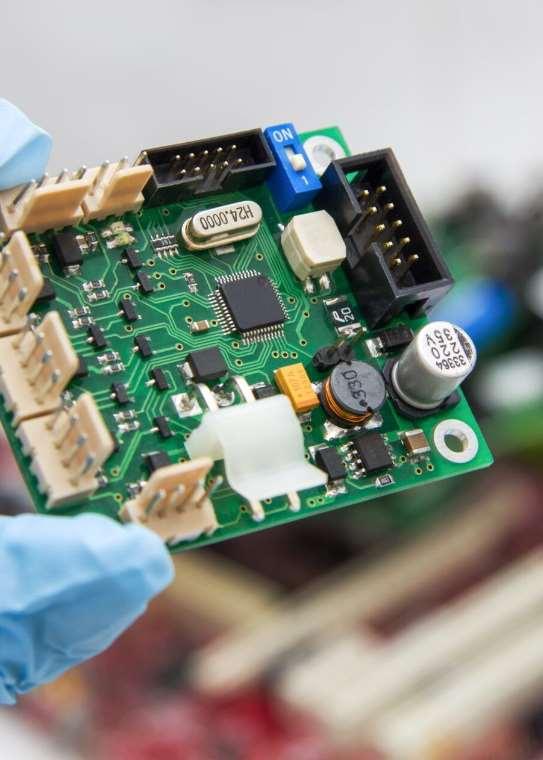
Prototyping and testing are crucial stages in the development of any electronic product. They ensure that the design meets the required specifications and functions reliably before mass production. OrCAD PCB Designer offers a comprehensive set of tools and features to facilitate prototyping and testing, allowing engineers to iterate quickly and efficiently. In this article, we'll explore prototyping and testing strategies using OrCAD PCB Designer.
1. DESIGN VALIDATION

Before proceeding to prototyping, it's essential to validate the design using simulation tools available in OrCAD PCB Designer. Simulation allows engineers to analyze the behavior of the circuit, verify signal integrity, and assess power distribution. By running simulations early in the design process, potential issues can be identified and addressed before moving to physical prototyping.