We are working with Cambridge Assessment International Education towards endorsement of this title. CAMBRIDGE IGCSE™ ICT: COURSEBOOK
Grouping, ungrouping and moving to front or back Sometimes it is easier to move images if they are grouped together. Word processing and image editing software allows you to treat a collection of images as if it was one image by selecting all of the images and using the ‘Group’ option. This can be useful, even to just move a collection of objects together on a page.
group: combining images so that they can be selected and moved together
LE
You can remove this feature from an image by using the ‘Ungroup’ option.
KEY WORDS
ungroup: separating the image group so that they all have to be selected and moved individually
M
P
layer: the term used to describe the different levels at which you can place an image
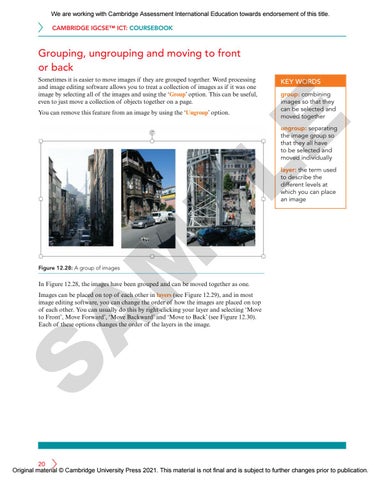
Figure 12.28: A group of images
In Figure 12.28, the images have been grouped and can be moved together as one.
S
A
Images can be placed on top of each other in layers (see Figure 12.29), and in most image editing software, you can change the order of how the images are placed on top of each other. You can usually do this by right-clicking your layer and selecting ‘Move to Front’, Move Forward’, ‘Move Backward’ and ‘Move to Back’ (see Figure 12.30). Each of these options changes the order of the layers in the image.
20 Original material © Cambridge University Press 2021. This material is not final and is subject to further changes prior to publication.