Chapter 3: Variables and Arithmetic Operators
3.01  Variables and Constants Programs are normally designed to accept and input data, and process that data to produce the required output. Data used in programs can vary depending on the aim of the program; a calculator will process numerical data while a program designed to check email addresses will process textual data. When writing programs, you will use variables or constants to refer to these data values. A variable identifies data that can be changed during the execution of a program while a constant is used for data values that remain fixed. In many computer languages, the data type must be provided when a variable or constant is declared. The data type is used by the computer to allocate a suitable location in memory. These languages, such as Java, are said to be strongly typed. KEY TERMS
Variable: The identifier (name) given to a memory location used to store data; the value can be changed during program execution. Constant: A named memory location that contains data that can be read but not changed by the
program. (In Python, the data can be changed. However, by capitalising your variable name, you are indicating to readers of your code the intention that the value of the data should not be.)
Data type: The format of the data in the field. Python is an example of a loosely typed programming language. In Python, all variables are in actual fact objects. The computer decides on a variable's data type from the context you provide. Compare these two variable declarations, first in Visual Basic and then in Python: In Visual Basic: Dim Score As Integer = 0 In Python: score = 0
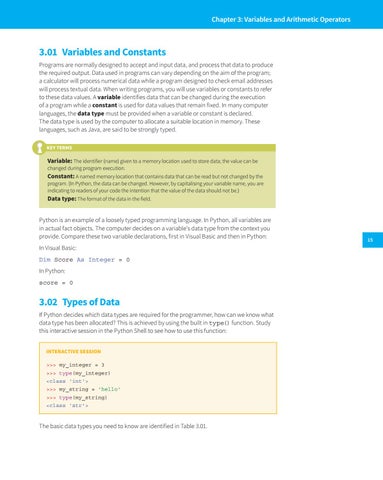
3.02â&#x20AC;&#x201A; Types of Data If Python decides which data types are required for the programmer, how can we know what data type has been allocated? This is achieved by using the built in type() function. Study this interactive session in the Python Shell to see how to use this function: INTERACTIVE SESSION >>> my_integer = 3 >>> type(my_integer) <class 'int'> >>> my_string = 'hello' >>> type(my_string) <class 'str'>
The basic data types you need to know are identified in Table 3.01.
15