
California Quick Start Guide

KEY FIRST STEPS
Sign the Independent Contractor Agreement
Begin the process using the sign-up link provided by your sponsor. You will need:
Copy of your driver’s license
$249 Fee to join
Transfer Your License via the DRE
Once the Independent Contractor Agreement has been signed you will transfer your license via the DRE eLicensing site. A few things to note:
1.
Once inside the eLicensing system, choose "Change Responsible Broker" and then enter Real Broker's license #: 02022092.
2.
You will be asked if the Broker is available to confirm the transfer, choose "NO" and enter your new Designated State Broker email address: cabroker@therealbrokerage.com.
ACCESS MORE DETAILED INSTRUCTIONS
Update or Join Your Local
Association and MLS
Most associations require Broker signature. Please use: Broker Name: Jason Lopez Send via digital signature platform to:

Verify your access to ReZen
Login to Rezen: https://bolt.therealbrokerage.com/login
Fully update your profile (Dashboard>Profile)
Verify banking information
Add reZen app to your phone/tablet

Access Workplace
Look for the invitation in your email from: notification@fbworkmail.com
Join Workplace and update your profile
Add the Workplace app to your phone/tablet
Update your notification settings

Broker Information
Broker Name: Jason Lopez
License Number: 02022092
Contact Phone: 916-848-7554
Welcome to California
Contact Address: 39899 Balentine Dr. # 200 Newark, CA 94560
Legal Name of Brokerage in CA Real
Real is the preferred name in the state of California, however other legal options include Real Brokerage and Real Broker.
CA State Requirements
Use Real (first letter capitalized, followed by the lower case letters) in descriptive copy. In all instances of advertising in the state of California, an advertisement must include:
• The brokerage name
• Agent’s license number
• Agent’s phone number
• If including an office address, the main office address must be used unless branch office is registered with DRE
• Real’s logo
• If on a team, the team logo can be used alone only if registered as a DBA
• The name of a team must include the surname of at least one member and can use the words Team, Group, or Associates afterwards.
• For complete info on team names, click here.
• For complete info on using a DBA or Fictitious Business Name, visit dre.ca.gov.

CA Designated Broker/Officer
Jason Lopez (cabroker@therealbrokerage.com)
Managing Broker/Officer:
Rachel Stalnaker (cabic3@therealbrokerage.com)
State Brokers:
Sam Benson (cabic1@therealbrokerage.com)
Ernesto Martinez (cabic2@therealbrokerage.com)
John Pope (cabic4@therealbrokerage.com)
Leilani Heinicke-Sanchez (cabic5@therealbrokerage.com)
Broker Contact Hotline for any transaction/compliance/risk management issues 916-848-7554. Or send an email to: CABroker@therealbrokerage.com ALL SIGNING REQUESTS SHOULD BE SENT TO: casign@therealbrokerage.com for signing. Must be sent in an electronic signature platform.
Q: HOW DO I ACCESS FORMS
A. You will access CAR Standard forms through the Zipforms link on CAR.org. ACCESS HERE
Within Zipforms you will need to update your Brokerage and Address information. Watch the video for step-by-step instructions :
Real Broker 39899 Balentine Dr. # 200 Newark, CA 94560 Lic: 02022092
Q: HOW DO I START A TRANSACTION OR LISTING IN reZEN?
Purchase
Listing
Q: DO YOU HAVE ANY REAL DOCUMENTS THAT ARE REQUIRED AND WHERE DO I FIND THEM?
A. Yes, the Affiliated Business Arrangement Disclosure is required and can be found in Workplace in the CA Group Document Files
Q. IS THERE A CHECKLIST OF REQUIRED DOCUMENTS I CAN PRINT AND REFERENCE
A. Jason has provided general checklists in the CA Group within Workplace which you may use for reference however requirements are subject to change and you should always reference the transaction checklist within reZEN for the most accurate list of required documents for your transaction.
Q. HOW DO I FIND THE DOCUMENTS IN THE CA GROUP IN WORKPLACE?
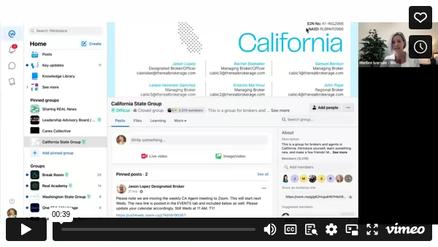
Q. DO WE HAVE ANYTHING LIKE OFFICE MEETINGS?
A. Yes the Broker Team hosts a weekly CA State Meeting every Wednesday at 11:00am. Important Company and State updates are provided so please plan to join the live Zoom as often as you can. If you miss a meeting the replays are typically posted in the CA Group in Workplace.
Additionally, Real hosts a monthly Real Connect, all company meeting on the 2nd Wednesday of each month at 10:00am.
C o m m o n G e t t i n g S t a r t e d Q u e s t i o n s
Q. WHERE DO I ORDER BUSINESS CARDS?
A. Buy your Real branded, state compliant business cards directly from our official online storefront. click on ‘Print’ in the top navigation, select 'Business Cards' and choose from one of the compliant, Real approved designs. Editable, state compliant design are also available in the State Marketing Portal in the link above. CLICK HERE TO ORDER

Q. HOW DO I ORDER SIGNS?
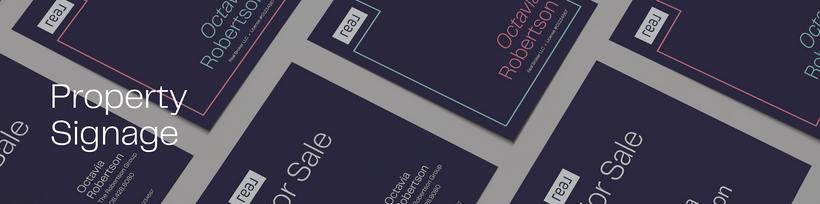
A. Get your Real branded, state compliant yard signs purchased directly from our official online storefront or through one of our Partners.
Q. WHERE DO I GET THE LOGO?
A. Access the Real Logo and all of the Brand Guidelines on the Brand Elements section of the Marketing Portal


Q. DO YOU PROVIDE AGENT WEBSITES
A. Real provides a basic agent website which can be updated via your reZEN (reZEN>Edit Profile>Update Your Website)
Many agents take advantage of our partnership with Lofty to access a robust IDX enabled website and CRM platform at highly discounted rate of $40/month.
Q. HOW DO SIGN UP AND GET STARTED WITH LOFTY?
A.If you want to take advantage of Real's discount with Lofty, reach out to support@therealbrokerage.com to get started - or let us know during your onboarding process. Once they setup your account, you will receive an email from Lofty (no-reply@lofty.com) that says - Lofty Payment Order. Once you have activated your account utilize the resources in Loft Office Hours in Real Academy to set up your website and CRM.
Q.WHERE CAN I GET MARKETING MATERIALS LIKE POSTCARDS AND FLYERS?
A. The Real Marketing Center is your convenient location for all things marketing. Here you can find our brand logos, fonts, and colors as well as customizable templates and quick links to key resources.
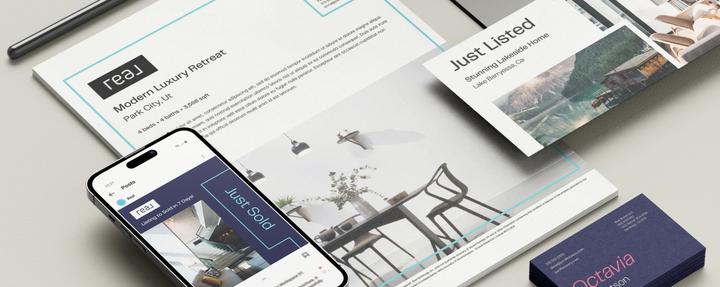
G e t t i n g S t a r t e d w i t h M a r k e t i n g
LOFTY OFFICE HOURS THROUGH REAL ACADEMY
Q. HOW IS A CDA GENERATED AND HOW DOES IT GET TO ESCROW
A. Your first step is to Validate/Approve the Commission. Once you enter your deal in reZEN, you must review the transaction to make sure everyone who needs to be paid is listed & approve the commission calculation. For best results, approve your commission once all financial terms are confirmed.
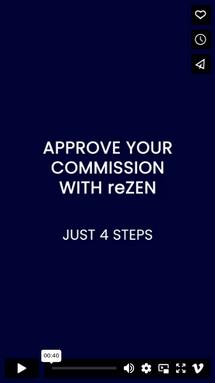
This video show how to easily approve your commission so a CDA can be generated. Once the file is approved by the broker team the CDA will be generated and automatically emailed to the escrow officer. You will want to ensure you have compete and accurate contact information for escrow in your reZEN transaction.
MORE DETAILED INSTRUCTIONS
California is a “split-check” state, meaning when escrow receives the CDA and the transaction closes they will disburse your portion to you directly.
Q. CAN I SEND A COPY OF THE COMPLETED TRANSACTION TO MY CLIENT?
A. Yes, you can send documents from your closed files to yourself or your clients through reZEN. Once a transaction is closed, all documents related to the transaction will be stored in the file cabinet within reZEN. From there, you can use the “share” feature within reZEN to share the documents directly through the platform.
Q. I HAVE A REFERRAL COMING. WHAT DO I DO?
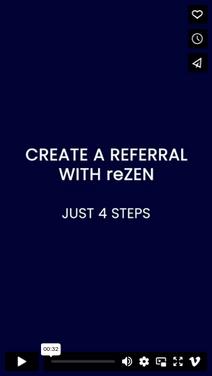
A. If you have a referral coming, you should sign and execute a referral agreement with the other agent. You can use CAR’s Referral Fee Agreement (RFA) for this. Then, create a referral in reZEN and upload the referral agreement to reZEN. Once the transaction closes, ask the agent or brokerage to provide a copy of the check or receipt of wire transfer and upload it to the referral in reZEN. Make sure to provide Real’s W9 to the agent you referred your client to.
Q. I I HAVE A LEASE, IS THERE A CHECKLIST OF REQUIRED DOCUMENTS? WHAT DO I DO?
A. A general checklist can be found in the CA Group within Workplace which you may use for reference however requirements are subject to change and you should always reference the transaction checklist within reZEN for the most accurate list of required documents for your transaction.
Creating and getting paid for a lease transaction is super simple! It is very similar to a sale transaction, but be sure to select “Lease” as the Deal Type. Access the support article for step-by-step instructions.
INSTRUCTIONS FOR ENTERING A LEASE IN REZEN
r e s e n t a t i o n s a n
Q. DO WE HAVE LISTING PRESENTATIONS AND BUYER GUIDES?
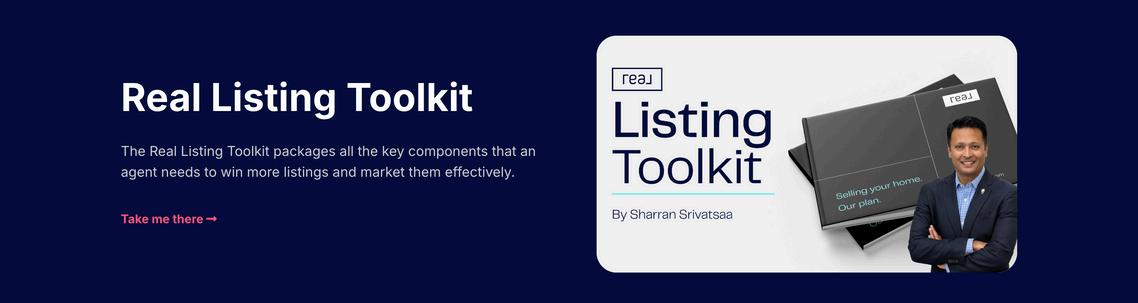
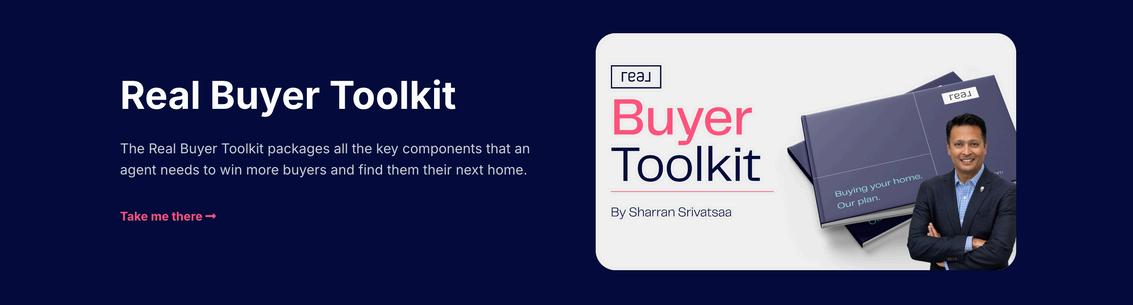
A. Sharran has created the ultimate toolkits for listing and buyer presentations. These include step-by-step instructions, framing, scripting and demos as well as links to order the presentation books. Access via Real Academy or the lnks below.
Q. WHAT IS REAL ACADEMY AND WHERE DO I FIND TRAINING REPLAYS?
A. Offering 240+ courses to cater to every stage of your career, Real Academy features 30 live hours of training sessions each week including mastermind discussions, classes, and workshops. All classes are recorded and you access replays directly through Real Academy. The Real Academy class schedule is also available through Google Calendar.
HAVE MORE QUESTIONS?
TRY ASKING LEO

Leo is Real’s 24/7 concierge. It’s available to all agents to offer roundthe-clock concierge service. Leo harnesses your personal transaction data from reZEN to answer questions about your professional information, transactions, equity programs, commissions, and finances. Leo can also answer questions about Real and direct you to additional support materials Simply look for the blue wave at the top of your screen or on the app.

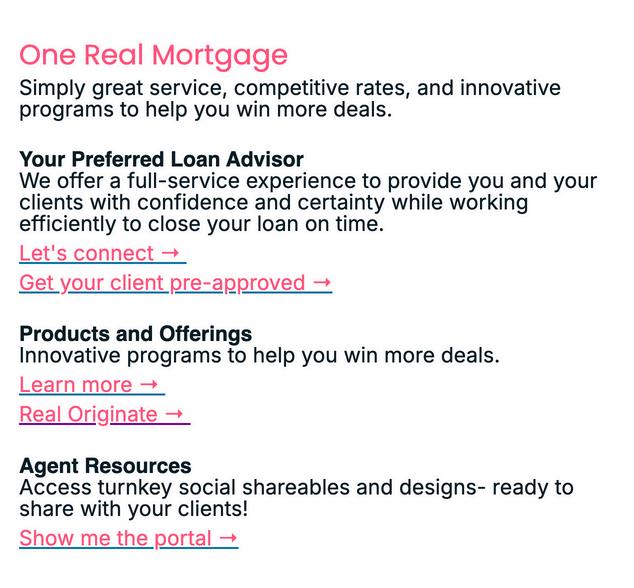
Real’s trusted partners for your mortgage lending and transaction closing needs.

We’re always looking for ways to make agents’ lives betterthat’s why we’re offering a mentor program in California to help new agents thrive in our industry.
If you’re a new-to-the-industry agent interested in participating, you’ll have access to partake in the following options:
Join a Team! Click the link and navigate to your state and select the list of Available Teams to view teams that are accepting new agents. By joining a team, you’ll be guided by knowledgeable agents and receive support and encouragement as you find your way in a new industry!
Find a Mentor! Click the link and navigate to your state and select the list of Available Mentors. Finding a mentor allows you to get the support and expertise you need - when you need it and for as long as you need it!
Complete the Real Academy Training! Learn as you go by completing this 12-week comprehensive program to help build a strong foundation for a successful business and launch a rewarding real estate career!
If you’re further along in your career but are still interested in mentorship or additional guidance, you’re still welcome to check out the resources!

WHO WE ARE?
Real (Nasdaq: REAX) is a real estate experience company working to make life’s most complex transaction simple. The awardwinning company combines essential real estate, lending, and closing services with powerful technology to deliver a single seamless end-to-end consumer experience, guided by trusted agents. With a presence throughout the U.S. and Canada, Real supports its growing population of agents who use its digital brokerage platform and tight-knit professional community to power their own forward-thinking businesses.
OUR VISION
Our vision is a world in which home buying and selling is a simple and enjoyable experience for everyone.
At Real, we combine the expertise of a trusted agent with the simplicity of technology and integrated services into an experience that’s easier from beginning to end.